
Best Video Conferencing Software in 2026 (Compared and Ranked)

Key facts7 tools compared: Zoom, Google Meet, Microsoft Teams, Webex, Whereby, Jitsi Meet, RingCentral
- 7 tools compared: Zoom, Google Meet, Microsoft Teams, Webex, Whereby, Jitsi Meet, RingCentral
- Zoom (best for: Most teams, external calls, webinars): $13.33/user/mo
- Google Meet (best for: Workspace users who want zero setup): Bundled from $7/user/mo
- Microsoft Teams (best for: Microsoft 365 shops): $4/user/mo (Essentials)
- Webex (best for: Security-conscious enterprises): $12/user/mo
Most "best video conferencing" lists read like they were written by someone who never sat through a 40-person all-hands that froze at minute 38. I compared how each platform handles client calls, sales demos, async standups, and large webinars, drawing on vendor documentation and public user reports. The differences are real, and they cost you time and money in ways the marketing pages won't tell you.
Here's the short version for skimmers: Zoom is still the one I'd hand to most teams in 2026. It's the platform other people already have installed, the AI features come free on paid plans now, and it almost never drops a call. But "best for most" is not "best for you." If you live inside Google Workspace, Meet is free and right there. If your company runs on Microsoft 365, Teams is already paid for. And if you want browser-based video with no downloads or accounts, Whereby and Jitsi do that better than any of the big three.
This guide is for founders, operators, and teams choosing or switching their meeting tool. I'll cover what each one is actually good at, what it costs in 2026, and where it falls short. No tool here is perfect, and I'll tell you exactly where each one annoyed me.
Quick comparison
| Tool | Best for | Price (paid entry) | Standout |
|---|---|---|---|
| Zoom | Most teams, external calls, webinars | $13.33/user/mo | Reliability + free AI Companion |
| Google Meet | Workspace users who want zero setup | Bundled from $7/user/mo | Lives in Gmail and Calendar |
| Microsoft Teams | Microsoft 365 shops | $4/user/mo (Essentials) | Chat + meetings + files in one |
| Webex | Security-conscious enterprises | $12/user/mo | Strong noise cancellation, FedRAMP |
| Whereby | Small teams, embedded video | $6.99/host/mo | No downloads, branded room URLs |
| Jitsi Meet | Privacy-first and self-hosters | Free / self-hosted | Open source, no account needed |
| RingCentral | Teams wanting calls + video together | $30/user/mo (Core) | Phone system bundled in |
Zoom: the default that earned it
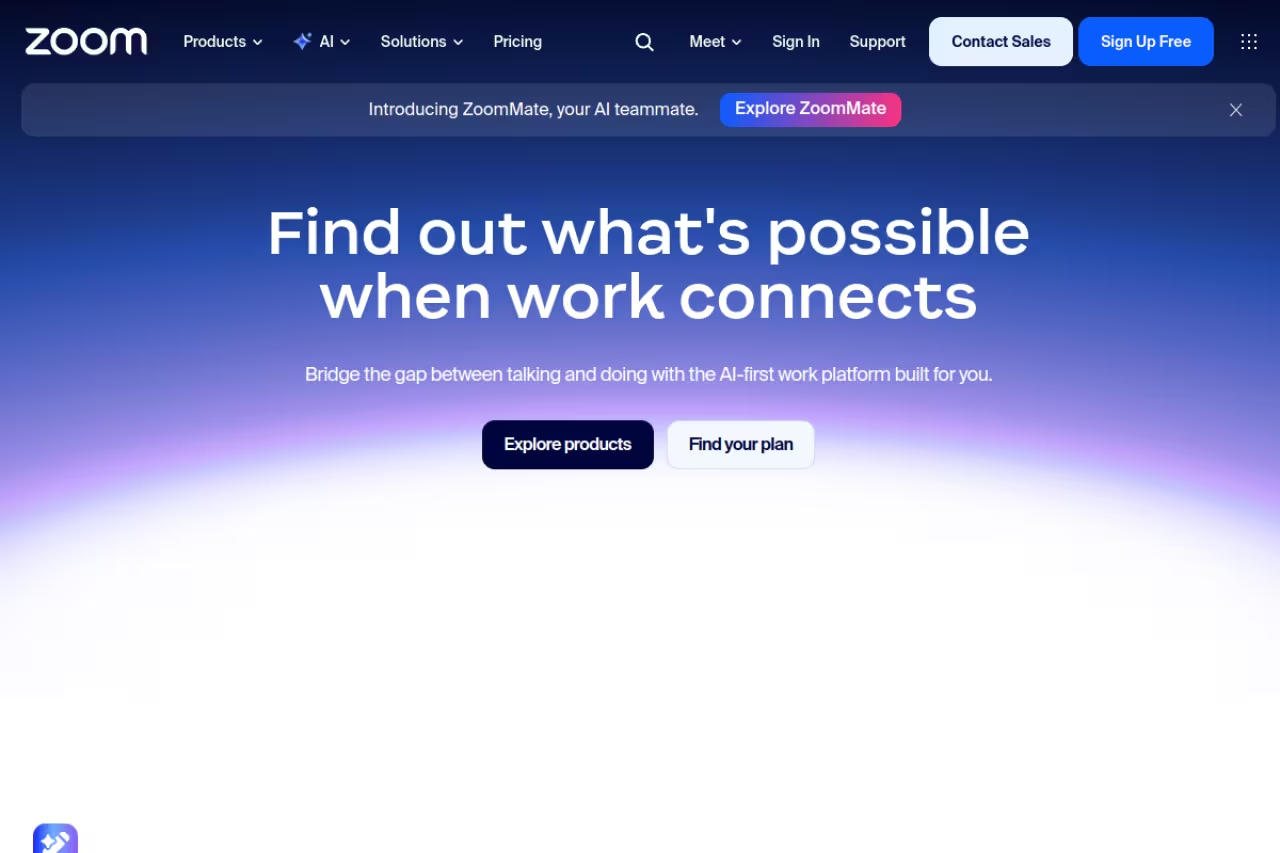
Zoom is the platform everyone else compares themselves to, and after comparing the alternatives back to back, I get why. It just works. Calls connect fast, video holds up on weak hotel Wi-Fi, and the muscle memory of "send a Zoom link" is universal. When you're scheduling with a client you've never met, nobody questions a Zoom invite.
Who it's best for: teams that want one reliable tool for internal and external meetings, plus anyone who runs webinars or recorded sessions.
The reliable default for teams that want one tool for internal and external meetings, plus webinars and recorded sessions, with AI Companion included on paid plans. The 40-minute free limit annoys casual users, and webinars and large meetings cost extra.
The free Basic plan caps group meetings at 40 minutes and 100 participants, which is the famous nudge to upgrade. Pro runs $13.33 per user per month billed annually (or $16.99 monthly), bumps you to 30-hour meetings, and adds cloud recording. Business is $18.33 annually for up to 300 participants. The thing worth knowing in 2026: Zoom AI Companion is included free on every paid plan. Meeting summaries, action items, and smart recaps used to be add-ons. Now they're baked in.
The standout: that AI Companion plus rock-solid reliability. I've never had a Zoom call drop in a way that made me look unprofessional, and the auto-generated summaries are good enough that I stopped taking manual notes on internal calls.
The catch: the 40-minute free limit is genuinely annoying for casual users, and pricing climbs fast once you need webinars or large meetings as separate add-ons. The base license is reasonable; the extras are where Zoom makes its money.
Google Meet: free if you're already in the ecosystem
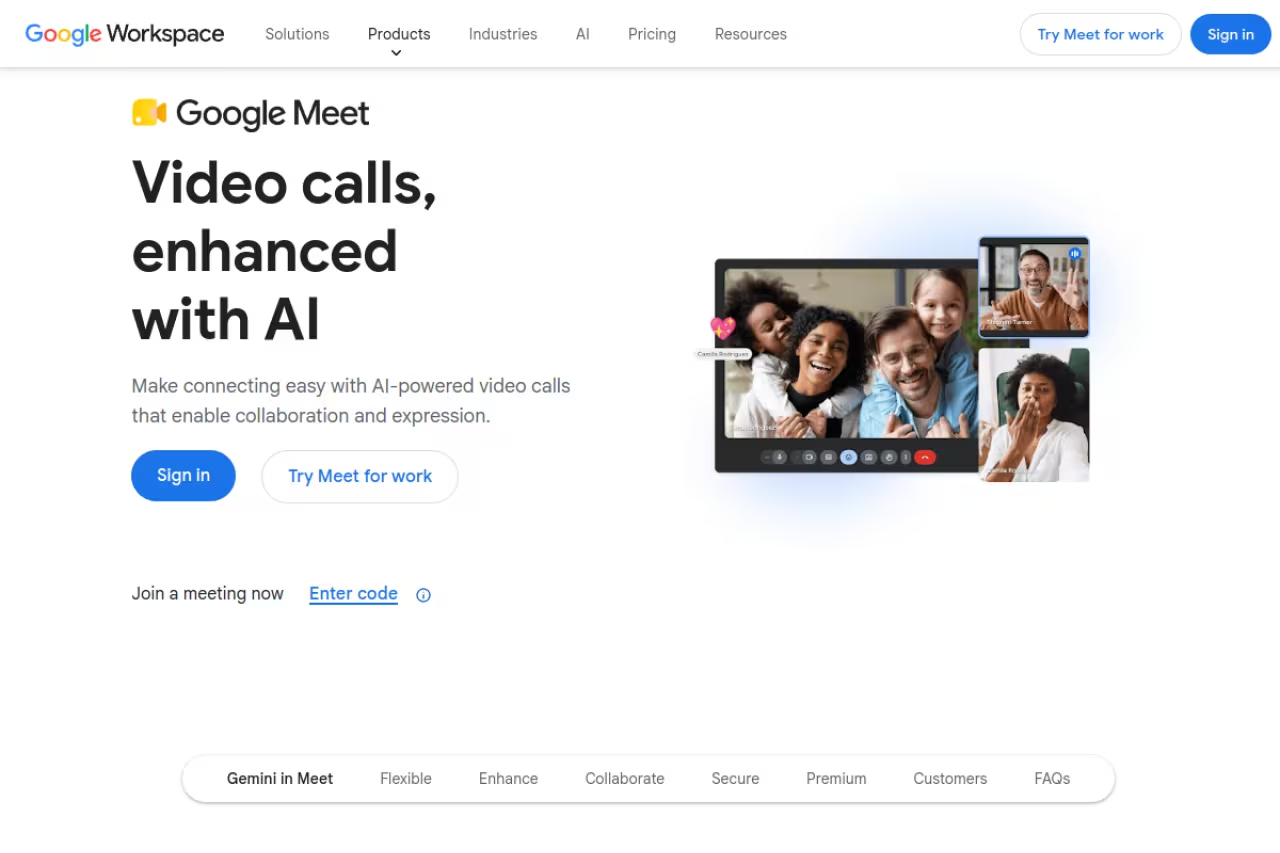
If your team already pays for Google Workspace, you are already paying for Meet. That single fact makes it the right answer for a huge number of small teams. There's nothing to install, the link sits inside every Calendar event, and you can start a call straight from Gmail.
Who it's best for: Workspace teams who value zero setup over feature depth, and anyone tired of asking guests to download an app.
The right answer for Workspace teams who value zero setup over feature depth, and for anyone tired of asking guests to download an app. It is thinner than Zoom on webinars and host controls, and the cheapest paid tier still cannot record.
The free tier handles 100 participants but cuts group calls at 60 minutes. Paid access comes bundled with Workspace, which starts at $7 per user per month for Business Starter (100 participants), $14 for Standard (150 participants plus recording), and $22 for Business Plus (up to 500 participants). Enterprise plans push to 1,000 active participants with in-domain live streaming.
The standout: the integration genuinely saves time every single day. No separate logins, no app updates, no "let me find the link." Gemini-powered note-taking and "take notes for me" now run inside Meet on the higher tiers, so you get AI summaries without a third-party bot joining the call.
Where it falls short: Meet is thinner than Zoom on webinar tooling and advanced host controls. Recording is locked behind Standard and up, so the cheapest paid tier still can't record. And if you're not a Google shop, adopting Meet alone makes little sense.

Microsoft Teams: the one your company already bought
Teams is less a video app and more the front door to Microsoft 365. For companies running on Outlook, SharePoint, and Office, the meeting is just one tab next to chat, files, and the dozen apps your IT team bolted on. That tight coupling is its biggest strength and its biggest source of complaints.
Who it's best for: any organization already paying for Microsoft 365, especially mid-size and enterprise teams that want chat, calls, and document collaboration in one place.
Choose Teams if your organization already pays for Microsoft 365, where the meeting tool is effectively free and integrates with Office files. It can feel heavy and slow, guest access is clunkier than Zoom's, and outsiders often groan at the link.
Teams Essentials is the standalone meeting plan at $4 per user per month annually, which is the cheapest serious option on this list. Most companies get Teams inside Microsoft 365 Business Basic ($6/user/month, rising to $7 in mid-2026), Business Standard ($14), or Business Premium ($22). Microsoft is rolling out price updates on July 1, 2026, so check current numbers before you commit.
The standout: value. If you already pay for 365, the meeting tool is effectively free, and the depth of integration with Office files during a call is hard to match.
The catch: Teams can feel heavy and slow, especially on older machines. Guest access and external meetings are clunkier than Zoom's, and the app has a reputation for eating RAM. People outside your company often groan when they get a Teams link instead of a Zoom one.

Webex: built for the security team's peace of mind
Webex lost the consumer popularity contest years ago, but in regulated industries it never left. Cisco built it for organizations where compliance and audio quality matter more than trendiness, and that focus still shows.
Who it's best for: enterprises with strict security or compliance needs, and teams that take a lot of calls in noisy environments.
Made for enterprises with strict security or compliance needs and teams taking calls in noisy places, with the best AI noise cancellation here. The interface feels dated, and it is overkill for a five-person startup.
The free plan gives you 100 participants with a 40-minute cap. The Meet plan is $12 per user per month annually (200 participants, AI Assistant, 10GB recording storage), and Webex Suite at $22.50 adds a full calling system. Enterprise scales to 1,000 attendees with FedRAMP authorization.
The standout: the AI-powered noise cancellation is the best of the tools here. It strips out keyboard clatter, dogs, and construction without muffling your voice. For a call from a co-working space or a kitchen table, that alone is worth a lot.
Where it falls short: the interface feels dated next to Meet or Zoom, and the broader Webex Suite gets complicated fast. For a five-person startup, it's overkill. This is enterprise software that happens to do video, not a lightweight meeting tool.

Whereby: the no-download underdog
Whereby does one thing the big platforms make weirdly hard: let someone join a video call by clicking a link in their browser, with no app and no account. You get a permanent branded room URL like whereby.com/yourname, and that's it. For client-facing work and embedded video, it's a small joy.
Who it's best for: freelancers, small teams, and product builders who want to embed video into their own app or share a clean, branded meeting link.
A small joy for freelancers, small teams and builders who want guests to join in a browser with no app or account, plus an embed API. It stays in its lane, with a 200-participant ceiling and lighter admin controls.
Whereby pays per room rather than per attendee, which is unusual and often cheaper. Plans start around $6.99 per host per month and reach up to 200 participants with branding, breakout groups, recording, and a whiteboard. There's a free tier for one-on-ones and small group calls.
The standout: zero friction for guests, plus the embed API. If you're a developer adding video to a telehealth app, a tutoring platform, or a hiring tool, Whereby's embedded SDK saves you from building WebRTC infrastructure yourself.
The catch: it's not built for large internal orgs or webinars. The 200-participant ceiling and lighter admin controls mean it stays in its lane: simple, branded, external-friendly calls. Power users will hit the edges fast.
If you're piecing together a remote stack around a tool like Whereby, our guide to the best communication tools for remote teams covers the chat and async layer that pairs with it.

Jitsi Meet: free, open source, no strings
Jitsi Meet is the answer when you don't want to pay, don't want an account, and don't trust a vendor with your call data. You can use the public instance at meet.jit.si instantly, or self-host the whole thing on your own server with Docker. It's genuinely free, not freemium with a countdown timer.
Who it's best for: privacy-conscious teams, developers, nonprofits, and anyone who wants to self-host video without licensing costs.
The answer for privacy-conscious teams, developers and nonprofits who want free, open source video with no account, public or self-hosted. The public instance can get sluggish on large calls, and self-hosting makes uptime and updates your problem.
free on the public instance. Self-hosting costs only your server. There's no per-seat fee, ever.
The standout: control. Encryption, no required login, screen sharing, breakout rooms, virtual backgrounds, polls, and YouTube live streaming, all without a credit card. For a community group or a security-minded team, that combination is rare.
Where it falls short: the public meet.jit.si instance can get sluggish on large calls, and you don't get the polish or support of a paid product. Self-hosting means you (or your dev team) own the uptime, scaling, and updates. It's powerful, but it's not turnkey for non-technical teams.
For the AI summary layer Jitsi lacks natively, you'd pair it with a dedicated notetaker. I cover those in our roundup of the best AI meeting assistants.

RingCentral: when video is half the job
RingCentral makes more sense if you also need a business phone system. Buying video and calling separately is a headache, and RingCentral bundles messaging, video, and a real PBX phone line into one subscription.
Who it's best for: teams that take a lot of external phone calls and want video, chat, and a phone number under one roof.
Makes sense for teams that take many external phone calls and want video, chat and a real phone number on one bill. It is the most expensive entry point here, and the video is solid but not better than Zoom's, so skip it without a PBX need.
the RingCentral plans (Core, Advanced, Ultra) start at $30 per user per month on monthly billing, with annual discounts up to roughly 21%. There's also a standalone RingCentral Video product at around $11.99 per user annually for smaller needs.
The standout: the all-in-one bundle. If your sales or support team lives on the phone, getting calling and video on one bill with one admin panel is a real operational win.
The catch: it's the most expensive entry point here, and you're paying for the phone system as much as the video. If you don't need a PBX, you're overbuying. The video experience is solid but not better than Zoom's, so this is really a unified-communications play, not a pure meeting tool.
How to choose
Don't start with features. Start with what your company already pays for.
If you're on Google Workspace: use Meet. It's free, it's there, and switching costs you nothing. Only move off it if you need serious webinar tooling.
If you're on Microsoft 365: use Teams. Same logic. The integration with Office files during calls is worth more than chasing a marginally nicer interface.
If you're neither, or you do a lot of external and client calls: pay for Zoom. The universal recognition, reliability, and free AI Companion make it the safest pick, and nobody complains when they get a Zoom link.
If you want browser-based, branded, no-download calls: Whereby for the polish, Jitsi if it has to be free or self-hosted.
If you also need a phone system: look at RingCentral so you're not juggling two vendors.
One more filter: how much does AI note-taking matter to you? In 2026 it's table stakes, and the big platforms now build it in. If your tool of choice doesn't, you can bolt on a dedicated notetaker. That's a small monthly add-on, and tools like these turn raw calls into searchable summaries. If you want to go deeper, browse our top tools directory or compare the best AI transcription tools to fill the gap.
Whatever you pick, the meeting tool is only one slice of the AI stack a modern team runs. If you want a single subscription that pools premium AI models for the writing, research, and prep around your calls, Dupple X bundles them into one login. Try Dupple X free for a year and stop paying for five separate AI tools.
FAQ
What is the best video conferencing software in 2026?
For most teams, Zoom is the best all-around choice in 2026 thanks to its reliability, universal adoption, and free AI Companion on paid plans. But if you already use Google Workspace, Google Meet is the better value, and Microsoft 365 shops should default to Teams since they already pay for it.
What is the best free video conferencing software?
Jitsi Meet is the most genuinely free option, with no participant time limits, no account required, and the ability to self-host. Among the mainstream tools, Google Meet's free tier (100 participants, 60-minute cap) and Zoom's free Basic plan (100 participants, 40-minute cap) are the most usable for occasional calls.
Is Zoom or Microsoft Teams better?
It depends on your stack. Zoom is better for external meetings, webinars, and pure reliability, and people recognize Zoom links instantly. Teams is better if your company already runs on Microsoft 365, because the meeting tool is bundled with Office and chat. For client-facing work, most people prefer receiving a Zoom link over a Teams one.
How much does video conferencing software cost?
Entry-level paid plans in 2026 range from about $4 per user per month for Microsoft Teams Essentials to $13.33 for Zoom Pro and $12 for Webex Meet, billed annually. Google Meet comes bundled with Google Workspace starting at $7 per user per month. RingCentral is the priciest at $30 because it includes a full phone system.
Do I need a separate AI notetaker for my meetings?
Not always. Zoom, Google Meet, Microsoft Teams, and Webex now include AI meeting summaries on their paid tiers. If your platform doesn't, or you want better-structured action items and CRM sync, a dedicated tool like the ones in our best AI meeting assistants guide can record and summarize calls across any platform.
Which video conferencing tool is best for privacy?
Jitsi Meet is the strongest privacy pick because it's open source, requires no account, supports end-to-end encryption, and can be fully self-hosted so your call data never touches a vendor's servers. Webex is the better choice for enterprises that need formal compliance certifications like FedRAMP.
Related guides
Some offers on this page may be paid placements or contain affiliate links.
