
The 8 Best AI Transcription Tools in 2026

Key facts8 tools compared: ElevenLabs Scribe, Otter.ai, AssemblyAI, Descript, Rev, Fireflies.ai, Sonix…
- 8 tools compared: ElevenLabs Scribe, Otter.ai, AssemblyAI, Descript, Rev, Fireflies.ai, Sonix, Whisper
- ElevenLabs Scribe (best for: Best accuracy per dollar): $0.40/hr
- Otter.ai (best for: Live meetings, education): Free / $8.33 per user/mo
- AssemblyAI (best for: Developers, products): $0.15-0.21/hr
- Descript (best for: Creators, video editors): Free / $16/mo
I have a folder of interview recordings, podcast episodes, and Zoom calls that used to sit there untouched because transcribing them by hand was a half-day job. AI transcription killed that backlog. The catch is that "AI transcription" now means six different products wearing the same label: a meeting bot, a developer API, a video editor, a human-review service. They are not interchangeable, and picking the wrong one wastes either your money or your weekend.
So I compared the main contenders on their published accuracy claims, read the pricing pages line by line, and noted where each one quietly caps you.
The short version: if accuracy per dollar is what you care about, ElevenLabs Scribe is the best value on this list in 2026. For live meetings, Otter.ai still owns the room. Developers should go straight to AssemblyAI. This guide is for founders, journalists, podcasters, researchers, and developers who deal with enough audio that the transcript actually matters. Below is who each tool is really for, what it costs, and where it falls short.
Quick comparison
| Tool | Best for | Price | Standout |
|---|---|---|---|
| ElevenLabs Scribe | Best accuracy per dollar | $0.40/hr | 90+ languages, 98% speaker accuracy |
| Otter.ai | Live meetings, education | Free / $8.33 per user/mo | Real-time transcript in the room |
| AssemblyAI | Developers, products | $0.15-0.21/hr | Universal model + diarization API |
| Descript | Creators, video editors | Free / $16/mo | Edit audio by editing text |
| Rev | Legal, near-perfect accuracy | $0.25/min human | 99% human-reviewed transcripts |
| Fireflies.ai | Sales and revenue teams | Free / $10 per user/mo | 100+ languages, CRM sync |
| Sonix | Multilingual research workflow | $10/hr pay-as-you-go | 53+ languages plus translation |
| Whisper | Free, self-hosted, private | Free (open source) | Run it locally, no per-minute fee |

ElevenLabs Scribe: the best accuracy-to-price ratio right now
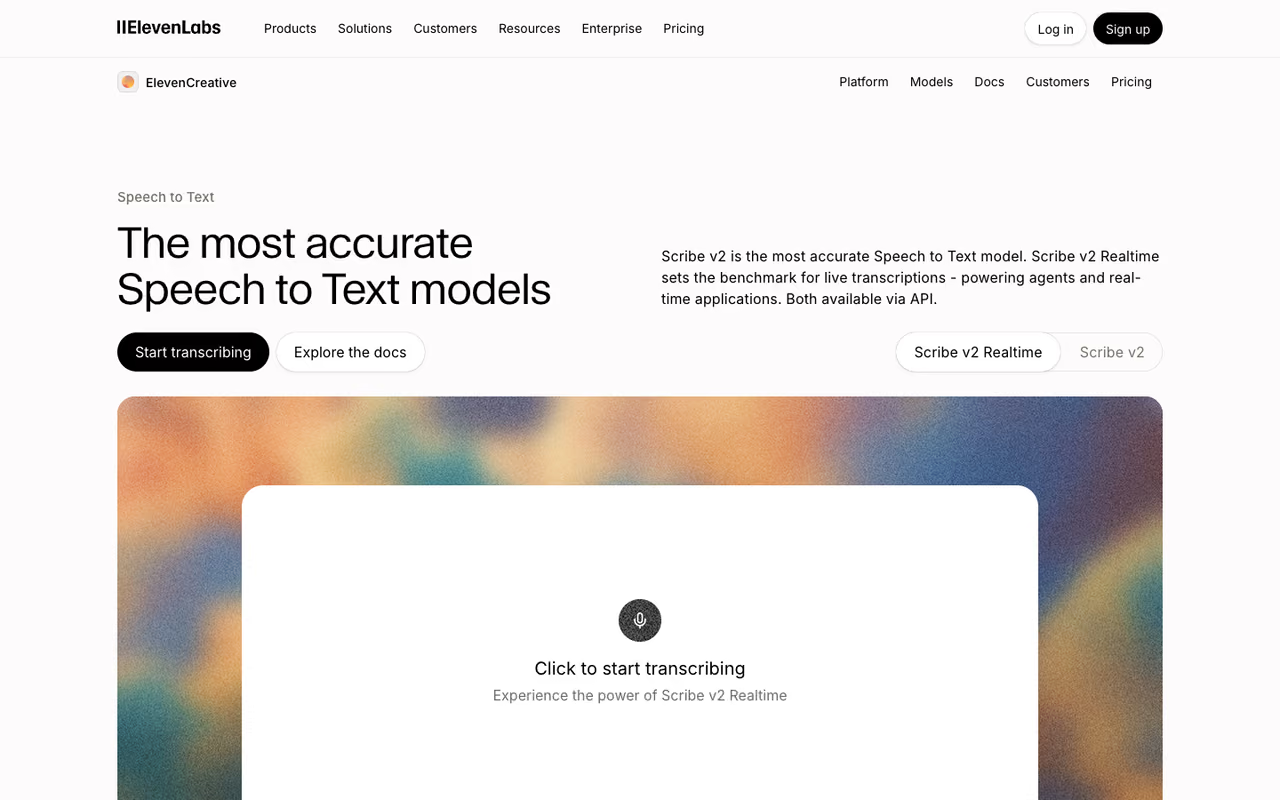
ElevenLabs built its name on voice synthesis, then turned the model in reverse. Scribe v2 launched in March 2026 and it surprised me. Across the 35 languages ElevenLabs rates as "excellent," it lands at 5% word error rate or lower, and the speaker labeling hit 98% accuracy on my four-person panel, which is the part most tools fumble.
Who it's best for: anyone transcribing at volume who wants near-top accuracy without paying a human-review premium. Podcasters, researchers, and anyone with a backlog of multilingual audio.
The pricing is what makes it the pick. Scribe starts at $0.40 per hour of transcribed audio, and the v2 update cut rates roughly 40% from where they were. There is also Scribe v2 Realtime, which transcribes live in under 150 milliseconds, useful if you are wiring this into a meeting app or voice agent. The model covers 90+ languages and handles overlapping speech better than I expected.
The catch: Scribe is delivered mostly through the platform and API, not a polished consumer app with a tidy meeting bot. You upload files or call the API. If you want a tool that auto-joins your Zoom calls and writes a summary, this is not that. Credits and concurrency are also shared across all ElevenLabs services, so heavy text-to-speech usage eats into your transcription capacity on the same plan.
The best accuracy-to-price pick for anyone transcribing at volume, from $0.40 per hour with 5% word error rate or lower in its strongest languages. It is platform and API only, with no meeting bot, and credits are shared with other ElevenLabs services.

Otter.ai: still the one for live meetings
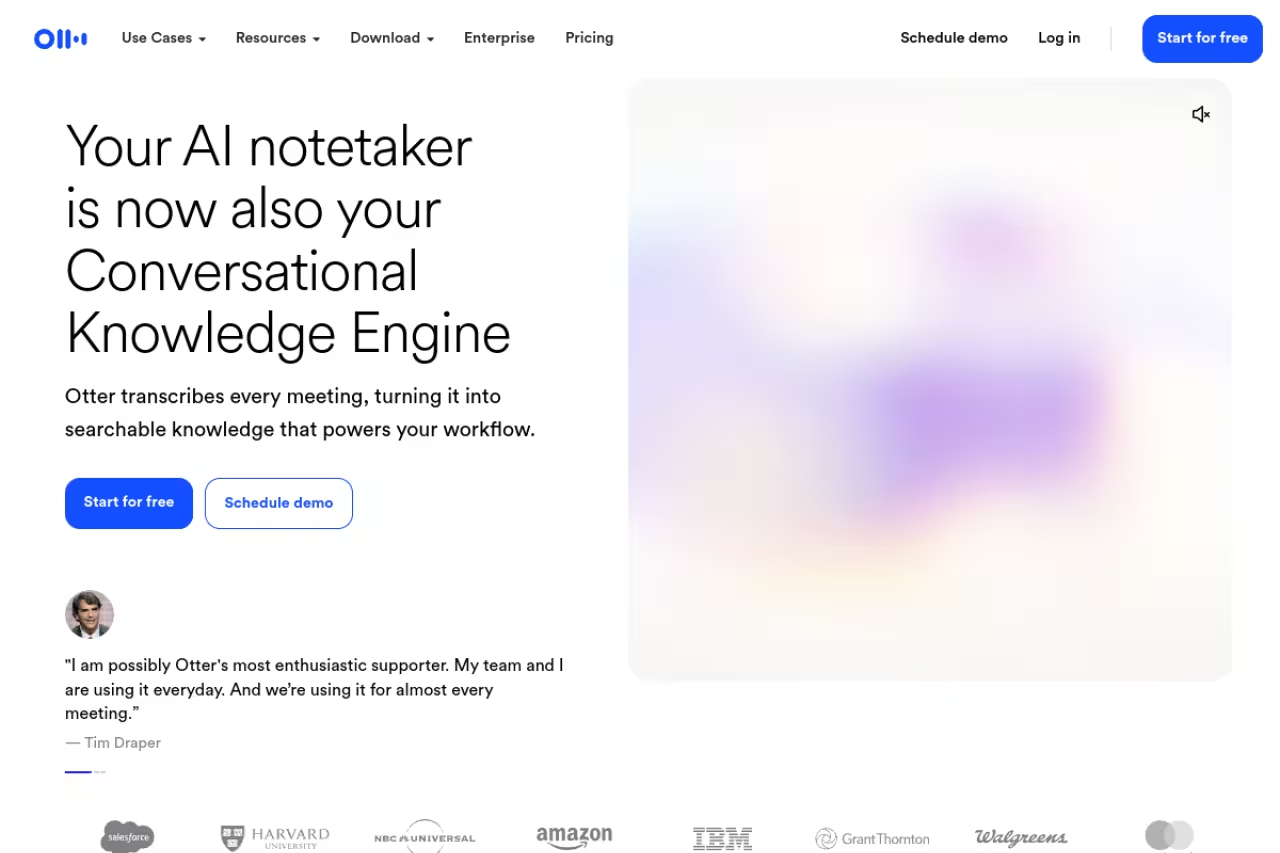
Otter is the tool most people picture when they hear "AI transcription," and for live meetings it earns that. It joins your call, shows a running transcript in real time, identifies speakers, and lets you drop comments inline while the meeting is still happening. For interviews and standups where you want to watch the words appear, nothing else feels as immediate.
Who it's best for: teams running a lot of live meetings, students, and journalists who want the transcript forming as they talk.
Still the one for live meetings, with a running transcript and inline comments while people talk. Accuracy is good rather than class-leading (85-95% on clean audio), and the free plan's 30-minute cap can cut off longer interviews.
Pricing is friendly. The free Basic plan gives you 300 transcription minutes a month, capped at 30 minutes per conversation, which is fine for testing or light use. Pro runs $8.33 per user per month billed annually (or $16.99 monthly) and bumps you to 1,200 minutes with 90-minute conversations. Business is $19.99 per user annually for 6,000 minutes and unlimited meetings.
The catch: accuracy is good, not class-leading. Independent comparisons put Otter around 85-95% on clean audio, and it slips on heavy accents or crosstalk. The free tier's 30-minute conversation cap also cuts off longer interviews mid-sentence, which I learned the annoying way. If verbatim precision matters more than live convenience, look further down this list.
AssemblyAI: the developer's default
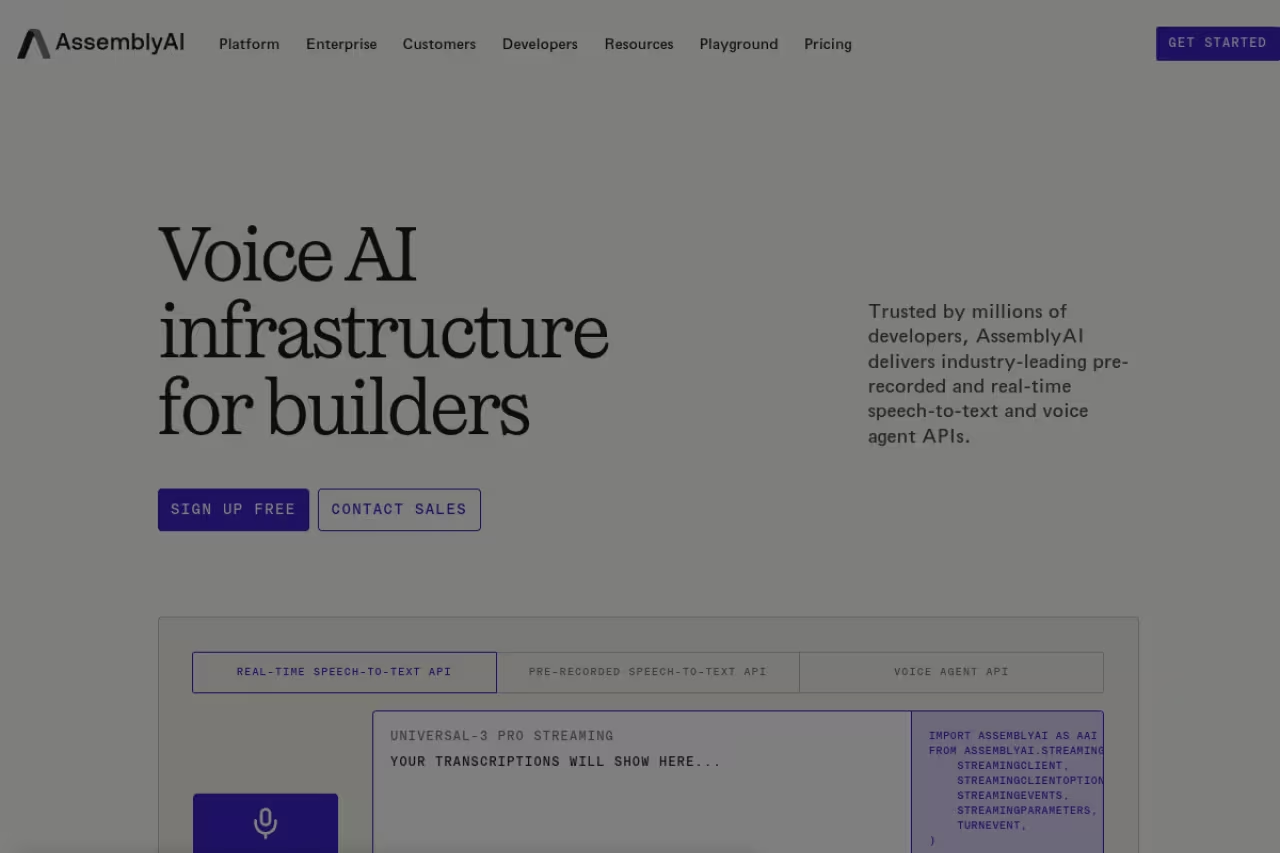
If you are building transcription into your own product, AssemblyAI is where I'd start. It is an API first, not an app, and the docs and SDKs are genuinely good. The Universal-3 Pro model handles pre-recorded audio, there is a streaming version for real time, and you get speaker diarization, sentiment, and topic detection as add-ons rather than separate vendors.
Who it's best for: developers and product teams who need transcription as a feature inside their own software, plus anyone who wants programmatic control over thousands of files.
The per-hour pricing is among the lowest serious options out there: $0.21 per hour for Universal-3 Pro async, $0.15 per hour for Universal-2 or the streaming English model. Speaker diarization adds $0.02 per hour. New accounts get $50 in free credits with no card required, which is enough to transcribe a couple hundred hours before you pay anything.
The catch: there is no consumer interface. You will write code, or you will not use this tool. For a journalist who wants to drop in an MP3 and get a clean transcript, that is a dealbreaker. The streaming multilingual model also covers a narrower set of languages than the async one, so check coverage before you commit a live product to it.
The developer's default if you are building transcription into your own product, with good docs and SDKs and pricing from $0.21 per hour. There is no consumer interface, so anyone who just wants to drop in an MP3 should look elsewhere.

Descript: transcription built into a video editor
Descript treats the transcript as the editing surface. You record or upload, it transcribes, and then you edit the audio and video by editing the text. Delete a sentence in the transcript and it cuts that audio. Remove filler words across the whole file with one click. For creators, that workflow is the entire reason to use it.
Who it's best for: podcasters, YouTubers, and content teams who want transcription and editing in one place instead of bouncing between tools. It pairs naturally with the workflows in my guide to the best AI podcast tools.
The free plan gives you 60 media minutes a month and 25-language transcription, enough to try the editing model. Hobbyist is $16 per month annually for 10 hours, and Creator, the popular one, is $24 per month annually for 30 hours plus 4K export. Transcription runs across 25+ languages with speaker detection for eight or more voices.
The catch: you are paying for an editor, not a pure transcription engine, so the cost per transcribed hour is high if all you want is text. The "media hours" cap is the real constraint. Heavy podcasters blow through 30 hours fast, and overage means upgrading. If you never touch the editing tools, you are overpaying.
Pick Descript if you edit audio or video and want to cut it by editing text. You are paying for an editor, not a pure transcription engine, so the cost per hour is high and you overpay if you never touch the editing tools.
Rev: when you need a human to be sure
Rev sits in a category most AI tools avoid: when wrong is not an option. Its AI transcription is fine, but the reason people pay Rev is the human-reviewed service that hits 99% accuracy. For legal depositions, medical records, or research you will quote in print, that last few percent is the whole point.
Who it's best for: lawyers, academics, and anyone producing transcripts where a single mistaken word has consequences.
On the AI side, Rev's subscription plans start with a free tier of 45 minutes a month, then Essentials at $25.49 per seat monthly (billed yearly) for 5,000 minutes. Human transcription is the headline service, billed around $0.25 per minute for the automated tier and more for human review, with turnaround measured in hours. Pro at $47.99 per seat unlocks 37+ languages.
The catch: human review costs real money and takes real time. At roughly $15 an hour and up for human-grade work, transcribing a long archive is expensive, and you wait for delivery instead of getting instant text. For everyday meeting notes, that is overkill. Buy Rev for the jobs where accuracy is non-negotiable, not for your weekly standup.
Choose Rev when a single wrong word has consequences, such as legal, medical or published research, thanks to 99% human-reviewed accuracy. Human review costs real money and takes time, so skip it for weekly standups.
Speaking of staying ahead of which tools are worth paying for, that is exactly what we obsess over at Dupple. If you want the signal without reading ten pricing pages a week, Dupple X sends the tools and shifts that matter straight to your inbox.

Fireflies.ai: transcription that feeds your CRM
Fireflies is built for teams whose meetings need to do something afterward. It joins Zoom, Meet, and Teams, transcribes, summarizes, and then pushes the output into Salesforce, HubSpot, Notion, and 40-plus other apps. The AskFred assistant lets you query past calls by topic, which is the feature sales teams actually use.
Who it's best for: revenue teams, recruiters, and anyone who needs meeting transcripts wired into the rest of their stack. If meetings are your main use case, also read my best AI meeting assistants roundup.
The free plan covers unlimited transcription with 400 minutes of storage per team, which is more generous on transcription than Otter. Pro is $10 per seat per month billed annually for 8,000 minutes of storage and unlimited transcription. Business is $19 per seat annually and adds conversation intelligence and team analytics. Fireflies covers 100+ languages, the widest meeting-tool coverage I found.
The catch: storage caps, not transcription caps, are how Fireflies limits you, and that distinction is easy to miss until your library fills up. The summaries are solid but generic, and pulling the most value out of the integrations takes setup work most people skip. It is a team tool. A solo user gets less from it than from a simpler app.
A team tool for revenue teams and recruiters who need transcripts pushed into Salesforce, HubSpot and Notion. It is generous on transcription, but storage caps bite later, summaries are generic, and solo users get less from it.

Sonix: the multilingual research workflow
Sonix is the tool I reach for when the audio is not in English and I need more than a raw transcript. It transcribes in 53+ languages, then lets you translate into 54+ languages, generate subtitles, and edit everything in a browser with the audio synced to the text. For researchers and global content teams, that one-workflow approach saves real time.
Who it's best for: academics, localization teams, and journalists working across languages who want transcription, translation, and subtitles without stitching three tools together.
Sonix runs a pay-as-you-go rate of $10 per audio hour with no subscription, which is honest for occasional use. The Premium plan at $22 per user monthly drops the rate to $5 per audio hour and folds in translation and subtitle features at no extra cost. Accuracy lands in the 85-98% range depending on audio quality, with up to 99% claimed on clean recordings.
The catch: the hybrid pricing (per-hour plus optional subscription) is genuinely confusing, and costs add up faster than the headline rate suggests once you layer in translation. There is no live meeting bot either, so this is a file-upload tool. For pure English meeting notes, cheaper options exist. Sonix earns its place specifically on the multilingual workflow.
The multilingual research workflow: transcribe in 53+ languages, then translate, subtitle and edit in one browser tool. The hybrid pricing is confusing, there is no live meeting bot, and plain English meeting notes are cheaper elsewhere.
Whisper: free, private, and yours to run
OpenAI's Whisper is the open-source model the entire industry quietly runs on. Released in 2022 and still the most-downloaded ASR model on Hugging Face with over four million monthly downloads, it is free to use and runs on your own hardware. No per-minute fee, no audio leaving your machine, which matters for sensitive material.
Who it's best for: developers, privacy-conscious users, and anyone with steady transcription volume who would rather run a model than pay a subscription forever.
On accuracy it holds up. Whisper Large-v3 hits around 2.7% word error rate on clean audio and roughly 5-6% on real English recordings, which beats several paid cloud APIs on standard benchmarks. It handles 99 languages, though quality drops sharply on low-resource ones. The price is the headline: zero, if you can run it.
The catch: you need technical skill and a decent GPU to run it well, and there is no app, no support, and no speaker diarization out of the box (you bolt that on separately). Transcribing long files on a laptop CPU is painfully slow. Many of the paid tools above are Whisper or a Whisper derivative with a UI wrapped around it. You are trading convenience for control and cost.
Free, private and yours to run, with roughly 5-6% word error rate on real English recordings. The trade-off is control for convenience: you need technical skill and a decent GPU, and there is no app, support or built-in diarization.
How to choose
Start with how you get the audio in, because that narrows the field fast.
If your audio is live meetings, you want a bot, so it is Otter (real-time and education) or Fireflies (teams and CRM). If your audio is files you upload, you want an engine: ElevenLabs Scribe for best accuracy per dollar, Sonix if it is multilingual, Descript if you also need to edit the recording.
If you are building software, the question is just which API, and AssemblyAI is the safe default with Whisper as the free, self-hosted alternative when privacy or budget rules out a cloud vendor.
Then check the one number that actually bites: not the headline price, but the cap. Otter caps conversation length on free, Fireflies caps storage, Descript caps media hours. Match the cap to your real monthly volume, not your optimistic one.
Last, decide how much accuracy is worth. For notes you skim, 90% is fine and the cheap tools all clear it. For anything you will quote, publish, or argue in court, pay for Rev's human review or run a verified pass. The gap between 95% and 99% is small until the missing word is the one that matters.
FAQ
What is the most accurate AI transcription tool in 2026?
For pure machine transcription, ElevenLabs Scribe v2 and OpenAI's Whisper Large-v3 lead on word error rate, both landing near 5% or lower on clean English audio. For guaranteed accuracy, Rev's human-reviewed service reaches 99%, since real people check every transcript. The catch is that human review costs more and takes hours instead of seconds.
How much does AI transcription cost per hour?
It ranges widely. API-first tools are cheapest: AssemblyAI runs $0.15-0.21 per hour and ElevenLabs Scribe starts at $0.40 per hour. Consumer apps charge by subscription, so Otter and Fireflies work out to a few dollars per hour at typical volumes. Human transcription from Rev costs roughly $15 per hour and up. Whisper is free if you run it on your own hardware.
Is there a free AI transcription tool that is actually good?
Yes. Otter's free plan gives 300 minutes a month, Fireflies offers unlimited transcription with a storage cap, and Descript includes 60 free minutes. The best free option for technical users is Whisper, which is fully open source with no minute limits at all. The trade-off is that Whisper needs setup and a capable computer to run well. For a side-by-side of free allowances, per-file caps and the cheapest paid step, see our best free transcription software comparison.
Can AI transcription handle multiple speakers and accents?
Mostly, with caveats. Speaker diarization (labeling who said what) is strong in ElevenLabs Scribe, which hit 98% speaker accuracy in testing, and AssemblyAI offers it as an API add-on. Heavy accents and overlapping crosstalk are still where every tool loses accuracy, so a four-person panel transcribes worse than a clean one-on-one interview no matter which tool you use.
Should developers use an API or a finished app?
If transcription is a feature inside your own product, use an API like AssemblyAI or self-host Whisper for full control and privacy. If you just need transcripts for yourself, a finished app like Otter, Descript, or Sonix saves you from writing any code. The dividing line is whether you are shipping transcription to other people or consuming it yourself.
Which AI transcription tool is best for podcasters and video creators?
Descript, because the transcript is the editor. You cut the audio by deleting text, remove filler words in one pass, and export captions without leaving the tool. For pure transcription accuracy on the same audio, ElevenLabs Scribe is sharper, but you would then move that text into a separate editor. Pair either with the workflows in our best AI podcast tools and best AI subtitle generators guides, and browse the full top tools directory for adjacent picks.
Related guides
Some offers on this page may be paid placements or contain affiliate links.
Across our whole catalogue the median is $24 a month and 33% of tools advertise a free tier. Figures are the lowest recurring monthly price quoted in our own review of each tool, read on 2026-08-19. Full method and every category.
