
The 8 Best AI Video Editors in 2026 (Compared and Ranked)

Key facts8 tools compared: Descript, Runway, CapCut, OpusClip, VEED, Adobe Premiere Pro, Google Flow…
- 8 tools compared: Descript, Runway, CapCut, OpusClip, VEED, Adobe Premiere Pro, Google Flow (Veo 3), Filmora
- Descript (best for: Editing real footage by transcript): Free, $16/mo (annual)
- Runway (best for: Generating clips from prompts): Free, $12/mo (annual)
- CapCut (best for: Mobile and social short-form): Free, $9.99/mo
- OpusClip (best for: Long video to viral shorts): Free, $15/mo
"AI video editor" now means two different things, and that confusion costs people money. Half the tools in this category edit footage you already shot: they transcribe it, cut the dead air, add captions, and reframe it for vertical. The other half generate footage from a text prompt. Buy the wrong type and you end up paying $76 a month for a model that makes clips when all you needed was something to trim your podcast.
I compared the main contenders' feature sets, pricing pages, and public reviews across three common jobs: long-form interview editing, talking-head shorts, and AI-generated B-roll. Some tools are built for one job and fall apart on the rest.
If you want the short version: Descript is the best all-rounder for most people editing real footage, because editing video by editing a transcript is widely regarded as the fastest workflow for that job. If you need to generate clips that never existed, Runway is the one to beat. And if you live on TikTok, CapCut does more for free than anything else here. Below is who each tool is actually for, what it costs in 2026, and where it lets you down.
Quick comparison
| Tool | Best for | Price (from) | Standout |
|---|---|---|---|
| Descript | Editing real footage by transcript | Free, $16/mo (annual) | Edit video like a doc |
| Runway | Generating clips from prompts | Free, $12/mo (annual) | Gen-4.5 + Aleph editing |
| CapCut | Mobile and social short-form | Free, $9.99/mo | Best free tier here |
| OpusClip | Long video to viral shorts | Free, $15/mo | Auto-clip + virality score |
| VEED | Browser-based team editing | Free, $12/mo | No-install, fast captions |
| Adobe Premiere Pro | Pro timeline editing + AI | $22.99/mo | Generative Extend |
| Google Flow (Veo 3) | Cinematic AI generation | $19.99/mo | Veo 3.1 quality |
| Filmora | Budget desktop with AI models | $29.99/yr | Sora 2 + Veo in-timeline |

Descript: the best AI video editor for most people
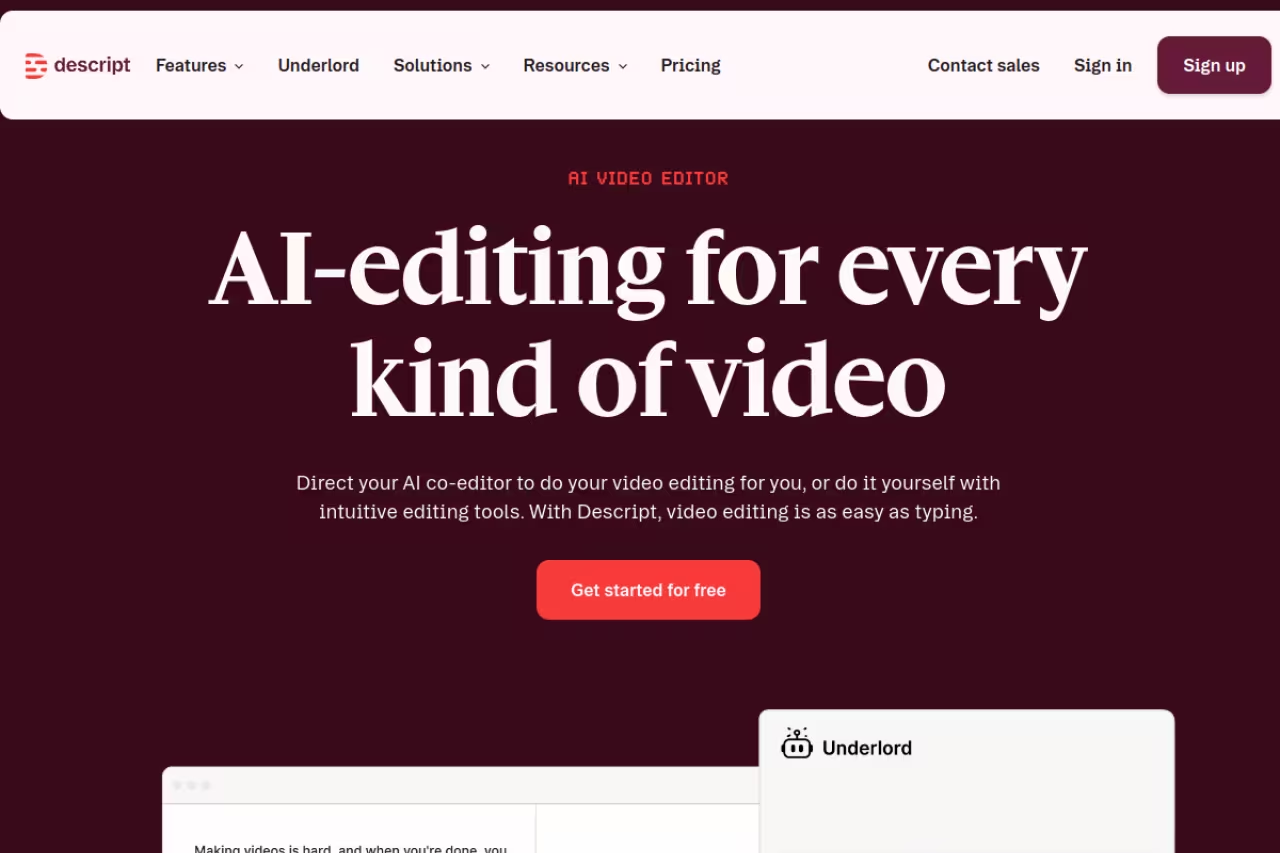
Descript treats your video as a text document. It transcribes everything, and when you delete a sentence from the transcript, the matching footage disappears from the timeline. Delete a filler "um" from the text and it's gone from the audio. For interviews, podcasts, course modules, and anything talking-head, nothing else comes close on speed.
The AI layer sits on top of that. Underlord, its AI assistant, removes filler words, evens out awkward pauses, writes show notes, and suggests cuts. Studio Sound cleans muddy audio so a laptop mic sounds close to a treated room. Overdub clones your voice so you can fix a flubbed line by typing the correction instead of re-recording.
Who it's best for: podcasters, YouTubers, course creators, and teams who edit a lot of spoken-word video and would rather not learn a timeline.
The best fit for spoken-word video if you would rather edit a transcript than learn a timeline. The credit system is the most-cited complaint, and it is overkill for fast, music-driven edits with little dialogue.
Free covers 60 minutes of media per month. Paid plans run $16/mo (Hobbyist), $24/mo (Creator), and $50/mo (Business) on annual billing, per the official pricing page. A September 2025 overhaul swapped the old "transcription hours" for "media minutes" plus metered AI credits.
The catch: that credit system is the most-cited complaint. Heavy AI users blow through their monthly credits and the top-up costs are hard to predict before you hit the wall. Descript is also overkill if you mostly do fast-paced, music-driven edits with little dialogue. It's built around words, and a montage has none.

Runway: the best tool for generating video from a prompt
Runway is where this category stops being editing and starts being generation. Type a description, get a clip. Its Gen-4.5 model produces some of the most coherent AI video you can buy right now, holding character and scene consistency across shots far better than the early generation that gave AI video its uncanny reputation. Act-Two maps a real performance onto a generated character, and Aleph edits existing video with prompts (change the lighting, swap a background, restyle a shot).
This is the tool when the footage in your head doesn't exist. Product visualizations, surreal B-roll, concept films, ad variations you can't shoot on budget.
Who it's best for: filmmakers, ad creatives, and motion designers who need shots they can't film.
Pick Runway when the footage in your head does not exist, such as surreal B-roll, concept films or ad variations. Credits vanish fast (the 625 on Standard is roughly 52 seconds of top-quality output), and it generates clips rather than assembling finished videos.
Free gives you 125 one-time credits and Gen-4 Turbo image-to-video. Paid tiers are $12/mo Standard (625 credits/mo), $28/mo Pro (2,250 credits), and $76/mo Max (9,500 credits) on annual billing, confirmed on Runway's pricing page. Standard unlocks Gen-4.5, Aleph, and watermark removal.
Where it falls short: credits vanish fast. Gen-4.5 video runs about 12 credits per second, so a Standard plan's 625 monthly credits is roughly 52 seconds of top-quality output. Serious projects need Pro or Max, and even then you'll re-roll prompts that don't land on the first try. It's a generator, not a place to assemble a finished 10-minute video.

CapCut: the most you can do for free
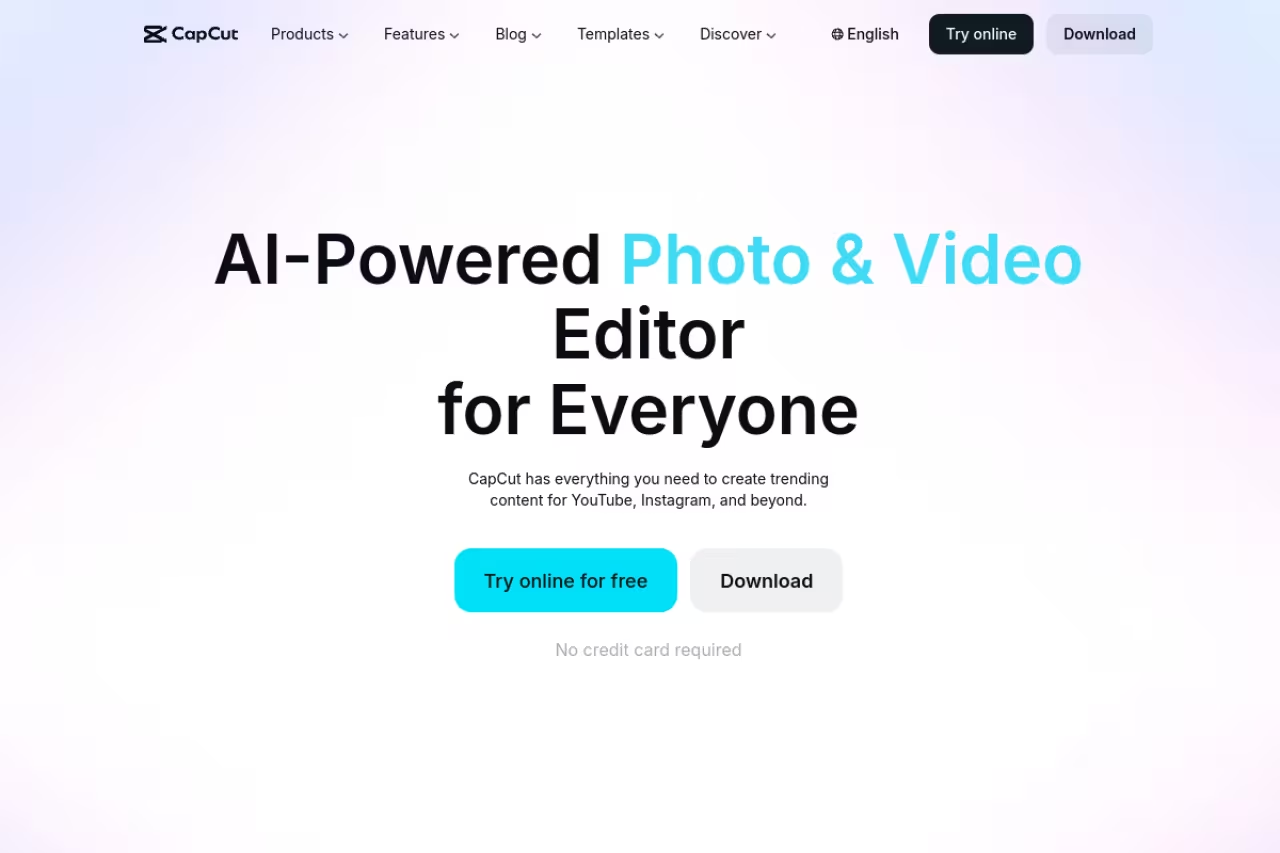
CapCut is the default editor for a generation of short-form creators, and the free tier is the real reason. Auto-captions, trending templates, transitions, background removal, text-to-speech, and a deep effects library cost nothing. It runs on mobile and desktop, and the workflow is built for TikTok, Reels, and Shorts from the ground up.
The AI toolkit has grown a lot: camera tracking, vocal isolation, text-to-video, avatar generation, and voice cloning now sit inside the editor. For a creator turning out daily vertical video, it's hard to argue with.
Who it's best for: solo creators and social teams making high-volume short-form, especially on a phone.
The most you can do for free, and a natural fit for solo creators and social teams making high-volume short-form on a phone. Weak for long-form or dialogue-heavy work, and its ByteDance ownership may matter if you have data-governance rules.
the free plan is genuinely useful. Early 2026 brought a restructure: the old Pro tier became Standard at $9.99/mo, and a new Pro tier launched at $19.99/mo ($179.99/yr) with 4K/HDR export, the full AI kit, 1TB storage, and 1,200 monthly AI points. Note in-app subscriptions on iOS and Android run a couple dollars higher than web checkout because of app-store fees.
The catch: it's owned by ByteDance, which matters if your organization has data-governance rules or you're nervous about platform-tied tools. Exports occasionally carry branding unless you're careful, and the sheer number of templates pushes everyone toward the same look. It's also weak for long-form or dialogue-heavy projects where a transcript editor would be faster.
If you're producing short-form at volume, the bigger unlock is usually a content system, not a single app. Our team uses Dupple X to keep the research and ideas pipeline full so the editing is the easy part.

OpusClip: long video into shorts, automatically
OpusClip does one job and does it well: feed it a long video and it finds the moments worth clipping, cuts them into vertical shorts, adds animated captions, reframes to keep the speaker centered, and scores each clip for viral potential. For repurposing a podcast or webinar into a week of social posts, it removes the most tedious part of the process.
Who it's best for: podcasters, agencies, and creators sitting on long-form footage who want a content calendar's worth of shorts in one pass.
A focused repurposing tool: feed it long video and get captioned vertical shorts in one pass. Clip selection catches energy rather than the best story beat, and cancelling wipes projects within about three days, so export first.
Free gives 60 processing minutes a month with watermarked exports. Starter is $15/mo (watermark-free), Pro is $29/mo (all aspect ratios, social scheduler, team workspace, AI B-roll), per OpusClip's plans. Credits work by source length: one minute of uploaded video costs one credit, no matter how many clips it produces.
Where it falls short: two things. First, the clip selection is good but not editorial. It catches energy and keywords, not always the actual best story beat, so you'll re-trim. Second, and this is a real one, cancel your subscription and your projects disappear within about three days even if you have credits left. Export everything before you churn. For other ways to slice one asset into many, see our guide to AI content repurposing tools.

VEED: the browser-first option for teams
VEED runs entirely in the browser, which sounds minor until you've onboarded a freelancer or a colleague who doesn't want to install Premiere. Auto-subtitles, a screen recorder, background removal, AI avatars, and translation all live in one tab. It's clean, fast for captioning, and easy to hand off.
Who it's best for: marketing teams, remote collaborators, and anyone who wants capable editing without local software.
A sensible browser-first choice for marketing teams and remote collaborators who want capable editing with no install. It is great for captions and handoffs, but long multi-track projects feel sluggish and the free 10-minute cap pushes you to pay.
Free has watermarked exports and a 10-minute cap. Basic is around $12/mo (no watermark, 720p), Pro around $25/mo (1080p, unlimited subtitles, AI avatars, brand kit, 100GB storage). Exact numbers shift by billing cycle and promotion, so check VEED's pricing page before you commit.
The catch: browser editing has a ceiling. Long, complex, multi-track projects feel sluggish compared to a desktop app, and the free tier's 10-minute limit and watermark push you to pay quickly. It's a productivity tool, not a finishing suite. For caption-heavy work specifically, compare it against the dedicated options in our AI subtitle generators roundup.
Adobe Premiere Pro: the pro timeline, now with AI
Adobe Premiere Pro is still the industry timeline, and Firefly-powered features are folding AI into it without forcing you to leave the editor. Generative Extend lets you drag a clip a few frames longer when a take ends too soon, generating the extra footage or audio to cover a transition or hold a reaction. Text-Based Editing brings the transcript-editing idea (the thing Descript pioneered) into a professional NLE, and audio cleanup tools remove noise and balance levels in a click.
Who it's best for: professional editors and post houses who need precise control, full codec support, and integration with After Effects and the rest of Creative Cloud.
Still the industry timeline, now with Firefly-powered extras, so it is the right tool if you already edit professionally and need After Effects integration. The learning curve is real and the AI is an add-on, so skip it if you want AI to do the editing.
the Premiere Pro single-app plan runs about $22.99/mo (or roughly $263/yr). As of mid-2025, new single-app subscribers get 25 monthly generative credits, with premium video generation features like Generative Extend drawing additional credits, per Adobe's generative credits FAQ.
For a head-to-head with DaVinci Resolve, including the first-year condition on Adobe's US price, see DaVinci Resolve vs Premiere Pro.
Where it falls short: the learning curve is real, the AI features are useful add-ons rather than the core of the experience, and 25 generative credits go nowhere if you lean on Generative Extend. This is the right tool if you already edit professionally. It's the wrong one if you wanted AI to do the editing for you.
Google Flow (Veo 3): cinematic generation from Google
Google Flow is Google's AI filmmaking tool, built on the Veo 3.1 model. It generates video with synchronized audio (something most rivals still bolt on separately), and the output quality on cinematic, realistic scenes is among the best available. You direct shots, extend scenes, and chain clips into longer sequences inside Flow's interface.
Who it's best for: creators chasing cinematic, photoreal AI video and anyone already in Google's ecosystem.
A strong option for cinematic, photoreal generation with synchronized audio, especially inside Google's ecosystem. The credit math is brutal at top quality, Ultra costs $249.99/mo, and it is a generator, so you assemble the final cut elsewhere.
access comes through Google's AI plans. Google AI Pro is $19.99/mo and includes 1,000 Flow credits (roughly 10 high-quality Veo 3.1 generations or far more at lower settings). Google AI Ultra is $249.99/mo with 25,000 credits and priority access to the newest models.
The catch: the credit math is brutal at the quality everyone actually wants. A handful of "Quality" generations exhausts the Pro plan's monthly allotment, and Ultra's price tag is in a different universe from the rest of this list. Flow is a generator first, not an editor, so you'll still assemble the final cut elsewhere. To plan a full AI-made video end to end, our walkthrough on how to make AI YouTube videos covers the surrounding workflow.

Filmora: the budget desktop pick with frontier models
Wondershare Filmora is the value play. It's a friendly desktop editor (Windows and Mac) with a gentle learning curve, and Filmora 15 now pipes frontier generation models like Sora 2 and Veo 3.1 directly into the timeline. You can go from text prompt to generated clip to finished export without switching apps, which is rare at this price.
Who it's best for: hobbyists, students, and solo creators who want real desktop editing plus AI generation without a subscription that stings.
The budget desktop pick for hobbyists, students and solo creators who want real editing plus frontier generation models in one app. The Advanced plan is around $29.99/yr, but the credit system can surprise you and quality will not match Runway or Flow.
Filmora cut prices hard in early 2026. The Advanced plan landed around $29.99/yr with 1,000 AI credits a month, with a Creative Assets add-on at $79.99/yr for the full premium asset library. For an annual cost lower than two months of most rivals, it's the best price-to-capability ratio here.
Where it falls short: the AI credit system can surprise you, the generated-model quality won't match Runway or Flow at the top end, and Filmora has historically been a consumer tool. It's plenty for personal projects and small channels, less suited to high-stakes client work.
How to choose
Start by naming the job, not the tool.
You're editing footage you already shot. If it's dialogue-heavy (interviews, podcasts, courses), Descript wins on speed. If you need a professional timeline with full control, Premiere Pro. If your team lives in the browser, VEED. If you want desktop editing on a budget, Filmora.
You're making short-form for social. CapCut for the free tier and mobile workflow. OpusClip if you're slicing long videos into many shorts automatically.
You need footage that doesn't exist yet. Runway for the best generation-plus-editing combo, Google Flow for cinematic realism with built-in audio. Both are generators, so pair them with an editor from the first group to finish the cut.
One honest warning on credits: every AI-heavy tool here meters generation, and the entry plans run dry faster than the marketing implies. Estimate your monthly volume before you subscribe, and assume you'll need the next tier up if AI generation is central to your work. For a wider view of the AI stack beyond video, browse our top tools directory.
FAQ
What is the best AI video editor in 2026?
For most people editing real footage, Descript is the best pick because its transcript-based editing is the fastest way to cut talking-head video, podcasts, and courses. If you need to generate video from text prompts, Runway is the strongest choice. For free mobile and social editing, CapCut does the most without paying.
What is the best free AI video editor?
CapCut has the most generous free tier, with auto-captions, templates, background removal, and text-to-speech at no cost. VEED and Descript also have free plans, though they cap export quality and add watermarks or time limits. OpusClip's free plan gives 60 processing minutes a month but watermarks the output.
Can AI video editors generate video from text?
Some can. Runway (Gen-4.5), Google Flow (Veo 3.1), and Filmora (via Sora 2 and Veo) generate footage from a text prompt. Tools like Descript, CapCut, VEED, and OpusClip mainly edit footage you've already recorded, adding captions, cuts, and reframing rather than creating new scenes.
Is Descript better than Adobe Premiere Pro?
They solve different problems. Descript is faster for dialogue-driven content because you edit by editing a transcript, and it's far easier to learn. Premiere Pro gives professional editors precise timeline control, full codec support, and Creative Cloud integration. Choose Descript for speed and simplicity, Premiere Pro for professional finishing.
How much do AI video editors cost?
Entry paid plans run roughly $9.99 to $29 a month: CapCut Standard at $9.99, VEED Basic and Descript Hobbyist around $12 to $16 (annual), OpusClip Starter at $15, OpusClip Pro at $29. Generation-focused tools like Runway start at $12/mo but burn credits quickly, so heavy users often need $28 to $76 tiers. Premiere Pro is about $22.99/mo.
Which AI video editor is best for podcasts and YouTube?
Descript is the standard for podcasts and long-form YouTube because of transcript editing, filler-word removal, Studio Sound audio cleanup, and voice cloning. Pair it with OpusClip to turn each long episode into a batch of short clips for social, and you've covered both long-form and short-form from one source recording.
Ready to keep up with the tools that actually matter? Dupple X gives you a yearly trial and the daily signal on what's worth your time in AI.
Related guides
Some offers on this page may be paid placements or contain affiliate links.
Across our whole catalogue the median is $24 a month and 33% of tools advertise a free tier. Figures are the lowest recurring monthly price quoted in our own review of each tool, read on 2026-08-19. Full method and every category.
