
Best Communication Tools for Remote Teams (2026)

Key facts8 tools compared: Slack, Zoom Workplace, Loom, Microsoft Teams, Notion, Twist, Google…
- 8 tools compared: Slack, Zoom Workplace, Loom, Microsoft Teams, Notion, Twist, Google Workspace, Discord
- Slack (best for: Real-time team chat hub): Free; Pro $7.25/user/mo
- Zoom Workplace (best for: Reliable video meetings): Free; Pro $13.33/user/mo
- Loom (best for: Async screen recordings): Free; Business $18/creator/mo
- Microsoft Teams (best for: Microsoft 365 shops): From $6/user/mo (Business Basic)
Most remote teams don't have a communication problem. They have a "we bought eight tools and now nobody knows where the actual decision lives" problem. A thread in Slack, a recording in Loom, a doc in Notion, a meeting in Zoom that three people missed, and a fourth person who only checks email. The tools are fine. The sprawl is the issue.
This guide compares nearly every messaging, video, and async tool here against how a fully distributed team actually uses them day to day, not a 14-day trial sandbox. The right stack is small. Research backs this up: most effective remote teams run on just four to six tools, one per job.
If you want the short answer, Slack is still the tool I'd hand a new remote team on day one. It's the cleanest hub for real-time chat, it connects to everything, and the free tier is enough to start. But the best pick depends on what you already pay for and how async your culture is. Below are the eight tools worth your money in 2026, what each is good at, and where each one will annoy you.
Quick comparison
| Tool | Best for | Price (annual) | Standout |
|---|---|---|---|
| Slack | Real-time team chat hub | Free; Pro $7.25/user/mo | 2,600+ integrations, AI search |
| Zoom Workplace | Reliable video meetings | Free; Pro $13.33/user/mo | Video quality at any scale |
| Loom | Async screen recordings | Free; Business $18/creator/mo | Replace meetings with video |
| Microsoft Teams | Microsoft 365 shops | From $6/user/mo (Business Basic) | Bundled with Office |
| Notion | Async docs and knowledge | Free; Plus $10/user/mo | One place for the source of truth |
| Twist | Calm, async-first chat | Free; Unlimited $6/user/mo | Threads over real-time noise |
| Google Workspace | Gmail-native teams | Business Starter $7/user/mo | Meet + Chat + Docs together |
| Discord | Small engineering teams | Free; Nitro optional | Always-on voice channels |
Slack: the default hub that's hard to beat
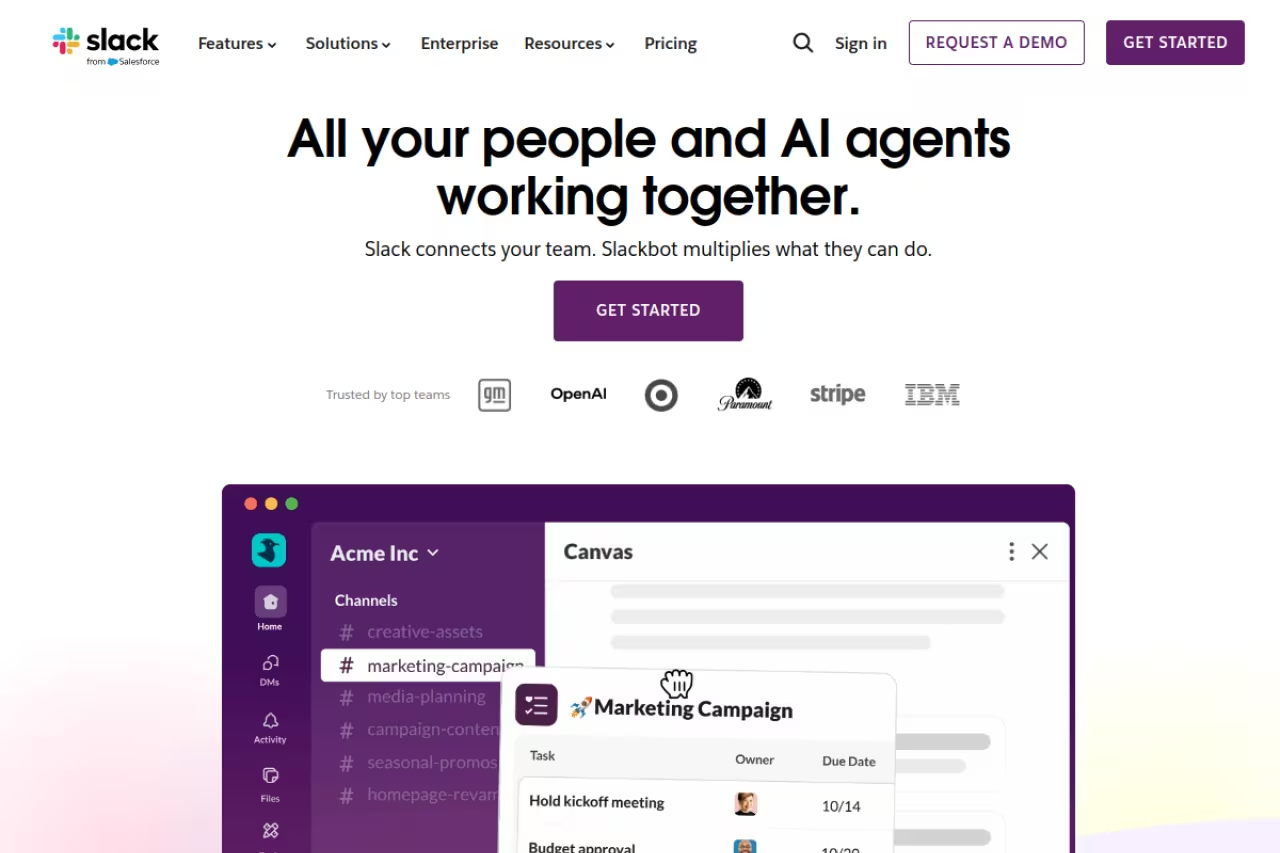
Slack is the tool most remote teams should start with, and the one most quietly stay on for years. It's a real-time chat app organized into channels, with threads to keep side conversations from drowning the main flow. The reason it wins isn't one feature. It's that almost every other tool you use, from Jira to Salesforce to GitHub to Figma, has a native Slack integration, so notifications land in one place instead of six inboxes.
The default hub for startups and remote teams that live inside many other SaaS tools, since nearly everything integrates natively. The free plan's 90-day history bites quickly, and always-on availability can push teams into constant pings.
The free plan keeps 90 days of message history and caps you at 10 integrations. Pro is $7.25 per user per month on annual billing and removes both limits. Business+ runs $12.50 per user. As of 2025, Slack rolled its AI features (channel summaries, thread recaps, natural-language search) into the paid plans at no extra charge, which matters when you compare it to Microsoft pricing Copilot separately.
The catch: That 90-day history limit on the free plan bites long-running teams hard. You'll go looking for a decision from four months ago and it's gone, which effectively forces active teams onto a paid plan. Slack also rewards always-on availability, which can quietly push a team toward the pings-all-day culture that remote work was supposed to fix.
Zoom Workplace: still the safe call for video
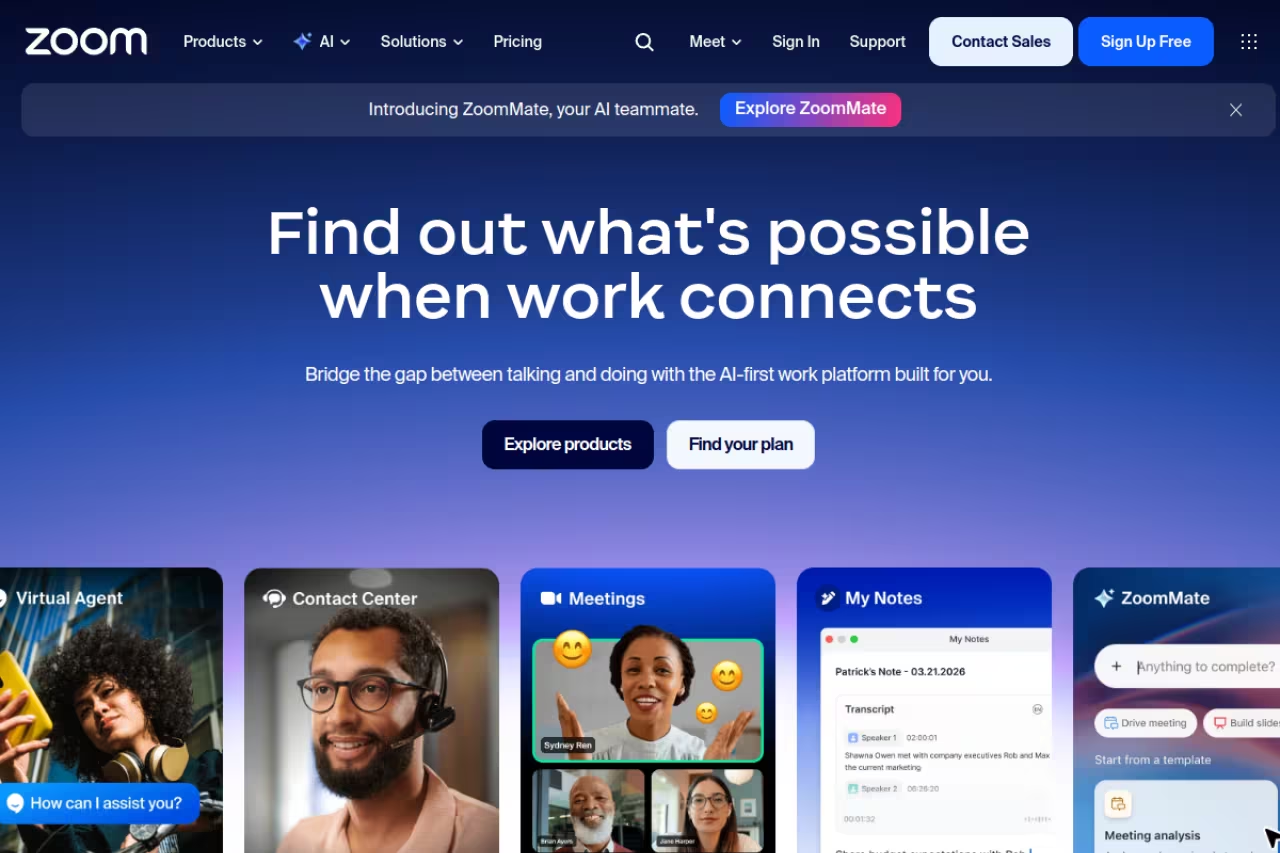
When a meeting absolutely cannot drop, freeze, or echo, Zoom is the one I trust. Years of being the default video tool means it handles flaky connections, big webinars, and screen sharing better than almost anything else. The product is now branded Zoom Workplace and bundles chat and scheduling, but the meeting itself is still the reason to buy.
The safe call for teams running many live calls, client meetings, or large sessions where reliability is non-negotiable. The 40-minute free cap interrupts real meetings, and add-ons mean the sticker price rarely matches the final bill.
The free tier caps group meetings at 40 minutes. Pro is $13.33 per user per month annually, lifting meetings to 30 hours with up to 100 attendees and 10 GB of cloud recording storage. Business at $18.33 per user raises the cap to 300 attendees and adds SSO. Business Plus at $22.49 bundles in Zoom Phone for US and Canada calling.
Where it falls short: The 40-minute free cap exists to push you to pay, and it interrupts real meetings. The add-on menu (Phone, Webinars, AI Companion tiers) means the sticker price rarely matches the final bill, and for a small async-leaning team Zoom can be overkill. For pulling notes and action items out of calls, pair it with one of the AI meeting assistants instead of asking someone to type minutes.

Loom: the meeting killer
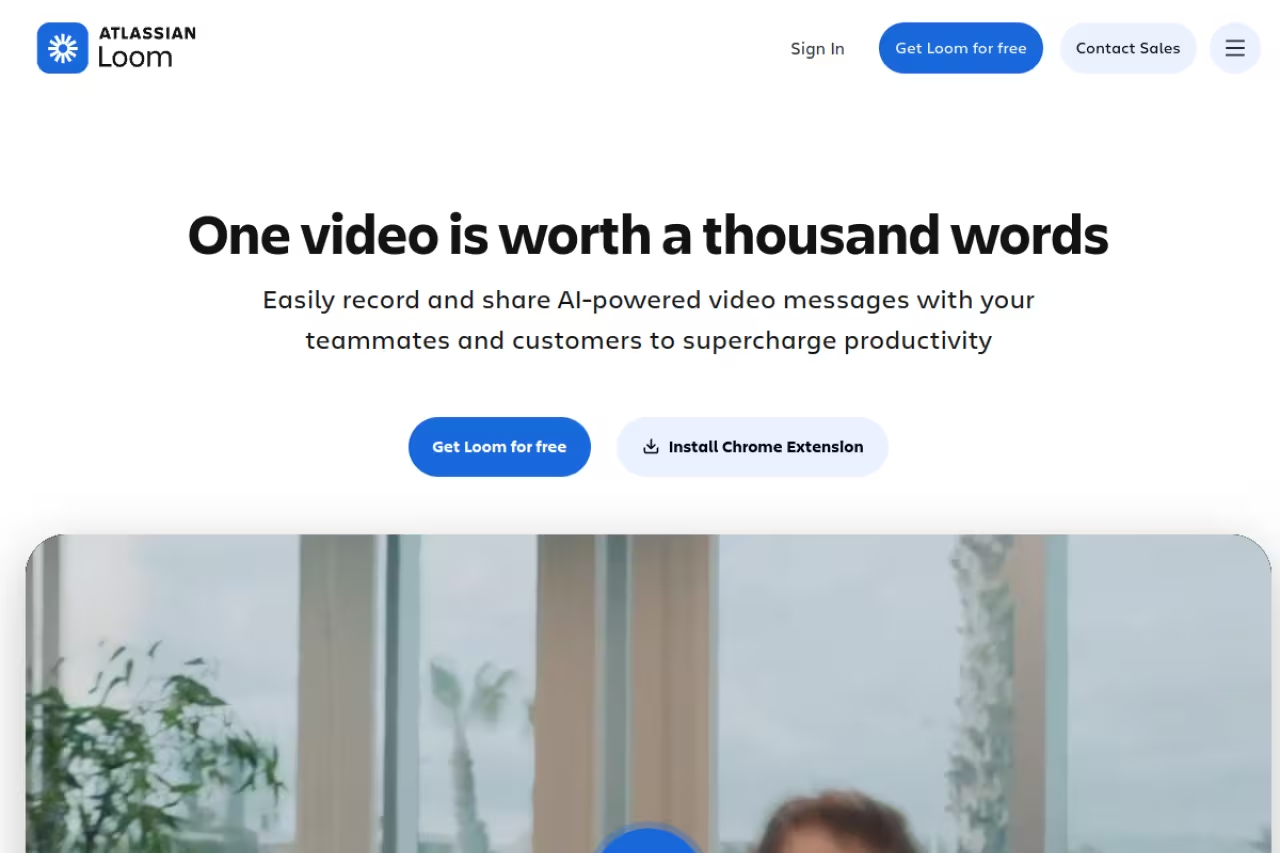
Loom is the tool that changed how my team works more than any other. You record your screen and face, it generates a shareable link in seconds, and the viewer watches on their own schedule. A five-minute walkthrough replaces a 30-minute call where half the attendees didn't need to be there. For distributed teams across time zones, that's the whole game.
A great fit for async teams and managers who want to stop scheduling status meetings, since a short walkthrough replaces a long call. The free plan is tight at 25 videos of 5 minutes, and paid plans require annual commitment.
The free Starter plan gives each person 25 videos capped at 5 minutes each, which is enough to test the workflow. Business is $18 per creator per month annually for unlimited videos and length, custom branding, and integrations. Business + AI at $24 adds auto-transcription, filler-word removal, and video-to-doc. Loom charges per creator, not per viewer, so your whole company can watch for free.
The catch: The 5-minute and 25-video limits on the free plan are tight, and there's no monthly billing on paid plans, so you commit annually. Atlassian now owns Loom, and some longtime users have noticed the roadmap shifting toward the Atlassian ecosystem. The AI features are useful but live behind the priciest tier. If transcription is your main need, a dedicated transcription tool may cost less.
Microsoft Teams: free if you already pay Microsoft
If your company runs on Microsoft 365, Teams is close to a no-brainer because you're largely already paying for it. It combines chat, video, and file collaboration, wired into Word, Excel, PowerPoint, and SharePoint. For large enterprises that need that integration, nothing else competes on bundled value.
Close to a no-brainer for companies already committed to Microsoft 365, especially in enterprise or regulated sectors. Outside that world it means buying the whole suite, and the interface feels heavier than Slack's.
Teams Essentials is a chat-only standalone at $4 per user per month (rising to $4.50 in July 2026). Most teams get it inside Microsoft 365 Business Basic at $6 per user (rising to $7), which adds web and mobile Office, or Business Standard at $12.50 for desktop apps. Copilot AI is a separate add-on, roughly $18 to $21 per user per month.
Where it falls short: The interface feels heavier and less intuitive than Slack, and the pricing is fragmented across a confusing matrix of 365 plans. If you're not already in the Microsoft world, adopting Teams means buying the whole suite to get the value, which rarely makes sense for a lean startup.
Notion: the async source of truth
Chat tools are terrible at holding decisions. Messages scroll away, and three weeks later nobody can find why you chose option B. Notion fixes that. It's a flexible workspace for docs, wikis, project trackers, and meeting notes, where async-heavy teams keep the things that need to outlive a conversation. Pair it with Slack and you've covered both the fast and the durable side of communication.
The place for teams that want docs, specs, and company knowledge in one home instead of scattered files. It is a companion to chat, not a replacement, and a blank workspace can turn into the same sprawl without discipline.
The free plan works well for individuals and tiny teams. Plus is $10 per user per month annually and unlocks unlimited file uploads, 30-day page history, and unlimited guests. Business at $18 per user adds SAML SSO, private teamspaces, and 90-day history. Notion AI is bundled into paid plans now rather than sold separately.
The catch: Notion's flexibility is also its trap. A blank workspace takes real time to structure, and undisciplined teams end up with the same sprawl they had before, just inside one app. It's not a real-time chat or video tool either, so it's a companion to your stack, not the center of it. For structuring all that institutional knowledge, it's worth reading up on knowledge management tools first.
Twist: built for teams that hate pings
Twist, from the makers of Todoist, is the contrarian pick. It's a messaging app designed to be async by default. Conversations live in organized threads rather than a fast-scrolling firehose, and there's no green "online now" dot pressuring people to respond instantly. If your team is spread across many time zones and you want focus over reaction speed, Twist is built for exactly that.
Built for distributed, async-first teams that have decided real-time chat does more harm than good. It feels slow on purpose when you need a quick back-and-forth, and its integrations are far fewer than Slack's.
The free plan covers small teams with limited history and integrations. Unlimited is $6 per person per month (or $60 per year) and unlocks full message history, unlimited integrations, and search.
Where it falls short: The async-by-design philosophy is also the limitation. When you genuinely need a quick back-and-forth, Twist feels slow on purpose, and some teammates dislike it. The integration library and ecosystem are far smaller than Slack's, so if you depend on a lot of third-party connections, you'll feel the gap. It's a strong fit for a specific culture, not a universal default.

Google Workspace: communication that lives next to your email
If your team already runs on Gmail, Google Workspace gives you Meet (video), Chat (messaging), and Docs (collaboration) in one bundle, all sitting beside the inbox everyone already uses. Meet has gotten good, with noise cancellation, recording, and live captions, and real-time Docs collaboration is still best-in-class.
A natural fit for small and mid-sized teams living in Gmail who want video, chat, and docs without extra vendors. Google Chat is the weak link, so many teams still end up paying for Slack.
Business Starter is $7 per user per month on annual billing and includes the full app suite. Business Standard at $14 per user raises Meet to 150 attendees, adds recording and 2 TB of storage per user. Business Plus is $22 with more storage and security controls.
The catch: Google Chat is the weak link. It works, but it's noticeably less polished and less loved than Slack, and many Workspace teams end up paying for Slack anyway and only using Google for email, Meet, and Docs. You're buying the suite for Gmail and Docs; the communication parts are a decent bonus, not a reason to switch.
Discord: the scrappy pick for small dev teams
Discord started as a gaming app, but plenty of small engineering teams run on it now, and they're not wrong to. The killer feature is always-on voice channels: you hop in, talk, and hop out without scheduling a call. For a tight team that values casual real-time presence, it creates a virtual office that Slack and Teams don't replicate. And it's free.
The scrappy pick for engineering-heavy teams under roughly 30 people who love always-on voice channels, and it is free. It lacks SSO, SAML, SOC 2, and HIPAA, so regulated or larger teams will outgrow it fast.
Free for the core product. Nitro is an optional personal upgrade (better streaming quality, larger uploads) rather than a business plan.
Where it falls short: Discord lacks the compliance and admin controls business buyers need: no SSO or SAML, no SOC 2 or HIPAA certifications, basic audit logging, and integrations capped at 50 per server with no native links to Salesforce or Jira. The interface and naming (servers, roles) feel built for communities, not companies. Past a certain size or in any regulated field, you'll outgrow it fast.
How to choose your stack
Don't pick one tool. Pick one tool per job, and keep the total small. Here's the framework I use:
- Real-time chat (pick one): Slack for most teams, Microsoft Teams if you already pay for 365, Twist if your culture is genuinely async, Discord if you're a small dev team that loves voice.
- Video (pick one): Zoom for reliability and larger meetings, or Google Meet if you're already in Workspace and your calls are smaller.
- Async video: Loom, almost regardless of the rest of your stack. It pays for itself the first week you cancel a recurring status meeting.
- Documentation: Notion or Google Docs, so decisions live somewhere permanent and searchable.
The honest filter: if a tool overlaps 80% with something you already pay for, don't add it. The cost of remote communication isn't the subscription. It's the tax of remembering which of five apps holds the thing you need. Two well-chosen tools used consistently beat six used half-heartedly.
If you want a steady read on which tools are worth adopting (and which are hype), the Dupple X briefing tracks the launches and pricing changes that move this space, so you're not learning about a 20% price hike from your invoice. You can also browse our running top tools list for current picks.
Frequently asked questions
What is the best communication tool for remote teams in 2026?
For most remote teams, Slack is the best all-around pick because it combines clean real-time chat with the largest integration library, so it acts as a hub for everything else you use. If your company already pays for Microsoft 365, Teams is the more cost-effective default since it's bundled with Office. The real answer is a small stack: one chat tool, one video tool, plus Loom for async.
How much should a remote team budget per person for communication tools?
A practical stack lands around $20 to $35 per user per month. For example, Slack Pro ($7.25), Zoom Pro ($13.33), and Loom Business ($18) together run about $38 per creator, though not everyone needs every tool. Teams already on Google Workspace or Microsoft 365 can fold video and chat into a suite they're paying for and spend less.
What's the difference between synchronous and asynchronous communication tools?
Synchronous tools (Slack, Zoom, Teams) expect a response in real time and are best for quick decisions and live discussion. Asynchronous tools (Loom, Notion, Twist) let people respond on their own schedule, which matters when your team spans time zones. The most effective remote teams lean async for documentation and updates, and save synchronous time for the conversations that genuinely need it. A good project management setup helps tie both modes together.
Is Slack or Microsoft Teams better for remote work?
Slack is generally better for startups and teams that use many third-party tools, thanks to its 2,600+ integrations and cleaner interface. Microsoft Teams is better for enterprises and any company already invested in Microsoft 365, where it adds minimal extra cost and ties into Office and SharePoint. If you're choosing fresh and don't already pay Microsoft, Slack is the easier recommendation.
Can you run a remote team without paying for any tools?
You can start on free plans. Slack's free tier (90-day history), Zoom's (40-minute meetings), Loom's free Starter, and Discord cover a small team's basics at zero cost. The limits push you to upgrade as you grow: lost history, capped meeting length, and missing admin controls are the usual reasons teams eventually pay. For a brand-new team, free plans are a fine way to validate your workflow before committing budget.
Related guides
Some offers on this page may be paid placements or contain affiliate links.
Across our whole catalogue the median is $24 a month and 33% of tools advertise a free tier. Figures are the lowest recurring monthly price quoted in our own review of each tool, read on 2026-08-19. Full method and every category.
