
The Best AI Video Generators in 2026 (Compared and Ranked)


Key facts10 tools compared: Google Veo 3.1, Higgsfield, DeeVid AI, Runway Gen-4.5, Kling 3.0, Hailuo…
- 10 tools compared: Google Veo 3.1, Higgsfield, DeeVid AI, Runway Gen-4.5, Kling 3.0, Hailuo (MiniMax), Pika, Luma Dream Machine, HeyGen, Synthesia
- Google Veo 3.1 (best for: Cinematic clips with audio): From $19.99/mo (Gemini)
- Higgsfield (best for: Directed multi-model cinematic video): From $19/mo
- DeeVid AI (best for: All-in-one creative video workflow): From $10/mo billed annually
- Runway Gen-4.5 (best for: Creative control, pros): From $12/mo
The biggest story in AI video this year wasn't a launch. It was a shutdown. OpenAI pulled the plug on Sora in April 2026, killing the standalone app barely six months after it dominated everyone's feed. The API follows in September. The tool that defined the category is gone, and the field reshuffled hard around it.
So if your mental model of AI video is still "Sora is the best one," it's time to update. The current top tier is Google Veo 3.1 for cinematic quality with real synchronized audio, Higgsfield for directed multi-model cinematic video, Runway Gen-4.5 for creative control, and Kling 3.0 for value. After comparing the major players across text-to-video, image-to-video, and talking-avatar workflows, my pick for most people is Google Veo 3.1. It generates the cleanest footage with native dialogue, and you already have access if you pay for Gemini.
This guide is for founders cutting product demos, marketers shipping social clips, and operators who'd rather not hire an editor for every 15-second ad. I'll cover what each tool is actually good at, what it costs in 2026, and where it falls short. No tool here does everything well, so the right answer depends on what you're making.
Dupple data: across 2,893 search and AI visits to our AI video pages from April 6 to October 4, 2026, ChatGPT sent 81% and Google just 2.5%, so most buyers now find these tools by asking an assistant. Full numbers in our AI video generator statistics.
Quick comparison
| Tool | Best for | Price | Standout |
|---|---|---|---|
| Google Veo 3.1 | Cinematic clips with audio | From $19.99/mo (Gemini) | Native synced dialogue |
| Higgsfield | Directed multi-model cinematic video | From $19/mo | Cinema Studio moves, Soul ID consistency |
| DeeVid AI | All-in-one creative video workflow | From $10/mo billed annually | Video, image, ads, avatars, voice, and music in one workspace |
| Runway Gen-4.5 | Creative control, pros | From $12/mo | Motion brush, camera moves |
| Kling 3.0 | Value, high volume | From $6.99/mo | Cheapest premium quality |
| Hailuo (MiniMax) | Fast image-to-video | From $9.99/mo | Speed and motion realism |
| Pika | Playful social effects | From ~$8/mo | Pikaframes keyframing |
| Luma Dream Machine | Smooth camera motion | From $30/mo | Keyframes, ray-traced look |
| HeyGen | Avatar and spokesperson video | From $29/mo | Realistic talking avatars |
| Synthesia | Training and corporate video | From $18/mo | 240+ avatars, translation |
Google Veo 3.1: best overall
Veo 3.1 is Google's flagship video model, and it's the one I reach for when the output actually needs to look professional. It generates 1080p clips with synchronized audio baked in, which is the part competitors still struggle with. Most models give you silent footage or generic sound effects. Veo gives you 48kHz dialogue that matches lip movement, ambient sound, and music in one pass.
Who it's best for: anyone making short-form ads, product teasers, or cinematic b-roll where audio matters as much as visuals.
Pick Veo 3.1 when the clip has to look professional and audio matters as much as picture, thanks to synchronized dialogue, ambience and music in one pass. The catch is Google's ecosystem and credit limits, which top-fidelity 8-second clips can drain fast.
the cleanest way in is a Google AI subscription. Google AI Pro is $19.99/month and includes extended video generation through the Flow editor and the Gemini app, with around 10,000 monthly Flow credits. Google AI Ultra runs $249.99/month for the heaviest users with roughly 25,000 credits. Developers can hit the API directly, where Veo 3.1 with audio costs $0.20 to $0.40 per second and a no-audio "Lite" tier drops to around $0.03 per second.
The standout: prompt adherence. Veo follows complex instructions ("a slow dolly-in on a barista pouring oat milk, warm morning light, soft jazz") more reliably than anything else on this list, and the audio sync is genuinely useful instead of a gimmick.
The catch: access is gated behind Google's ecosystem and credit limits get eaten fast at the quality tier. A handful of 8-second clips at top fidelity can drain a month's Pro allowance. If you generate dozens of variations a day, you'll be on Ultra or the API quickly.

Higgsfield: directed multi-model cinematic video in one workspace
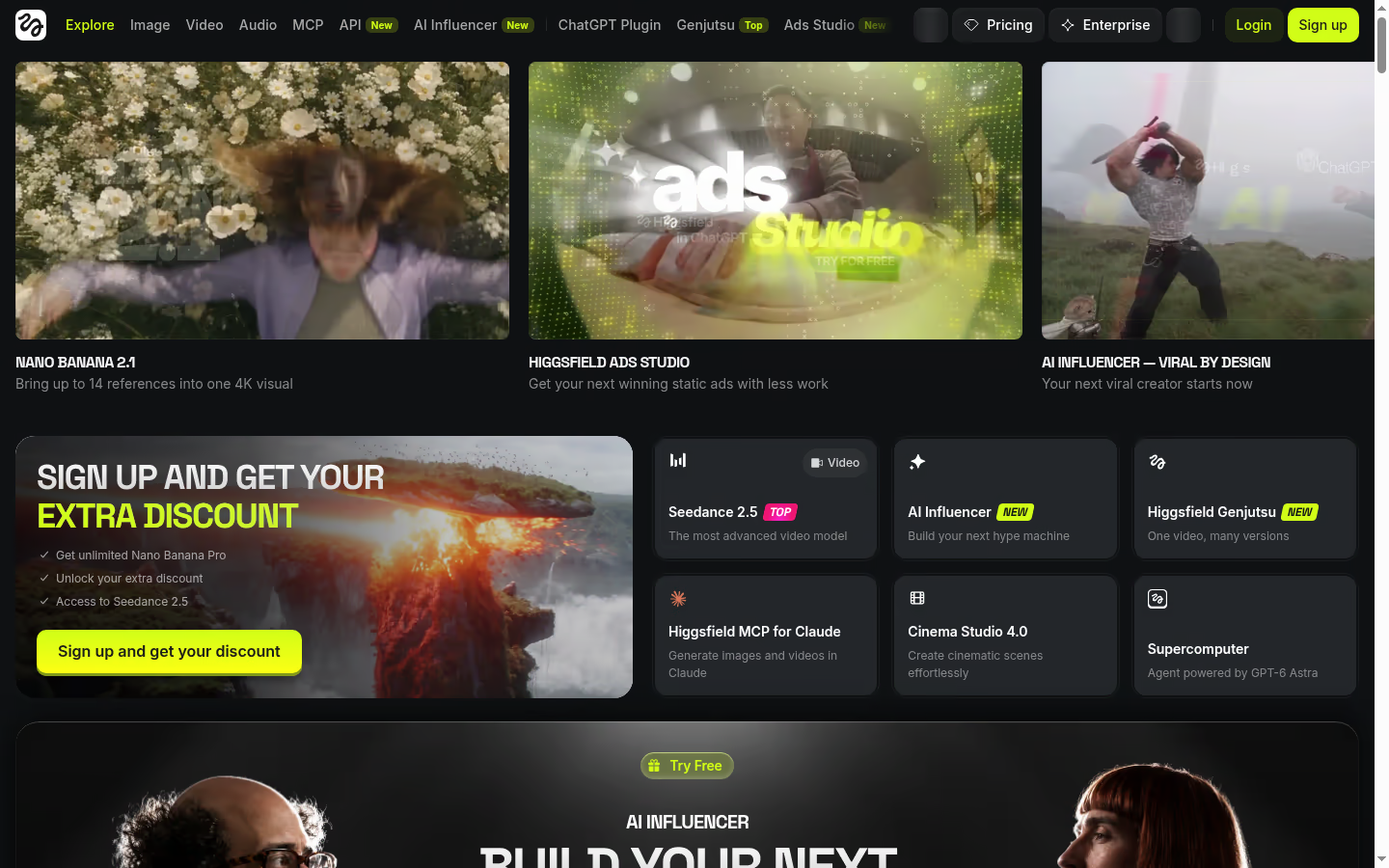
Higgsfield is an AI-native creative suite that runs several leading video models, including Kling, Veo and Seedance, in one workspace. Cinema Studio adds real camera moves like dolly, crane and orbit, and Soul ID keeps the same character consistent across every shot, so creators get directed, on-brand video rather than one-off clips.
Who it's best for: creators and marketers who want cinematic camera control and character consistency without hopping between separate model tools.
A good workspace for creators and marketers who want Kling, Veo and Seedance in one place, plus camera moves and Soul ID character consistency. Credit costs and model access vary by plan, so heavy multi-model work can burn allocations quickly.
Paid plans start at $19/month for Starter (270 credits). Plus is $59/month or $47/month billed annually, and Ultra is $129/month or $99 billed annually. A free account lets you try selected models with watermarks. Plans change often, so confirm current credit pools on their pricing page.
The standout: Cinema Studio camera moves plus Soul ID character consistency, with Kling, Veo and Seedance available in the same workspace so you can direct a sequence instead of collecting one-off clips.
The catch: Credit costs and model access vary by plan, and heavier multi-model work burns through allocations quickly. Check the pricing page for the current credit math before you commit to a volume workflow.
DeeVid AI: best all-in-one creative video workflow
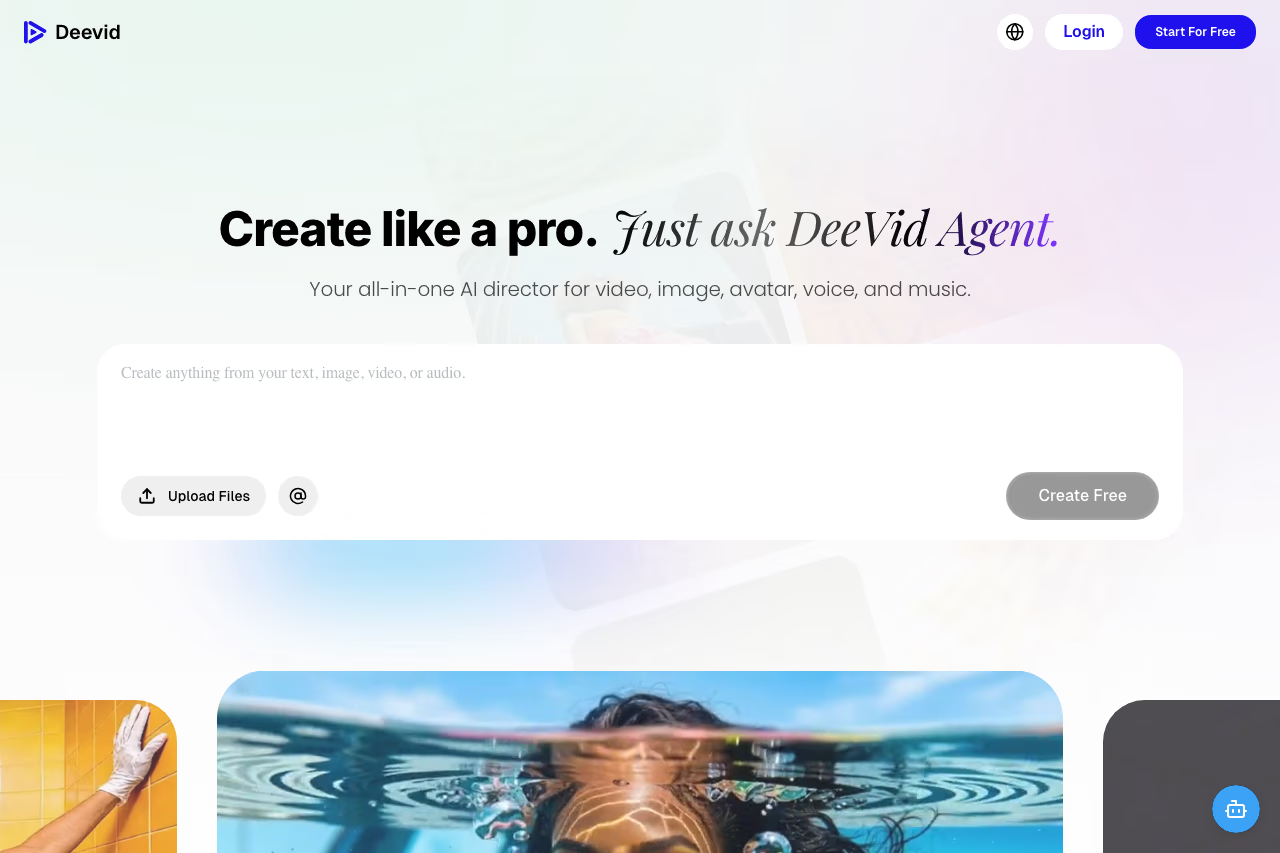
DeeVid AI Video Generator is the one to look at if you want more than a text-to-video box. It works more like an all-in-one creative studio: you can generate video from text or images, build ad creatives, create avatars, add voice, and make AI music from the same workspace. That makes it useful for creators and marketers who need to move from an idea to a finished social clip without jumping between five different tools.
Who it's best for: social media creators, small marketing teams, and ecommerce brands making short-form videos, product ads, image-to-video clips, and quick creative variations.
DeeVid suits social creators, small marketing teams and ecommerce brands that want video, ads, avatars, voice and music in one studio. It is a broad platform, so Veo, Runway or Kling may beat it on cinematic realism or fine camera control.
new users get 20 free credits to test the platform. Paid plans start at $10/month billed annually for Lite, which includes 200 credits per month, 720p output, image and text-to-video, 100+ templates and effects, AI video ads, AI avatars, AI music, no watermark, and commercial use. Pro starts at $25/month billed annually with 600 credits and 1080p output, while Premium is aimed at higher-volume users.
The standout: the workflow. DeeVid pulls video generation, image-to-video, ad creation, avatars, voice, and music into one place, so it is better suited to producing complete creative assets than a single-purpose model that only generates silent clips.
The catch: it is more of a broad creative platform than a pure specialist. If you only care about the absolute best cinematic realism, native synced dialogue, or fine camera control, Veo, Runway, or Kling may still be stronger first tests. DeeVid makes the most sense when speed, variety, and an end-to-end workflow matter more than squeezing the last 5% of model quality out of one shot.
Runway Gen-4.5: best for creative control
Runway has been the pro favorite for two years, and Gen-4.5 keeps it there. It currently holds the top spot on independent text-to-video benchmarks, and the reason isn't raw realism. It's control. Runway gives you a motion brush to direct movement on specific parts of the frame, camera controls for pans and zooms, and reference images for character consistency across shots.
Who it's best for: editors and creators who want to direct the output, not just roll the dice on a prompt.
The choice for editors who want to direct the shot, with a motion brush, camera controls and reference images for consistency. The credit math is brutal at top quality, and serious volume pushes you to the $76/month Max tier.
there's a free tier with 125 one-time credits. Standard is $12/month billed annually (625 credits), Pro is $28/month (2,250 credits), and Max is $76/month (9,500 credits with credit rollover and early access to new models). Gen-4.5 burns 12 credits per second of video, so that Standard plan gets you roughly 52 seconds of flagship-quality output per month before you're topping up.
The standout: the toolkit around the model. Motion brush and camera moves mean you can get a shot to do what you actually pictured instead of regenerating 12 times hoping it lands.
The catch: the credit math is brutal at the top quality. 52 seconds a month on Standard goes nowhere if you're producing regularly, and unused credits don't roll over until you hit the Max tier. For real volume you're looking at $76/month minimum, which makes Runway one of the pricier options per finished second.
Kling 3.0: best value
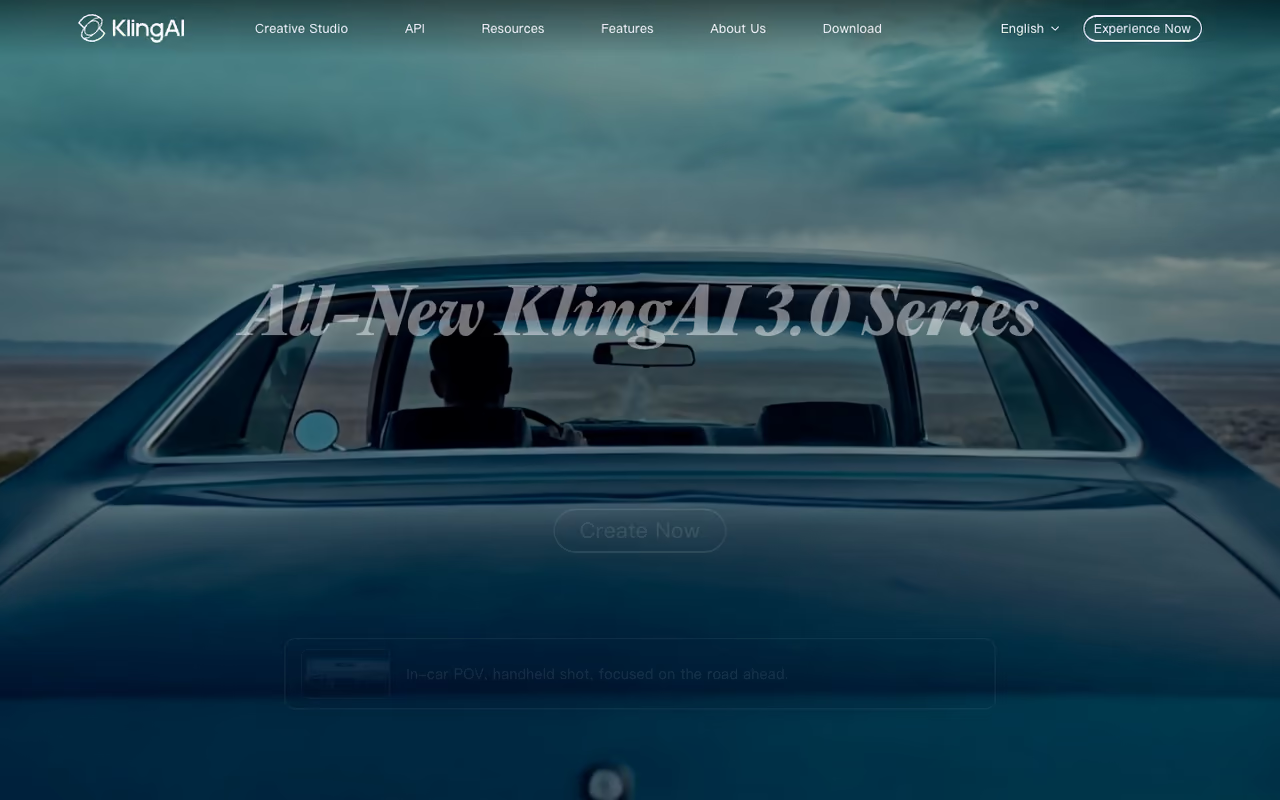
Kling, built by Kuaishou, has quietly become the value champion. Kling 3.0 produces multi-shot cinematic sequences with strong subject consistency at roughly $0.10 per second, which undercuts almost everyone at this quality level. For social content that needs five or six clip variations, the cost difference versus Runway or Veo adds up fast.
Who it's best for: high-volume social media production where you need a lot of usable clips without bleeding budget.
the free tier gives you 66 credits daily, which is generous for testing. Paid plans start at $6.99/month for Standard (660 monthly credits, 1080p, no watermark), then Pro at $25.99/month (3,000 credits) and higher tiers up to Ultra. A 5-second clip at 720p with no audio runs about 30 credits, so the Standard plan stretches further than its price suggests.
The standout: quality per dollar. You get genuinely cinematic motion and consistency at a fraction of the per-second cost of the premium Western models.
The catch: the interface and docs can feel rough if English is your only language, queue times stretch on the cheaper tiers during peak hours, and native audio support is newer and less polished than Veo's. Ultra also jumped from $128 to $180/month in January 2026, so the high end isn't the bargain it used to be.
If you're putting these clips into a wider content workflow, it's worth pairing your video tool with a few others. We keep a running list of what's worth paying for over at Dupple's top tools.

Hailuo (MiniMax): best for fast image-to-video
Hailuo, made by MiniMax, is the speed pick. The latest model generates clips roughly 2.5x faster than most competitors, and it's particularly good at image-to-video: feed it a still and it produces convincing motion at around 4x less cost per video than Runway. For quick iteration, that speed changes how you work.
Who it's best for: creators who animate existing images or stills and value turnaround over maximum fidelity.
Hailuo is the speed pick for creators animating existing stills, with convincing motion on faces, hair and fabric at a lower cost per video than Runway. Clips stay short, and text-to-video from scratch is weaker than the image-to-video path.
the Standard plan is $9.99/month for 1,000 credits, fast-track generation, watermark removal, and up to five queued tasks. An Unlimited plan runs $94.99/month. There's a free tier to test the output first.
The standout: motion realism on image-to-video. Faces, hair, and fabric move naturally, and it does it fast enough that you can run several attempts before you'd have one back from a slower tool.
The catch: clips are short, generally 6 to 10 seconds, and text-to-video from scratch isn't as strong as the image-to-video path. If you want long cinematic sequences, this isn't the tool. We dug into it more in our Hailuo AI review.
Pika: best for playful effects
Pika leans into fun in a way the serious cinematic models don't. Its Pikaffects (think exploding, melting, or inflating an object), Pikaswaps, and Pikaframes keyframe tool make it a favorite for social content that's meant to grab attention rather than look like a film. Pika 2.5 is the current flagship.
Who it's best for: social marketers and creators making scroll-stopping, slightly absurd clips for TikTok, Reels, and Shorts.
Go with Pika for scroll-stopping, slightly absurd social clips built on Pikaffects, Pikaswaps and Pikaframes keyframing. Raw realism trails the top tier, so skip it if you need footage that passes as real.
there's a free tier (limited monthly credits, 480p, watermarked). Paid plans start around $8/month for Standard, with Pro around $35/month and a Fancy tier around $95/month. At 1080p the Standard plan gets you roughly 17 videos a month; at 720p that climbs to about 35.
The standout: the effects library. Pikaframes interpolating between a start and end frame (up to 25 seconds) is genuinely useful, and the effects are things you can't easily prompt your way to in Veo or Runway.
The catch: raw realism trails the top tier. Pika is built for stylized, eye-catching output, not photorealistic product shots. If you need footage that passes as real, look elsewhere.

Luma Dream Machine: best for camera motion
Luma's Dream Machine is known for smooth, ray-traced-looking camera movement. Its Keyframes feature lets you define start and end points and the model fills the motion between them, which gives you more directorial control than a single text prompt. The output has a glossy, three-dimensional quality that suits product and concept work.
Who it's best for: creators who want fluid, controlled camera moves and a polished look.
A polished pick for fluid, controlled camera moves, with Keyframes letting you plan a shot between start and end points. The entry price is high, near $1 per 5-second clip on Standard, and the free tier disappears fast once you iterate.
the free tier covers around 30 generations a month with watermarks. Standard is $30/month for about 120 generations, and Pro is $90/month for 400. Each generation is a 5-second clip, so the per-clip cost on Standard lands near $1.
The standout: camera motion and the Keyframes workflow. Dream Machine moves the "camera" through a scene more believably than most, and the Keyframes give you a way to plan a shot.
The catch: the entry price is high for what you get. At roughly $1 per 5-second clip on Standard, it's pricier than Kling or Pika, and the free tier's 30 generations disappear fast once you're iterating.

HeyGen: best for avatar and spokesperson video
HeyGen plays a different game. Instead of generating scenes, it generates realistic talking avatars: a digital presenter who reads your script in dozens of languages with accurate lip sync. For explainer videos, sales outreach, and localized content, it removes the need to film a person at all.
Who it's best for: marketing and sales teams making spokesperson-style or localized video at scale without a camera.
HeyGen is the avatar and spokesperson option for marketing and sales teams making localized video at scale without a camera, with believable lip-synced avatars and translation. Credits are fiddly, and it is the wrong tool for anything that is not person-to-camera.
a free plan covers 3 videos a month with a watermark. Creator is $29/month ($24 billed annually) with 200 monthly credits, Pro is $99/month ($79 annually) with 2,000 credits, and Business adds 4K and custom avatars at $149/month plus per-seat fees. Avatar IV video runs about 20 credits per minute, so Creator's 200 credits is roughly 10 minutes of finished avatar video.
The standout: the avatars genuinely look real now, and the video translation with lip sync lets you ship the same clip in 15 languages from one recording. If you want to build your own digital presenter, our guide to the best AI avatar generators goes deeper on this category.
The catch: the credit system is fiddly and minutes add up if you produce a lot. It's also the wrong tool for anything that isn't a person-to-camera format. You won't make a product montage here.

Synthesia: best for training and corporate video
Synthesia is HeyGen's main rival in the avatar space, tuned for enterprise learning and internal communications. It offers 240+ AI avatars, supports 140+ languages, and includes features like SCORM export for learning management systems that corporate teams actually need.
Who it's best for: L&D, HR, and enterprise teams producing training and onboarding video at volume.
The safe enterprise choice for training and onboarding video, with 240+ avatars, 140+ languages, SCORM export and SSO. It is overkill and overpriced for solo creators, and the minute caps are tight (10 minutes on the free plan).
a free plan gives 10 minutes a month with a watermark. Starter is $18/month billed annually ($29 monthly) with 125+ avatars and 3 personal avatars. Creator is $64/month annually ($89 monthly) with 30 minutes, 180+ avatars, multiple avatars per scene, and API access. Enterprise is custom with unlimited minutes.
The standout: the enterprise feature set. One-click translation of entire videos, SCORM export, and SSO make it the safe choice for companies rolling out training globally.
The catch: it's overkill and overpriced for a solo creator or small team. The minute caps are tight (10 minutes on Starter), and the avatars, while polished, can feel slightly more static than HeyGen's newest. This is a corporate tool, priced like one.
How to choose
Skip the leaderboards and start with the format you're actually making. That narrows it fast.
If you're making cinematic clips or ads with sound, Veo 3.1 wins, and it's almost free if you already pay for Gemini. Reach for Runway when you need to direct the shot precisely with motion brush and camera controls.
If you're producing high volume on a budget, Kling 3.0 gives you the best quality per dollar, with Hailuo close behind for fast image-to-video. Pika is the pick when you want playful, effect-driven social clips rather than realism.
If you want several leading models plus real camera moves in one studio, Higgsfield puts Kling, Veo and Seedance together with Cinema Studio and Soul ID for character-consistent, directed shots.
If you want one workspace for the whole creative workflow, DeeVid AI bundles text- and image-to-video, ad creatives, avatars, voice, and music together, so you can go from idea to a finished social clip or product ad without hopping between separate tools.
If your video is a person talking, the generative scene tools are the wrong category entirely. Go straight to HeyGen for marketing and sales avatars, or Synthesia for corporate training and localization.
One more thing: try before you commit. Almost every tool here has a free tier or trial. Run the same prompt through Veo, Runway, and Kling and judge the output yourself, because "best" depends heavily on your style and subject matter. If you want a curated feed of which AI tools are worth your time each week, Dupple X tracks the ones that matter so you don't have to test them all.
Try Dupple X free for a year and keep up with every new model launch.
Frequently asked questions
What is the best AI video generator in 2026?
For most people it's Google Veo 3.1. It produces the cleanest 1080p footage, it's the only major model generating native synchronized dialogue (not just sound effects), and access comes bundled with a Gemini subscription you may already have. If you need precise creative control over camera and motion, Runway Gen-4.5 is the better pick, and Kling 3.0 wins on price.
Is there a free AI video generator?
Yes. Kling gives you 66 credits daily on its free tier, Runway includes 125 one-time credits, and Pika, Luma, Hailuo, HeyGen, and Synthesia all have free plans with monthly limits. Free tiers usually add watermarks, cap resolution, and restrict commercial use, so they're best for testing before you pick a paid plan.
What happened to OpenAI's Sora?
OpenAI announced in March 2026 that it was discontinuing Sora. The standalone app and web experience shut down on April 26, 2026, and the API will follow on September 24, 2026. The company cited high compute costs, declining engagement, and a strategic shift toward enterprise products. If you relied on Sora, Veo 3.1 and Kling 3.0 are the closest replacements.
Which AI video generator is best for talking avatars?
HeyGen and Synthesia. HeyGen is better for marketing and sales spokesperson videos and has the more lifelike avatars, while Synthesia is built for corporate training with SCORM export, 140+ languages, and 240+ avatars. Both let you generate a digital presenter from a script without filming anyone. The generative tools like Veo and Runway can't do this well.
How much does AI video generation cost?
It ranges widely. Subscription plans start around $7 to $20/month (Kling, Pika, Runway Standard) for casual use. Heavy users pay $76 to $250/month for higher credit limits. On the API side, costs run from about $0.03 per second (Veo Lite, no audio) up to $0.40 per second (Veo with audio). Premium models like Kling sit around $0.10 per second, which is why it's the value leader.
Can I use AI-generated video commercially?
Usually yes on paid plans, but check each tool's terms. Free tiers often prohibit commercial use and add watermarks. Paid plans from Veo, Runway, Kling, HeyGen, and Synthesia generally grant commercial rights to your output, though rules around training data and likeness (especially for avatars) vary, so read the license before you ship a paid campaign.
Related guides
Some offers on this page may be paid placements or contain affiliate links.
Across our whole catalogue the median is $24 a month and 33% of tools advertise a free tier. Figures are the lowest recurring monthly price quoted in our own review of each tool, read on 2026-08-19. Full method and every category.
