
The 8 Best Software Testing Tools in 2026

Key facts8 tools compared: Playwright, Cypress, BrowserStack, Selenium, testRigor, mabl, Postman, Appium
- 8 tools compared: Playwright, Cypress, BrowserStack, Selenium, testRigor, mabl, Postman, Appium
- Playwright (best for: New web E2E projects): Free (open source)
- Cypress (best for: Frontend JS teams): Free OSS; Cloud from $67/mo
- BrowserStack (best for: Real browser + device coverage): Automate from $99/mo
- Selenium (best for: Legacy + multi-language teams): Free (open source)
Most "best testing tools" lists read like a vendor brochure. Every tool is fast, every tool is AI-powered, and somehow they all win. That is useless when you are the one who has to maintain a flaky test suite at 2am before a release.
So I did this differently. I compared the tools that actually matter in 2026 against their docs and changelogs, checked current pricing against each vendor's own page, and noted where each one breaks down based on public user reports. The honest answer up front: if you are starting a new web project this year, Playwright is the default you should reach for. It is free, it is fast, and it has pulled away from everything else in developer adoption.
That said, the right pick depends on what you test (web, mobile, or APIs), who writes the tests (engineers or QA), and how much you want AI to do for you. This guide is for engineering leads, QA folks, and founders who need to ship without a test suite that fights back. Here is what I would actually use, and why.
Quick comparison
| Tool | Best for | Price | Standout |
|---|---|---|---|
| Playwright | New web E2E projects | Free (open source) | Fastest cross-browser engine, multi-language |
| Cypress | Frontend JS teams | Free OSS; Cloud from $67/mo | Best debugging experience |
| BrowserStack | Real browser + device coverage | Automate from $99/mo | 3,500+ real environments |
| Selenium | Legacy + multi-language teams | Free (open source) | Battle-tested, runs anywhere |
| testRigor | QA without coding | Custom (paid plans) | Plain-English test authoring |
| mabl | Low-code teams wanting AI | From $450/mo | Agentic test creation + healing |
| Postman | API testing | Free; Team $19/user/mo | The API testing standard |
| Appium | Native mobile apps | Free (open source) | One API for iOS and Android |

Playwright: the new default for web testing
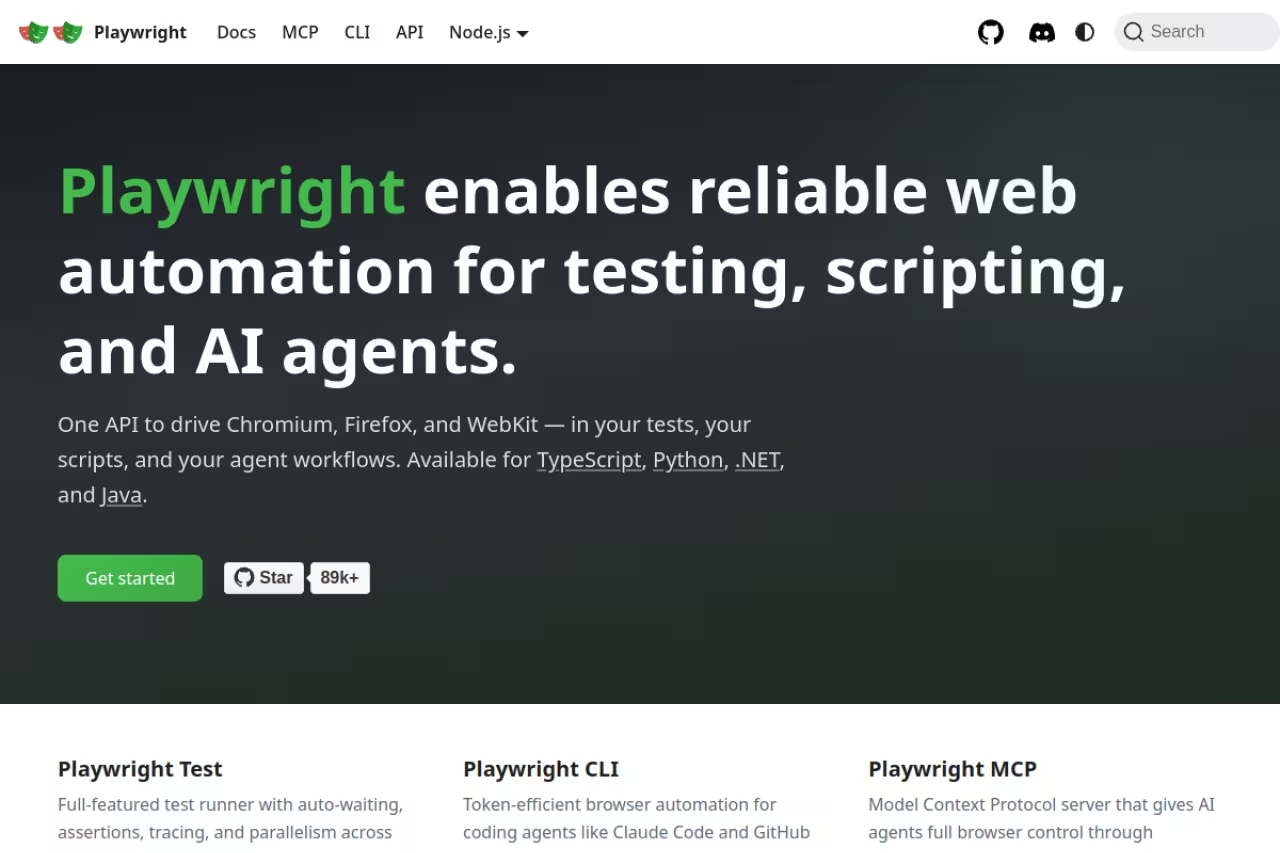
Playwright is Microsoft's open-source framework for end-to-end web testing, and in 2026 it is the tool most new projects start with. It drives Chromium, WebKit, and Firefox from a single API, runs tests in parallel without a separate grid, and works in TypeScript, JavaScript, Python, Java, and .NET.
The numbers tell the adoption story. Playwright now averages more than 32 million npm downloads per week, versus roughly 6.5 million for Cypress. It overtook Cypress back in mid-2024 and the gap has only widened.
Who it's best for: developers building modern web apps who want speed and real cross-browser coverage without paying for it.
The default for developers building modern web apps who want speed and real cross-browser coverage for free. It is code-first, so non-coding testers need help, and the raw runner gives logs rather than dashboards.
free under the Apache 2.0 license. Cross-browser runs, parallel execution, and sharding all ship in the free runner, with no license fee at any scale.
The standout: auto-waiting. Playwright waits for elements to be actionable before interacting, which kills a huge category of flaky-test failures you would otherwise write retry logic around. The trace viewer is also genuinely good for post-mortem debugging.
The catch: it is a code-first framework. If your testers do not write code, Playwright alone will not help them, and you will need to layer on a reporting or management tool because the raw runner gives you logs, not dashboards. The newer Playwright MCP and agent integrations help, but you still own the framework.

Cypress: the friendliest debugging story
Cypress was the tool that made front-end engineers actually enjoy writing tests, and that reputation still holds. It runs in the same event loop as your app, so the feedback is instant. The test runner replays every step, you can hover over each command to see the DOM state at that moment, and time-travel debugging means you rarely guess why something failed.
Who it's best for: JavaScript-first frontend teams who value developer experience over breadth.
The friendliest debugging experience for JavaScript-first frontend teams that value developer experience over breadth. The same architecture makes cross-origin and multi-tab flows awkward, and it supports only JavaScript and TypeScript.
the core runner is free and open source. Cypress Cloud adds recording, parallelization, and analytics: the Starter tier is free with 500 test results a month and 3 users, Team is $67/month, and Business is $267/month.
The standout: debuggability. Nothing else makes a failed test as easy to diagnose. For a frontend team, that translates directly into time saved.
Where it falls short: the architecture that gives Cypress its speed also limits it. Cross-origin handling is awkward, multi-tab flows are a known pain, and language support is JavaScript and TypeScript only. If you need WebKit coverage or non-JS languages, this is where teams jump to Playwright.

BrowserStack: real browsers and real devices
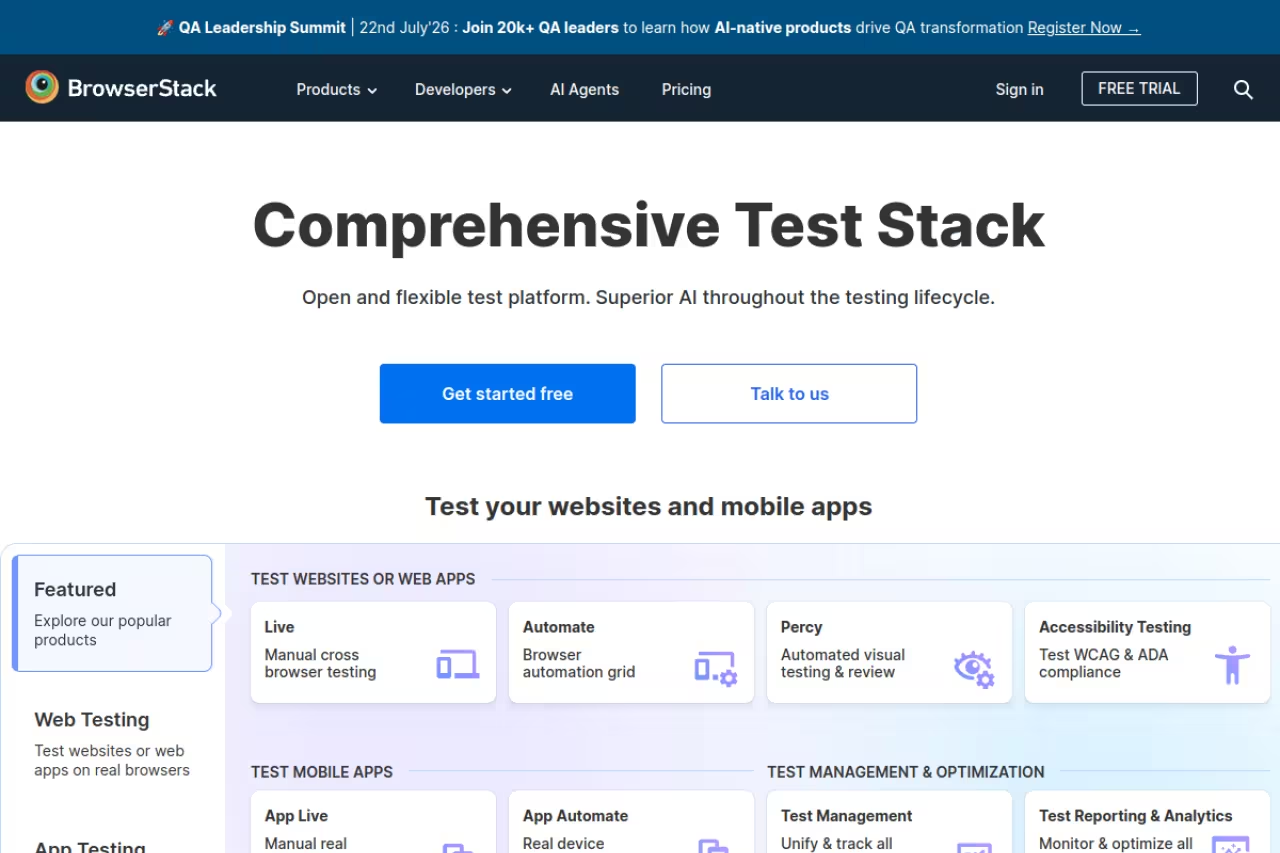
BrowserStack solves a different problem than the frameworks above. Playwright and Cypress let you write tests; BrowserStack gives you somewhere real to run them. It is a cloud of more than 3,500 real browsers and physical devices, so you can verify your app on an actual iPhone or an old Samsung instead of an emulator that lies to you.
Who it's best for: teams that need confidence their app works across the messy reality of real browsers and devices, especially for mobile web and regional device coverage.
Where you run tests rather than write them, ideal for teams that need confidence across real browsers and devices. Parallel-session pricing climbs fast, so a CI pipeline needing many parallels pushes costs toward enterprise territory.
per the BrowserStack pricing page, manual Live testing starts at $29/month for a single desktop user. Automate (running your scripts in the cloud) starts at $99/month for one parallel session on desktop, $175/month for desktop and mobile, and scales by the number of parallel sessions you buy.
The standout: device fidelity. You are testing on the real hardware your users hold, which catches rendering and touch bugs no local setup will.
The catch: the parallel-session pricing model gets expensive fast. One parallel is fine for a small team, but a CI pipeline that needs to run hundreds of tests quickly will want many parallels, and the cost climbs into enterprise territory. Budget before you commit.
If you are mapping out a broader stack, our roundup of the best AI tools for developers covers the coding side that feeds these test suites.

Selenium: the standard that refuses to die
Selenium has been the backbone of browser automation for over a decade, and it is still everywhere. Roughly 31,000 companies report active use and it holds around a fifth of the QA automation market. The WebDriver standard it pioneered is now a W3C spec, which is partly why it is so entrenched.
Who it's best for: enterprises with existing Selenium suites, and teams that need language flexibility across Java, Python, C#, Ruby, and JavaScript.
Choose it to maintain a large existing suite or when you need language flexibility across Java, Python, C#, Ruby, and JavaScript. For a brand-new project it shows its age, with heavier setup, manual waits, and slower execution.
free and open source under Apache 2.0. You only pay for the infrastructure or grid you run it on.
The standout: it runs anywhere, in any major language, against any browser, with the largest ecosystem of integrations and community answers you will find. If you hit a problem, someone has already solved it on Stack Overflow.
Where it falls short: it shows its age. Setup is heavier than Playwright, you manage waits yourself (which is the source of most Selenium flakiness), and execution is slower. For a brand-new project in 2026, I would not start here. For maintaining a large existing suite, ripping it out is rarely worth it.
If you are still deciding between writing scripts yourself or handing the work to an AI agent, our guide to the best AI agents is a useful companion to this section.

testRigor: testing in plain English
testRigor takes the opposite approach to the code-first frameworks. You write tests in plain English, like "click on 'Sign up' and check that 'Welcome' is visible," and the engine figures out the rest. Tests reference elements the way a human would describe them rather than by brittle CSS or XPath selectors, which is the whole point.
Who it's best for: QA teams and manual testers who do not write code but understand the product deeply, plus teams drowning in selector-based maintenance.
The plain-English route for QA teams and manual testers who do not write code, with tests that survive UI refactors. You trade control for convenience, and the lack of public pricing means budgeting starts with a sales call.
there is a free public/open-source tier with unlimited test cases but support limited to Stack Overflow. Paid Private and Enterprise plans are quote-based, so you contact sales for numbers. That opacity is worth factoring into your decision.
The standout: maintenance. Because tests describe intent in natural language and avoid hard-coded selectors, a UI refactor that would shatter a Selenium suite often leaves testRigor tests untouched. That is the real time-saver here.
The catch: you trade control for convenience. When the engine misinterprets an ambiguous instruction, debugging is murkier than reading a stack trace, and the lack of public pricing makes budgeting an early conversation rather than a quick check.
Picking a testing stack is one of those decisions that quietly shapes how fast your team ships. If you want a faster way to vet tools like these without reading ten reviews each, Dupple X curates the AI and dev tools worth your time so you skip the noise.

mabl: agentic AI for low-code teams
mabl sits in the AI-native, low-code category. You create tests with a combination of natural-language GenAI prompts and a low-code recorder, and mabl's agents auto-heal tests when the app changes underneath them. It is built for QA teams that want AI doing the heavy lifting without giving up a managed, supported platform.
Who it's best for: mid-size and enterprise QA teams that want AI-assisted authoring and self-healing in one paid platform, and are willing to pay for it.
A fit for mid-size and enterprise QA teams that want AI-assisted authoring and self-healing in a supported platform. Paid plans start at $450/month, and your tests live in mabl's ecosystem rather than your repo.
no free plan, but a 14-day full-platform trial. Paid plans start at $450/month, presented as a single "mabl Test Cloud" offering with a request-a-quote model for larger needs.
The standout: the agentic loop. mabl's GenAI assertions and auto-healing reduce the maintenance tax that sinks most automation efforts, and it bundles web, API, and accessibility testing in one place. For comparison on what "agentic" buys you elsewhere, see our take on the best AI agents for software testing.
Where it falls short: price and lock-in. At $450/month minimum, it is overkill for small teams or solo developers, and a low-code platform means your tests live in mabl's ecosystem rather than in your repo. That portability cost matters if you ever want to leave.

Postman: the API testing standard
Not all testing happens in a browser. Postman is where most teams test, document, and monitor their APIs, and it has become close to a default for backend and integration testing. You can build request collections, write assertions in JavaScript, chain calls, mock servers, and run the whole thing in CI with Newman.
Who it's best for: any team building or consuming APIs, from a solo developer poking an endpoint to a platform team running contract tests in a pipeline.
The API testing standard for any team building or consuming APIs, covering the whole lifecycle in one tool. The March 2026 pricing change removed free collaboration, so two or more people now means a paid $19 per user Team plan.
Postman updated its pricing in March 2026. Free covers a single user, Solo is $9/month for individuals who want the AI features, Team is $19 per user per month, and Enterprise is $49 per user per month. Note that free team collaboration was removed, so two or more people now means a paid Team plan.
The standout: it covers the whole API lifecycle in one tool, from first manual request to automated monitoring, with a UI that non-backend folks can actually use.
The catch: the 2026 pricing change stung teams that relied on free collaboration. Jumping from zero to $19 per seat is real money for a small shop, and Postman has steadily moved more capability behind paid tiers. If you only need raw request running, lighter open-source clients exist.

Appium: native mobile, one API
Appium is the go-to open-source framework for testing native and hybrid mobile apps. It lets you write one test that runs against both iOS and Android using the WebDriver protocol, so your team reuses skills from web Selenium testing rather than learning two separate platform toolkits.
Who it's best for: teams shipping native mobile apps who want cross-platform test code in a familiar language.
The standard for native and hybrid mobile apps, giving teams one cross-platform API for iOS and Android. It is free, but setup is fiddly, tests can be slow, and real-device runs need a paid device cloud.
free and open source. You pair it with a device cloud like BrowserStack or Sauce Labs for real-device runs, which is where the cost shows up.
The standout: true cross-platform reach. One framework, one API, both major mobile platforms, in whatever language your team already uses.
Where it falls short: mobile automation is inherently fiddly, and Appium inherits that. Setup involves platform SDKs and drivers, tests can be slow, and flakiness is a constant companion. It is the standard because nothing else covers native iOS and Android as broadly, not because it is painless.
How to choose
Skip the feature-matrix paralysis. Answer three questions instead.
What are you testing? Web app: start with Playwright. API: Postman. Native mobile: Appium plus a device cloud. These are not really competitors; many teams run a framework for E2E, Postman for APIs, and BrowserStack underneath for environment coverage.
Who is writing the tests? Engineers who code go to Playwright, Cypress, or Selenium. QA folks who do not code are far happier in testRigor or mabl, where plain English or a recorder replaces selectors. Forcing non-coders into a code-first framework is how test suites die from neglect.
How much do you want to own? Open-source frameworks (Playwright, Cypress, Selenium, Appium) keep your tests in your repo and cost nothing in licenses, but you maintain everything. Paid AI platforms (testRigor, mabl) trade money and some lock-in for less maintenance and built-in healing. For most well-resourced engineering teams in 2026, Playwright plus a device cloud is the strongest, cheapest combination. Teams short on QA engineering time get more from the AI platforms.
If your team is leaning into AI across the board, our list of the best AI coding tools pairs naturally with whichever test framework you land on.
FAQ
What is the best software testing tool in 2026?
For new web projects, Playwright is the best default: it is free, the fastest cross-browser engine available, supports multiple languages, and has the strongest developer adoption. The truly "best" tool depends on what you test, though. Postman leads for APIs and Appium for native mobile, while teams without coding QA often get more from testRigor or mabl.
Is Playwright better than Selenium?
For most new projects, yes. Playwright is faster, handles waiting automatically (which removes a major source of flaky tests), and ships cross-browser support and parallel execution in the free runner without a separate grid. Selenium still wins when you need its huge language ecosystem or are maintaining a large existing suite where a rewrite is not worth it.
Are open-source testing tools good enough, or do I need a paid platform?
For teams with engineers who can write and maintain tests, open-source tools like Playwright and Cypress are more than good enough and cost nothing in licenses. Paid platforms earn their price when you lack dedicated QA engineering time, want AI-assisted authoring and self-healing, or need real-device coverage at scale through a cloud like BrowserStack.
How much do software testing tools cost in 2026?
It ranges widely. Playwright, Selenium, and Appium are free and open source. Cypress Cloud runs from free to $267/month, BrowserStack Automate starts at $99/month and scales with parallel sessions, Postman Team is $19 per user per month, and mabl starts at $450/month. Many teams combine a free framework with one paid service for device coverage.
What is self-healing test automation?
Self-healing means the testing tool automatically detects and fixes broken tests when the application changes, instead of failing outright and waiting for a human. Some tools heal only element selectors; more advanced AI platforms like mabl and testRigor re-interpret the test's intent, so a UI refactor that would break a selector-based suite often leaves them working. It is one of the biggest reasons teams move from frameworks to AI platforms.
Which testing tool is best for API testing?
Postman is the standard for API testing. It covers building requests, writing assertions, mocking servers, and running automated checks in CI, all in one tool that backend and non-backend people can use. Its free tier now covers a single user, with paid Team plans at $19 per user per month for collaboration.
Pick the tool that matches what you test and who tests it, then stop shopping and start writing tests. If you want a shortcut to the AI and developer tools worth adopting this year, try Dupple X free and skip the endless review-reading.
Related guides
Some offers on this page may be paid placements or contain affiliate links.
