
The Best Payroll Software in 2026: 9 Tools I'd Actually Recommend

Key facts9 tools compared: Netchex, Gusto, OnPay, Rippling, QuickBooks Payroll, Patriot Payroll, Square…
- 9 tools compared: Netchex, Gusto, OnPay, Rippling, QuickBooks Payroll, Patriot Payroll, Square Payroll, Deel, ADP
- Netchex (best for: Hourly teams in the U.S): Quote-based
- Gusto (best for: Most small businesses): $49/mo + $6/employee
- OnPay (best for: Value seekers): $49/mo + $6/worker
- Rippling (best for: Scaling teams): from $8/employee + modules
Payroll is the one back-office task you cannot get wrong. Miss a tax deadline, fat-finger a withholding, or pay someone late, and you are dealing with penalties, an angry employee, or both. So when founders ask me which payroll tool to pick, I tell them the boring answer is usually the right one: pick the platform that files your taxes automatically, syncs with the tools you already run, and does not surprise you on the invoice.
I've compared pricing, documentation, and public reviews for most of the major payroll platforms, for teams of three people and teams of forty, across single-state and multi-state setups. The good news is that this category has gotten genuinely good. The bad news is that pricing has crept up everywhere in 2026, and the "modular" platforms can balloon your bill if you are not paying attention.
If you want the short version: Netchex fits U.S. hourly teams that want payroll, time, and HR with real phone support. Gusto is still the easy all-around pick for most small businesses that want transparent list pricing. OnPay is the better value if you just need clean, full-service payroll without the HR bloat. And Rippling is the one to grow into if payroll is only one piece of a bigger people-and-IT operation. Here is the full breakdown.
Quick comparison
| Tool | Best for | Starting price | Standout |
|---|---|---|---|
| Netchex | Hourly teams in the U.S. | Quote-based | Unlimited payroll runs with named support |
| Gusto | Most small businesses | $49/mo + $6/employee | Genuinely easy full-service payroll |
| OnPay | Value seekers | $49/mo + $6/worker | One flat plan, everything included |
| Rippling | Scaling teams | from $8/employee + modules | Payroll inside a full HR/IT platform |
| QuickBooks Payroll | QuickBooks users | $50/mo + $6/employee | Native accounting sync |
| Patriot Payroll | Cheapest full-service | $37/mo + $5/employee | Lowest real cost for tax filing |
| Square Payroll | Hourly + contractor teams | $35/mo + $6/person | Free contractor-only tier |
| Deel | Global teams | $29/employee (payroll) | Pay anyone in 150+ countries |
| ADP | Larger/complex orgs | Quote-based | Deepest compliance and service |
Netchex: payroll and HR with support in the quote
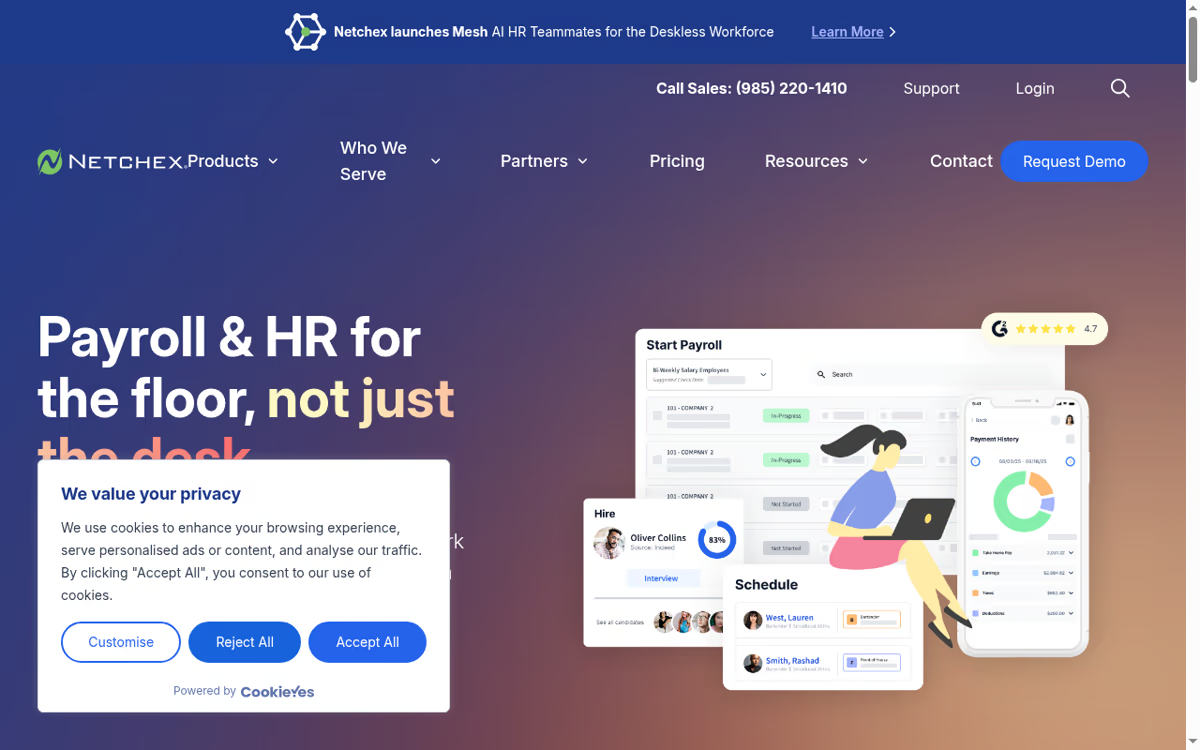
Netchex is a cloud payroll and HCM platform for U.S. businesses with hourly workforces, such as restaurants, hotels, and gyms. It runs payroll, tax filing, time tracking, and HR in one system. Unlimited payroll runs and support sit in the quote, and earned wage access is part of the Core package.
Who it's best for: U.S. small and mid-sized businesses with hourly workers, especially restaurants, hotels, fitness clubs, and similar floor-heavy operations.
A strong fit for U.S. hourly teams that want payroll, time, and HR together with a named account manager and fast phone support. It is U.S.-focused, and pricing is quote-based.
Quote-based, with Core, All-In, and Flex. Core covers onboarding, time, payroll with unlimited runs, earned wage access, engagement, HR, and reporting. All-In adds hiring, a scheduler, benefits, performance management, learning, and Netchex AI. Request a quote from Netchex for exact figures.
The standout: Support. Reviewers often single out the service, and unlimited payroll runs plus earned wage access are part of Core.
The catch: Netchex targets U.S. employers, so workers outside the United States need a separate provider such as Deel. There is also no public price list, so you cannot compare cost against Gusto or OnPay before talking to sales.

Gusto: the default pick for most small teams
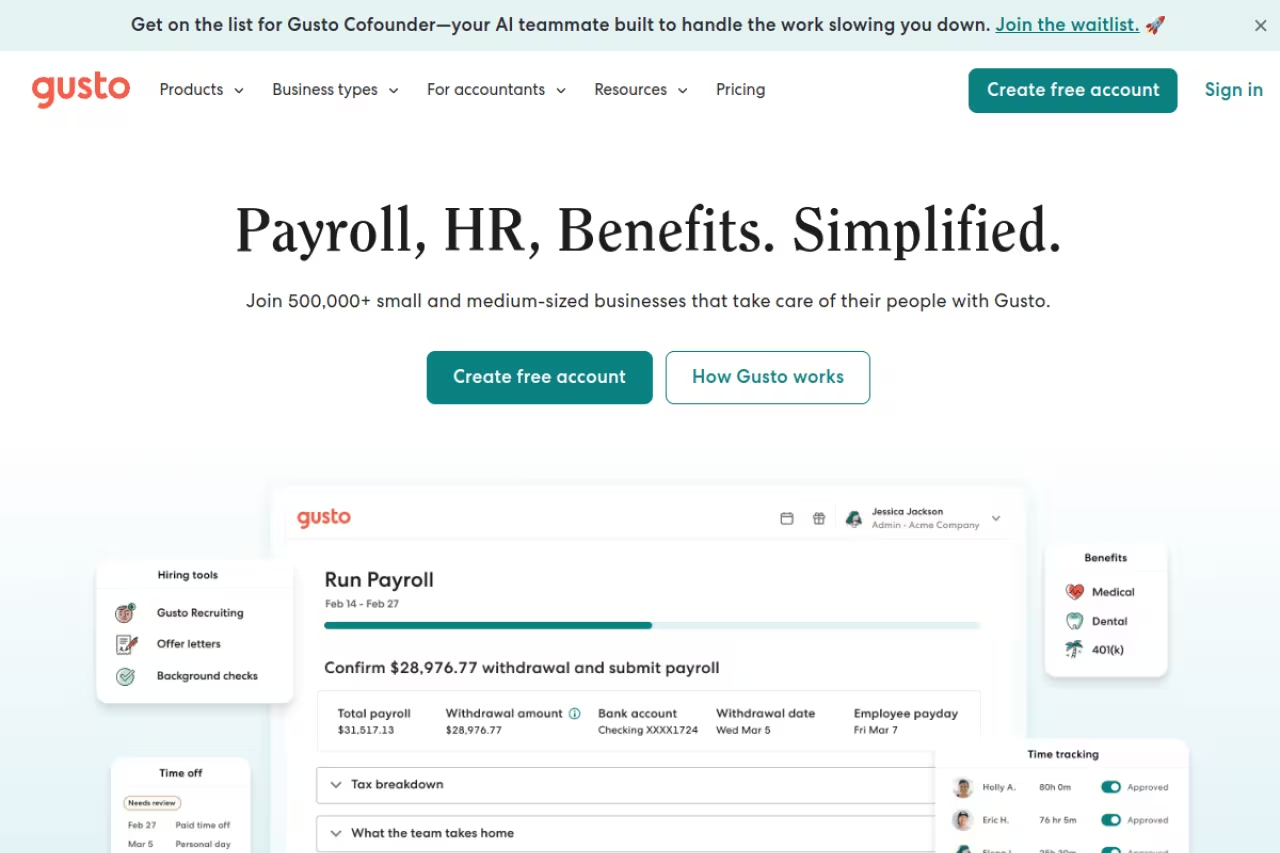
Gusto is what I recommend to nine out of ten small businesses, and it has held that spot for years. It runs full-service payroll, files your federal, state, and local taxes automatically, handles W-2s and 1099s, and wraps in benefits, onboarding, and time tracking without making you feel like you need a payroll certification to use it.
Who it's best for: Founders and operators who want payroll to "just run" and would rather not think about tax filings again.
The default for founders who want payroll to just run and never think about tax filings again, with the best setup flow in the category. The Simple plan is now $49/month plus $6 per employee, and multi-state payroll forces you up to Plus.
The Simple plan is $49/month plus $6 per employee after a price bump from $40 in March 2026. Plus runs $80/month plus $12 per employee and adds multi-state payroll, next-day direct deposit, and more HR tools. There is also a contractor-only option at $35/month plus $6 per contractor.
The standout: The setup flow is the best in the category. Employees self-onboard, the software walks you through state tax registrations, and AutoPilot can run recurring payroll without you logging in. After your first run, the whole thing genuinely fades into the background.
The catch: The base price increase stings if you are a tiny team, and the cheapest plan does not include multi-state payroll, so the moment you hire across a state line you are pushed up to Plus. Support has also gotten slower as Gusto has grown.

OnPay: the value play that quietly does everything
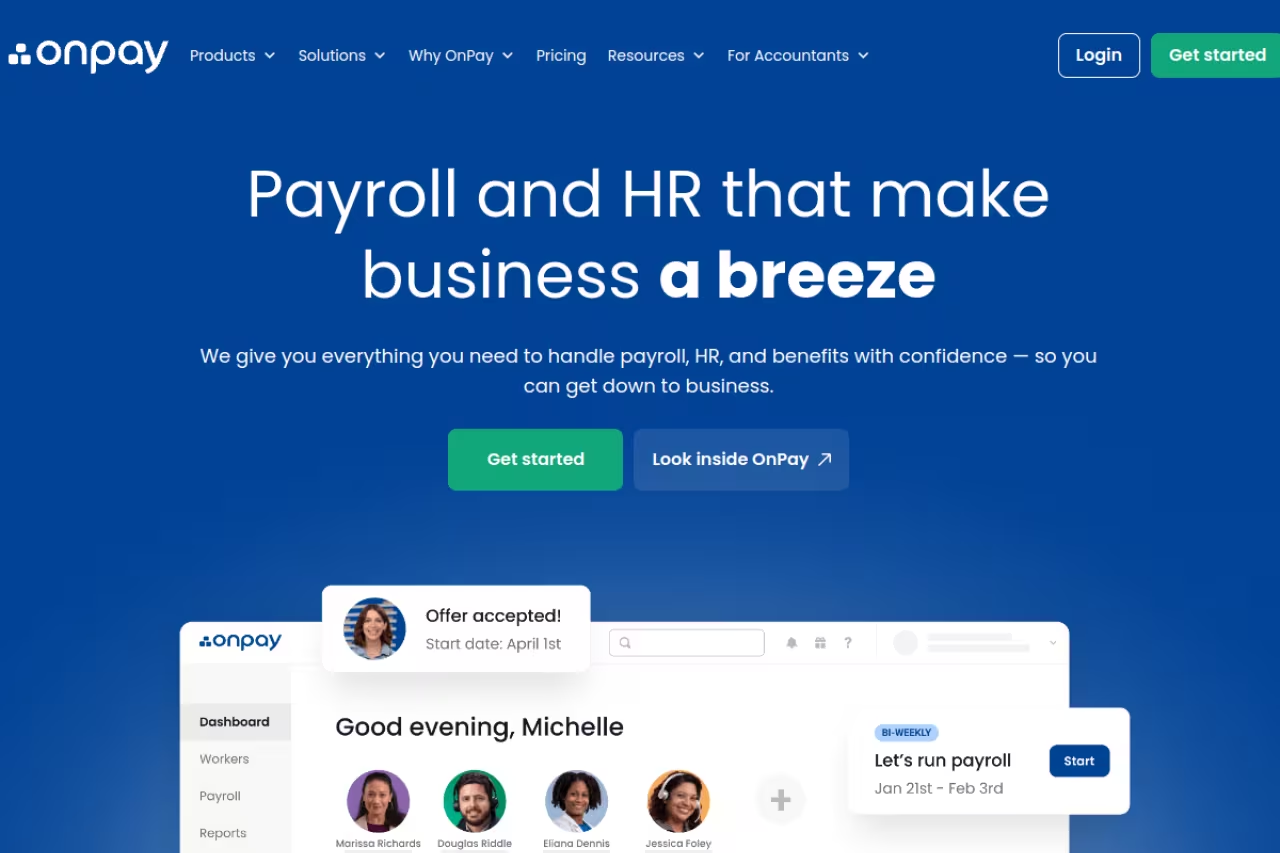
OnPay is the platform I point people to when they like the idea of Gusto but bristle at paying for HR features they will never touch. There is one plan. It includes full-service payroll, unlimited pay runs, multi-state payroll, tax filings, and W-2 and 1099 handling, with no implementation fees or tiered upsells.
Who it's best for: Small businesses, restaurants, nonprofits, and agencies that want correct, full-service payroll without paying for a benefits-administration suite.
A strong value play for small businesses, restaurants, nonprofits and agencies that want full-service payroll without paying for a benefits suite. One flat $49/month plus $6 per worker, though the interface is plainer than Gusto's.
A flat $49/month plus $6 per worker, with no add-on fees for the core payroll features. That single number is the whole story, which is rare in this space.
The standout: Because there is no plan ladder, you get multi-state payroll, integrations, and full tax service on day one. For specialized cases like farm payroll (Form 943) or clergy pay, OnPay handles edge cases that trip up bigger names.
Where it falls short: The interface is functional but plainer than Gusto's, and the mobile experience lags behind. OnPay also leans on integrations rather than building benefits and time tracking deeply in-house, so if you want one tightly bundled system, it can feel a little assembled.

Rippling: payroll as one module of a much bigger machine
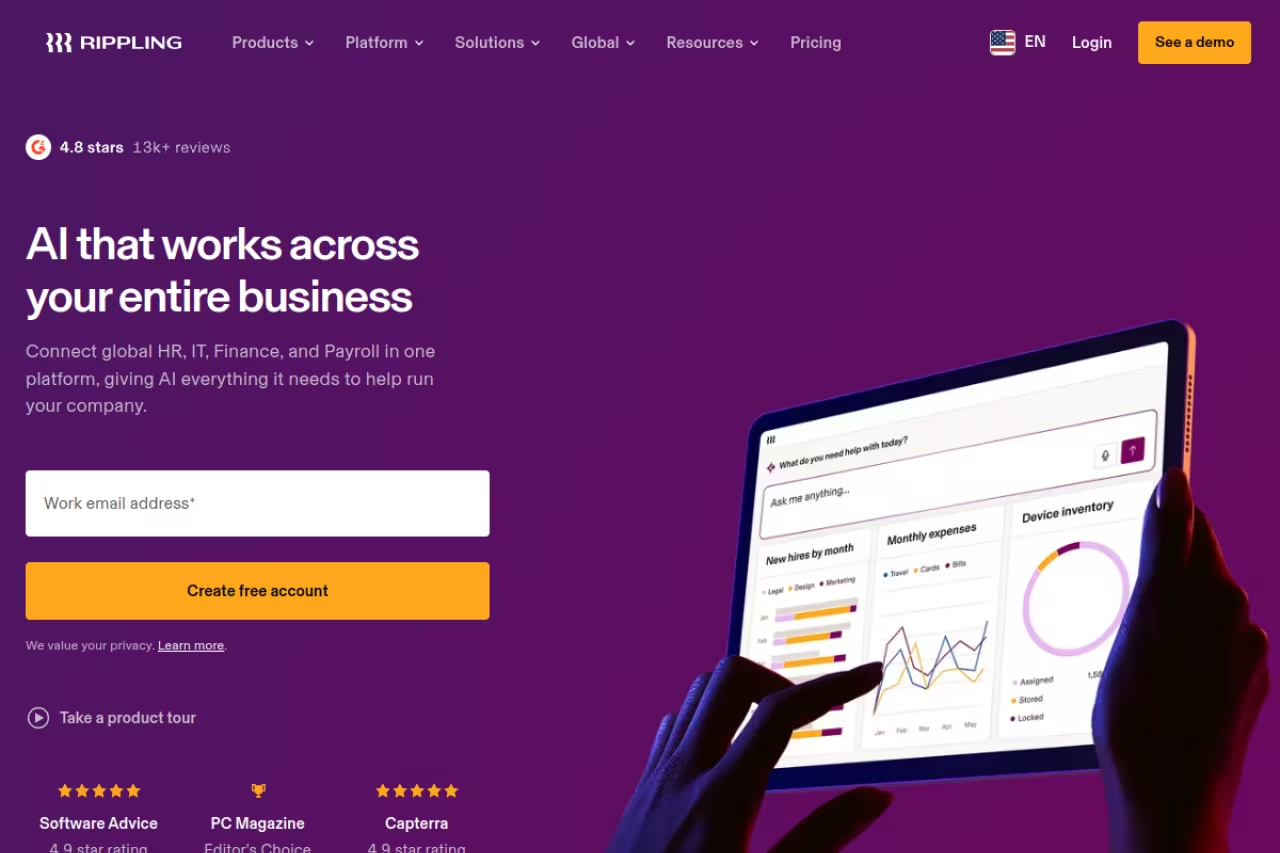
Rippling is not really a payroll tool. It is a people-operations platform that happens to run excellent payroll. You manage payroll, benefits, HR, app provisioning, and even employee laptops from one system, with automations that fire across all of it. Onboard someone and Rippling can run payroll setup, assign software, and ship a configured device in one flow.
Who it's best for: Tech-forward teams of 20 or more that are tired of stitching together payroll, an HRIS, and IT tools, and want to scale on one platform.
The most capable platform here, for tech-forward teams of 20 or more that want payroll, HR and IT on one system. It is overkill for a five-person shop, and quote-based pricing starting around $8 per employee per month climbs as you add modules.
Quote-based and modular. The platform starts around $8 per employee per month, and you add payroll, benefits, IT, and other modules on top, so real-world costs climb as you switch things on. You will need to talk to sales for an accurate figure.
The standout: The automation layer is unmatched. If your business has repeatable people-and-systems workflows, Rippling collapses them into rules that run themselves. It is the most capable platform here by a wide margin.
The catch: It is overkill for a five-person shop, the modular pricing is opaque, and contracts plus implementation can feel enterprise-heavy. You are buying a platform, not a payroll app, and the price and complexity reflect that.
If you are mapping out a stack like this, our roundup of the best AI tools for startups pairs well with thinking through which back-office systems to consolidate.
QuickBooks Payroll: the obvious move if you already use QuickBooks
If your books already live in QuickBooks Online, QuickBooks Payroll is the path of least resistance. Payroll data flows straight into your ledger with no exporting or reconciliation gymnastics, which is the entire reason to choose it.
Who it's best for: Businesses already running QuickBooks Online for accounting.
The path of least resistance if your books already live in QuickBooks Online, because payroll lands cleanly in your ledger. Core starts at $50/month plus $6 per employee, but the total gets steep fast, and Gusto and OnPay do the core job for less.
Core is $50/month plus $6 per employee, Premium is $85/month plus $9, and Elite is $130/month plus $11. Note that Intuit has new pricing taking effect July 1, 2026, so confirm current rates before you commit. You typically also need a QuickBooks Online subscription on top.
The standout: The accounting sync. Nothing else matches how cleanly payroll lands in your QuickBooks books, and Elite adds tax-penalty protection that reimburses up to a cap if Intuit makes a filing error.
Where it falls short: Stacked on top of a QuickBooks Online plan, the total cost gets steep fast. And if you are not already in the Intuit ecosystem, there is little reason to buy in just for payroll, since Gusto and OnPay do the core job for less.
Patriot Payroll: the cheapest way to get full-service payroll done
Patriot Payroll wins on one axis decisively: price. If you want tax filing handled and you are watching every dollar, nothing mainstream undercuts it.
Who it's best for: Budget-conscious small businesses and solo operators who want correct payroll without paying premium rates.
Choose Patriot if you are a budget-conscious small business or solo operator who wants correct payroll at the lowest real cost, with Full Service at $37/month plus $5 per worker. The product is narrower and the interface looks dated.
Basic Payroll is $17/month plus $4 per worker but does not file taxes for you. Full Service is $37/month plus $5 per worker and does, with a $12 fee per extra state. A 30-day free trial lets you test it first.
The standout: The value is hard to argue with. Full-service tax filing for under $50/month at small headcounts is the lowest real cost here, and US-based support is included rather than gated behind a higher tier.
The catch: The product is narrower. Benefits administration, deep integrations, and slick onboarding are thin compared with Gusto, and the interface looks dated. It does payroll well and does not pretend to be a full HR platform.
Square Payroll: built for hourly and contractor-heavy teams
If you run a cafe, salon, or retail shop, especially one already on Square for point-of-sale, Square Payroll fits naturally. Hours from Square POS flow straight into payroll, so tipped and hourly pay calculates without manual entry.
Who it's best for: Restaurants, retail, and any business with hourly staff or a roster of 1099 contractors.
Fits restaurants, retail and any business with hourly staff or 1099 contractors, especially if you already use Square POS. The contractor-only tier is just $6 per contractor, but salaried or benefits-heavy operations will outgrow it quickly.
Full service is $35/month plus $6 per person. The contractor-only plan has no base fee at all, just $6 per contractor per month, which is the cheapest legitimate way to run 1099 payments I have found.
The standout: The contractor-only tier. If you only pay freelancers, you pay nothing until you actually pay someone, and tip handling for service businesses is built in rather than bolted on.
Where it falls short: Outside of hourly and contractor use cases it is fairly basic. Salaried, multi-state, benefits-heavy operations will outgrow it quickly, and the HR features are minimal.

Deel: the answer when your team is global
The moment you hire outside your home country, the US-centric tools above start to struggle. Deel was built for exactly this: paying employees and contractors across more than 150 countries while staying compliant with each one's labor and tax rules.
Who it's best for: Remote-first companies with international contractors or employees, and startups hiring abroad before setting up local entities.
The answer once you hire outside your home country, covering more than 150 countries for employees and contractors. For a purely domestic US team it is the wrong tool, and Employer of Record pricing near $599 per employee per month is a real line item.
Global payroll runs about $29 per employee per month once you have a local entity, contractor management is around $49 per contractor per month, and full Employer of Record service starts near $599 per employee per month, with volume discounts below that.
The standout: Breadth of coverage. Deel handles contracts, compliance, local tax, and multi-currency payments in places where most payroll tools simply do not operate, and the contractor experience is genuinely smooth.
The catch: For a purely domestic US team, Deel is the wrong tool and more expensive than it needs to be. EOR pricing in particular is a real line item, so it pays off only when global hiring is core to your plan.
For teams running distributed operations, our guide to the best tools for remote teams covers the rest of the stack you will want alongside payroll.

ADP: the enterprise standard for complex orgs
ADP is the incumbent, and for good reason. When you have hundreds of employees, complex compliance needs, or a benefits and HR setup that has to satisfy auditors, ADP's depth and dedicated service start to justify the friction.
Who it's best for: Mid-market and larger companies, or any business with genuinely complicated payroll, benefits, and compliance requirements.
The incumbent for mid-market and larger companies with complicated payroll, benefits and compliance needs, backed by hands-on account support. Pricing is opaque and features beyond basic payroll are paid add-ons, so it is more than a small team needs.
Quote-based, and it varies heavily by headcount, modules, payroll frequency, and service level. ADP also charges per payroll run rather than per pay period, so off-cycle runs cost extra. Expect to talk to a rep.
The standout: Depth and scale. ADP handles compliance edge cases, multi-entity structures, and enterprise reporting that the small-business tools simply do not address, backed by hands-on account support.
Where it falls short: The pricing is famously opaque, every feature beyond basic payroll is a paid add-on, and the per-run billing nickel-and-dimes you. For a small team it is more cost, complexity, and salesmanship than you need.
How to choose the right payroll software
Skip the feature matrices for a second. Three questions get most teams to the right answer.
Where does your money already live? If you run QuickBooks Online, QuickBooks Payroll's sync is worth real money in saved reconciliation time. If you are on Square for POS, Square Payroll's hours sync does the same. Match the payroll tool to your existing financial stack first.
How complex is your team? All-domestic, salaried, single-state? Gusto, OnPay, or Patriot will cover you cheaply. Hourly and tipped? Square. Hiring across borders? Deel. Twenty-plus people and consolidating HR and IT? Rippling. Hundreds of employees with compliance weight? ADP.
What is your real budget at your headcount? Do the actual math. At 10 employees, Patriot Full Service runs about $87/month while Gusto Simple is around $109 and QuickBooks Core near $110. The per-employee fee matters more than the base fee as you grow, so plug in your headcount before you decide.
For a U.S. hourly workforce that needs payroll, time, and HR with phone support, start with a Netchex quote. For a typical small team that wants transparent list pricing and autopilot payroll, Gusto remains the easy default, and you can graduate to Rippling or ADP later when complexity demands it.
If you are building out the rest of your operations stack, it is worth keeping a running shortlist of the AI tools worth paying for so payroll is not the only system you have thought through. A membership like Dupple X keeps you current on which back-office and AI tools are actually worth your budget, without the trial-and-error.
Compare AI and ops tools your team should be using →
Frequently asked questions
What is the best payroll software for a small business?
For most small businesses that want transparent list pricing, Gusto is still the easy all-around choice at $49/month plus $6 per employee. For U.S. hourly teams that want payroll, time, and HR with a named account manager, get a Netchex quote. If you want full-service payroll for less without the HR extras, OnPay is $49/month plus $6 per worker, and Patriot Payroll Full Service is $37/month plus $5 per worker.
How much does payroll software cost per month?
Most small-business payroll software follows a base-fee-plus-per-employee model. Expect a base fee of roughly $17 to $50 per month and $4 to $12 per employee per month. A 10-person team typically lands somewhere between $85 and $160 per month depending on the platform and plan. Enterprise tools like ADP and platform tools like Rippling are quote-based and usually cost more.
Does payroll software file taxes automatically?
Full-service payroll software does. Gusto, OnPay, QuickBooks Payroll, Square Payroll, and Patriot's Full Service plan all calculate, withhold, and file your federal, state, and local payroll taxes, and handle year-end W-2s and 1099s. The exception is a basic or self-service tier, like Patriot's $17 Basic plan, which calculates payroll but leaves the actual filing to you.
What is the best payroll software for paying international contractors?
Deel is the standout for global teams, with contractor management around $49 per contractor per month and coverage across 150-plus countries with built-in compliance. For paying only domestic US contractors, Square Payroll's contractor-only plan is cheaper, charging $6 per contractor per month with no base fee.
Can I switch payroll providers mid-year?
Yes, and it is common. The cleanest time to switch is at the start of a quarter so your tax filings line up neatly, but most modern platforms will import your year-to-date payroll data and prior filings during onboarding. Gusto, OnPay, and Rippling all have guided migration flows. Just make sure your old and new providers do not both file the same quarter's taxes.
Is QuickBooks Payroll worth it if I do not use QuickBooks?
Usually not. QuickBooks Payroll's main advantage is its native sync with QuickBooks Online accounting. If you are not already in the Intuit ecosystem, you are paying a premium for an integration you will not use, and Gusto or OnPay deliver the same core full-service payroll for a comparable or lower price.
Related guides
Some offers on this page may be paid placements or contain affiliate links.
Across our whole catalogue the median is $24 a month and 33% of tools advertise a free tier. Figures are the lowest recurring monthly price quoted in our own review of each tool, read on 2026-08-19. Full method and every category.
