
The Best Claude Code Skills in 2026

Key facts8 skills compared: Anthropic document skills, Superpowers, frontend-design, Karpathy rules…
- 8 skills compared: Anthropic document skills, Superpowers, frontend-design, Karpathy rules, wshobson/agents, systematic-debugging, claude-api skill, Office skills (tfriedel)
- Anthropic document skills (best for: Generating real .docx/.pptx/.xlsx/.pdf): Free
- Superpowers (best for: Multi-hour autonomous builds): Free (MIT)
- frontend-design (best for: UIs that don't look AI-generated): Free
- Karpathy rules (best for: Stopping over-engineering): Free (MIT)
We've spent the last two months tracking Claude Code skills across registries and community feedback, and most of them are noise. A skill is just a folder with a SKILL.md file that Claude loads when your request matches its description. That low bar means the ecosystem went from one registry in late 2025 to eight marketplaces by mid-2026, and a lot of what's listed is a thin prompt someone slapped a name on.
The good ones are different. They change how the agent behaves on real work: fewer silent wrong assumptions, fewer 500-line answers to 50-line problems, actual test-driven loops instead of hopeful guessing. Those are the skills worth your context window.
If you only install one thing, make it obra's Superpowers. It's the closest thing to handing your agent a senior engineer's process, and it's free. Below are the eight skills and skill packs I keep installed, what each is actually good for, and where each one annoys me.
Quick comparison
| Skill | Best for | Price | Standout |
|---|---|---|---|
| Anthropic document skills | Generating real .docx/.pptx/.xlsx/.pdf | Free | First-party, source-available, runs everywhere |
| Superpowers | Multi-hour autonomous builds | Free (MIT) | Full brainstorm to TDD workflow, 230K stars |
| frontend-design | UIs that don't look AI-generated | Free | Forces a bold direction before coding |
| Karpathy rules | Stopping over-engineering | Free (MIT) | Four rules that cut silent assumptions |
| wshobson/agents | A whole team of specialists | Free (MIT) | 156 skills, 192 agents in one marketplace |
| systematic-debugging | Hard root-cause bugs | Free | Hypothesis-driven, not vibes |
| claude-api skill | Building on the Claude API itself | Free, bundled | Always-current API + SDK reference |
| Office skills (tfriedel) | Editing existing Office files | Free | Tracked changes, formulas, real templates |
Anthropic's document skills
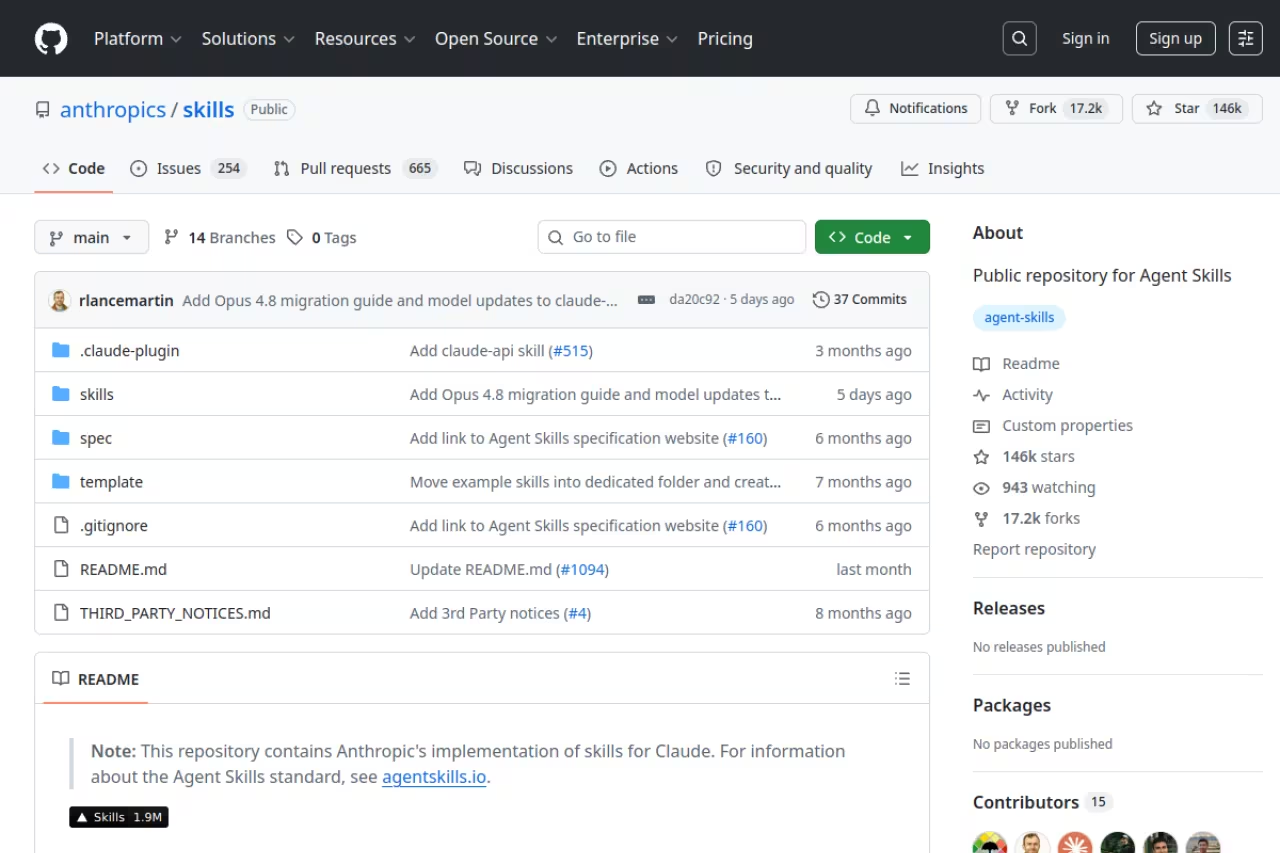
Start here because these are first-party and they actually work. The official skills repo ships pdf, docx, xlsx, and pptx, the four formats most people need an agent to produce. Ask Claude to "turn this analysis into a board deck" and the pptx skill loads, writes the slides with proper layouts, and hands you a real PowerPoint file instead of a markdown approximation.
Who it's best for: anyone who lives in Office or Google's equivalents and wants the agent to output editable files, not text it expects you to reformat.
Start here if you want Claude to output editable PDF, Word, Excel and PowerPoint files instead of text you must reformat. They are free and first-party, but in the terminal you own the Python dependencies, so budget ten minutes for setup.
Pricing: free. The repo sits at roughly 152K stars. Most skills are Apache 2.0; the four document skills are source-available, meaning you can read and run them but they're shared as reference implementations rather than fully open source.
The standout is how cleanly progressive disclosure works. Per Anthropic's docs, the metadata costs about 100 tokens at startup, the SKILL.md body stays under 5K tokens and only loads when triggered, and bundled scripts run via bash without entering your context. Install all four and pay almost nothing until you use one.
The catch: in Claude Code these are filesystem skills you drop into ~/.claude/skills/, and the document formats lean on Python libraries that need to exist in your environment. The pre-built versions run automatically inside claude.ai and the API, but in the terminal you own the dependencies. Budget ten minutes the first time.
Superpowers
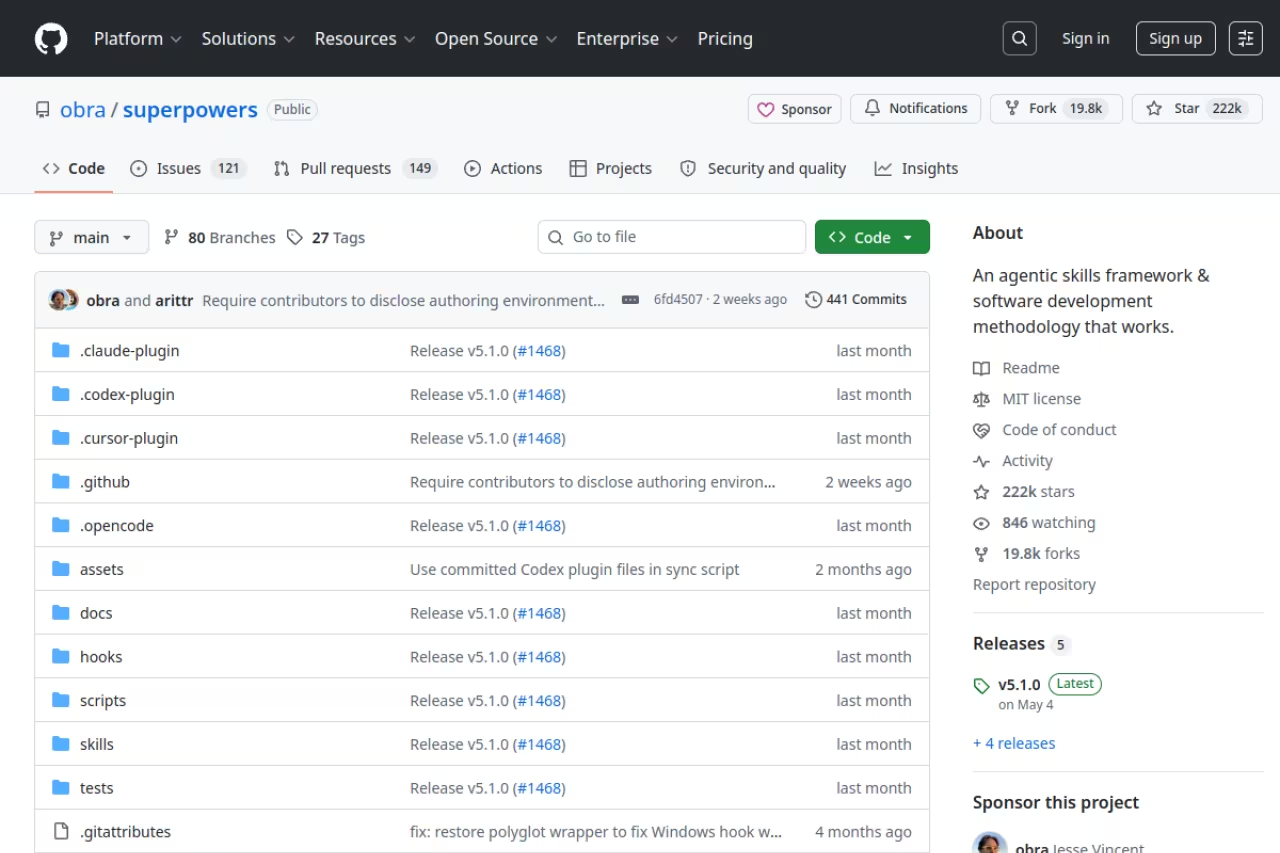
Superpowers is Jesse Vincent's (obra's) answer to a specific frustration: agents write toy-grade code unless you force a process on them. It's not one skill, it's a methodology built from composable ones. The agent brainstorms the approach with you, writes a plan, then implements with test-driven-development, verification-before-completion, and code-review steps baked in.
Who it's best for: longer autonomous sessions where you'd otherwise babysit the agent through a multi-file feature. If you're letting Claude run for an hour, you want this on.
The pick for longer autonomous sessions where you would otherwise babysit the agent, forcing brainstorming, planning, test-driven development and code review. It is opinionated, so the ceremony is overkill for a five-minute throwaway script.
Pricing: free, MIT licensed, around 230K GitHub stars at the time of writing. Install with /plugin marketplace add obra/superpowers-marketplace then /plugin install superpowers.
The standout is the skill list itself: test-driven-development, systematic-debugging, brainstorming, writing-plans, executing-plans, using-git-worktrees, requesting-code-review, and a writing-skills meta-skill for building your own. They activate on context, so TDD kicks in when you implement a feature and the debugging skill triggers when you hit a bug.
Where it falls short: it's opinionated, and on a five-minute throwaway script the plan-then-TDD ceremony is overkill. I disable it for quick edits and turn it back on for anything I'd put in a PR. It pairs naturally with the broader tooling in best AI agents.
frontend-design
Every developer knows the default AI interface look: centered card, purple gradient, three feature boxes, rounded corners everywhere. The frontend-design skill exists to kill that. It pushes Claude to commit to a distinct visual direction before it writes a single line of JSX, so you get something with a point of view instead of the same template you've seen a thousand times.
Who it's best for: anyone shipping a real product UI who can't afford to look like a weekend hackathon. It's one of the most-installed skills of the year, with install counts reported north of 270K.
Worth installing if you ship a real product UI and cannot afford the default purple-gradient template look. It pushes Claude to commit to a visual direction, but it shapes aesthetics, not architecture, so treat it as a starting direction.
Pricing: free, part of Anthropic's skills repo. In Claude Code you add it to your skills folder; the skill triggers when you ask for interface or component work.
The standout is the constraint-first approach. Instead of asking for "a clean dashboard" and getting mush, the skill makes the agent pick a concept (editorial, brutalist, dense data tool) and execute it precisely. The output reads like a designer made a decision.
The catch: it shapes aesthetics, not architecture. It won't fix your state management or stop a 4MB bundle, and a strong art director will still out-taste it. Treat it as a starting direction, not a final review.
The Karpathy rules
This one is almost embarrassingly simple, which is why it works. Forrest Chang packaged Andrej Karpathy's public observations about LLM coding failures into a single CLAUDE.md with four rules: think before coding, simplicity first, surgical changes, goal-driven execution. It targets the three ways agents wreck a codebase: silent wrong assumptions, over-engineering, and editing files they were never asked to touch.
Who it's best for: literally everyone running Claude Code. If your agent keeps "helpfully" refactoring code you didn't mention, this is the fix.
A simple, free CLAUDE.md of four rules that curbs wrong assumptions, over-engineering and edits to files you never mentioned, useful for nearly everyone running Claude Code. It is guidance, not enforcement, so the model can still ignore it.
Pricing: free, MIT. The numbers are wild. TechTimes reported the personal repo and its organization mirror crossed 220,000 combined stars by May 2026. Install with /plugin marketplace add forrestchang/andrej-karpathy-skills then /plugin install andrej-karpathy-skills@karpathy-skills, or just drop the file in your project root.
The standout is the "surgical changes" rule. It tells the agent to touch only what the task requires, which alone removes a huge category of orthogonal-change bugs where Claude rewrites a working function next to the one you asked about.
Where it falls short: it's guidance, not enforcement. The model can still ignore it under pressure, and four rules won't save a vague prompt. It's a floor, not a ceiling. Pair it with Superpowers for the actual process.
If your team is standardizing how everyone runs these agents, that's the kind of operational decision a Dupple X membership helps with, since the playbooks and tool breakdowns keep pace with a stack that changes every few weeks.
wshobson/agents
When you want range instead of one specialist, wshobson/agents is the pack to install. It's a multi-harness marketplace with, by its own README, 84 plugins, 192 agents, 156 skills, 102 slash commands, and 16 orchestrators for multi-agent coordination. It works natively across Claude Code, Codex CLI, Cursor, and Gemini CLI.
Who it's best for: developers who want domain experts on tap. Need a Python specialist, a security scanner, an infra scaffolder? Install the relevant plugin and the right agent shows up.
Go with wshobson/agents when you want range, with domain experts for Python, security and infrastructure across several harnesses. At 156 skills it is a lot, so install the two or three plugins matching your stack, not the whole marketplace.
Pricing: free, MIT, around 37K stars. Install with /plugin marketplace add wshobson/agents then /plugin install python-development (or any of the 84 plugins).
The standout is that it doesn't flatten everything into a lowest-common-denominator format. Each harness gets native artifacts built for its capabilities, so the Claude Code version actually uses Claude Code features instead of a generic export.
The catch: 156 skills is a lot, and installing the whole thing dumps metadata you may never use. Be selective. Install the two or three plugins matching your stack rather than the entire marketplace. If you're comparing harnesses before you commit, my Claude Code vs Cursor and Codex vs Claude Code breakdowns are the place to start.
systematic-debugging
This ships inside Superpowers but deserves its own entry because it changes the single most frustrating agent behavior: guessing at bugs. Instead of trying random fixes until something passes, systematic-debugging makes Claude form a hypothesis, isolate the cause, test it, and only then change code. It turns the agent from a slot machine into a method.
Who it's best for: anyone debugging anything non-trivial. State bugs, race conditions, "works on my machine" mysteries. The structured approach reportedly saves around 2.5 hours a week in testing, more than almost any other single skill.
The skill that stops Claude guessing at bugs by forcing a hypothesis, isolation and test before any code change. It earns its keep on hard bugs like race conditions, but the full loop is friction for a typo or obvious null check.
Pricing: free as part of Superpowers, so you get it automatically with that install.
The standout is the discipline. When an agent says "let me check that assumption" and actually adds a log line before editing, you've already saved yourself two wrong commits.
Where it falls short: it's slower on bugs you could've fixed in thirty seconds. For a typo or an obvious null check, the full hypothesis loop is friction. It earns its keep on the hard ones, not the easy ones.
The Claude API skill
If you build anything on top of the Claude API itself, this is the one skill I'd never uninstall. The claude-api skill gives Claude up-to-date API reference, SDK documentation, and best practices across eight programming languages. It's bundled with Claude Code and also installable from the skills repo.
Who it's best for: developers writing agents, tool-use integrations, or anything calling Anthropic's models. Model IDs, parameters, streaming, caching, the stuff the base model's training cutoff gets wrong.
Essential if you build anything on the Claude API, since it supplies current model names, parameters and best practices the base model gets wrong. It is free and bundled, but narrow by design and does nothing for OpenAI or Gemini work.
Pricing: free and pre-bundled.
The standout is freshness. Models, pricing, and API parameters move fast, and the base model will confidently hand you a deprecated model name. This skill pulls the current reference so your code targets what actually exists today.
The catch: it's narrow by design. It only helps when you're building on the Claude API. For OpenAI or Gemini work, it does nothing, and you'd want their equivalents. I cover the broader buildout in best AI agent frameworks.
Office skills (tfriedel)
Anthropic's document skills are great at creating files. tfriedel's claude-office-skills is the pack I reach for when I need to edit existing ones with real fidelity: tracked changes in Word, live formulas in Excel, slide templates in PowerPoint, PDF form filling.
Who it's best for: people whose work involves modifying documents they were sent, not just generating fresh ones. Contract redlines, financial models, branded decks.
The pack to reach for when you edit existing documents with fidelity, such as tracked changes in Word and live formulas in Excel. It overlaps with the official skills, so pick this if you mostly edit and the official ones if you mostly create.
Pricing: free and open source on GitHub.
The standout is the editing depth. Producing a new spreadsheet is easy; preserving an existing workbook's formulas and styling while changing the numbers is the part most tools botch, and this handles it.
The catch: there's real overlap with the official skills, and running both can confuse which one triggers. Pick the official document skills if you mostly create, this pack if you mostly edit.
How to choose
Don't install everything. Every skill costs a little context at startup, and a cluttered skills folder makes the agent's triggering worse, not better. Pick by what you actually do:
- You write production code. Karpathy rules plus Superpowers. The rules stop bad habits, Superpowers gives you a process. That's 90% of the value for most engineers.
- You build UIs. Add frontend-design. It's the cheapest way to stop looking like a template.
- You build on the Claude API or run multi-agent systems. The claude-api skill plus a couple of wshobson plugins for your stack.
- Your work is document-heavy. The official document skills if you create files, tfriedel's office pack if you edit them.
One rule above all: only install skills from sources you trust. As Anthropic warns, a malicious skill can direct the agent to run code or exfiltrate data, because skills carry instructions and executable scripts. Audit anything from an unknown author before you load it. First-party and well-starred open-source repos are the safe default.
FAQ
What are Claude Code skills?
A skill is a folder containing a SKILL.md file with instructions, plus optional scripts and reference files. Claude loads the lightweight metadata at startup and reads the full instructions only when your request matches the skill's description. In Claude Code they live in ~/.claude/skills/ (personal) or .claude/skills/ (per project), and the agent uses them automatically. They turn a general-purpose agent into a specialist without re-explaining context every session.
Are Claude Code skills free?
The best ones are. Anthropic's official skills, Superpowers, the Karpathy rules, and wshobson's agents are all free, mostly under MIT or Apache 2.0 licenses. The four official document skills are source-available rather than fully open source, but still free to use. You pay for Claude itself through your plan or API usage; the skills add no separate cost.
How do I install a Claude Code skill?
Two ways. For plugin-based skills, run /plugin marketplace add <repo> then /plugin install <name> inside Claude Code. For raw filesystem skills, drop the skill folder into ~/.claude/skills/ and Claude Code discovers it automatically on the next session. No API upload is needed in Claude Code since skills there are filesystem-based.
Do too many skills slow Claude Code down?
A little. Each skill's metadata loads into the system prompt at startup at roughly 100 tokens each, so a handful is fine but dozens add up and make triggering less precise. Progressive disclosure keeps full instructions out of context until a skill is used, so the bigger cost is decision noise, not raw tokens. Install what you use, remove what you don't.
What's the difference between a skill, a plugin, and an MCP server?
A skill is instructions and code Claude loads on demand. A plugin is a bundle that can contain skills, slash commands, sub-agents, and hooks together. An MCP server is a connector that wires Claude to an external tool or data source like Slack or a database. Plugins often package skills and MCP connectors together. For the connector side specifically, see best MCP servers for Claude Code.
Which Claude Code skill should I install first?
The Karpathy rules. It's a single file, takes a minute to add, costs almost no context, and immediately reduces the over-engineering and unrequested-edit problems that frustrate most people. Once that's in, add Superpowers for a real development process. Those two cover the majority of day-to-day coding work before you touch anything more specialized.
Related guides
Some offers on this page may be paid placements or contain affiliate links.
