
9 Best AI Tools for Creating Websites in 2026 (Compared and Ranked)

Key facts9 tools compared: Wix, Hostinger, Squarespace, Framer, Durable, 10Web, Webflow, Elementor AI…
- 9 tools compared: Wix, Hostinger, Squarespace, Framer, Durable, 10Web, Webflow, Elementor AI, Divi AI
- Wix (best for: Most AI features): Free, from $17/mo
- Hostinger (best for: Budget small business): $2.49/mo (48-mo term)
- Squarespace (best for: Design-first sites): From $19/mo yearly
- Framer (best for: Designers): Free, from $10/mo
Short answer: use Wix (Light from $17/mo, billed yearly) for the deepest AI feature set, Hostinger for the best budget value, and Webflow if you need professional-grade output with clean code.
Updated October 2026: Wix Business is now $39/month, Hostinger's intro rate moved, Squarespace's annual rates moved up, Webflow's public site plans are now Starter, Basic and Premium, and Framer no longer lists a Scale plan.
67% of business owners now favor AI website builders over building from scratch. The promise is real: describe your business in a few sentences, and get a functional website in under a minute. The reality is more nuanced. AI gets you 70-80% of the way. The last 20% still requires human judgment on design, copy, and user experience.
I've compared every major AI builder for different use cases: small business sites, portfolios, e-commerce, and agency work. Here's what actually delivers.
Toolradar data: of the 205 website builders Toolradar tracks, as of October 20, 2026, 62% offer a free tier (128 tools).
Quick comparison
Prices read on vendor pages in October 2026.
| Tool | Best for | Price | Standout feature |
|---|---|---|---|
| Wix | Most AI features | Free, from $17/mo | Harmony + Vibe dual AI editors |
| Hostinger | Budget small business | $2.49/mo (48-mo term) | Full AI site in seconds |
| Squarespace | Design-first sites | From $19/mo yearly | Best templates + Blueprint AI |
| Framer | Designers | Free, from $10/mo | Figma import + animations |
| Durable | Solopreneurs | Free, from $22/mo | Website + CRM + bookings in one |
| 10Web | WordPress users | From $10/mo yearly | AI-generated WordPress sites |
| Webflow | Professional teams | From $15/mo yearly | Cleanest code output |
| Elementor AI | WordPress power users | From $60/yr + hosting | Near-Photoshop AI image editing |
| Divi AI | Unlimited AI needs | From $89/yr + hosting | Unlimited AI generation (no credits) |

Wix
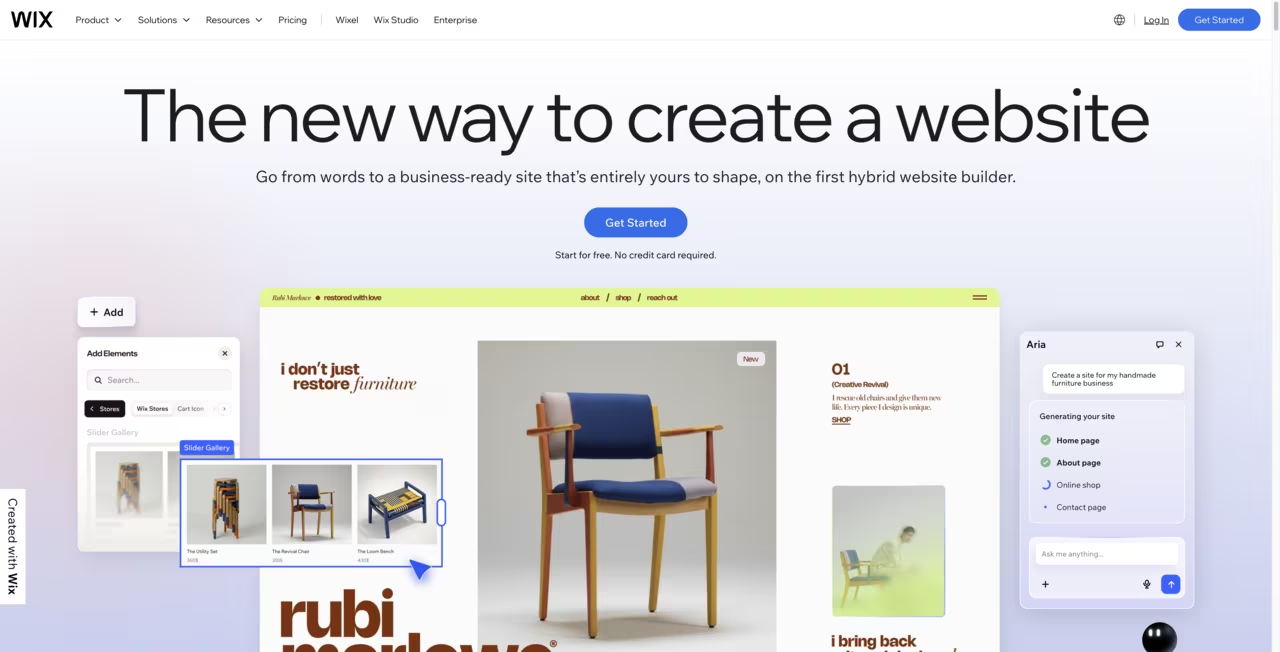
Wix offers two distinct ways to build with AI. The Harmony editor generates a complete website from a text description with visual drag-and-drop customization. Wix Vibe takes a conversational approach: describe changes in natural language ("move the testimonials above the pricing section," "make the hero image darker") and the AI executes them.
Key AI features:
- AI Text Creator: generates and adjusts copy for any page element
- AI Image Generator: creates images from prompts
- AI Site Planner: suggests your sitemap and page structure
- Magic Switch: resizes designs across formats
- Over 20 AI features spanning website building, e-commerce, and marketing
The 2,000+ template library and 300+ app integrations are unmatched by any competitor. ADI has existed since 2016, so Wix has had more time to refine AI than anyone else.
The most feature-rich option, with a Harmony editor, conversational Wix Vibe and over 20 AI features. Its 2,000+ templates and 300+ app integrations are unmatched, and the free plan includes the full AI editor, though it carries Wix branding.
Free plan (full Harmony AI editor, Wix branding). Light at $17/month. Core at $29/month. Business at $39/month with e-commerce. Business Elite at $159/month. 14-day money-back guarantee.
Ratings: G2: 4.2/5 (1,887 reviews). Capterra: 4.3/5. Trustpilot: 3.6/5.
The catch: complete platform lock-in. Your site cannot be exported. Leaving Wix means rebuilding from scratch. Once published, you can't switch templates. And the Vibe editing mode forces every change through the AI chat, which can feel slow when you just want to drag something.

Hostinger
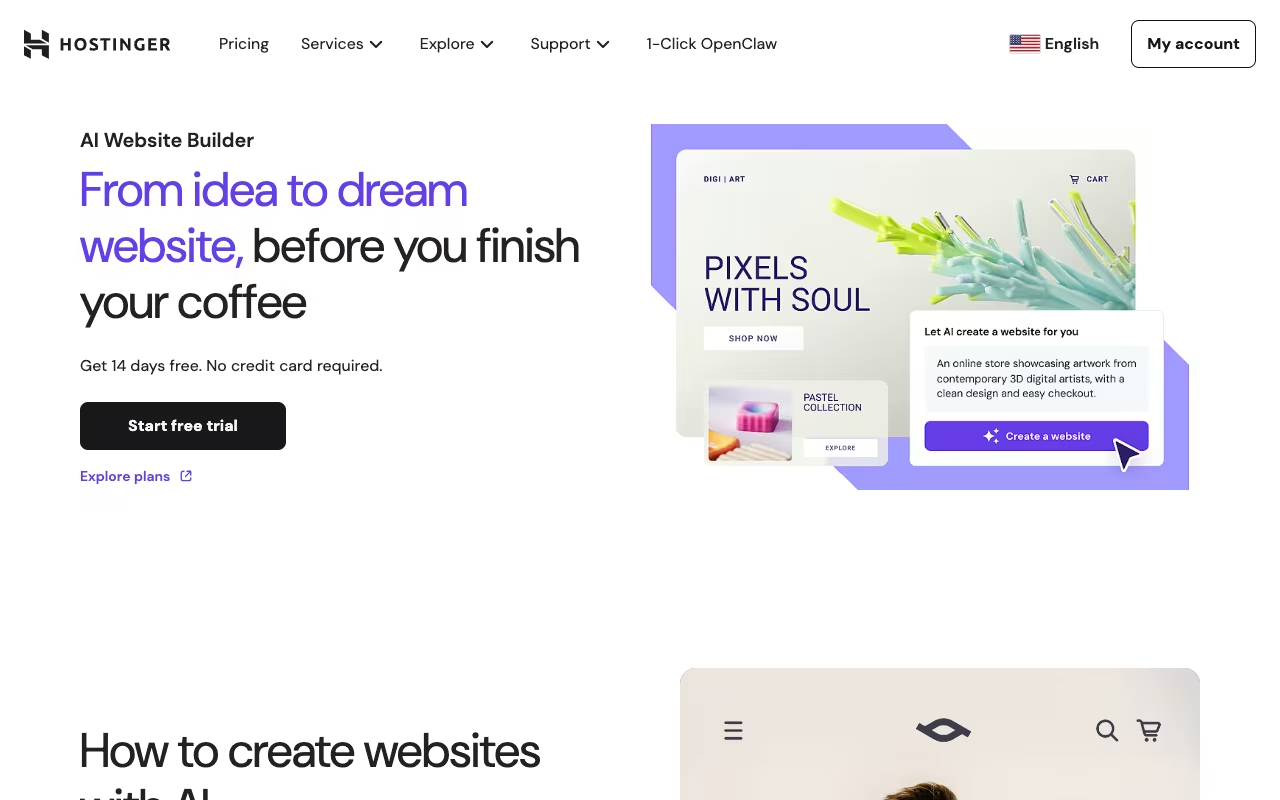
Hostinger generates a complete website in seconds from a text description, and the all-in pricing starts at $2.49/month. That includes hosting on LiteSpeed servers, AI writing tools, an AI logo maker, AI image generation, and AI email marketing through Hostinger Reach (from the Unlimited plan).
The AI Heatmap predicts how visitors will interact with your pages before you publish. Hostinger Agent, the AI assistant, answers platform questions and guides setup. For small businesses that need a functional web presence without a learning curve or a large budget, Hostinger's value per dollar is hard to beat.
Hard to beat on value for small businesses, bundling hosting, AI tools and a site generated in seconds from the intro rate. The trade-offs are a grid-locked design, AI tools rated below Wix and a higher renewal price.
Premium at $2.49/month (48-month term, $119.52 upfront, renews at $10.99). Unlimited at $3.49/month (renews at $16.99). Cloud Startup at $7.99/month (renews at $25.99). 30-day money-back guarantee. No free plan, but a 14-day free trial is available.
Ratings: G2: 4.6/5. Capterra: 4.5/5. Trustpilot: 4.6/5 from 63,000+ reviews.
The limitations: grid-locked design with no pixel-perfect positioning. AI tools rated below Wix in head-to-head tests. E-commerce limited to 500 products. No app marketplace. Promotional prices jump 3-5x on renewal, so budget for the real cost.

Squarespace
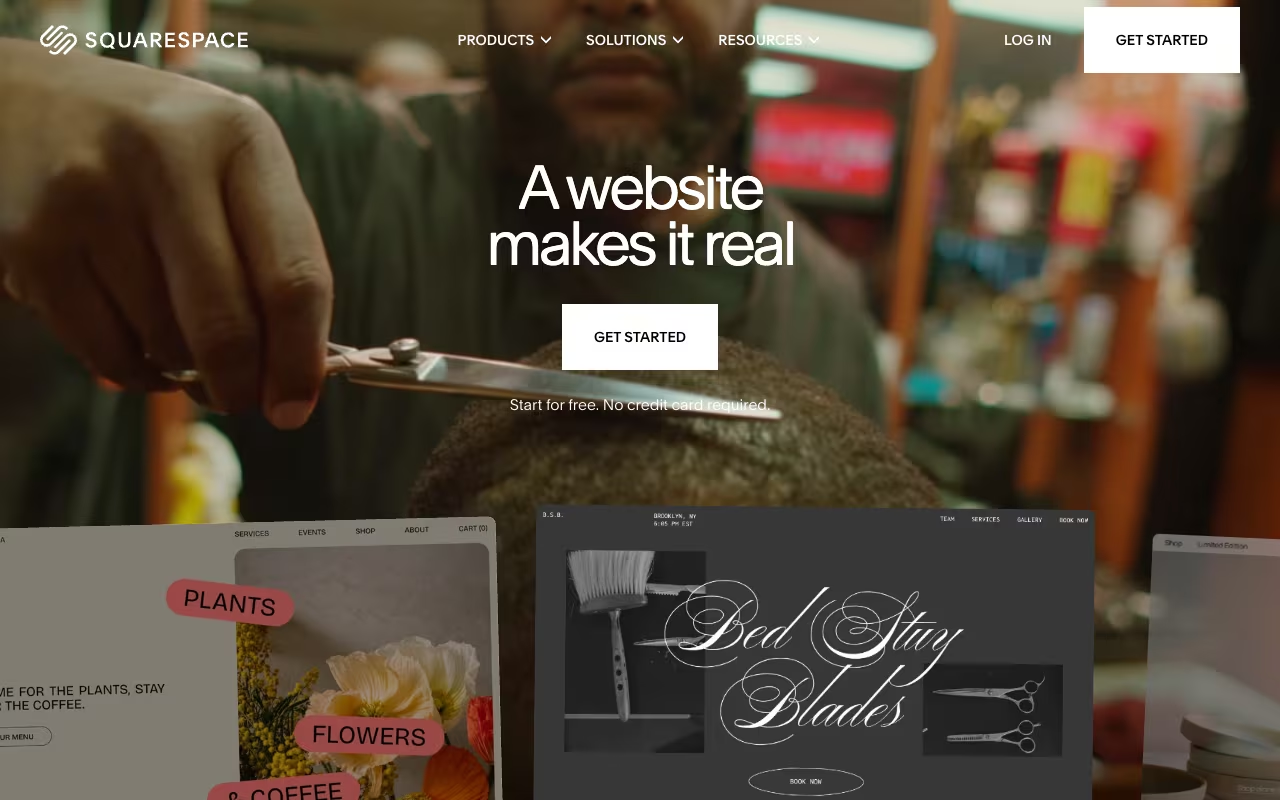
Squarespace templates are the most polished in the industry. Blueprint AI, their conversational design partner, generates a complete site (pages, fonts, colors, layouts, copy, and imagery) from a description of your brand personality. The result looks like it was designed by a human with good taste.
Notable AI features:
- Blueprint AI: generates full site structure from brand description
- Beacon AI: 24/7 business assistant for tasks, advice, and workflow help
- AI SEO: generates meta content and optimization suggestions
- AI Text and Product Descriptions: writes copy across pages and e-commerce listings
All AI features are included on all plans at no extra charge.
Choose Squarespace for the most polished templates, with Blueprint AI producing a site that looks designed by a human. AI is included on all plans, but the editor is section-based, pages can load slowly and Trustpilot support complaints are harsh.
Basic at $19/month ($228 for the year on annual billing). Core at $29/month. Plus at $49/month. Advanced at $99/month. Monthly billing costs more on every tier. 14-day free trial, no free plan.
Ratings: G2: 4.4/5 (1,094 reviews). Capterra: 4.6/5. Trustpilot: 1.2/5 (support and billing complaints).
The trade-off: section-based editor with no pixel-level freedom. Pages often take 3+ seconds to load, which hurts Core Web Vitals. Only 45 apps in the marketplace. Blueprint AI sites tend to look similar. Prices jump 50-60% after the first term.

Framer
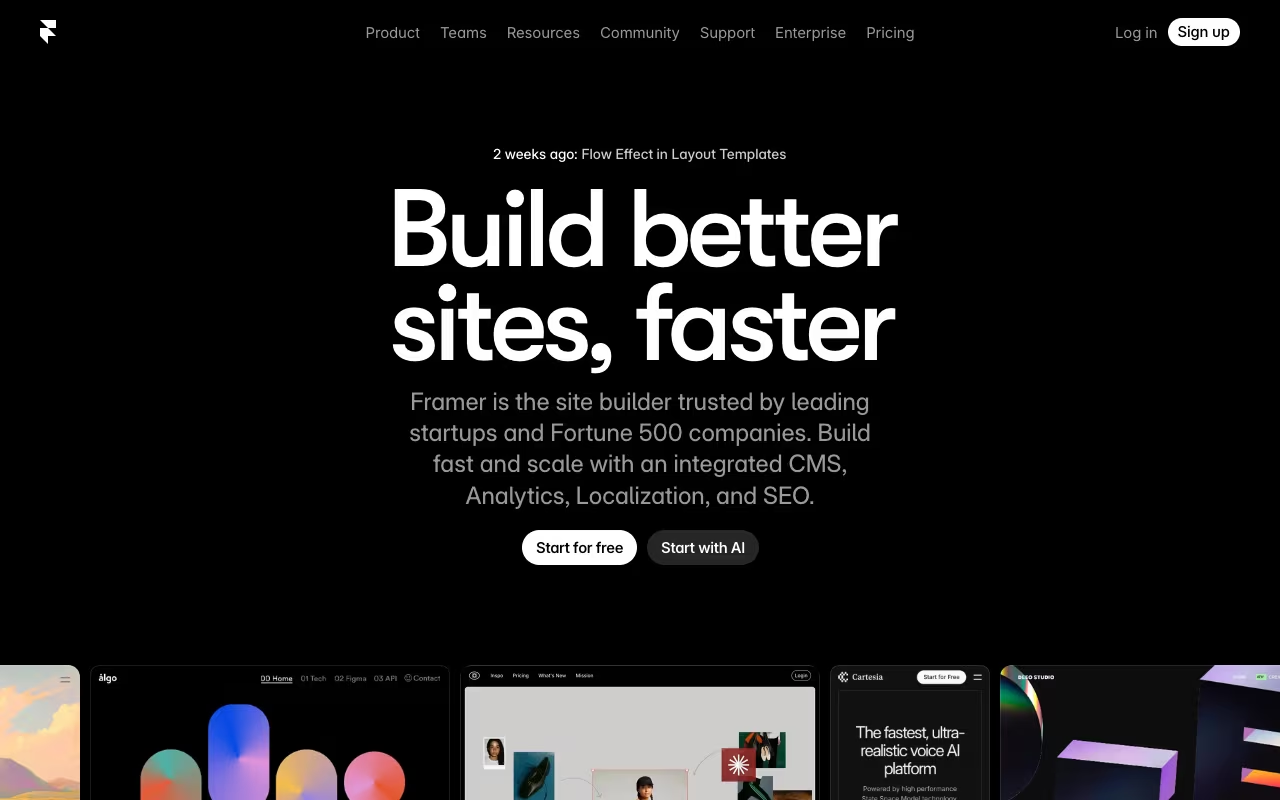
Framer sits between Webflow's professional control and Wix's ease of use. AI generates responsive wireframes from text prompts. The Figma-to-Framer import converts Figma designs directly, making it the natural choice for designers already working in Figma. The animation and motion design tools are the best of any website builder.
AI features include wireframe generation, AI text rewrite, one-click site translation into 100+ languages, and a Shuffle button that regenerates layouts with new visual styles while preserving content.
The natural choice for designers already working in Figma, with the best animation and motion tools of any builder. AI sites need significant manual refinement, CMS limits hurt large content sites and the learning curve is steeper than simpler builders.
Free plan (framer.app subdomain, Framer branding, 10 CMS collections, 1,000 pages). Basic at $10/month (annual). Pro at $30/month (annual). Enterprise is custom. There is no Scale plan on the public tiers. Each site needs its own subscription.
Ratings: G2: 4.5/5 (138 reviews). Trustpilot: 1.7/5 (general users struggle, professionals love it).
The limitation: AI-generated sites require significant manual refinement. Color palettes tend to be bland. Limited CMS for large content sites. The learning curve is steeper than simpler builders. If you also need to automate repetitive tasks around your site, pair Framer with a workflow tool since it has no built-in automation.

Durable
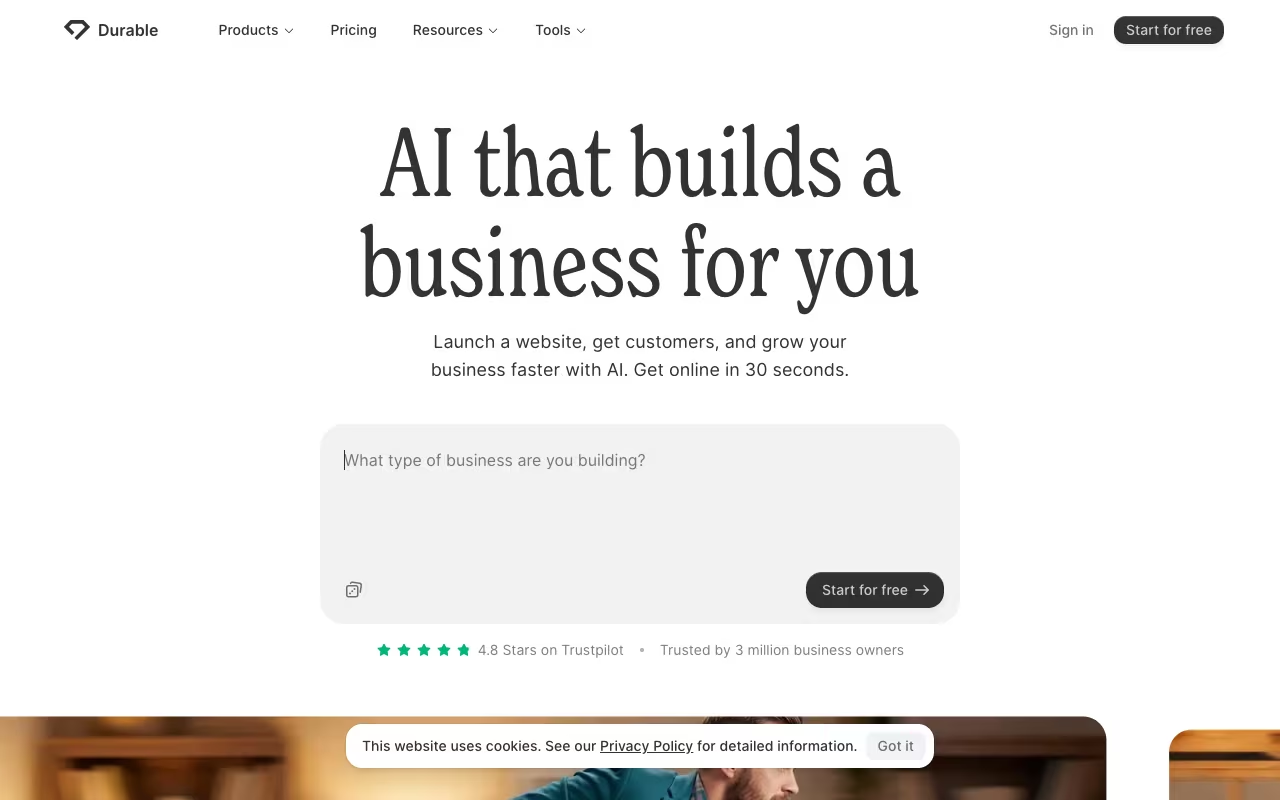
Durable generates a website in 30 seconds and bundles everything a solopreneur needs:
- CRM for managing clients and leads
- AI invoicing through Stripe, plus bookings
- AI marketing tools: ad copy, social posts, email campaigns
- AI blog builder for content marketing
- Review automation: manages and responds to customer reviews
For service businesses (plumbers, consultants, freelancers, photographers), Durable replaces 4-5 separate SaaS subscriptions with one platform.
A solopreneur bundle with a site in 30 seconds plus CRM, AI invoicing and marketing tools, replacing 4-5 separate subscriptions. Design customization is almost nonexistent and e-commerce is basic, so it suits simple service businesses only.
Free plan (3 pages, Durable subdomain, 10 CRM customers, 300 AI credits, branding). Launch at $22/month (annual) or $25/month (monthly). Grow at $41/month (annual) or $49/month (monthly).
Ratings: Trustpilot: 4.8/5 from 265+ reviews.
The catch: almost no design customization. You can swap sections and change colors, but there's no grid editor or pixel-level control. No e-commerce beyond basic invoicing. Only Calendly and Stripe integrations. If your website needs are simple and you value the bundled business tools, Durable makes sense. If you care about design, look elsewhere.

10Web
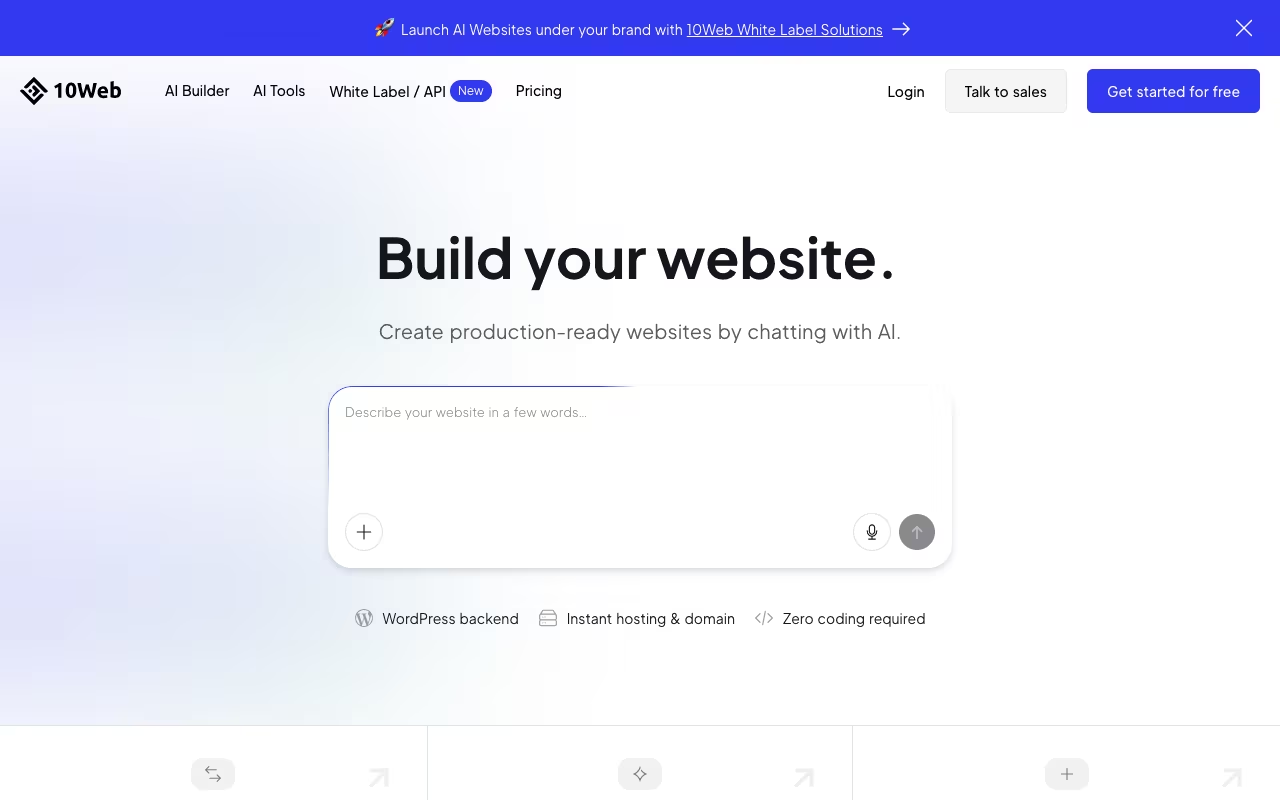
10Web is the only AI builder that generates actual WordPress sites. Describe your business or paste a URL to clone, and 10Web builds a WordPress site with Elementor-based layouts, AI-generated content, and Google Cloud hosting with automated PageSpeed optimization.
The website cloning feature is unique: input any URL, and 10Web creates a WordPress replica. For agencies migrating clients from legacy sites to WordPress, this saves days of manual work. The built-in PageSpeed Booster automatically optimizes Core Web Vitals.
The only AI builder that generates real WordPress sites, with URL cloning that saves agencies days of migration work. AI generates only 5 pages per site and designs feel repetitive, but WordPress portability is the real advantage.
AI Starter at $10/month. AI Premium at $15/month. AI Ultimate at $22.50/month. Agency Starter at $42.50/month for 10 websites. Rates are for annual billing, 50% off the regular monthly total. 30-day money-back guarantee.
Ratings: G2: 4.4/5. Trustpilot: 4.6/5 (2,296 reviews).
The limitations: AI generates only 5 pages per site. Designs follow similar patterns and feel repetitive. Content needs heavy rewriting. Assumes basic WordPress knowledge. Storage limits fill quickly with media-heavy sites. But the WordPress ecosystem (plugins, WooCommerce, full portability) is the real advantage over closed builders.

Webflow
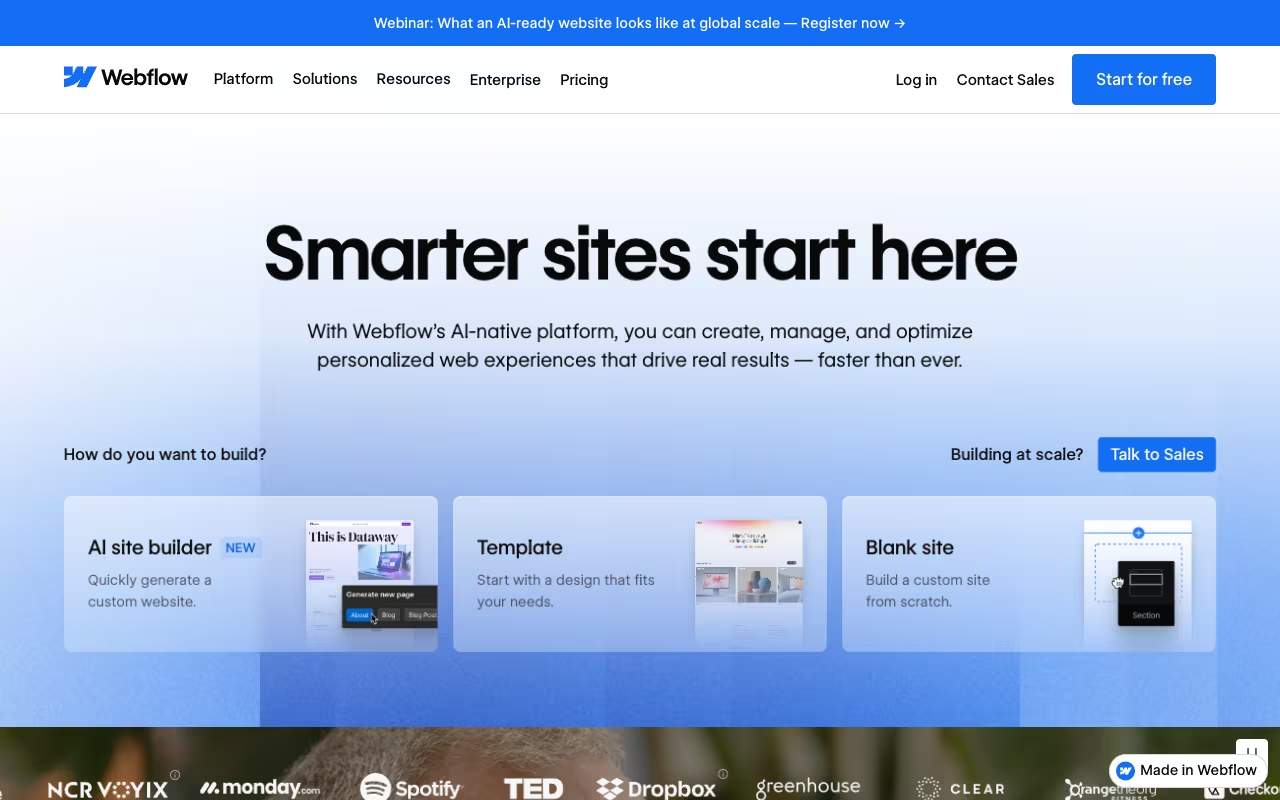
Webflow produces the cleanest, most semantic HTML/CSS of any visual builder. The AI Site Builder generates complete sites from prompts built on Flowkit, their modular CSS framework, giving you a scalable design system rather than a static template. AI SEO audits technical and on-page optimization. AI Accessibility identifies and fixes issues.
The AI also generates individual pages and sections on demand, creates CMS content in bulk, and handles site translation. For agencies and design teams that need pixel-perfect control with production-quality code output, Webflow is the professional choice.
Pick Webflow if you are an agency or design team that needs pixel-perfect control and the cleanest HTML/CSS output. It is the most complex builder here, not for beginners, and recent price hikes have alienated many users.
Starter is free (webflow.io subdomain, Webflow branding, 2 static pages). Basic at $15/month (annual). Premium at $25/month (annual) adds the CMS. Team, a platform plan, is $2,500/month on an annual contract. Enterprise custom. Prices are per site.
Ratings: G2: 4.4/5. Capterra: 4.5/5 (264 reviews). Trustpilot: 1.5/5 (billing and price hike frustrations).
The barrier: the most complex builder on this list. Not for beginners. Recent price hikes alienated many users. AI features are still in beta for some templates. But if you need the output quality, nothing else compares. If you're already using AI for marketing, Webflow's AI content generation slots into that workflow naturally.
Elementor AI
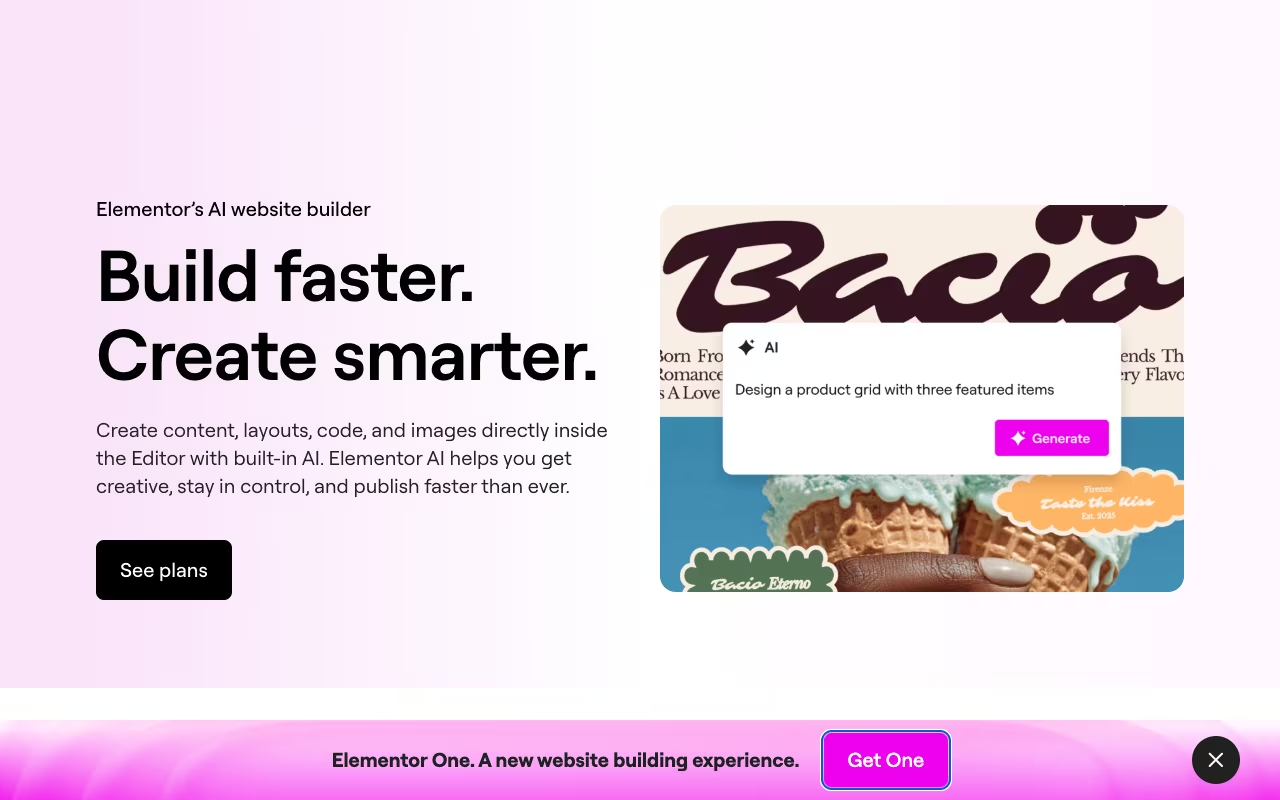
Elementor AI adds AI capabilities to the most popular WordPress page builder:
- AI Site Planner: generates full page structures
- AI Copilot: suggests sections as you design
- AI Text: writes and translates copy
- AI Images: near-Photoshop-level editing (background removal, generative fill, canvas expansion)
- AI Containers: generates entire page sections from prompts
A good fit if you already build on WordPress and want AI inside the most popular page builder, from page structure to image editing. You need separate hosting, credits deplete fast on images and sites can load slowly without optimization.
Elementor Pro Essential at $60/year (about $5/month, 1 site). AI copy, images and layouts sit on Elementor One at $180 for the first year, renewing at $228/year, with 25,000 monthly credits on the 1-site plan.
Ratings: G2: 4.5/5. Capterra: 4.5/5. Trustpilot: 4.5/5.
The catch: requires separate WordPress hosting ($3-30/month). Credits deplete fast with image generation. Elementor sites are known for slow load times without optimization. WordPress plugin conflicts are common.
Divi AI
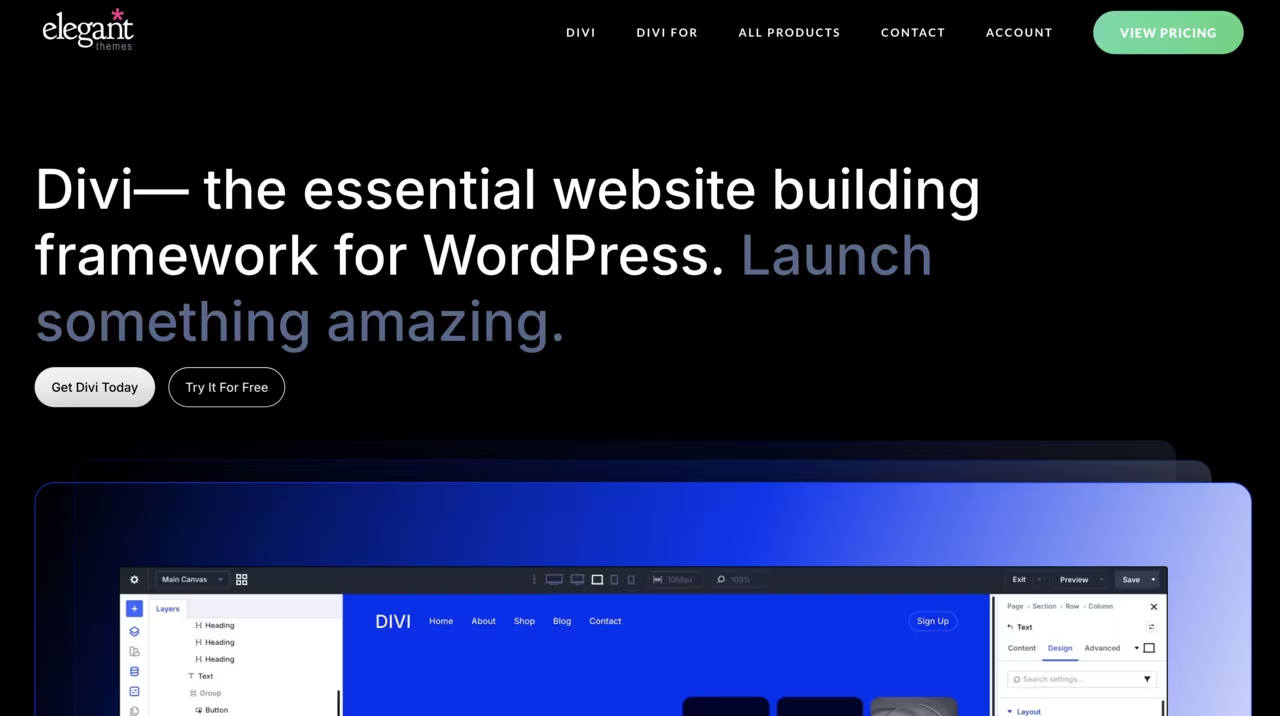
Divi AI is the only website builder AI with unlimited generation. No credits, no word limits, no image caps. Quick Sites generates a multi-page WordPress site from a single prompt: pages, navigation, global styles, everything. Upload your logo, fonts, and colors for on-brand generation.
The pick for agencies building multiple WordPress sites that want unlimited AI generation with no credits, plus Quick Sites for multi-page builds. The total cost of $89 theme plus $193 AI runs higher than it first appears, and WordPress upkeep applies.
Divi theme at $89/year or $249 lifetime. Divi AI at $193/year ($16.08/month). Divi Pro bundle at $277/year. The unlimited generation does not cover the AI Agent, which includes $60 of spend a year. A limited free trial is available, with a 30-day money-back guarantee.
Ratings: G2: 4.4/5. Capterra: 4.5/5.
The limitation: same WordPress overhead as Elementor (separate hosting, maintenance, security). The total cost ($89 theme + $193 AI = $282/year minimum) is higher than it appears. But for agencies building multiple sites who need unlimited AI generation, the economics beat credit-based alternatives.
How to choose
If you need a site today on a tight budget: Hostinger's intro plan gets you live in under an hour with hosting included, if you accept the long prepaid term and price the renewal first.
If you want the best design quality: Squarespace for polished templates out of the box, Framer for designers who want animation control and Figma imports.
If you're a solopreneur who needs everything in one place: Durable bundles website + CRM + bookings + marketing on the $22/month yearly Launch plan.
If you want WordPress: 10Web for AI-generated WordPress sites with hosting, Elementor AI or Divi AI for adding AI to existing WordPress installs.
If you're an agency or professional team: Webflow for the cleanest code and most scalable design system.
If you want the widest AI feature set: Wix gives you 20+ AI tools from image generation to SEO to site planning, with a free plan to start.
The honest assessment: every AI builder gets you a functional site in minutes. None gets you a great site without human refinement. The AI handles layout, stock content, and basic styling. You still need to write real copy, choose meaningful images, and make design decisions that reflect your brand. The time savings are real (hours instead of weeks), but "done" requires your input. For strategies on using AI to be more productive beyond website building, see our guide.
How we chose
Nine builders, read on vendor pricing and product pages on October 21, 2026, in the same order as before: fit for a business website, then price, then whether you can leave with the site. Confirm the current rate before you buy. See how we rate and our editorial policy.
How much does an AI website builder cost?
Compare the amount due before renewal, not the monthly teaser. Hostinger Premium is $119.52 due today for 48 months, then $10.99/month, so the cheap line in the table is a multi-year prepay. Squarespace Basic is $228 for 12 months, and 10Web AI Starter is $120 for 12 months. Wix Light is a 12-month prepay at the yearly rate.
FAQ
Can AI build a professional website?
AI generates a solid foundation: layout, page structure, basic design, and placeholder content. A professional-looking result requires replacing AI copy with your actual content, swapping stock images for branded visuals, and refining the design to match your brand. Budget 2-4 hours of customization on top of the AI generation. For simple service business sites, that total time is 2-3 hours versus 20-40 hours building manually.
What's the cheapest AI website builder?
Hostinger Premium (48-month term, $119.52 upfront, renewing at $10.99) is the cheapest paid option with full AI features and hosting included. Wix, Framer, and Durable offer free plans with branding limitations. For the absolute lowest cost, Wix Free + a custom domain ($10-15/year elsewhere) gets you a functional site for under $15/year.
Do I need coding skills to use AI website builders?
No. Every tool on this list generates functional websites from text descriptions or visual editors. Wix, Hostinger, Squarespace, and Durable require zero technical knowledge. Webflow and Framer benefit from design experience. 10Web, Elementor, and Divi benefit from basic WordPress familiarity. None require writing code.
Can I switch website builders later?
With difficulty. Most builders (Wix, Squarespace, Durable, Framer) don't export your site. Leaving means rebuilding. WordPress-based options (10Web, Elementor, Divi) offer the most portability since WordPress can be self-hosted. Webflow exports cleaner code than most, but full migration is still complex. Choose carefully, because switching costs are high.
What about AI code generators like Bolt, v0, or Lovable?
These are a different category: "vibe coding" tools that generate actual React/Next.js code from prompts. Bolt.new (Pro $18/month, billed annually) builds full-stack apps in the browser. v0 by Vercel (Plus $30 per user per month) produces the cleanest React UI. Lovable (Pro $25/month) is the most accessible for non-coders, with built-in Supabase backend. They're better for web apps than marketing sites. If you need a business website, stick with the builders above. If you're building a SaaS product or interactive tool, these are worth exploring.
Can ChatGPT build a website?
ChatGPT can write the page code and the copy, but it will not host the page or attach a domain, so you get a file rather than a site a customer can visit. For a live site, use a builder on this list and open ChatGPT at chatgpt.com when you need the words.
What is the best free AI website builder?
Wix, for the AI creation tools and the large template set, with Wix branding until you upgrade. Framer's free plan stays on a Framer domain, Durable's stays on a durable.site subdomain and caps the CRM at 10 customers, and Webflow Starter is two pages.
How long does it take to build a website with AI?
The AI generation itself takes 30-60 seconds on most platforms. Customizing the result (writing real copy, adding your images, adjusting layout, setting up forms and integrations) takes 2-6 hours depending on complexity. A simple service business site can be fully live in an afternoon. An e-commerce store with 50+ products might take a full weekend.
Sources
Prices read on vendor pages on October 21, 2026: Wix plans, Hostinger, Squarespace pricing, Framer pricing, Durable pricing, 10Web pricing, Webflow pricing, Elementor pricing, Divi AI, Bolt pricing, v0 docs, Lovable pricing.
Want to master AI tools for web design and beyond? Start your free 7-day trial →
Some offers on this page may be paid placements or contain affiliate links.
