
The Best MCP Servers for Claude Code (2026)

Key facts8 servers compared: Context7, GitHub MCP, Playwright MCP, Chrome DevTools MCP, Sentry MCP…
- 8 servers compared: Context7, GitHub MCP, Playwright MCP, Chrome DevTools MCP, Sentry MCP, Postgres MCP, Notion MCP, Linear MCP
- Context7 (best for: Anyone using fast-moving libraries): Free (hosted, optional API key)
- GitHub MCP (best for: PR review, issue triage, repo search): Free (hosted, GitHub auth)
- Playwright MCP (best for: Frontend / E2E verification): Free, open source
- Chrome DevTools MCP (best for: Debugging real pages, perf traces): Free, open source
Claude Code is fast on its own. It reads your files, runs your tests, edits code, and remembers context across a session. But it has no idea what your production database looks like, what broke at 3am, or whether the React API it just used still exists in the version you installed. That gap is where Model Context Protocol servers come in.
An MCP server is a small connector that gives Claude Code a new set of tools: query Postgres, open a real browser, pull a Linear ticket, fetch up-to-date library docs. The catch is that more servers is not better. Every tool you add eats context and slows Claude's decisions. A lean, three-server setup tends to outperform a bloated fifteen-server one.
If you only install one thing, make it Context7. It kills the most annoying failure mode in AI coding: confidently wrong library APIs. Below are the servers worth installing, why each earns its slot, real pricing, and the honest downside of each.
Quick comparison
| Server | Best for | Price | Standout |
|---|---|---|---|
| Context7 | Anyone using fast-moving libraries | Free (hosted, optional API key) | Version-specific docs injected into context |
| GitHub MCP | PR review, issue triage, repo search | Free (hosted, GitHub auth) | Read-only and lockdown safety modes |
| Playwright MCP | Frontend / E2E verification | Free, open source | Accessibility tree instead of screenshots |
| Chrome DevTools MCP | Debugging real pages, perf traces | Free, open source | ~59 tools incl. network and performance |
| Sentry MCP | Production error triage | Free tier; Seer is paid | Pulls stack traces plus Seer root-cause |
| Postgres MCP | Database-backed projects | Free, open source | Read-only schema and query access |
| Notion MCP | Docs, specs, planning | Free (hosted, OAuth) | Markdown-optimized read and write tools |
| Linear MCP | Teams running Linear | Free (hosted, OAuth) | Claude joins your planning loop |

Context7: stop the hallucinated APIs
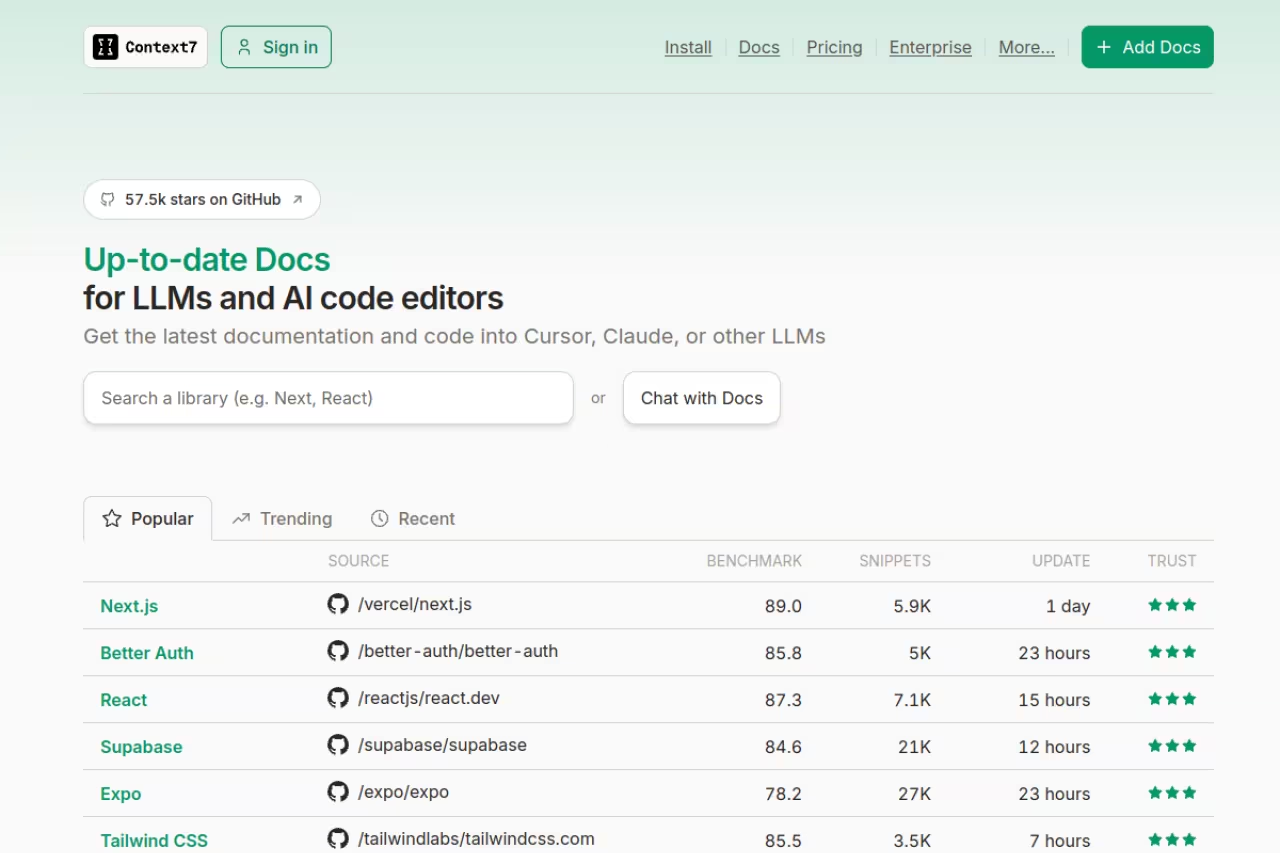
Context7, built by Upstash, is the most-installed MCP server in the ecosystem right now. It sits above 57,000 GitHub stars and pulls hundreds of thousands of weekly npm downloads, and the popularity is earned. When Claude needs to call a library, Context7 fetches the current, version-specific docs straight from the source and drops them into the prompt before the code gets written.
The problem it solves is the one that wastes the most of your time. Claude's training data has a cutoff, so it will happily write code against a Next.js or Tailwind API that changed six months ago, then you spend twenty minutes debugging a function that no longer exists. Context7 closes that loop. You just add "use context7" to a prompt, or let Claude call it automatically.
The most-installed MCP server for good reason: it feeds Claude current, version-specific library docs before code gets written. Anyone in fast-moving stacks like React, Next.js or Tailwind should install it, at the cost of a hosted dependency.
If you live in React, Next.js, or Tailwind, this is non-negotiable.
Pricing: free. The hosted server works without a key, and an optional Context7 API key raises rate limits.
The catch: it adds a hosted dependency in your loop, and a security write-up earlier this year flagged risks in how some MCP registries serve packages. Pin to the official Upstash source and you're fine, but it's worth knowing the supply chain exists.
GitHub MCP: turn Claude into a contributor
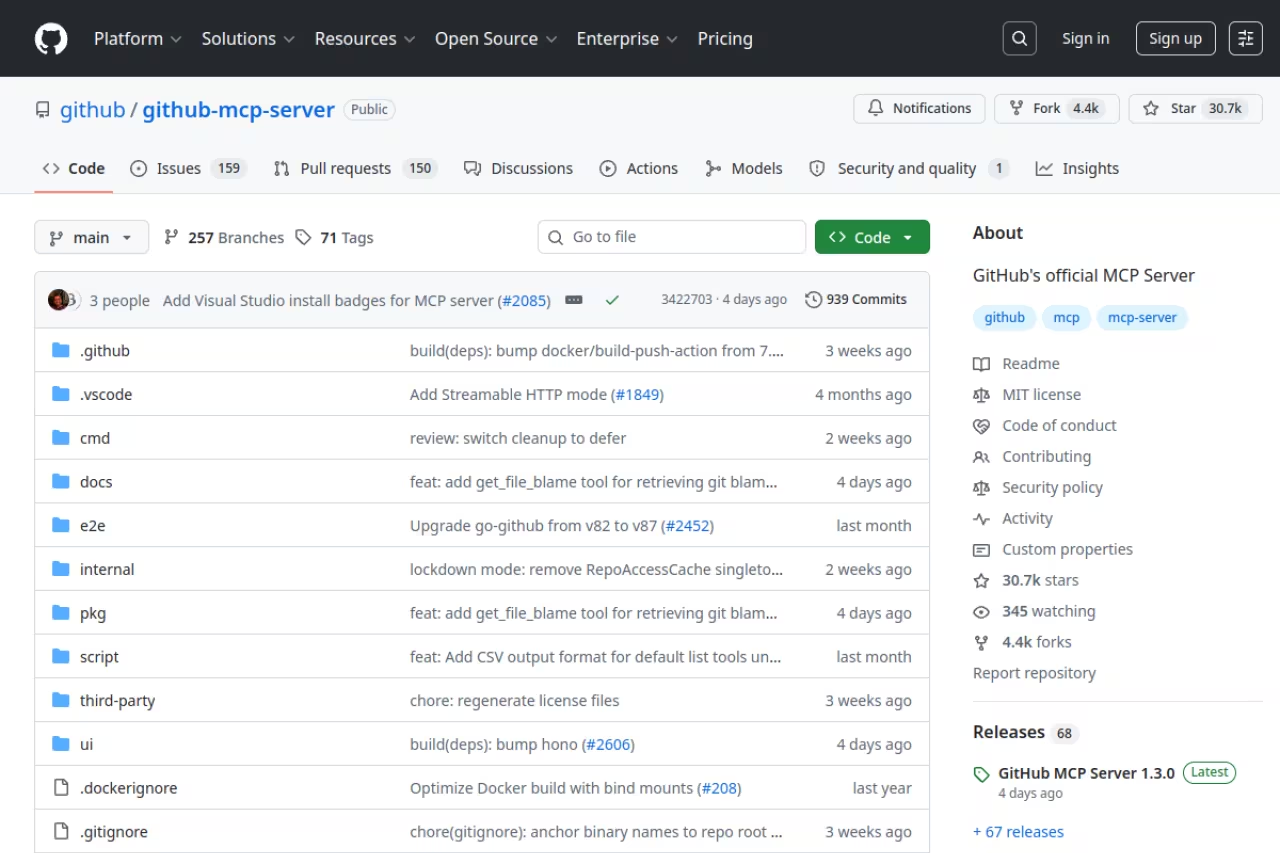
GitHub's official MCP server is the single highest-impact install for most developers. It lets Claude read issues, review pull requests, search across your repositories, and open or comment on PRs without you leaving the terminal. Instead of copy-pasting an issue body into the chat, you point Claude at the issue number and it pulls everything itself.
What I like most is the safety design. The server supports a read-only mode that disables every write tool even if Claude tries to call one, and a lockdown mode that limits what gets surfaced from public repositories. You can also scope it to specific toolsets so Claude isn't carrying forty GitHub tools it never uses. That last part matters more than people expect, because tool bloat is the fastest way to degrade Claude Code.
The highest-impact install for most developers who work on GitHub, letting Claude read issues, review pull requests and open PRs from the terminal. Use its read-only mode and scoped toolsets to avoid tool bloat.
It pairs naturally with the kind of autonomous workflow I covered in best AI coding agents.
Pricing: free. It uses your existing GitHub authentication.
The catch: with a broad personal access token it can do real damage if a prompt goes sideways. Start in read-only mode, scope the toolsets, and only open up writes once you trust the workflow.
Playwright MCP: let Claude actually click things
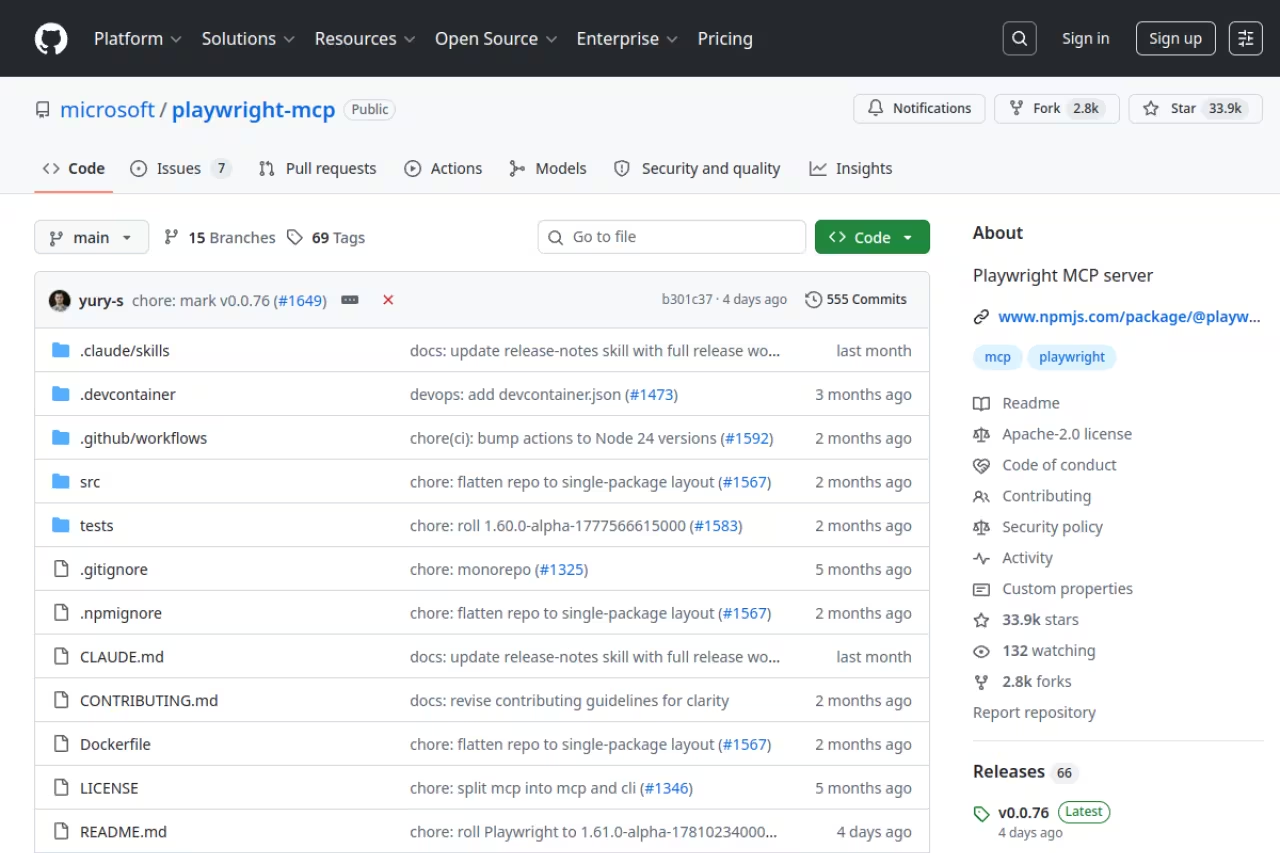
Playwright MCP, maintained by Microsoft, gives Claude a real browser to verify its own work. After it changes a frontend, it can navigate the page, fill a form, click a button, and confirm the thing rendered. No more shipping a UI change you never saw run.
The clever part is how it reads the page. Instead of taking screenshots and burning vision tokens, Playwright MCP serializes the browser accessibility tree into text, so every button and input arrives as structured data with a reference ID. A snapshot costs roughly 200 to 400 tokens instead of the thousands a raw screenshot would. It's both cheaper and more deterministic, since Claude navigates by reference ID rather than guessing at pixel coordinates.
Pick it for frontend work and end-to-end testing where Claude needs to confirm behavior in a real browser. It reads the page cheaply through the accessibility tree, but context creep from repeated snapshots is the trade-off.
Pricing: free, open source, Apache-2.0. It runs locally via npx with no API limits.
The catch: context creep. Each navigation returns a fresh snapshot, and on content-heavy pages a long session can carry snapshots of pages Claude already left. One reported task hit 114,000 tokens, around $0.34 on Sonnet, mostly from accumulated snapshots. Keep sessions tight and clear context between flows. For deeper browser work, also look at the best AI browser options.
Chrome DevTools MCP: real debugging, not just clicking
Where Playwright is built for automation, Google's official Chrome DevTools MCP is built for debugging. It exposes around 59 tools across input, navigation, performance, network, debugging, emulation, memory, and extensions. Claude can record a performance trace, inspect network requests, read the console, and run scripts against a live page. When a page is slow or a request is failing, this is the server that finds out why.
It reached v1.2.0 in June 2026 after roughly nine months of near-weekly releases, so it's moving fast and getting solid. Install is one line: claude mcp add chrome-devtools --scope user npx chrome-devtools-mcp@latest.
The server to choose for diagnosing real performance and network problems, with performance traces, network inspection and console access. It needs a current Chrome with remote debugging, and it overlaps with Playwright, so most people pick one.
Pricing: free, open source, Apache-2.0.
The catch: it needs a current build of Chrome (some features want Chrome 144 or newer), and Chrome has to launch with remote debugging enabled. It overlaps with Playwright too, so most people pick one as the default browser server. I keep Playwright for verification flows and reach for Chrome DevTools when I need to actually dig into a trace.

Sentry MCP: bring production errors into the chat
Sentry runs a hosted remote MCP server at mcp.sentry.dev with OAuth, so there's nothing to install. Connect it and Claude can pull recent issues, read full stack traces, and see which release introduced a regression. The real upgrade is Seer, Sentry's own AI agent: Claude can invoke it for automated root-cause analysis and get a suggested code fix, then implement it.
The workflow this unlocks is genuinely good. An error fires in production, you ask Claude what's breaking, it reads the Sentry issue with the stack trace, asks Seer for a root cause, and proposes a fix against your actual code. The whole triage loop happens in one place.
Worth installing for any team running Sentry in production that wants error context and automated root-cause analysis inside Claude Code. The best part, Seer, is a paid add-on, so budget for it.
Pricing: per Sentry's pricing page, the Developer tier is free with 5,000 errors a month, one user, and 30-day retention. Team is around $26 a month, Business around $80. Seer is a paid add-on at roughly $40 per active contributor per month and is the feature that makes this server shine.
The catch: the best part is locked behind a paid plan. On the free tier you still get issues and stack traces, but the automated root-cause analysis that justifies the install lives on Business and up.
Half this list didn't exist a year ago, and the churn is the whole reason we run Dupple X: it's the weekly read that flags which AI dev tools are worth your time before everyone else catches on.
Postgres MCP: query without leaving the terminal
The Postgres MCP server gives Claude direct, read-only access to your database schema and data. It can explore tables, understand relationships, and answer questions in natural language without you writing the SQL. When you're debugging why a record looks wrong or designing a migration, Claude seeing the actual schema beats it guessing from your models.
A good fit for any project with a Postgres backend, giving Claude read-only access to your real schema and data instead of guesses. Connect through a dedicated read-only user, never a write-capable production role.
Pricing: free, open source.
The catch: do not point it at a write-capable production role. Create a dedicated read-only user and connect through that. Giving an AI agent unrestricted write access to your production database is how you end up with a very bad afternoon. If you're building retrieval features on top of your data, the best vector databases and RAG tools are a better fit than raw SQL access.
Notion MCP: pull specs and write docs back
Notion's official remote MCP server lets Claude search your workspace, read pages and databases, and write content back. Notion now actively supports only the hosted remote version (at mcp.notion.com) and uses OAuth, so there's no token to manage. The write tools are markdown-optimized, with clean support for headings, lists, todos, callouts, and code blocks.
This one shines for the boring-but-real parts of building. Claude can read a product spec from Notion, implement it, then write release notes or update the doc when it's done. The context flows both ways.
A good fit for teams who keep specs, planning and docs in Notion and want Claude reading from and writing to the same source of truth. It only sees what you grant it, and broad write access means you should review its changes.
Pricing: free as part of your existing Notion plan. Authorize through Notion login and you're connected.
The catch: it only sees what you grant it during the OAuth flow, so if Claude can't find a page, the share scope is usually the reason. Broad write access also means you should review what it changes before trusting it on important docs.
Linear MCP: let Claude into the planning loop
Linear's hosted MCP server connects Claude to your tickets, projects, and statuses over OAuth. Claude can read an issue, create new ones, update status, and reference project context while it codes. For teams that plan in Linear, this turns Claude Code from a coding tool into a participant in how work actually moves.
Worth it only if your team genuinely plans in Linear, since Claude can read the ticket it is working on and update status without copy-paste. If your planning lives elsewhere, it is dead weight that clutters the tool list.
Pricing: free, included with Linear, OAuth-based setup.
The catch: it's only worth installing if your team genuinely lives in Linear. If your planning happens in Jira, Slack threads, or a doc, this server is dead weight that just clutters the tool list. Same logic applies to Slack and Jira servers, which are great for the teams on those tools and noise for everyone else.
How to choose your stack
Don't install all eight. The data is consistent and so is my experience: pick three to six servers and Claude makes sharper decisions. Past that, the tool list bloats and quality drops.
Start with the universal layer that helps almost everyone: Context7 for live docs and the GitHub MCP for repo work. Those two alone fix the most common failure modes.
Then add by what you actually do. Frontend heavy? Add Playwright, and Chrome DevTools when you need real debugging. Running things in production? Add Sentry. Database-backed app? Add Postgres in read-only mode. Team that plans in Notion or Linear? Add the one you live in, not both for the sake of it.
The honest filter is simple: does this server connect Claude to something it can't already see? Claude Code has built-in file editing and memory, so a standalone filesystem or memory server is usually redundant. If a server overlaps with what Claude already does natively, skip it. If you want a broader view of the agent tooling around all this, the best AI agents and best MCP servers guides go wider than the Claude Code lens.
If you're trying to keep up with which of these tools matter as the ecosystem shifts week to week, that's exactly the kind of signal we package up. Dupple X tracks the tools and workflows that AI builders are actually adopting, so you spend less time auditing MCP registries and more time shipping. You can also browse our top AI tools for the wider picture, or subscribe to Dupple X to get it weekly.
FAQ
What is an MCP server in Claude Code?
An MCP server is a connector that gives Claude Code new tools beyond editing files and running commands. It implements the open Model Context Protocol, so Claude can query a database, drive a browser, read GitHub issues, or fetch live documentation. You install one with a command like claude mcp add, and the tools become available in your session.
How many MCP servers should I install for Claude Code?
Three to six. Every server you add consumes context and can slow Claude's decision-making, so a focused set outperforms a maxed-out one. Start with Context7 and the GitHub MCP, then add servers that connect Claude to systems specific to your work, like Postgres, Sentry, or Playwright.
Is Context7 free to use with Claude Code?
Yes. Context7's hosted server works without any account, and you can add an optional API key to raise rate limits. It's the most popular MCP server in 2026 because it injects version-specific library docs into Claude's context and sharply cuts down on hallucinated API calls.
Are MCP servers safe to give Claude Code access to?
They're as safe as the permissions you grant. The real risk is write access. Connect the GitHub MCP in read-only mode first, point the Postgres server at a dedicated read-only user, and review changes before letting any server write to production data or important docs. Most official servers ship safety modes like read-only and lockdown for exactly this reason.
What's the difference between Playwright MCP and Chrome DevTools MCP?
Playwright MCP is built for browser automation and verification, reading the page as a lightweight accessibility tree so it stays cheap and deterministic. Chrome DevTools MCP is built for debugging, with 29 tools for performance traces, network inspection, and console access. Use Playwright to confirm a UI works and Chrome DevTools to find out why it's slow.
Do I still need the Filesystem and Memory MCP servers?
Usually not. Claude Code already has built-in file editing and a memory system, so standalone Filesystem and Memory servers tend to duplicate what's already there. Spend your server slots on connectors that reach systems Claude can't see natively, like your database, your error tracker, or your project management tool.
Related guides
Some offers on this page may be paid placements or contain affiliate links.
