
The 9 Best MCP Servers in 2026 (Compared and Ranked)

Key facts9 servers compared: GitHub, Context7, Playwright, Filesystem, Supabase, Sentry, Exa, Notion…
- 9 servers compared: GitHub, Context7, Playwright, Filesystem, Supabase, Sentry, Exa, Notion, Zapier
- GitHub (best for: Repo, PR, and issue work): Free (GitHub account)
- Context7 (best for: Up-to-date library docs): Free; Pro $7/seat/mo
- Playwright (best for: Browser automation): Free, open source
- Filesystem (best for: Safe local file access): Free, open source
A year ago, connecting your AI assistant to a real tool meant writing a custom integration and praying the schema held. Now there are more than 14,000 Model Context Protocol servers, and the ecosystem moved to the Linux Foundation's AAIF for governance. The problem flipped: there's too much choice, and most of it is half-finished weekend projects.
This list comes from comparing each server's documentation, install counts, and public user reports. Some serve a real need; others leak context, break on auth, or duplicate what a shell command already does. This is the shortlist that holds up.
If you only install one, make it the GitHub MCP server. It's the most-installed server in the ecosystem for a reason: it collapses PR review, issue triage, and code search into a single prompt. Everything else here earns its place for a specific job. Below is a quick comparison, then the full reviews with the catches I hit.
Quick comparison
| Server | Best for | Price | Standout |
|---|---|---|---|
| GitHub | Repo, PR, and issue work | Free (GitHub account) | 24 toolsets, hosted remote endpoint |
| Context7 | Up-to-date library docs | Free; Pro $7/seat/mo | Kills hallucinated APIs |
| Playwright | Browser automation | Free, open source | Accessibility tree, no vision model |
| Filesystem | Safe local file access | Free, open source | Hard directory sandboxing |
| Supabase | Database and backend ops | Free (Supabase plan) | 20+ tools, OAuth remote |
| Sentry | Production error debugging | Free (Sentry plan) | Invokes Seer for root cause |
| Exa | Semantic web search | Usage-based API | Beats Tavily on complex retrieval |
| Notion | Workspace read/write | Free (Notion plan) | Hosted OAuth, compact responses |
| Zapier | Connecting 8,000+ apps | Free tier; paid scales | 30,000+ callable actions |
GitHub MCP Server
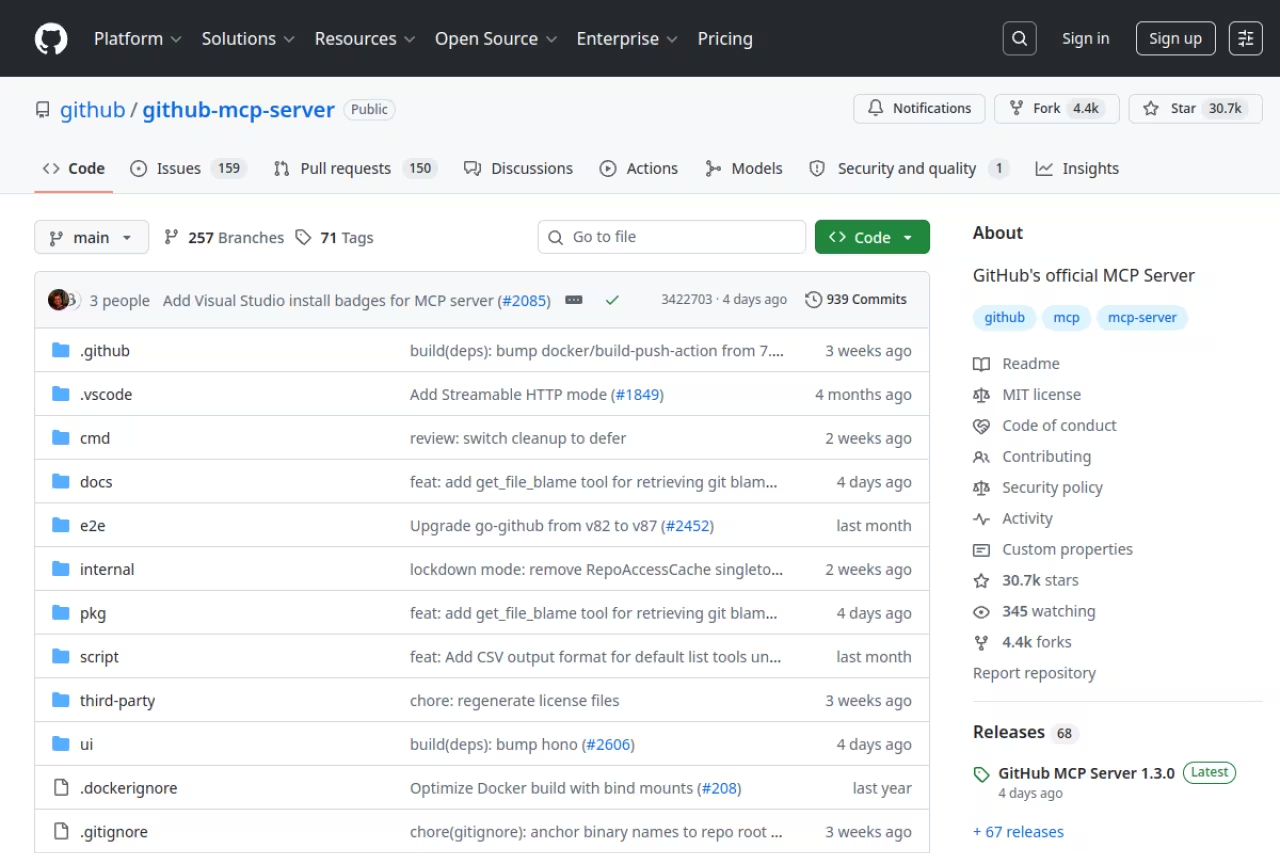
This is the one I'd hand to anyone starting out. The GitHub MCP server is GitHub's official server, and it exposes 24 toolsets covering repositories, issues, pull requests, Actions, code scanning, Dependabot alerts, discussions, and projects. You ask your agent to "summarize the open PRs touching the auth module and flag anything without tests," and it actually does it.
The one to hand anyone starting out, free and hosted so nothing runs locally. Enabling all 24 toolsets floods the context with tool schemas, so stick to the default set and consider read-only mode.
Solo or team, it doesn't matter.
Free. You authenticate with your GitHub account via OAuth or a personal access token. No separate bill.
The standout: The hosted remote endpoint at https://api.githubcopilot.com/mcp/ means you don't run anything locally. It tracks the stable spec closely (the 2026-01-26 release added project and iteration-field methods), and you can scope it down to just the toolsets you need so the agent isn't drowning in tool definitions.
The catch: All 24 toolsets enabled at once floods the model's context with tool schemas, which makes it slower and dumber at picking the right call. Turn on the "default" set (context, repos, issues, PRs, users) and add the rest only when a task needs them. Read-only mode is worth setting if you don't want an agent force-pushing.

Context7
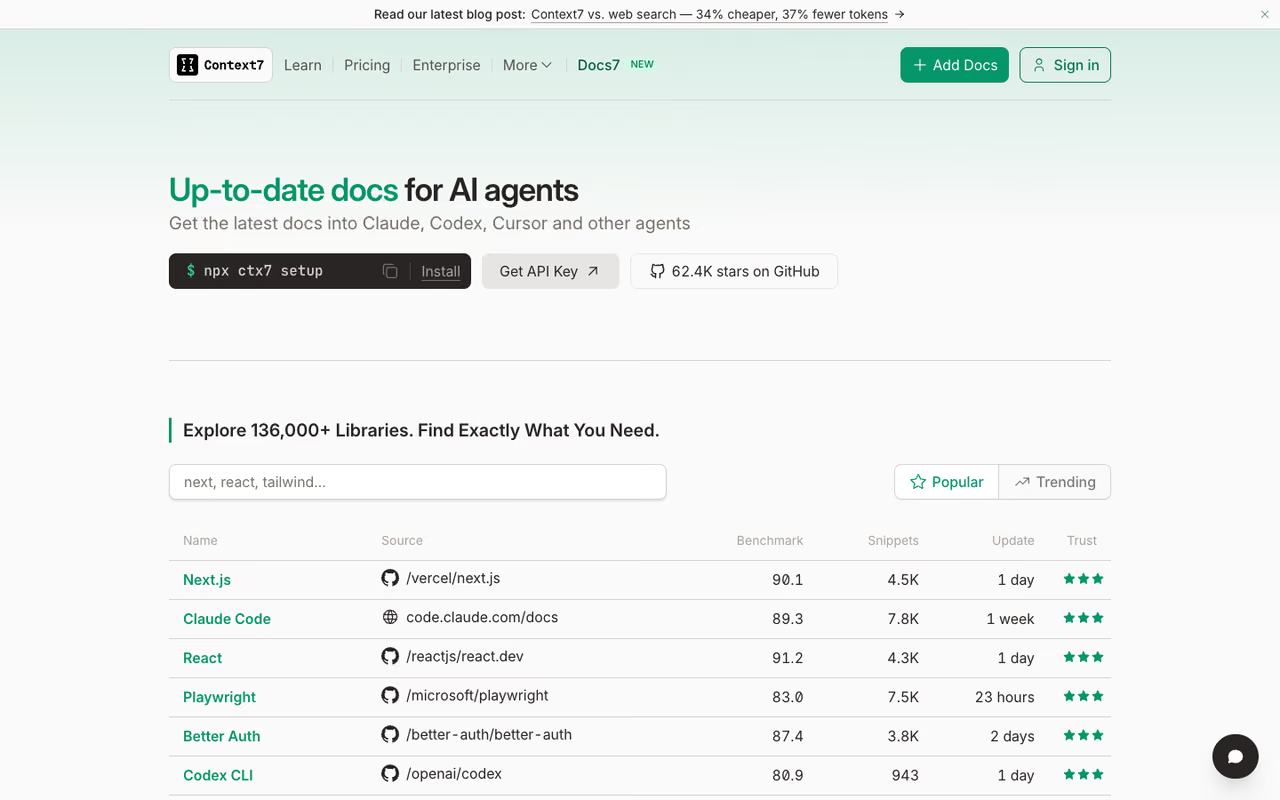
If you've ever watched an AI confidently call a function that was deprecated two versions ago, Context7 is the fix. Built by Upstash, it pulls current documentation for over 9,000 libraries straight into the model's context, so your agent codes against the API that actually exists today instead of whatever it memorized during training.
A sharp choice for anyone on fast-moving frameworks like Next.js, Supabase or Tailwind, pulling current docs for over 9,000 libraries. It only helps for indexed libraries, so niche or internal packages get nothing.
Next.js, Supabase, Tailwind, and the like, where the docs you trained on are already stale.
Free with basic rate limits, no API key required. A free API key at context7.com/dashboard raises those limits. Pro is $7 per seat per month per the Context7 pricing page, with up to 20 members, and querying docs is covered by the seat cost.
The standout: You just append "use context7" to a prompt and it fetches the relevant docs version. It has 50k-plus GitHub stars, and it pairs naturally with the GitHub server for coding work.
The catch: It only helps for libraries that are indexed. Niche or internal packages get nothing, and it occasionally pulls a slightly wrong version of the docs if a library has messy release tagging. It's a sharp tool for popular ecosystems, not a universal answer.
Playwright MCP
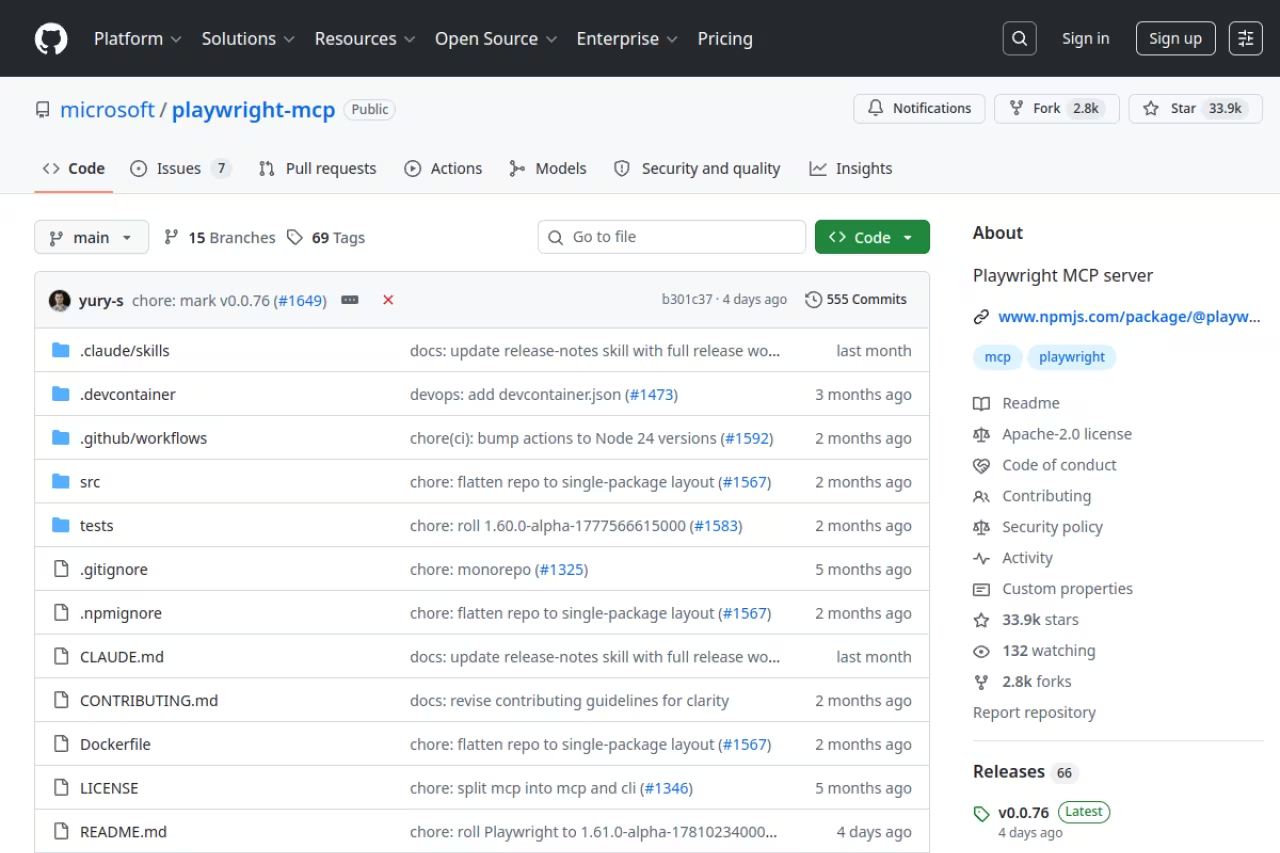
Microsoft's Playwright MCP gives your agent a real browser. The clever bit is that it drives pages through the accessibility tree rather than screenshots, so it works without a vision model and stays deterministic. It's one of the highest-rated servers in the ecosystem with 30k-plus stars.
Go with it for end-to-end testing, scraping behind JavaScript and multi-step flows, since the accessibility tree keeps it fast and reliable. It launches a real browser process, so it is overkill for simple read-this-page jobs.
Free and open source under Apache-2.0. It runs locally with no credentials. You add it with npx @playwright/mcp@latest.
The standout: Because it reads structured accessibility snapshots instead of pixels, it's fast, cheap on tokens, and reliable. No flaky coordinate-clicking, no vision model bill. It works across VS Code, Cursor, Devin Desktop (formerly Windsurf), and Claude Desktop.
The catch: It launches a real browser process, so it's heavier on local resources than a plain HTTP fetch. For simple "read this one page" jobs it's overkill, and a search server like Exa is the better call. Save Playwright for genuine interaction: forms, logins, multi-step flows.
If you're building agents that combine browsing with other tools, my guide to the best AI agents covers how these pieces fit together.
Filesystem MCP
The official Filesystem server is the second thing most people install after GitHub, and it's the secure default for letting an agent read and edit local files. It's a reference implementation maintained in the main Model Context Protocol repo, MIT-licensed.
The secure default when you want hard boundaries on what the agent can read and edit. It is deliberately basic, with no advanced search-and-replace or git awareness, and richer community forks trade away the official security guarantees.
Free, open source. Run it with npx @modelcontextprotocol/server-filesystem /path/to/allowed/files.
The standout: Directory access control. You pass the allowed directories explicitly, and it refuses everything outside them. It supports runtime directory updates via roots without a restart, which is genuinely useful when you switch projects mid-session.
The catch: It's deliberately basic. No advanced search-and-replace, no git awareness. If you want richer file operations you'll reach for a community fork, and the moment you do, you've traded the security guarantees of the official build for someone's side project. For most people the official version is exactly enough.
Supabase MCP
The official Supabase MCP server turns your AI assistant into a backend operator. It exposes 20-plus tools for running SQL, designing schemas, deploying edge functions, managing branches, and generating TypeScript types, all without leaving the chat.
A solid pick for teams building on Supabase who want to prototype and debug their database conversationally, with 20-plus tools. Giving an agent SQL execution is as dangerous as it sounds, so scope it and avoid production.
Free with your existing Supabase plan. The hosted remote server at mcp.supabase.com uses OAuth 2.1, so there are no API keys or tokens sitting on disk.
The standout: Role-scoped access means an agent can manage a project safely from Claude Code, Cursor, or any MCP client. Asking it to "generate TypeScript types for the current schema and flag any tables missing row-level security" is a real workflow I use, and the security recommendations it surfaces are practical.
The catch: Giving an agent SQL execution on your database is exactly as dangerous as it sounds. Use read-only or a scoped service role on anything you care about, and never point it at production without scoping first. The convenience is real, but so is the blast radius.
Once you've got your data layer wired up, a mid-build tip: Dupple X bundles the AI tools and model access I lean on for this kind of agent work, so you're not juggling five separate subscriptions.
Sentry MCP
The official Sentry MCP server brings production error context into your editor. Your agent can pull issue details, search events, read performance metrics and session replays, and crucially, invoke Sentry's AI agent Seer for automated root-cause analysis.
Choose it to debug production errors without leaving your editor, especially for Seer's root-cause hypotheses. It is only as good as your Sentry instrumentation, so thin or noisy error reporting gives hollow results.
Free with your Sentry plan. The hosted remote server at mcp.sentry.dev uses OAuth 2.0, so there's nothing to install and no long-lived tokens on disk. Adoption is climbing fast, with 85k-plus weekly npm downloads.
The standout: Seer. Instead of just dumping a stack trace, you can ask your agent to invoke Sentry's analysis agent and get a reasoned hypothesis about what broke and where. Debugging becomes a conversation instead of a dashboard archaeology session.
The catch: It's only as good as your Sentry instrumentation. If your error reporting is thin or your events are noisy, the MCP server inherits that noise. It shines on well-instrumented projects and feels hollow on under-monitored ones. Pairs well with the kind of setup I cover in best AI tools for developers.
Exa MCP
Exa is the search server most agents reach for in 2026, and the gap is real. It runs embeddings-based semantic search, so it understands what you mean rather than matching keywords, and it returns structured results built to feed straight into an LLM.
The search server for research agents and RAG pipelines, with semantic search plus people, company and code search that Tavily lacks. Usage-based pricing lets a runaway agent rack up calls, so test it against Tavily on your own queries.
Usage-based via the Exa API. You pay per search, with a free tier to start, which fits agent workloads better than a flat monthly fee for most people.
The standout: Independent benchmarks have Exa scoring around 81% versus Tavily's 71% on complex retrieval, running 2-3x faster, and adding people, company, and code search that Tavily lacks. Its query-dependent highlights extract the most relevant passages per page, which sends 50-75% fewer tokens to your model. That last part directly cuts your inference bill.
The catch: Usage-based pricing means a runaway agent can rack up search calls fast. Tavily, recently acquired by Nebius, is the more well-rounded pick if you want predictable costs and a built-in research mode. Test both against your own queries before committing. The Exa vs Tavily comparison is a fair starting point.
Notion MCP
Notion's hosted MCP server lets agents find, read, query, and update your workspace in real time. It targets the current Notion API and keeps responses compact enough that they don't blow up your context window, which is the failure mode of most workspace integrations.
Pick it if your docs, specs and project tracking live in Notion and you want an agent to read and write them with compact responses. It is tuned for day-to-day edits, not bulk work, so restructuring a 500-page wiki invites timeouts.
Free with your Notion plan. The hosted server at mcp.notion.com uses OAuth, so there's no infrastructure to stand up. The old open-source notion-mcp-server is no longer maintained, so use the hosted one.
The standout: Compact responses. Plenty of workspace servers dump entire page trees into context and choke the model. Notion's official server returns just enough, and it connects from Claude Desktop, Cursor, VS Code, and agent frameworks like LangChain and the OpenAI Agents SDK.
The catch: It's tuned for day-to-day reads and writes, not bulk operations. Asking it to restructure a 500-page wiki is asking for timeouts. Keep the requests scoped and it's reliable; treat it as a migration tool and it isn't.
Zapier MCP
Zapier MCP is the catch-all. It connects your agent to 8,000-plus apps and more than 30,000 callable actions, so your AI can send emails, update spreadsheets, manage calendars, and post to Slack from a natural-language prompt, with no custom API work.
Use it for the long tail of SaaS apps, with 8,000-plus apps and more than 30,000 actions behind one hosted server. It is a mile wide and an inch deep, so tools you use heavily deserve a dedicated server.
Free tier to start, then it scales with Zapier's usage-based plans as your action volume grows.
The standout: Breadth. Nothing else covers this many apps from one server. When the long tail of integrations matters more than depth in any single one, Zapier is the answer, and it's a remote server so there's nothing to host.
The catch: It's a mile wide and an inch deep. Each integration exposes generic actions, not the full native API, so for a tool you use heavily, a dedicated server (or the vendor's own MCP) gives you more control. Use Zapier for the apps that don't have their own server yet.
How to choose
Don't install everything. A bloated tool list makes your agent slower and worse at picking the right action, the same problem I flagged with GitHub's 24 toolsets.
Work backward from the job:
- Writing code? Start with GitHub plus Filesystem, then add Context7 the first time you watch the model hallucinate an API.
- Building on a database? Supabase if that's your stack. Scope it read-only until you trust it.
- Agent needs the live web? Exa for semantic research, Playwright when it has to actually click through a site.
- Connecting business tools? Notion for docs, Zapier for the long tail of apps without their own server.
Two rules I follow. First, prefer official and remote servers. They handle auth via OAuth, get patched fast, and don't leave tokens on your disk. Second, audit permissions before you connect anything that can write. An agent with SQL access or force-push rights is a liability if you haven't scoped it.
For the host side of this, see my breakdowns of the best MCP servers for Claude Code and the best MCP servers for Cursor, and browse top AI tools for the wider stack.
FAQ
What is an MCP server?
An MCP server is a program that exposes tools, data, or actions to an AI assistant through the Model Context Protocol, the open standard Anthropic introduced for connecting models to the real world. Instead of a custom integration per app, any MCP-compatible host (Claude, Cursor, VS Code, and others) can connect to any MCP server and use its tools. Governance moved to the Linux Foundation's AAIF in 2026.
Are MCP servers free to use?
Most of the best ones are. The GitHub, Filesystem, Playwright, Supabase, Sentry, and Notion servers are free, though some require a paid plan for the underlying service. Context7 has a free tier with a $7/seat Pro plan, and Exa and Zapier charge based on usage. The server software itself is usually free; what you pay for is the backend it connects to.
What's the difference between a remote and a local MCP server?
A local server runs on your machine (like Filesystem or Playwright), which keeps data on your hardware and needs no internet for the server itself. A remote server is hosted by the vendor and reached over a URL with OAuth (like GitHub, Supabase, Sentry, and Notion), so there's nothing to install and no tokens on disk. Remote servers are usually easier to maintain; local servers give you more control and isolation.
Which MCP server should I install first?
The GitHub MCP server, if you write code. It's the most-installed server in the ecosystem and handles repos, PRs, issues, and code search through one connection. Pair it with the Filesystem server for local edits, and you've covered the bulk of everyday coding workflows before adding anything specialized.
Can MCP servers be a security risk?
Yes, and you should treat them seriously. Any server that can write (run SQL, push code, send emails) can cause real damage if an agent misfires or a prompt injection slips through. Use read-only mode where it's offered, scope database access to limited roles, prefer official servers over unmaintained community forks, and review what permissions you're granting before you connect. The convenience is worth it only if you scope it.
How many MCP servers are there?
More than 14,000 as of mid-2026, up from a handful when Anthropic open-sourced the protocol. The remote ecosystem alone grew from 16 servers in January to dozens by spring as Atlassian, HubSpot, Linear, Slack, Sentry, Neon, and Vercel launched hosted endpoints. The quality varies wildly, which is exactly why a tested shortlist beats browsing a directory.
Related guides
Some offers on this page may be paid placements or contain affiliate links.
