
The Best MCP Servers for VS Code in 2026

Key facts8 tools compared: GitHub MCP, Context7, Playwright, Supabase, Sentry, Figma Dev Mode…
- 8 tools compared: GitHub MCP, Context7, Playwright, Supabase, Sentry, Figma Dev Mode, Filesystem, Brave Search
- GitHub MCP (best for: Repo, issues, PRs, CI): Free
- Context7 (best for: Up-to-date library docs): Free (key optional)
- Playwright (best for: Browser automation, E2E): Free
- Supabase (best for: Postgres + backend): Free (uses your plan)
GitHub Copilot's agent mode in VS Code is genuinely good now. It reads your codebase, runs terminal commands, and edits files across your project. What it cannot do out of the box is talk to anything outside the editor: your live database, your production error logs, the current docs for a library you just bumped, or the Figma file your designer shipped this morning. That is the gap MCP servers fill.
The catch is volume. There are now well over a thousand public Model Context Protocol servers, and most "top 20" roundups are padded with tools you wire up once and never touch again. Every server you add also eats into the tool budget the model can juggle before it starts picking the wrong one. This is a "which four or five actually earn their place" exercise, not an install-everything one.
This guide is for developers using Copilot's agent mode in VS Code, the only mode where MCP tools fire. If you install one thing, make it the GitHub MCP server below. Everything else here is what I keep wired in after the noise.
Quick comparison
| Tool | Best for | Price | Standout |
|---|---|---|---|
| GitHub MCP | Repo, issues, PRs, CI | Free | One-click OAuth remote endpoint |
| Context7 | Up-to-date library docs | Free (key optional) | Kills stale-version hallucinations |
| Playwright | Browser automation, E2E | Free | Accessibility-tree, no screenshots |
| Supabase | Postgres + backend | Free (uses your plan) | Read-only mode for prod safety |
| Sentry | Production error debugging | Free (uses your plan) | Seer root-cause from your editor |
| Figma Dev Mode | Design-to-code | Free beta, then Dev seat | Reads the live node tree |
| Filesystem | Scoped file access | Free | Hard directory allowlist |
| Brave Search | Live web search | Metered, ~$0.005/query | Independent index, not Google |
GitHub MCP server
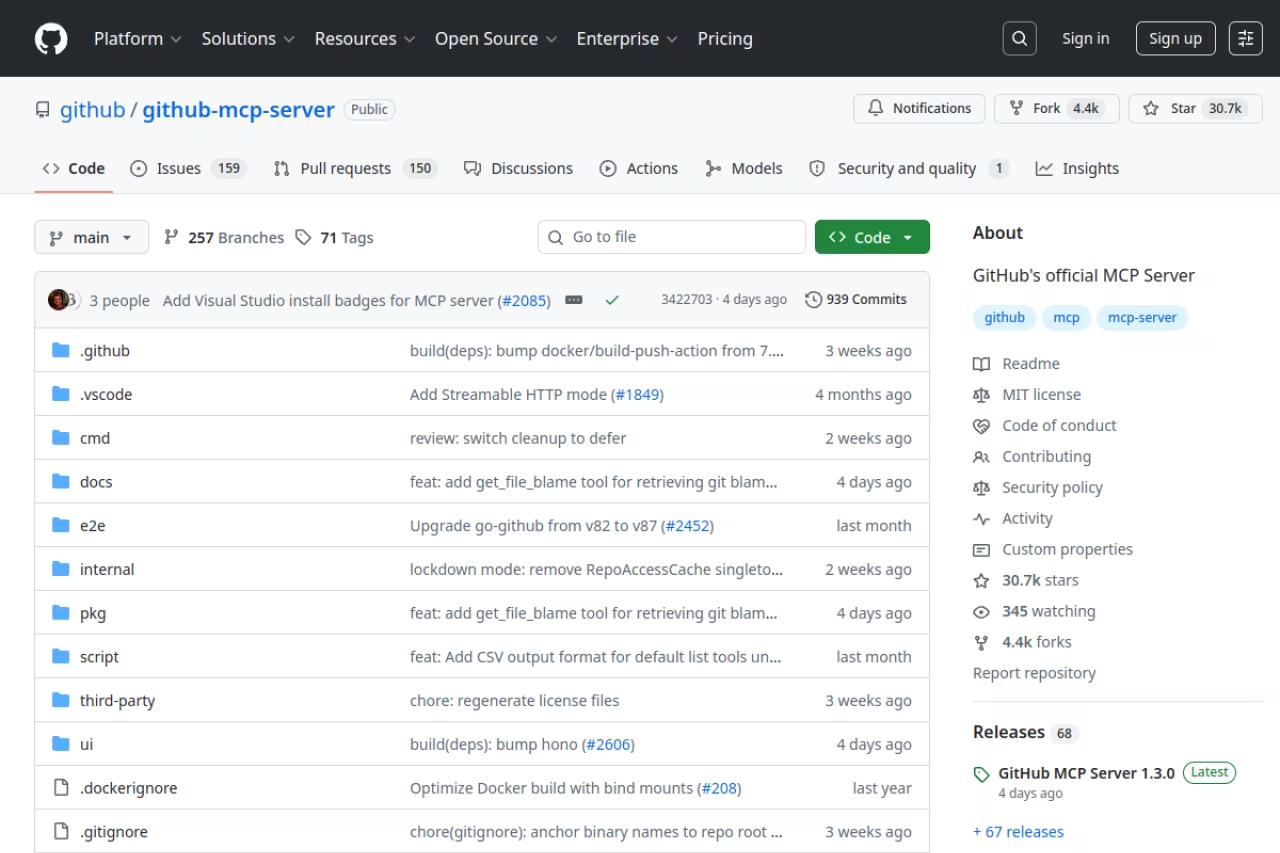
This is GitHub's own MCP server, and the one I tell everyone to set up first. It exposes repositories, issues, pull requests, Actions runs, and code scanning alerts as tools Copilot can call directly. Instead of tabbing out to github.com to see why a workflow failed, you ask in the chat and it reads the run logs, then proposes a fix in the same thread. It shines at triage ("summarize the open issues labeled bug and group them"), PR review, and chasing down a red CI run.
The first server I would set up, with free one-click OAuth and a /readonly option that strips every write tool. With every toolset on it is a lot of surface area, so start read-only and enable write toolsets deliberately.
Pricing: free. The remote endpoint lives at https://api.githubcopilot.com/mcp/ and uses one-click OAuth, so there is nothing to install and no personal access token on disk.
The standout is how little setup it needs. OAuth means the server only gets the scopes you approve, and you can append /readonly to the URL to strip out every write tool (per GitHub's remote-server docs). The --toolsets flag scopes it further so the agent is not drowning in 80 tools.
The catch: with every toolset on it is a lot of surface area, and a confused agent can open issues or push comments you did not want. Start read-only and turn on write toolsets deliberately.

Context7
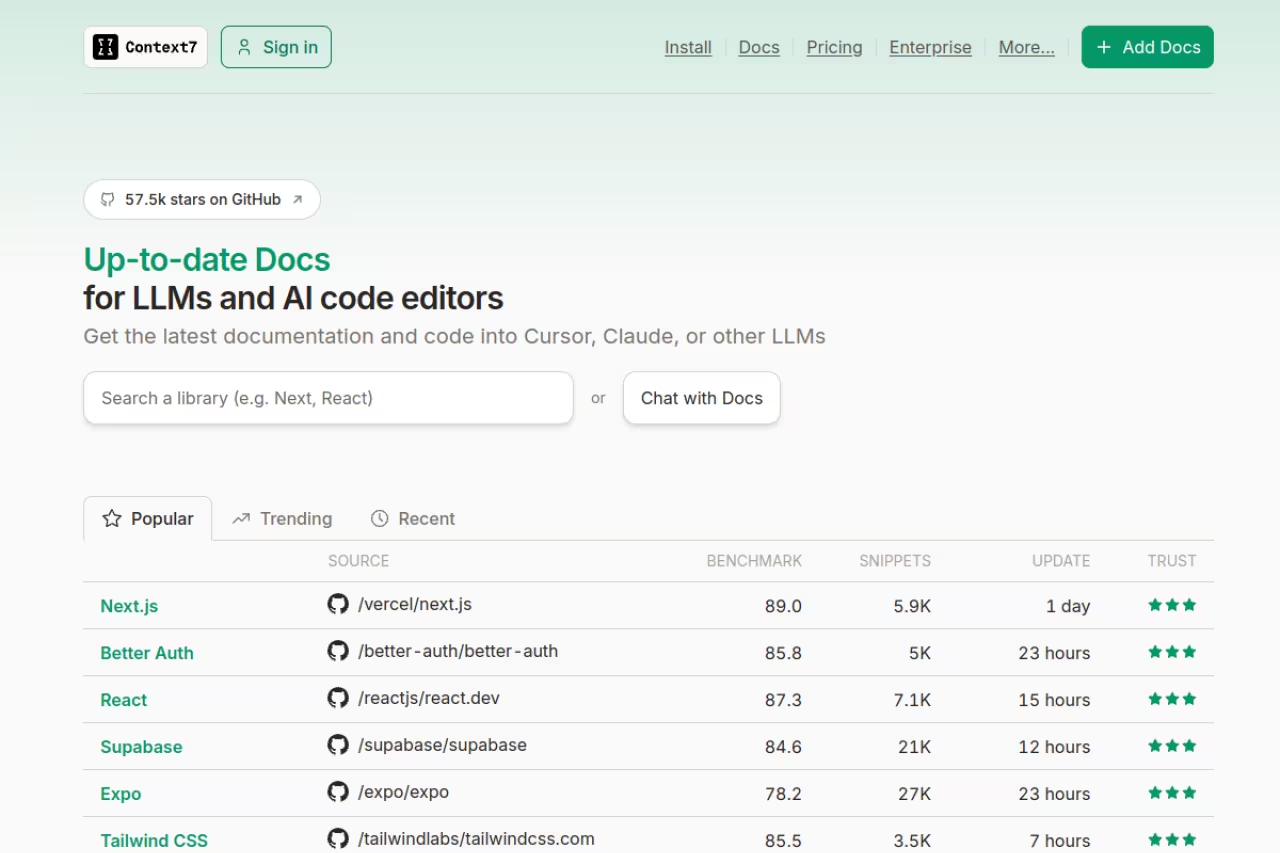
Context7, built by Upstash, solves the single most maddening failure in AI coding: the model writing code against a library version that no longer exists. Training data goes stale, so Copilot will happily call a deprecated API or invent a function signature. Context7 fetches current, version-specific documentation for thousands of libraries at query time and injects it straight into the agent's context. If you live in Next.js, Tailwind, Prisma, or any SDK that ships breaking changes, this is the difference between code that runs and code that hallucinates an import.
Pick it if you work in fast-moving libraries like Next.js, Tailwind or Prisma and are tired of code written against deprecated APIs. It is free, but coverage for very new or niche packages can lag and the first call adds latency.
Pricing: free. Run it with no API key on basic rate limits, or grab a free key from the Context7 dashboard for higher limits (their pricing confirms the Free plan is $0). Most solo developers never hit the free ceiling.
The standout is the workflow. Add "use context7" to a prompt, the server resolves the library, pulls the docs, and hands the agent accurate reference material. No copy-pasting docs into chat.
The catch: it only helps when the library is indexed, and coverage for very new or niche packages can lag. It also adds latency on the first call. Minor costs for what you get back.
Playwright MCP
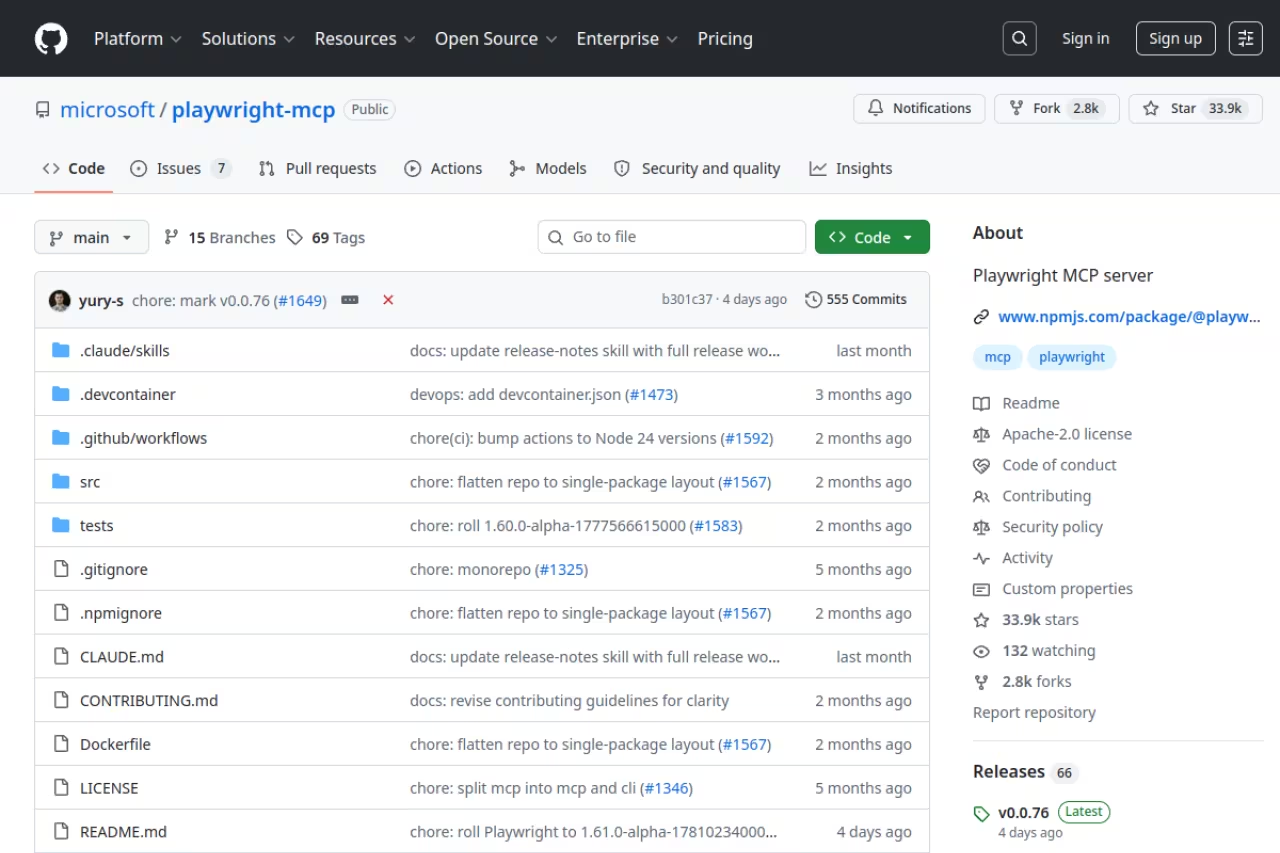
Microsoft maintains the Playwright MCP server, which hands Copilot a real browser. The clever part is that it does not rely on screenshots. It exposes the page as a structured accessibility snapshot, a text representation where every interactive element gets a reference ID. The agent reads that, clicks the right element, fills forms, and navigates without burning tokens on vision models. Ask it to "open the staging login page, sign in with the test account, and tell me why the dashboard is empty" and it will drive the browser to find out.
A strong choice for letting Copilot drive a real browser reliably, since it reads accessibility snapshots instead of screenshots. Keep it pointed at local or staging, because on a live site it can submit forms for real.
Pricing: free and open source, shipped as both an npm package and a Docker image. Install it with npx @playwright/mcp and point your mcp.json at it.
The standout is reliability. Because it works off the accessibility tree instead of pixel-matching, it is far less brittle than screenshot-driven browser agents, and it still handles network mocking and screenshots when you need them.
The catch: it controls a live browser, so on a real site it can submit forms for real. Keep it pointed at local or staging, and be deliberate about production URLs. The first run also downloads browser binaries.
Supabase MCP
The official Supabase MCP server lets Copilot manage your backend: query the Postgres database, inspect schema, run migrations, and deploy edge functions. When the agent knows your actual table structure, the SQL it writes stops being guesswork and stops inventing column names. It is also handy for one-off data questions you would otherwise write a query for by hand.
Worth installing if your backend is Supabase and you want SQL grounded in your real schema. Default to ?read_only=true for production, since a misread prompt against a writable database can run destructive SQL.
Pricing: free to use; it runs against your existing project, so you pay only for the plan you already have. Setup runs through the hosted endpoint or npx supabase-mcp@latest.
The standout is the read-only safety valve. Append ?read_only=true and every mutating tool gets disabled, including migrations and edge-function deploys (Supabase documents this in their MCP guide). For anything touching production, that should be your default.
The catch: pointed at a writable production database, an agent that misreads your intent can run destructive SQL. Use read-only for prod and never hand it service-role access casually.
Sentry MCP
The Sentry MCP server connects Copilot to your error tracking. Instead of switching to the Sentry dashboard, copying a stack trace, and pasting it back, the agent pulls the issue details, searches events, and reads the exact file and line where things broke. The loop of "a user reported a bug, find it, fix it" collapses into a single chat session.
Pick it if you want the bug-report-to-fix loop inside one chat, with Seer root-cause analysis suggesting code-level fixes. The deeper Seer analysis is a paid Sentry feature, though the basic issue-reading tools work on any account.
Pricing: free server that runs against your existing Sentry account, with a hosted remote endpoint at mcp.sentry.dev using OAuth 2.0, so there is no long-lived token on disk.
The standout is Seer integration. The server can invoke Sentry's AI agent for root-cause analysis, returning code-level explanations, file locations, and concrete fixes. I have watched it go from a vague exception to a one-line patch suggestion in a single prompt.
The catch: Seer's deeper analysis is a paid Sentry feature, so the most useful part depends on your plan tier. The basic issue-reading tools work on any account.
If you are wiring up a stack like this, a focused course beats poking at config files for an afternoon. Our Dupple X program walks through building real AI-assisted dev workflows end to end, including MCP setup. Start a yearly trial.
Figma Dev Mode MCP
Figma's official Dev Mode MCP server reads the live structure of your design files: the node tree, layout constraints, variables, and tokens, then exposes them to the agent. The result is Copilot generating component code that matches the spacing, colors, and tokens a designer set, instead of approximating from a screenshot. The closer your code needs to match the design, the more this earns its keep.
The route to component code that matches your design system's spacing and tokens, if you already have a paid Dev or Full seat. It is the priciest entry here, and Figma has said it will eventually move to usage-based pricing.
Pricing: free during the current beta, but it requires a Dev or Full seat on a paid Figma plan (Professional starts around $16 per editor per month billed annually). Starter accounts are capped at roughly 6 calls a month (Figma's MCP guide spells out the seat requirements).
The standout is fidelity. Because it reads the real file structure rather than guessing from pixels, the generated code respects the variables and tokens that make design systems hold together.
The catch: the seat requirement makes it the priciest entry here, and Figma has said it will eventually move to usage-based pricing. Treat the free beta as a window to decide if it is worth a seat.
Filesystem MCP
The official Filesystem MCP server from the Model Context Protocol team gives the agent controlled read and write access to files, scoped to directories you explicitly allow.
Reach for it when you want the agent working across files outside the current workspace, or need an auditable allowlist of what it can touch. For plain in-project work it is redundant, since VS Code's agent already edits files well.
Pricing: free. Run it with npx -y @modelcontextprotocol/server-filesystem /path/to/allowed/dir and pass the directories it is permitted to see. Directories are set by command-line argument or via Roots, so the server cannot reach anything outside what you granted.
The catch: VS Code's agent already has solid file editing built in, so for plain in-project work this is redundant. Reach for it when you need cross-directory access or a hard, declared boundary.

Brave Search MCP
The Brave Search MCP server gives the agent live web search through Brave's independent index, covering web, news, images, video, and local results. When Copilot needs current information, like a changelog or an error someone posted last week, this is how it finds it without you alt-tabbing to a browser.
Pick it if you want your agent researching in real time through an independent index rather than relying on stale training data. It is no longer free, needing an API key and a card on file, so watch the meter if the agent searches constantly.
Brave's index is its own, not a Google or Bing reseller, which is useful when debugging against the latest version of anything.
Pricing: this changed in early 2026. The old free 2,000-queries-a-month tier was retired; it is now pay-as-you-go at roughly $0.003 to $0.005 per query with a $5 prepaid credit, plus a Pro tier at $5 a month for 20,000 queries (Brave's API pricing has the details). Cheap, but no longer free.
The catch: it needs an API key and a card on file now, so it is the only entry here with a real per-use cost. For occasional lookups it is pennies; for an agent that searches constantly, watch the meter.
How to choose
Do not install all eight. The agent gets worse, not better, with too many tools to choose from. Pick by what you actually do:
- Everyone starts with GitHub MCP and Context7. The first wires Copilot into your repo and CI; the second stops it writing code against library versions that no longer exist.
- Add Playwright if you touch the frontend or write E2E tests. The biggest upgrade for anything browser-facing.
- Add Supabase or your database server if the agent keeps inventing schema. Read-only against prod, dev project for everything else.
- Add Sentry if you own production. The "find the bug a user reported and fix it" loop earns its setup.
- Add Figma only if design fidelity is your bottleneck and you already pay for Dev seats. Otherwise skip it.
A practical rule: every server you add should remove a tab you currently switch to. If you cannot name the context-switch it kills, leave it off. For a wider survey across editors, our roundup of the best MCP servers goes deeper, and if you are still picking an assistant, see the best AI coding agents and best AI for coding.
FAQ
How do I add an MCP server to VS Code?
Create a .vscode/mcp.json file in your project (or use the MCP: Add Server command) and add the server under the "servers" root key with its command, arguments, and any environment variables. VS Code also has a server gallery you can browse with the @mcp filter in the Extensions view. MCP tools only fire in Copilot's agent mode, so make sure you are in that mode when you test.
Do MCP servers work with GitHub Copilot in VS Code?
Yes. MCP support went generally available in VS Code 1.102, and MCP tools fire specifically in Copilot's agent mode. In ask or edit mode the tools stay dormant. Switch the chat to agent mode and the model can call whatever servers you have configured.
Are MCP servers safe to run?
It depends on the permissions you grant. Use OAuth and read-only modes wherever they exist (GitHub's /readonly URL, Supabase's ?read_only=true), scope the Filesystem server to specific directories, and review write actions before approving. The risk is not the protocol; it is handing an agent broad write access to production. Treat every server like a junior developer with your credentials.
What is the difference between MCP servers for VS Code, Cursor, and Claude Code?
The servers themselves are identical. MCP is a shared standard, so a GitHub or Playwright server runs the same everywhere. What differs is the config file and the limits. VS Code uses mcp.json with a "servers" key, while Cursor's MCP setup and Claude Code's MCP setup use their own config and tool ceilings. Pick the servers, then configure per client.
Which MCP servers are free?
Most of the ones here. GitHub, Context7, Playwright, and Filesystem are free outright. Supabase and Sentry are free servers that run against your existing plans, so you only pay for those products if you already do. Figma is free during its beta but needs a paid Dev seat, and Brave Search is the only true pay-as-you-go option after it retired its free tier in 2026. For a shortlist by use case, see our database MCP servers guide or browse the full tool directory.
Related guides
Some offers on this page may be paid placements or contain affiliate links.
