
Best MCP Servers for Databases (2026): Postgres, MongoDB, BigQuery and More

Key facts7 tools compared: Postgres MCP Pro, Supabase MCP, MongoDB MCP, MCP Toolbox for Databases, Neon…
- 7 tools compared: Postgres MCP Pro, Supabase MCP, MongoDB MCP, MCP Toolbox for Databases, Neon MCP, ClickHouse MCP, DBHub
- Postgres MCP Pro (best for: Self-hosted Postgres): Free (MIT)
- Supabase MCP (best for: Supabase / full-stack apps): Free (usage on plan)
- MongoDB MCP (best for: MongoDB + Atlas): Free (Apache 2.0)
- MCP Toolbox for Databases (best for: Google Cloud / multi-DB): Free (open source)
Giving an AI agent direct access to your production database sounds reckless until you do it well. The Model Context Protocol changed that. Instead of pasting schemas into a chat window and copying SQL back out, your agent connects to the database itself, reads the structure, runs queries, and reports back. The difference between a careful setup and a careless one is which MCP server you pick.
I compared database MCP servers on how they connect to Claude, Cursor, and custom agents. Most do the basic job: list tables, describe schemas, run a SELECT. The ones worth your time go further, with read-only guardrails, index tuning, query plan analysis, and write operations gated behind confirmation steps. That gap separates a toy from something you'd run against real data.
If you only read one line: for self-hosted Postgres, Postgres MCP Pro is the one I reach for, because it does performance tuning on top of plain queries and ships a genuine restricted mode. The rest of this list covers what to use when your stack isn't Postgres, or when you want a hosted backend like Supabase or Neon to handle the connection for you.
Quick comparison
| Tool | Best for | Price | Standout |
|---|---|---|---|
| Postgres MCP Pro | Self-hosted Postgres | Free (MIT) | Index tuning + health checks |
| Supabase MCP | Supabase / full-stack apps | Free (usage on plan) | Whole backend, not just SQL |
| MongoDB MCP | MongoDB + Atlas | Free (Apache 2.0) | 50+ ops, Atlas cluster control |
| MCP Toolbox for Databases | Google Cloud / multi-DB | Free (open source) | One server, many engines |
| Neon MCP | Serverless Postgres | Free (usage on plan) | Branch-based safe migrations |
| ClickHouse MCP | Analytics / warehouses | Free (open source) | Built for read-heavy agents |
| DBHub | MySQL, SQL Server, SQLite | Free (open source) | Universal gateway, zero deps |
Postgres MCP Pro
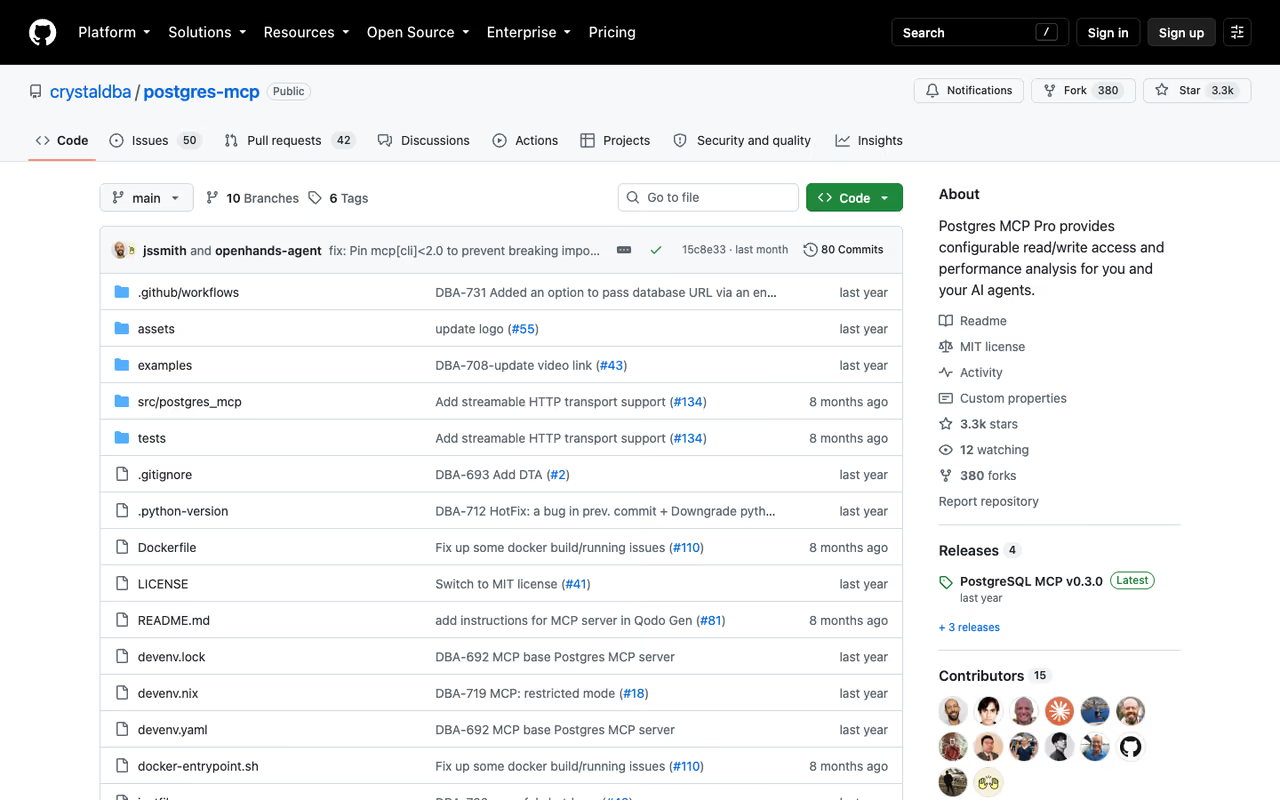
Postgres MCP Pro from Crystal DBA is the database MCP server I'd hand to someone who actually cares about their database, not just querying it. Plenty of servers let an agent run SQL. This one reads your pg_stat_statements, finds slow queries, and proposes indexes using real algorithms instead of guessing.
Who it's for: Anyone running self-hosted PostgreSQL who wants their agent to help with performance, not just data retrieval. Backend engineers and data teams get the most out of it.
The pick for self-hosted PostgreSQL users who care about performance, not just querying, with index simulation and health checks. It is free and open source, and best suited to backend engineers and data teams.
Free and open source under the MIT license. You run it yourself, so the only cost is the compute it sits on.
The standout: Index tuning. It uses hypopg to simulate hypothetical indexes without creating them, so the agent can tell you "this index would cut that query from a sequential scan to an index scan" before you touch production. The health checks cover buffer cache hit rates, vacuum status, connection utilization, and replication lag. According to the project's GitHub, it explores thousands of possible indexes to find the right one. That's a different category of useful than "here are your rows."
The catch: it has two modes, unrestricted (full read/write) and restricted (read-only, time-limited transactions), and you have to consciously pick the right one. Run it unrestricted against production by accident and an over-eager agent can absolutely drop a table. Set it to restricted for anything you care about, and only loosen it on a local copy.
Supabase MCP
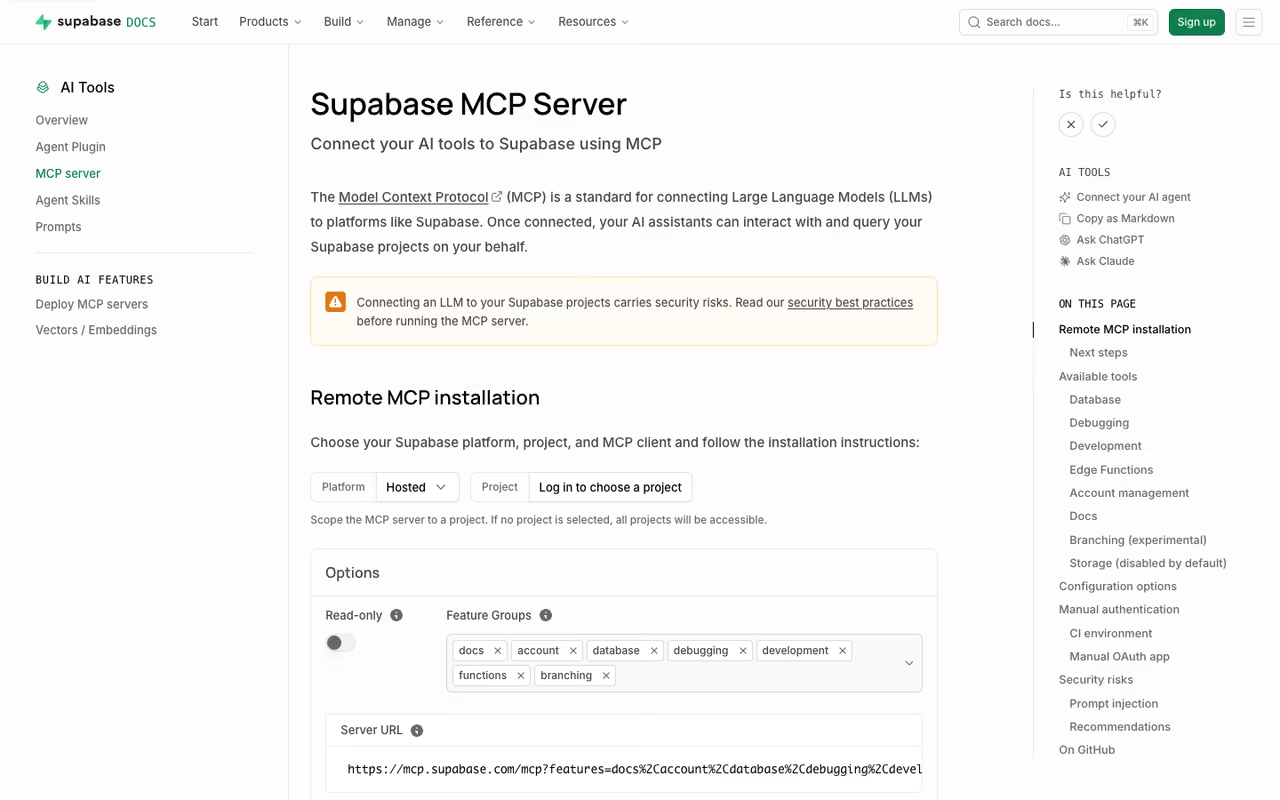
If your app already runs on Supabase, the Supabase MCP server gives your agent the whole backend, not just the Postgres layer. It can query data, list tables, manage migrations, generate TypeScript types, read service logs, run the security and performance advisors, and deploy edge functions.
Who it's for: Teams building on Supabase who want an agent that handles the full stack. It pairs naturally with Cursor, Claude, and Devin Desktop (formerly Windsurf) during active development.
The pick if your app already runs on Supabase, giving your agent the whole backend from data and migrations to edge functions and advisors. That same breadth is the risk, so treat access with care.
The MCP server is free. You pay for whatever Supabase plan your project sits on, and one feature group (database branching) needs a paid plan.
The standout: Range. Most database servers stop at SQL. This one reaches into auth, storage config, edge function deployment, and type generation, so an agent can scaffold a feature end to end. The built-in docs search also means the agent can answer "how do I set up row-level security" without leaving the session.
Where it falls short: that same breadth is the risk. The Supabase docs recommend read-only mode and project scoping, and you should treat both as mandatory, not optional. Point it at production with full access and you've handed an LLM the keys to your entire backend. Storage tools are disabled by default for good reason. Keep them that way until you have a specific need.
MongoDB MCP Server
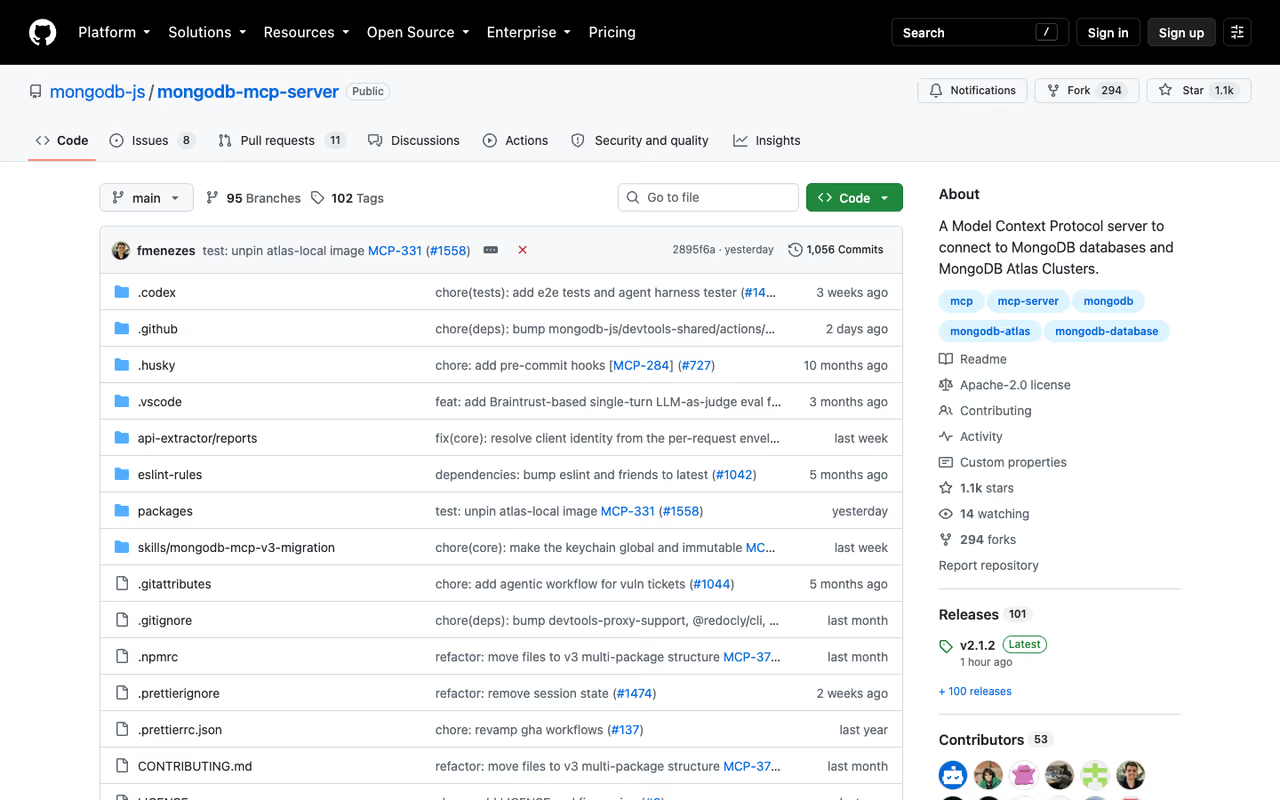
The official MongoDB MCP server is the answer for document-database stacks. It connects to any MongoDB deployment, including Atlas, Community Edition, and Enterprise Advanced, and exposes more than 50 operations covering find, insert, update, delete, aggregate, index management, and schema inspection.
Who it's for: Teams on MongoDB, especially anyone using Atlas who wants cluster management through their agent. The Atlas integration lets you spin up free clusters, manage database users, and pull performance advisor recommendations.
The answer for document-database stacks, especially teams on Atlas who want cluster management through their agent. It is free and open source, though Atlas features need your Atlas account and billing.
Free and open source under the Apache 2.0 license. Atlas-specific features need your Atlas account, billed as usual.
The standout: The Atlas control plane. A connection string gets you database access, but Atlas service account credentials unlock cluster creation, user management, and access list configuration. The performance advisor integration means the agent can read Atlas's own index suggestions and act on them. That's closer to a junior DBA than a query runner.
The catch: 50+ operations is a lot of surface area to expose to a model. MongoDB built in three controls for this, a --readOnly flag, --disabledTools to switch off specific operations, and --confirmationRequiredTools for ones that need a human nod. Use all three, and start in read-only mode, which limits the server to read, connect, and metadata work.
MCP Toolbox for Databases
When your stack spans several engines or lives on Google Cloud, the MCP Toolbox for Databases (formerly Gen AI Toolbox) is the most flexible option on this list. One open-source server connects to BigQuery, AlloyDB, Cloud SQL for Postgres / MySQL / SQL Server, Spanner, and self-managed PostgreSQL, MySQL, and SQLite, plus other vendors like Neo4j.
Who it's for: Data teams on Google Cloud, and anyone who wants a single MCP server in front of multiple databases instead of running one per engine.
The most flexible option for data teams on Google Cloud or anyone wanting one server in front of multiple database engines. It is free, but the control-plane model is more setup than a single-database server.
Free and open source. You pay only for the underlying databases.
The standout: It sits as a control plane between your orchestration framework and your databases, so you define tools once and distribute them centrally. Run it with --prebuilt=postgres (or bigquery, alloydb, and so on) and you instantly get a standard tool set for that engine, no custom config. For a team juggling a warehouse plus a couple of operational databases, that consolidation is the whole point.
Where it falls short: the control-plane model is more setup than a single-database server. If you only have one Postgres instance, this is overkill, and Postgres MCP Pro will serve you better. The Toolbox earns its keep when you genuinely have several backends and want one configuration to govern them all.
Neon MCP
Neon is serverless Postgres, and its MCP server leans hard into one feature the others can't match: branch-based migrations. When your agent runs prepare_database_migration, Neon spins up an instant copy-on-write branch from your production data, applies the change there, and lets you verify before committing to the real database.
Who it's for: Teams already on Neon, and developers who want an agent to handle schema changes without the usual fear of breaking production.
The standout for safe schema changes, since the agent tests migrations on an instant branch of your data before touching production. It is built for teams already on Neon, and the local CLI was deprecated in favor of the hosted server.
The MCP server is free; you pay for your Neon plan, which has a usable free tier.
The standout: That migration workflow is the safest I've seen in any database MCP server. The agent proposes a change, tests it against a real branch of your data, and only the commit step touches production. It exposes around 20 tools covering project creation, branching, migrations, and query tuning, all through natural language.
The catch: as of February 2026, Neon deprecated the local stdio CLI entirely and went all-in on the hosted remote server at mcp.neon.tech with OAuth. That's cleaner for most people, but if you wanted everything local with no external auth dependency, that door is closed. You're committing to Neon's hosted MCP.
If you're building agents that touch databases as part of a larger product, it's worth getting your own AI tooling sorted too. Dupple X bundles the frontier models in one subscription, which saves juggling separate API keys while you prototype.
ClickHouse MCP
For analytics, ClickHouse released an official MCP server built around how agents actually use a warehouse: read a lot, write rarely. The core server exposes three deliberately simple tools, list databases, list tables, and run SELECT queries. That restraint is the design, not a limitation.
Who it's for: Data and analytics teams who want an agent to explore a warehouse and answer questions, without any risk of it mutating data.
The right choice for analytics teams who want an agent to explore a warehouse and answer questions with no risk of mutating data. Its three simple tools are deliberate, so you will not manage schema or infrastructure through it.
The open-source server is free. ClickHouse Cloud adds a hosted remote MCP server (in beta) on top of your Cloud service.
The standout: It's purpose-built for read-heavy agent workloads. ClickHouse's own writing on agent-facing analytics frames agents as a primary consumer of the warehouse, running queries at machine speed. The three-tool design keeps the agent focused and the attack surface tiny. For "ask my data a question" use cases, that's exactly right.
Where it falls short: three tools means you won't manage schema or infrastructure through this server. It's a read interface, full stop. For analytics that's a feature, but if you wanted DDL or admin operations you'll need ClickHouse's broader tooling or a different server. The Cloud remote MCP is still beta, so check its limits before depending on it in production.
DBHub
DBHub from Bytebase is the universal gateway for the rest of the SQL world. It's a zero-dependency, token-efficient MCP server that connects to PostgreSQL, MySQL, MariaDB, SQL Server, and SQLite through one interface, with a couple of sources noting Oracle and DuckDB support too.
Who it's for: Teams on MySQL, SQL Server, or SQLite that don't have a dedicated official server as polished as Postgres or MongoDB's. Also good if you want to manage prod, staging, and dev databases from one place.
A universal gateway for MySQL, SQL Server and SQLite teams, plus anyone managing prod, staging and dev databases from one place. It is free, lean on tokens and flexible, though universal means less depth than the dedicated servers.
Free and open source. Run it via Docker or npm.
The standout: Token efficiency and multi-database config. DBHub keeps its tool output lean so you're not burning context on bloated responses, which matters when an agent is exploring a wide schema. Using TOML config files, you can connect several databases at once and switch between them, with read-only mode, SSH tunneling, and SSL/TLS available. Its two main tools, execute_sql and search_objects, cover querying and schema exploration cleanly.
The catch: being universal means it's not as deep as a specialist. You won't get Postgres MCP Pro's index tuning or MongoDB's Atlas control here. DBHub is the practical choice when your engine doesn't have a first-class server of its own, or when one gateway across several databases beats running five separate processes.
How to choose
Start with your database, not the feature list. The right MCP server is usually the one built for the engine you already run.
- Self-hosted Postgres and you care about performance? Postgres MCP Pro. Nothing else does index tuning this well.
- Already on a managed platform? Use its native server. Supabase, Neon, MongoDB Atlas, and ClickHouse Cloud each give you more than raw SQL when you use their own MCP server.
- Multiple engines or Google Cloud? MCP Toolbox for Databases consolidates everything behind one control plane.
- MySQL, SQL Server, or SQLite with no obvious official server? DBHub is the pragmatic universal gateway.
Then make one rule non-negotiable: start in read-only mode every single time. Every server on this list supports it, and you should only loosen it on a database you can afford to lose. The whole point of MCP is to let agents act, and an agent with write access to production data is a different risk class than one that can only read. If you're new to the protocol generally, our guide to the best MCP servers covers the non-database ecosystem too.
FAQ
What is an MCP server for a database?
It's a small server that implements the Model Context Protocol so an AI agent (Claude, Cursor, a custom agent) can connect to your database directly. Instead of you copying schemas and SQL between a chat and your database, the agent lists tables, reads the schema, runs queries, and in some cases tunes performance, all through a standard interface. It's the bridge between the language model and your actual data.
Are database MCP servers safe to use on production data?
They can be, if you configure them correctly. Every server worth using offers a read-only mode that blocks writes, and the careful ones add per-tool toggles and confirmation steps. The unsafe path is running an MCP server in full read/write mode against production and trusting the agent not to make a mistake. Start read-only, scope access to specific projects or schemas, and only grant write access on a database you can restore. For deeper safety patterns, see how MCP setups work in Cursor and Claude Code.
Which MCP server is best for PostgreSQL?
For self-hosted Postgres, Postgres MCP Pro is the strongest pick because it adds index tuning, EXPLAIN plan analysis, and database health checks on top of normal querying, and it ships a genuine restricted mode for production. If you're on a managed Postgres platform, use that platform's own server instead: Supabase MCP for Supabase, Neon MCP for Neon. Both give you more than raw SQL.
Do I need a different MCP server for each database?
Not necessarily. Universal servers like DBHub and the MCP Toolbox for Databases connect to several engines through one interface, which is ideal if your stack spans Postgres, MySQL, and SQLite, or sits on Google Cloud. But specialist servers go deeper on their own engine, so if you run one database and want the most capability, a dedicated server usually beats a universal one. Match the choice to whether you value breadth or depth.
Are these MCP servers free?
Most of the ones here are free and open source: Postgres MCP Pro (MIT), MongoDB MCP (Apache 2.0), MCP Toolbox for Databases, ClickHouse MCP, and DBHub all cost nothing to run beyond your own compute. For the managed platforms, the MCP server itself is free but you pay for the underlying service, so Supabase and Neon bill on their normal plans, both of which have free tiers to start. There's no separate "MCP license" cost in this list.
If you're building data agents, our roundups of the best AI agents, best AI coding agents, and tools for AI data analysis are good next reads, or browse the full top AI tools directory. And if you'd rather skip the model-juggling while you build, Dupple X gives you every frontier model under one login.
Related guides
Some offers on this page may be paid placements or contain affiliate links.
