
The Best AI Coding Agents in 2026 (Compared and Ranked)


Key facts8 tools compared: Claude Code, Cursor, GitHub Copilot, OpenAI Codex, Devin, Devin Desktop…
- 8 tools compared: Claude Code, Cursor, GitHub Copilot, OpenAI Codex, Devin, Devin Desktop (formerly Windsurf), Replit Agent, Aider
- Claude Code (best for: Multi-file refactors, terminal-first devs): Free with Pro ($20/mo)
- Cursor (best for: Daily editing with AI baked into the IDE): $20/mo (free tier)
- GitHub Copilot (best for: Teams already living in GitHub): $10/mo (free tier)
- OpenAI Codex (best for: ChatGPT subscribers who want a CLI agent): Included with Plus ($20/mo)
Autocomplete is dead. The tools that mattered two years ago suggested the next line; the tools that matter now read your whole repo, plan a change across thirty files, run the tests, and hand you a pull request to review. That shift happened fast, and it left most "best AI coding tool" lists describing a product category that no longer exists.
The problem is that "agent" now means six different things. A terminal agent like Claude Code is not the same animal as a fully autonomous engineer like Devin, and neither behaves like an IDE you actually type in. Pick wrong and you either overpay for autonomy you can't trust yet, or you fight a tool that wasn't built for your workflow. Most working developers I know run two of these side by side, not one.
My top pick for most people is Claude Code: it has the strongest reasoning on multi-file work, lives wherever you do (terminal, IDE, browser), and comes free with a Claude subscription you might already pay for. But "best" genuinely depends on whether you want to drive, supervise, or delegate. Here's how I'd choose, after running all of these on real codebases.
Quick comparison
| Tool | Best for | Price | Standout |
|---|---|---|---|
| Claude Code | Multi-file refactors, terminal-first devs | Free with Pro ($20/mo) | Best reasoning on large changes |
| Cursor | Daily editing with AI baked into the IDE | $20/mo (free tier) | Fastest visual-diff workflow |
| GitHub Copilot | Teams already living in GitHub | $10/mo (free tier) | Cheapest, most compatible |
| OpenAI Codex | ChatGPT subscribers who want a CLI agent | Included with Plus ($20/mo) | Free if you pay for ChatGPT |
| Devin | Offloading whole tickets to an autonomous agent | Free plan, Pro $20/mo | Runs a full task end to end |
| Devin Desktop (formerly Windsurf) | Refactor-heavy work in a clean IDE | Same plans as Devin | Devin Local (formerly Cascade) reads the whole repo |
| Replit Agent | Building and shipping apps from scratch | $20/mo + credits | Goes from prompt to deployed app |
| Aider | Open-source, bring-your-own-model | Free (you pay the API) | Git-native, no lock-in |
Claude Code: the best all-around agent
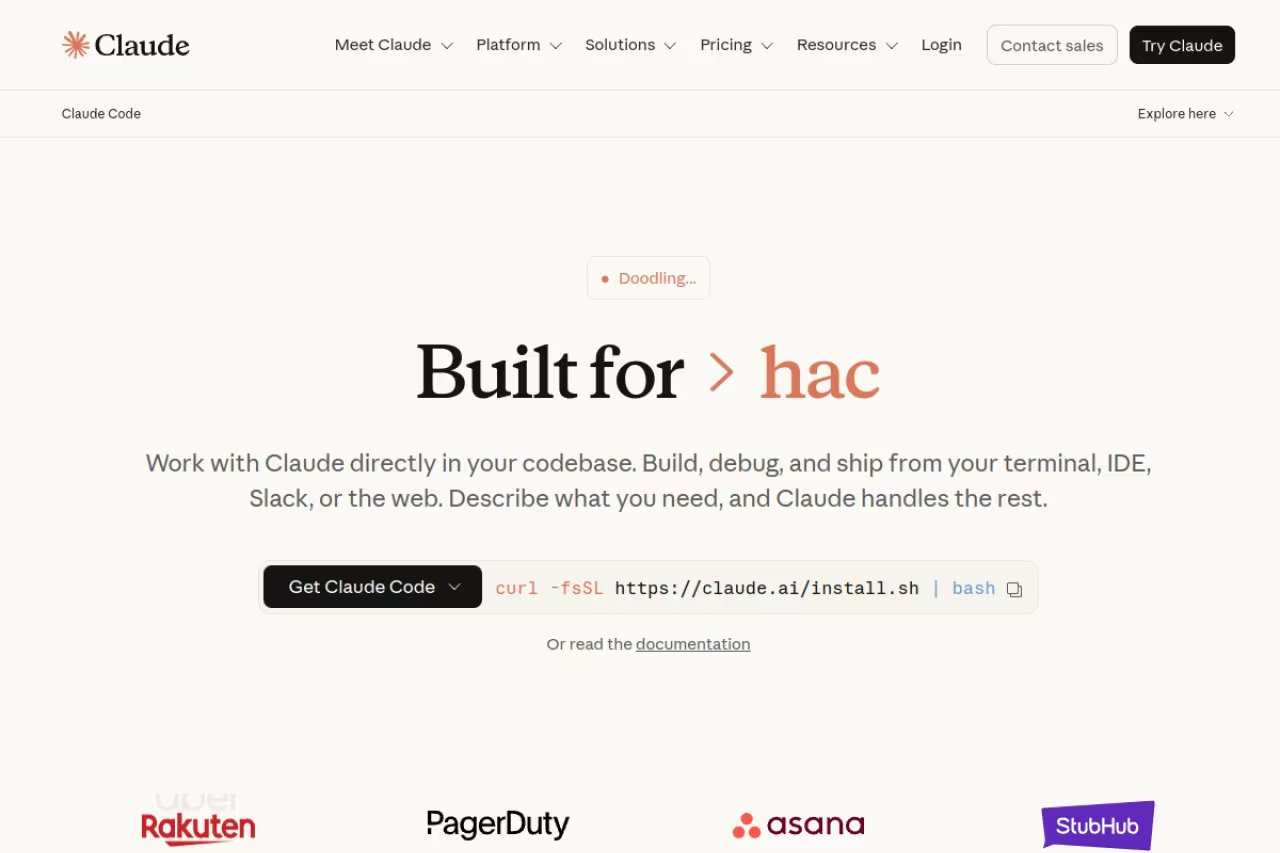
Claude Code is Anthropic's command-line agent, and it's the one I reach for when a task is genuinely hard. It reads your codebase with agentic search instead of making you paste files in, edits across many files at once, and integrates with GitHub to read an issue, write the fix, run the tests, and open a PR. It runs in the terminal, in VS Code and JetBrains, in a browser, and even in Slack, with the same context model everywhere.
Who it's best for: developers comfortable in a terminal who want the smartest tool for refactors, architecture changes, and debugging that spans files.
The smartest option here for developers comfortable in a terminal, handling refactors and cross-file debugging with real coherence. It is bundled into Claude subscriptions, but it is terminal-first, so skip it if you want a visual editor.
it's bundled into Claude subscriptions. Pro is $17/mo billed annually or $20/mo, Max is $100/mo (5x usage) or $200/mo (20x), per Anthropic's pricing. You can also run it on the API and pay per token. The bundling is the quiet win: if you already pay for Claude, the agent costs you nothing extra.
The standout: raw problem-solving. On the SWE-bench Verified leaderboard, the underlying Claude models sit at the very top, and in practice Claude Code handles a 30-file refactor with a coherence the others don't match. It never touches a file without asking first, which makes it safe to leave running.
The catch: it's terminal-first by design. If you want a polished visual editor with inline diffs and a file tree, this isn't it. There's a learning curve to thinking in prompts instead of clicks, and heavy Opus usage on the API tier adds up fast.

Cursor: the AI-native IDE most developers default to
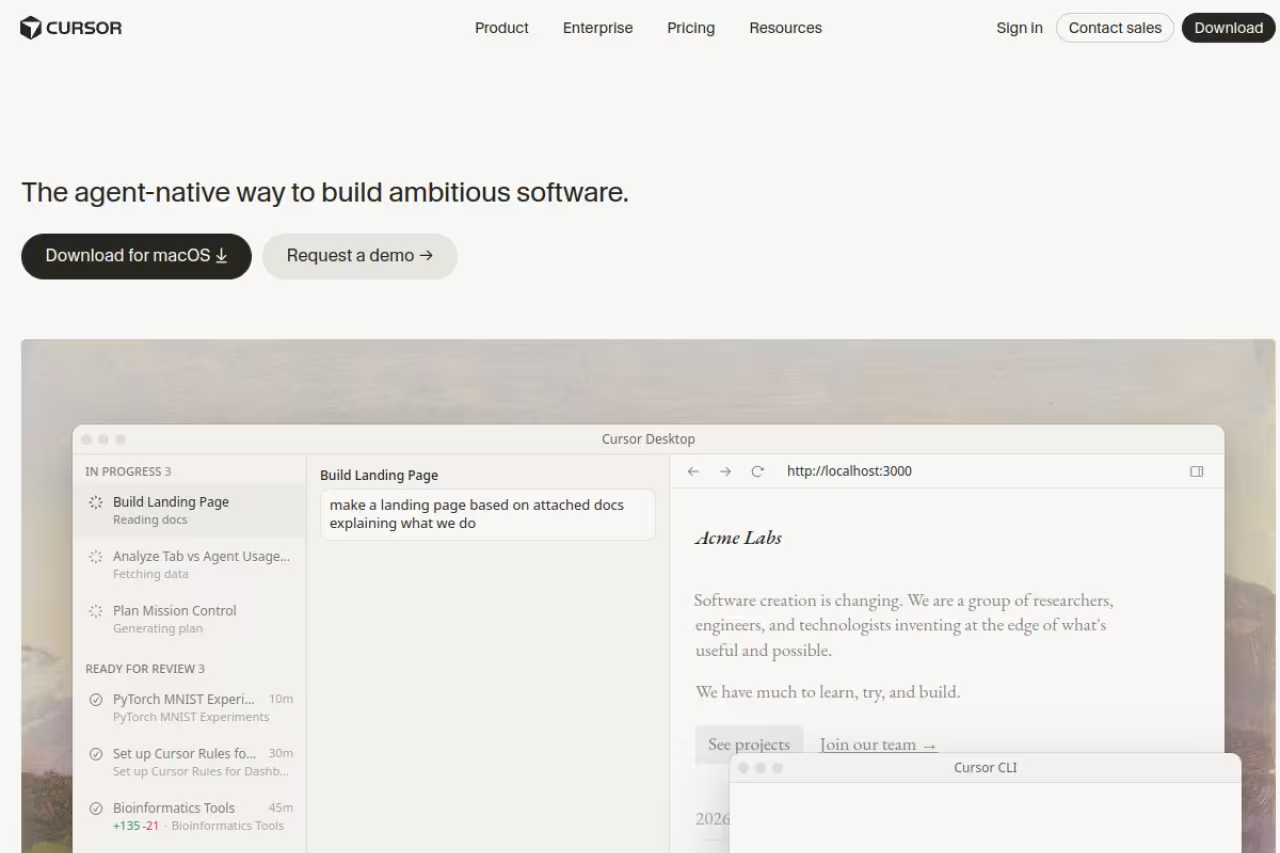
Cursor is a full editor, a VS Code fork with AI wired into every part of the workflow rather than bolted on as an extension. Its tab completion is genuinely fast, its inline chat understands your whole project, and its agent mode can run multi-step changes while you watch the diffs land. This is the tool most people mean when they say they "use AI to code."
Who it's best for: developers who want to stay in a visual editor all day and like seeing changes as diffs before accepting them.
The pick for developers who want to stay in a visual editor and watch diffs land before accepting them. Its editing loop is the smoothest here, but murky usage-based billing means power users often blow past included credits.
there's a free Hobby tier with limited agent requests and tab completions. Individual is $20/mo, Teams is $40/user/mo, per Cursor's pricing page. Each plan includes a set amount of model usage with on-demand billing after you exhaust it, which is the part that surprises people on their second month.
The standout: the editing loop. For interactive, exploratory work, where you're reading code, tweaking, and re-running, nothing feels smoother. Cursor scores around 65.7% on SWE-bench Verified, which is strong for an IDE agent rather than a pure model.
Where it falls short: the usage-based billing is murky. Power users regularly blow past the included credits and get a bill they didn't plan for. And because it's a separate editor, you're switching away from whatever IDE your team standardized on.
GitHub Copilot: the cheap, everywhere default
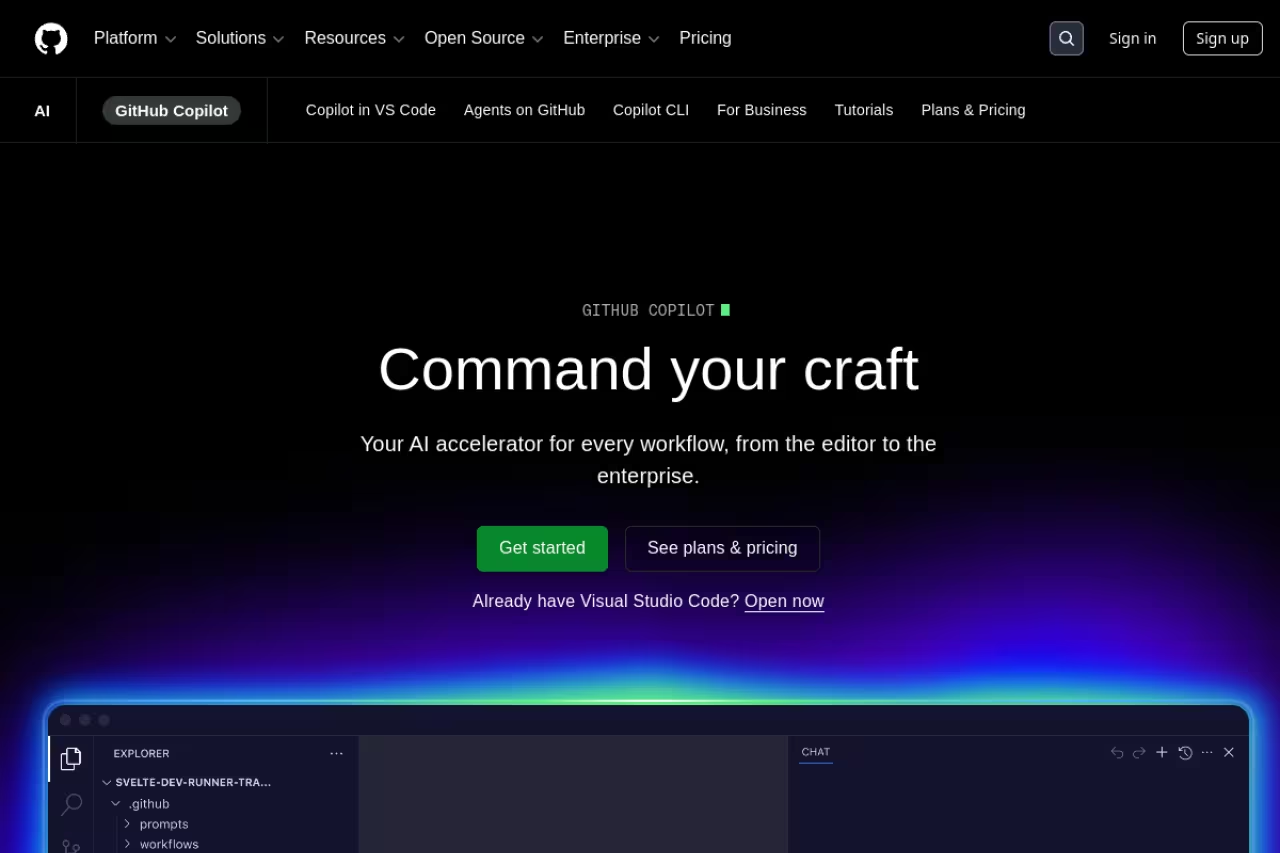
GitHub Copilot is still the most widely adopted AI coding tool, with roughly 15 million developers using it. It started as autocomplete and grew into a real agent: cloud agents, code review, and a CLI now sit alongside the completions. It runs inside VS Code, JetBrains, Visual Studio, Neovim, and more.
Who it's best for: teams already invested in GitHub, and anyone who wants a low-commitment way to try agentic coding without changing editors.
The safe team choice, strongest on price, reach and enterprise plumbing like SSO and audit logs. Pro is $10/mo, but it trails Claude Code and Cursor on the hardest agentic tasks.
the free tier gives you 2,000 completions and 50 chat requests a month. Pro is $10/mo, Pro+ is $39/mo with access to premium models like Opus and $70 in monthly AI credits, per GitHub's plans page. At $10, Pro is the cheapest serious option here.
The standout: price, reach, and enterprise plumbing. Copilot has the most mature SSO, audit logs, and org policy controls, which is why it wins procurement battles. It's also still the fastest for one-shot completions.
The catch: on the hardest agentic tasks, multi-file refactors, deep debugging, it trails Claude Code and Cursor. It's the safe team choice, not the sharpest individual tool. And Pro sign-ups have been intermittently paused, so availability can wobble.
OpenAI Codex: free if you already pay for ChatGPT
Codex is OpenAI's agentic engineering product, powered by GPT-6 Astra and the GPT-5.6 models, per OpenAI's model guide, and running multi-step tasks in isolated sandboxes. It shows up on the web, in a VS Code extension, in a CLI, and on iOS. The Codex CLI is the part most developers actually use day to day.
Who it's best for: anyone already on a ChatGPT plan who wants a terminal agent without paying for a second subscription.
A natural fit if you already pay for ChatGPT and want a terminal agent without a second subscription. Sandboxed tasks keep it safe, but Plus limits are tight and you can hit them mid-session.
Codex is included in every ChatGPT plan, from Free up through Plus ($20/mo) and Pro (from $100/mo with 5x or 20x rate limits), per eesel's Codex pricing breakdown. The CLI spends your ChatGPT budget by default, or you can plug in an API key and pay per token. If you're paying for ChatGPT Plus anyway, the agent is effectively free.
The standout: value and sandboxed safety. Running tasks in isolated environments means an agent gone wrong can't trash your machine, and the included-with-ChatGPT model is hard to argue with.
Where it falls short: the usage limits on Plus are tight, and you can hit them mid-session on a big task. Codex is excellent but not clearly ahead of Claude Code on the hardest problems, and the rate-limit walls interrupt flow.
Devin: the closest thing to delegating a ticket
Devin from Cognition is the fully autonomous one. You assign it a task, it spins up its own VM with a real dev environment, plans the work, writes code, runs tests, debugs failures, and delivers a result. Cognition raised at a reported $26B valuation in 2026 betting that this agent-first model beats IDE tools, so this is the high-conviction end of the market.
Who it's best for: teams that want to offload entire, well-scoped tickets and review the output rather than pair on it.
Choose Devin if you want to offload whole, well-scoped tickets and review the output instead of pairing. It delivers real end-to-end autonomy, but at around 45.8% on SWE-bench Verified it struggles with ambiguous work and can burn your allowance.
Devin now runs on one shared plan structure across cloud, desktop, and CLI: a Free plan, Pro at $20/mo (includes Devin Cloud agents), Max at $200/mo, Teams at $80/mo plus $40/mo per additional seat, and custom Enterprise pricing, per Devin's pricing page. You're buying a usage allowance that refreshes daily and weekly, not per-task ACU billing like before.
The standout: genuine end-to-end autonomy. When a task is clearly defined and self-contained, Devin can take it from ticket to PR with no hand-holding, which no IDE tool does in the same hands-off way.
The catch: trust and predictability. Devin scores around 45.8% on SWE-bench Verified, well below the supervised agents, so it fails on ambiguous or sprawling tasks and can burn through your usage allowance on failed attempts. It's a supervisor's tool, not a typist's.
Devin Desktop (formerly Windsurf): a clean IDE built around Devin Local
Devin Desktop is Cognition's IDE, Windsurf's new name after Cognition folded it into the Devin lineup in June 2026. It's built on Windsurf's original IDE foundation and adds an Agent Command Center: a single Kanban view for managing every local and cloud agent you run, including Devin, Codex, Claude Agent, and other agents that support the open Agent Client Protocol. The local agent formerly called Cascade is now Devin Local, a ground-up rewrite in Rust that Cognition says is up to 30% more token-efficient, per Cognition's announcement.
Who it's best for: developers who want a Cursor-style editor that also manages multiple coding agents, not just one, from a single surface.
A good fit for developers who want a Cursor-style editor that manages several coding agents from one Kanban view. The catch is that the Windsurf brand is gone, and the multi-agent layer is overkill if you just want a simple editor.
Devin Desktop shares the Devin plans listed above (Free, Pro, Max, Teams and Enterprise), per Devin's pricing page. Cognition says existing Windsurf users kept their plan and pricing unchanged through the rename.
The standout: Devin Local's whole-repo reasoning in a familiar editor, now unified with Devin's cloud agent and CLI under one account and one usage allowance.
Where it falls short: the Windsurf brand is gone, which unsettled some users mid-transition, and the Agent Command Center adds a layer of multi-agent management you don't need if you just want a simple editor.
Replit Agent: prompt to deployed app
Replit is the one to use when you're starting from nothing and want a running app, not just code. Agent 3 works autonomously for up to 200 minutes per session, taps 160+ third-party integrations, and its Design Mode lets you prototype a frontend before it writes a line. Because Replit hosts and deploys, you go from idea to live URL without leaving the tool.
Who it's best for: founders, hackers, and anyone prototyping a full app fast, especially people who'd rather not wire up infrastructure.
The fastest route from nothing to a live app, aimed at founders and hackers who would rather not wire up infrastructure. Credit burn is hard to predict, and the code needs review before it carries production traffic.
Core is $20/mo and includes the Agent plus $20 in monthly usage credits. Pro launched in February 2026 at $100/mo for up to 15 builders, per AIToolPick's pricing guide. Watch the per-action credits: scaffolding an auth flow can burn 50 to 200 of them, and a full day of building can run $5 to $20 on top of the subscription.
The standout: the zero-to-deployed loop. No other tool here gets a non-infra person to a live, working app this quickly.
The catch: credit burn is real and hard to predict, and the code Agent ships is great for prototypes but needs review before it carries production traffic.
If you're piecing together an AI stack beyond just coding, our Dupple X membership bundles the tools and playbooks we actually use day to day.

Aider: the open-source, no-lock-in option
Aider is the open-source terminal agent for people who want full control. It's free, git-native, and works with any model, Claude, GPT, Gemini, or a local one, through your own API key. It reads your git repo, edits files in place, makes commits, and turns plain-language instructions into reviewable diffs.
Who it's best for: developers who want to bring their own model, avoid vendor lock-in, or run everything locally for privacy or cost control.
Go with Aider if you want to bring your own model, avoid vendor lock-in or run everything locally. Every change is a readable, revertible git commit, but there is no GUI and you handle the rough edges yourself, so it is a power-user pick.
Aider itself is free. Your only cost is the API spend for whichever model you point it at, typically $3 to $25/day for active use, per BuildFastWithAI's review. On a cheap model the daily cost is trivial.
The standout: zero lock-in and clean git hygiene. Every change is a commit you can read and revert, and you're never trapped on one vendor's pricing.
Where it falls short: there's no GUI and no hand-holding. You configure your own API keys, you choose your model, and you eat the rough edges. It's the power-user pick, not the easy on-ramp.
How to choose
Don't ask "which is best." Ask how much control you want to keep.
- You want to drive, with AI assisting: Cursor or Devin Desktop (formerly Windsurf). You stay in the editor, AI helps, you accept diffs.
- You want to delegate hard tasks but stay in the loop: Claude Code or Codex. You describe the work, the agent does it, you review before merge.
- You want to hand off a whole ticket: Devin. Best for scoped, well-defined work you can verify after.
- You want to ship a full app fast: Replit Agent.
- You want control, privacy, or no lock-in: Aider.
- You're on a team and want the safe, cheap default: GitHub Copilot.
The honest answer for most professionals is a pair: an editor you live in (Cursor or Copilot) plus a reasoning agent for the hard stuff (Claude Code or Codex). That two-tool stack is the most common power-user setup for a reason. For a wider view of the agent ecosystem, see our guides to the best AI agents and the best AI agent frameworks, and if you just want assisted coding rather than full autonomy, our best AI coding assistant roundup goes deeper on that tier.
FAQ
What is the best AI coding agent in 2026?
For most professional developers, Claude Code is the strongest all-around pick thanks to its reasoning on multi-file work and its bundling with Claude subscriptions. But Cursor wins for in-editor daily work, and GitHub Copilot is the best cheap team default. The right answer depends on whether you want to drive, supervise, or fully delegate the work.
What's the difference between an AI coding agent and an AI coding assistant?
An assistant suggests code as you type, like classic autocomplete or inline chat. An agent takes a goal and acts on it: reading your codebase, editing many files, running tests, and opening a pull request with minimal hand-holding. The 2026 tools blur the line, but agentic capability, doing multi-step work autonomously, is what separates the two. Our best AI coding assistant guide covers the assistant tier in detail.
Is GitHub Copilot still worth it in 2026?
Yes, especially for teams. At $10/mo for Pro it's the cheapest serious option, it works in nearly every editor, and it has the most mature enterprise controls (SSO, audit logs, policies). It trails Claude Code and Cursor on the hardest agentic tasks, but for everyday completions and team-wide standardization it's hard to beat on value.
How much do AI coding agents cost per month?
Entry plans cluster around $20/mo for Claude Code, Cursor, Codex, Devin (Pro), Devin Desktop (formerly Windsurf), and Replit Core, with GitHub Copilot Pro cheaper at $10/mo. Heavy users pay more: usage-based credits on Cursor and Replit can add $20 to $60 a month, and Devin's Max plan runs $200/mo across cloud and desktop for the heaviest usage. Aider is free apart from the API tokens you spend, often just a few dollars a day.
Can AI coding agents replace developers?
Not yet. The most autonomous agent here, Devin, scores under 50% on SWE-bench Verified, meaning it fails on more than half of real-world tasks without supervision. These tools accelerate experienced developers and let them offload scoped work, but they still need someone to define the task, review the output, and catch the subtle bugs. Think force multiplier, not replacement.
Should I use more than one AI coding agent?
Most power users do. The common setup is an editor you live in (Cursor or Copilot) plus a reasoning agent for hard problems (Claude Code or Codex). They're not direct substitutes, each is built for a different part of the workflow, so running two often costs little more than committing to one and covers far more ground.
Related guides
Some offers on this page may be paid placements or contain affiliate links.
