
Best Vector Databases in 2026: 8 Options Compared for RAG and Scale

Key facts8 tools compared: Qdrant, Pinecone, Weaviate, Milvus / Zilliz, pgvector, Chroma, LanceDB…
- 8 tools compared: Qdrant, Pinecone, Weaviate, Milvus / Zilliz, pgvector, Chroma, LanceDB, pgvectorscale
- Qdrant (best for: Self-hosting with strong filtering): Free OSS / Cloud from ~$0
- Pinecone (best for: Zero-ops managed RAG): Free / $20 / $50+ mo
- Weaviate (best for: Hybrid (keyword + vector) search): Free sandbox / $45+ mo
- Milvus / Zilliz (best for: Billion-scale workloads): Free OSS / Cloud ~$65+ mo
Every RAG demo looks great on a laptop with 10,000 vectors. The trouble starts at 10 million, when query latency creeps past a second and your monthly bill quietly triples. The vector database you pick early decides whether that scaling pain is a config change or a full re-platforming.
I've compared most of the serious options: managed services, self-hosted Rust engines, and the "just use Postgres" camp that keeps growing louder, on their docs, pricing pages, and public benchmarks. They are not interchangeable. A tool that wins at 1 million vectors can fall apart at 100 million, and the cheapest sticker price often hides the most expensive ops time.
If you want the short answer: for most teams shipping AI features in 2026, start with Qdrant if you want open-source control, Pinecone if you want zero ops, or just turn on pgvector if you already run Postgres. This guide is for engineers, founders, and AI operators choosing where to store embeddings for production, not a weekend project. Below is the honest version, including where each one falls down.
Quick comparison
| Tool | Best for | Price | Standout |
|---|---|---|---|
| Qdrant | Self-hosting with strong filtering | Free OSS / Cloud from ~$0 | Rust speed, payload filters |
| Pinecone | Zero-ops managed RAG | Free / $20 / $50+ mo | Serverless, no tuning |
| Weaviate | Hybrid (keyword + vector) search | Free sandbox / $45+ mo | BM25 + dense in one query |
| Milvus / Zilliz | Billion-scale workloads | Free OSS / Cloud ~$65+ mo | GPU indexing, distributed |
| pgvector | Teams already on Postgres | Cost of your DB | No new infrastructure |
| Chroma | Prototyping and small prod | Free OSS / Cloud from $0 | Simplest API |
| LanceDB | Multimodal, larger-than-memory | Free OSS / usage-based | Runs on object storage |
| pgvectorscale | Postgres past 10M vectors | Free OSS extension | DiskANN on Postgres |

Qdrant: the self-host default
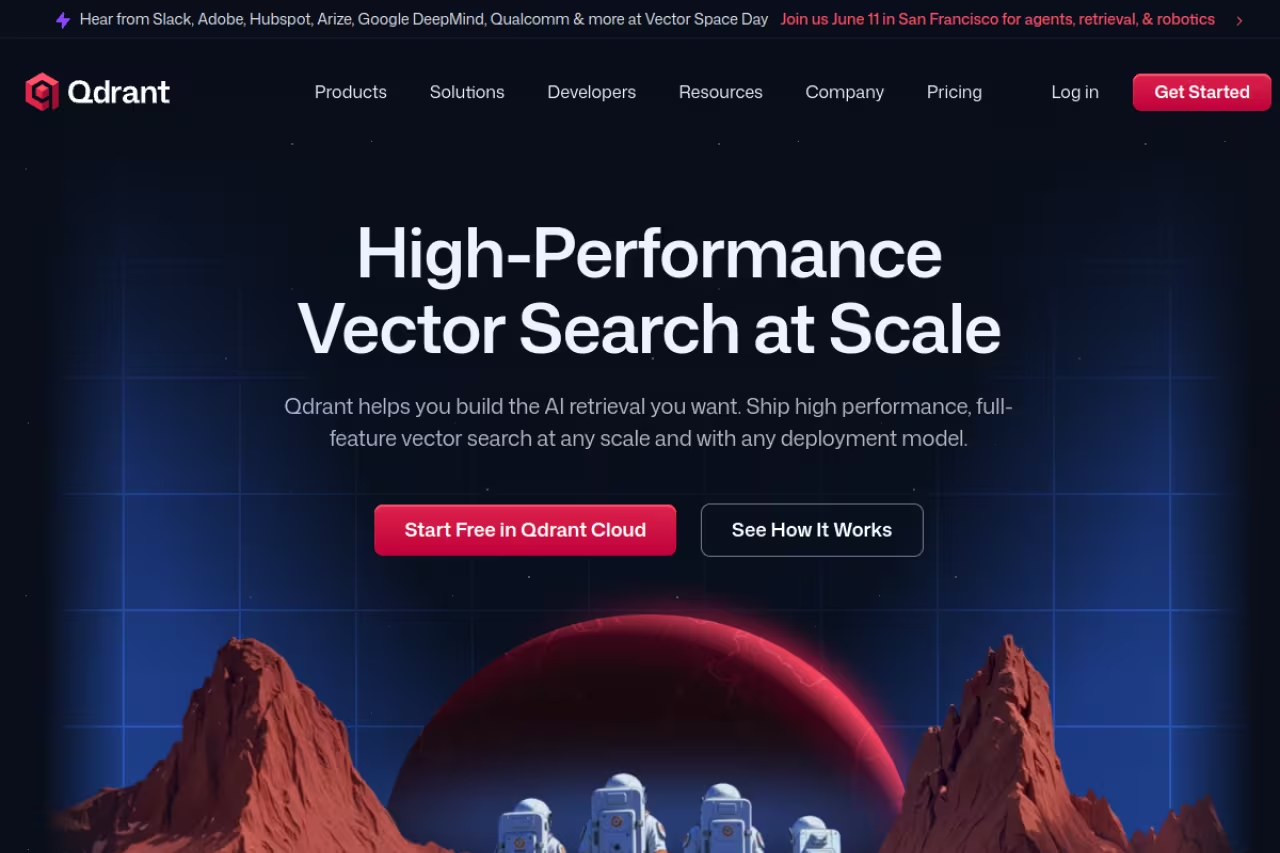
Qdrant is a vector database written in Rust, and that choice shows up where it counts. In independent benchmark testing it posts some of the lowest p50 latency of any purpose-built engine, in the low single-digit milliseconds, while staying simple to run. If you have ever fought a Java-based search cluster for memory, Qdrant feels like a relief.
Who it's best for: teams that want open-source control and plan to self-host, especially anyone doing heavily filtered search. Qdrant's payload filtering is genuinely good. You can attach arbitrary JSON metadata to each vector and filter on it without the recall collapse that wrecks naive filtered HNSW.
The self-host default for teams that want open-source control, especially for heavily filtered search, with low latency and light operations. At billion scale its distributed story is younger than Milvus, and you own the cluster.
Pricing is friendly. The open-source version is free forever. Qdrant Cloud gives you a free 1GB cluster (0.5 vCPU, 4GB disk) with no card, then bills hourly on actual compute and memory for the Standard tier, with a Premium tier adding SSO, private VPC links, and a 99.9% SLA.
The standout is the balance of speed, filtering, and how little it asks of you operationally. It is the database I reach for first when I'm not allowed to send data to a third party.
The catch: at true billion-scale, Qdrant's distributed story is younger than Milvus. Sharding across many nodes works but takes more hand-holding, and you own the cluster. If you have no one to run infrastructure, the cloud tier helps, but you're back to paying for ops one way or another.

Pinecone: zero ops, serverless by default
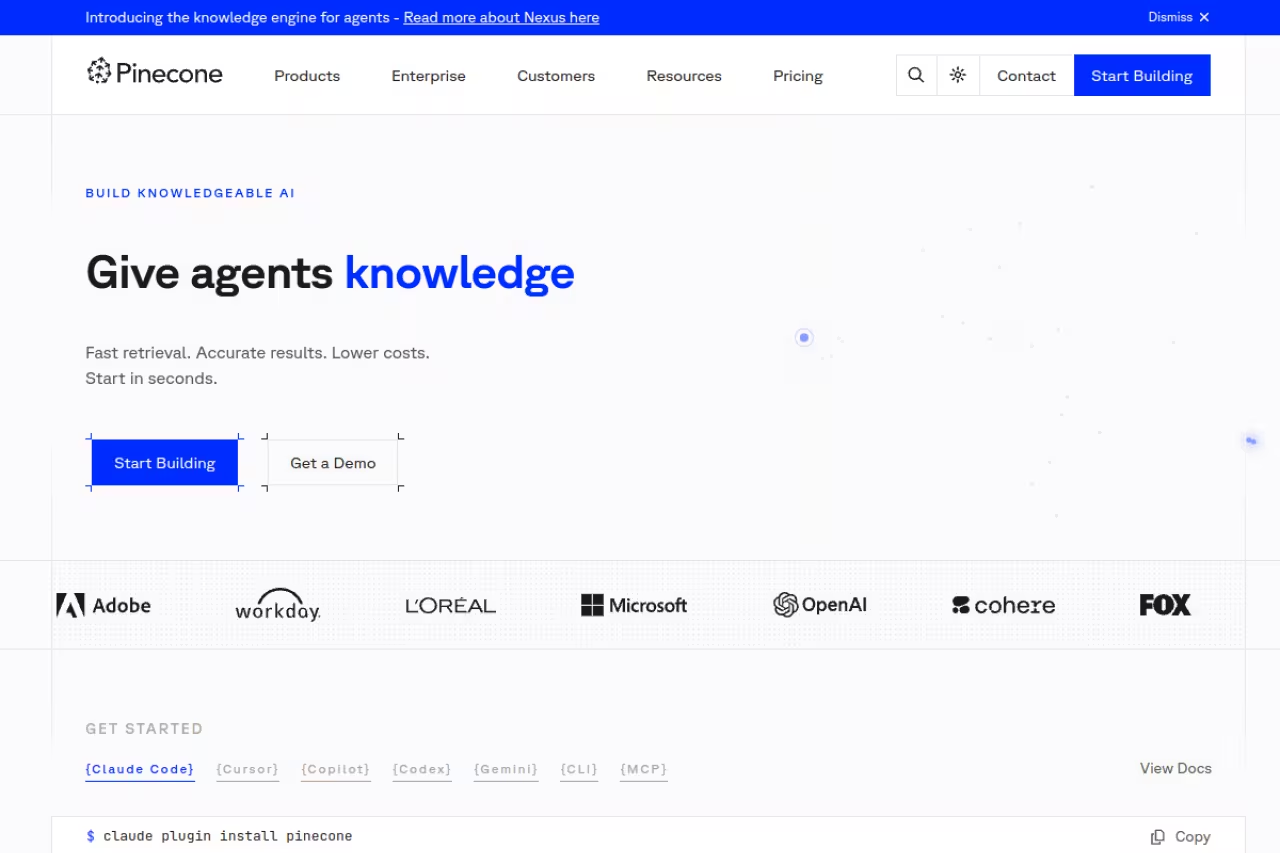
Pinecone is the one your CTO has heard of, and for good reason. It is fully managed, serverless by default, and you never touch an index parameter. You push vectors, you query, it scales. For a team that wants to ship a RAG feature this quarter and never think about HNSW tuning, that is worth a lot.
Who it's best for: teams under roughly 10 million vectors who value engineering time over per-query cost. Pinecone's serverless model decouples storage from compute, so idle indexes cost almost nothing beyond storage.
The pricing has four tiers. Starter is free with up to 2GB storage. Builder is a flat $20/month with 10GB included. Standard starts at $50/month minimum, then bills $0.33/GB/month for storage, around $16 to $18 per million read units, and $4 to $4.50 per million write units. Enterprise starts at $500/month with higher unit rates and a 99.95% SLA.
The standout is that there is nothing to operate. No nodes, no scaling decisions, no 2am pages about a hot shard.
Where it falls short: cost at scale. Those read units add up fast. Once you cross roughly 60 to 80 million queries a month, self-hosted Qdrant or Weaviate on a fixed-price VPS routinely undercuts Pinecone by 3x or more. Several cost breakdowns this year found teams running 2.5 to 4x over their projected Pinecone budget because they modeled storage but forgot query volume. It is the right tool until it suddenly isn't, and the switching cost is real.
Pick Pinecone if you want to ship a RAG feature this quarter with nothing to operate, ideally under roughly 10 million vectors. Costs climb at scale, and past roughly 60 to 80 million queries a month self-hosted options can undercut it by 3x or more.
If you're weighing this against the broader stack of models and infra your team relies on, our roundup of the best AI tools puts vector storage in context with the rest.

Weaviate: when keyword search matters too
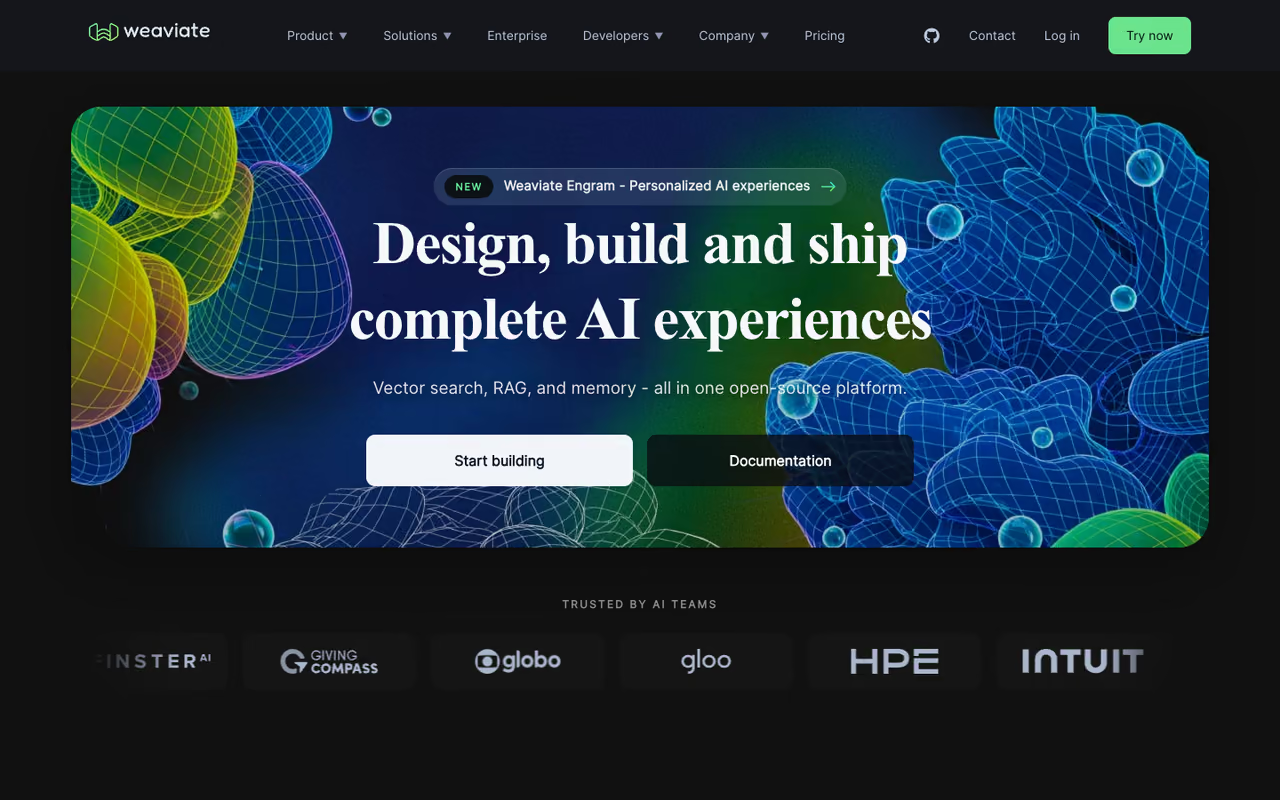
Weaviate is the one to pick when pure semantic search isn't enough. Its hybrid search runs BM25 keyword scoring and dense vectors together in a single query, with metadata filtering, and fuses the rankings for you. For search over product catalogs, docs, or anything where exact terms and IDs matter alongside meaning, that combination is hard to beat.
Who it's best for: search and RAG products that need both lexical precision and semantic recall, plus teams that like built-in vectorization modules so they don't run a separate embedding pipeline.
Weaviate refreshed its cloud pricing in late 2025 into Flex, Plus, and Premium plans. There's a free 14-day sandbox for testing. Flex starts around $45/month on shared infrastructure with a 99.5% SLA, Plus runs from about $280/month annually with a 99.9% SLA and SOC 2, and Premium is custom with bring-your-own-cloud and HIPAA. Billing is transparent, based on vector dimensions (object count times dimensions times replication), object storage, and backup storage. The open-source version stays free to self-host.
The standout is that single-query hybrid retrieval. Bolting BM25 onto a pure vector store yourself is fiddly, and Weaviate makes it a parameter.
The catch: the replication-factor math means costs scale with redundancy in ways that surprise people, and running it yourself is heavier on memory than Qdrant. For a plain semantic-only use case, you're paying for hybrid features you won't touch.
The one to choose when pure semantic search is not enough, since BM25 keyword scoring and vectors run in a single hybrid query. Costs scale with replication in ways that surprise people, and self-hosting is heavier on memory than Qdrant.

Milvus and Zilliz: built for billions
Milvus is the open-source database to use when you genuinely have hundreds of millions or billions of vectors. Its distributed architecture separates compute and storage across nodes, supports GPU-accelerated indexing, and was designed from day one for scale that makes other open-source options sweat. Zilliz Cloud is the managed version, and the recent Milvus 2.6 release pushed billion-scale search to noticeably lower cost.
Who it's best for: enterprise workloads at massive scale, and teams that need GPU indexing to rebuild indexes over huge datasets quickly.
Zilliz Cloud has a free tier and serverless plans starting from $0, with capacity-based dedicated options. The open-source Milvus is free, but be honest about what running it costs in engineer hours.
The standout is raw ceiling. Almost nothing else in open source handles billion-vector workloads as predictably.
Where it falls short: complexity. Milvus has many moving parts (etcd, object storage, message queues, multiple node types), and a full self-hosted deployment is a real project. For a 5-million-vector RAG app, it is overkill, and you'll feel it during setup.
The open-source choice when you genuinely have hundreds of millions or billions of vectors, with GPU indexing for enterprise workloads. It has many moving parts, so for a 5-million-vector RAG app it is overkill.
pgvector: you might already have a vector database
Here is the plot twist of 2026: a lot of teams don't need a dedicated vector database at all. pgvector is a PostgreSQL extension that adds vector columns and similarity search to the database you probably already run. With an HNSW index it matches or beats dedicated engines up to around 1 million vectors, keeping p99 latency under 10ms on a normal instance.
Who it's best for: teams already on Postgres, especially via Supabase, who want vectors next to their relational data with no new service to operate or pay for.
Teams already on Postgres, especially via Supabase, may not need a dedicated vector database at all, and this extension keeps embeddings beside relational data. It slows past a few million vectors, and very high query throughput favors a purpose-built engine.
Pricing is whatever your Postgres already costs. One cost comparison put 10 million vectors at roughly $250/month on Supabase versus about $675/month on Pinecone. No separate vector bill, no data sync between two stores.
The standout is operational simplicity. Your embeddings live beside your users table, you join across both in plain SQL, and your existing backups cover everything.
The catch: pure pgvector slows down past a few million vectors as the HNSW graph outgrows memory. For very high query throughput at scale, a purpose-built engine still wins. Which leads directly to the next entry.
pgvectorscale: Postgres that keeps going
pgvectorscale is the extension that fixes pgvector's ceiling. Built by Timescale, it adds a StreamingDiskANN index that lives on disk instead of demanding everything in RAM. In published benchmarks on 50 million vectors it showed dramatically lower p95 latency than Pinecone's older storage tier at the same recall, on far cheaper hardware.
Who it's best for: Postgres teams who love the single-database setup but have outgrown plain pgvector, somewhere in the 10 to 50 million vector range.
It's a free open-source extension. The cost is your Postgres instance, and the disk-based index means you can use cheaper storage instead of paying for huge memory.
The standout is that it extends "just use Postgres" much further than people expect, without forcing a migration to a separate system.
The catch: it's still Postgres under the hood, so very high concurrent query loads and the most exotic filtering patterns can favor a dedicated engine. And you take on tuning DiskANN parameters yourself.
The upgrade for Postgres teams that have outgrown plain pgvector, somewhere in the 10 to 50 million vector range, using a disk-based index on cheaper storage. It is still Postgres underneath, so very high concurrent loads favor a dedicated engine.

Chroma: the fastest way to start
Chroma is where a huge number of RAG projects begin, because the API is the simplest in this list. A few lines of Python and you have a working vector store. It runs embedded for local development and now has a fully managed Chroma Cloud for production.
Who it's best for: prototypes, small-to-mid production apps, and developers who want to get a retrieval loop working in an afternoon without provisioning anything.
Chroma Cloud uses usage-based pricing. The Starter plan is free with $5 of credit, storage runs $0.33/GiB/month, writes are $2.50/GiB, and queries are billed per TiB scanned. A typical small-to-mid workload lands near $79/month in their calculator. The Team plan is $250/month with more databases and SOC 2.
The standout is developer experience. Nothing else gets you from zero to querying embeddings faster.
Where it falls short: it is not the choice for billion-scale or the most demanding latency targets. Chroma optimizes for ease over raw throughput, so heavy production loads eventually push you toward Qdrant, Weaviate, or Milvus.
The fastest way to start for prototypes and small-to-mid production apps, with the simplest API in this list. It optimizes for ease over raw throughput, so billion-scale or demanding latency targets push you toward Qdrant, Weaviate or Milvus.

LanceDB: multimodal on object storage
LanceDB takes a different shape. It's an open-source database built on the Lance columnar format that sits directly on object storage like S3, with no always-on server. That disk-based design handles datasets larger than memory and stores vectors, metadata, images, video, and other multimodal data together.
Who it's best for: multimodal AI work and larger-than-memory datasets where you want big cost savings over keeping everything in RAM. Teams building over images or video, not just text, get the most out of it.
The open-source engine is free. LanceDB Cloud is a serverless managed service with usage-based pricing and no monthly minimum.
The standout is the object-storage architecture. By separating compute from storage and reading off S3, it can cut cost dramatically versus memory-resident systems while handling data types most vector databases ignore.
The catch: it's the youngest option here and the ecosystem is thinner. Documentation, integrations, and community answers are growing but not yet at the depth of Pinecone or Milvus. The object-storage model also trades some query latency for cost, so it isn't built for the lowest-latency real-time paths.
A distinct fit for multimodal AI work and larger-than-memory datasets, running on object storage like S3 with no always-on server. It is the youngest option here with a thinner ecosystem, and it trades some query latency for cost.
How to choose
Skip the feature-matrix paralysis and answer three questions in order.
First, do you already run Postgres? If yes, start with pgvector and only move on when you actually hit its limits. Add pgvectorscale before you consider a separate database. Most teams under 10 million vectors never need to leave.
Second, can you run your own infrastructure? If yes and you want open source, Qdrant is the default for filtered RAG, Milvus for billion-scale, LanceDB for multimodal. If you can't or won't run infrastructure, go managed: Pinecone for zero-ops simplicity, Weaviate Cloud when you need hybrid keyword-plus-vector search.
Third, what's your scale and query pattern? Under a few million vectors with modest traffic, almost anything works, so optimize for developer speed (Chroma or pgvector). Past tens of millions of vectors or 60 million-plus queries a month, model the real bill: managed query units get expensive, and self-hosted fixed-cost servers usually win. The teams that get burned are the ones who picked for the demo and never re-ran the math at scale.
If your team is building AI features and you want curated picks across the whole stack, Dupple X tracks the tools worth your time, and our guides on the best AI agents and the best RAG tools pair naturally with whatever vector store you land on.
FAQ
What is the best vector database for RAG in 2026?
For most RAG applications, Qdrant (self-hosted, strong filtering) and Pinecone (zero-ops managed) are the safest starting points. But if you already run Postgres, pgvector with an HNSW index handles RAG up to several million vectors without adding any new infrastructure, which is the cheapest and simplest path for the majority of teams.
Do I still need a dedicated vector database, or is pgvector enough?
For many teams, pgvector is enough. With HNSW it matches dedicated engines up to roughly 1 million vectors, and pgvectorscale's disk-based index extends that toward 50 million. You only need a dedicated database when you hit very high query throughput, billion-scale data, or filtering patterns Postgres handles poorly. Start with what you have.
How much does a vector database cost at 10 million vectors?
It varies widely by query volume, but rough public estimates put 10 million vectors near $65 to $70/month on Qdrant Cloud or Pinecone Serverless, around $135/month on Weaviate Cloud, and about $250/month on Supabase pgvector. Storage is cheap everywhere; query operations are what drive the bill up, so model your actual read volume.
Which vector database is fastest?
In independent benchmarks, Qdrant consistently posts the lowest p50 latency among purpose-built engines, in the low single-digit milliseconds, thanks to its Rust core. Milvus is close and pulls ahead at extreme scale with GPU indexing. Real-world latency depends heavily on your index settings, filtering, and hardware, so benchmark with your own data before committing.
Is Pinecone or Weaviate better?
Pinecone wins on simplicity: fully managed, serverless, nothing to tune. Weaviate wins when you need hybrid search, combining keyword (BM25) and vector results in one query, plus built-in vectorization. Choose Pinecone for pure semantic search with minimal ops, and Weaviate when exact-term matching matters as much as semantic meaning.
Can I self-host a vector database for free?
Yes. Qdrant, Milvus, Chroma, LanceDB, and pgvector all have free open-source versions you can run on your own servers. The software is free, but factor in the real cost: infrastructure plus the engineer time to deploy, monitor, scale, and back it up. For small teams, a managed free tier often costs less once you price in those hours.
Pinpointing the right vector store now saves a painful migration later. Get the storage layer right, keep the rest of your AI stack sharp with Dupple X, and ship.
Related guides
Some offers on this page may be paid placements or contain affiliate links.
Across our whole catalogue the median is $24 a month and 33% of tools advertise a free tier. Figures are the lowest recurring monthly price quoted in our own review of each tool, read on 2026-08-19. Full method and every category.
