
The Best MCP Servers for Cursor in 2026

Key facts8 servers compared: Context7, GitHub MCP, Playwright MCP, Sentry MCP, Firecrawl MCP, Postgres…
- 8 servers compared: Context7, GitHub MCP, Playwright MCP, Sentry MCP, Firecrawl MCP, Postgres MCP Pro, Linear MCP, Figma Dev Mode MCP
- Context7 (best for: Fresh, version-correct library docs): Free / paid tiers
- GitHub MCP (best for: PRs, issues, repo search): Free (hosted)
- Playwright MCP (best for: Browser automation, UI debugging): Free (Apache-2.0)
- Sentry MCP (best for: Debugging production errors): Free with Sentry
Cursor is only as smart as the context you feed it. Out of the box it knows your open files and whatever it can grep. It does not know your production errors, your live database schema, the current docs for the library you just upgraded, or what a designer drew in Figma yesterday. MCP servers close that gap.
The problem is that there are now more than 500 public Model Context Protocol servers, and most of the "top 20" lists are padded with stuff you will install once and forget. Worse, Cursor has a hard ceiling: roughly 40 active tools across all your servers combined. Go over it and the agent silently drops tools and gets worse at picking the right one (Cursor's own issue tracker documents this). So this is not a "install everything" game. It is a "install the three or four that earn their tool budget" game.
If you read nothing else: install Context7 first. It fixes the single most annoying failure mode in AI coding, which is Cursor confidently writing code against a library version that no longer exists. Below is the full list worth keeping wired in, plus the ones that get cut on a closer look.
Quick comparison
| Server | Best for | Price | Standout |
|---|---|---|---|
| Context7 | Fresh, version-correct library docs | Free / paid tiers | Kills hallucinated API calls |
| GitHub MCP | PRs, issues, repo search | Free (hosted) | Official, OAuth, huge tool set |
| Playwright MCP | Browser automation, UI debugging | Free (Apache-2.0) | No vision model needed |
| Sentry MCP | Debugging production errors | Free with Sentry | Real stack traces in chat |
| Firecrawl MCP | Web scraping and search | Free 500 credits, $16/mo+ | Clean markdown from any page |
| Postgres MCP Pro | Database queries and tuning | Free (open source) | Index tuning, health checks |
| Linear MCP | Issue and project workflow | Free with Linear | Official, 25+ tools, OAuth |
| Figma Dev Mode MCP | Design-to-code | Needs paid Figma + Dev Mode | Real node tree, not screenshots |

Context7: stop the version hallucinations
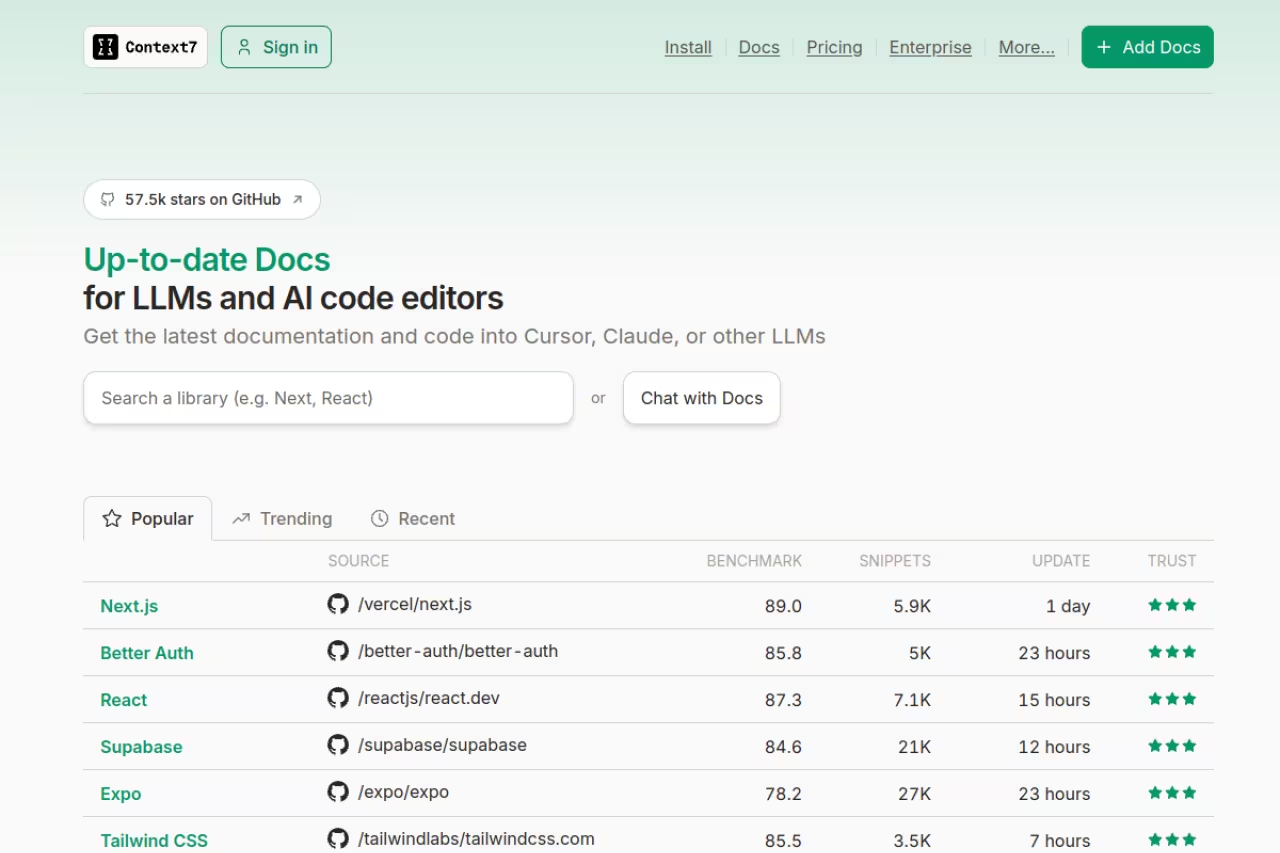
Context7, built by Upstash, injects up-to-date, version-specific documentation straight into Cursor's context window. You ask Cursor to do something with a library, it calls Context7's resolve-library-id and get-library-docs tools, and it gets the current official docs and code examples instead of whatever it memorized during training.
Who it is best for: anyone working with fast-moving frameworks. If you live in Next.js, Tailwind, Prisma, LangChain, or any library that ships breaking changes every few months, this is the highest-value server you can add. It is the one I would not code without.
The highest-value server for anyone on fast-moving frameworks, injecting current, version-specific docs into Cursor instead of stale training data. The free tier has tightened, which is fine for solo work but may not suit a whole team.
Pricing: you can run it with no API key at the lowest rate limits. Free API keys exist, and there are paid plans for heavier use. Be aware the free tier got tighter in January 2026. Context7 cut it from roughly 6,000 to 500 requests per month, then walked it back up to 1,000 requests per month with a 60-per-hour cap. For solo work that is plenty. For a whole team hammering it all day, you will want a key.
The standout: it cleanly solves the "Cursor wrote code against an API that was deprecated two years ago" problem. That alone saves more time than most servers on this list.
The catch: it only knows libraries it has indexed. For an obscure or private package it has nothing, and you are back to feeding docs by hand. Coverage of the big ecosystems is excellent though.
GitHub MCP: the one most people should install second

GitHub's official MCP server lets Cursor read and act on your repos: open PRs, triage issues, search code across the org, read CI results, all without you leaving the editor. There is a hosted remote endpoint at api.githubcopilot.com/mcp, so you do not have to run anything locally if you do not want to.
Who it is best for: basically everyone on a team. The moment your work involves pull requests and issues rather than a lone local repo, this earns its slot.
The one most people should install second, giving Cursor the ability to open PRs, triage issues and search code without leaving the editor. It exposes a lot of tools and can eat much of your tool budget, so scope it.
Pricing: free. You authenticate with a GitHub Personal Access Token (Cursor v0.48.0+ is needed for the Streamable HTTP transport, per GitHub's install guide).
The standout: it is vendor-maintained, which matters for security. The old community npm package @modelcontextprotocol/server-github was deprecated back in April 2025, so use the official one.
Where it falls short: it exposes a lot of tools. On its own it can eat a big chunk of your 40-tool budget, so you may want to scope it to the toolsets you actually use. Pair it with one or two other servers, not five.

Playwright MCP: give Cursor real eyes on the browser
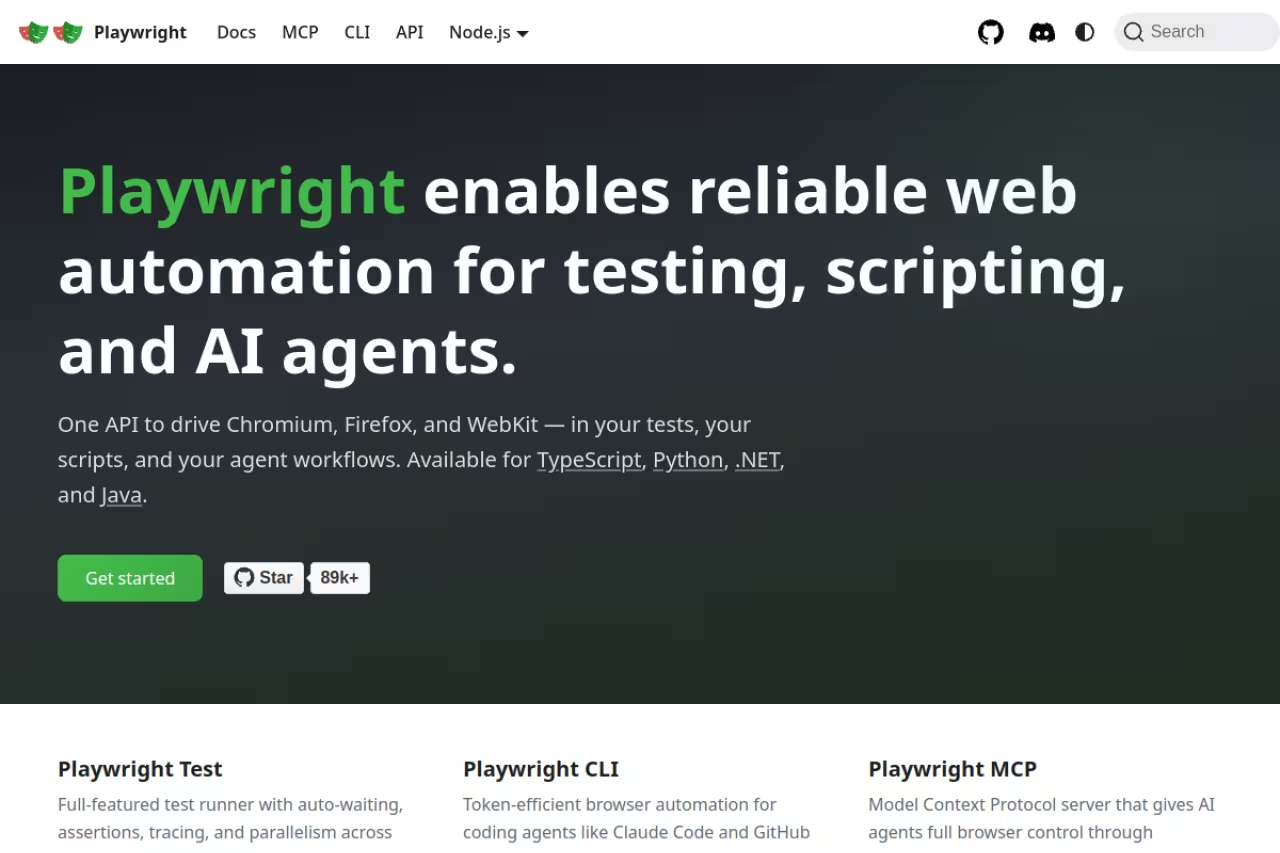
Microsoft's Playwright MCP lets Cursor drive a real browser: navigate, click, fill forms, mock network calls, take traces. The clever part is it works off structured accessibility snapshots rather than screenshots, so no vision model is required. It is fast and deterministic.
Who it is best for: anyone doing UI work, end-to-end testing, or scraping JavaScript-heavy pages. I use it to have Cursor reproduce a bug in the actual app, confirm a fix renders correctly, then move on.
Pick it for UI work, end-to-end testing or scraping JavaScript-heavy pages, with persistent sessions that keep Cursor logged in. It is free and fast, but token-hungry compared with the Playwright CLI.
Pricing: $0. It is Apache-2.0 licensed, runs locally with npx @playwright/mcp@latest, no API key, no hosted tier, no rate limits.
The standout: persistent sessions. Login state and cookies are preserved between runs, so Cursor stays logged into your app instead of re-authenticating every time.
The catch: it is token-hungry. A single task can burn around 114K tokens through MCP versus about 27K with the Playwright CLI, roughly $0.34 vs $0.08 on Claude Sonnet, per Morph's breakdown. Microsoft now nudges people toward the CLI for coding agents. If your bill matters, test both.
Sentry MCP: debug production without copy-pasting stack traces
The Sentry MCP server plugs your error tracking into Cursor: issues, stack traces, breadcrumbs, events, performance data. Instead of pasting an error message into chat and describing your setup, the agent pulls the real production context itself.
Who it is best for: teams already on Sentry who spend time on "works on my machine, breaks in prod" bugs. The value is proportional to how much you debug live incidents.
The right pick for teams already on Sentry who spend time on works-on-my-machine bugs, since the agent pulls real production context and proposes a grounded fix. Remote OAuth can be flaky, so name your project explicitly.
Pricing: free if you have Sentry. You connect over HTTP at mcp.sentry.dev/mcp with OAuth, no local install.
The standout: the agent can investigate an issue end to end. It reads the trace, understands the blast radius, and proposes a fix grounded in the actual failure, not a guess.
Where it falls short: remote MCP over OAuth is still a little flaky. The most common complaint is network timeouts reaching the endpoint, and ambiguous project references when you have many Sentry projects. Name your project explicitly in the prompt and it behaves.
If you are wiring AI into your team's real workflow, getting the right tooling stack in place is half the battle. Our team uses a similar "few sharp tools beat many dull ones" approach across everything, and we package the playbooks in Dupple X.
Firecrawl MCP: clean web data on demand
Firecrawl turns any URL into clean markdown that an LLM can actually read, and its MCP server brings that into Cursor for scraping and search. 10% off via the partner link. When you need the agent to pull live data from a docs site, a competitor's page, or an API reference that Context7 has not indexed, this is the tool.
Who it is best for: research-heavy work, RAG pipelines, anyone building agents that need fresh web data.
Good for research-heavy work, RAG pipelines and agents that need fresh web data, turning any URL into clean markdown. The free tier is effectively a one-time trial, and heavy scraping gets expensive fast with subscriptions only.
Pricing: there is a free plan with 500 lifetime credits (not monthly), 2 concurrent requests. Paid starts at the Hobby plan at $16/month for 3,000 credits, with Standard at $83/month and Growth at $333/month, per Firecrawl's pricing reporting. Credits do not roll over.
The standout: the markdown output is genuinely clean. It strips nav, ads, and cruft so the agent reads content, not HTML soup.
The catch: that 500-credit free tier is one-time, so it is really a trial. Heavy scraping gets expensive fast, and there is no pay-as-you-go, only subscriptions.
Postgres MCP Pro: let Cursor reason about your database
Postgres MCP Pro from Crystal DBA goes well past "run this query." It gives Cursor configurable read/write access plus genuine database expertise: health checks, top-query analysis, and index tuning that simulates hypothetical indexes before recommending them.
Who it is best for: backend and data engineers who want the agent to understand schema and performance, not just fetch rows.
The choice for backend and data engineers who want the agent to understand schema and performance, with health checks and index tuning beyond plain queries. Write access is a loaded gun, so keep it read-only or on a replica.
Pricing: free and open source. You point it at your connection string and, ideally, enable pg_stat_statements so it can analyze query execution stats.
The standout: the performance tuning. It uses real database optimization algorithms, so it can find a slow query and propose an index with reasoning behind it.
Where it falls short: write access to a database from an AI agent is a loaded gun. Run it in restricted/read-only mode against anything you care about, and keep it pointed at dev or a replica until you trust it.
Linear MCP: issue tracking the agent can drive
The Linear MCP server is the official remote server, built with Cloudflare and Anthropic, running at mcp.linear.app/mcp with OAuth and 25+ tools. Cursor can create issues, update status and assignees, and move work through your project without you context-switching to Linear.
Who it is best for: teams that run on Linear and want "fix this and update the ticket" to be one prompt.
A good fit for teams on Linear who want fix this and update the ticket to be one prompt. It is official and OAuth-based, but remote MCP connections are still early, so expect the occasional failed connect.
Pricing: free with your Linear plan. Cursor often lists it as a trusted one-click server.
The standout: it is official and OAuth-based, so you are not pasting API keys into config files.
The catch: remote MCP connections are still early. Expect the occasional failed connect that a settings refresh or a server toggle fixes.
Figma Dev Mode MCP: design context, not screenshots
Figma's Dev Mode MCP server gives Cursor structured access to your design files: the node tree, variants, layout constraints, design tokens, and asset references. That is the real data behind a frame, which is why generated code is closer to the intended design than anything a screenshot-to-code tool produces.
Who it is best for: front-end developers translating Figma designs into components.
The best way for front-end developers to turn Figma designs into components, because it reads the real node tree and tokens rather than a screenshot. It requires a paid Figma plan with Dev Mode, and setup is the fiddliest on this list.
Pricing: this is the gotcha. The official server requires a paid Figma plan that includes Dev Mode. It is not free.
The standout: because it reads the actual node tree and tokens, it nails spacing, variables, and component structure that vision-based tools guess at.
Where it falls short: setup is the fiddliest on this list, and people hit "tool not found" errors when Cursor and the Figma desktop app fall out of sync. When it works it is great. Getting there takes patience.
How to choose
Do not install all eight. Pick by what actually slows you down today.
Start with Context7 no matter what you build. Version-correct docs help every project. Then add servers that map to your real bottleneck:
- You ship on a team with PRs and tickets → GitHub MCP, then Linear if you use Linear.
- You debug production fires → Sentry MCP.
- You do front-end or UI work → Playwright MCP, plus Figma if you have Dev Mode.
- You write backend and live in SQL → Postgres MCP Pro.
- You build agents that need live web data → Firecrawl MCP.
Keep the total at three or four servers. Remember the 40-tool ceiling. Cursor's January 2026 dynamic context discovery helps by fetching tool details only when needed (it cut agent tokens by 46.9% in their A/B test), but it does not remove the limit, it just makes the limit hurt less. And on security: stick to vendor-maintained servers (GitHub, Figma, Sentry, Linear) or well-known reference ones. A random community MCP server with broad access is a real risk.
If you want more of these stack breakdowns, our top AI tools roundup and the best AI agents guide both go deeper on the agentic side.
FAQ
How many MCP servers can Cursor handle at once?
Cursor has a soft ceiling of about 40 active tools across all your servers combined. Past that it warns you and silently drops tools, and the agent gets worse at choosing the right one. In practice, three or four servers is the sweet spot. Each server adds several tools, so a couple of broad ones (like GitHub) can use a big slice of your budget on their own.
Which MCP server should I install first for Cursor?
Context7. It feeds Cursor current, version-specific library documentation, which fixes the most common AI coding failure: writing code against an API version that no longer exists. It helps on every project regardless of stack, and you can start without an API key.
Are MCP servers for Cursor free?
Many of the best ones are. Playwright MCP and Postgres MCP Pro are fully free and open source. GitHub, Sentry, and Linear MCP servers are free with an account on those platforms. The paid exceptions are Firecrawl (free 500-credit trial, then $16/month and up) and Figma's Dev Mode server, which needs a paid Figma plan.
Is it safe to connect MCP servers to Cursor?
It depends on the server and the access you grant. Stick to vendor-maintained servers from companies like GitHub, Figma, Sentry, and Linear, or well-known reference servers. Be especially careful with anything that gets write access to a database or your filesystem. Run database servers read-only against dev environments until you trust them, and avoid random community servers asking for broad permissions.
What is the difference between an MCP server and a Cursor extension?
A Cursor extension changes the editor's behavior. An MCP server gives the AI agent new capabilities and data sources through a standard protocol: it can call tools, read live data, and act on external systems. MCP is also portable, so the same server works in Claude Code, Devin Desktop (formerly Windsurf), VS Code, and other clients, not just Cursor.
Why does Cursor sometimes ignore my MCP tools?
The usual cause is the 40-tool limit. If your servers expose more than 40 tools combined, Cursor drops some without a clear error. Trim servers or scope a server like GitHub to fewer toolsets. The other common cause is a flaky remote connection (OAuth servers like Sentry and Linear), which a settings refresh or toggling the server off and on usually fixes.
Related guides
Some offers on this page may be paid placements or contain affiliate links.
