
The 7 Best Proposal Software Tools in 2026 (Compared and Ranked)

Key facts7 tools compared: PandaDoc, Proposify, Qwilr, Better Proposals, Storydoc, GetAccept, Bonsai
- 7 tools compared: PandaDoc, Proposify, Qwilr, Better Proposals, Storydoc, GetAccept, Bonsai
- PandaDoc (best for: All-round value): Free, then $19/seat/mo
- Proposify (best for: Sales teams in a CRM): $19/user/mo (annual)
- Qwilr (best for: Interactive web proposals): $35/user/mo
- Better Proposals (best for: Speed and simplicity): $19/user/mo
A good proposal closes the deal. A clunky one in a Word attachment gets opened once, skimmed, and forgotten in a downloads folder. If you send pitches for a living, the tool you build them in matters more than most people admit.
The problem is that "proposal software" now covers everything from a glorified e-signature box to a full deal-room with payment collection baked in. Some tools are built for solo freelancers who send two pitches a month. Others assume a sales team of twenty with a Salesforce seat each. Pick the wrong one and you're either paying for features you'll never touch or fighting a tool that can't keep up.
I compared seven of the most popular tools on their editors, pricing, and workflow, reading through vendor documentation and public user reviews for each one. Short answer: PandaDoc is the best all-rounder for most teams thanks to its free tier and the fact that it handles proposals, contracts, and payments in one editor. But the right pick depends on whether you care more about design, speed, or CRM sync. Here's the full breakdown.
Quick comparison
| Tool | Best for | Starting price | Standout |
|---|---|---|---|
| PandaDoc | All-round value | Free, then $19/seat/mo | Free plan with unlimited seats |
| Proposify | Sales teams in a CRM | $19/user/mo (annual) | Pipeline tracking + analytics |
| Qwilr | Interactive web proposals | $35/user/mo | Proposals that look like web pages |
| Better Proposals | Speed and simplicity | $19/user/mo | Send-and-sign, nothing extra |
| Storydoc | Design-led decks | $19.80/mo | Scroll-based interactive storytelling |
| GetAccept | Deal rooms with video | $25/user/mo | Personalized video in the proposal |
| Bonsai | Freelancers and small agencies | $15/user/mo | Proposals, contracts, invoicing in one |

PandaDoc: the best all-around proposal software
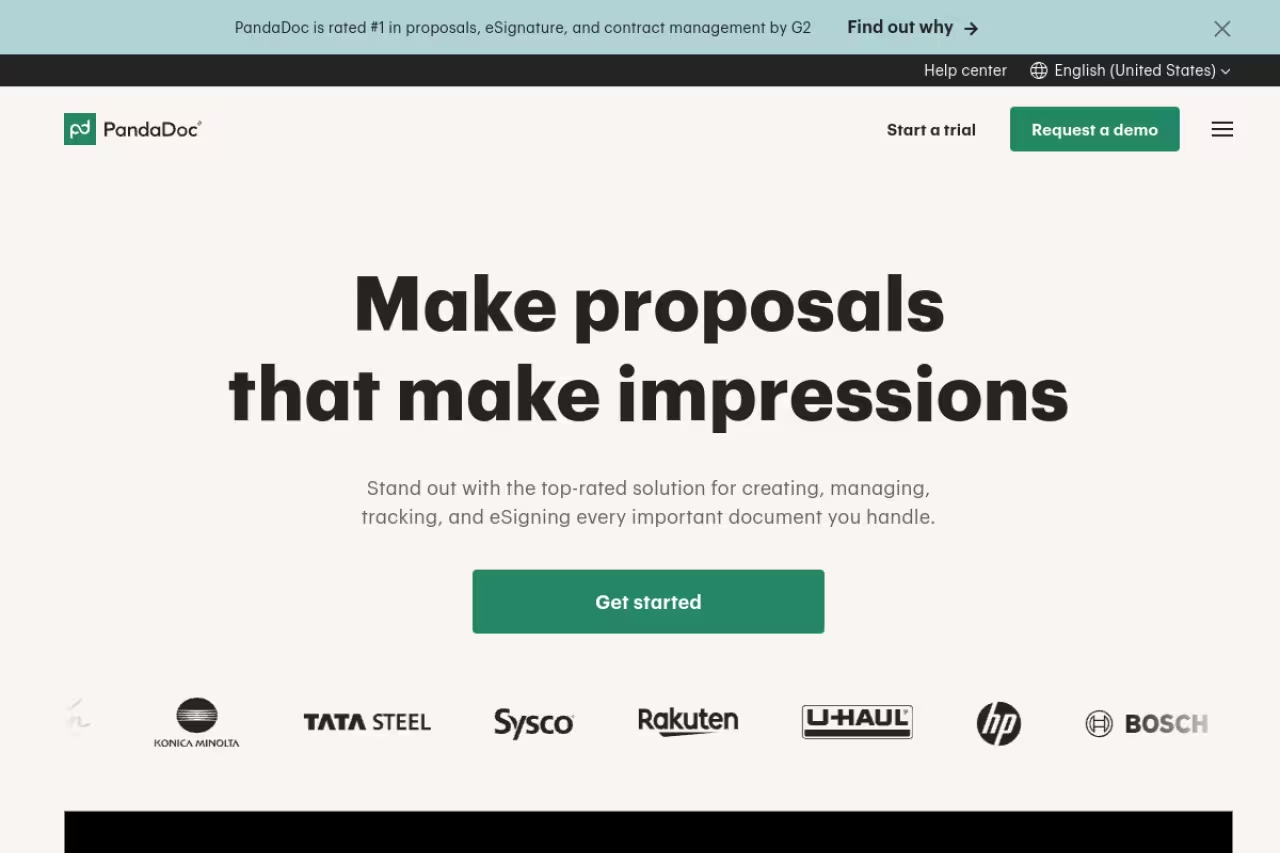
PandaDoc is the tool I'd hand to most teams without overthinking it. It's a document platform that does proposals, quotes, contracts, and e-signatures in a single drag-and-drop editor, and it collects payment at the end so a signed proposal can turn into money without a second tool.
Who it's best for: Sales teams and agencies that want one editor for the whole document lifecycle, not a separate app for each step.
The safe default for sales teams and agencies that want one editor for proposals, quotes, contracts and payment. The free plan with up to 60 documents a year is rare here, but the editor is utilitarian and the best AI and CPQ sit on higher tiers.
There's a genuinely usable free plan with unlimited seats and up to 60 documents a year, which is rare in this category. Paid plans run $19/seat/month (Starter, annual) and $49/seat/month (Business), where you get CRM integrations, a content library, approval workflows, and custom branding. Enterprise adds CPQ, SSO, and API access.
The standout: That free tier. Most competitors gate everything behind a paywall, so being able to send tracked, signable documents at zero cost is a real edge for small teams testing the waters. The content library and reusable templates also save a stupid amount of time once you've built a few.
The catch: The editor is powerful but not the prettiest. If your whole pitch rides on visual polish, designers tend to find PandaDoc a bit utilitarian next to Qwilr or Storydoc. The good AI features and CPQ also sit on the higher tiers, so the cheap plan is more of a starting point than a destination.

Proposify: built for sales teams living in a pipeline
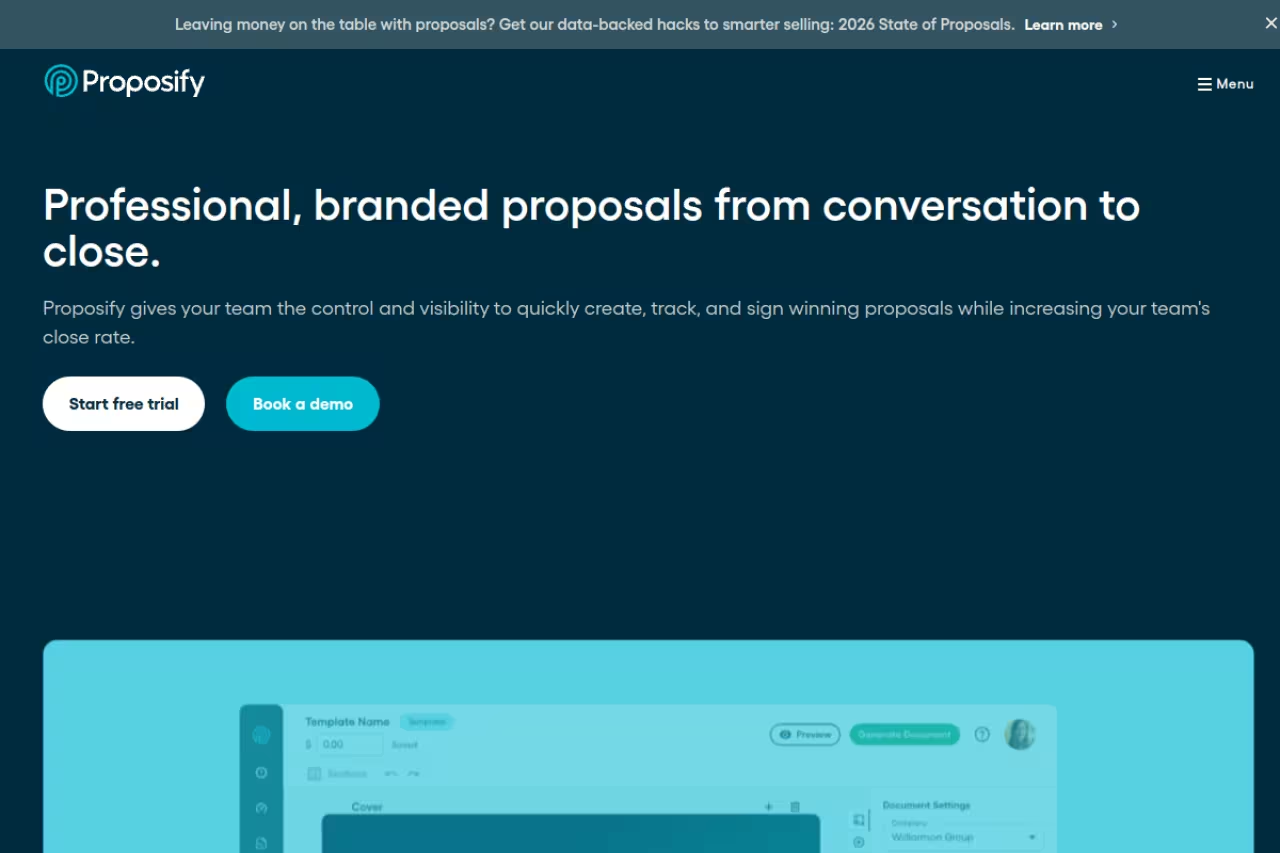
Proposify treats a proposal less like a document and more like a stage in your sales pipeline. It tracks where every proposal sits, who opened it, which sections they lingered on, and feeds that back so reps know when to follow up.
Who it's best for: Sales teams that want proposal analytics tied into a CRM and managers who care about close-rate data.
Pick Proposify if your sales team wants proposal analytics tied into a CRM and managers who care about close-rate data. The metrics are the most sales-focused here, but Basic caps you at 10 sends a month and real value needs the Team plan.
The Basic plan is $19/user/month billed annually ($29 monthly) but caps you at 10 sends a month and one collaborator seat. Team is $41/user/month annually with unlimited sends, CRM integrations, and analytics. Business is custom and starts around $3,900/year.
The standout: The metrics. Proposify's analytics and pipeline view are the most sales-focused on this list, and the snapshot data on how proposals perform helps managers spot which templates actually win. If you're already building out a sales stack, it pairs naturally with the tools in our /learn/best-ai-tools-for-sales roundup.
The catch: Those send limits sting. Ten sends a month on Basic is tight for an active rep, and overages cost extra. The interface also feels heavier than newer tools, and you'll really only get value once you commit to the Team plan and wire it into your CRM.

Qwilr: proposals that look like web pages
Qwilr throws out the PDF idea entirely. Your proposal becomes a responsive web page with embedded video, interactive quotes, and analytics on how far people scroll. It looks modern out of the box, which is the whole point.
Who it's best for: Teams that want a high-design, interactive proposal without hiring a designer, and who pitch clients who'll be impressed by a slick web experience.
For teams that want a high-design, interactive proposal without hiring a designer. Interactive quote blocks make upsells feel natural, but it is pricey and the seat minimums on Growth and Scale push a small team into four figures a month.
Starter is $35/user/month (annual), with QwilrPay for collecting payment and integrations with HubSpot, Zoho, and Pipedrive. Growth is $55/user/month (5-seat minimum) and Scale is $75/user/month (10-seat minimum), per the official pricing page. Salesforce and the Smart Proposal Engine only show up on the top tier.
The standout: The interactive quote blocks. Clients can toggle options, adjust quantities, and see pricing recalculate in real time, which makes upsells feel natural instead of pushy.
The catch: It's pricey, and the seat minimums on Growth and Scale mean a small team can hit four figures a month fast. The web-page format is also less familiar to traditional buyers who still expect a document they can print and file.

Better Proposals: the fast, no-nonsense option
Better Proposals is built around one job: send a proposal and get it signed. There's no deal-room, no CRM ambitions, no feature creep. That focus is exactly why people who hate fiddly software love it.
Who it's best for: Freelancers and small agencies who send a handful of proposals and want them out the door in fifteen minutes, not an afternoon.
A fast, no-nonsense choice for freelancers and small agencies who send a handful of proposals and want them out in fifteen minutes. Simplicity is also the ceiling, since deep analytics and CRM sync are missing and the cap on Starter pushes most people to Premium.
Starter is $19/user/month but caps you at 5 sends a month. Premium is $29/user/month with 50 documents monthly, and Enterprise is $49/user/month with unlimited sends. All plans include a 14-day trial with no card required. Worth noting: only the first send of a document counts against your limit, so re-sends to extra recipients are free.
The standout: Speed. The template library is strong, the editor is simple, and there's built-in payment collection so a signed proposal can take a deposit immediately. For solo operators, that's often all you need.
The catch: Its simplicity is also its ceiling. If you want deep analytics, complex approval workflows, or tight CRM sync, you'll outgrow it. The 5-send cap on Starter is also restrictive enough that most people end up on Premium.

Storydoc: when the design has to wow
Storydoc is the design-forward pick. Instead of static pages, you build scroll-based interactive decks with animations, embedded video, and live data. It's closer to a mini-website than a document, and it's genuinely impressive when a prospect opens it.
Who it's best for: Marketers, agencies, and anyone whose proposals double as a brand statement where the visual experience is part of the pitch.
Go with Storydoc when your proposals double as a brand statement and the visual experience is part of the pitch. Scroll-based decks with granular engagement tracking are hard to beat, but it is light on sales ops and lower plans feel cramped.
Starter is $19.80/month (billed annually) with 5 active documents and AI text and image credits. Pro is $36/month with 30 active documents, extended analytics, and unlimited templates, per the Storydoc pricing page. Team is custom and adds a design expert.
The standout: The interactive, scroll-triggered format. It tracks engagement at a granular level (which slides held attention, who shared it) and the built-in AI helps draft copy and pull images. For pitches where looking sharp wins the room, nothing here beats it.
The catch: It's design-first, which means it's lighter on the sales-ops side. The active-document limits on lower plans can feel cramped if you keep a lot of live proposals, and it's overkill if all you need is a clean quote with a signature line.

GetAccept: deal rooms with a human face
GetAccept wraps the proposal in a digital sales room, complete with personalized video, chat, and mutual action plans. The idea is to make a cold document feel like a real conversation, which matters in longer B2B deals.
Who it's best for: B2B sales teams running complex, multi-stakeholder deals who want a shared space to move a buyer through to close.
Built for B2B sales teams running complex, multi-stakeholder deals that need a shared digital sales room with personalized video. It is a lot of machinery for a simple pitch, and the 5 user minimum on the better plans is a poor fit for solo users.
The eSign entry plan is $25/user/month, with Professional tiers (Deal Room, Contract Room, Full Suite) running $39 to $79/user/month and a 5-user minimum on Professional, so the realistic floor is around $2,940/year. Enterprise is custom.
The standout: Video and the deal-room experience. Dropping a short personalized video into a proposal lifts engagement in a way a wall of text never will, and the shared room keeps every document and message in one place for the buyer's whole committee.
The catch: It's a lot of machinery for a simple pitch. The 5-user minimum and annual billing on the better plans make it a poor fit for solo users, and premium CRM integrations like Salesforce cost extra unless you're on Enterprise.

Bonsai: the freelancer's all-in-one
Bonsai isn't only proposal software. It bundles proposals, contracts, e-signatures, invoicing, time tracking, and a client CRM into one dashboard, which is why over 500,000 freelancers and small agencies use it as their entire back office.
Who it's best for: Solo freelancers and small service teams who want one tool for the whole client lifecycle instead of stitching five subscriptions together.
A freelancer's back office in one app, ideal for solo freelancers and small service teams who want proposals, contracts, invoicing and time tracking together. The proposal builder is less polished than Qwilr or Storydoc, and it is more than you need if proposals are all you want.
Plans run on a per-user model, roughly $15/user/month (Basic), $25 (Essentials), and $39 (Premium), with annual billing bringing the effective rate down. Note that tax features can carry an extra add-on cost.
The standout: Everything in one place. You send a proposal, it converts to a contract with e-signature, then to an invoice that pulls in your tracked hours, all without leaving the app. For a freelancer, that saves real money and context-switching.
The catch: Because it does so much, the proposal builder isn't as polished as a dedicated tool like Qwilr or Storydoc. Reviewers also flag rising prices as a team grows. If proposals are the only thing you need, it's more than necessary.
How to choose the right proposal tool
Skip the feature checklists and answer three questions instead.
How many proposals do you send, and how fast? If it's a handful a month and you value speed, Better Proposals or Bonsai win. If it's a constant flow tied to a sales pipeline, Proposify or PandaDoc earn their keep.
Does design close your deals? For agencies and marketers where the visual experience is part of the pitch, Qwilr and Storydoc are worth the premium. For most B2B sales, a clean PandaDoc template converts just as well at a fraction of the cost.
Do you need it to talk to your CRM? If proposals live inside a Salesforce or HubSpot pipeline, check which tier unlocks that integration. Several tools (Qwilr, GetAccept) lock Salesforce behind their top plan, which changes the real price a lot.
My honest default: start on PandaDoc's free plan, send a few real proposals, and only move up or out once you hit a wall. Most teams never need to. If you're a freelancer who also hates invoicing, jump straight to Bonsai. If you're a design-led agency, demo Qwilr and Storydoc side by side before committing.
Want more tooling breakdowns like this? We track the best software across categories at /top-tools, our /learn/best-ai-tools-for-business guide covers the wider stack most teams are building right now, and /learn/best-ai-tools-for-small-business is the leaner version for solo operators. The Dupple X bundle is also worth a look if you're assembling a full toolkit.
Frequently asked questions
What is the best proposal software in 2026?
For most teams, PandaDoc is the best all-around choice because it handles proposals, contracts, e-signatures, and payments in one editor and offers a free plan with unlimited seats. If design matters most, Qwilr and Storydoc are stronger. Freelancers who also need invoicing should look at Bonsai. The "best" tool depends on your volume, your design needs, and whether it has to sync with your CRM.
Is there any free proposal software?
Yes. PandaDoc has a real free plan with unlimited seats and up to 60 documents per year, including its drag-and-drop editor and document tracking. Most other tools offer a 14-day free trial rather than a permanent free tier. Storydoc and Better Proposals both let you create documents free and only charge once you start sending at volume.
How much does proposal software cost?
Entry plans typically run $15 to $35 per user per month. Better Proposals and Bonsai start around $15 to $19, PandaDoc's Starter is $19 per seat, and Qwilr starts at $35 per user. Watch for seat minimums: Qwilr's Growth tier needs 5 seats and GetAccept's Professional plans require 5 users, which pushes the real annual cost into the thousands before you send anything.
What's the difference between proposal software and an e-signature tool?
An e-signature tool just collects a legally binding signature on a finished document. Proposal software builds the whole pitch: templates, interactive pricing, branding, client analytics, and often payment collection, with e-signature as one feature inside it. Most proposal tools on this list include e-signing, so you rarely need a separate signing app.
Can proposal software integrate with my CRM?
Most do, but check which plan unlocks it. HubSpot and Pipedrive integrations often appear on mid-tier plans, while Salesforce is frequently reserved for the top tier (true of Qwilr and GetAccept). Proposify and PandaDoc both put CRM sync on their business plans, so factor that into the real price if pipeline integration is non-negotiable.
Related guides
Some offers on this page may be paid placements or contain affiliate links.
Across our whole catalogue the median is $24 a month and 33% of tools advertise a free tier. Figures are the lowest recurring monthly price quoted in our own review of each tool, read on 2026-08-19. Full method and every category.
