
Best HR Software for Small Business (2026): 7 Tools I'd Actually Recommend

Key facts7 tools compared: Gusto, BambooHR, Rippling, Deel, Homebase, Justworks, Paychex Flex
- 7 tools compared: Gusto, BambooHR, Rippling, Deel, Homebase, Justworks, Paychex Flex
- Gusto (best for: US payroll + benefits): $49/mo + $6/person
- BambooHR (best for: People management & onboarding): ~$10/person/mo
- Rippling (best for: Tech teams wanting HR + IT in one): $8/user/mo + $35 base
- Deel (best for: Remote teams & contractors abroad): Free HR; $49/contractor
Most small businesses don't have an HR department. They have a founder, an office manager, or a finance person who got handed payroll because nobody else would do it. That's who I'm writing this for: the person who needs to run payroll without messing up tax filings, onboard a new hire without a 14-page PDF, and stay compliant in a state they've never operated in before.
I've researched HR software for teams of 3, 12, and 40, comparing platforms that demoed great against how their pricing and reviews hold up over time. The honest truth is that the "best" tool depends on what your team looks like. A 6-person remote agency with contractors abroad needs something completely different from a 25-person restaurant group with hourly staff clocking in.
Short answer: Gusto is the one I recommend most often for US-based small businesses paying W-2 employees. It nails the boring stuff (payroll, tax filing, benefits) without making you feel like you need a certification to use it. Five other tools below beat it for specific situations, so read the table first.
Quick comparison
| Tool | Best for | Starting price | Standout |
|---|---|---|---|
| Gusto | US payroll + benefits | $49/mo + $6/person | Full-service payroll that just works |
| BambooHR | People management & onboarding | ~$10/person/mo | Best employee experience and reporting |
| Rippling | Tech teams wanting HR + IT in one | $8/user/mo + $35 base | Automation and device management |
| Deel | Remote teams & contractors abroad | Free HR; $49/contractor | Hiring in 150+ countries |
| Homebase | Hourly and shift-based teams | Free; paid from $20/location | Free scheduling + time tracking |
| Justworks | Owners who want a PEO | $79/person/mo | Big-company benefits for small teams |
| Paychex Flex | Businesses wanting phone support | $39/mo + $5/person | Dedicated payroll specialist |

Gusto: the default pick for US small businesses
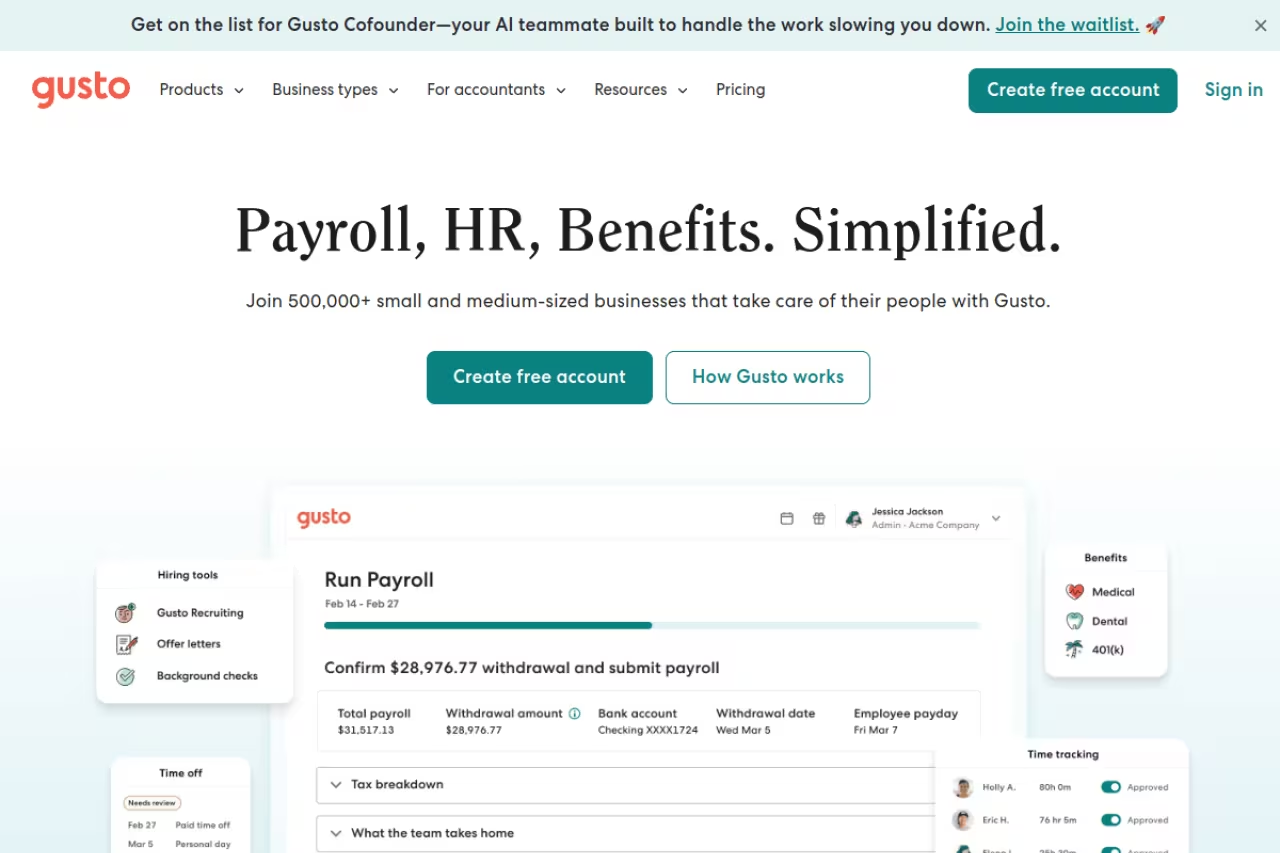
Gusto is what I recommend first when a small business asks me where to start. It handles full-service payroll, files your federal, state, and local taxes automatically, and runs benefits and onboarding from the same dashboard. New hires get a self-service portal to fill in their own details and tax forms, which kills the paperwork chase.
Who it's best for: US-based teams of 2 to 50 paying salaried or hourly W-2 employees who want payroll, benefits, and basic HR in one place without a steep learning curve.
The first recommendation for US-based teams of 2 to 50 who want payroll, benefits and basic HR in one place with a gentle learning curve. Benefits administration is limited to certain states, and it is built for the US, so hiring abroad needs Deel.
The Simple plan is $49/month plus $6 per person. Plus is $80/month plus $12 per person and adds time tracking, multi-state payroll, and PTO management. Premium runs $180/month plus $22 per person. Gusto raised the Simple base from $40 to $49 in March 2026, so a 10-person team on Plus lands around $200/month. There's also a contractor-only option for businesses that don't run traditional payroll.
The standout: The payroll experience. Running payroll takes about four clicks, and Gusto handles the tax filings behind the scenes. It also files new-hire reports with the state automatically, which is the kind of compliance detail people forget until they get a letter.
The catch: Benefits administration is only available in certain states, and the health insurance marketplace can be thinner than what a dedicated broker offers. Gusto is also built for the US. If you're hiring abroad, look at Deel instead.

BambooHR: the best people-management experience
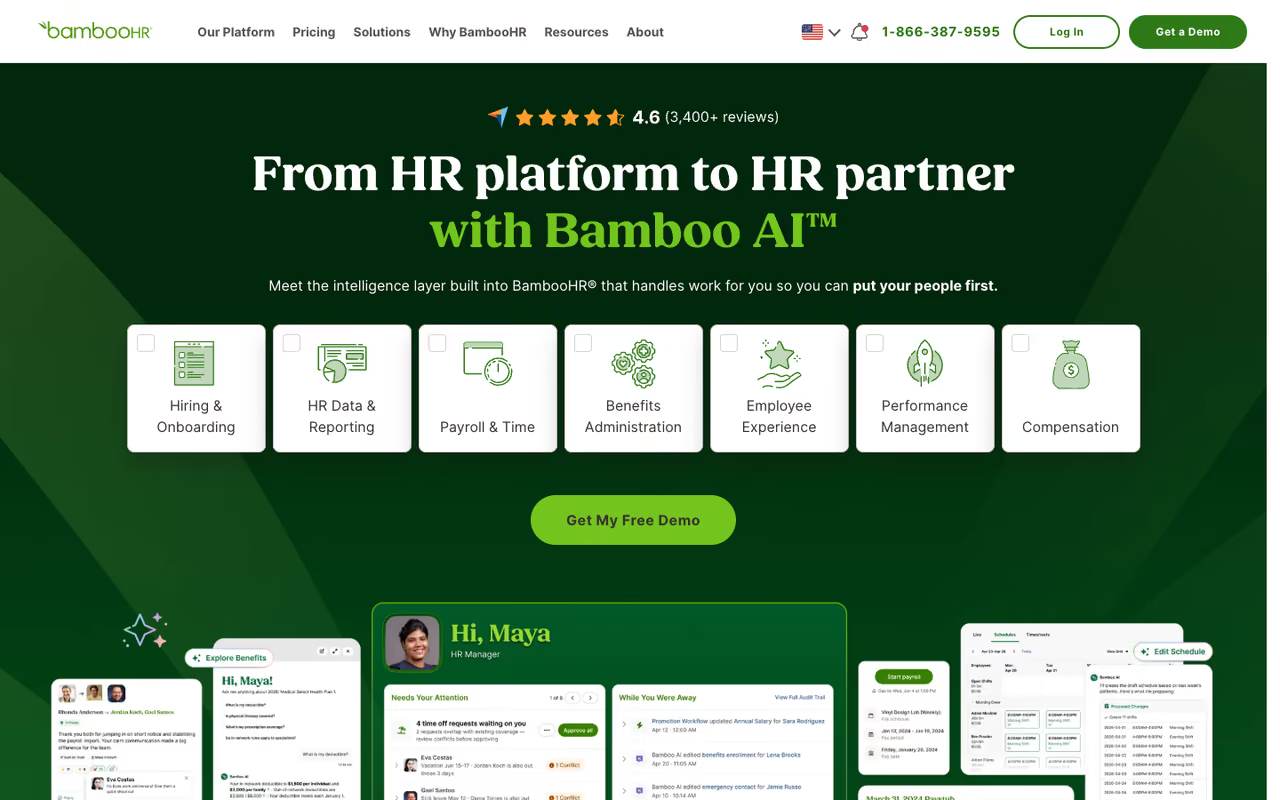
BambooHR is the tool people fall in love with. Where Gusto leads with payroll, BambooHR leads with the employee experience: clean org charts, an applicant tracking system, onboarding workflows, performance reviews, and some of the best reporting at this price. If "HR" to you means managing people rather than just cutting checks, this is the stronger fit.
Who it's best for: Growing teams of 20 to 200 that care about culture, structured onboarding, and HR analytics, and want a system employees actually enjoy logging into.
Choose BambooHR if HR to you means managing people, not just cutting checks, especially for growing teams of 20 to 200. Onboarding and reporting shine, but payroll is a paid add-on and quote-based pricing makes comparing against Gusto take a sales call.
BambooHR doesn't publish per-employee numbers openly, but reseller and review data put the Core plan around $10 per employee per month, Pro around $17, and Elite around $25. For teams of 25 or fewer, BambooHR charges a flat monthly rate starting near $250/month. Payroll, benefits administration, and time tracking are paid add-ons (roughly $4 to $8 per employee each), with a 15% bundle discount for US customers who combine payroll and benefits.
The standout: Onboarding and reporting. New-hire packets, e-signatures, and welcome workflows are genuinely good, and the reporting lets you slice headcount, turnover, and comp data without exporting to a spreadsheet. For more on getting new hires productive fast, my guide to employee onboarding software goes deeper, and if you want AI in the mix, see the best AI tools for HR.
Where it falls short: Payroll is an add-on, not the core product, so your real cost climbs once you bolt it on. And because pricing is quote-based, comparing it apples-to-apples against Gusto takes a sales call.

Rippling: HR and IT in one system
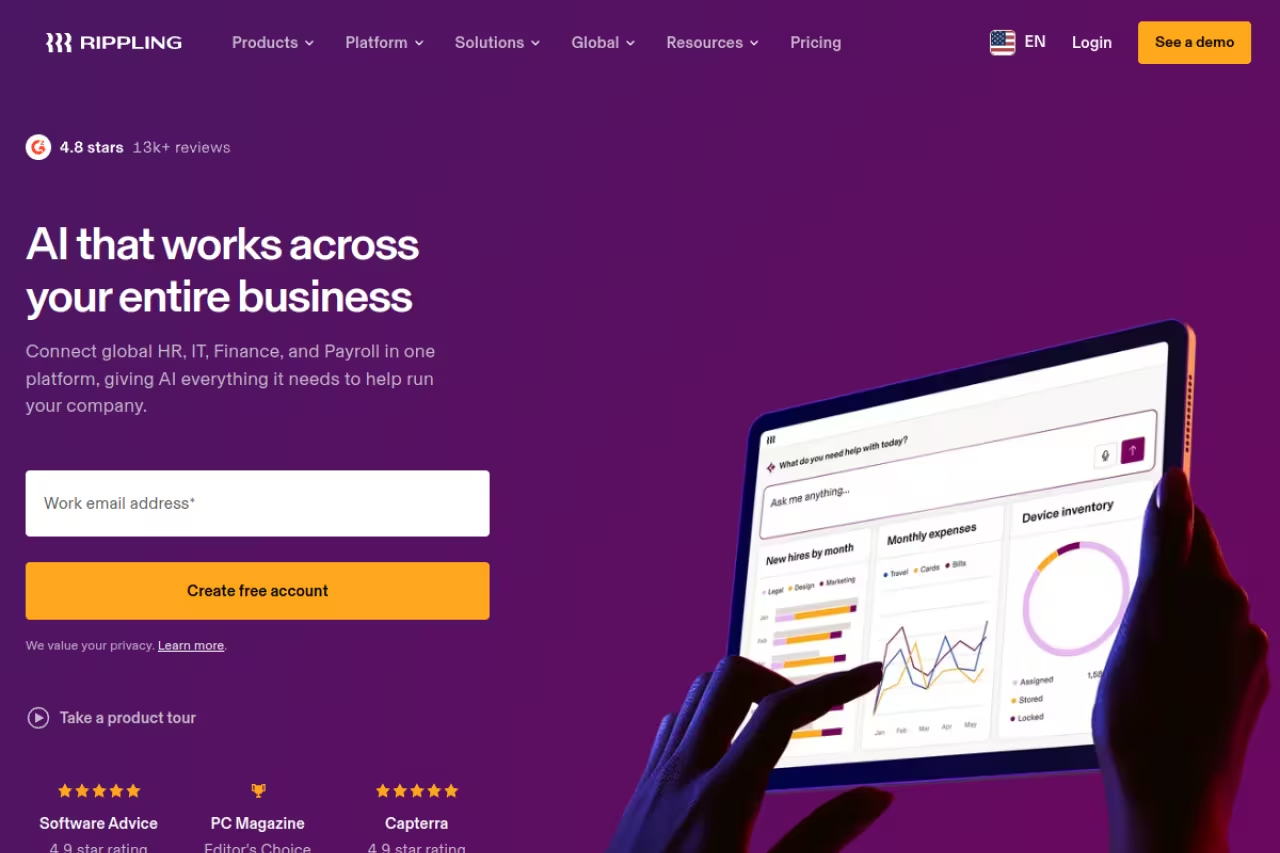
Rippling is the most ambitious tool on this list. It connects HR, payroll, IT, and finance into one platform, so when you hire someone you can run payroll, enroll benefits, ship a laptop, and provision their Google and Slack accounts from a single workflow. When they leave, you disable everything in one click. For tech-savvy teams, that automation is hard to beat.
Who it's best for: Fast-growing companies (often 15 to 200 people) that manage devices and a lot of SaaS accounts, and want HR and IT to live in the same place.
The most ambitious tool here, ideal for fast-growing companies that juggle devices and many SaaS accounts and want HR and IT in one workflow. Pricing requires a custom quote, and it is overkill for a simple 5-person team.
Rippling starts at $8 per user per month plus a $35 monthly base fee for the core platform. It's modular, so every module you add (payroll, benefits, device management) carries its own per-user cost that Rippling doesn't publish. Teams running HR and payroll together typically report $25 to $50 per employee per month; add IT automation and you're often past $60.
The standout: Automation depth. The onboarding and offboarding workflows save real hours, and the device management piece replaces a separate tool. Few platforms at this size handle the IT side this well.
The catch: You have to request a custom quote, so pricing isn't transparent. Implementation is more involved than Gusto, and the breadth of features is overkill for a simple 5-person team that just needs payroll. Rippling earns its keep once you have devices and a SaaS stack to wrangle.

Deel: built for remote and global teams
Deel solved a problem that used to require lawyers in every country. It lets you hire employees and contractors in 150+ countries, with locally compliant contracts, multi-currency payments, and an Employer of Record (EOR) service that legally employs people on your behalf where you don't have an entity.
Who it's best for: Remote-first teams and any small business hiring contractors or employees outside the US.
A strong fit for remote-first teams and any small business hiring outside the US, with a free HRIS for up to 200 employees. EOR is expensive by nature, and an all-US W-2 team will find Gusto cheaper and simpler.
Deel's HR platform (HRIS) is free for up to 200 employees, covering employee records, PTO, and org charts. Contractor management is $49 per contractor per month. EOR starts around $599 per employee per month for standard, and global payroll runs about $29 per employee per month. Watch the EOR total: platform fees exclude salaries, employer taxes, and statutory benefits, which can add 30% or more on top.
The standout: The free HRIS for up to 200 people is a real differentiator. Most competitors charge for that or bundle it into a premium tier. Pair it with paid contractor management and a distributed team gets a lot for very little.
Where it falls short: EOR is expensive, and that's inherent to the model, not a knock on Deel. If your whole team is US-based W-2, Deel is more than you need. Gusto will be cheaper and simpler.

Homebase: for hourly and shift-based teams
If your day-to-day HR work is building schedules, tracking clock-ins, and making sure timesheets feed payroll correctly, Homebase is built for exactly that. Restaurants, retail, salons, and any business running hourly shifts will find this more useful than a traditional HRIS.
Who it's best for: Single-location or small multi-location businesses with hourly staff who need scheduling, time tracking, and team messaging.
Built for hourly and shift-based teams in restaurants, retail and salons, with a genuinely free tier for one location. It is not a full HRIS, so performance management, deep benefits and global hiring are missing.
The Basic plan is genuinely free for one location with up to 20 employees, including basic scheduling and time tracking. Paid plans are priced per location, not per employee, which is unusual and works in your favor as you add staff. Essentials is $20 per location per month billed annually, Plus is $48, and All-in-One is around $100. Payroll is a separate add-on.
The standout: The free tier is real, not a 14-day trial. A small cafe can run scheduling and time tracking for $0, then upgrade only when they need advanced features. Per-location pricing also rewards teams with lots of hourly workers. My employee scheduling software comparison covers a few alternatives if shifts are your main pain.
The catch: It's not a full HRIS. Performance management, deep benefits administration, and global hiring aren't here. Homebase is excellent at the hourly-workforce job and doesn't pretend to be more.
If you're still mapping out which categories of tooling your business actually needs, our top tools directory is a faster way to scan options than reading ten review sites.

Justworks: a PEO that gives small teams big-company benefits
Justworks is a Professional Employer Organization (PEO), which is a different model from everything above. By pooling your employees with thousands of others, Justworks gives a 10-person company access to health plans and perks usually reserved for large employers, while also taking on payroll, tax filing, and a chunk of compliance liability.
Who it's best for: Small businesses that want premium benefits and to offload HR compliance and risk, and don't mind paying more per person for it.
A PEO that gives a 10-person company big-company benefits while taking on payroll, tax filing and compliance liability. It is one of the pricier options per head, the co-employment model can feel constraining, and it is overkill if you only need payroll.
PEO Basic is $79 per employee per month and includes payroll across all 50 states, tax filing, compliance tools, workers' comp, and 401(k) administration. PEO Plus is $109 per person and adds health, dental, and vision through major carriers. Note that those fees cover platform access only. On the Plus plan, health insurance premiums can be 40% to 60% of your actual invoice.
The standout: Benefits quality. The medical plans you can offer through Justworks often beat what a small business could negotiate alone, which matters when you're competing for talent. If benefits are the main reason you're shopping, my employee benefits software comparison is worth a look too.
Where it falls short: It's one of the pricier options per head, and the PEO model means you're co-employing through Justworks, which some founders find constraining. If you mainly need payroll and don't care about premium benefits, it's overkill.

Paychex Flex: when you want a human on the phone
Paychex Flex is the established choice for owners who want phone support and a named specialist rather than a chatbot. It covers payroll, tax administration, HR tools, and benefits, and scales from one person up to a few hundred employees.
Who it's best for: Owners who value dedicated support and a long-standing provider, and will trade some software polish for a person who knows their account.
Pick Paychex Flex if you want phone support and a named specialist rather than a chatbot, and will trade software polish for it. The interface feels dated, upper-tier pricing is quote-based, and add-on fees stack up.
Paychex Flex Essentials is $39/month plus $5 per employee for businesses with up to 19 employees. Higher tiers (Select and Pro) are quote-based and add HR features and a dedicated specialist. Watch for setup fees and year-end charges that aren't always obvious upfront.
The standout: Support and longevity. When payroll breaks, you can call someone who handles it. For owners who don't want to self-serve, that's worth real money.
The catch: The interface feels dated next to Gusto or Rippling, and the quote-based pricing on upper tiers makes budgeting harder. Add-on fees have a way of stacking up.
How to choose without overthinking it
Start with the shape of your team, not the feature list.
US-based with salaried or hourly W-2 staff? Start with Gusto. It covers payroll, taxes, and basic HR for a price you can see upfront, and you won't outgrow it until you're past 50 people.
People management matters more than payroll (onboarding, reviews, headcount reporting)? BambooHR is the better daily experience once you're past 20 employees.
Managing laptops and a stack of SaaS accounts? Rippling pays for itself by collapsing HR and IT into one system. Below 10 people with no devices, it's more than you need.
Hiring across borders or leaning on contractors? Deel is the obvious pick, and the free HRIS makes it nearly free to start.
Hourly and shift-based? Homebase fits the real workflow better than any traditional HRIS, and the free tier means you can start today. Want premium benefits and less compliance risk instead? A PEO like Justworks is worth the higher per-person cost.
One more thing: don't buy on the demo alone. Run a single payroll cycle and onboard one test employee during the trial. The platform that survives that without a support ticket is the one to keep. If you're auditing your wider stack while you're at it, a Dupple X membership gets you our full vetted toolset for running a lean operation.
FAQ
What is the best HR software for a small business?
For most US-based small businesses, Gusto is the best all-around choice because it combines full-service payroll, tax filing, benefits, and onboarding at transparent pricing ($49/month plus $6 per person). If you care more about people management than payroll, BambooHR is the stronger pick, and for global or contractor-heavy teams, Deel wins.
How much does HR software cost for a small business?
Most small businesses pay between $6 and $20 per employee per month for a solid HRIS, plus a base fee. Gusto starts at $49/month plus $6 per person, BambooHR runs roughly $10 to $25 per employee, and Homebase has a genuinely free tier for one location. PEOs like Justworks cost more, starting at $79 per person, because they bundle benefits and compliance.
Do I need HR software if I only have a few employees?
Once you're paying even two or three W-2 employees, HR software pays for itself by automating payroll tax filings and keeping you compliant. Doing it manually is where small businesses get hit with penalties. For very small hourly teams, a free tier like Homebase or Deel's free HRIS lets you start at no cost.
What's the difference between an HRIS and a PEO?
An HRIS (like Gusto or BambooHR) is software you operate yourself to run HR and payroll. A PEO (like Justworks) co-employs your staff, taking on payroll, tax, and compliance liability and giving you access to pooled benefits. A PEO costs more per person but offloads risk and unlocks better benefits than a small company could get alone.
Can HR software handle payroll taxes automatically?
Yes. Gusto, Rippling, Paychex, and most full-service platforms calculate, file, and pay your federal, state, and local payroll taxes automatically, and many guarantee accuracy. BambooHR and Deel handle this once you add their payroll modules. Always confirm the platform supports every state you operate in before signing up.
Which HR software is best for hiring international contractors?
Deel is the clear leader for international hiring, supporting contractors and employees in 150+ countries with locally compliant contracts and multi-currency payments. Its HRIS is free for up to 200 people, and contractor management is $49 per contractor per month. Rippling also offers global payroll if you're already using it for domestic HR.
Related guides
Some offers on this page may be paid placements or contain affiliate links.
