
Best Project Management Software for Small Business (2026)

Key facts8 tools compared: ClickUp, Trello, Asana, Notion, monday.com, Zoho Projects, Basecamp…
- 8 tools compared: ClickUp, Trello, Asana, Notion, monday.com, Zoho Projects, Basecamp, Teamwork.com
- ClickUp (best for: Best overall value): Free, then $7/user/mo
- Trello (best for: Simplest to adopt): Free (10 users), then $5/user/mo
- Asana (best for: Process-driven teams): Free (2 users), then $10.99/user/mo
- Notion (best for: Docs + tasks in one): Free, then $9.50/member/mo
Most project management tools are built for 200-person companies and then sold to your 6-person team. You feel it within a week: a wall of features you'll never touch, a per-seat bill that climbs faster than your headcount, and a setup that takes a Friday afternoon nobody has.
I run a small team and I've spent years comparing these tools, usually because pricing changed or because the thing got too heavy. So I went back and reviewed the main options again in 2026 with one question in mind: which one actually fits a team of 2 to 25 people without making you pay for an enterprise you don't have?
Short answer for skimmers: ClickUp is my overall pick for small businesses because the free plan is genuinely usable and the paid jump to $7 is the best value in the category. If you want something dead simple that your team adopts in an hour, Trello wins. If you live in docs and wikis as much as tasks, Notion is the one. Here's how all eight stack up.
Quick comparison
| Tool | Best for | Price (annual) | Standout |
|---|---|---|---|
| ClickUp | Best overall value | Free, then $7/user/mo | Replaces 3-4 tools at once |
| Trello | Simplest to adopt | Free (10 users), then $5/user/mo | Kanban anyone can grasp |
| Asana | Process-driven teams | Free (2 users), then $10.99/user/mo | Clean workflow automation |
| Notion | Docs + tasks in one | Free, then $9.50/member/mo | Flexible workspace, not just tasks |
| monday.com | Visual ops teams | Free (2 seats), then €9/seat/mo | Colorful, customizable boards |
| Zoho Projects | Cheapest paid plan | Free (5 users), then $4/user/mo | Price plus Zoho ecosystem |
| Basecamp | Flat-rate, no per-seat math | Free, then $299/mo unlimited | One price for the whole team |
| Teamwork.com | Client and agency work | Free (5 users), then $9.99/user/mo | Built-in billing and time tracking |

ClickUp: the best all-rounder for the money
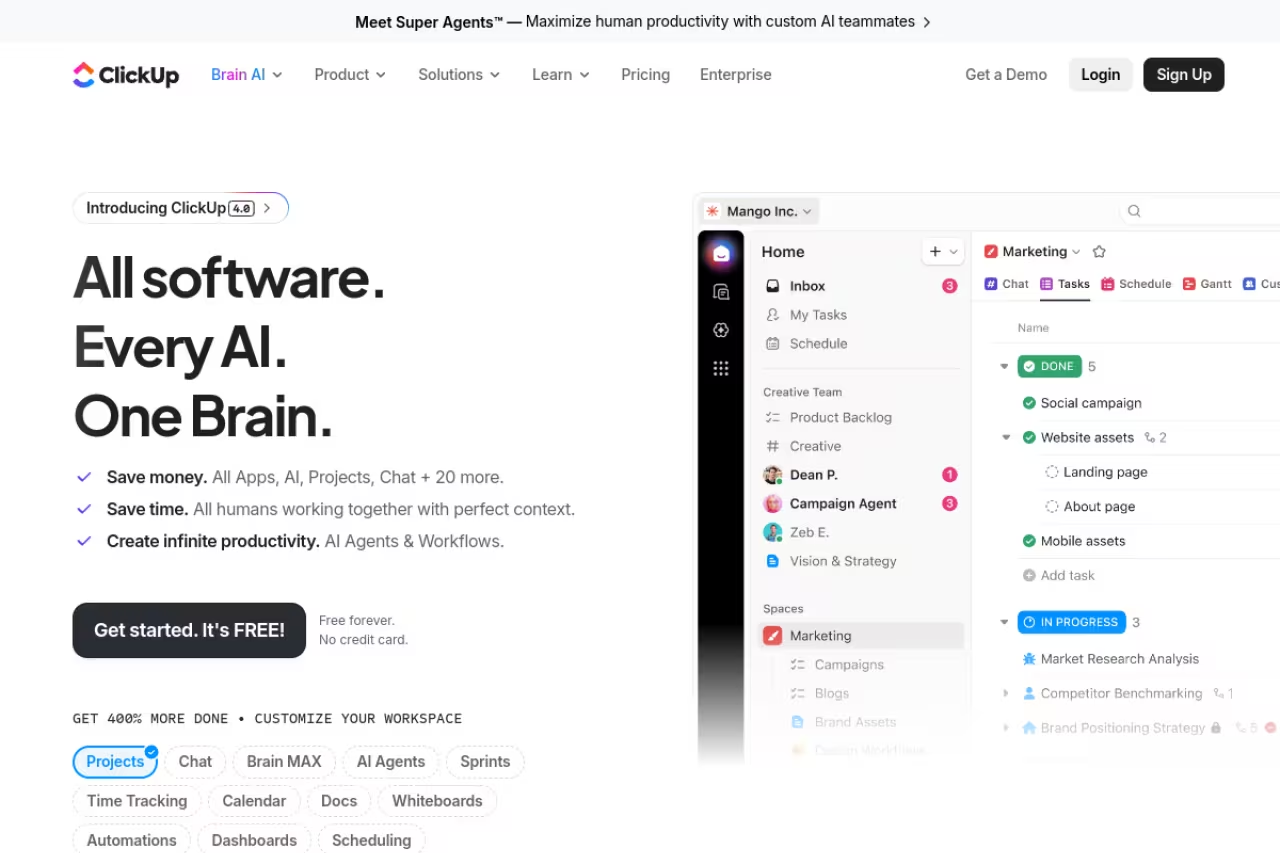
ClickUp tries to be your tasks, docs, whiteboards, goals, and chat in one window. For most small businesses that's a feature, not a flaw, because it means you stop paying for four separate subscriptions.
The free plan is the most generous in this roundup: unlimited tasks, unlimited members, Kanban boards, docs, calendar, and a sprint setup. When you outgrow it, the Unlimited plan is $7 per user per month billed yearly, which unlocks unlimited Gantt charts, integrations, dashboards, and time tracking. The Business plan at $12 adds automations (5,000 a month) and advanced dashboards.
The best value for a team that wants one tool to run everything and can live with a learning curve. The free plan is the most generous here and paid starts at $7 per user, but budget an afternoon of setup and expect a slow mobile app.
The standout is range. I've watched a marketing team, a dev team, and an ops person all work out of the same ClickUp space with views that suit each of them. You won't find that flexibility at this price anywhere else.
The catch: that range is also the problem. ClickUp has so many settings that a brand-new user can feel lost on day one. Budget an afternoon to configure it before you roll it out, or it'll feel like noise. The mobile app is also slower than I'd like.

Trello: the one your team will actually use
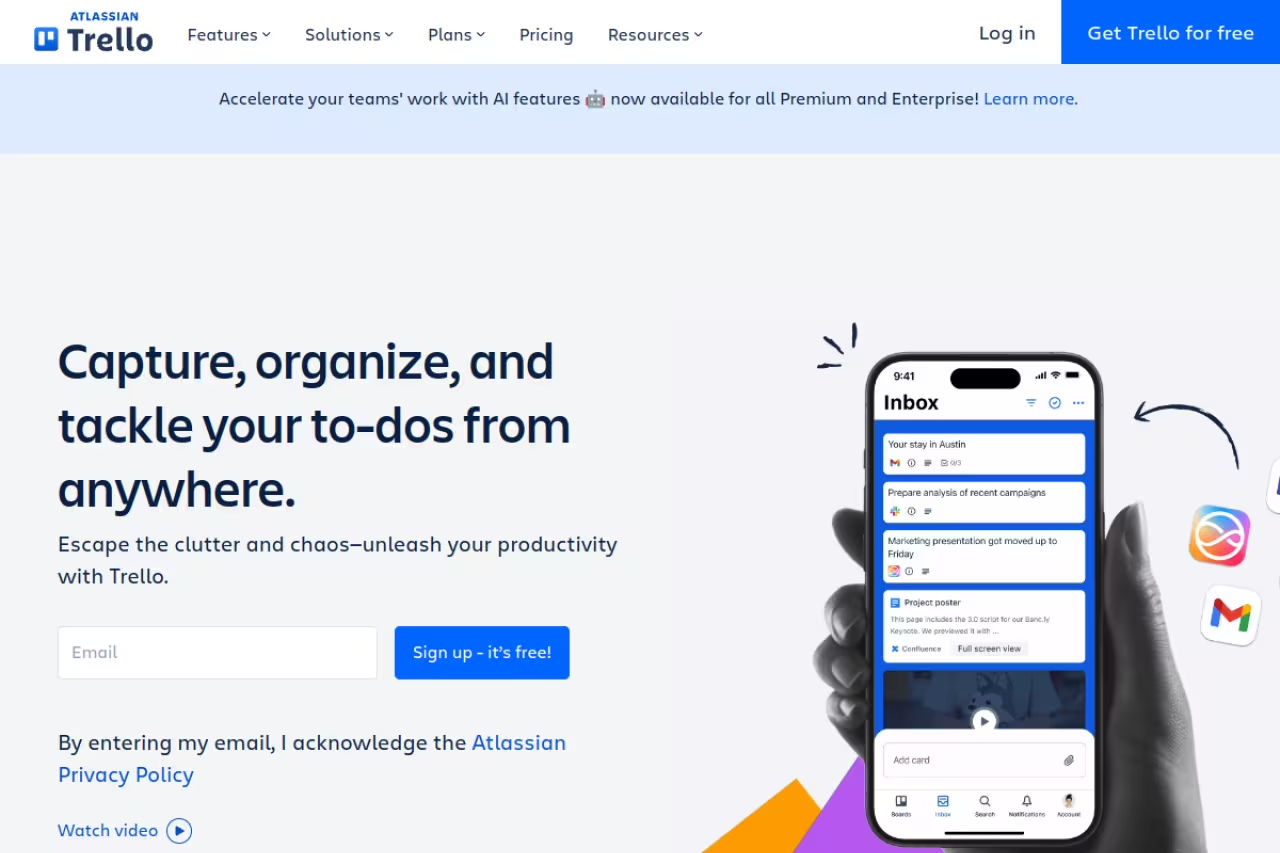
Trello is a board, a list, and a card. That's the whole mental model, and it's why a non-technical team can pick it up between coffee and lunch. I still recommend it as a first PM tool for teams that have only ever used spreadsheets and sticky notes.
The free plan covers up to 10 collaborators per Workspace with up to 10 boards, which is plenty for a small team running a few projects. The Standard plan is $5 per user per month annually and lifts the board limit while adding advanced checklists and custom fields. Premium at $10 adds calendar, timeline, and dashboard views.
Pick Trello if your team has only used spreadsheets and sticky notes and wants zero friction. Adoption is its strength, but it hits a ceiling fast once you need Gantt charts, dependencies or resource planning.
The standout is adoption. Tools only work if people use them, and Trello has the lowest abandonment rate of anything I've rolled out. Power-Ups (its add-on system) let you bolt on automation and integrations as you grow.
Where it falls short: Trello hits a ceiling fast. Once you're juggling dependencies, workloads across people, or reporting across many projects, the board metaphor strains. At that point you're either stacking Power-Ups or migrating to something heavier.

Asana: structure without the bloat
Asana sits in a sweet spot: more structured than Trello, lighter than an enterprise suite. If your work runs on repeatable processes (content calendars, client onboarding, product sprints), Asana's templates and rules keep things moving without much babysitting.
The free Personal plan now caps at 2 users, which is a real downgrade from the old 15-seat free tier and worth knowing before you commit. The Starter plan is $10.99 per user per month annually with unlimited members, timeline view, and AI Studio credits. Advanced at $24.99 adds portfolios, workload, and goals for teams managing many projects at once.
Best for: process-driven teams of 5 to 50 that want clean automation.
The standout is the interface. Asana is the most pleasant-to-use tool here. Task dependencies, custom fields, and rules are easy to set up, and the My Tasks view is the best personal to-do layout in the category.
The catch: the 2-user free tier means most teams pay from the start, and Asana's free option is now the weakest of the bunch. The price also climbs quickly if you need workload management, which lives on the $24.99 plan.
A polished choice for process-driven teams of 5 to 50 that want clean automation. It is the most pleasant tool here to use, but the free tier caps at 2 users and workload management only arrives on the $24.99 plan.
If you're already mapping out repeatable processes, pairing Asana with a few AI workflow automation tools is where the real time savings show up.
Notion: when your work is half docs
Notion blurs the line between a wiki and a task tracker. Pages, databases, and tasks all live in the same place, so your project plan can sit right next to the brief, the meeting notes, and the SOP. For founders who think in documents, it clicks instantly.
The free plan works for individuals and tiny teams (collaboration features get limited past 2 members). The Plus plan is $9.50 per member per month annually with unlimited blocks and guests. Business at $19.50 adds Notion's AI agent, meeting notes, and SSO.
Go with Notion if you are a small team or solo founder who writes a lot and wants docs and tasks in one place. It is a workspace first and a PM tool second, with no true workload view or native Gantt.
The standout is flexibility. You build the system you want instead of bending to someone else's. A board, a roadmap, a CRM, a content calendar: all of it lives in databases you shape yourself. It also doubles as one of the better AI note-taking apps once you turn on its AI features.
Where it falls short: that blank-canvas freedom is intimidating, and Notion is not built for heavy project management. There's no true workload view or native Gantt that competes with ClickUp or Asana, and large databases can lag. It's a workspace first, a PM tool second.

monday.com: visual boards for ops teams
monday.com (officially "monday work management") leans into color-coded boards that make status obvious at a glance. Non-PM people tend to like it because a board reads like a spreadsheet that got friendlier.
The free tier covers up to 2 seats and 3 boards, which is tight. Paid plans require a minimum of 3 seats, so the real entry cost is €9 per seat per month on the Basic plan (€27/month minimum). Standard at €12 adds timeline, calendar, and guest access. Pro at €19 brings time tracking and dependency columns.
Visual boards for ops, marketing and cross-functional teams that want customizable boards without code. Watch the 3 seat minimum, and note that time tracking and dependencies only arrive on the Pro tier.
The standout is how customizable each board is without code. Column types, automations, and dashboards are easy to assemble, and the result looks good enough to share with clients or leadership.
The catch: the 3-seat minimum and per-seat pricing make it pricier than it looks for very small teams, and the genuinely useful features (time tracking, dependencies) live on the Pro tier. The free plan is more of a demo than a real option.
Zoho Projects: the budget pick
If price is the deciding factor, Zoho Projects is hard to beat. The Premium plan is $4 per user per month annually, the cheapest real paid plan in this list, and you still get task automation, custom views, Gantt charts, and subtasks.
The free plan supports up to 5 users and 3 projects with 5GB storage. Premium lifts you to unlimited projects and 100GB. Enterprise at $9 adds more storage and advanced controls.
The budget pick for cost-conscious teams, especially anyone already on Zoho's CRM, Books or Mail. At $4 per user it is the cheapest real paid plan here, though the interface feels dated and it shines mostly inside Zoho's ecosystem.
The standout is value inside an ecosystem. If you run other Zoho apps, Projects slots in and the data flows between them. For the price, the feature depth is genuinely surprising.
Where it falls short: the interface feels dated next to Notion or monday.com, and the experience is best when you're all-in on Zoho. As a standalone tool it does the job but won't win any design awards, and the Zia AI features are gated to higher tiers.

Basecamp: one flat price, no seat counting
Basecamp solves a problem the per-seat tools create: the bill that grows every time you hire. Its Pro Unlimited plan is $299 a month billed annually for unlimited users and projects. If you have more than roughly 20 people, that flat rate becomes cheaper than paying per seat elsewhere.
There's also a free plan (1 project, 20 users) and a per-user Pro plan at $15/user/month for smaller teams. Basecamp keeps things deliberately simple: message boards, to-dos, schedules, docs, and chat, without Gantt charts or complex dependencies.
A calm, flat-priced choice for growing teams of 15 to 50 who hate per-seat math. The $299 a month plan is steep under 15 people, and you give up Gantt charts, built-in time tracking and resource management.
The standout is the pricing model and the philosophy behind it. Basecamp is built to reduce noise, with a clear structure and no feature creep. Clients and guests are free.
The catch: that simplicity is a hard line. No Gantt, no built-in time tracking (it's a $50/month add-on), no resource management. If your projects need dependencies or detailed scheduling, you'll feel boxed in. And $299/month is steep if you're under 15 people.
Teamwork.com: built for client work
Teamwork.com is the pick for agencies and any business that bills clients by the hour. Time tracking, billing, and budgets are native, not bolted on, so the gap between "work done" and "invoice sent" is small.
The free plan covers up to 5 users and 5 projects. The Basics plan is $9.99 per user per month annually, with the Accelerate plan at $24.99 adding capacity planning, retainers, and invoicing.
Choose Teamwork.com if you run an agency, consultancy or service business that bills clients and needs to track profitability. Time tracking and budgets are native, but without client work much of it is dead weight.
The standout is the client layer. You can invite clients as collaborators, track billable hours against budgets, and see which projects actually make money. Few small-business PM tools do that out of the box.
Where it falls short: if you don't do client work, a lot of Teamwork.com is dead weight you're paying for. The interface is busier than Trello or Asana, and the profitability features that justify it sit on higher tiers.
How to choose
Skip the feature checklist and answer three questions instead.
How does your team think about work? If they think in simple lists and boards, go Trello or Notion. If they think in processes and deadlines, go Asana or ClickUp. If they think in client hours, go Teamwork.com.
How fast does your headcount grow? Per-seat pricing (ClickUp, Asana, monday.com) is fine while you're small and predictable. If you're hiring fast or add lots of contractors, Basecamp's flat rate or Trello's free 10-seat tier protects you from bill shock.
What's your real budget per user? Most SMB teams land around $20 to $40 per user per month across their stack. Zoho Projects ($4) and ClickUp ($7) leave room for other tools; Asana Advanced ($24.99) and monday Pro (€19) eat most of it on their own.
My default recommendation for a team starting from scratch: try ClickUp's free plan first, and if it feels like too much, drop down to Trello. Both cost nothing to test, and you'll know within a week which way your team leans. For a deeper look at tools that pair well with your PM setup, our productivity tools roundup and the Dupple top tools list are good next stops.
If you want a faster way to keep up with which of these tools are shipping real updates versus marketing fluff, Dupple X tracks the AI and SaaS tooling space so you don't have to read ten newsletters a week.
FAQ
What is the best project management software for a small business?
For most small businesses, ClickUp offers the best balance of free features and low-cost paid plans ($7/user/month). If you want the simplest possible tool, Trello is the easiest to adopt. The "best" choice depends on whether your team thinks in lists (Trello), processes (Asana), documents (Notion), or client hours (Teamwork.com).
What is the cheapest project management tool for a small team?
Zoho Projects has the cheapest paid plan at $4 per user per month billed annually. For a free option, ClickUp and Trello both offer genuinely usable free plans with unlimited or near-unlimited users. Trello's free plan supports up to 10 collaborators per Workspace.
Do small businesses really need project management software?
If you're managing more than a handful of projects or coordinating across 3+ people, yes. Spreadsheets and group chats break down once deadlines and dependencies pile up. A free plan from ClickUp, Trello, or Notion costs nothing and replaces the scattered tracking that quietly wastes hours each week.
Is Trello or Asana better for a small business?
Trello is better for simplicity and fast adoption: it's a visual board anyone can grasp in minutes, and the free plan covers up to 10 users. Asana is better for process-driven teams that need automation, dependencies, and timeline views, but its free plan now caps at 2 users, so most teams pay from the start.
How much should a small business budget for project management software?
Most small businesses spend $0 to $15 per user per month. Free plans (ClickUp, Trello, Notion) work for many teams under 10 people. If you need paid features, expect $4 to $12 per user per month for value-focused tools like Zoho Projects, ClickUp, or Trello, and $20+ for advanced plans with resource management.
Can I switch project management tools later without losing data?
Mostly yes. ClickUp, Asana, monday.com, and Trello all offer import tools and CSV export, and several support direct migration from competitors. The bigger cost is retraining your team and rebuilding automations, so it's worth testing two free plans before committing rather than switching mid-project.
Related guides
Some offers on this page may be paid placements or contain affiliate links.
Across our whole catalogue the median is $24 a month and 33% of tools advertise a free tier. Figures are the lowest recurring monthly price quoted in our own review of each tool, read on 2026-08-19. Full method and every category.
