
The 8 Best Design Handoff Tools in 2026

Key facts8 tools compared: Figma Dev Mode, Zeplin, Anima, Builder.io Visual Copilot, Locofy Lightning…
- 8 tools compared: Figma Dev Mode, Zeplin, Anima, Builder.io Visual Copilot, Locofy Lightning, zeroheight, Supernova, UXPin Merge
- Figma Dev Mode (best for: Teams already in Figma): $12/dev seat/mo (Pro)
- Zeplin (best for: Multi-tool, spec-first handoff): From $13.75/mo
- Anima (best for: Designers who want React/HTML output): $24/mo (Pro)
- Builder.io Visual Copilot (best for: AI Figma-to-code in your repo): Free tier, then paid
Handoff is where most design work goes to die. A designer ships a pixel-perfect screen, the developer eyeballs the spacing, and three weeks later the live page is off by 8 pixels with the wrong shade of blue and a hover state nobody implemented. The gap between "the mockup" and "the build" is where teams lose the most time and the most goodwill.
I've spent the last few months comparing the tools that promise to close it. Some extract specs so developers stop guessing. Some generate actual code from your Figma file. Some document your whole design system so the handoff happens once instead of every sprint. They solve different problems, and picking the wrong one wastes money fast.
If you read one line: for most teams already in Figma, Figma Dev Mode is the default that beats everything else because it lives in the file you already use. The moment you need clean code, multi-tool specs, or a documented design system, the answer changes. Here's what I'd recommend, and where each one falls short.
Quick comparison
| Tool | Best for | Price | Standout |
|---|---|---|---|
| Figma Dev Mode | Teams already in Figma | $12/dev seat/mo (Pro) | Live specs in the same file |
| Zeplin | Multi-tool, spec-first handoff | From $13.75/mo | Precise specs across viewports |
| Anima | Designers who want React/HTML output | $24/mo (Pro) | Clean component code from Figma |
| Builder.io Visual Copilot | AI Figma-to-code in your repo | Free tier, then paid | Maps to your own components |
| Locofy Lightning | Production-grade front-end code | From $33.30/mo | Multi-framework export |
| zeroheight | Documenting a design system | From $149/mo | Living docs synced to Figma |
| Supernova | Design tokens to code | From $20/builder seat/mo | Token pipeline + MCP export |
| UXPin Merge | Code-backed prototyping | $69/mo (Pro) | Designs use real React components |
Figma Dev Mode
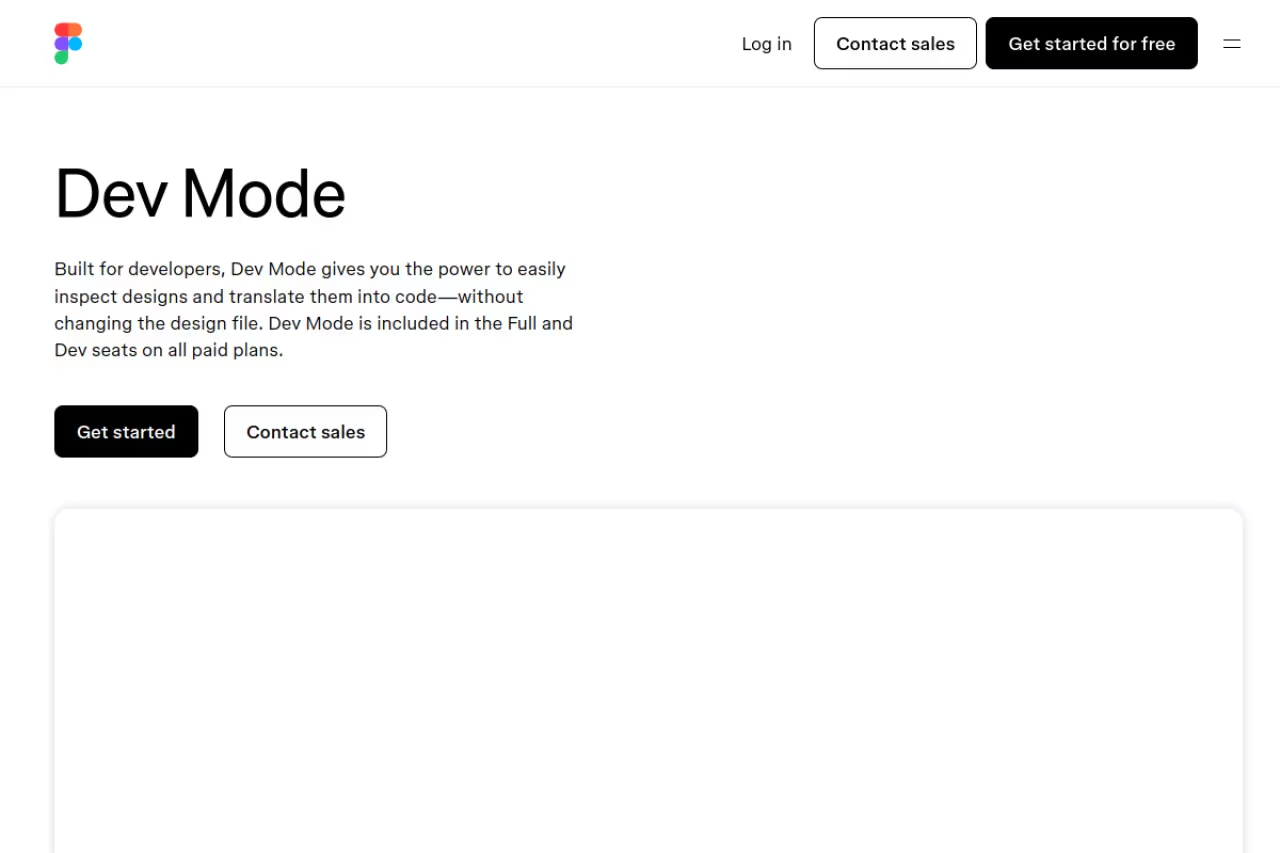
Figma Dev Mode is the handoff layer built into Figma itself. Developers get a read-optimized view with measurements, CSS/iOS/Android code snippets, exportable assets, component properties, and a "ready for dev" status that flags which frames are safe to build. A VS Code extension lets you stay in your editor.
The obvious pick for any team already designing in Figma, since developers see changes instantly with no exporting. The catch is that it is read-only and snippet-based, so you still translate CSS by hand, and it does nothing for Sketch or Adobe XD specs.
The win is latency: the designer iterates and the developer sees the change instantly. No exporting, no "which version is current," no Slack thread chasing the latest file.
A Dev seat is $12/month on the Professional plan, $25 on Organization, and $35 on Enterprise, all billed annually (see Figma's pricing page). Designers need a Full seat ($16 to $90/month).
The catch: Dev Mode is read-only for developers and only gives you snippets, not real components wired to your codebase. The CSS is a starting point, not production code, so you'll still translate it into your framework by hand. It also assumes everyone lives in Figma. If half your specs are in Sketch or Adobe XD, Dev Mode does nothing for them.

Zeplin
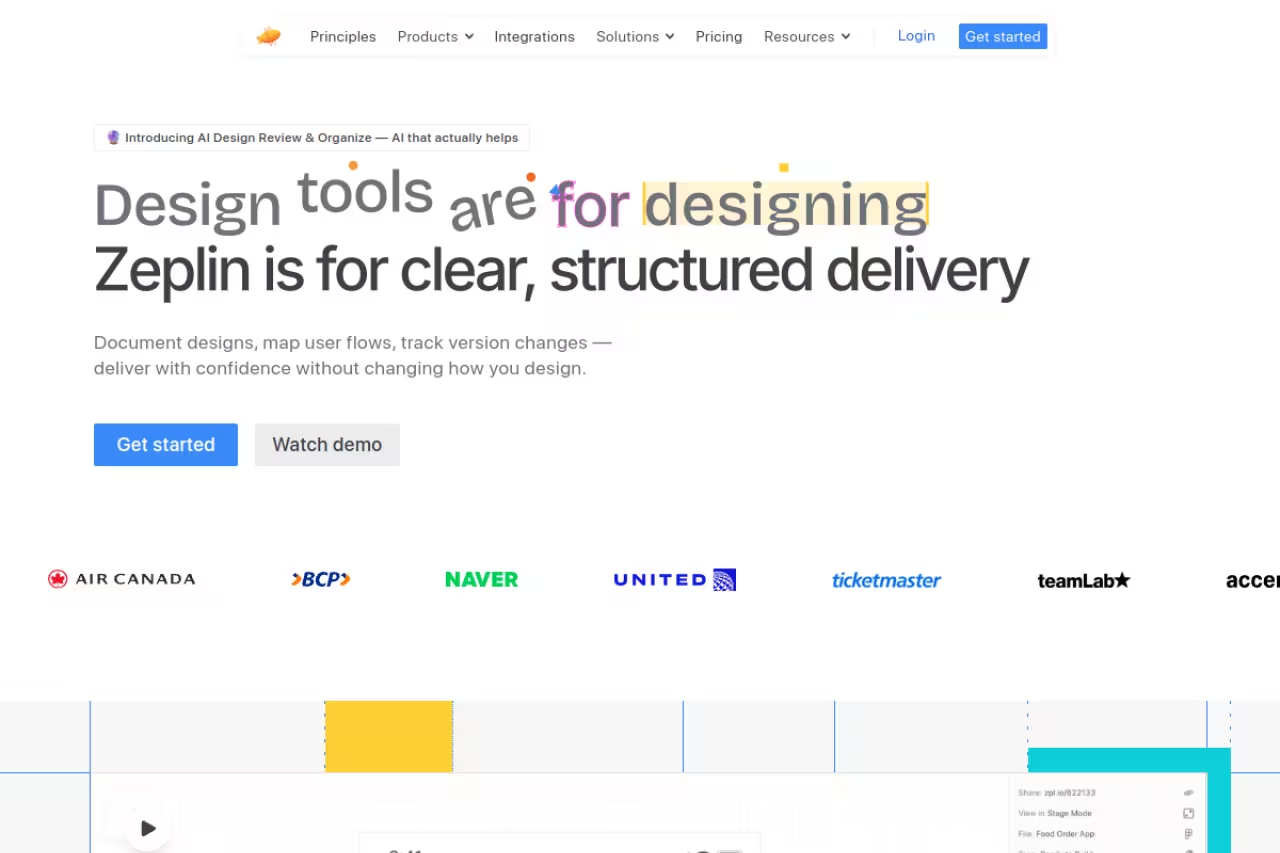
Zeplin is the spec-first handoff tool that predates Dev Mode and still beats it on precision. You publish designs from Figma, Sketch, or Adobe XD into Zeplin, and developers get exact measurements, color and text styles, downloadable assets, and code snippets in more languages than Figma supports natively. It connects to Jira, Storybook, VS Code, and Slack.
Go with Zeplin if your team is not all-in on one design tool or wants a clean, versioned space separate from the working file. It beats Dev Mode on precision, but it adds a sync step and can drift from the live Figma file.
Designers keep exploring in Figma while developers see a tidy, versioned source of truth.
Zeplin's Free plan covers one project and 100 screens with unlimited users. Basic starts at $13.75/month for a single project, and Advanced is $12 per seat/month billed annually with 50 projects and unlimited screens (full breakdown on Zeplin's pricing page). Unlimited users per project on the lower tiers is genuinely useful for big dev teams.
Where it falls short: it's an extra tool and an extra sync step. Every change has to be re-published to Zeplin, so it can drift from the live Figma file if designers forget. And it generates specs, not full code, so developers still build by hand.
Anima
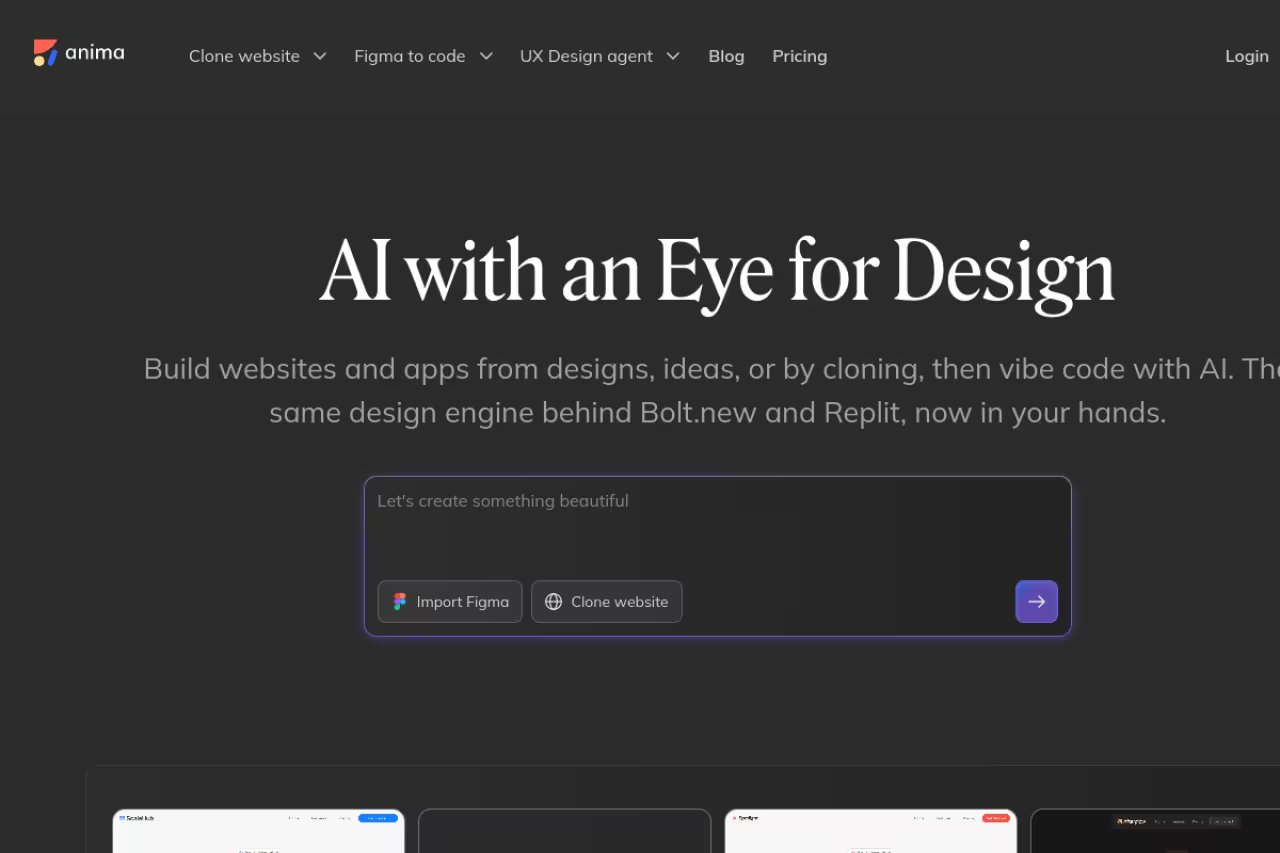
Anima flips the model. Instead of specs, it generates actual code. Its Figma plugin turns designs into React, HTML, Vue, or Tailwind CSS, and aims for clean, component-based output rather than the absolute-positioned soup older converters produced.
A strong head start for designers and small teams, such as a founder shipping an MVP, because it generates React, HTML, Vue or Tailwind code from Figma. Plan on cleanup, since it gets you 70 to 80% of the way and the rest is on you.
If you're a founder shipping an MVP or a designer who codes a little, Anima removes the blank-file problem.
The Free plan gives you 5 chat messages a day in the AI Playground, 5 Figma imports or website clones, and 5 code generations in the plugin, so you can test it before paying. Pro runs $24/month, and Enterprise starts at $500/month billed annually with SSO and compliance features (per Anima's pricing page).
The catch: generated code always needs cleanup. Anima gets you 70 to 80% of the way, but naming, state logic, accessibility, and integration with your component library are on you. For a polished design system with strict conventions, the output can fight your codebase more than it helps. Treat it as a scaffolder, not an autopilot. If your stack leans more on AI-assisted building than pure handoff, our roundup of the best vibe coding tools covers where this is heading, and Dupple X keeps a running shortlist of the ones worth paying for.

Builder.io Visual Copilot
Builder.io Visual Copilot takes your design and maps it onto your own components. Plug in your design system and it generates code that uses your buttons and your tokens, not generic markup. It supports React, Vue, Svelte, Angular, and more, and the output lands in your repo through a CLI.
The choice for engineering teams with an established component library who want AI speed without AI mess. Mapping designs to your own components makes the code mergeable, but skip that setup and you get generic output, and credit pricing is harder to predict.
Mapping to your components is the differentiator: that's what makes the generated code mergeable instead of throwaway.
Builder.io has a Free plan for up to 5 users with limited monthly Agent Credits, then Pro and Team tiers priced per user with pay-as-you-go usage, and custom Enterprise pricing (details on Builder.io's pricing page).
Where it falls short: the magic depends entirely on how well you've mapped your design system. Skip that setup and you get generic code like any other converter. Credit-based pricing also makes costs harder to predict than a flat seat fee.

Locofy Lightning
Locofy Lightning is the most code-serious of the Figma-to-code crowd. It uses what the company calls Large Design Models to convert designs into responsive, production-grade front-end code across React, Vue, Angular, Next.js, Gatsby, HTML/CSS, React Native, and Flutter. It handles breakpoints and interactions, not just static layout.
The most code-serious Figma-to-code option, with broad framework support including React Native and Flutter, for front-end teams that want to start from working code. Complex interactions and state still need a developer, and the token model can blow past your plan in a busy month.
The multi-framework support is broader than most rivals, including mobile via React Native and Flutter.
Locofy runs on a token system (LDM tokens consumed per conversion). Free gives you 600 tokens, Starter is $33.30/month, Pro is $99.90/month, and Enterprise is custom, with Starter and Pro billed annually. Check your conversion volume against the token allowance, since tokens are the real cost lever.
The catch: like every generator, it gets you most of the way, not all of it. Complex interactions and tightly-coupled state still need a developer. The token model also means a busy month can blow past your plan, so it rewards teams that convert in focused bursts.
zeroheight
zeroheight isn't a screen-by-screen handoff tool. It's a design system documentation platform, which is a different and often better way to kill the handoff problem. You document your components, tokens, guidelines, and usage rules once, embed live Figma and Storybook components that update automatically, and publish a branded portal everyone references.
Documentation platform for organizations with a real design system and more than a couple of squads, where one searchable source of truth ends the constant questions. At around $149/month it is overkill for small teams or one-off projects.
When the rules live in one searchable place, developers stop asking "how should this button behave" because the answer is documented and current.
Pricing starts around $149/month, billed per editor with tiered features (see listings on G2's zeroheight pricing page). That's a jump from the per-screen tools, which tells you the audience: established teams, not solo builders.
Where it falls short: it's overkill for small teams or one-off projects. Without a maintained design system, zeroheight documents a system you haven't built. The value scales with the size and maturity of your org.

Supernova
Supernova sits at the design-tokens layer. It pulls your designs, tokens, guidelines, and code libraries into one place and pushes production-ready output to engineering, including via an MCP server for AI-assisted workflows. If your handoff pain is really a token-consistency pain, this is the specialist.
The specialist when your handoff pain is really token consistency, for teams scaling a design system across web, iOS and Android. A single-product web team may not need the machinery, and the setup learning curve is real.
Standardized tokens become a shared language so a color or spacing change propagates to every platform instead of being re-entered by hand.
Supernova has a free-forever plan for individuals and small teams with seat and AI-credit limits. Pro starts at $20 per builder seat/month or $35 per full seat, billed annually, up to 25 seats.
The catch: this is for token-heavy, multi-platform setups. A single-product web team may not need the machinery, and the learning curve to set up the pipeline is real. Like zeroheight, the payoff comes from system maturity, not from one screen.

UXPin Merge
UXPin Merge attacks handoff from the opposite end. Instead of converting design to code after the fact, it lets designers build with your real React components from the start. Pull components from a Git repo, Storybook, or npm, and the thing on the canvas is the thing in production. Handoff generates JSX, props, tokens, and interaction logic via Spec Mode.
The most direct fix for design-dev drift, since designers build with your real React components and the mockup is the build. It suits teams with a component library worth importing, but Merge setup takes upfront engineering effort and a workflow change.
When designers can only use components that already exist in code, there's nothing to translate. The mockup is the build.
UXPin runs roughly $19/month for the entry team plan, $29 for Advanced, and $69/month for Professional, the tier that includes Merge (see UXPin's pricing). For the code-backed workflow, you're on the Pro tier.
Where it falls short: setting up Merge with your repo takes engineering effort upfront, and it asks designers to work inside real components, a workflow change some resist. It's a commitment, not a plugin you drop in for an afternoon. For teams serious about ending drift, though, it's the most direct fix on this list.
How to choose
Start with the question that actually matters: what's breaking?
If the problem is developers guessing at specs, you need Dev Mode or Zeplin. Already in Figma and want zero new tools? Dev Mode. Working across Figma, Sketch, and XD, or you want a clean source of truth separate from the working file? Zeplin.
If the problem is time spent rebuilding screens in code, you need a generator. Anima for designers and MVPs, Builder.io if you have a component library to map onto, Locofy if you want the broadest framework and mobile support.
If the problem is inconsistency across teams and platforms, the fix isn't per-screen handoff at all. It's documentation and tokens. zeroheight for living docs, Supernova for the token pipeline, UXPin Merge if you want designers building with real code components from day one.
Be honest about your team's size and maturity. A two-person startup buying zeroheight is solving a problem it doesn't have yet. An enterprise relying only on Figma snippets is leaving consistency on the table. Match the tool to the actual failure point, not to the most impressive feature list.
For a wider view of the dev-side tooling these handoffs feed into, our guide to the best AI tools for developers and our breakdown of the best code editors are good companions. If you're picking a stack from scratch, the best AI website builders covers the design-to-launch end, and our top tools directory is a faster way to scan options. To stay on top of new releases as they ship, Dupple X tracks the tools worth your attention so you don't have to test them all yourself.
Frequently asked questions
What is the best design handoff tool in 2026?
For most teams, Figma Dev Mode is the best default because it lives inside the file designers already use, so developers get live specs with zero sync lag. If you work across multiple design tools or want a cleaner spec-first space, Zeplin is stronger. The "best" tool depends on whether your pain is specs, code generation, or design-system consistency.
Is Figma Dev Mode worth paying for?
If your team already runs on Figma, yes. A Dev seat is $12/month on the Professional plan (billed annually), which is cheap insurance against the back-and-forth of developers chasing specs and assets. The catch is that it only gives you read-only snippets, not production code, so it's worth it as a spec layer rather than a code generator.
Can design handoff tools generate production-ready code?
Partly. Tools like Anima, Locofy, and Builder.io generate real React, Vue, or HTML and get you 70 to 90% of the way there, but none produce code you ship untouched. You'll still handle naming, state logic, accessibility, and integration with your existing components. Treat them as scaffolders that save hours, not full replacements for a developer.
What's the difference between Zeplin and Figma Dev Mode?
Both deliver specs, measurements, and assets to developers. Dev Mode does it inside Figma with live updates, so there's no separate sync. Zeplin is a standalone space that supports Figma, Sketch, and Adobe XD, often offers more precise specs and broader code-snippet languages, and keeps a tidy versioned handoff separate from the working file. Use Dev Mode if you're Figma-only, Zeplin if you're not.
Do I need a separate tool if I document my design system?
If you have a mature design system, a documentation platform like zeroheight or a token tool like Supernova can replace a lot of repetitive per-screen handoff. When the rules live in one current place, developers stop asking and start referencing. For small teams without a real system yet, though, these are premature. Start with Dev Mode or Zeplin and add documentation when the system exists.
The handoff tools that win aren't the flashiest, they're the ones that match the specific thing breaking on your team. Pick the failure point first, then the tool. If you'd rather skip the testing and get a curated read on what's actually worth adopting, start a Dupple X trial and let us do the filtering.
Related guides
Some offers on this page may be paid placements or contain affiliate links.
