
The 8 Best Design Systems Tools in 2026

Key facts8 tools compared: Figma, Tokens Studio, Storybook, Chromatic, Supernova, zeroheight, Penpot…
- 8 tools compared: Figma, Tokens Studio, Storybook, Chromatic, Supernova, zeroheight, Penpot, Knapsack
- Figma (best for: The design source of truth): Free / $16 per editor/mo
- Tokens Studio (best for: Token management + code sync): Free / €17 per editor/mo
- Storybook (best for: Component dev in isolation): Free, open source
- Chromatic (best for: Visual regression testing): Free / $179/mo
A design system lives or dies on the gap between design and code. You can have a gorgeous Figma library and a tidy component repo, and still ship buttons that don't match because nobody kept the two in sync. The tools in this guide exist to close that gap.
I've reviewed how small product teams run design systems and how bigger orgs drown in governance overhead. The pattern is always the same: people overbuy. They reach for an enterprise documentation platform before they've shipped ten reusable components. Most teams need fewer tools than the vendors want you to believe.
If you want the short answer: start with Figma for design, Tokens Studio for tokens, and Storybook for code. That stack covers 80% of teams and most of it is free or cheap. The rest of this list is for when you outgrow it, or when you need documentation, visual testing, or governance that those three don't handle. Here's what I'd actually use, and where each one stops being worth it.
Quick comparison
| Tool | Best for | Price | Standout |
|---|---|---|---|
| Figma | The design source of truth | Free / $16 per editor/mo | Variables + Dev Mode in one place |
| Tokens Studio | Token management + code sync | Free / €17 per editor/mo | Open token pipeline to GitHub |
| Storybook | Component dev in isolation | Free, open source | Industry-standard component catalog |
| Chromatic | Visual regression testing | Free / $179/mo | Catches UI breaks per pull request |
| Supernova | Living documentation | Free / $20 per seat/mo | Auto-syncs Figma, tokens, and code |
| zeroheight | Docs + adoption analytics | Free / $49 per editor/mo | Best no-code documentation authoring |
| Penpot | Open-source design + tokens | Free, self-hostable | Native W3C tokens, no lock-in |
| Knapsack | Enterprise governance | Custom (enterprise) | Single source of truth at scale |
Figma: the design source of truth
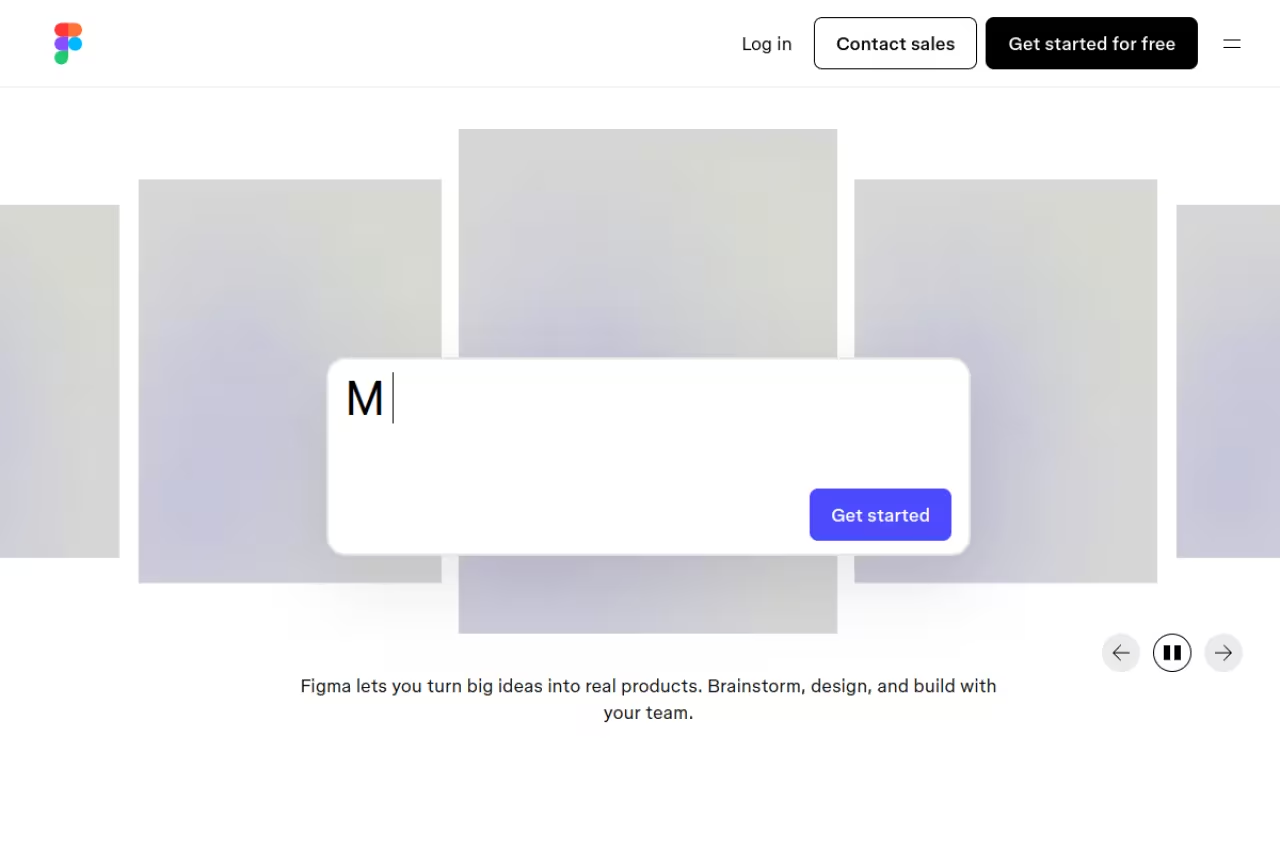
Almost every design system starts in Figma, and in 2026 it still sets the standard. The reason it belongs at the top of a design systems list isn't the drawing tools. It's Variables and Dev Mode. Variables let you define colors, spacing, and typography as named values you can theme and swap, which is the foundation of any token strategy. Dev Mode gives developers inspectable specs, code snippets, and an MCP server so AI assistants can read your designs directly.
The default home for a design system, especially for any team that designs in the browser and wants design and handoff in one tool, thanks to Variables and Dev Mode. Seat pricing gets expensive and confusing fast, so do the math before you commit.
The Starter plan is free. A Full seat runs $16 per editor/month billed annually, or $20 monthly, per Figma's pricing page. Dev seats and Collab seats cost less, which matters once you have stakeholders who only comment. Enterprise reaches $90/month per seat.
The standout: keeping variables, components, and developer handoff inside one file means your tokens don't drift from your designs the moment someone exports them.
The catch: Figma's seat model gets expensive and confusing fast. The split between Full, Dev, and Collab seats trips up teams, and AI credits are metered (Full seats get 4,250/month, everyone else 500). If you have 30 people touching files, do the math before you commit.
Tokens Studio: the token pipeline
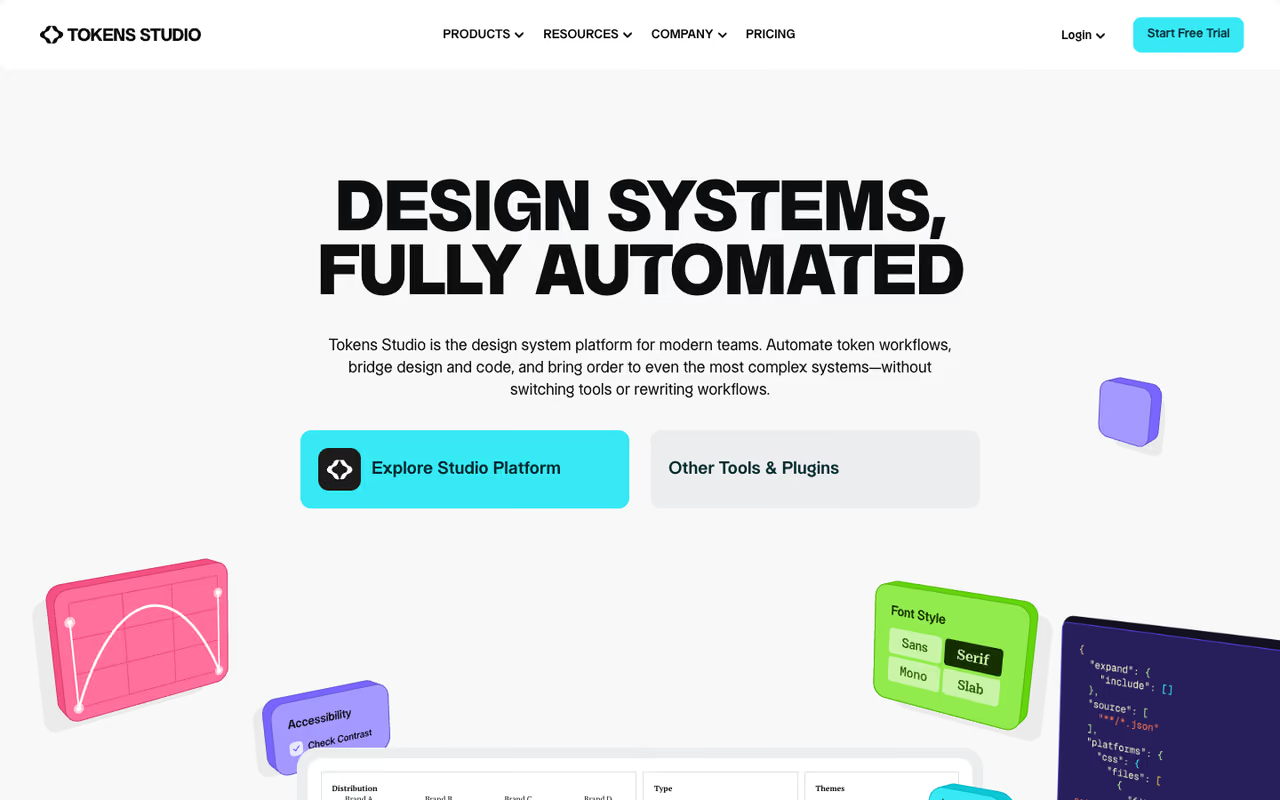
Figma Variables handle decisions inside Figma. Tokens Studio handles everything that happens after: structuring tokens properly, theming across brands, and pushing them to code through GitHub. It's the most installed design system plugin, with over 264,000 users according to the Tokens Studio site, and the core is open source and tool-agnostic. It works in Figma, Penpot, VS Code, and your own stack.
For teams that want a real token-to-code pipeline instead of copy-pasting hex values, with GitHub sync that removes manual transcription. The jump from €17 to €169 is steep, so small teams may live on Starter Plus for a long time.
The Starter Plus (plugin-only) plan is €17 per editor/month billed annually, with unlimited viewer seats. The Essential platform plan jumps to €169/month and adds direct-to-code workflows and branching. Organization is €499/month for 5 editors and 20 projects. There's a 14-day trial with no card required.
The standout: the GitHub sync. Designers push token changes, developers pull them, and nobody transcribes values by hand. That single workflow eliminates a whole category of inconsistency bugs.
Where it falls short: the jump from €17 to €169 is steep, and the platform tiers assume you've already committed to a direct-to-code setup. Small teams can live on Starter Plus for a long time, which is fine, but don't expect the plugin alone to do the heavy automation the marketing implies.

Storybook: components in isolation
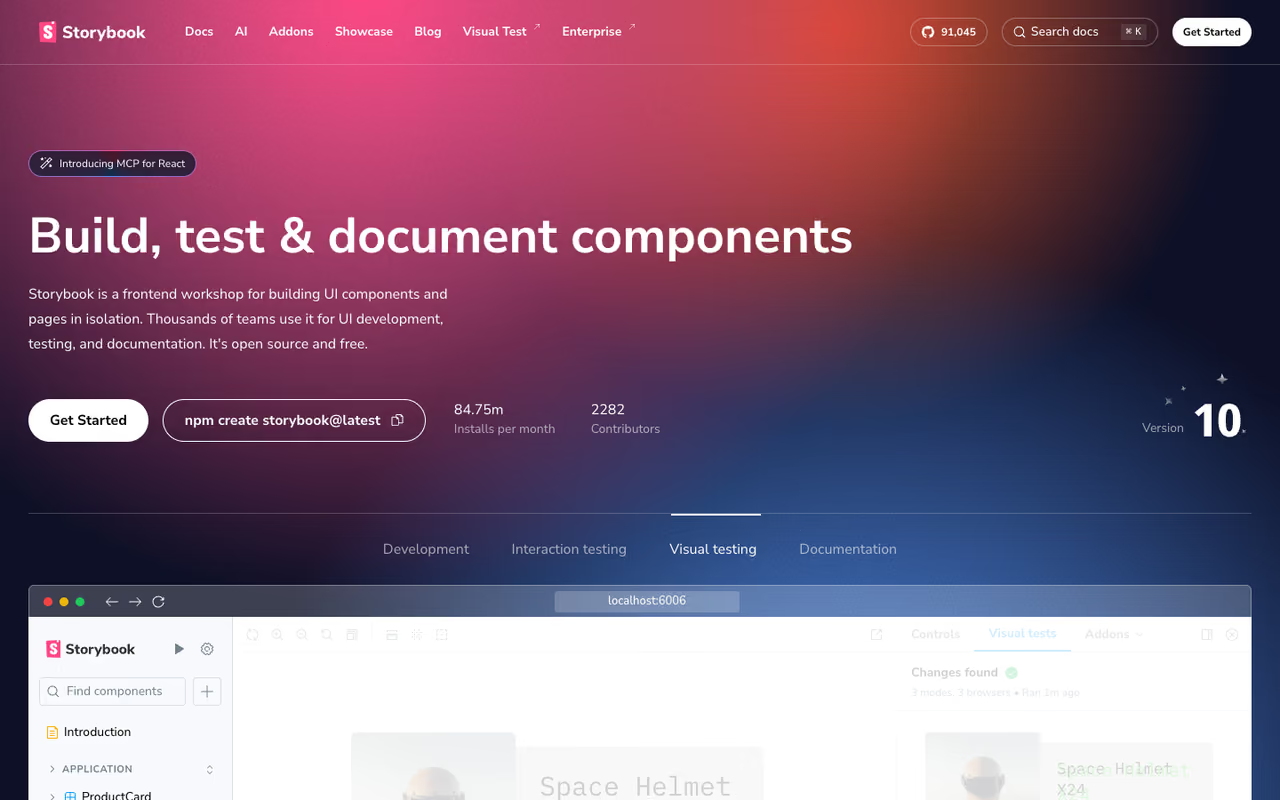
Storybook is where your design system becomes real code. You build each component in isolation, document its states and props, and end up with a browsable catalog that doubles as living documentation for developers. It's free, open source, and the default choice for React, Vue, Angular, and Svelte teams. If your design system has a code side at all, this is almost certainly part of it.
The go-to for front-end teams building a component library they need to test and document, with a free open-source core. It is free to license but not to maintain, since setup and upkeep take real engineering effort.
free, fully open source. No seats, no snapshot limits, no upsell. You pay in setup time, not dollars.
The standout: Storybook's "stories" format means each component variant is a reproducible, testable artifact. That's what makes the whole testing and documentation ecosystem (Chromatic, story.to.design, Supernova) plug into it so cleanly.
The catch: Storybook is configuration-heavy. Getting it set up with your bundler, addons, and CI takes real engineering effort, and keeping it current as your framework evolves is ongoing work. It's free to license, not free to maintain.
If you're earlier in the stack and still picking your front-end approach, our guide to the best vibe coding tools covers where component code is heading.

Chromatic: visual regression testing
Chromatic is built by the Storybook team and exists to answer one question: did this code change break the UI? It snapshots every component, compares against the last approved version, and flags pixel differences on each pull request. For a design system, where one tweak can ripple across dozens of products, that safety net is the difference between confidence and dread when you ship.
Built for teams already on Storybook who keep accidentally breaking components, and the review workflow keeps visual changes intentional. Snapshot-based pricing is unpredictable, and you need Storybook first, so treat it as an add-on cost.
the free tier gives you 5,000 snapshots/month on Chrome, with unlimited projects and users. Starter is $179/month for 35,000 snapshots and adds Safari, Firefox, and Edge. Pro is $399/month for 85,000 snapshots, per Chromatic's pricing page. Extra snapshots cost $0.008 each.
The standout: the review workflow. Designers and developers approve visual changes together in a shared UI, so the system stays intentional instead of drifting one merge at a time.
Where it falls short: snapshot-based pricing is unpredictable. A busy component library with many stories and several browsers can burn through 35,000 snapshots quickly, and the jump to Pro is a real budget line. You also need Storybook first, so this is an add-on cost, not a standalone tool.

Supernova: living documentation
Supernova ties the whole system together. It pulls in your Figma files, your tokens (including from Tokens Studio), your Storybook stories, and your code, then turns them into published documentation that updates automatically. Instead of a wiki nobody maintains, you get docs that reflect the actual current state of your system.
Documentation that stays current for mid-market teams who want design, tokens and code in one place, auto-synced across sources. It rewards mature systems, so without tokens and Storybook in place you are paying for integrations you cannot use yet.
the free plan covers up to 5 users with AI features and Figma/Storybook integration. Pro is $20/month for a Builder seat or $35/month for a Full seat (billed annually), supporting 15 users with public documentation sites and custom domains. Enterprise adds SSO and unlimited users at custom pricing.
The standout: auto-sync across sources. When tokens change in Tokens Studio, they update in Supernova immediately, so your documentation never lags behind your design files.
The catch: Supernova works best when you've already adopted the rest of the stack. If you don't have tokens and Storybook in place, you're paying for integrations you can't use yet. It rewards mature systems more than greenfield ones.
Building a system this connected is a real project. If you're a founder trying to move faster across design, content, and code without hiring a full team, Dupple X is the AI workspace we built for exactly that.
zeroheight: documentation and adoption
zeroheight is the documentation specialist. Where Supernova leans on automated sync, zeroheight leans on authoring: a no-code editor that lets designers write rich guidelines without touching markdown, plus adoption analytics that show whether anyone's actually reading them. Its annual Design Systems Report is also the closest thing the field has to an industry census.
Documentation specialist for teams whose biggest problem is adoption, not building, with adoption analytics showing which guidelines get read. At $49 per editor/month it is one of the pricier picks, and it is a layer on top of an existing system.
If components exist but nobody follows the rules, this is your tool.
free for 1 editor and 1 styleguide with 100 AI credits. Starter is $49 per editor/month (15% off annually) for up to 5 editors, 2 styleguides, custom domain, and 1,000 AI credits. Enterprise adds SSO, advanced analytics, and API/MCP access at custom pricing.
The standout: adoption analytics. Knowing which pages get read and which guidelines get ignored turns your documentation from a static artifact into something you can improve with data.
Where it falls short: at $49 per editor/month, zeroheight is one of the pricier picks per seat, and it's documentation-only. It doesn't build your tokens or test your code, so it's a layer on top of an existing system rather than the system itself.

Penpot: the open-source option
Penpot is the design tool you own outright. It's free, open source, runs in the browser, and you can self-host it on your own servers with zero licensing fees. It now ships native design tokens that follow the W3C standard and export straight to code, plus components and variants for building a full system. For privacy-conscious teams or anyone wary of seat-based pricing, it's the most credible Figma alternative.
The open-source option for teams that want to own their design infrastructure, self-host or avoid per-seat licensing, with native W3C tokens. The ecosystem is smaller than Figma's, so confirm your must-have plugins exist before you migrate.
free. There are no project or file limits on the free tier, and self-hosting is available for teams that want full data control.
The standout: native W3C-standard tokens in an open-source tool. You get a real token workflow without buying into a proprietary pipeline, and your files are stored as standard SVG.
The catch: Penpot's ecosystem is smaller than Figma's. Fewer plugins, fewer integrations, and a smaller talent pool who already know it. The product has matured a lot, but if you depend on a specific Figma plugin or workflow, check it exists in Penpot before you migrate.
Knapsack: enterprise governance
Knapsack is the heavyweight, built for large organizations that need a single real-time system of record connecting design and code across many teams and products. It raised $10M in late 2025 (per TechCrunch) on exactly this pitch: enterprises where governance, consistency, and cross-team delivery matter more than any single feature.
The enterprise heavyweight for organizations with multiple brands, strict governance and a dedicated design systems team. Pricing is custom and enterprise-only, and it is overkill for startups and mid-market teams.
custom, enterprise-only. Knapsack doesn't publish numbers and describes itself plainly as "an enterprise product with enterprise pricing," sold on annual contracts. Expect a sales conversation.
The standout: it treats the design system as production infrastructure, with the security, support, and real-time sync large orgs need to keep dozens of teams consistent.
Where it falls short: it's overkill for everyone except large enterprises. If you're a startup or mid-market team and Knapsack is on your shortlist, you're probably solving a problem you don't have yet. The unpublished pricing alone tells you who it's for.
How to choose
Match the tool to your bottleneck, not to your ambition. Walk it in order:
You're starting from scratch. Figma plus Storybook, both free or cheap. Don't add anything else until you have real components people reuse. Adding a documentation platform now is buying furniture for a house you haven't built.
Your design and code keep drifting. Add Tokens Studio for the GitHub pipeline and Chromatic for visual testing. These two fix the "it looked right in Figma" problem, which is the most expensive bug a design system has.
Nobody follows the system. Your problem is adoption, not tooling. zeroheight (for analytics) or Supernova (for auto-synced docs) earns its cost here. Buy this when components exist but get ignored.
You're privacy-conscious or allergic to seat pricing. Penpot, self-hosted, gives you a token-capable design tool you fully control.
You're a large enterprise with multiple brands and a governance team. Knapsack or an enterprise tier of Supernova/zeroheight. If you're not sure you're in this bucket, you aren't.
The mistake I see most often is buying the enterprise platform first. Documentation and governance tools amplify a working system. They don't create one.
FAQ
What is the difference between Figma Variables and Tokens Studio?
Figma Variables store design decisions inside Figma and power theming and prototyping within the tool. Tokens Studio structures those tokens properly, handles complex multi-brand theming, and syncs them to code via GitHub. Variables are the in-Figma layer; Tokens Studio is the pipeline that gets tokens into your actual product. Many teams use both together.
Do I need both Storybook and Chromatic?
No. Storybook is the foundation: it's where you build and document components, and it's free. Chromatic adds automated visual regression testing on top of Storybook, catching UI breaks per pull request. Start with Storybook alone. Add Chromatic only once you're shipping often enough that accidental visual breaks are a real, recurring problem.
What is the best free design systems tool?
Storybook and Penpot are the strongest fully free options. Storybook is the open-source standard for building and documenting components in code. Penpot is a free, self-hostable design tool with native W3C design tokens. Figma, Chromatic, Supernova, and zeroheight all have usable free tiers too, but they cap seats or usage.
How much does a design system tool cost in 2026?
It ranges widely. Open-source tools (Storybook, Penpot) are free. Plugin-level token tools start around €17 per editor/month. Documentation and platform tools run $20 to $49 per seat/month for professional tiers, and roughly $45 to $90 per user/month at enterprise. Enterprise platforms like Knapsack use custom annual contracts with unpublished pricing.
Can AI build or maintain a design system?
AI helps with parts of it. Tools like Figma, Supernova, and zeroheight now bundle AI for generating documentation, suggesting tokens, and answering questions about your system, and several expose MCP servers so coding assistants can read designs directly. AI speeds up documentation and handoff, but the architecture decisions (what's a token, what's a component, who governs changes) still need humans.
Pick the smallest stack that fixes your actual bottleneck, ship a handful of components people reuse, and add tools only when you feel the specific pain they solve. For more on building lean with modern tooling, browse our top tools directory, or if you want one AI workspace to move faster across the whole stack, start a Dupple X trial.
Related guides
Some offers on this page may be paid placements or contain affiliate links.
