
9 Best AI Tools for Interior Design in 2026 (Compared and Ranked)

Key facts9 tools compared: HomeDesigns AI, Interior AI, Planner 5D, REimagine Home, Collov AI, RoomGPT…
- 9 tools compared: HomeDesigns AI, Interior AI, Planner 5D, REimagine Home, Collov AI, RoomGPT, Foyr Neo, Homestyler, ArchiVinci
- HomeDesigns AI (best for: All-around room redesign): From $22/mo
- Interior AI (best for: Virtual staging): $49/mo or $349/yr, no free tier
- Planner 5D (best for: Floor plans + 3D design): Free; Premium $59.99/yr
- REimagine Home (best for: Budget virtual staging): 5 free designs; $19-119/mo
Short answer: use HomeDesigns AI (from $22/month) for the widest range of design styles, Interior AI for real estate virtual staging, and Planner 5D (free plan, paid from $4.99/month billed yearly) if you want full floor plan creation with AI-generated renders.
Updated October 2026: every price was re-checked on the vendor's own pricing page. Interior AI dropped its free tier and now starts at $49/month (or $349/year), REimagine Home and Collov AI raised their entry plans, and ArchiVinci moved to unlimited-render subscriptions.
What used to require a designer consultation now happens in seconds by uploading a photo. HomeDesigns AI quotes a $3,296 designer bill for a one-bedroom condo on its own pricing page, against a monthly subscription in the $20s. The tools aren't replacing designers, but they're making design accessible to homeowners, real estate agents, and small businesses who couldn't afford traditional services.
We compared the major options for room redesigns, virtual staging, floor plans, and professional rendering, reading each vendor's plans and limits. Here's what works.
Quick comparison
Prices below were read on each vendor's pricing page on October 18, 2026, in USD.
| Tool | Best for | Starting price | Standout feature |
|---|---|---|---|
| HomeDesigns AI | All-around room redesign | From $22/mo | 80+ styles on Standard, 200+ on Expert |
| Interior AI | Virtual staging | $49/mo or $349/yr, no free tier | Up to 1,000 designs a month on Pro |
| Planner 5D | Floor plans + 3D design | Free; Premium $59.99/yr | Full 2D/3D room planning with AI plan recognition |
| REimagine Home | Budget virtual staging | 5 free designs; $19-119/mo | Conversational design flow |
| Collov AI | Quick restyling | 5 free trial images; $19/mo billed yearly | Unlimited regeneration on every plan |
| RoomGPT | Fast room makeovers | Credit packs, shown after sign-in | Simplest upload-and-redesign workflow |
| Foyr Neo | Professional designers | $33-103/mo billed yearly; 14-day trial | 60,000+ 3D furniture models, 4K renders |
| Homestyler | Free design tool | Free; Pro+ from $6.8/mo | Unlimited 1K renders, 100,000+ free models |
| ArchiVinci | Architecture visualization | 3 free renders; $79/mo | Exterior + interior + landscape design AI |
Dupple data: of the 9 tools we priced in October 2026, only 2 (Planner 5D and Homestyler) keep a permanent free plan, 4 offer a trial or a handful of free designs, and 5 of the 8 with a public price start below $25 a month.
HomeDesigns AI
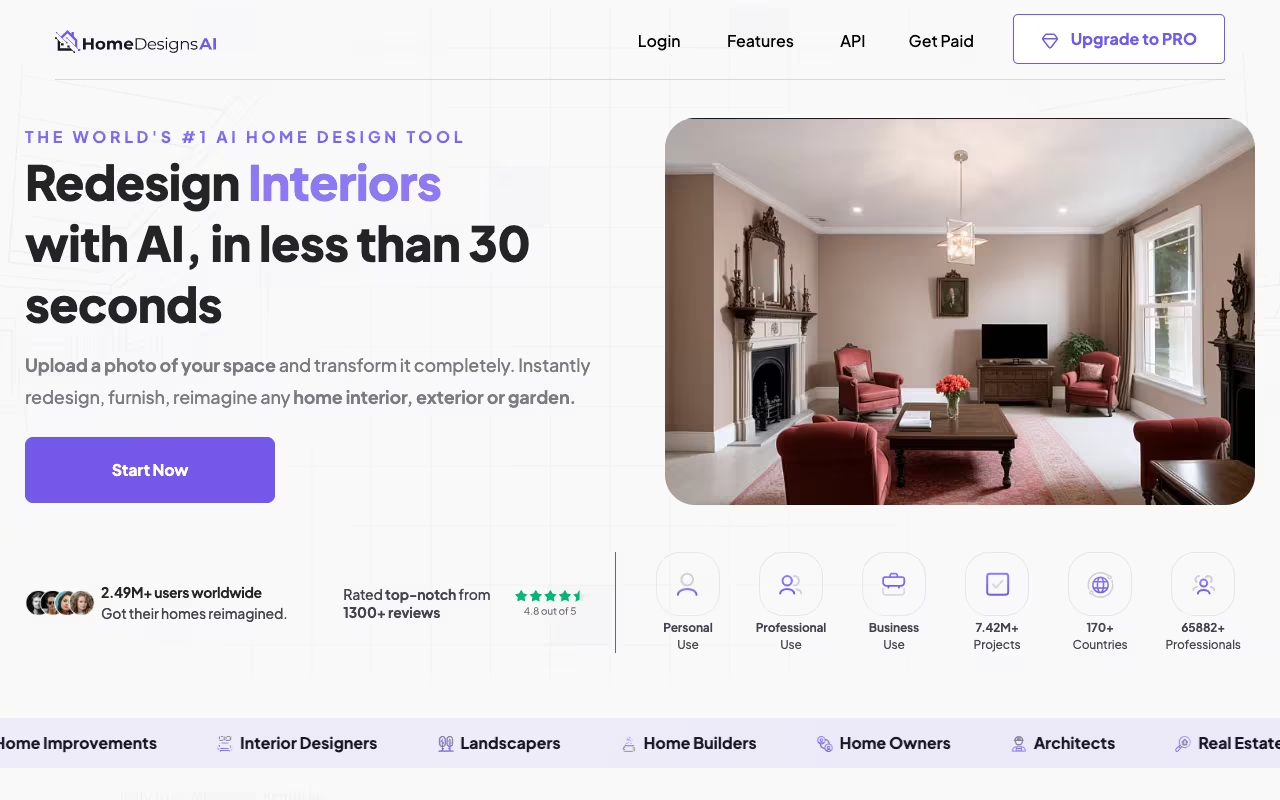
HomeDesigns AI covers the broadest range of design use cases, with over 2.79 million users according to its pricing page. Upload a photo of any room, select from 80+ design styles on the entry plan (200+ on Expert), and get a photoreal render in about 30 seconds. It handles interiors, exteriors, gardens, patios, and landscaping.
What sets it apart from simpler tools: the vendor builds every redesign on your actual photo, keeping walls, windows and dimensions in place while replacing cabinets, countertops, flooring, and lighting. That is the difference from a general chatbot image, which invents a new room instead of restyling yours.
Key features:
- Precision+: edit a specific area of the photo while keeping the rest unchanged
- One-click staging of empty rooms, plus a furniture finder for real products
- Copy a look from any inspiration photo
- Photo to video walkthroughs, 2D to 3D floor plans and a budget estimator
The broadest option here, with 80+ styles, fast realistic renders and precise partial edits. It redesigns photos rather than blueprints, can distort narrow or awkward rooms, and lists no free plan.
Standard at $22/month (100 design credits). Pro at $29/month (1,000 credits, 160+ styles, the full image toolkit). Expert at $37/month (2,000 credits, 200+ styles, video, staging and 3D). Every plan includes a commercial license and up to 5 team seats. Yearly billing saves up to 62%, but the first year is a welcome discount and the plan renews at the standard annual price.
Where it falls short: the AI occasionally misinterprets room geometry. Narrow hallways and awkwardly shaped rooms produce distorted renders. The yearly renewal at full price is the gotcha to note before paying. The core limitation is that it redesigns photos, not blueprints. You can't adjust wall placement or room dimensions.

Interior AI

Interior AI is built for one job: transforming photos of empty or furnished rooms into staged, styled spaces. Real estate agents are the primary audience, and the tool reflects that focus. Upload a listing photo, choose a style, and get a virtually staged version in seconds.
Volume is the selling point. Empty rooms get furniture, art, rugs, and decor, and the Premium plan adds design editing, upscaling, lighting changes, video generation and a VR walkthrough. The vendor's examples show output closer to professional photography than to obvious AI generation, though you should judge your own listing photos.
Built for real estate agents who need staging volume, with up to 25,000 designs a month on the top plan. Virtual staging sits on Premium, not the entry plan, and there is no free tier anymore, so personal projects are better served by HomeDesigns AI or RoomGPT.
Pro at $49/month or $349/year (1,000 designs, Flux model, commercial license). Premium at $99/month or $599/year (5,000 designs, Hyper Realism renders, virtual staging). Ultra at $199/month or $1,199/year (25,000 designs, ultra quality, priority rendering). Yearly billing works out to more than 6 months free. No free tier or team plan is listed.
The trade-off: Interior AI is specialized. If you're a homeowner looking to redesign your living room for fun, it's more tool than you need. This is a professional virtual staging tool priced for real estate agents who need volume.
Planner 5D
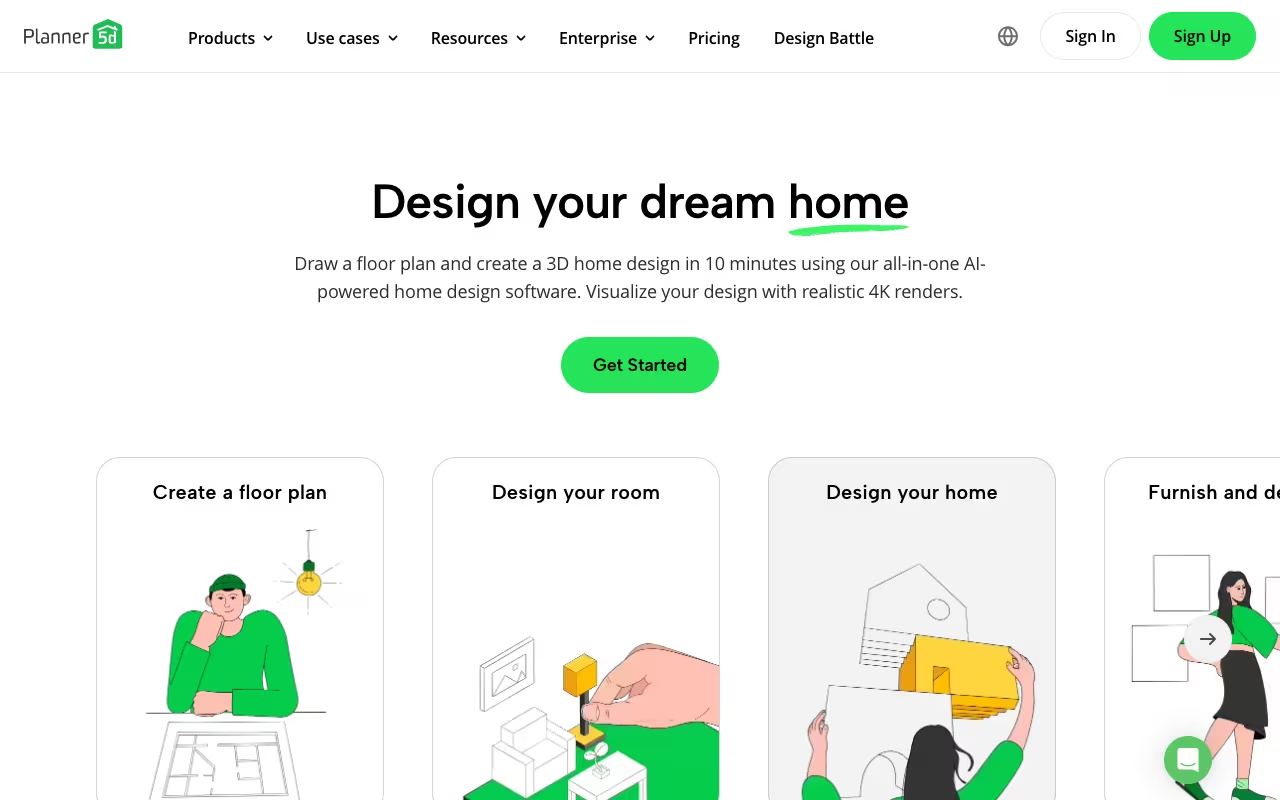
Planner 5D takes a different approach from photo-based tools. Instead of transforming an existing photo, you build a room from scratch using a drag-and-drop floor plan editor, then render it in 3D with AI assistance. Upload a plan, and AI floor plan recognition turns it into an editable 3D project.
You draw walls, place doors and windows, drag in furniture from a catalog of 10,000+ items, then hit render. The AI generates photorealistic 3D views of your space, and an AI Studio adds image and video generation on a credit balance. For anyone planning a renovation, this gives you a spatial understanding that photo-restyling tools can't provide.
Pick Planner 5D if you are planning a renovation and want to test layouts, since you build the room from scratch and render it in 3D. Building a plan takes 30-60 minutes, and the vendor itself tells buyers to check trial terms and the renewal price before starting.
Free plan with 50% of the furniture catalog and unlimited projects. Premium at $59.99/year or $19.99/month (full catalog, AI plan recognition, standard renders). Professional at $399.99/year or $49.99/month (unlimited 4K renders, CAD export, 360° walkthroughs). Enterprise is quote-only.
The limitation: building a floor plan takes 30-60 minutes for a simple room. If you just want to see your bedroom in a different style, this is overkill. If you're planning a kitchen remodel and need to test different layouts before hiring a contractor, it's exactly right. Read the trial duration, any introductory charge and the first billing date shown before checkout, as Planner 5D's own FAQ advises.
REimagine Home
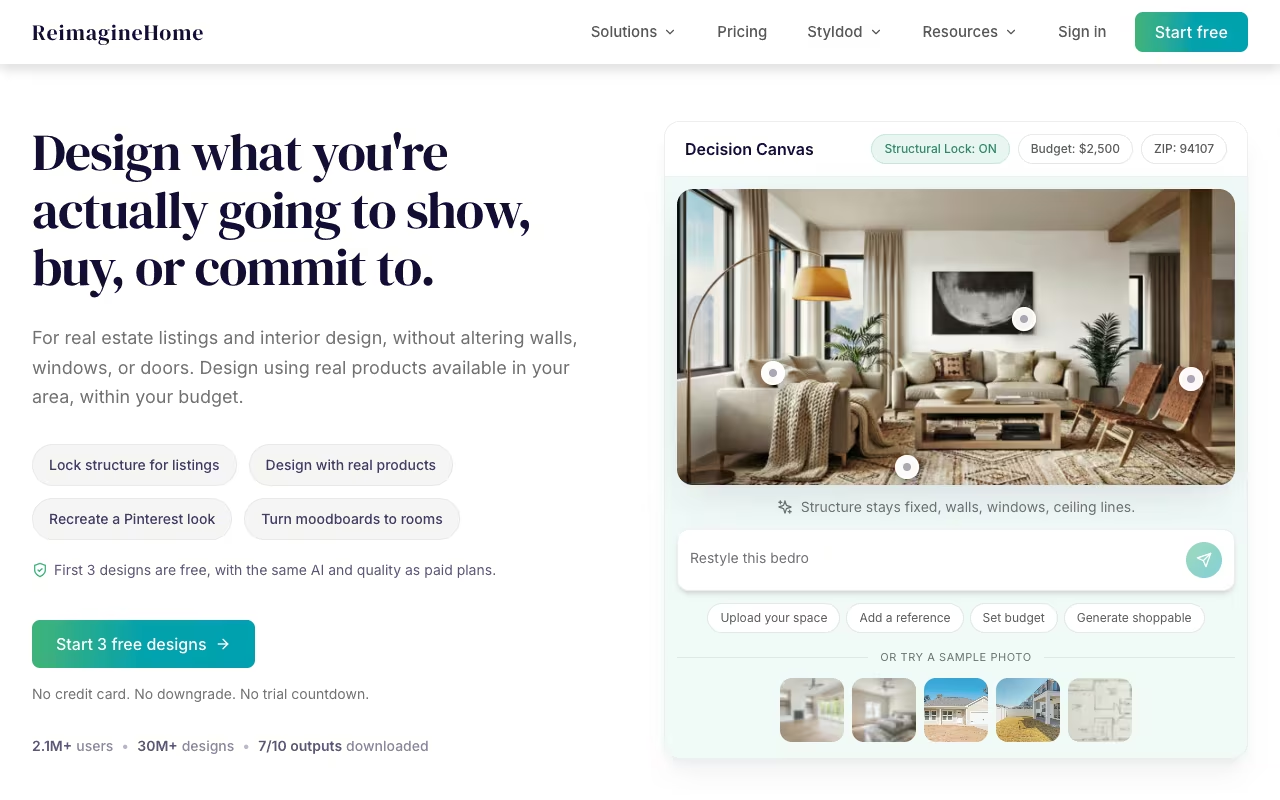
REimagine Home offers solid virtual staging and room redesign at an accessible price point. Every new user gets 5 free designs on the same AI as the paid plans, with no card required.
The standout feature on paid plans is text-based design control. Instead of just picking a style preset, you describe what you want in natural language: "make this a cozy reading nook with warm lighting and built-in bookshelves." The AI interprets your description and generates accordingly. It's not perfect, but when it works, the results feel more personalized than preset-based tools.
A solid option for virtual staging and room redesign at an accessible price, with natural-language design control from the Pro plan up. The entry plan uses legacy tools without the conversational flow, so budget for Pro if that feature is why you came.
Free trial (5 designs, no credit card). Essential at $19/month (30 credits, legacy tools only). Pro at $36/month (200 credits, conversational flow, reference photos, batch processing). Advanced at $59/month (400 credits). Agency at $119/month (900 credits). One design = one credit; adding real product matching costs 2. Images are watermark-free on paid plans.
The conversational feature works best with clear, specific instructions and struggles with abstract requests. Listing batch processing and real product discovery are useful additions for real estate staging and home improvement.

Collov AI

Collov AI targets two audiences: homeowners wanting quick restyling and real estate professionals needing virtual staging. The pricing model is credit-based: Standard at $19/month (60 photo credits), Advanced at $49/month (150 credits), Premium at $79/month (263 credits), Enterprise at $127/month (526 credits), each billed yearly. All plans include unlimited regeneration, at 4 renders per version.
The 5 free trial images are watermarked, but they are enough to check output on a real listing before you commit to a yearly bill. The virtual staging output is clean and realistic in the vendor's examples, optimized specifically for real estate photos, and every plan includes a one-click virtual staging disclaimer.
The furniture removal tool strips existing furniture from photos before restyling, which is genuinely useful for real estate agents who need to show a property's potential without the current owner's taste.
The downside: design style options are more limited than HomeDesigns AI, and output quality can be inconsistent. Some renders misplace furniture or change room dimensions. The plans are billed annually ($228 for Standard), so it is less suited to a one-off project than its per-photo framing suggests. For high-volume professional staging, REimagine Home or Interior AI offer more reliable workflows.
Attractive for listing staging thanks to unlimited regeneration, a built-in staging disclaimer and a handy furniture removal tool. Style options are more limited than HomeDesigns AI and output quality can be inconsistent, so high-volume staging is safer elsewhere.

RoomGPT

RoomGPT strips the process down to three steps: upload a photo, pick a style, get a redesign. There is no complex interface to learn, and the whole run takes under 30 seconds. The vendor says it has been used by over 4 million people, and its first version is open source (built on the ControlNet ML model); today's roomgpt.io is a paid product.
The simplest way to see a room in many styles, with upload, pick and redesign in under 30 seconds. It is for the what-if phase only, not final renders or professional staging.
Credit packs, with prices shown only after sign-in; check the current price on RoomGPT's site. The homepage was running a 60% off promotion code in October 2026.
Based on user examples, it captures the general direction of a style change well, even if furniture proportions can be slightly off.
Want to see your bathroom in 6 different styles before talking to a designer? RoomGPT generates those options faster than any alternative here. For the "what if" phase of a project, the simplicity is hard to beat. If you also want to create a website to showcase your design portfolio, pair RoomGPT with a website builder.
Foyr Neo
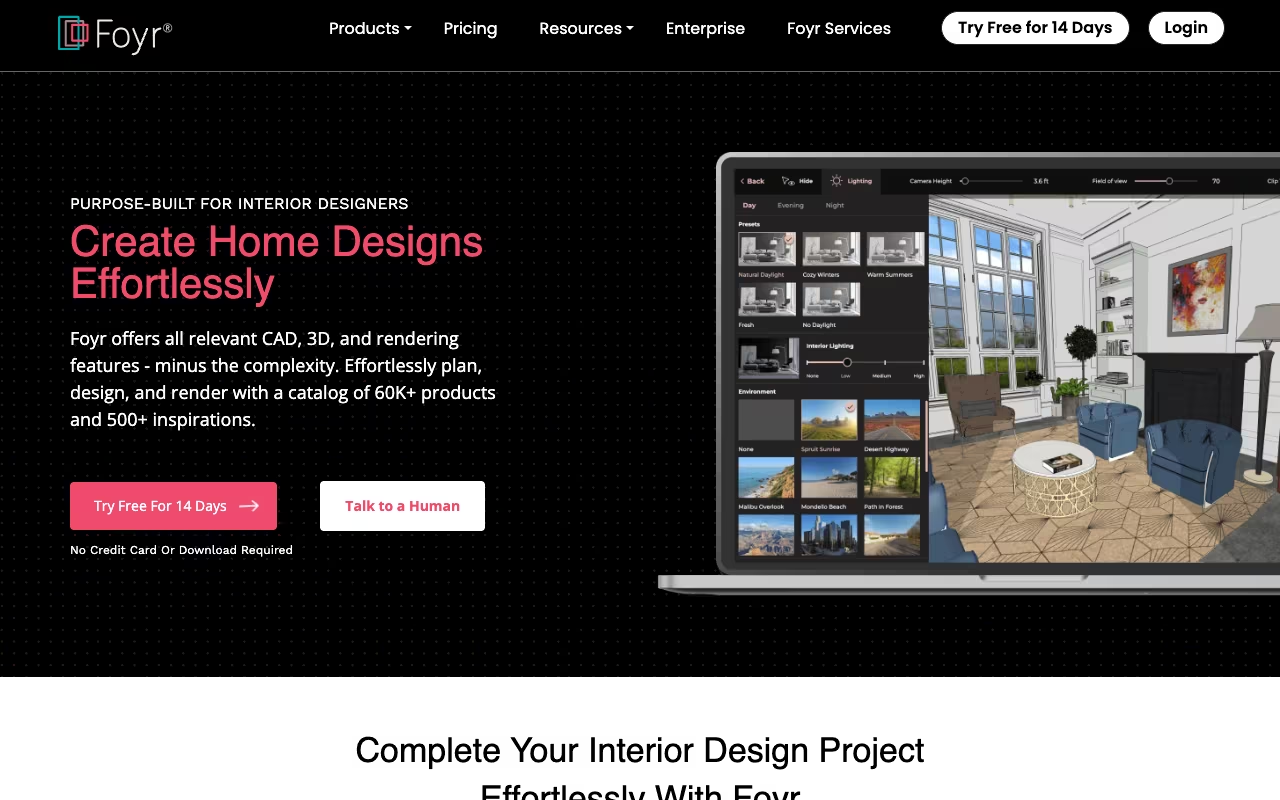
Foyr Neo is a full interior design platform built for working designers, not consumers. The workflow goes from 2D floor plans to 3D modeling to photorealistic 4K rendering, all in one cloud-based tool. No software installation, no powerful hardware needed. Upload an existing floor plan to get started.
The furniture library includes over 60,000 ready-made 3D models, plus 10,000+ textures and materials and an AI image search that finds similar products from a photo. The 4K render quality and 3D walkthroughs are professional-grade, and the vendor says 150,000 interior designers use it.
A professional platform for working designers, taking you from 2D plans to 4K renders with a library of over 60,000 3D models. It requires design skill and time, and the $33-103/month pricing only makes sense if you bill clients for design work.
Basic at $33/month billed yearly or $39 monthly (30 render credits a month). Standard at $67/month yearly or $89 monthly (180 render credits, 2 users, 3D walkthrough). Premium at $103/month yearly or $159 monthly (unlimited render credits, 1 custom 3D model a month). 14-day free trial on every plan.
The catch: Foyr Neo requires design knowledge. It's not an "upload a photo and get a makeover" tool. You build designs from scratch, which takes skill and time. Render credits cap the Basic plan at 30 a month, which a busy studio uses fast.
Homestyler
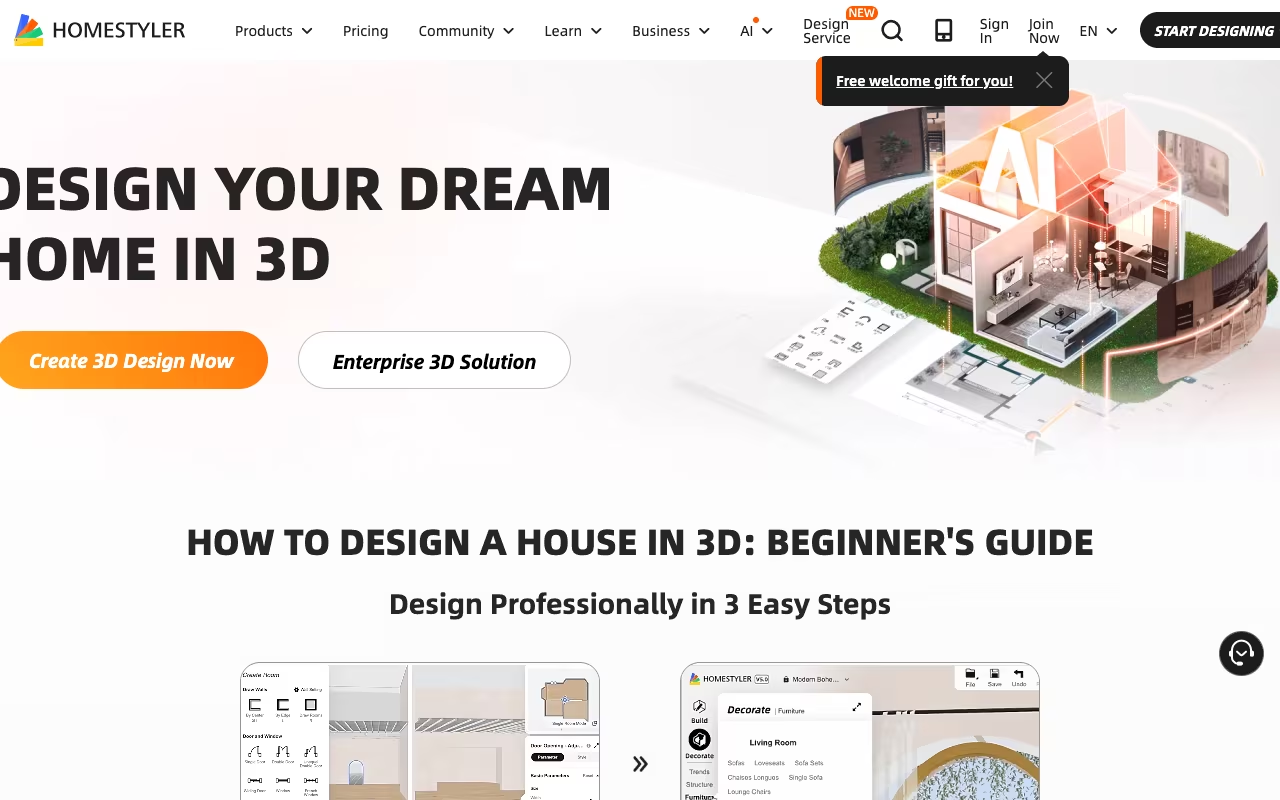
Homestyler offers the most generous free tier in the AI interior design space. You get a cloud-based 3D floor planner, unlimited 1K rendering and over 100,000 free 3D models and materials at no cost.
Recent AI additions make it more than just a manual editor. The Interior Design Agent lets you chat your way to a design. The AI Modeler turns a photo or a text prompt into a 3D model. AI Planner creates floor plans you can keep editing in Floor Planner and turn into 3D projects, and AI Stager furnishes rooms. Paid plans include monthly AI credits for these tools.
The most generous free tier in AI interior design, with a full floor planner, unlimited 1K renders and over 100,000 free 3D models. The interface feels dated and loads slowly, and you do more manual work, but it is hard to beat for students and hobbyists on a budget.
Basic is free (unlimited 1K renders; 4K renders bought one at a time, $1.99 each). Pro+ from $6.8/month (75 renders each at 2K and 4K, 180 AI credits). Master+ from $11.8/month (unlimited 4K renders, 380 AI credits). Team from $19.9/seat/month. Annual purchase saves 15%.
The limitation: the interface can feel dated and loading times run slow (30-45 seconds for some furniture categories). You're doing more manual work than with HomeDesigns AI. But for students, hobbyists, and anyone exploring design on a budget, the value is hard to argue with.
ArchiVinci
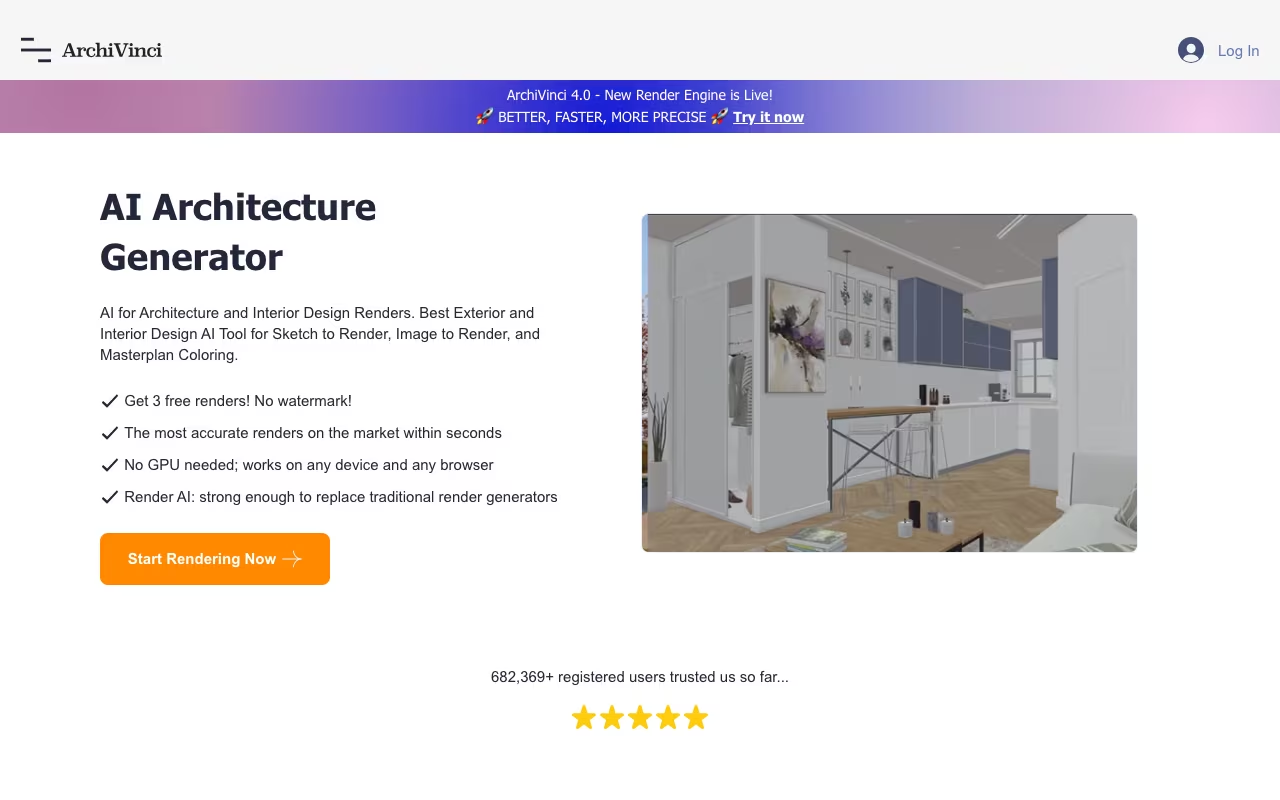
ArchiVinci extends AI design beyond interiors into architecture, exteriors, and landscape design. Upload a photo or sketch of a building exterior, and ArchiVinci generates architectural renders in different styles: modern, classical, brutalist, Mediterranean. Its current render engine is ArchiVinci 4.0.
The tool includes modules for Interior Render, Exterior Render, Landscape Design, Furnish Empty Rooms, Modify Room Design, Restyle, Style Transfer, 360-degree HDRI panoramas, Floor Plan to 3D Render, Render to Video and Masterplan Design. ArchiGPT, its built-in AI image editor, handles targeted inpainting changes.
Choose ArchiVinci for architecture, exteriors and gardens, with modules from Exterior Render to Masterplan Design. Interior-only users get more value from HomeDesigns AI or Interior AI, since its strength is breadth rather than interior depth, and its monthly plan is the priciest monthly entry point on this list.
3 free renders, no watermark. Weekly at $39, Monthly at $79, Yearly at $549 ($46/month), each with unlimited ArchiVinci renders and coins for other models. If you would rather not subscribe, one-time passes cover 3 days up to a full year, and 2-user team passes suit a small studio.
The trade-off: for architects, real estate developers, and landscape designers, it handles use cases that pure interior tools don't address.
How we chose these tools
- Sample: 9 AI interior design tools covering photo restyling, virtual staging, floor planning and architectural rendering.
- Criteria: fit for each buyer type (homeowner, agent, renovator, professional designer), what the free plan or trial keeps, and how far the entry price goes.
- Evidence: plans, limits and prices read on each vendor's own pricing page on October 18, 2026. We do not run test renders; quality notes reflect vendor examples and the limits each vendor states.
- Refresh: prices are re-read on every update of this page.
Prices checked in October 2026 on HomeDesigns AI pricing, Interior AI, Planner 5D pricing, REimagine Home pricing, Collov AI pricing, Foyr pricing, Homestyler pricing and ArchiVinci pricing.
How to choose
Homeowner redesigning rooms for fun: HomeDesigns AI (80+ styles, realistic renders) or RoomGPT (fastest, simplest).
Real estate agent staging listings: Interior AI for staging volume. REimagine Home for budget volume. Collov AI for unlimited regeneration and a built-in staging disclaimer.
Planning a renovation: Planner 5D for floor plans and layout testing. See how different configurations work before spending money on contractors.
Professional interior designer: Foyr Neo for the complete workflow from floor plan to 4K render with a large 3D furniture library.
Zero budget: Homestyler's free tier gives you unlimited 1K renders and 100,000+ 3D models at no cost.
Need exteriors and interiors: ArchiVinci covers both, plus gardens, in one tool.
AI-generated interior designs are great for visualization but should never replace measurements or professional advice for actual renovations. The renders show what's possible. A contractor tells you what's practical. If you're also looking at AI for automating tasks in your design workflow, several of these tools offer API access for batch processing on their top plans. For tips on using AI to be more productive across projects, see our guide. Renovating a whole house rather than one room? Our best AI for home design guide covers that broader job.
FAQ
Can AI interior design tools replace a professional designer?
For simple room restyling and furniture arrangement, yes. For complex renovations or projects involving structural changes, you still need a professional. AI tools work best as a communication bridge: generate renders of what you want, then show them to your designer or contractor instead of describing it verbally.
Which AI interior design tool has the best free option?
Homestyler offers the most generous free tier, with a full floor planner, unlimited 1K renders and 100,000+ free 3D models. Planner 5D's free plan keeps unlimited projects and half its furniture catalog. REimagine Home offers 5 free designs with no credit card, and ArchiVinci gives 3 free renders. Interior AI no longer has a free tier. For ongoing free use, Homestyler is the clear winner. Only want the free plans? See best free AI room design tools, which ranks what each free plan lets you keep.
How accurate are AI-generated interior designs?
The photo-based tools (HomeDesigns AI, Interior AI) keep your room's walls, windows and perspective because they start from your photo. They occasionally misinterpret room geometry, especially with unusual angles, mirrors, or very small spaces. Virtual staging for real estate is generally more accurate than creative redesign because it works within tighter constraints. Always treat AI renders as approximations, not architectural blueprints.
Are AI interior design tools useful for real estate?
Very. REimagine Home's per-credit cost runs from $0.63 on Essential down to $0.13 on Agency, so a staged photo costs cents rather than the fee of a human stager. Interior AI and REimagine Home are built for this use case, and REimagine adds listing batch processing on Pro. The key rule: disclose that staging is AI-generated; Collov AI even adds a one-click virtual staging disclaimer.
What's the difference between photo-based and floor-plan-based tools?
Photo-based tools (HomeDesigns AI, Interior AI, RoomGPT) transform an existing photo into a new style. Fast but limited to the room as it exists. Floor-plan-based tools (Planner 5D, Foyr Neo, Homestyler) let you build from scratch, test layouts, and move walls. More complex, but more useful for renovation planning.
Which tool produces the most realistic renders?
For photo-based redesigns, REimagine Home and HomeDesigns AI both market photoreal output built on your own photo. For floor-plan-based 3D renders, Foyr Neo's 4K rendering with a 60,000-model furniture library is the professional standard. Interior AI's Premium and Ultra plans are the ones aimed at convincing virtual staging for real estate photos.
Want to master AI tools for design and beyond? Start your free 7-day trial →
Some offers on this page may be paid placements or contain affiliate links.
