
Best Free Graphic Design Software in 2026 (8 Tools I Actually Use)

Key facts8 tools compared: Canva, Affinity, Figma, Penpot, Photopea, GIMP, Inkscape, Krita
- 8 tools compared: Canva, Affinity, Figma, Penpot, Photopea, GIMP, Inkscape, Krita
- Canva (best for: Non-designers, social, decks): Free; Pro $15/mo
- Affinity (best for: Pro vector/photo/layout): Free (Canva account)
- Figma (best for: UI/UX, team collaboration): Free Starter
- Penpot (best for: Open-source UI, self-hosting): Free, open source
Free design software used to mean "free, but you'll feel it." Tiny export limits, watermarks on anything good, a UI that fought you the whole way. That changed in 2026. The single biggest shift: Canva made the entire Affinity suite (a real Illustrator, Photoshop and InDesign rival) free to download. That alone reset what "free" means in this category.
So if you're a founder building a deck, a marketer cranking out social posts, or a developer who just needs a clean logo, you no longer have to choose between paying Adobe $263 a year or fighting open-source tools from 2009. The good free options are genuinely good now.
Here's my short answer before you scroll. If you want speed and templates, start with Canva. If you want professional precision without a subscription, download Affinity. If you're designing product UI with a team, Figma's free tier still wins. Below are eight tools I've actually put hours into, with the real limits of each free plan and where each one breaks down.
Quick comparison
| Tool | Best for | Price | Standout |
|---|---|---|---|
| Canva | Non-designers, social, decks | Free; Pro $15/mo | Templates + speed |
| Affinity | Pro vector/photo/layout | Free (Canva account) | Adobe-grade, no subscription |
| Figma | UI/UX, team collaboration | Free Starter | Real-time multiplayer editing |
| Penpot | Open-source UI, self-hosting | Free, open source | You own your files |
| Photopea | Browser Photoshop edits | Free with ads; $5/mo ad-free | Opens PSD files faithfully |
| GIMP | Desktop photo editing | Free, open source | No cloud, no account |
| Inkscape | Logos, icons, vector art | Free, open source | True SVG editing |
| Krita | Digital painting, illustration | Free, open source | Best-in-class brush engine |
How these rate, aggregated across platforms
Scores from Toolradar, which aggregates across G2, Capterra, Trustpilot, TrustRadius, PeerSpot and SourceForge rather than quoting one site.
| Tool | Aggregated rating | Reviews |
|---|---|---|
| Canva | 4.7 | 18,718 |
| GIMP | 4.4 | 4,971 |
| Inkscape | 4.4 | 923 |
| Figma | 4.2 | 3,126 |
| Photopea | 4.6 | 130 |
| Krita | 4.4 | 143 |
Figma's number needs unpacking, because a 4.2 will look wrong to anyone who designs for a living. It breaks down as 4.7 on G2 across 1,585 reviews, 4.7 on Capterra across 874, 4.5 on TrustRadius, and 2.5 on Trustpilot across 444.
Professional users rate it at the top of the category. The Trustpilot population rates it near the bottom, and the timing of that gap is not mysterious: Figma's pricing changes and its acquisition saga generated a lot of consumer-facing anger that has nothing to do with whether the tool draws well.
Canva's 4.7 across 18,718 reviews is the most robust figure in this comparison and it is consistent across both platforms that hold large samples, which is what a genuinely well-liked mainstream product looks like.
GIMP at 4.4 across 4,971 is worth pausing on for the opposite reason. That is a high score for software with a long-standing reputation for being hard to learn, and it tells you the people who get past the first week stay satisfied.
Canva: the fastest way to ship a decent design
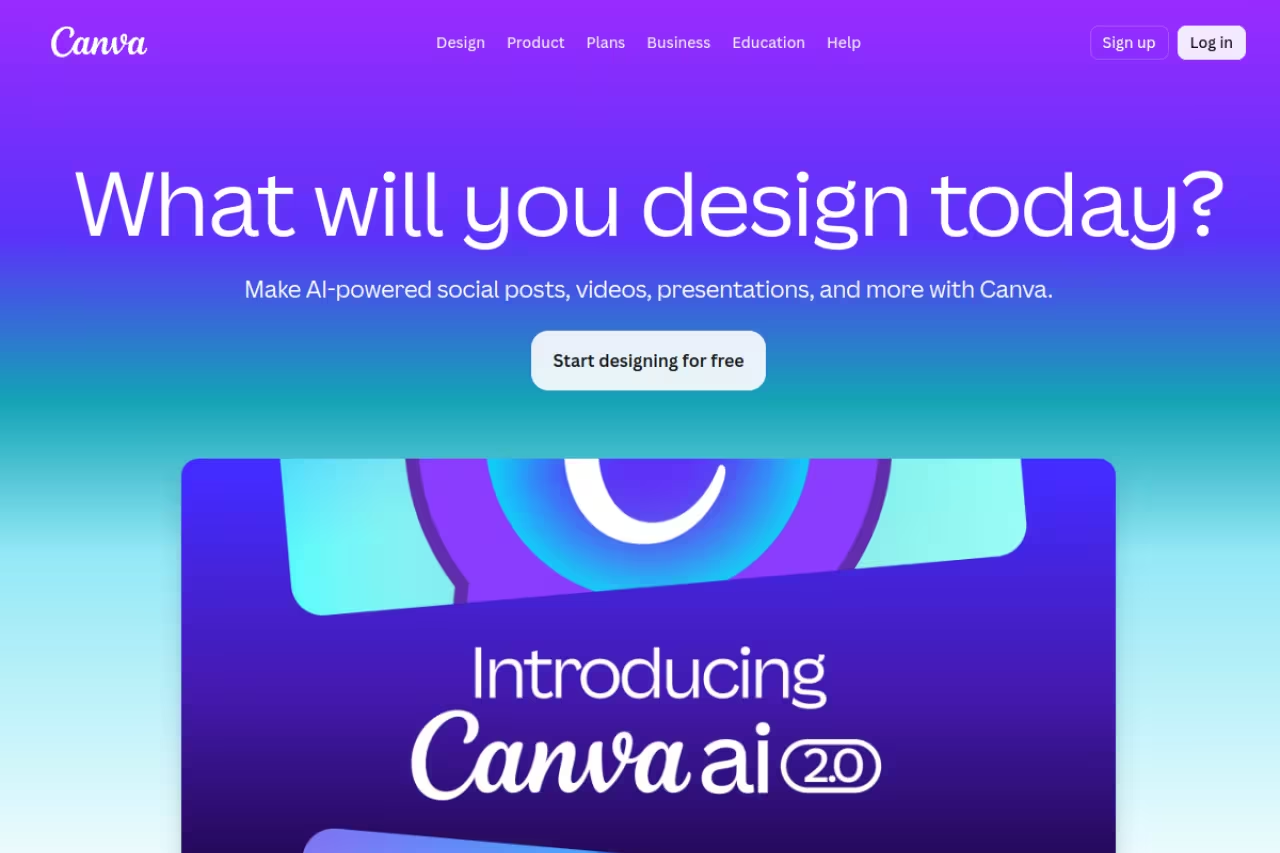
Canva is what I recommend to anyone who says "I'm not a designer." You pick a template, drag things around, and you're done. The free plan is not a trial. It includes over 2 million templates, millions of free photos and graphics, and 5GB of cloud storage, which is plenty for a small team's social calendar. If the job is a party or event invitation you also need to send and track, a dedicated tool fits better: we compare the free send limits in the best free invitation makers.
The pick for founders, marketers and operators who need on-brand posts, slides and one-pagers without learning a tool. The free plan is generous, but locked Pro assets, no transparent PNGs and a capped Brand Kit mean exact brand control needs Pro at $15/month.
Free forever. Canva Pro runs $15/month or $120/year for one person, per Canva's pricing page. Pro is what unlocks the Brand Kit, background remover, and the bulk of the AI credits.
The standout: sheer speed. I can go from blank page to a posted Instagram carousel in under ten minutes, and it looks fine. For non-design tasks that just need to look professional, nothing beats it.
The catch: the free plan dangles a lot of "Pro" assets in front of you, and you won't know a graphic is locked until you try to export. You also can't download transparent PNGs or print-ready CMYK files for free, and the Brand Kit is capped to three colors. If your work lives and dies on exact brand control, you'll hit the paywall fast.
Affinity: pro-grade design that costs nothing now
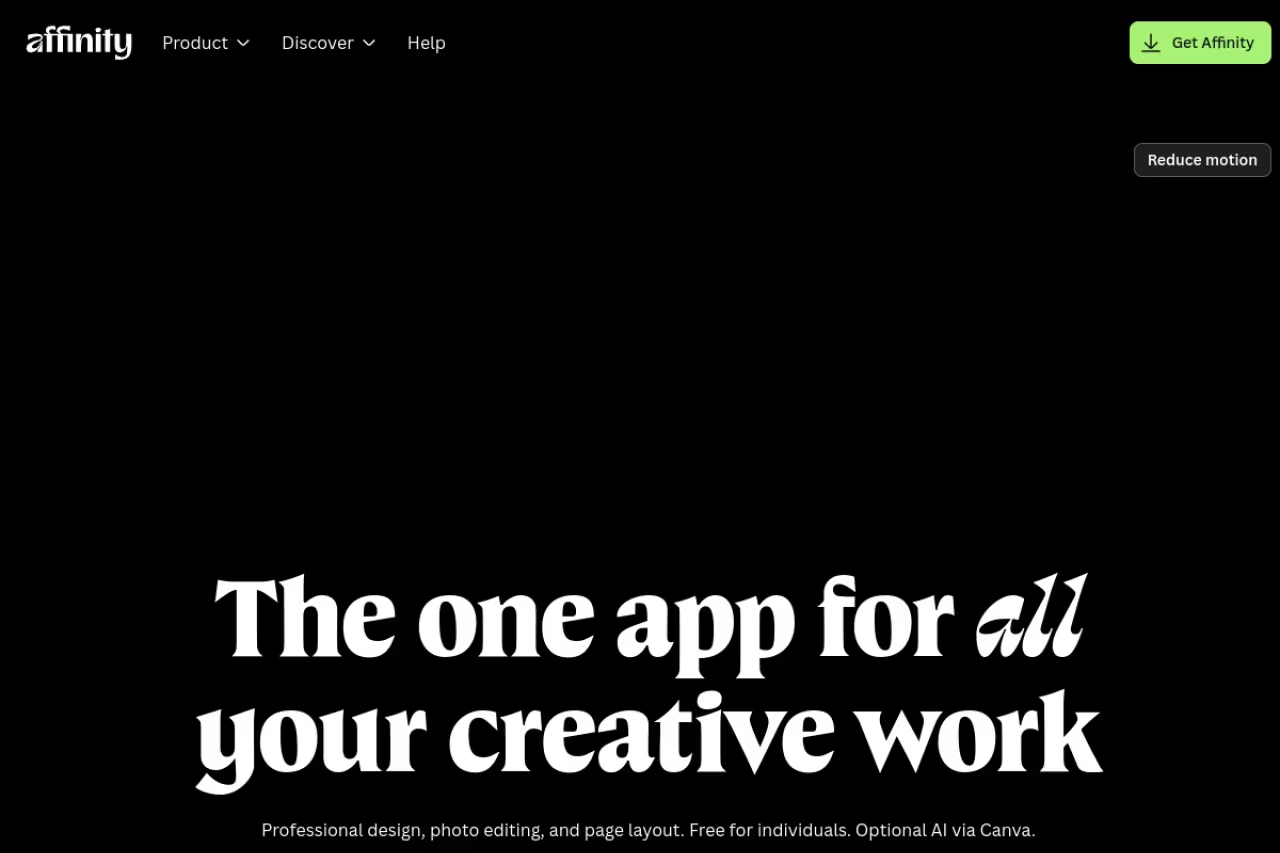
This is the big story of 2026. After Canva bought Serif in 2024, it relaunched Affinity in late 2025 as a single free app that merges the old Affinity Photo, Designer and Publisher into one. You download it, sign in with a free Canva account, and you have a desktop tool that competes directly with Photoshop, Illustrator and InDesign. For zero dollars.
The choice for designers and serious hobbyists who want layer control, pen-tool precision and print layout for $0. Expect a learning curve, a desktop-only download with weaker collaboration, and a required free Canva account.
$0 for the full toolset. Canva confirmed in its announcement that the core app is free permanently. Only the Canva AI features baked into it require a paid Canva plan.
The standout: it's a genuine professional tool, not a stripped toy. Non-destructive editing, CMYK, master pages, vector and raster in one window, all built for print layout work like bleed and spot colors, not just screen graphics.
Where it falls short: there's a learning curve. If you've never touched Photoshop or Illustrator, the panel-heavy interface will feel cold compared to Canva. It's a desktop download, not a browser tool, so collaboration is weaker. And asking people to make a Canva account to use a "free" app rubs some folks the wrong way.
Figma: still the king of UI and team work
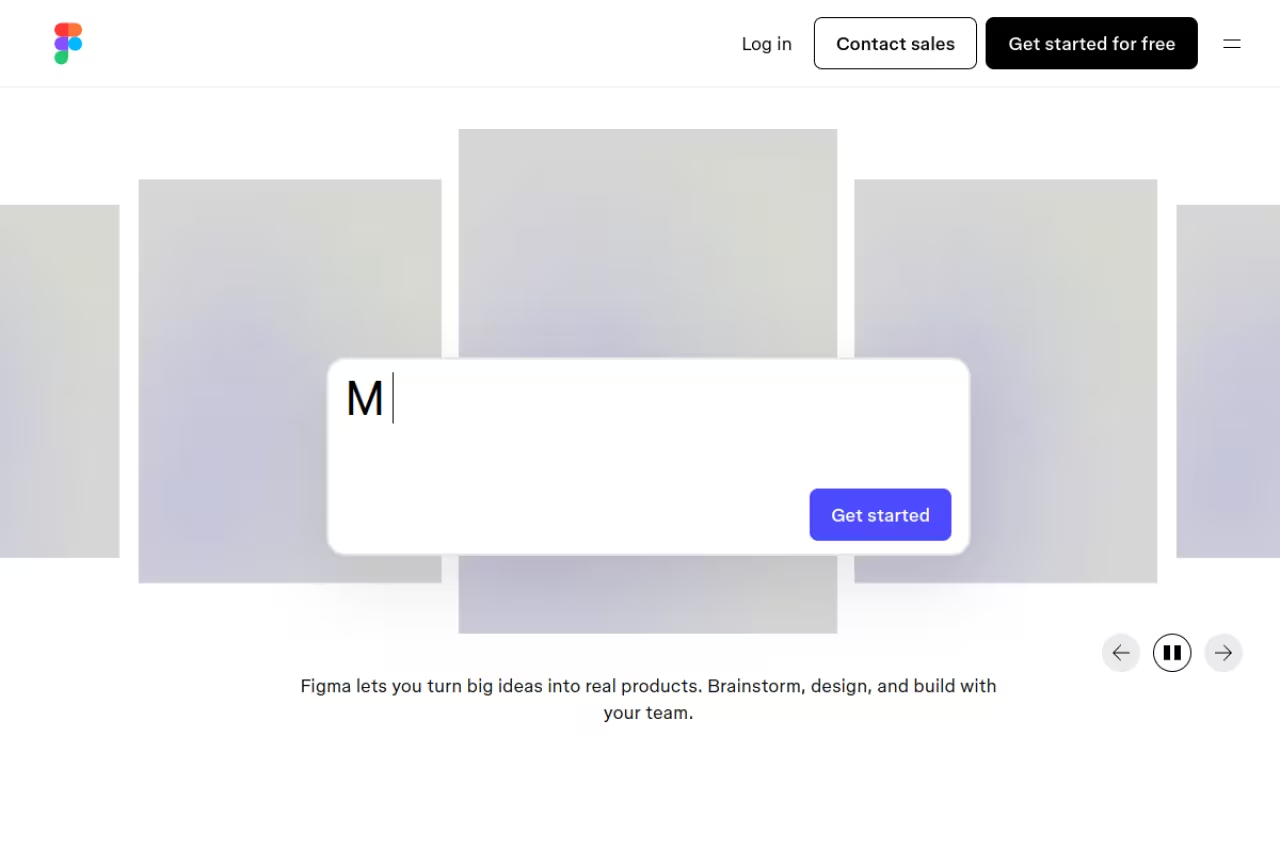
If your design lives inside a product (app screens, dashboards, design systems) Figma is the tool. It runs in the browser, multiple people can edit the same file at once, and the handoff to developers is clean. The free Starter plan is enough to learn the whole craft.
The standard for product designers and small teams who design and review together in real time. The free Starter plan caps you at 3 Figma Design files per team, so a fourth live project means a paid seat, and it is overkill for a flyer.
Free Starter plan; paid Professional seats start at $12/editor/month billed annually, per Figma's plan docs. The free tier gives you unlimited personal drafts but caps shared team files.
The standout: real-time multiplayer editing. Watching three people move things on the same canvas still feels like magic, and the comment-and-review flow is why product teams standardized on it.
The catch: the free Starter plan limits you to 3 Figma Design files per team, with version history capped at 30 days. A freelancer juggling one or two projects is fine. The moment you have four live client projects, you hit the wall and need a paid seat. It's also overkill if all you want is a flyer.

Penpot: open source, and you keep your files
Penpot is the closest thing to a free Figma that you actually own. It's open source, runs in the browser, and uses open SVG-based file formats instead of a locked proprietary one. You can self-host it on your own server if you care about keeping design data in-house.
Go with Penpot for UI design without vendor lock-in: open source, SVG-based files, and free to self-host with no per-seat cost. The plugin ecosystem is a fraction of Figma's, and self-hosting needs someone comfortable with Docker.
free on penpot.app, free to self-host. It's licensed under MPL-2.0, so there's no per-seat cost no matter how big your team gets.
The standout: ownership. Your files are open SVG, your instance can live on your infrastructure, and there's no limit on files or editors. For a team that hit Figma's paywall, that math is hard to argue with. As of early 2026 the project passed 45,000 GitHub stars, so it's not a science project.
Where it falls short: the plugin and community-template ecosystem is a fraction of Figma's, and a few advanced prototyping interactions still feel a step behind. Self-hosting needs a server with 2GB+ RAM and someone comfortable with Docker. For non-technical users, Canva or Figma will feel smoother.
If you're picking tools across your whole stack, our roundup of the best AI design tools pairs well with this list.

Photopea: Photoshop in a browser tab
Photopea is the one I reach for when someone sends me a PSD and I don't have Photoshop open. It runs entirely in the browser, needs no account, and opens PSD, XCF, Sketch and XD files more faithfully than any other free tool I've tried. The interface is a near clone of Photoshop, so the muscle memory transfers.
A lifesaver for occasional layered PSD edits and fast fixes with no install or account, and the Photoshop-style interface transfers muscle memory. The ad sidebar is permanent, very large files get sluggish, and it is no place to organize work.
free with an ad panel on the right side. The ad-free Premium tier is about $5/month, which also raises history steps.
The standout: PSD fidelity. It was built around the format, so layers, masks and blending modes come through intact. That makes it a lifesaver when a client hands you Photoshop files and you live in a different toolset.
The catch: that ad sidebar is permanent and eats canvas space on a laptop screen. It's also browser-based, so very large files can get sluggish, and there's no cloud project management. It's a sharp editor, not a place to organize a body of work.

GIMP: the desktop workhorse with no strings
GIMP is the original free Photoshop alternative, and the 3.0 release finally modernized it. It's a full desktop raster editor with layers, masks, channels and a deep scripting system. No account, no cloud, no telemetry. You download it and it's yours.
Pick GIMP for serious offline photo editing with total control and zero cost forever, no account or telemetry. The UI shows its age, non-destructive editing is weaker than Affinity's, and there is no real CMYK workflow out of the box.
free and open source, no tiers, no upsell.
The standout: independence. There's no subscription to lapse, no files held hostage in someone's cloud, no AI feature dangled behind a paywall. For privacy-sensitive work or spotty internet, that matters.
Where it falls short: the UI shows its age and its logic differs from Photoshop, so coming from Adobe means relearning some habits. Non-destructive editing is weaker than Affinity's, and there's no real CMYK workflow out of the box. It's powerful, but it asks patience of you.

Inkscape: real vector work for logos and icons
Inkscape is the free answer to Illustrator. It's a true vector editor, which means logos, icons and illustrations scale to any size without going blurry. If you need a clean SVG for a website or a logo that prints sharp at any size, this is the tool.
The right tool for first logos, clean SVG icons and node-level path control, since it edits SVG natively. It can feel slow on complex files and has a real learning curve, and for quick social graphics Canva is the better reach.
free and open source.
The standout: it edits SVG natively, so what you draw is web-ready code. The node and path tools give you precise control over curves that template tools simply can't match. For scalable brand assets, that precision is the whole point.
The catch: it can feel slow on very complex files, and the interface is functional rather than pretty. There's a real learning curve to the pen and node tools if you've never done vector work. For quick social graphics it's the wrong tool; reach for Canva instead.

Krita: the painter's pick
Krita isn't a general design tool, and that's the point. It's built for digital painting and illustration, with a brush engine that artists rate among the best at any price. If you're drawing rather than laying out, this is where you want to be.
The painter's choice for illustrators and concept artists, with excellent pressure-sensitive brushes and frame-by-frame animation. It is not for layout, branding or photo editing, so anything beyond illustration means the wrong tool.
free and open source, with a small paid version on app stores that funds development.
The standout: the brushes. Customizable, responsive, pressure-sensitive, and tuned for actual painting. It also handles frame-by-frame animation, which is rare in a free tool.
Where it falls short: it's not for layout, branding or photo editing. There's no template gallery, no social-post sizing, no print booklet workflow. Ask it to do anything outside illustration and you're using the wrong tool.
How to choose without overthinking it
Match the tool to the job, not the hype. Three quick questions get you there.
What are you making? Social posts and decks point to Canva. Product UI points to Figma or Penpot. A logo or icon set points to Inkscape or Affinity. Photo edits point to Photopea or GIMP. Original artwork points to Krita.
Do you work with a team? If yes, browser-based and collaborative wins, so Figma or Penpot. If you work solo and want raw power, the desktop apps (Affinity, GIMP, Inkscape) give you more without the limits.
How much polish do you need? For "good enough, fast," Canva is unbeatable. For print-grade, pixel-precise output, Affinity is the free pick that surprised everyone this year. Most people I know end up running two: Canva for speed, Affinity or Figma for the serious work.
Want a deeper map of the AI-assisted side of this? Our guide to the best AI tools for marketing and our top tools directory cover the rest of the stack.
If you'd rather have one team curate the best tools and tactics for you each week instead of testing everything yourself, Dupple X does exactly that. Start a Dupple X trial and skip the trial-and-error.
FAQ
What is the best free graphic design software for beginners?
Canva. It's the easiest entry point by a wide margin: drag-and-drop, millions of templates, and you can publish something presentable in minutes with zero design training. If you outgrow it and want professional control, the free Affinity app is the natural next step.
Is there a free graphic design tool that works like Photoshop?
Yes, two. Photopea runs in your browser and mirrors Photoshop's interface while opening PSD files faithfully. GIMP is a free desktop download with deep layer and masking tools. For a closer match to the full Adobe suite, the free Affinity app rivals Photoshop, Illustrator and InDesign at once.
Is Canva really free, or is it a trial?
Canva's free plan is permanent, not a trial. It includes over 2 million templates, free stock photos and 5GB of storage. Canva Pro at $15/month unlocks premium assets, the full Brand Kit, transparent PNG exports and most AI credits, but you can do real work on the free tier indefinitely.
What is the best free design tool for teams?
Figma's free Starter plan for product and UI work, because of real-time collaboration and clean developer handoff. If you need more than three shared files without paying, Penpot is the open-source alternative with no per-seat cost and the option to self-host.
Do I need to pay for good graphic design software in 2026?
No. The 2026 shift is that professional tools went free. Canva made the full Affinity suite free, GIMP and Inkscape have always been free, and Figma and Penpot cover UI design at no cost. Paying for Adobe is now a choice driven by specific workflows, not a requirement to do good work.
Related guides
Some offers on this page may be paid placements or contain affiliate links.
