
Best Service Desk Software for Small Business (2026)

Key facts9 tools compared: Zoho Desk, Freshdesk, Help Scout, Hiver, Freshservice, Jira Service…
- 9 tools compared: Zoho Desk, Freshdesk, Help Scout, Hiver, Freshservice, Jira Service Management, Spiceworks, monday service, Zendesk
- Zoho Desk (best for: Best overall value): Free (3 agents), then $7
- Freshdesk (best for: AI-driven support): Free (2 agents), then $19
- Help Scout (best for: Email-first support): Free (5 users), then $25
- Hiver (best for: Gmail-based teams): Free, then $25
Most service desk software is built for companies with a dedicated support ops team and a six-figure tooling budget. You probably have neither. You have three people answering tickets between other jobs, a shared inbox that's quietly falling apart, and a customer base that expects answers faster than email allows.
The good news: the gap between "scrappy small team" and "real service desk" has narrowed a lot. You can now get SLA tracking, AI deflection, a knowledge base, and proper routing for less than the price of one extra contractor. The bad news: pricing pages are deliberately confusing, and the difference between a $7 plan and a $40 plan is rarely what the marketing implies.
I compared these tools on pricing pages, documentation, and real scenarios for small teams. If you want the short version: Zoho Desk is the best all-around pick for most small businesses because it starts free, scales to $7 per agent, and doesn't gut the feature set to force an upgrade. But the right answer depends on whether you're doing customer support or IT support, and whether your team lives in Gmail. Here's how the field actually shakes out.
Quick comparison
| Tool | Best for | Price (per agent/mo, annual) | Standout |
|---|---|---|---|
| Zoho Desk | Best overall value | Free (3 agents), then $7 | Cheapest real feature set |
| Freshdesk | AI-driven support | Free (2 agents), then $19 | Freddy AI deflection |
| Help Scout | Email-first support | Free (5 users), then $25 | Clean, human inbox |
| Hiver | Gmail-based teams | Free, then $25 | Lives inside Gmail |
| Freshservice | IT service desk (ITSM) | $19 | Full ITIL workflows |
| Jira Service Management | Dev/IT teams on Atlassian | Free (3 agents), then $20 | Ties into Jira |
| Spiceworks | Free internal IT | Free (ad-supported) | $0 with asset tracking |
| monday service | Visual workflows | $31 (3-seat min) | Board-style UI |
| Zendesk | Scaling support orgs | $19 (Support Team) | Depth and integrations |
Zoho Desk: the best value for most small businesses
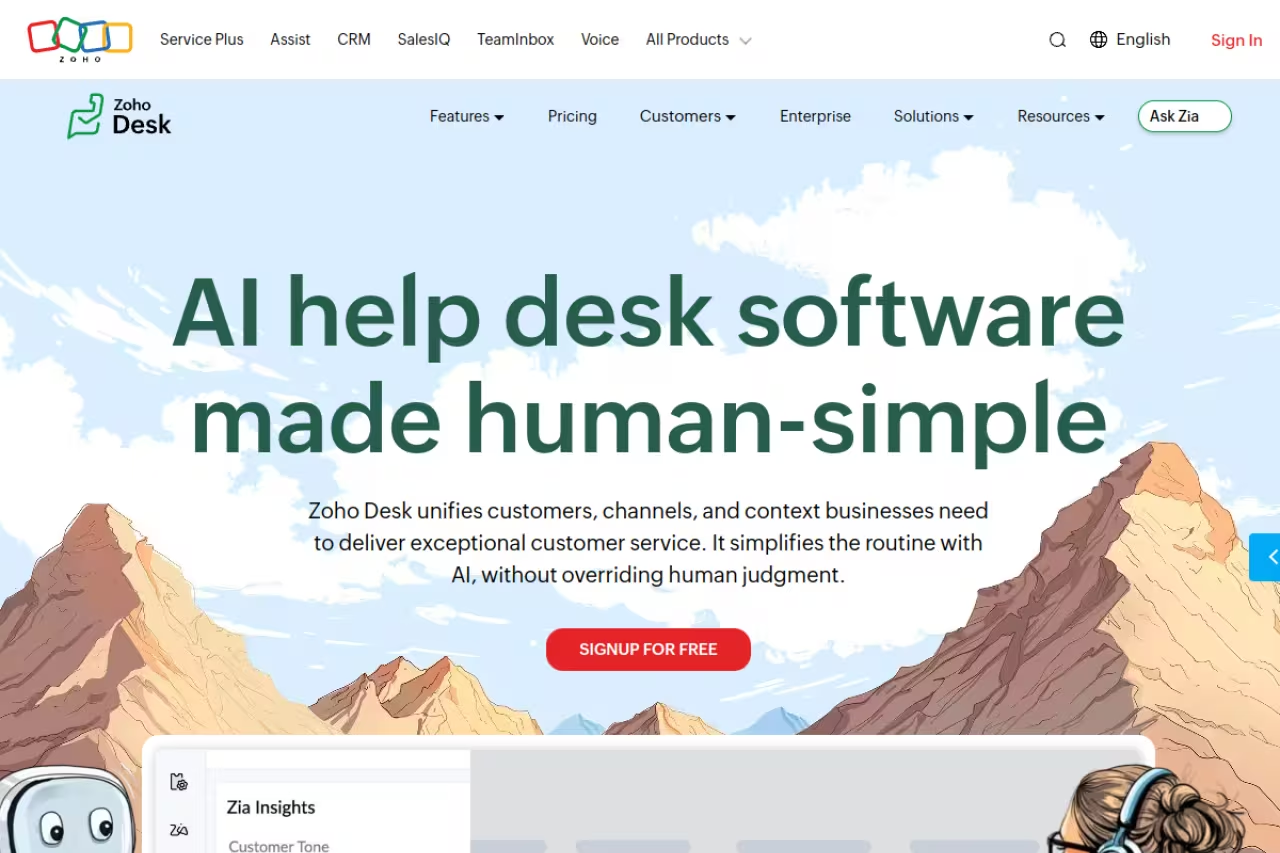
Zoho Desk is what I'd recommend to most small businesses that aren't sure where to start. It does the unglamorous things well: ticketing, a self-service portal, SLAs, automation rules, and a help center, without making you climb three pricing tiers to get there.
The free plan covers up to 3 agents with email ticketing and a knowledge base. When you outgrow it, the Express plan is $7 per agent per month billed annually, which adds workflow rules, macros, and SLA management. According to Zoho's pricing page, the Standard tier at $14 brings in multi-channel support and a deeper version of Zia, Zoho's AI assistant. That $7 entry point is genuinely rare. Most competitors charge double or triple for the same capabilities.
The best value for small teams that want real features without enterprise pricing, especially if you already use Zoho CRM, Projects or Books. The $7 entry point is rare, but the interface is dense and the free plan strips out live chat and social channels.
The catch: the interface feels dense, and Zoho's "everything for everyone" approach means the UI carries a learning curve. The free plan also strips out live chat and social channels, so if multi-channel matters from day one, budget for at least Standard.

Freshdesk: AI deflection that actually works
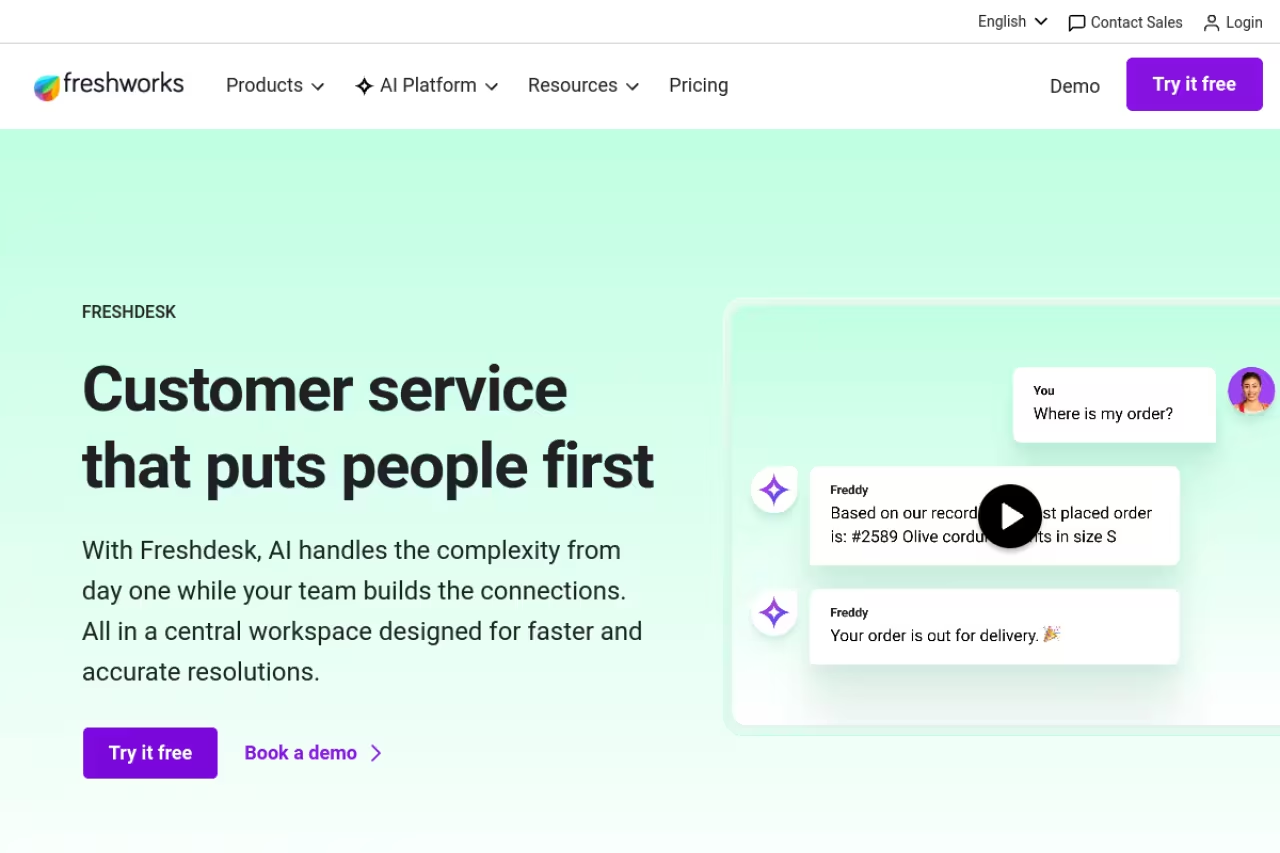
Freshdesk is the pick if you want AI doing real work out of the box. Its Freddy AI agent handles tier-one questions, drafts replies, and deflects tickets before they reach a human, which is exactly what a small team without night coverage needs.
The free plan supports 1 to 2 agents for six months with ticketing, a knowledge base, and basic reporting. Paid plans start at $19 per agent per month on the Growth tier, jumping to $55 for Pro, per Freshdesk's pricing page. The Freddy AI agent includes your first 500 sessions, then runs $49 per additional 100 sessions, so the AI is genuinely metered rather than thrown in as a checkbox feature.
Pick Freshdesk if you expect ticket volume to grow and want Freddy AI absorbing the surge instead of hiring. The jump from Growth to Pro at $55 is steep, and the AI is metered after your first 500 sessions.
Where it falls short: the jump from Growth to Pro is steep, and several features you'd assume are standard (custom objects, advanced ticketing, custom reporting) sit behind that $55 wall. The six-month free trial also quietly converts to a paid decision faster than you'd think.

Help Scout: the most pleasant inbox to actually use
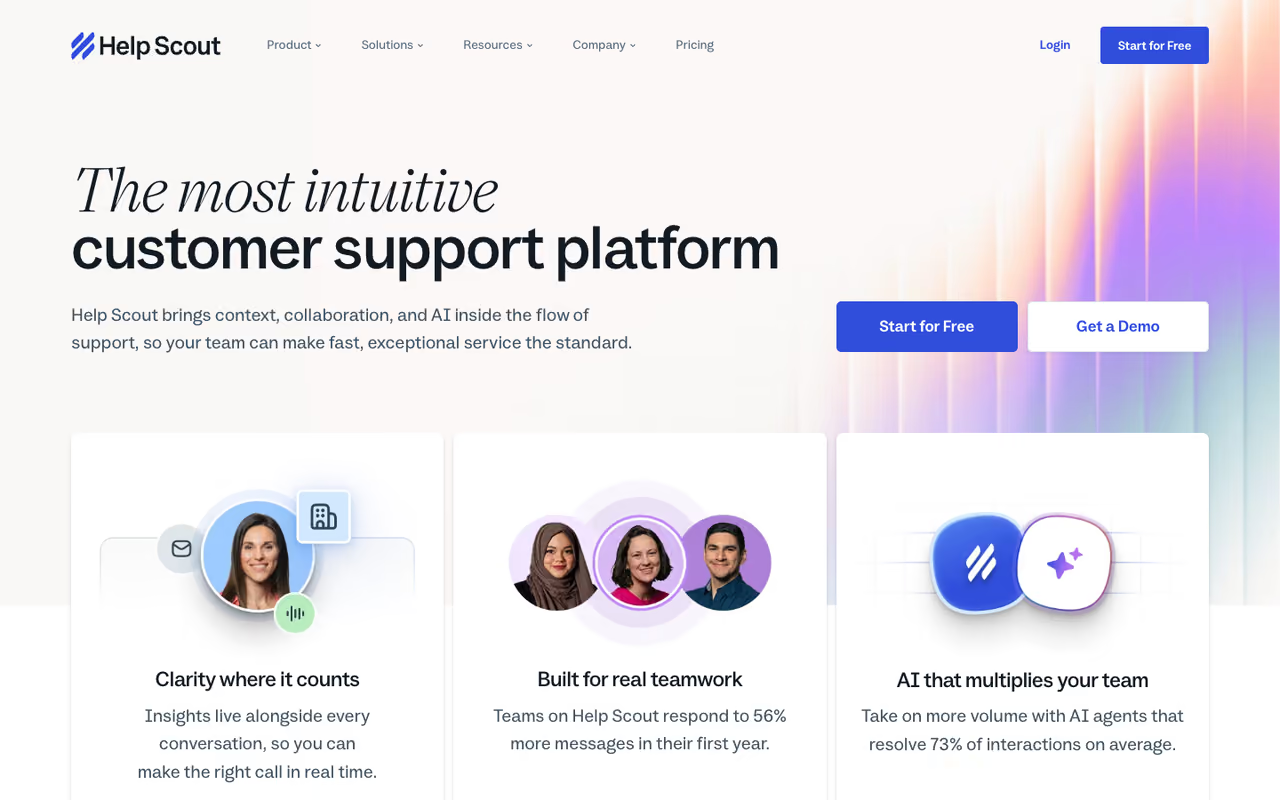
If your support is conversational and email-driven, Help Scout is the one your team will thank you for. It looks and feels like a shared inbox, not a ticketing system, which means no jarring "Ticket #48201" language in front of customers and almost no onboarding friction.
There's a free plan for up to 5 users with one inbox and one Docs (knowledge base) site. Paid plans start at $25 per user per month on Standard, with Plus at $45 and Pro at $75, according to Help Scout's pricing. AI features like AI Drafts and AI Summarize are baked into paid plans, while AI Answers (full ticket resolution) runs $0.75 per resolution with a three-month free trial to see if it earns its keep.
If your support is conversational and email-driven, Help Scout feels like a shared inbox rather than a ticketing system, which suits SaaS and service businesses that treat support as relationship-building. At $25 per user it costs more than Zoho or Hiver, and it is not for IT.
The catch: at $25 per user it's pricier than Zoho or Hiver for comparable basics, and it leans customer support rather than IT. If you need asset tracking or change management, this isn't your tool.
A quick aside while we're on tooling: if you're a small team trying to do more with fewer people, the AI stack matters as much as the help desk. Dupple X bundles the major AI tools into one subscription, which pairs well with a lean support setup. Now back to the desks.

Hiver: a help desk that lives inside Gmail
Hiver solves a specific problem elegantly. If your team already runs on Google Workspace and the idea of migrating to a separate platform makes everyone groan, Hiver turns Gmail itself into a shared help desk through a Chrome extension. No new tool to learn, no tab-switching.
The free plan covers unlimited users with shared inboxes and basic ticketing. The Growth plan is $25 per user per month billed annually and adds AI agents, automation rules, and round-robin assignment, per Hiver's pricing. Pro at $55 brings SLAs, a customer portal, and CSAT surveys.
Hiver turns Gmail into a shared help desk, ideal for Gmail-native teams that want assignment and analytics without leaving their inbox. You are locked into Google Workspace, and it is a shared-inbox upgrade rather than a full omnichannel desk.
Where it falls short: because it's tethered to Gmail, you're locked into Google Workspace, and heavy multi-channel support (voice, deep social) isn't its strength. It's a shared-inbox upgrade, not a full omnichannel desk.

Freshservice: when you need a real IT service desk
Here's where the words "help desk" and "service desk" split. A help desk answers customer questions. A service desk, in the ITIL sense, manages incidents, problems, changes, and assets for your internal IT. If that's what you need, Freshservice is the most approachable ITSM platform for small teams.
It starts at $19 per agent per month on the Starter plan, with Growth at $49 and Pro at $99, according to Freshservice's pricing. Even the entry tier includes incident management, a knowledge base, and SLA management. There's a 14-day free trial with full access rather than a permanent free plan.
Freshservice is the most approachable ITSM platform for small businesses with internal IT that need proper incident and asset management, not just a ticket queue. There is no free tier, prices climb fast, and it is overkill for pure customer support.
The catch: no free tier, and the price climbs fast once you want change management or AI. For pure customer support this is overkill. If you're weighing customer-facing tools instead, our roundup of the best AI customer service tools is a better starting point.
Jira Service Management: best if you already live in Atlassian
Jira Service Management is the obvious pick if your engineering team already runs Jira. Tickets connect directly to development work, so a customer-reported bug can flow into the same board your devs are sprinting on. That tight loop is hard to replicate elsewhere.
The free plan covers up to 3 agents, which is generous for a tool this capable. Standard is $20 per agent per month and Premium is roughly $51, per Atlassian's pricing. You only pay for agents who handle tickets, not the employees submitting requests, which keeps internal IT costs sane.
Jira Service Management is the obvious pick for dev-adjacent teams and IT shops already invested in Atlassian, where tickets flow into the same board your developers use. Outside that ecosystem the setup is heavy for a two-person support crew.
Where it falls short: outside of Atlassian, the setup is heavier than a small support team usually wants. The configuration depth that engineers love can feel like a second job for a two-person support crew.

Spiceworks: free internal IT help desk
Spiceworks Cloud Help Desk is the one to know if your budget is genuinely zero. It's a free, ad-supported IT help desk with ticketing, asset tracking, network monitoring, and unlimited end users. For a small internal IT team, that combination at $0 is hard to argue with.
There's now a Premium tier at $6 per agent per month (launched mid-2025) that removes ads and adds features, but the Core plan stays free. The funding model is advertising and vendor partnerships, which is why you'll see banner ads in the interface.
The one to know if your budget is genuinely zero and you need ticketing plus asset and network visibility for internal IT at a small company. Expect intrusive ads and a dated UI, and do not build a long-term plan around a free product.
The catch: the ads are intrusive, the UI shows its age, and it's strictly internal IT, not customer support. There have also been periodic deprecation worries about the free product, so don't build a 10-year plan around it.
monday service: visual workflows for non-technical teams
monday service takes the colorful, board-based monday.com interface and applies it to service management. If your team thinks in boards and visual pipelines rather than ticket queues, the learning curve nearly disappears.
It's the priciest entry-level option here. The Standard plan runs $31 per seat per month with a 3-seat minimum, which puts the floor around $93 per month, and prices rose 18% in February 2026, per monday's service pricing. There's no free plan, only a 14-day trial. Requester access is free for unlimited requesters, which softens the blow for internal use.
A fit for non-technical teams that think in boards and want approachable, visual service management, especially if you already use monday.com. It is the priciest entry option, with a 3-seat minimum and no free plan, so you pay a premium for the UX.
Where it falls short: the 3-seat minimum and no free tier make it the wrong call for a truly tiny team watching every dollar. You're paying a premium for the UX.

Zendesk: depth for teams that will scale
Zendesk is the incumbent, and it earns its reputation on depth, integrations, and reliability. For a small business it's often more than you need on day one, but if you're confident you'll scale into a real support org, starting here avoids a painful migration later.
The Support Team plan starts at $19 per agent per month, while the more complete Suite Team (adding messaging, live chat, voice, and help center) is $55, according to Zendesk's pricing. Advanced AI is a $50-per-agent add-on, which is where the real cost hides.
Zendesk is the incumbent, best for small teams with a clear growth trajectory toward a dedicated support department, since starting here avoids a painful migration later. Costs escalate quickly with channels and AI, and it is heavier than a three-person team needs.
The catch: costs escalate quickly once you add channels and AI, and the platform's depth means setup takes longer. For a three-person team that just needs tickets handled, it's heavier than necessary.
How to choose
Skip the feature matrices and answer three questions instead.
First, customer support or internal IT? If you're answering customer questions, look at Zoho Desk, Freshdesk, Help Scout, or Hiver. If you're managing internal IT (incidents, assets, change requests), look at Freshservice, Jira Service Management, or Spiceworks. Buying the wrong category is the most common and expensive mistake.
Second, where does your team already work? On Gmail, Hiver removes all migration pain. On Atlassian, Jira Service Management connects to your existing boards. In the Zoho suite, Zoho Desk is a no-brainer. The tool that fits your existing stack will get adopted; the "better" tool nobody wants to switch to will not.
Third, what's your real budget at scale? Don't price the plan you start on, price the plan you'll be on in a year. A $7 Zoho Desk plan and a $55 Zendesk plan look very different at five agents. Add the AI metering (Freshdesk's $49 per 100 sessions, Help Scout's $0.75 per resolution) to your estimate, because deflection costs money once it's doing real volume.
My default recommendation stays Zoho Desk for value, Freshservice if you specifically need ITSM, and Help Scout if support quality and tone are the whole point of your brand. Start with a free plan or trial, run real tickets through it for a week, and trust how it feels more than the feature list. For the broader AI toolkit that surrounds your support stack, our top-tools directory is a good map.
FAQ
What is the difference between a help desk and a service desk?
A help desk handles individual requests and questions, usually from customers, and focuses on resolving issues quickly. A service desk is broader: it follows ITIL practices to manage incidents, problems, changes, and assets across an organization, typically for internal IT. Tools like Help Scout and Hiver are help desks; Freshservice and Jira Service Management are service desks. Many small businesses only need a help desk.
What is the cheapest service desk software for a small business?
Spiceworks is free for internal IT, ad-supported, with ticketing and asset tracking at $0. For customer support, Zoho Desk's free plan covers 3 agents, and its paid Express plan is $7 per agent per month, the cheapest real feature set I found. Freshdesk, Hiver, and Help Scout also have free tiers with tighter limits.
Do small businesses need AI in their service desk?
It depends on volume. If you're handling a few dozen tickets a week, AI deflection saves little and adds cost. Once you cross a few hundred tickets and lack after-hours coverage, AI agents (Freshdesk's Freddy, Help Scout's AI Answers) start paying for themselves by resolving repetitive questions. Most tools meter AI separately, so treat it as a usage cost, not a flat feature.
Can I use a service desk tool with Gmail or Google Workspace?
Yes. Hiver is built specifically for this and turns Gmail into a shared help desk via a Chrome extension, so there's no migration. Help Scout, Zoho Desk, and Freshdesk also connect to Google Workspace for email and authentication, but they run as separate platforms rather than inside Gmail itself.
How much should a small business expect to pay?
For a three-agent customer support setup, budget $0 to $75 per month depending on the tool. Zoho Desk lands around $21 per month at $7 per agent, Freshdesk around $57 at Growth, and Help Scout around $75 at Standard. IT service desks run higher, with Freshservice starting near $57 for three agents. Factor in AI usage and add-ons, which often push the real bill 1.5 to 2 times above the sticker price.
Is free service desk software good enough for a small team?
Often, yes. Zoho Desk's free plan, Jira Service Management's free tier (3 agents), and Spiceworks all run real workloads without a bill. The limits are usually agent count, channels, and automation depth rather than core ticketing. Start free, and only upgrade when a specific limit (SLAs, live chat, more agents) actually blocks you.
Related guides
Some offers on this page may be paid placements or contain affiliate links.
Across our whole catalogue the median is $24 a month and 33% of tools advertise a free tier. Figures are the lowest recurring monthly price quoted in our own review of each tool, read on 2026-08-19. Full method and every category.
