What Is Pylon?
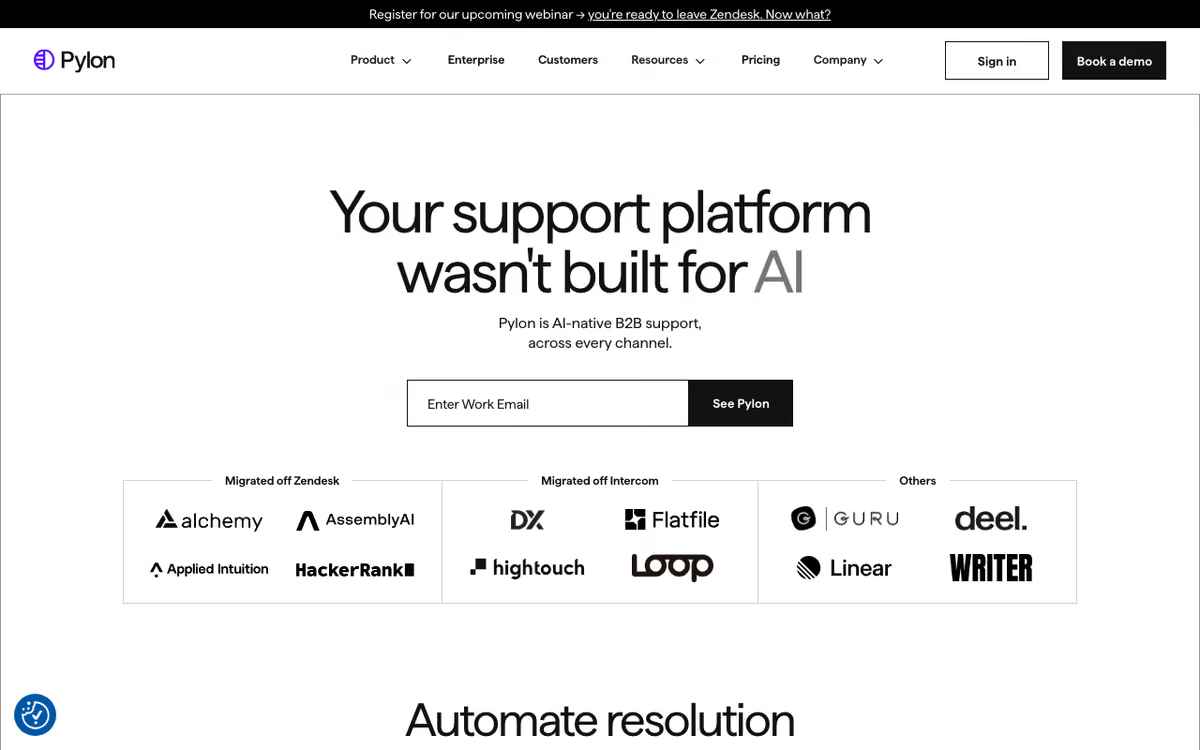
Pylon is the customer support platform built for B2B teams that support customers in Slack and Microsoft Teams. Founded in 2022, Pylon has become the default support platform for modern B2B SaaS companies whose customers expect to message them through Slack Connect rather than emailing support@.
The pitch addresses a real shift in B2B support. Email-first ticket systems (Zendesk, Help Scout) work when customers email [email protected]. But for many modern B2B SaaS companies, customers actually communicate through Slack Connect channels where account managers, CSMs, and support reps all participate. Email-first ticket systems do not see these conversations.
Pylon unifies inbound across Slack Connect channels, Microsoft Teams, email, in-app messages, and chat into one inbox. Tickets, SLAs, assignments, and reporting work consistently regardless of which channel the customer used.
Try Pylon Free Get started →How Pylon Works
Connect Slack Connect channels and Microsoft Teams. When customers send messages, Pylon ingests them as tickets in the web app. Support reps work from Pylon's unified inbox rather than monitoring 30+ Slack channels for customer requests.
Tickets assign to specific reps based on rules (account ownership, on-call schedule, expertise). SLA timers track first response time and resolution time. Internal notes let teams discuss responses before replying to customers.
Replies from Pylon post directly into the Slack thread where the customer asked. Customers see the response in their native Slack interface; they never know Pylon is the system behind it.
AI summarization condenses long Slack threads into clean ticket descriptions. Support reps starting on a complex thread see a 3-sentence summary plus the option to dive into the full conversation.
Customer profiles aggregate context. The platform shows each customer's account info, past tickets, current ARR, contract details, and key contacts. Sales context informs support priority.
Knowledge base, AI-assisted responses, and CRM integration round out the workflow. Integrations with Salesforce, HubSpot, Linear, GitHub, Jira, and PagerDuty connect support to engineering and revenue systems.
Pylon Pricing in 2026
Sales-led pricing. Public estimates put pricing at $60-$100/user/month for the Growth tier and custom enterprise pricing above.
Annual contracts typical. Minimum seat counts (usually 3-5 seats) apply on most plans.
See Pylon Pricing See plans →Where Pylon Wins
- Slack-native: handles the way B2B support actually works in 2026.
- Multichannel inbox: Slack + Teams + email + in-app in one unified queue.
- SLA enforcement on Slack messages: customer requests no longer get lost in busy channels.
- AI summarization: long threads become actionable tickets quickly.
- Modern UX: cleaner interface than legacy ticketing platforms.
Where It Falls Short
- Pricing: not cheap, requires sales call.
- Less mature than Zendesk: smaller feature set, smaller community, fewer integrations.
- B2B-only focus: not designed for consumer support orgs.
- Newer brand: less recognition with procurement teams.
Pylon vs Help Scout vs Intercom vs Zendesk
Named alternatives, published pricing
| Tool | Pricing | Model |
|---|---|---|
| Pylon | $100/mo (lowest published recurring price) | Subscription |
| Help Scout | $25/mo (lowest published recurring price) | Subscription |
| Zendesk | $19/agent/mo (Support Team), $55/agent/mo (Suite Team) | Subscription |
Help Scout is email-first. Pick Help Scout if your customers email rather than Slack you.
Intercom is in-app chat-first. Pick Intercom for product-led growth companies with heavy in-app messaging needs.
Zendesk is the enterprise default. Heavier, weaker Slack support but broader feature set.
Freshdesk is the budget multichannel alternative.
Who Should Use Pylon
B2B SaaS support teams using Slack Connect with customers: this is exactly the use case.
Account-based support organizations: clean account-level views and SLA enforcement.
Modern revenue teams: support, CSM, and sales coordinating in shared customer Slack channels.
Skip it if: your support is email-only or in-app chat-only, your customers do not use Slack, or you support consumers at high volume.
How Pylon works
Pylon (Pylon Labs, Inc., a Y Combinator company) is a support platform built for B2B companies whose customers talk to them in shared Slack channels rather than emailing support@. It now positions itself as "the agentic support platform": issues arrive from any channel, AI agents investigate and act on them, and humans direct the work. Beyond ticketing it includes a knowledge base, customer portal, NPS and CSAT surveys, workforce management, analytics, and an Account Intelligence layer that unifies customer signals into health scores, account plans and churn risk. The vendor claims 1,500+ B2B customers including Linear, Airtable, Modal and Cognition.
Setup starts with installing the Slack app (Slack admin privileges are required), connecting one or more workspaces, and enabling Pylon per channel. Public, private and Slack Connect channels are all supported. Customer messages become issues in Pylon's unified inbox, and replies post back into the original Slack thread so customers never leave Slack. Other intake channels include Microsoft Teams, email, chat widget, forms, phone and SMS, WhatsApp, Telegram and Discord.
From there you configure triggers (IF/THEN routing, with AI conditions available on the AI tier), SLAs, teams, custom fields and knowledge-base articles. On the AI side you configure Skills (reusable instructions) and Runbooks (instruction manuals the agent follows and acts on), with training data drawn from your knowledge base, any public URL or uploaded files. The Support Agent auto-resolves, the Assist Agent investigates for a human, Background Agents run on triggers, and a Slack Agent surfaces customer context inside Slack. Integrations include Salesforce and HubSpot (bidirectional account field sync), Linear and Jira, Confluence and Notion, Gong, Snowflake, BigQuery, PostHog, Mixpanel, LaunchDarkly, plus Cursor and MCP.
Where Pylon wins
- Slack Connect is a first-class channel, not a bolt-on. Replies land in the customer's own thread, and the platform is designed around the reality that B2B support lives across dozens of shared channels.
- Wide channel coverage for a young vendor: Slack, Teams, email, chat widget, forms, phone and SMS, WhatsApp, Telegram and Discord.
- Account Intelligence is unusually deep for a support tool. Account views, call-recording and calendar ingestion, AI notebooks for QBRs and account plans, formulas, AI fields for sentiment and competitor mentions, web-research agents, and bidirectional CRM sync.
- Agent configuration is documented and inspectable: Runbooks, Skills, unlimited training data from the knowledge base, URLs and files, plus testing tools and analytics for agent performance.
- Developer and data-team friendly. Linear and Jira, Snowflake and BigQuery, PostHog and Mixpanel, LaunchDarkly, MCP, and a Cursor integration that answers questions using product codebase context.
Where it falls short
- Public pricing has been pulled. usepylon.com/pricing now serves a "Book a Demo" form, even though Pylon's own knowledge base still tells customers "Pylon's pricing is available at https://usepylon.com/pricing". Per-seat rates quoted around the web are no longer confirmable on the vendor's site.
- AI is a paid add-on, not included. The vendor's KB states the AI Assistants bundle "costs +$50/seat/mo and is available on professional and higher tiers", so the headline agentic story sits on top of a seat price, and AI Agents and Account Intelligence are separately bundled products again.
- Table-stakes features are Enterprise-only: Microsoft Teams ingestion, the Customer Portal, SSO, SCIM, audit logs, custom analytics, data warehouse sync, team SLAs, workforce management, message redaction and PII, multiple knowledge bases or chat widgets, custom roles, BAA and HIPAA, and a dedicated CSM.
- No free tier and no self-serve signup path is presented. Entry is a 30-minute demo booking.
- Rollout is an IT project. Setup requires Slack workspace admin rights and per-channel enablement, so covering many Slack Connect channels is coordinated work, not a five-minute install.
Who should use Pylon
Pylon is a strong fit for B2B SaaS companies running roughly 10 to 500 shared Slack or Teams channels, where support, customer success and engineering all touch the same customer issue and account context matters more than raw ticket volume. If your team is currently losing threads across Slack Connect and stitching context together by hand, this is the category of tool built for that exact shape of problem.
Skip it if you run high-volume B2C support, if you need transparent published pricing to make a decision, if your budget cannot absorb a per-seat price plus AI add-ons, or if the features you actually need (Teams, SSO, customer portal, warehouse sync) push you straight into the Enterprise tier, which changes the economics entirely.
Frequently Asked Questions
Does Pylon work with Slack Connect?
Yes. This is the primary use case.
Can I respond from Slack instead of Pylon?
Yes. Replies in the Slack thread sync back to Pylon for tracking.
Does it integrate with Microsoft Teams?
Yes natively.
How does AI summarization work?
LLM-based summarization condenses long Slack threads into structured ticket descriptions and action items.
What about SLA tracking?
Yes. First response time, resolution time, custom SLA tiers based on account.