
The 8 Best CMS Platforms in 2026 (Compared)

Key facts9 tools compared: WordPress, Webflow, Sanity, Contentful, Strapi, Payload, Storyblok, Ghost…
- 9 tools compared: WordPress, Webflow, Sanity, Contentful, Strapi, Payload, Storyblok, Ghost, HubSpot CMS
- WordPress (best for: Content sites, blogs, flexibility): Free (self-host)
- Webflow (best for: Design-first marketing sites): $25/mo (Premium)
- Sanity (best for: Developers building custom apps): $15/seat/mo (Growth)
- Contentful (best for: Enterprise content operations): Free, then $300/mo
Picking a CMS in 2026 is harder than it used to be, and not because there are fewer options. The market split into two camps that barely speak the same language. On one side you have the all-in-one builders where content and design live together: WordPress, Webflow, Squarespace. On the other, the headless crowd: Sanity, Contentful, Strapi, Payload, where your content is just an API and the front end is your problem.
I've shipped sites on most of these, broken a few, and migrated content off platforms I regretted choosing. The "best" CMS depends entirely on who's editing the content and who's building the site. A marketing team that wants to publish without a developer needs something very different from a Next.js shop that treats the CMS as a database with a nice UI.
If you want the short answer: WordPress is still the safest default for most content sites, Webflow wins if design control matters more than budget, and Sanity is what I'd hand a developer building something custom. Here's the full breakdown, with real 2026 pricing and the catches nobody mentions in the sales demo.
Quick comparison
| Tool | Best for | Price | Standout |
|---|---|---|---|
| WordPress | Content sites, blogs, flexibility | Free (self-host) | 60%+ market share, infinite plugins |
| Webflow | Design-first marketing sites | $25/mo (Premium) | Visual builder with real CSS control |
| Sanity | Developers building custom apps | $15/seat/mo (Growth) | Structured content, real-time editing |
| Contentful | Enterprise content operations | Free, then $300/mo | Mature API, multi-brand at scale |
| Strapi | Self-hosted open-source teams | Free / $18/mo Cloud | Full data ownership, MIT license |
| Payload | Next.js teams who code schemas | Free / $35/mo Cloud | Backend baked into your Next.js app |
| Storyblok | Marketers who need visual editing | Free, then $99/mo | Visual editor on top of headless |
| Ghost | Newsletters and paid publishing | $18/mo / free self-host | Built-in memberships and email |
| HubSpot CMS | Small business and portfolio websites | Free (with hosting included) | Free custom domains and premium hosting |

WordPress: the default that's hard to beat
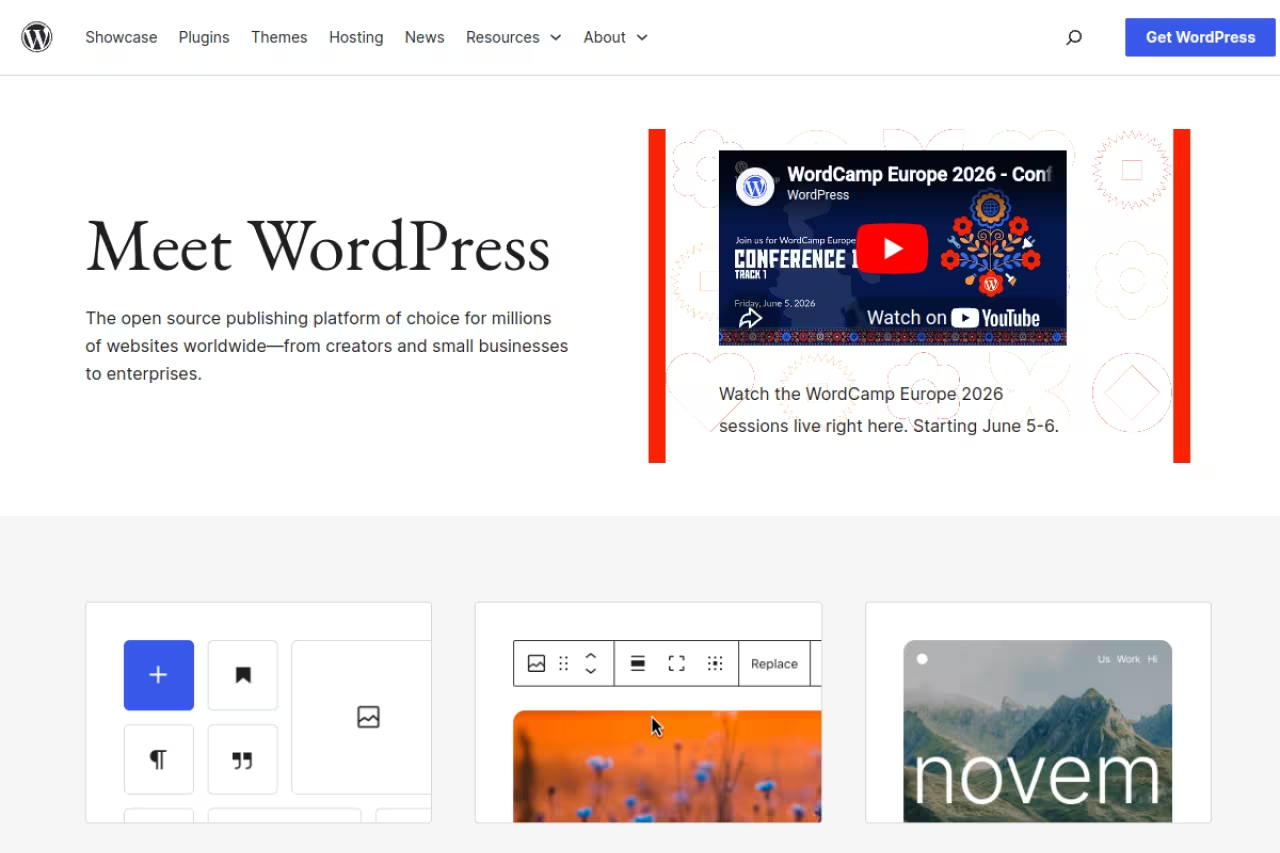
WordPress runs roughly 62% of all CMS-powered sites in 2026, and that number isn't an accident. It does almost everything, and when it can't, a plugin usually can. The self-hosted version from WordPress.org is free open-source software. You pay for hosting and whatever premium plugins or themes you add.
Who it's for: Anyone building a blog, a content-heavy marketing site, or a small business presence who wants the widest pool of developers, themes, and tutorials on earth. If you ever need to hire someone to fix your site, finding a WordPress freelancer takes ten minutes.
The safe, flexible choice for blogs and marketing sites, with the widest pool of developers, themes, and plugins. The price is upkeep: plugin conflicts and updates are on you, and a neglected site becomes a security liability.
The software is free. Realistic hosting runs $5 to $30 a month on shared hosting, more on managed hosts like WP Engine. Premium themes and plugins are usually one-time or annual fees from $50 to a few hundred dollars.
The standout: The plugin ecosystem. WordPress also ships with a full REST API and supports GraphQL through WPGraphQL, so you can run it headless with a React or Next.js front end while keeping the familiar admin for editors.
The catch: Maintenance is on you. Plugins conflict, updates break things, and a poorly maintained WordPress site is a security liability. The same flexibility that makes it powerful makes it easy to turn into a bloated, slow mess. Budget time for upkeep or pay a managed host to handle it.

Webflow: design control without writing CSS by hand
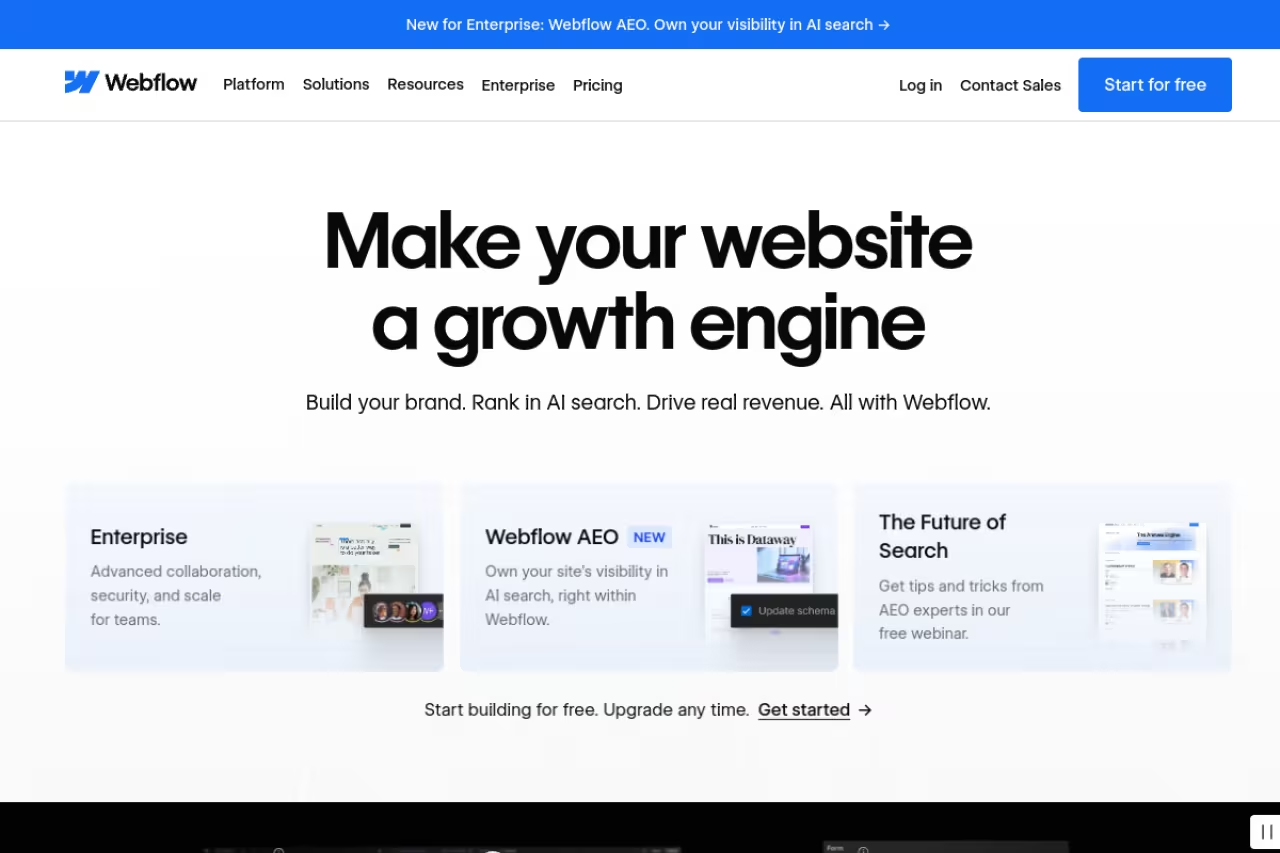
Webflow is what I reach for when a marketing team wants pixel-level control and a designer is driving. It's a visual builder that generates clean, semantic HTML and CSS, paired with a CMS for dynamic content like blog posts or case studies. You design in the canvas, and the code underneath is genuinely good.
Who it's for: Designers and marketing teams building brand sites, landing pages, and content sites where how it looks is non-negotiable. It sits in the same bracket as the AI website builders crowd but gives you far more manual control.
Pick Webflow when a designer is driving and how the site looks is non-negotiable, since the visual builder ships real CSS. The learning curve is steep, CMS item limits get expensive, and the Team plan at $2,500/month is out of reach for small shops.
A free Starter plan exists for testing on a webflow.io subdomain. The Basic site plan is $15/month billed yearly, and the Premium plan at $25/month unlocks full CMS access with up to 2.5TB of bandwidth, per Webflow's pricing page. Ecommerce starts at $29/month.
The standout: The visual builder respects the box model and produces real CSS, so what you design is what ships. No shortcode soup, no theme lock-in fighting you on layout.
The catch: The learning curve is steep if you've never touched CSS concepts like flexbox or positioning. And the CMS has hard item limits per plan, so a site with thousands of records gets expensive fast. The new Team plan jumped to $2,500/month, which puts collaboration features out of reach for small shops.

Sanity: the developer's structured content engine
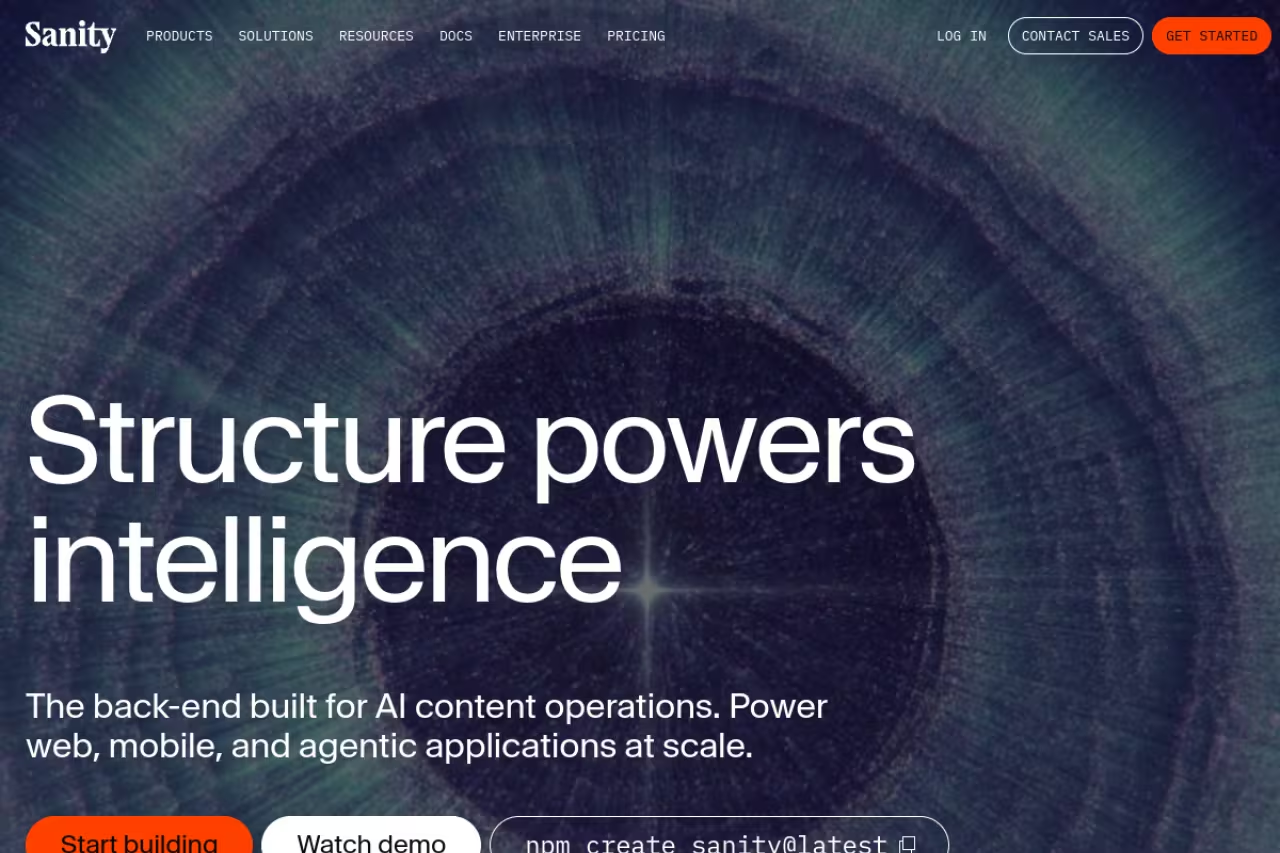
Sanity treats content as structured data, not pages. You define schemas in code, edit through a customizable React-based studio, and pull content via API into any front end. For a developer building something custom, it's the one I recommend first. The real-time collaborative editing feels like Google Docs for content.
Who it's for: Development teams building custom web apps, multilingual sites, or anything where content needs to flow into multiple places (web, mobile, smart displays) from one source.
The developer's pick for structured content that flows to web, mobile, and beyond, with a free plan covering 20 user seats. There is no front end, so non-technical teams can't ship alone, and per-seat pricing climbs for large editorial teams.
The Free plan covers up to 20 user seats, 10k documents, and two public datasets, which is generous for prototypes. The Growth plan is $15 per seat/month and bumps you to 50 seats and 25k documents, with pay-as-you-go overages, per Sanity's pricing. Enterprise is custom.
The standout: GROQ, Sanity's query language, and the fully customizable Studio. You shape both the editing experience and the content model exactly to your app instead of bending your app around the CMS.
The catch: There's no front end. None. Sanity hands you content and walks away, so a non-technical team can't ship a site with it alone. The per-seat pricing also adds up fast for large editorial teams, and the add-ons get steep: a dedicated support package runs $799/month.

Contentful: built for enterprise content at scale
Contentful is the headless CMS that big companies standardize on. It's API-first, mature, and built to push content across dozens of brands, regions, and channels. If you're a startup, it's almost certainly overkill. If you're a multinational managing twelve product sites in nine languages, it starts to make sense.
Who it's for: Enterprise content operations with multiple teams, strict governance needs, and the budget to match.
A fit for enterprises running many brands and languages, with a battle-tested API. For everyone else the jump from free to $300/month is brutal, and Sanity or Strapi deliver similar headless benefits for far less.
The Free tier is surprisingly usable: 10 users, 100k API calls/month, and one space with up to 10,000 records. Then it cliffs hard. The Lite plan is $300/month, and Enterprise is custom, per Contentful's pricing page. There's no gentle middle tier.
The standout: Reliability and ecosystem maturity. The API is battle-tested, the documentation is thorough, and integrations exist for nearly every stack. At enterprise scale, that stability is worth paying for.
The catch: The jump from free to $300/month is brutal for growing teams, and you'll feel the squeeze around API call and record limits before you're ready to pay enterprise rates. For most projects under a certain size, Sanity or Strapi deliver the same headless benefits for far less.

Strapi: open-source headless you actually own
Strapi is the most popular open-source headless CMS, and its appeal is simple: self-host it and you own everything. It's a Node.js application under an MIT license, with an admin panel you can extend and a customizable API out of the box. No vendor can change your pricing or shut your account.
Who it's for: Teams with some DevOps capacity who want data ownership, no per-seat SaaS fees, and full control over where content lives.
Choose Strapi if your team has DevOps capacity and wants to own its data, with free MIT-licensed self-hosting. Self-hosting can cost 2 to 3x the raw infrastructure once you count DevOps time, and major upgrades have been painful.
Self-hosting is free; you pay only for infrastructure. Strapi Cloud, the managed option, starts at $18/month per project on the Essential plan, $90/month for Pro, and $450/month for Scale, according to Strapi's pricing. Some CMS features like review workflows and SSO require separate licensing.
The standout: Genuine ownership plus extensibility. You can fork it, modify the admin, build custom plugins, and host it anywhere. For teams allergic to lock-in, that freedom is the whole point.
The catch: Self-hosting isn't free in practice. Factoring in DevOps time, self-hosting can cost 2 to 3x more than the raw infrastructure fees suggest. Upgrades between major versions have historically been painful, and some features you'd expect to be free sit behind the Enterprise edition.
If your team is weighing build-versus-buy across your whole stack, our roundup of the best AI agents covers a related trade-off: how much control you trade away for convenience.

Payload: the CMS for Next.js teams
Payload is the headless CMS I'd hand a Next.js team that wants their backend and CMS to be the same codebase. It installs directly into your Next.js app, you define collections as TypeScript schemas, and you get an admin panel, auth, and a REST or GraphQL API without standing up a separate service. In 2026 it also ships AI and RAG-ready features for teams building on top of their content.
Who it's for: TypeScript and Next.js developers who want a code-first CMS that lives inside their app and version-controls with the rest of their code.
The one to hand a Next.js team that wants its CMS inside the same codebase, with TypeScript schemas and an admin panel built in. It is developer-only and younger than Strapi, so editors can't add fields and plugins are thinner.
Open-source and free to self-host. Payload Cloud's Standard plan starts at $35/month with 3GB database storage and 30GB file storage, Pro runs around $199/month, and Enterprise is custom, based on Payload's pricing and current Cloud listings.
The standout: Schema-as-code with zero context-switching. Your content model lives in your repo, reviews go through pull requests, and there's no separate admin app to keep in sync. For a Next.js shop, that's a genuinely different workflow.
The catch: It's developer-only. There's no path for a non-technical user to set this up, and the code-first model means every content type change is a deploy. If your editors want to add a field themselves, this isn't the tool. It's also younger than Strapi, so the plugin ecosystem is thinner.

Storyblok: visual editing on a headless backend
Storyblok tries to solve the biggest headless complaint: marketers hate editing content blind. It pairs a headless API with a visual editor that previews changes live, so non-technical editors get the WYSIWYG experience they want while developers keep the API-first architecture they need.
Who it's for: Teams that need headless flexibility but have marketers who refuse to edit content in a stripped-down form interface.
A strong answer to headless editing for marketers, thanks to a live visual editor on an API-first backend. It costs more than pure-API rivals, the free tier has a single seat, and wiring up the visual editor takes upfront work.
The free Starter plan covers 1 space, 1 seat, and up to 20,000 stories. Growth is $99/month (or about $91/month annually) for 5 seats, and Growth Plus is $349/month for 15 seats, per Storyblok's pricing. Additional seats are $15/month.
The standout: The visual editor is the best in the headless category. Editors see their changes in context, which removes the single biggest friction point of going headless.
The catch: That convenience costs more than pure-API competitors, and the single-seat free tier means even a two-person team pays from day one. The component-based model also takes setup work upfront to wire the visual editor to your front end properly.

Ghost: the publishing platform with payments built in
Ghost is the focused pick for writers and publishers. It's open-source software built around one job: publishing content and getting paid for it. Memberships, paid subscriptions, and email newsletters are native, not bolted on with plugins. If you're running a newsletter business or a paid publication, it's the cleanest option here.
Who it's for: Independent writers, newsletter operators, and paid publications who want publishing, memberships, and email in one tool.
The cleanest option for independent writers and paid newsletters, with memberships and email built in. It is narrow on purpose, so complex marketing sites or ecommerce stores will fight the platform.
Self-hosting is free since it's open-source. Ghost(Pro) managed hosting starts at $18/month for the Starter plan, $29/month for Publisher, and $199/month for Business, per Ghost's pricing. All plans include a custom domain.
The standout: Native memberships and email. You can launch a paid newsletter without stitching together Substack, a CMS, and a payment processor. For content and blogging workflows, that integration saves real time.
The catch: It's narrow on purpose. Ghost won't build a complex marketing site, an ecommerce store, or anything outside the publishing lane. Try to stretch it and you'll fight the platform. It does one thing, and you have to actually want that thing.
HubSpot CMS: CMS tools you can use completely for free
HubSpot CMS offers a pretty versatile tool stack you can use completely for free. The platform includes a drag-and-drop page builder with native SEO recommendations, chatbots, analytics, and more. Plus, you can integrate the CMS with other free tools from across HubSpot's entire product offering, including sales, marketing, and sales-specific features.
Who it's for: Small business owners and freelancers looking to set up simple websites and access extra tools to promote their products/service and manage customer-facing processes.
A friendly free start for small business owners and freelancers, with a drag-and-drop builder, SEO recommendations, and a custom domain included. Scaling up gets expensive because of the big pricing gaps between paid plans.
The free plan lets you set up websites with up to 30 pages and includes HubSpot branding. The Starter plan costs $7/user/month, removes HubSpot branding, and unlocks extra features like URL mappings and site trees.
The standout: Custom domains and premium hosting are included for free. Access to extra HubSpot tools is also a major advantage.
The catch: Scaling to premium versions can get expensive, as there are significant pricing differences between paid plans.
How to choose the right CMS
Skip the feature checklists and answer three questions instead.
Who edits the content? If non-technical marketers publish daily, you need an editor-friendly tool: WordPress, HubSpot, Webflow, Storyblok, or Ghost. If developers own the content model and editors rarely touch structure, headless tools like Sanity or Payload win.
Do you have DevOps capacity? Self-hosting Strapi or Payload is only "free" if someone maintains the servers, security patches, and upgrades. No DevOps? A managed SaaS like Sanity or Contentful is cheaper once you count the hours.
What are you actually building? A blog or content site points to WordPress or Ghost. A design-led brand site points to Webflow. A custom app pulling content into multiple front ends points to Sanity, Contentful, or Payload. Match the tool to the job, not to the hype. For a wider view of the stack around your site, our top AI tools directory is a good next stop.
If you're building the business behind the site and want the playbooks marketers actually use, Dupple X is worth a look. Start a yearly trial here.
FAQ
What is the best CMS platform in 2026?
For most people, WordPress remains the best all-around choice because of its flexibility, plugin ecosystem, and the sheer number of developers who know it. If design control matters most, Webflow wins. For developers building custom apps, Sanity is my top pick. The "best" depends on who edits the content and what you're building.
What is the difference between a headless CMS and a traditional CMS?
A traditional CMS like WordPress couples your content and your design in one system, so you edit and publish in the same place. A headless CMS like Sanity or Contentful stores content and delivers it through an API, leaving the front end entirely up to you. Headless gives developers more flexibility and lets one content source feed multiple channels, but it requires building the presentation layer yourself.
Is WordPress still worth using in 2026?
Yes. WordPress still powers over 60% of CMS-based sites, has the largest plugin and theme ecosystem, and can run headless via its REST API or WPGraphQL. The trade-off is maintenance: you're responsible for updates, security, and performance, so budget for upkeep or use a managed host.
What is the best free CMS platform?
For self-hosting, WordPress, Strapi, Payload, and Ghost are all free open-source software where you only pay for infrastructure. For a hosted free tier, Sanity is the most generous, offering up to 20 seats and 10,000 documents at no cost, and Contentful's free tier includes 10 users and 100k API calls per month.
Which CMS is best for developers?
Sanity and Payload lead for developer experience. Sanity offers structured content, a customizable studio, and the GROQ query language. Payload installs directly into a Next.js app with schema-as-code in TypeScript. Strapi is the pick if open-source self-hosting and data ownership matter most.
How much does a headless CMS cost?
It ranges widely. Self-hosted Strapi and Payload are free aside from infrastructure. Hosted plans start around $15 per seat/month for Sanity Growth, $18/month per project for Strapi Cloud, and $35/month for Payload Cloud. Contentful jumps from free straight to $300/month, and Storyblok's Growth plan is $99/month.
Related guides
Some offers on this page may be paid placements or contain affiliate links.
