
Best Project Management Tools for Marketing Teams (2026)

Key facts8 tools compared: Asana, monday.com, ClickUp, Wrike, Airtable, Planable, Notion, Teamwork
- 8 tools compared: Asana, monday.com, ClickUp, Wrike, Airtable, Planable, Notion, Teamwork
- Asana (best for: Mid-size marketing teams): $10.99/user/mo
- monday.com (best for: Visual, spreadsheet-style ops): $9/seat/mo (min 3)
- ClickUp (best for: Teams wanting everything in one app): $7/user/mo
- Wrike (best for: Large teams, agencies, proofing): $10/user/mo
Marketing work breaks generic project management tools. A software team ships features in sprints. A marketing team runs ten campaigns at once, each with a brief, three rounds of creative review, a launch date that moves twice, and a social calendar bolted on the side. Most "project management" apps were built for the first scenario and bent into the second.
After running campaigns inside half a dozen of these platforms, my short answer is this: for most marketing teams, Asana hits the best balance of structure, approval workflows, and a learning curve your designers won't hate. If you want a more visual, spreadsheet-feeling system, monday.com is the one. And if budget is tight or you live in a content calendar, there are cheaper picks below that do the job without the bloat.
This guide is for marketing leads, ops people, and founders who run marketing themselves. I focused on the things that actually matter for campaign work: intake forms, proofing and approvals, calendar views, and whether the tool collapses when you add 15 people. Here's how the contenders stack up.
Quick comparison
| Tool | Best for | Starting price | Standout |
|---|---|---|---|
| Asana | Mid-size marketing teams | $10.99/user/mo | Proofing + workflow clarity |
| monday.com | Visual, spreadsheet-style ops | $9/seat/mo (min 3) | Color-coded boards, automations |
| ClickUp | Teams wanting everything in one app | $7/user/mo | Feature depth at low price |
| Wrike | Large teams, agencies, proofing | $10/user/mo | Asset review and dashboards |
| Airtable | Content calendars, campaign databases | $20/user/mo | Database flexibility |
| Planable | Social media planning and approvals | $33/mo/workspace | Social preview + sign-off |
| Notion | Small teams, docs plus tasks | $9.50/seat/mo | One workspace for everything |
| Teamwork | Agencies billing clients | $9.99/user/mo | Time tracking and budgets |
Asana, the safe default that earns it
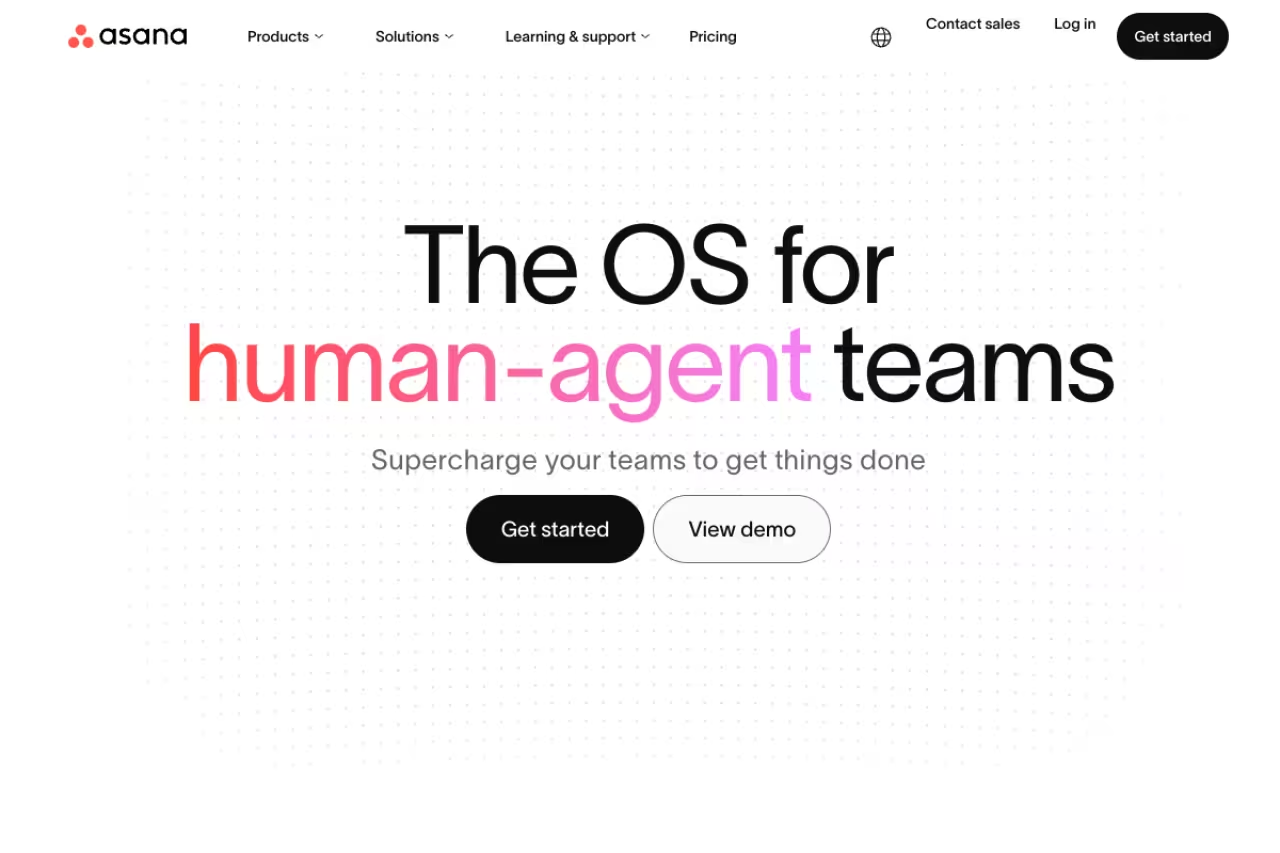
Asana is the tool I recommend when someone asks "what should our marketing team use" and gives me no other context. It gets campaign work without forcing you to build the whole system yourself. Tasks, subtasks, dependencies, and timelines are easy to read, and the calendar view makes a content schedule legible at a glance.
The safe default for marketing teams of roughly 5 to 50 people who want approvals and proofing without an ops hire. The features marketers want most sit on the $24.99 Advanced tier, and the 2-user free cap makes trialing harder than ClickUp or Wrike.
Pricing: the free Personal plan covers up to 2 users (basically useless for a team). The Starter plan is $10.99 per user/month billed annually and adds Timeline, Gantt, dashboards, forms, and unlimited automations. Approvals and proofing live in the Advanced plan at $24.99 per user/month, which is the jump most marketing teams eventually make.
The standout is how Asana handles creative review. Approvals as a task type, plus image and PDF proofing with comments pinned to the artwork, means feedback stops living in scattered email threads. Forms for campaign intake are clean too, so requests arrive structured instead of as a Slack message at 6pm.
The catch: the features marketing teams want most, proofing and workload management, sit on the $24.99 Advanced tier. For a 12-person team that's about $3,600 a year. The free plan's 2-user cap also makes it harder to trial properly than ClickUp or Wrike, both of which give you a real free team plan.
monday.com, the visual workhorse
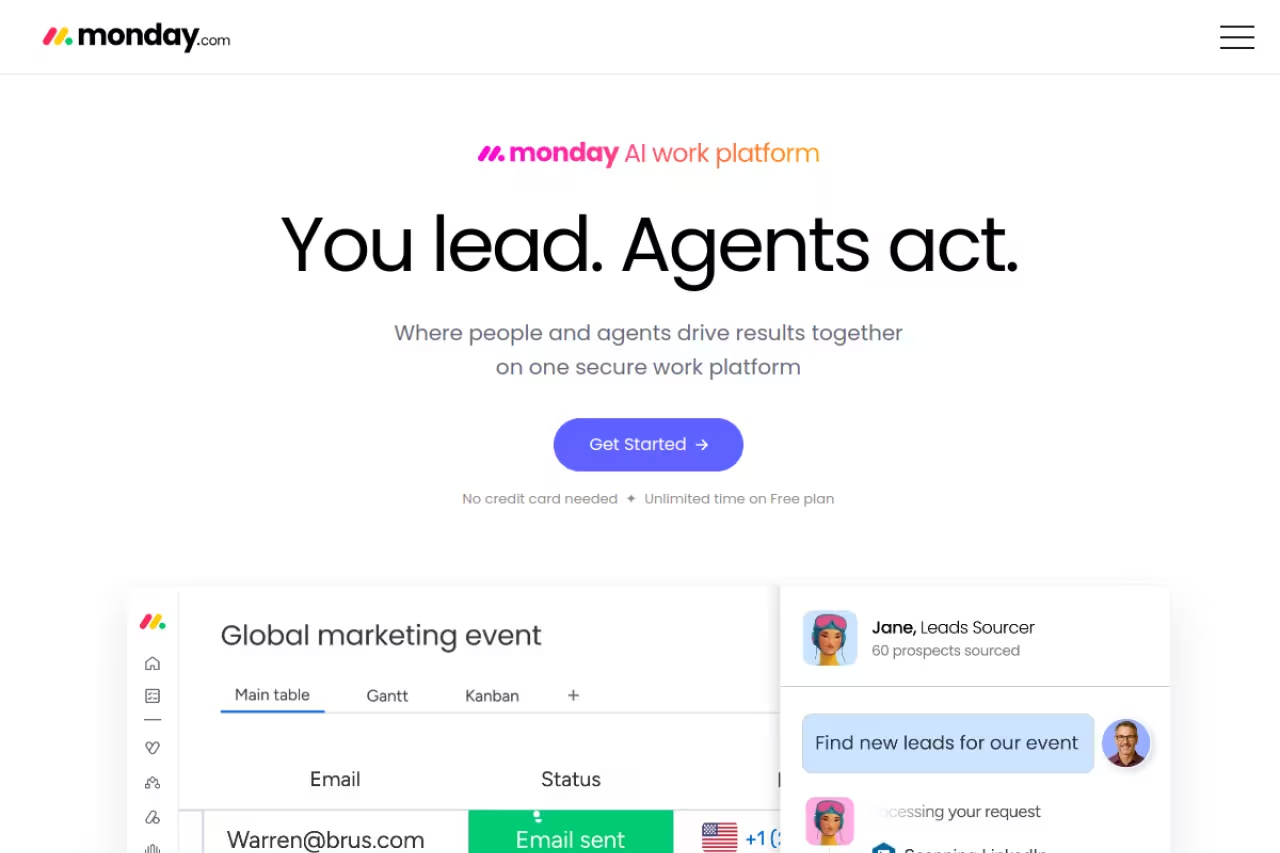
If your team thinks in spreadsheets and likes color, monday.com feels right immediately. Every board is a grid you can slice by status, owner, campaign, or due date, and the whole thing is bright and clickable in a way that gets non-technical marketers to actually log in.
A visual command center for teams that think in spreadsheets and don't mind building their own structure from templates. Seat minimums make pricing scale in awkward steps (a 7-person team can end up paying for 10), and the automations most marketers need start on Standard.
Pricing: this is where you read the fine print. The free plan caps at 2 seats. Paid plans start at 9 euros per seat/month on Basic, 12 on Standard, and 19 on Pro, all billed annually, and every paid plan has a 3-seat minimum that jumps to tiers of 5 and beyond. The automations and integrations most marketing teams need start on Standard, so budget for that tier, not Basic.
The standout is automation recipes plus dashboards. You can wire up "when status changes to Approved, notify the designer and set the publish date" without code, and the dashboard widgets roll campaign progress into something you can show a CMO.
Where it falls short: pricing scales in awkward steps because of the seat minimums, and a 7-person team can end up paying for 10. Reviewers also note the deep customization means you build a lot yourself before it sings. It's flexible, but flexibility is work.

ClickUp, the most tool for the money
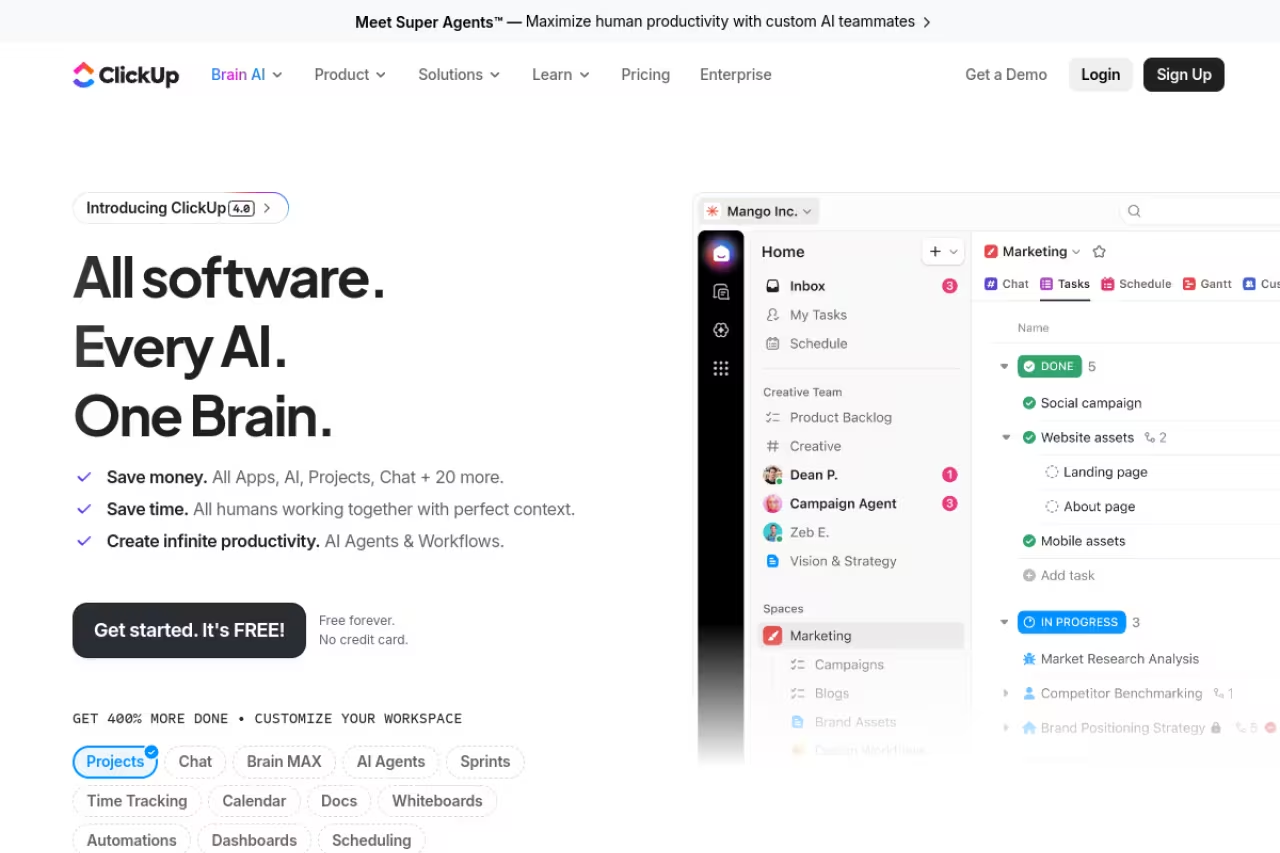
ClickUp's pitch is that it replaces five apps, and it nearly does. Docs, whiteboards, goals, time tracking, dashboards, and tasks all live in one place at a price that undercuts almost everyone.
The most capability per dollar for small to mid-size teams with someone willing to configure it, with Business at $12 per user versus Asana's $24.99. Its depth is also its weakness, since it overwhelms new users and the power goes unused if nobody enjoys setup.
Pricing: the free plan is genuinely usable with unlimited tasks and members. Unlimited is $7 per user/month and Business is $12, both annual. Proofing, which other tools paywall heavily, is unlimited on the Business tier. The AI add-on (ClickUp Brain) is a separate $9 per user/month if you want it.
The standout is value. You get Gantt charts, unlimited dashboards, automations, and proofing for $12 a user where Asana charges $24.99 for the equivalent. For a 12-person team that's roughly $1,700 a year versus $3,600.
The catch: ClickUp's depth is also its weakness. New users describe it as overwhelming, and the sheer number of views and settings means onboarding takes longer. If nobody on your team enjoys configuring software, the power goes unused and people quietly drift back to a spreadsheet.

Wrike, built for agencies and heavy approvals
Wrike leans enterprise and agency. It's stronger on resource management, proofing, and reporting than it is on charm, and that trade is fine if review cycles and capacity planning are your real bottleneck.
Built for larger marketing teams and agencies that run formal approval chains and need to see who's overloaded. Proofing sits on Business at $25 per user per month, and the dated interface and steep learning curve work best with a PM owning the setup.
Pricing: there's a free plan with unlimited users but a thin feature set. Team is $10 per user/month for 2 to 15 users, and Business is $25 for 5 to 200 users, billed annually. The proofing and advanced workflow features marketing teams want sit on Business and up.
The standout is asset proofing and dashboards. Wrike's review tools handle video and image markup well, and its reporting gives leadership a real view of throughput and resourcing. It's one of the few tools where capacity planning isn't an afterthought.
Where it falls short: the interface feels dated next to monday.com, and the learning curve is steep enough that non-technical marketers push back. Wrike works best when there's a project manager or ops person owning the setup, not when you're hoping the team self-serves.

Airtable, your campaign database
Airtable is a spreadsheet that grew a spine. For content calendars, campaign trackers, and any workflow where the data matters as much as the task, it's hard to beat. Each record can hold a brief, an owner, a status, attachments, and links to other tables.
Best for: content and demand-gen teams that think in structured data, editorial calendars, and asset libraries.
Great for content and demand-gen teams that think in structured data, editorial calendars and asset libraries. It is a database first and a project manager second, with no native proofing, and the free plan's 1,000-record cap is the wall most teams hit.
Pricing: the free plan allows 1,000 records per base and up to 5 editors. Team is $20 per user/month and Business is $45, both annual. The 1,000-record cap is the wall most growing teams hit, since a busy content calendar fills it fast.
The standout is flexibility. You can model a content pipeline exactly how your team thinks, then flip the same data between grid, calendar, kanban, and gallery views. Interface Designer lets you build clean dashboards on top so stakeholders see a polished view, not a raw table.
The catch: Airtable is a database first and a project manager second. It has no native proofing, weaker task dependencies than Asana, and the per-user pricing climbs fast once you pass the free tier. Great for planning, less great as the single source of truth for execution.
If you're still mapping out which AI tools should plug into this stack, our roundup of the best AI marketing tools pairs well with whatever PM tool you land on.

Planable, the social calendar specialist
Planable doesn't try to manage your whole marketing operation. It does one thing: planning, previewing, and approving social content, and it does it better than the generalists.
The social calendar specialist for managers and teams that need client or stakeholder sign-off before posts publish, with unlimited users on paid plans. It is narrow by design, so most teams run it alongside a main PM tool rather than instead of one.
Pricing: a free plan covers 50 posts total. Basic is $33 per workspace/month and Pro is $49, both with unlimited users, which is unusual and friendly for agencies. Social inbox and analytics are paid add-ons at $9 and $14 a month.
The standout is the preview-and-approve flow. Every post renders exactly as it'll look on Instagram, LinkedIn, or X, and approvals can be set to optional or required per workspace. Clients comment directly on the mockup, which kills the "can you screenshot how this looks" loop.
Where it falls short: it's narrow by design. Planable handles social, not your broader campaign tasks, design requests, or email projects. Most teams run it alongside a main PM tool rather than instead of one. The per-workspace post limits also pinch high-volume accounts.
Notion, the all-in-one for small teams
Notion blurs the line between docs and tasks. For a small marketing team that wants its briefs, wiki, and project board in one place, it's a tidy, cheap home base.
A tidy, cheap home base for founders and teams under about 10 people who dislike juggling separate apps. Setup is on you, it lacks real proofing and workload tools, and past 15 or so people most teams outgrow it for project work.
Pricing: the free plan works for individuals and small groups. Plus is 9.50 euros per seat/month and Business is 19.50, annually. Notion AI and its newer agent features are credit-based add-ons on top.
The standout is one workspace for everything. Campaign briefs, content drafts, the team wiki, and a kanban board live side by side and link to each other. Databases give you calendar and board views over the same content, so your editorial calendar and your docs aren't separate worlds.
The catch: Notion is a blank canvas, which means setup is on you, and it lacks real proofing, dependencies, and workload tools. It's excellent for planning and documentation, and merely okay as an execution tracker once a team gets busy. Past 15 or so people, most teams outgrow it for project work.
Teamwork, for agencies that bill hours
Teamwork.com is built for client services. If your "marketing team" is an agency delivering retainers, its time tracking, budgets, and billing make it a better fit than the generalists.
The fit for marketing agencies and freelancers who bill clients and need profitability per project, thanks to time tracking, budgets and billing. For an in-house team that bills no one, the agency machinery is overkill, and the interface is functional rather than delightful.
Pricing: a free plan covers up to 5 users and 5 projects. Deliver is $9.99 per user/month (3-user minimum) and Grow is $24.99 (5-user minimum), billed annually. Client-facing features and budgets sit on the paid tiers.
The standout is the client and billing layer. Time logged against tasks rolls into budgets and invoices, and you can give clients limited access without exposing internal chatter. For an agency, that's the difference between a tool and a business system.
Where it falls short: for an in-house marketing team that doesn't bill anyone, the agency machinery is overkill. The interface is functional rather than delightful, and you pay for capabilities you may never touch if client billing isn't your model.
How to choose
Skip the feature checklists and answer three questions.
First, what's your real bottleneck? If it's creative review chaos, weight proofing and approvals (Asana, Wrike). If it's "where is everything," weight visual boards and dashboards (monday.com, ClickUp). If it's content volume, weight calendar and database views (Airtable, Planable).
Second, who owns the tool? A team that loves configuring software can extract huge value from ClickUp or Airtable. A team that wants to log in and just work is better served by Asana's saner defaults. Match the tool to your willingness to maintain it, not to the longest feature list.
Third, what does it actually cost at your headcount? Watch the seat minimums (monday.com, Teamwork) and the tier where the marketing features unlock. Asana's proofing is on the $24.99 plan. monday.com's automations start on Standard. Multiply by your real team size and a year, and the "cheap" option sometimes isn't.
My honest take: most marketing teams should trial Asana and ClickUp side by side for two weeks on a live campaign. Asana wins on clarity, ClickUp wins on price and depth. One of them fits almost everyone, and you'll know which within the first week.
Want a faster way to test the AI features inside these tools without paying for five subscriptions? Dupple X gives you access to the top AI models in one place, so you can prototype campaign workflows before committing. Start a yearly trial and see how it fits your stack.
FAQ
What is the best project management tool for a small marketing team?
For a small team, ClickUp and Notion offer the most value. ClickUp's free plan supports unlimited members and gives you real task management at no cost, while Notion (Plus at 9.50 euros/seat) keeps docs and tasks in one workspace. If creative approvals matter more than budget, Asana's Starter plan at $10.99/user is the cleaner choice.
Do I need a marketing-specific tool, or will a generic one work?
A generic tool works for most teams as long as it handles proofing, calendar views, and intake forms. Asana, monday.com, and ClickUp all do. You only need a specialist like Planable when one workflow, usually social media, needs dedicated previews and client sign-off that the generalists handle poorly.
Which project management tool has the best free plan for marketing?
ClickUp and Wrike have the strongest free plans because both allow unlimited users, where Asana and monday.com cap free accounts at 2 seats. ClickUp's free tier gives you unlimited tasks and basic boards, which is enough to run real campaigns for a small team before upgrading.
How much should a marketing team budget for project management software?
Plan on roughly $10 to $25 per user per month for the tier that unlocks marketing features like proofing and automations. A 10-person team typically spends $1,200 to $3,000 a year. ClickUp Business ($12/user) and Asana Starter ($10.99/user) sit at the affordable end; Asana Advanced and Wrike Business push toward the top.
Is Asana or monday.com better for marketing teams?
Asana is better if your priority is approval workflows and a gentle learning curve, since proofing and clean intake forms are core to it. monday.com is better if you want a visual, customizable command center and your team thinks in spreadsheets. Both scale well; the choice comes down to whether you prefer structure (Asana) or flexibility (monday.com).
Related guides
Some offers on this page may be paid placements or contain affiliate links.
Across our whole catalogue the median is $24 a month and 33% of tools advertise a free tier. Figures are the lowest recurring monthly price quoted in our own review of each tool, read on 2026-08-19. Full method and every category.
