
The 8 Best Team Communication Tools in 2026

Key facts8 tools compared: Slack, Microsoft Teams, Zoom Workplace, Google Chat, Discord, Twist, Loom…
- 8 tools compared: Slack, Microsoft Teams, Zoom Workplace, Google Chat, Discord, Twist, Loom, Mattermost
- Slack (best for: Most knowledge-work teams): Free / $7.25 Pro
- Microsoft Teams (best for: Companies already on Microsoft 365): $4 Essentials
- Zoom Workplace (best for: Meeting-heavy teams): $13.33 Pro
- Google Chat (best for: Google Workspace shops): $7 (via Workspace)
Most teams do not have a communication problem. They have a "too many places to communicate" problem. A question lands in Slack, the answer is buried in an email thread, the decision was made in a meeting nobody recorded, and the file lives in someone's DMs. The tool was supposed to fix this. Usually it just adds another inbox.
So the question is not "which app has the most features." It is "which app actually reduces the number of places your team has to check." Remote teams run on Slack, sit through years of Microsoft Teams in a corporate setting, or push smaller groups onto async-first tools to kill the meeting calendar, and each choice shows up in the day-to-day experience. Each one has a personality, and picking the wrong one for your team is an expensive mistake to unwind.
If you want the short version: Slack is still the best default for most knowledge-work teams, and it got noticeably better in 2026 now that AI summaries and search are baked into paid plans instead of sold as a $10 add-on. But "best default" is not "best for you," so here are eight tools I would actually recommend, what they cost, and where each one quietly falls apart.
Quick comparison
| Tool | Best for | Price (per user/mo) | Standout |
|---|---|---|---|
| Slack | Most knowledge-work teams | Free / $7.25 Pro | Integrations + built-in AI |
| Microsoft Teams | Companies already on Microsoft 365 | $4 Essentials | Bundled meetings + Office |
| Zoom Workplace | Meeting-heavy teams | $13.33 Pro | Chat wrapped around great video |
| Google Chat | Google Workspace shops | $7 (via Workspace) | Lives inside Gmail/Docs |
| Discord | Communities, dev teams, startups | Free | Persistent voice rooms |
| Twist | Async, distributed teams | Free / $6 | Threaded, calm by design |
| Loom | Async video updates | Free / $18 | Replace meetings with recordings |
| Mattermost | Security/compliance-first teams | Free (self-hosted) | Own your data |
Slack
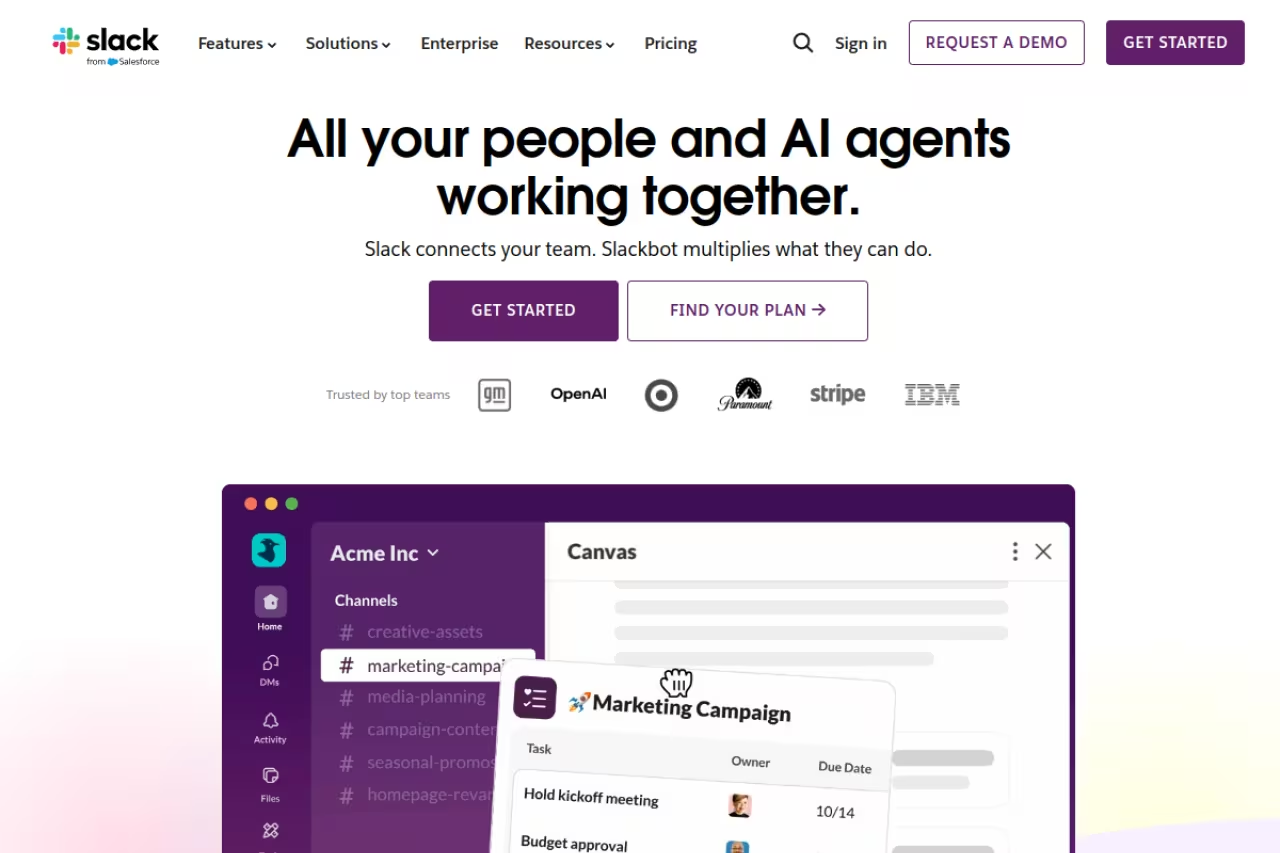
Slack is the tool everyone else gets compared to, and there is a reason for that. Channels keep conversations organized by topic instead of by person, huddles let you drop into a quick voice call without scheduling anything, and the integration library is the deepest in the category at more than 2,600 apps. If your stack includes GitHub, Linear, Notion, Salesforce or basically any SaaS product, there is a Slack app for it.
The default for startups, agencies and product teams that live in fast-moving channels and connect many tools, with more than 2,600 integrations and bundled AI. It gets noisy without discipline, and the 90-day history limit on Free pushes you to pay.
Pricing: the Free plan caps message history at 90 days and limits you to 10 integrations, which is enough to try it but not to run on. Pro runs $7.25 per user/month on annual billing (around $8.75 month-to-month) and unlocks unlimited history. Business+ is $15. Per the official Slack pricing page, AI summaries, channel recaps and search-grounded answers now ship inside the paid plans rather than as the old separate Slack AI add-on, which is a real cost saving if you were eyeing those features.
The standout in 2026 is that bundled AI. "Catch me up" on a channel after a day off actually works, and search that answers a question instead of returning 40 links is genuinely useful when your team has years of history.
The catch: Slack gets noisy fast. Without discipline around channels and notifications, it becomes a 24/7 interruption machine, and the 90-day history limit on Free means the moment you stop paying, your team's memory disappears. It is also priced per active user, so a 50-person team on Pro is roughly $362 a month before anyone adds a paid integration.

Microsoft Teams
Teams wins on math more than on charm. If your company already pays for Microsoft 365, chat, video meetings, file storage in SharePoint, and the Office apps all come in one bill, and the chat tool is effectively "free" inside that bundle. For a finance team comparing line items, that is hard to argue with.
Pick Microsoft Teams if your organization is already committed to Microsoft 365, where chat and video arrive on the same bill. It is heavier and slower than Slack, and Copilot is not included but costs extra.
Pricing: Teams Essentials is $4 per user/month on annual billing, which undercuts Slack Pro by nearly half. Most companies get Teams through Microsoft 365 Business Basic at $6 or Business Standard at $12.50, both of which include the Office apps and 1 TB of storage. Note the structural change: Microsoft now sells Teams as a standalone add-on rather than auto-bundling it into every 365 plan for new customers, so check what your specific license includes. The Microsoft Teams comparison page has the current breakdown.
The standout is integration with the rest of Microsoft. Co-editing a Word doc inside a Teams call, pulling meeting transcripts into OneNote, and managing everything through one admin console is smooth in a way no third-party tool matches.
Where it falls short: Teams is heavy. The desktop app is slower than Slack, the interface buries things under tabs and menus, and Copilot, the AI layer most people actually want, is not included. It runs an extra $18 to $21 per user/month for the Business tier on top of your license, which can double your real per-seat cost. If you want AI without the corporate price tag, look at the best AI meeting assistants that bolt onto whatever you already use.
Zoom Workplace
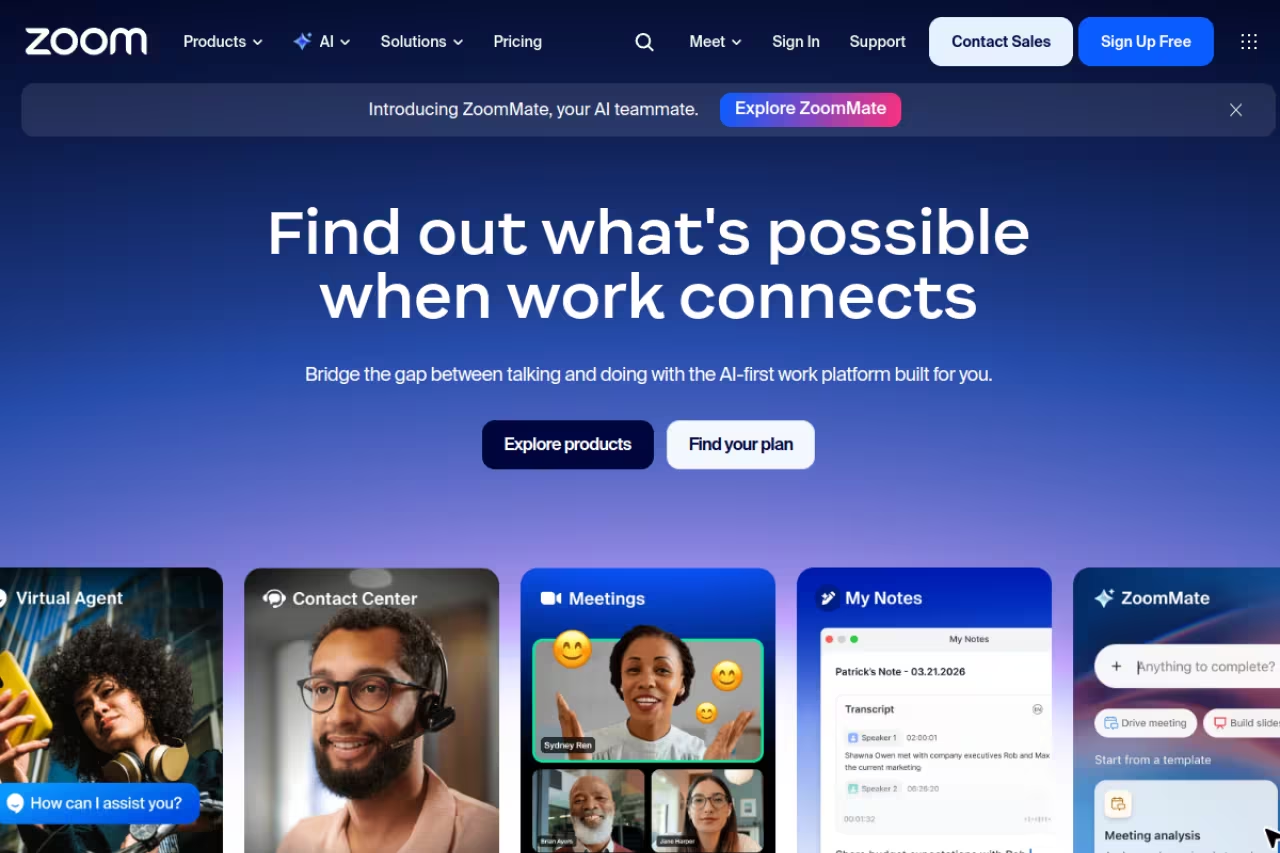
Most people still think of Zoom as "the video call app," but Zoom Workplace has quietly grown into a full chat-plus-meetings platform with Team Chat, a shared calendar, whiteboard, and an AI Companion built in. If your team's center of gravity is meetings, building communication around the tool everyone already opens for calls makes more sense than bolting video onto a chat app.
The choice for meeting-heavy and client-facing teams that run more calls than chat threads, with reliable video and a built-in AI Companion. Team Chat is the weakest of the big three, and the bill balloons once you add Phone, Webinars or AI seats.
Pricing: there is a free tier with 40-minute group meeting limits and basic Team Chat. The Pro plan is $13.33 per user/month billed annually (about $16.99 monthly), and Business is $18.33. Business Plus at $22.49 bundles in Zoom Phone for US and Canada calling. Those numbers come from cross-checking Zoom's published plans across G2's pricing breakdown and multiple 2026 guides.
The standout is still video quality and reliability. Zoom rarely drops calls, the AI Companion summarizes meetings and drafts follow-ups well, and Team Chat means the conversation does not vanish the second the call ends.
The catch: as a pure text-chat tool, Zoom Team Chat is the weakest of the big three. People do not naturally live in it the way they live in Slack or Teams, so you risk paying for a chat layer nobody uses. And Zoom's bill balloons fast once you add Phone, Webinars, Rooms, or AI seats. The clean per-seat price is a starting point, not the total.
Google Chat
If your company runs on Gmail, Docs, and Drive, Google Chat is the path of least resistance. It is built into Google Workspace, so it shows up right inside Gmail, and Spaces give you Slack-style topic channels with the Google apps your team already uses one click away.
The path of least resistance for small and mid-sized teams already standardized on Google Workspace, with nothing new to roll out. It is fine rather than loved, with thin integrations outside Google and threading that feels awkward to Slack power users.
Pricing: there is no standalone consumer price worth quoting for business use. You get Chat as part of Workspace, which starts at $7 per user/month (Business Starter), $14 (Business Standard), and $22 (Business Plus) on annual billing, per Google's pricing page. Gemini AI is now bundled into those plans rather than sold separately, which closed a real gap versus Slack and Teams.
The standout is how little friction it adds. There is nothing new to roll out, no separate login, and sharing a Doc or starting a Meet call happens without leaving the conversation.
Where it falls short: Google Chat has historically been the afterthought in Workspace, and it shows. The integration ecosystem outside Google's own apps is thin, threading has been awkward across redesigns, and power users coming from Slack will find it underpowered. It is fine. It is rarely loved.
Discord
Discord started as a gamer tool and has become a serious option for communities, open-source projects, and scrappy startups. The killer feature is persistent voice channels: rooms you can hop into and out of all day, which recreates the ambient "working in the same room" feeling better than scheduled calls ever do.
A strong free option for communities, developer teams and early-stage startups that value persistent voice channels and a $0 bill. Governance is thin, with no SOC 2 or HIPAA story, so skip it for regulated industries or exec-facing clients.
Pricing: free for unlimited members, unlimited messages, and unlimited history, which is genuinely remarkable next to Slack's 90-day cap. Nitro at $9.99/month per person is a personal cosmetic upgrade, not a team requirement. The core team experience costs nothing.
The standout is that voice-first culture plus a free, unlimited tier. For a 20-person startup watching runway, Discord delivers most of what a paid Slack does for free.
The catch: Discord has almost no enterprise governance. There is no SOC 2 or HIPAA story for the platform itself, admin controls are thin, and the business integration library does not come close to Slack's. It also looks and feels like a gaming app, which is a non-starter for some clients and execs. Great for builders, wrong for regulated industries.

Twist
Twist, from the makers of Todoist, is built on a contrarian idea: real-time chat is bad for focused teams. Instead of an endless scroll, every conversation is a threaded topic you reply to on your own time. No green dots, no pressure to answer in 30 seconds, no fear of missing the scroll.
Built for fully distributed, async-first teams across time zones, with threaded topics that stay readable for weeks. It is deliberately limited, and you must commit to it as a culture rather than half-adopt it next to Slack.
Pricing: the Free plan gives you one month of message history, 5 integrations, and 5 GB of storage. Unlimited is $6 per user/month for full history, unlimited integrations, and unlimited storage, per Twist's pricing page. It is the cheapest paid tier in this roundup.
The standout is the calm. Threads stay readable weeks later, decisions are easy to find because they live in a titled thread rather than a river of messages, and people stop expecting instant replies. For a team that wants deep work over fast chatter, it is a different philosophy that actually holds.
Where it falls short: Twist is deliberately limited. If your team needs quick back-and-forth, huddles, or a huge integration ecosystem, it will feel slow and sparse. It is a tool you have to commit to as a culture, not something you can half-adopt alongside Slack. For teams leaning hard into async, pair it with the tools in our guide to communication for remote teams.

Loom
Loom is not a chat app, and that is the point. It records your screen and camera into a shareable link, which lets you replace a status meeting or a long written explainer with a three-minute video. "Show, do not type" is faster for anything visual: a bug repro, a design walkthrough, a feature demo.
Worth adding if you want to cut meetings and explain visual things like bug repros or demos in a three-minute video. It is a supplement that needs a chat tool underneath, and $18 to $24 per seat is not cheap for a recorder.
Pricing: the Free plan caps you at 25 videos per person and 5-minute recordings. Business is $18 per user/month for unlimited videos, HD up to 4K, and editing. Business + AI at $24 adds auto-recaps, filler-word removal, and video-to-text, per Loom's pricing page.
The standout is how much synchronous time it claws back. A Loom is async by default: the recipient watches when they have a moment, at 2x speed, and replies with a timestamped comment. Teams that adopt it seriously report meaningfully fewer "could have been an email" calls.
The catch: it is a supplement, not a backbone. You still need a chat tool underneath it, the free tier's 5-minute limit is restrictive, and at $18 to $24 per seat it is not cheap for what is essentially a recorder. Some people also just hate being on camera, and that resistance is real.

Mattermost
Mattermost is the answer when "where does our data live?" is a dealbreaker. It is an open-source, self-hosted Slack alternative, so your conversations sit on infrastructure you control rather than a vendor's cloud. Defense contractors, banks, and security teams use it for exactly this reason.
The answer for security-first, compliance-heavy or air-gapped organizations that cannot put chat in someone else's cloud, with total data ownership and a Slack-like feel. The real cost is running the infrastructure yourself, and the polish lags commercial tools.
Pricing: the open-source self-hosted version is free, with paid tiers for enterprise features and support starting around $10 per user/month, per Mattermost's pricing page. "Free" assumes you have the engineering capacity to host and maintain it, which is the real cost.
The standout is total data ownership with a Slack-like feel: channels, threads, integrations, and group calls, all on your own servers with no vendor lock-in.
Where it falls short: you are running infrastructure. Updates, uptime, scaling, and security patches are your problem now, and the polish lags the commercial tools. For most teams that overhead is not worth it. For the small slice with strict data-residency rules, nothing else fits.
How to choose
Skip the feature checklist. Answer three questions instead.
First, what does your team already pay for? If you are on Microsoft 365, Teams is nearly free and switching costs you nothing extra. On Google Workspace, Chat is already there. Do not pay twice for overlapping tools without a strong reason.
Second, is your team sync or async? Co-located or same-timezone teams thrive on Slack or Teams. Teams scattered across the globe burn out on real-time chat, and Twist or a Loom-heavy workflow will serve them far better. Be honest about how your team actually works, not how you wish it worked.
Third, do you have hard compliance or budget constraints? Regulated data pushes you toward Mattermost. A startup with zero budget gets remarkably far on Discord's free tier. Most everyone else lands on Slack and is happy.
Whatever you pick, the tool will not save a team that has not agreed on how to use it. Set norms for which channel is for what, when a meeting is allowed, and how fast a reply is expected. The best tool with no norms is worse than a mediocre tool with clear ones. For more on building a sane stack, browse our top tools directory and our roundup of the best AI productivity tools.
If you want a steady feed of new tools like these before they hit everyone's stack, Dupple X tracks what teams are actually adopting.
FAQ
What is the best team communication tool overall?
For most knowledge-work teams, Slack is the best all-around choice in 2026. It has the deepest integration library, the most polished interface, and now includes AI summaries and search in its paid plans. The exception is companies already paying for Microsoft 365, where Teams is the smarter financial call because it is effectively bundled.
What is the cheapest team communication tool?
Discord is free for unlimited members, messages, and history, which makes it the cheapest serious option. Among paid tools, Twist is the lowest at $6 per user/month. Mattermost is free if self-hosted, though you absorb the hosting and maintenance cost in engineering time.
Is Slack or Microsoft Teams better?
It depends on your existing stack. Teams is cheaper and better if you already use Microsoft 365, since chat, meetings, and Office come in one bill. Slack is faster, easier to use, and has far better third-party integrations, which matters for product and startup teams that connect many tools. Teams also charges extra for its Copilot AI, while Slack now includes AI in paid plans.
Do I need a separate tool for video meetings?
Not necessarily. Slack huddles, Teams meetings, and Google Meet all handle video well enough for internal calls. You only need a dedicated tool like Zoom if meetings are central to your work or you host a lot of external or client calls where reliability and polish matter most.
What is the best tool for async, remote teams?
For async-first teams across time zones, Twist is purpose-built to remove the pressure of instant replies through threaded, topic-based conversations. Pair it with Loom for video updates and you can replace most status meetings. See our full guide to communication tools for remote teams for a deeper comparison.
How much should I budget per employee for team communication?
Plan for roughly $7 to $15 per user/month for a mainstream tool like Slack Pro, Google Workspace, or Microsoft 365 Business Standard. Costs rise when you add AI seats, phone systems, or webinar features. A 20-person team typically spends $150 to $300 a month on core communication before add-ons.
Related guides
Some offers on this page may be paid placements or contain affiliate links.
Across our whole catalogue the median is $24 a month and 33% of tools advertise a free tier. Figures are the lowest recurring monthly price quoted in our own review of each tool, read on 2026-08-19. Full method and every category.
