
Best CMS for SEO and AI Search in 2026 (Compared)

Key facts8 tools compared: WordPress, Webflow, Fimo, Sanity, HubSpot CMS, Ghost, Contentful, Payload
- 8 tools compared: WordPress, Webflow, Fimo, Sanity, HubSpot CMS, Ghost, Contentful, Payload
- WordPress (best for: Content sites that need plugins): Free (self-host)
- Webflow (best for: Design-led marketing sites): $25/mo (Premium, billed yearly)
- Fimo (best for: Marketers on a code-built site): $99/mo (Starter)
- Sanity (best for: Structured content to any front end): $15/seat/mo (Growth)
Short answer: WordPress is still the default for most SEO-driven content sites (free software, 57.5% of the CMS market per W3Techs on 18 November 2026). Webflow is the design-led alternative from $25/month billed yearly. Fimo is the overlay CMS for a site already built in Next.js, Astro, SvelteKit, React Router, TanStack or Vite: marketers edit titles, descriptions and copy on the live pages, and SEO/GEO agents keep metadata, sitemaps and llms.txt current.
Key facts: 8 tools compared. CMS prices except Fimo were read on vendor pages on 18 November 2026. Fimo prices were re-read on 19 November 2026. All figures are in US dollars.
This list is about whether a CMS lets you control what search engines and AI crawlers actually see: titles and descriptions, indexation (sitemaps, robots, redirects), and content in a form engines can parse (HTML, Markdown, structured data). It is not a general CMS roundup. For that, see best CMS platforms. For a site built with Claude Code or Cursor, see best CMS for Claude Code and Cursor.
What changed: First published 19 November 2026.
Quick comparison
Prices as of November 2026, from each vendor's pricing page. Fimo was re-read on 19 November 2026.
| Tool | Best for | Free plan | Price | SEO / AI-search standout |
|---|---|---|---|---|
| WordPress | Content sites that need plugins | Yes (software; hosting extra) | Free (self-host) | Yoast, Rank Math, XML sitemaps, schema plugins |
| Webflow | Design-led marketing sites | Yes (webflow.io subdomain) | $25/mo (Premium, billed yearly) | Built-in titles, descriptions, sitemap, 301s |
| Fimo | Marketers on a code-built site | Yes ($0) | $99/mo (Starter) | On-page titles and descriptions; sitemap, robots, llms.txt, Markdown, schema |
| Sanity | Structured content to any front end | Yes (20 seats) | $15/seat/mo (Growth) | You own metadata in the schema; you ship the HTML |
| HubSpot CMS | Small business sites with CRM | Yes (2 users) | $20/seat/mo (Starter; $7 promotional) | Built-in SEO recommendations |
| Ghost | Newsletters and publishing | Self-host only | $18/mo (Starter, billed yearly) | Clean HTML, native memberships |
| Contentful | Multi-brand content operations | Yes (10 users) | Lite not priced in USD | Metadata lives in the model; the front end is yours |
| Payload | Next.js teams who code schemas | Yes (MIT, self-host) | Free (MIT, self-host) | Titles, redirects and schema live in the same repo as the site |
Best for
- Most content sites: WordPress.
- Design-led brand sites: Webflow.
- A marketing site that already lives in a repository: Fimo.
- Headless, many channels: Sanity or Contentful.
- Newsletters: Ghost.
- Small business on a $0 hosted budget: HubSpot CMS free plan.
- Next.js teams who want the CMS in the app: Payload.
WordPress: the default for SEO-driven content
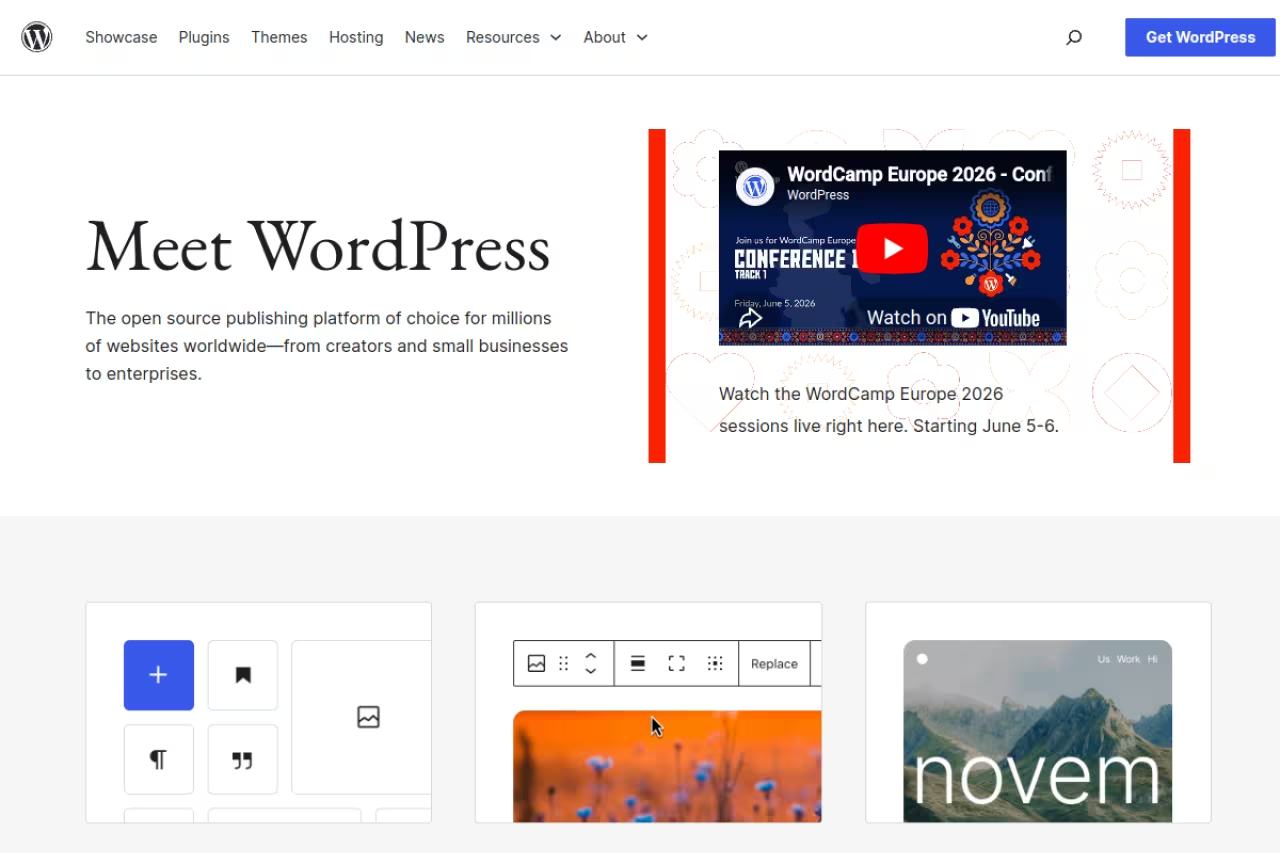
WordPress runs 57.5% of the CMS market and 38.5% of all websites as of 18 November 2026, according to W3Techs. The self-hosted version from WordPress.org is free open-source software. You pay for hosting and whatever premium plugins or themes you add.
For SEO, that market share is the point. Titles, meta descriptions, canonicals, XML sitemaps, robots, redirects and schema are all plugin-solved (Yoast, Rank Math and others). AI-search extras such as llms.txt or Markdown mirrors are plugins or custom code, not core.
The safest default when a content team needs standard SEO controls and a large plugin pool. Upkeep is yours: plugin conflicts, updates and hosting.
The software is free. Hosting, themes and plugins are extra.
Pros:
- Largest ecosystem for SEO plugins, themes and freelancers.
- REST API built in, so it can run headless with a React or Next.js front end.
Cons:
- Plugins conflict and updates break things.
- "Free" hides hosting and premium-plugin costs.

Webflow: visual builder with native SEO fields
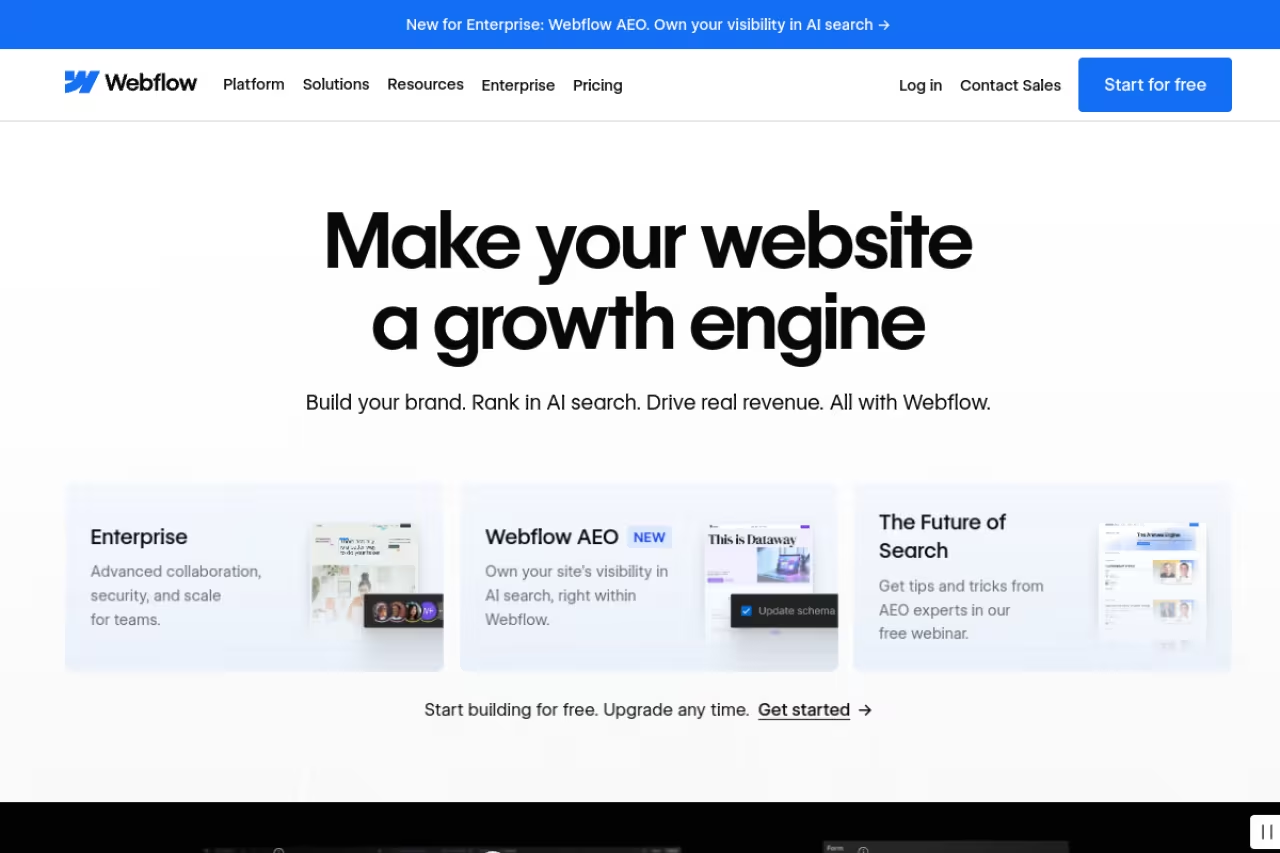
Webflow is a visual builder that generates HTML and CSS, with a CMS for blogs and case studies. Page titles, meta descriptions, Open Graph fields, an auto-generated sitemap and 301 redirects are native. You do not install Yoast. AI-search files such as llms.txt are not a first-class CMS feature; you add them as a page or custom code.
Pick Webflow when a designer is driving and SEO fields must ship with the page, not as a plugin. CMS item limits get expensive, and the Team plan is $2,500/month.
A free Starter plan exists for testing on a webflow.io subdomain. The Basic site plan is $15/month billed yearly and has no CMS. Premium at $25/month billed yearly adds the Webflow CMS, per Webflow's pricing page. The Team plan is $2,500/month on an annual contract.
Pros:
- Native titles, descriptions, sitemap and redirects.
- Visual builder ships the HTML search engines fetch.
Cons:
- Steep learning curve without CSS concepts.
- Team plan is $2,500/month.

Fimo: overlay CMS with SEO and GEO agents on your code
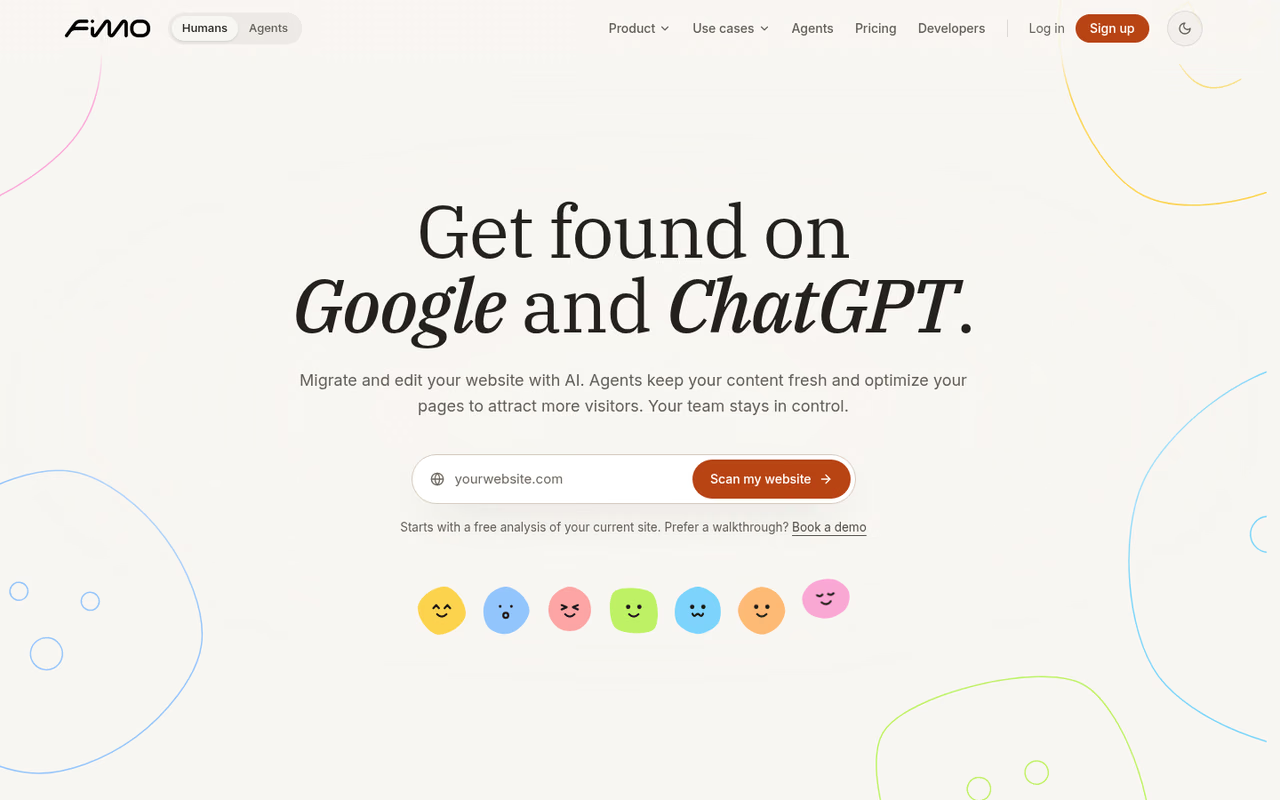
Fimo is built by the founders of Strapi, per its about page. It does not replace WordPress or Webflow. A developer runs npx fimo@latest init on a site built with Next.js, Astro, SvelteKit, React Router, TanStack or Vite. Editors then click text, images, page titles and descriptions on the live pages. The code stays in the repository. WordPress and Webflow are not supported without a rebuild, per the visual editor page.
For SEO and AI search, Fimo's own SEO & GEO page lists meta title and description, a sitemap updated as pages go live, robots, llms.txt, a Markdown .md version of pages, structured data, redirects and alt text. SEO and GEO agents can change those surfaces on a schedule. Every agent run is on a private copy; you restore if you do not like the result, per the agents page.
This entry is on the list because those controls match this guide's angle (metadata, indexation, engine-readable content) on a code-first stack. It is not a claim that Fimo outranked WordPress or Webflow in a test we ran. We did not run an independent ranking test.
Who it's for: Teams whose marketing site already lives in a repository and who need marketers to edit metadata and copy without a developer ticket for every change.
The overlay option when the site is already in code and you want titles, descriptions, sitemap, llms.txt and Markdown on that stack. It is hosted only, website-focused rather than an application CMS, and it is not a WordPress or Webflow plugin.
Free is $0/month with unlimited sites and the SEO and GEO agents running weekly, capped at 5,000 AI credits, 2 agent-hours and 5 GB of bandwidth. Starter is $99/month with all agents running daily, a custom domain, 20,000 credits, 30 agent-hours and 50 GB. Pro is $299/month. Hosting is included, there is one plan per organization, and the page lists no per-seat pricing, per Fimo's pricing page on 19 November 2026. Overage is listed at $4 per 1,000 credits, $0.80 per agent-hour and $0.40 per GB.
Pros:
- Editors change titles, descriptions and copy on the real pages.
- Sitemap, robots,
llms.txt, Markdown and structured data are documented product surfaces.
Cons:
- Hosted only; no self-hosted version.
- Does not attach to an existing WordPress or Webflow site.

Sanity: structured content, you ship the HTML
Sanity treats content as structured data, not pages. You define schemas in code, edit in Studio, and pull content via API into any front end. SEO fields (title, description, slug, Open Graph) exist if you model them. Sitemaps, robots, llms.txt and schema markup live in the front end you build.
The developer's pick when content must feed web, mobile and other channels. Non-technical teams cannot ship the SEO HTML alone.
The Free plan covers up to 20 user seats, 10k documents and two public datasets. Growth is $15 per seat/month, per Sanity's pricing.
Pros:
- 20 free seats and 10k documents.
- SEO fields are first-class data if you define them.
Cons:
- No front end: indexable HTML is your job.
- Cost scales with seats.
HubSpot CMS: SEO recommendations with a CRM behind them
HubSpot CMS, sold as Content Hub, offers a drag-and-drop page builder with basic SEO recommendations, and it connects to HubSpot's CRM. Titles, descriptions and a hosted sitemap come with the product. It is a website CMS, not a headless content API.
A friendly hosted start for small sites that already live in HubSpot. Professional starts at $450/month.
The Free plan covers up to 2 users, 30 website pages and 30 landing pages, and one blog with up to 100 posts, all with HubSpot branding. Starter is $20 per seat/month, with a $7 promotional price for eligible new customers. Professional starts at $450/month with 3 seats and Enterprise at $1,500/month with 5 seats, per HubSpot's pricing.
Pros:
- Free plan with built-in SEO recommendations.
- CRM and marketing tools on the same account.
Cons:
- Free pages carry HubSpot branding.
- Big jump from Starter to Professional.

Ghost: clean publishing HTML
Ghost is open-source publishing software with memberships and email built in. The HTML it ships is lean, which helps crawlers. SEO fields (title, description, canonical, Open Graph) are native. llms.txt is not a Ghost product feature; you add a file or redirect if you need it.
The cleanest option for writers and paid newsletters. Complex marketing sites will fight the platform.
Self-hosting is free. Ghost(Pro) managed hosting is $18/month for Starter, $29/month for Publisher and $199/month for Business, all billed yearly, per Ghost's pricing. Paid subscriptions start on Publisher.
Pros:
- Native memberships, paid subscriptions and email.
- Native title and description fields.
Cons:
- Starter has the default theme only and no paid subscriptions.
- Narrow on purpose: no complex marketing sites.

Contentful: enterprise content, you still own the front end
Contentful is an API-first CMS for many brands and channels. SEO metadata belongs in content types you define. Whether Google or an AI crawler sees a sitemap, robots.txt, llms.txt or JSON-LD depends on the front end you attach.
A fit for enterprises running many brands. For a single marketing site, Sanity or WordPress is simpler.
The Free tier includes 10 users, 100k API calls/month as a hard cap, 50 GB of CDN bandwidth and one Starter space with up to 10,000 records. Lite moves to 20 users and 1M API calls/month. Contentful does not list Lite in US dollars, per Contentful's pricing page.
Pros:
- Free tier with 10 users and a 10,000-record space.
- Mature API for multi-channel content.
Cons:
- SEO HTML is not included; you build it.
- No USD price for Lite on the public page.

Payload: SEO in the same Next.js repo as the site
Payload installs into a Next.js app. Collections are TypeScript schemas, so title, description, slug and redirects can live next to the pages that render them. That is useful for AI coding agents and for reviews in pull requests. It is not a hosted visual CMS for marketers who never open a repo.
Hand this to a Next.js team that wants metadata and content in the same codebase. Editors cannot add fields without a deploy.
Open-source under the MIT license and free to self-host. Payload's get-started page lists one-click Vercel and Cloudflare templates plus an Enterprise tier. Payload does not publish a price for Enterprise.
Pros:
- Schema-as-code in the same repo as the site.
- No per-seat fee on the MIT license.
Cons:
- Developer-only: a content type change is a deploy.
- You still implement sitemap, robots and
llms.txtin the Next.js app.
How to choose
If the site is a content operation on a classic CMS, start with WordPress or Webflow. If the site is already in a JavaScript framework repo and marketers need to edit titles and copy on the pages, Fimo is the overlay in this list. If content must feed many channels, Sanity or Contentful. If you publish a newsletter, Ghost. If HubSpot is already the CRM, HubSpot CMS. If the CMS should be TypeScript inside Next.js, Payload.
For AI SEO tools that sit on top of a CMS rather than replacing it, see best AI SEO tools. If you want playbooks around the site, Dupple X is the membership. Start a yearly trial here.
Methodology
This guide covers 8 CMS platforms chosen because they let a team control metadata, indexation or engine-readable content, or because they are the default in that job. We compared who edits SEO fields, whether sitemaps, robots, redirects, llms.txt, Markdown and structured data are product features or left to the front end, and the first paid price in US dollars. Every price comes from the vendor's own pricing page, read on 18 November 2026 except Fimo (19 November 2026), and linked in each section. We did not run independent ranking tests. See our editorial policy, how we rate and affiliate disclosure.
FAQ
What is the best CMS for SEO in 2026?
WordPress is the default for most SEO-driven content sites, because titles, sitemaps, schema and redirects are solved by a large plugin ecosystem. Webflow is the alternative when design control and native SEO fields matter more than plugins. Fimo is the overlay when the site is already built in a JavaScript framework.
What is the best CMS for AI search (GEO)?
No CMS on this list is "AI search" by itself. You need content engines can fetch (HTML or Markdown), clear titles and descriptions, and usually llms.txt plus structured data. Fimo documents those surfaces as product features. WordPress and Webflow cover titles and sitemaps; llms.txt is extra. Headless tools leave all of that to your front end.
Do I need to leave WordPress to get llms.txt?
No. You can add an llms.txt file or plugin on WordPress. Fimo includes llms.txt as a documented feature on sites it hosts. Headless stacks add the file in the front-end repo.
Which CMS lets marketers edit meta titles without a developer?
WordPress (with an SEO plugin), Webflow, HubSpot CMS, Ghost and Fimo. Sanity, Contentful and Payload can too, but only after a developer models the fields.
Related guides
Some offers on this page may be paid placements or contain affiliate links.
Across our whole catalogue the median is $23.50 a month and 37% of tools advertise a free tier. Figures are the lowest recurring monthly price quoted in our own review of each tool, read on 2026-10-23. Full method and every category.