
Best CMS for Sites Built With Claude Code or Cursor (2026)

The best CMS for a site built with Claude Code or Cursor is one that keeps content where your coding agent can reach it (in the repo or behind an official MCP server) while giving non-developers an editor of their own. Payload suits Next.js teams who want the CMS inside the same codebase, and Sanity is the strongest hosted option with an official MCP server.
Most of these sites start the same way: a founder or marketer prompts an agent, gets a working Next.js or Astro site in an afternoon, and then hits the next problem. Someone who does not write code needs to change a headline, and the agent should still be able to change the site afterwards without breaking their edits.
What changed: First published November 17, 2026. Every price and agent-access claim was verified on the vendors' own pages in November 2026.
Eight options are compared below, ranked by how well they fit this specific workflow.
Quick comparison
| Tool | Where content lives | Agent access | First paid price (US) |
|---|---|---|---|
| Payload | Your database, config in your repo | MCP plugin, llms.txt | Free (MIT), self-hosted |
| Sanity | Hosted, schema in code | Official MCP server, llms.txt | $15/seat/month, monthly |
| TinaCMS | Markdown in your Git repo | llms.txt | $29/project/month, billed monthly |
| Keystatic | Markdown, JSON or YAML in your repo | Plain files | Free (MIT) |
| Prismic | Hosted, models in code | Official MCP server, CLI, agent skill | $10/repository/month, billed annually |
| Storyblok | Hosted, API-first | MCP server | $99/month, billed monthly |
| CloudCannon | Git repo | Plain files in Git | $55/month, billed monthly |
| Decap CMS | Markdown in your Git repo | llms.txt | Free (MIT) |
How we picked
Seven criteria, in the order they matter for a site an AI coding agent built:
- Where content lives. In the repo (Markdown, MDX, JSON) the agent reads it like code. Behind an API, it needs a tool to reach it.
- Schema in code. If the content model is a file in the repo, the agent can read it and change it in the same pull request as the page.
- Agent access. An official MCP server, CLI or llms.txt, counted only when the vendor's own pages show it.
- Framework support. Next.js and Astro first, since that is what Claude Code and Cursor most often produce.
- Editing for non-developers. Visual or on-page editing, so the team does not file a ticket for every typo.
- Hosting and previews. Included, or left to you.
- Price of the first paid plan for a small team, in US dollars, with unit and billing term.
We dropped Contentful, Strapi, Directus and Builder.io. Contentful's official MCP server is real, but the options above give a clearer path for a small agent-built site; Strapi and Directus are database-first platforms that need their own server; Builder.io is a visual page builder more than a CMS for an existing codebase.

Payload: the CMS that lives in your Next.js app
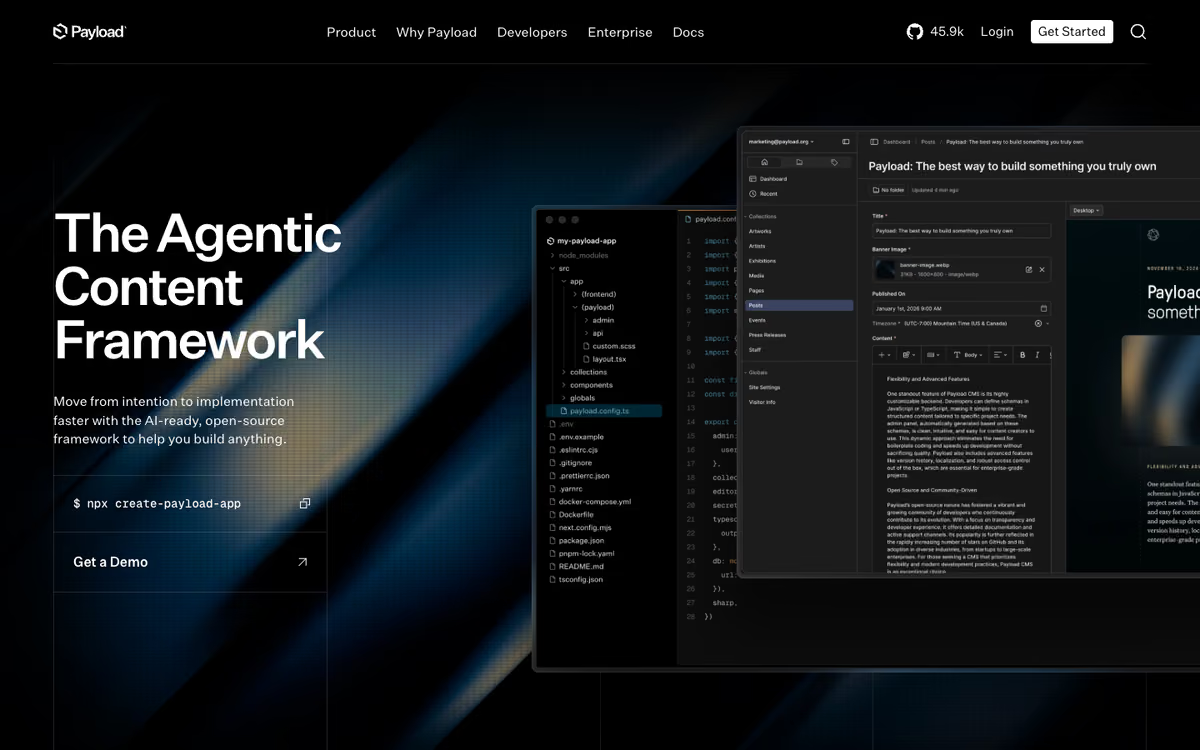
Payload is an open-source, TypeScript-native CMS that installs directly into a Next.js /app folder, per its GitHub repository. Collections are defined in code, so Claude Code or Cursor can read and edit the content model like any other file. The project is MIT licensed, so the software costs nothing; you pay only for the database and hosting you run it on.
The best fit when your agent-built site is already Next.js and you want the CMS, schema and front end in one repo and one deploy. It needs a developer to set up and host, and it is the weakest choice if you are not on Next.js.
Pros: Schema and CMS in your repo; MCP plugin; free MIT licence.
Cons: Needs a developer to deploy; best on Next.js.
Agent access is solid. Payload ships an official MCP plugin (@payloadcms/plugin-mcp) that lets you allow or block find, create, update and delete per collection, authenticated with an API key sent as a Bearer token. It also publishes an llms.txt that points to its current documentation.
There is no hosted plan to price here: the repository is MIT licensed and the setup command is pnpx create-payload-app@latest. Editors get an auto-generated admin panel once a developer has deployed it.

Sanity: hosted, with an official MCP server
Sanity is a hosted CMS where you define the schema in JavaScript or TypeScript. The agent-facing story is strong: the Sanity MCP server is hosted at https://mcp.sanity.io and is built for tools like Claude Code and Cursor. It can run GROQ queries, patch documents with awareness of your schema and help with migrations, with OAuth by default. The docs also publish an llms.txt index for agents.
The best hosted choice when you want an official MCP server and a generous free plan. Editors still need a studio set up by a developer, and GROQ is a new query language to learn.
Pros: Official MCP server; generous free plan; visual editing for Next.js and Astro.
Cons: GROQ learning curve; new content types need a developer.
Per the Sanity pricing page, the Free plan covers up to 20 seats and 10,000 documents at $0. Growth is $15 per seat per month, monthly only, for up to 50 seats. Visual editing lets editors click an element in the preview to jump to its field, and it supports Next.js (App Router and Pages Router) and Astro.
The catch: content lives behind an API, so a front end that fetches it has more moving parts than a Markdown file, and new content types are a developer task.

TinaCMS: Markdown in your repo, with visual editing
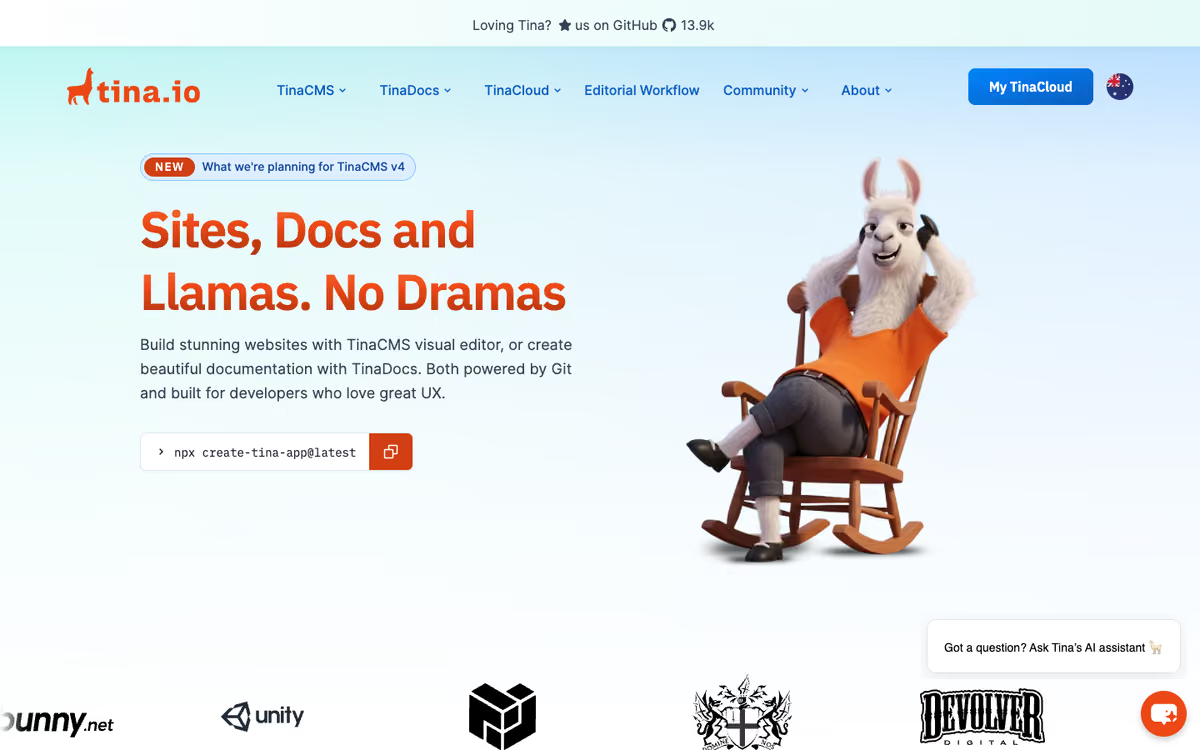
TinaCMS is an open-source, headless CMS with Git version control. Per its homepage, content is stored as Markdown in your Git repo, editors can edit visually, and Next.js and Astro starters are offered. The docs say the content model is defined in a tina/config.ts file in your project, which is exactly the kind of file an agent can edit, and that the backend can be self-hosted. Tina also publishes its own llms.txt.
A strong middle path: content stays in Git for the agent, editors get a visual editor, and the schema is one config file. Tina has no official MCP server, so agent access means editing files.
Pros: Content in Git; schema in one config file; visual editing.
Cons: No official MCP server documented.
The Tina pricing page lists a Free plan with 2 users, then Team at $29 per project per month billed monthly, or $290 per year billed annually, with 3 users included and up to 10. Business is $299 per project per month billed monthly, or $2,990 per year billed annually.
Keystatic: the lightest Git-based option
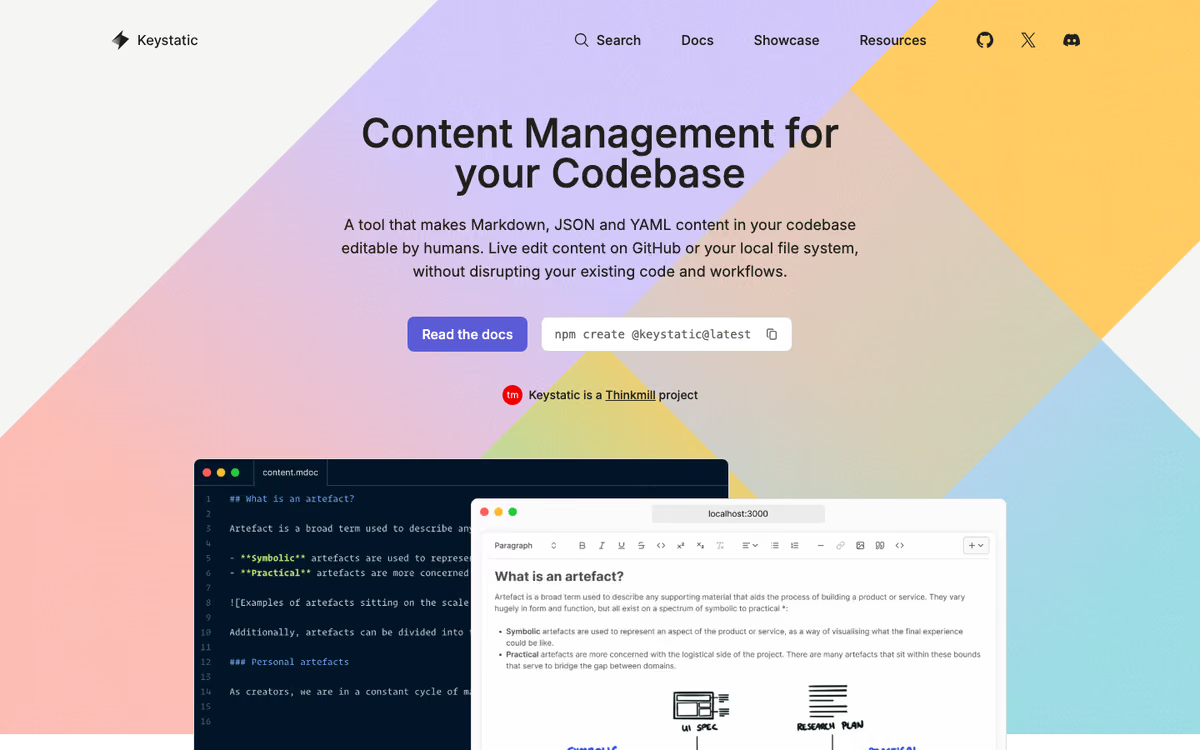
Keystatic makes Markdown, JSON and YAML content in your codebase editable through an admin UI, in local mode or GitHub mode. It is MIT licensed per its GitHub repository, which names Next.js, Remix and Astro as the frameworks it was conceived for.
Pick Keystatic for a small Astro or Next.js site where content should be plain files in the repo and nobody wants a database. It has no hosted visual page builder, and it has no MCP server or llms.txt, so the agent works on plain files.
Pros: Files in your repo; no database; MIT licence.
Cons: No hosted visual page builder; no MCP server documented.
The pricing is the simplest in this list: free under the MIT licence, with no database to run. Its homepage lists no US price for a paid plan.

Prismic: slices that agents can generate
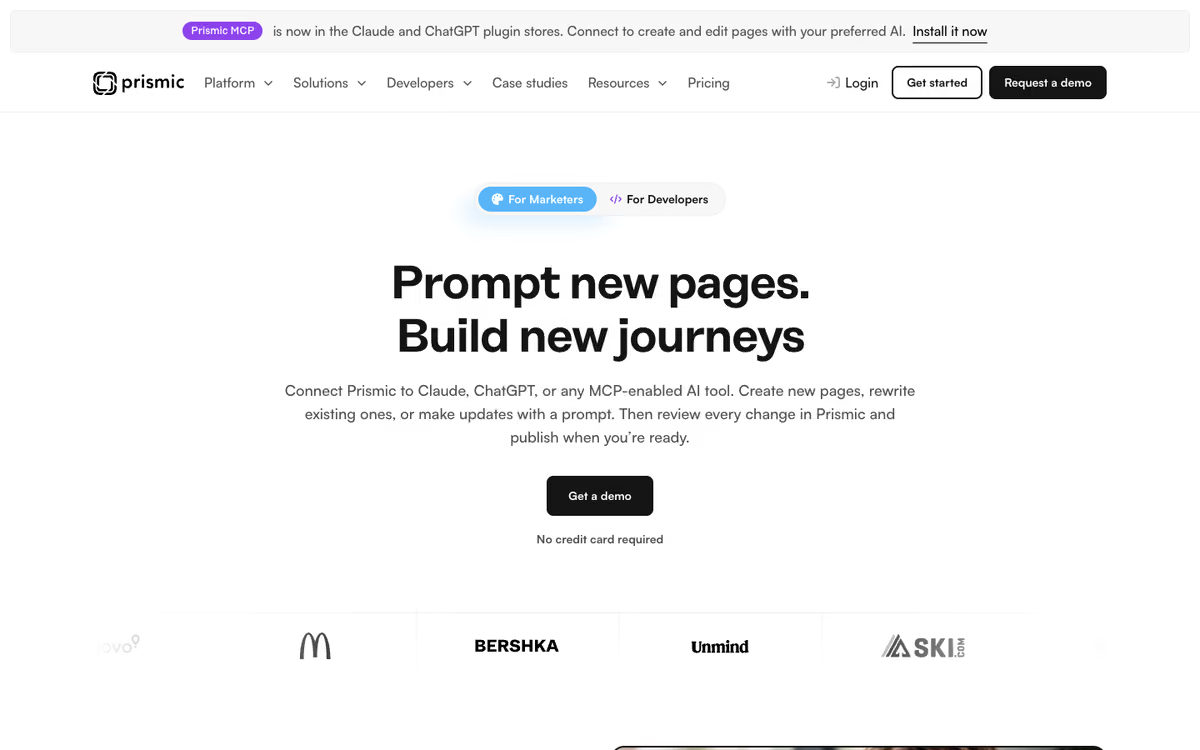
Prismic lets developers define page sections called slices in code, which marketers then assemble into pages. It is the hosted option here with the most agent tooling written down. The Prismic AI docs describe an official MCP server at mcp.prismic.io/mcp, a CLI agents use to model slices and fields, and an agent skill installed with npx skills add --global --yes prismicio/skills, with Claude Code, Codex and Cursor named as supported tools. Its homepage lists Next.js, Nuxt and SvelteKit integrations and says AI changes land in Prismic for review before publishing.
A good fit for marketing sites made of reusable sections, where you want an agent to build slices and a marketer to arrange them. The slice model is opinionated, and it is a weaker match for documentation or product catalogs.
Pros: Official MCP server, CLI and agent skill; low entry price.
Cons: Opinionated slice model; billed annually.
On the Prismic pricing page, the Free plan has one user. Starter is $10 per repository per month, billed annually, for 3 users, and Small is $25 for 7 users. The page does not give a separate monthly-billing price.

Storyblok: a visual editor for non-developers
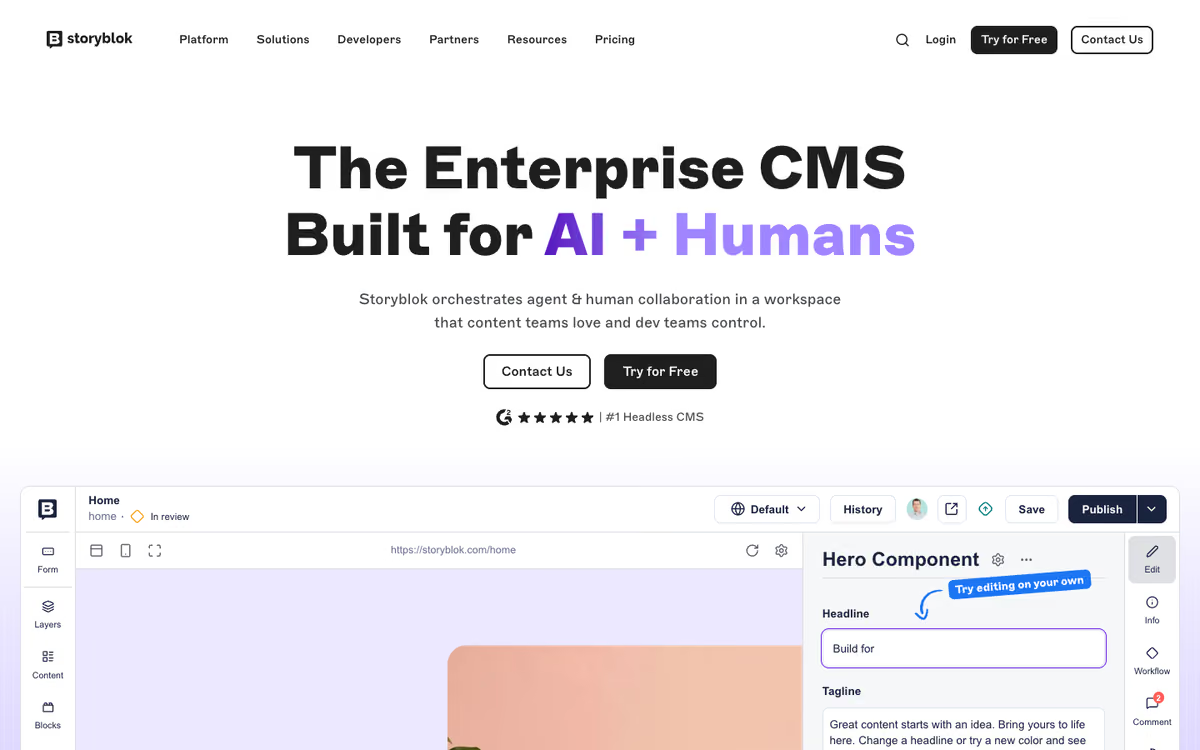
Storyblok is an API-first, component-based CMS with a visual editor. Its homepage lists quick-start guides for Next.js and Astro and describes an MCP server that connects agents to your content with awareness of its schemas, and the documentation mentions connecting AI agents through the MCP server and Agent Skills.
Choose Storyblok when the editor experience for a larger marketing team matters most. It costs more than the code-first options, and the free plan stops at one seat.
Pros: MCP server; strong visual editor; Next.js and Astro quick-starts.
Cons: Free plan stops at one seat; higher entry price.
Per the Storyblok pricing page, Starter is free with 1 seat (up to 2). Growth is $99 per month billed monthly, or $90.75 per month billed annually, with 5 seats included. Extra seats are $15 each.
CloudCannon: Git-based editing with hosting included
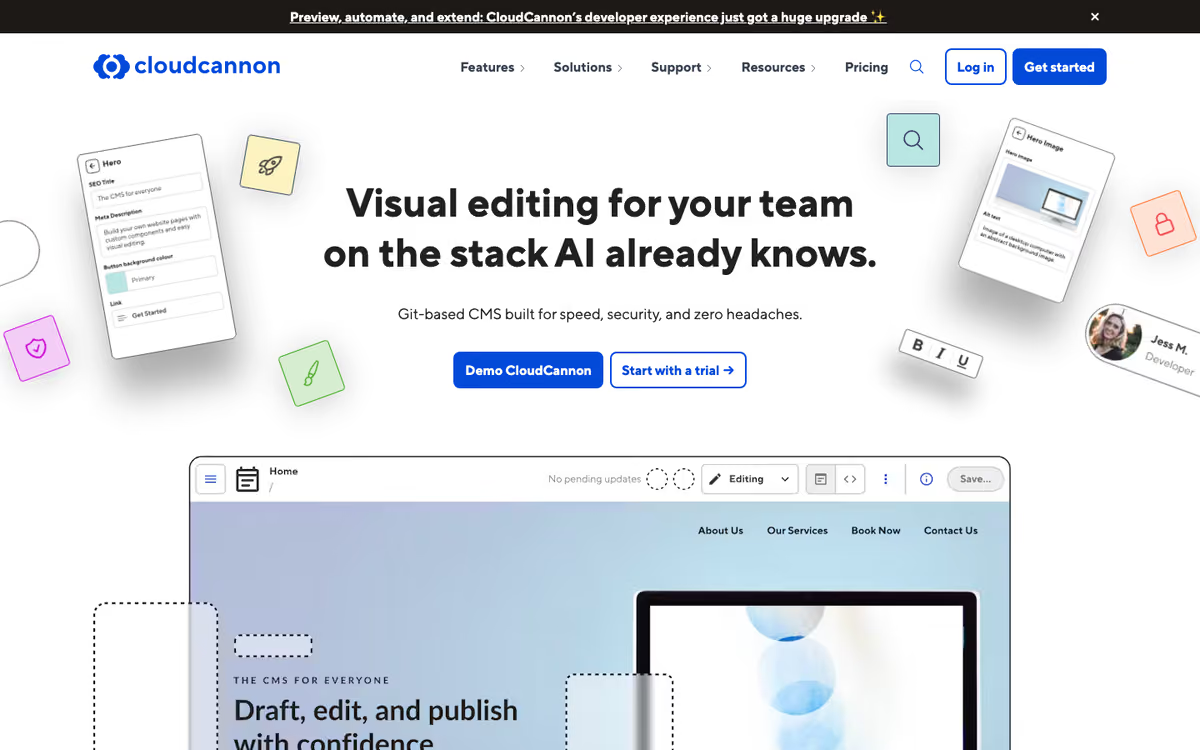
CloudCannon is a Git-based CMS that rebuilds your static site on every push. Editors work in a live, shareable preview, and CloudCannon can build and host the site or leave hosting to you. Its homepage names Cursor and Claude Code as tools that work well on plain files in Git.
A good fit for static or mostly static sites where editors need a visual editor and a hosted preview, and the agent edits files. CloudCannon has no official MCP server.
Pros: Visual editor and hosted preview; many frameworks.
Cons: No MCP server documented; extra users cost $10 per month each.
The CloudCannon pricing page lists Standard at $55 per month billed monthly ($49 per month billed annually) for 3 users and 110 GB of bandwidth, with extra users at $10 per month each. Team is $350 per month billed monthly for 15 users.
Decap CMS: free, open source, bring your own hosting
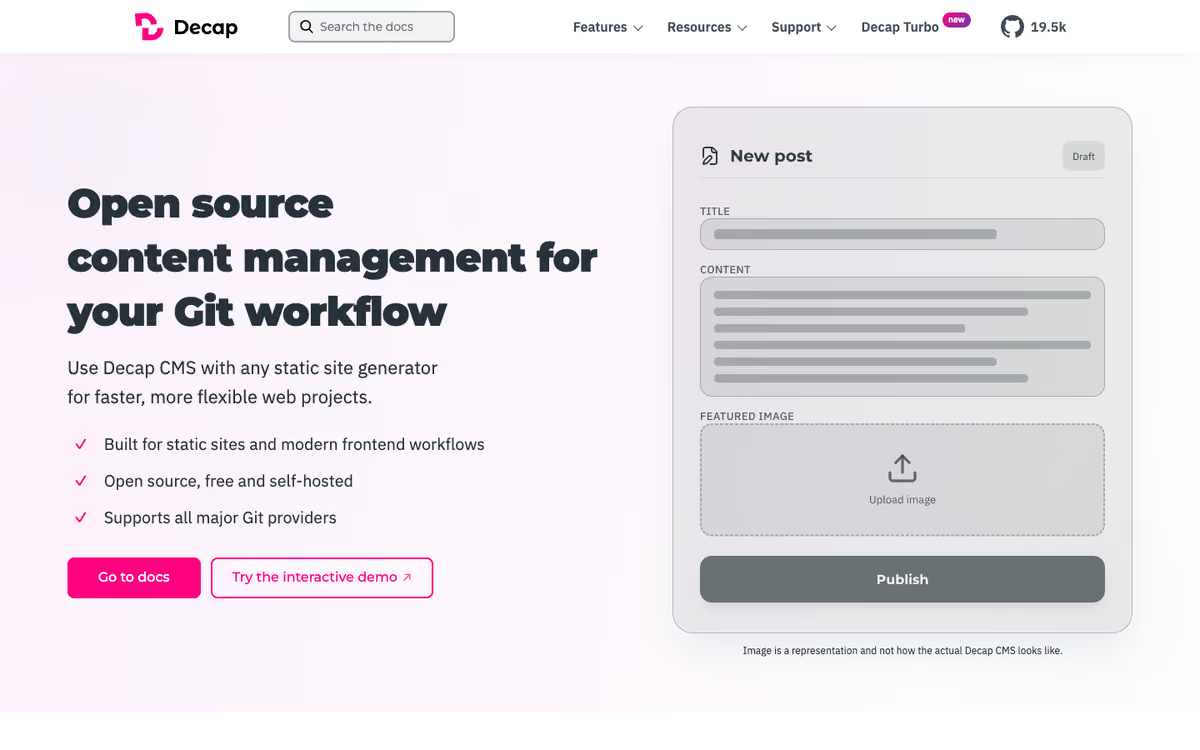
Decap CMS is an MIT-licensed, Git-based CMS served from your site's /admin/ page. Its llms.txt lists Hugo, Astro, Eleventy, Next.js, Nuxt and Jekyll among supported frameworks, and its homepage describes a draft, review and publish editorial workflow.
The cheapest route for a simple Markdown site. You supply the authentication and hosting, the editing interface is a plain form editor rather than a visual one, and there is no MCP server in its docs.
Pros: Free; Git workflow with draft and review.
Cons: Form editor, not visual; you supply auth and hosting.
The core is free under the MIT licence. An optional paid add-on, Decap Turbo, adds hosted authentication and roles and has no published US price.
How to choose
Who edits? A marketer who should never open the repo: Storyblok or Prismic. A developer who also writes content: Payload, Keystatic or Decap.
Where should content live? If you want the agent to see content as files, choose TinaCMS, Keystatic, CloudCannon or Decap. If you want an official MCP server, choose Sanity, Payload or Prismic.
What is your framework? Payload is built for Next.js. Sanity, TinaCMS and Keystatic cover Next.js and Astro.
For a first project, we would start with a Git-based option (Keystatic or TinaCMS) if the team is two or three people, and with Sanity or Storyblok once non-developers outnumber developers.
FAQ
Can Claude Code edit my CMS content?
Yes, in two ways. With a Git-based CMS such as TinaCMS, Keystatic, CloudCannon or Decap, content is Markdown or JSON in your repo, so Claude Code edits it like any file. With a hosted CMS it needs an official integration: Sanity, Prismic, Storyblok and Payload each document an MCP server or plugin. Add them to Claude Code with its MCP command.
Which CMS has an MCP server?
From each vendor's own pages: Sanity (mcp.sanity.io), Payload (@payloadcms/plugin-mcp), Prismic (mcp.prismic.io/mcp) and Storyblok document one. Keystatic, TinaCMS, CloudCannon and Decap have no official MCP server.
Git-based or headless CMS for a Next.js site built with Cursor?
Git-based is simpler and cheaper: content stays in the repo and Cursor sees it. A headless CMS such as Sanity is better when several non-developers edit at once or the same content feeds several channels. Payload sits in between, since it runs inside your Next.js app.
What is the cheapest CMS for a site built with an AI coding agent?
Keystatic and Decap CMS are free under the MIT licence, and Payload is free to self-host, so you pay only for hosting. Among hosted plans, Prismic starts at $10 per repository per month billed annually, and Sanity at $15 per seat per month.
Can non-developers edit a site that Claude Code built?
Yes, once a CMS is connected. Storyblok, TinaCMS and CloudCannon offer visual or on-page editing, and Sanity's visual editing lets editors click an element in the preview to find its field. Setup is a one-time developer or agent task.
Will the agent overwrite my editors' changes?
It depends on where content lives. With Git-based content, edits and agent changes both become commits, so normal Git review and merge applies. With an API-based CMS, the agent changes code and schema while editors change content, so they rarely collide. Keep content and layout changes in separate branches either way.
Related guides
Some offers on this page may be paid placements or contain affiliate links.