
Best AI Podcast Tools (2026): Edit, Transcribe, and Generate Faster

Key facts8 tools compared: Descript, Riverside, Adobe Podcast, Opus Clip, NotebookLM, Wondercraft…
- 8 tools compared: Descript, Riverside, Adobe Podcast, Opus Clip, NotebookLM, Wondercraft, Castmagic, Otter.ai
- Descript (best for: All-in-one editing): Free; paid from $16/mo (annual)
- Riverside (best for: Remote recording + AI): Free; paid from $15/mo (annual)
- Adobe Podcast (best for: Audio cleanup): Free; Premium $9.99/mo
- Opus Clip (best for: Short-form clips): Free; paid from $15/mo
The math on podcasting changed. Two years ago, turning a raw recording into a published episode with clips, show notes, and a transcript meant a full day of work or a paid editor. Now a single person can do all of it before lunch, and the audio sounds better than what most studios shipped in 2020.
The problem is that "AI podcast tool" now means six different jobs. Cleaning up bad audio is not the same as cutting filler words, which is not the same as generating a synthetic two-host show from a PDF. I compared the main players across recording, editing, transcription, clipping, and generation to figure out which ones actually save time versus which ones just add a step.
Short version: if you record real conversations and want one tool to edit, transcribe, and repurpose, Descript is still the best pick for most people. If you only care about making bad audio sound professional, Adobe Podcast does that one thing better than anything else, and the core feature is free. The rest of this guide is about matching the tool to the job you actually have.
Quick comparison
| Tool | Best for | Price | Standout |
|---|---|---|---|
| Descript | All-in-one editing | Free; paid from $16/mo (annual) | Edit audio by editing text |
| Riverside | Remote recording + AI | Free; paid from $15/mo (annual) | Records local 4K on each side |
| Adobe Podcast | Audio cleanup | Free; Premium $9.99/mo | Best-in-class speech enhancement |
| Opus Clip | Short-form clips | Free; paid from $15/mo | Virality scoring on auto-cut clips |
| NotebookLM | Document-to-audio | Free | Two AI hosts from your sources |
| Wondercraft | Synthetic podcasts | Free tier; paid from $25/mo (annual) | Full studio from a text prompt |
| Castmagic | Content repurposing | Paid from $23/mo (annual) | One upload, a dozen content formats |
| Otter.ai | Transcription | Free; Pro $8.33/mo (annual) | Live transcription with AI chat |

Descript: the editor that still wins
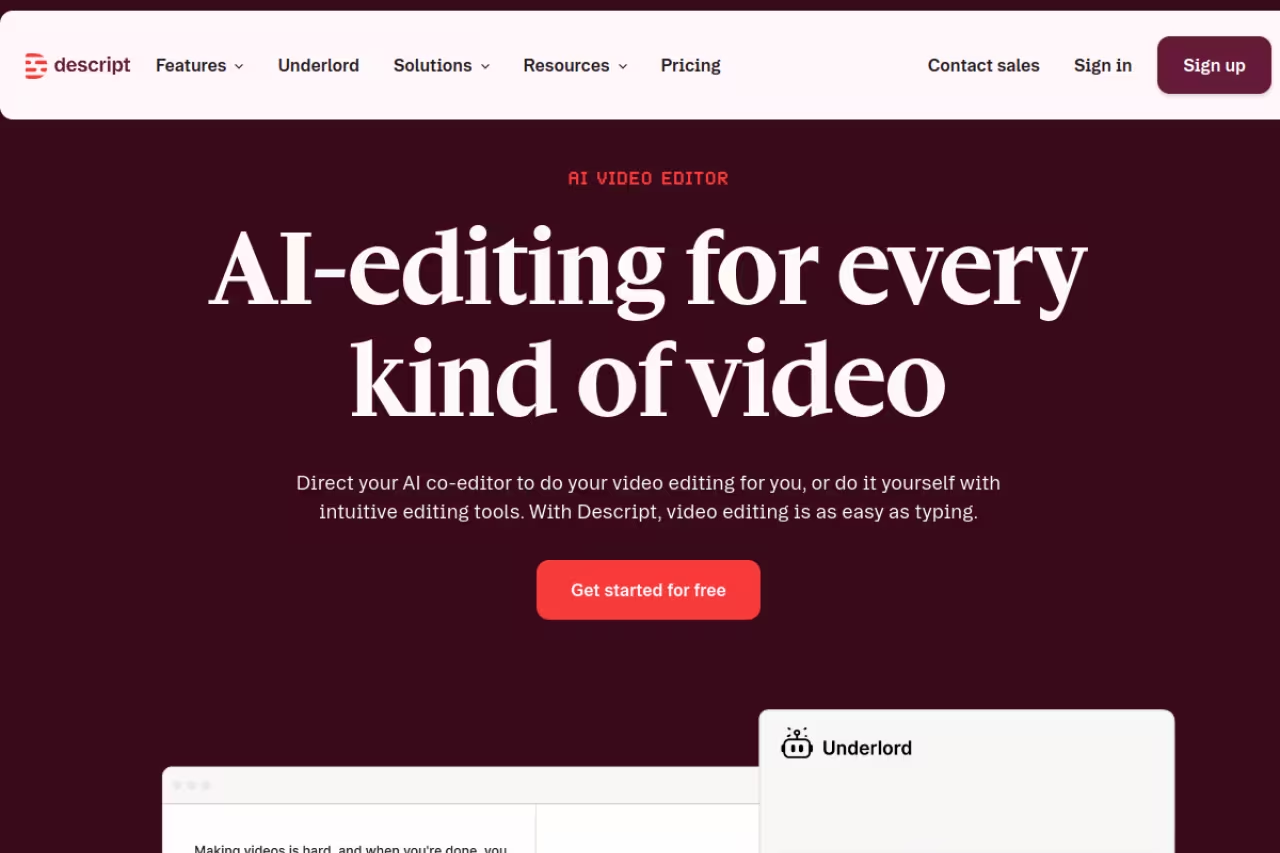
Descript transcribes your recording the moment you import it, then lets you edit the audio by editing the transcript. Delete a sentence from the text and it vanishes from the audio. Cut every "um" with one click. After a decade of timeline-based editors, this still feels like a cheat code, and it is the reason Descript keeps showing up at the top of every podcast workflow.
Who it's for: Solo creators and small teams who record real conversations and want editing, transcription, AI voice cleanup, and clip generation in one place instead of stitching four subscriptions together.
The editor that still wins, letting you cut audio by editing the transcript and bundling cleanup and clip generation in one app. AI credits run out faster than expected on heavy features, and the video editor makes the app heavier than a pure audio tool needs.
The free plan gives you 60 minutes of transcription a month and 100 one-time AI credits, which is enough to test it but not to run a show. Paid plans start at the Hobbyist tier for $16/month billed annually (10 hours of media, 400 AI credits monthly), and the Creator tier most podcasters land on is $24/month annually with 30 hours of media and 800 credits. Prices are on the official pricing page and run higher on monthly billing.
The standout: Studio Sound. It strips room echo and background hiss and makes a laptop mic sound close to a real broadcast setup. Paired with the filler-word removal, you can take a messy Zoom call and ship something clean without touching a noise gate.
The catch: AI credits run out faster than you expect once you start using the heavier features like AI voices and video generation. Heavy users on the Creator plan can burn through 800 credits well before month's end, and the per-credit math is hard to predict until you've used it a few times. The video editor is also genuinely good now, which is great, but it makes the app heavier than a pure audio tool needs to be.

Riverside: the recording layer
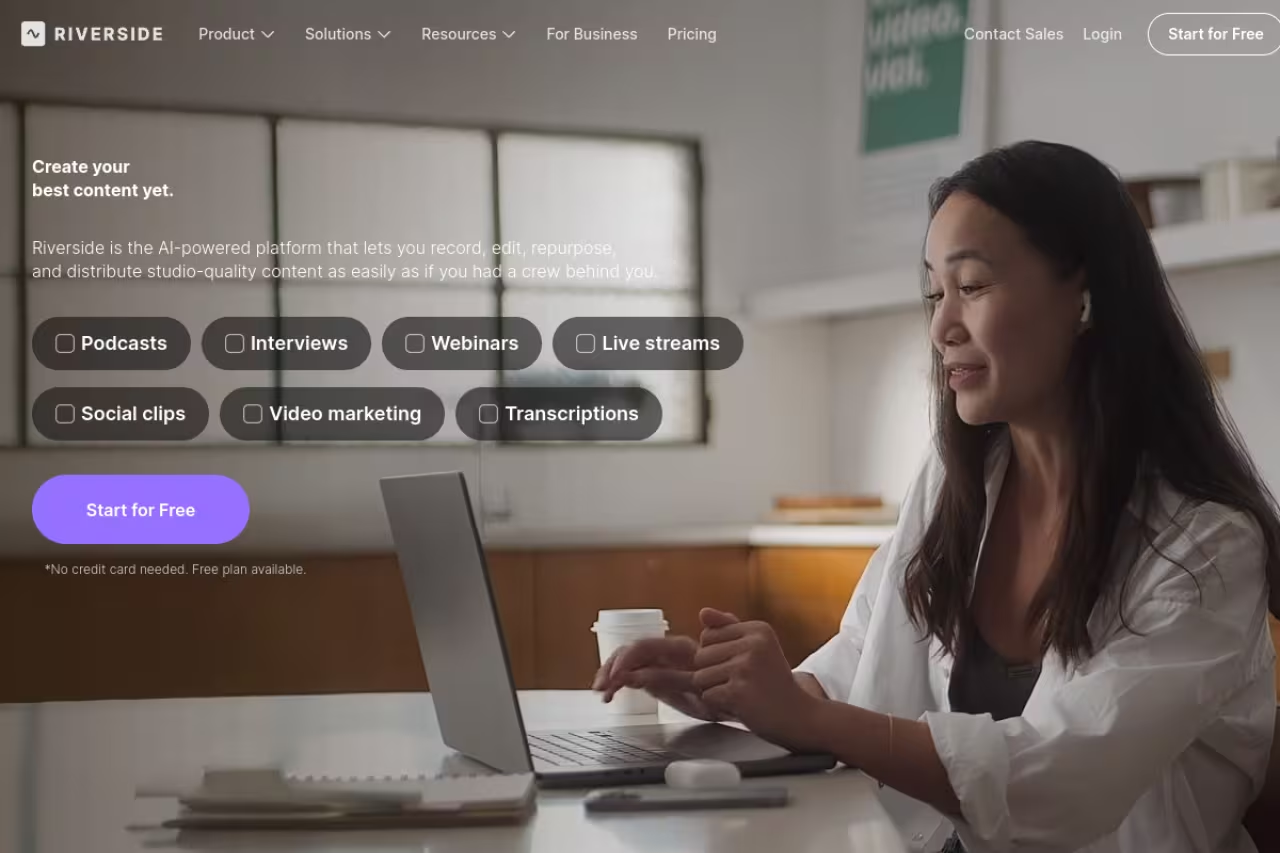
Riverside solves a different problem than Descript: getting a clean recording in the first place. When you record a remote interview over Zoom, you're capturing compressed internet audio. Riverside records each participant locally in up to 4K video and high-quality audio, then uploads those separate tracks, so a dropped connection doesn't wreck your file.
Who it's for: Anyone running remote interviews or a video podcast where guest audio quality has been a recurring headache.
Pick Riverside if guest audio quality is the recurring headache, since each participant records locally and a dropped connection will not wreck the file. It is a recording-first tool rather than a deep editor, so you still want Descript for fine cuts.
The free plan covers 2 hours of recording with a watermark and 720p video. The Starter plan is $15/month annually for unlimited recording, 1080p, and watermark-free exports. The Pro plan at $24/month annually adds 4K, 15 hours of multitrack recording, and the AI tools, per Riverside's pricing.
The standout: The AI layer that sits on top of recording. Magic Clips auto-cuts your episode into short-form videos, the eye-contact correction quietly fixes the fact that you were looking at your notes, and AI Show Notes and transcription come built in. You record and walk away with most of your repurposing already done.
Where it falls short: It is a recording-first tool, not a deep editor. You'll still want Descript or a traditional editor for fine cuts. The local-recording upload step also depends on each guest having a stable enough connection to finish uploading their track, and non-technical guests sometimes close the tab too early.

Adobe Podcast: the audio fixer
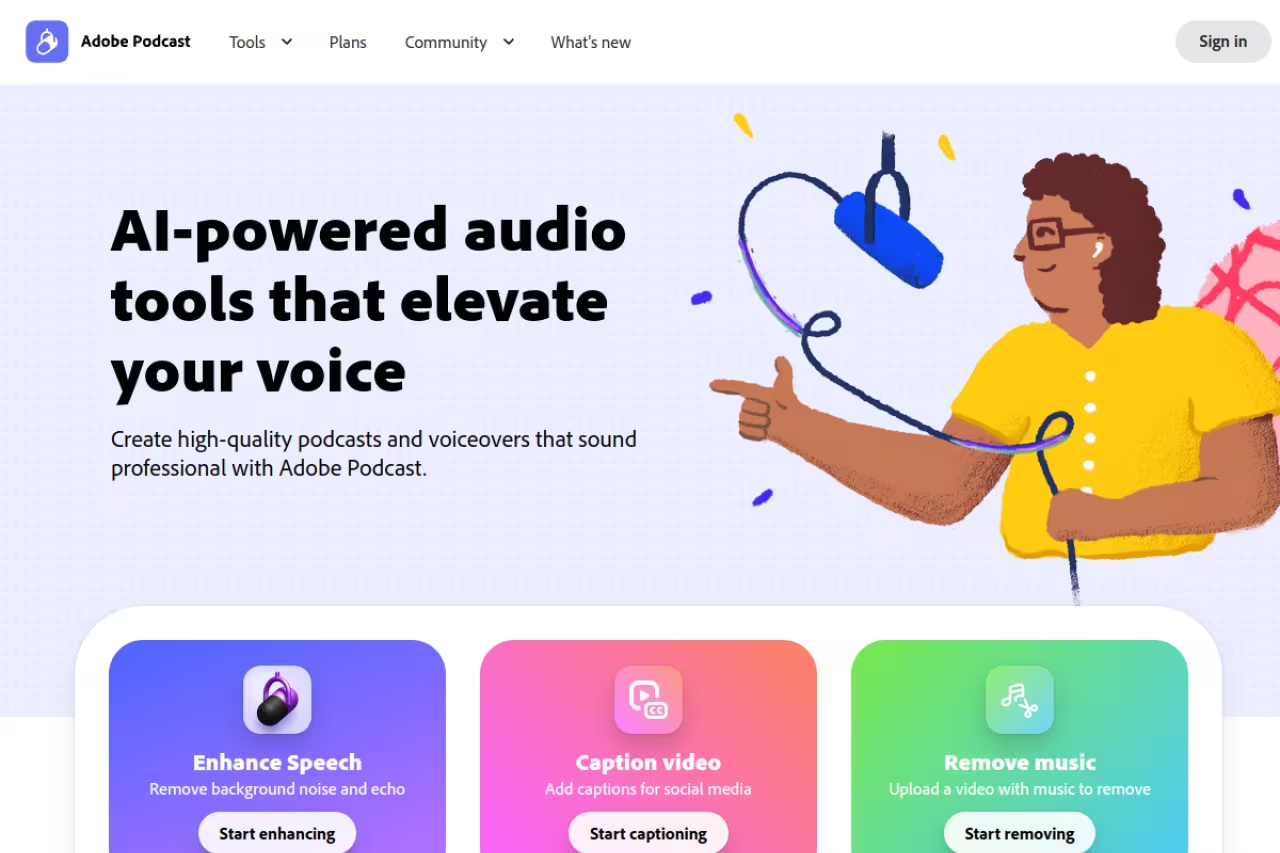
Adobe Podcast and its Enhance Speech feature do one job and do it better than the competition: making bad audio sound like it was recorded in a treated room. Upload a file recorded in a kitchen with a fan running and it comes back sounding like a podcast booth. The difference is dramatic enough that some people run their Descript exports through Adobe Enhance just for the final polish.
Who it's for: Anyone whose main pain is audio quality, especially people recording on phones, laptop mics, or in untreated rooms.
The audio fixer for anyone recording on phones, laptop mics or in untreated rooms, and Enhance Speech is free without an Adobe subscription. It is one step in a larger workflow, and strong settings can leave an underwater sound.
Enhance Speech is free with no Adobe subscription, processing files up to 30 minutes with a 500MB limit and roughly an hour of processing per day. Premium runs $9.99/month or $99.99/year and lifts the file limit to about 2 hours, adds batch uploads, video support, and enhancement-strength controls, according to Adobe's documentation. The free tier alone handles most short-episode needs.
The standout: The Enhance model is widely regarded as the best speech-cleanup AI on the market. It outperforms the equivalent feature in most all-in-one tools, which is why it survives as a single-purpose tool people keep in their kit.
The catch: It's a cleanup utility, not a production suite. There's no real timeline editor, no clip generation, no show-note writer. You'll use it as one step in a larger workflow rather than as your home base. Push the enhancement strength too high and quiet recordings can pick up a slightly processed, underwater quality.
If you're building a whole content engine around your show, the cleanup step is only one piece. Our guide to the best AI content repurposing tools covers turning one episode into the rest of your distribution.

Opus Clip: clips on autopilot
Opus Clip takes a long episode and finds the moments most likely to perform as short-form video, then cuts them into vertical clips with animated captions and a "virality score." For a show that lives on YouTube Shorts, TikTok, and Reels, this collapses an hour of manual clip-hunting into a few minutes.
Who it's for: Video podcasters who want a steady feed of social clips without watching their own episodes back to find the good parts.
Choose Opus Clip if you run a video podcast and want a steady feed of social clips without watching episodes back. The virality score is only a directional hint, so keep a human eye on picks, and credits expire.
The free plan gives you 60 minutes of processing a month with watermarked 720p exports. Starter is $15/month for 150 minutes with no watermark, and Pro is $29/month (or $14.50/month annually) for 300 minutes, 1080p, speaker detection, and auto-posting, per Opus Clip's pricing. One credit equals one minute of source video, so a 45-minute episode eats 45 credits.
The standout: ClipAnything and the virality scoring. Instead of guessing which clips to post, you get a ranked list, and the auto-reframe keeps moving subjects centered when it converts wide video to vertical.
Where it falls short: The virality score is a directional hint, not gospel. Clips it rates highly sometimes flop, and clips it ignores sometimes pop. You still need a human eye on the final selection. Credits also expire (monthly plan credits after 60 days), so batching a backlog can waste them.

NotebookLM: documents into a two-host show
Google's NotebookLM does something genuinely new. Feed it documents (PDFs, Google Docs, web pages) and its Audio Overviews feature generates a conversational episode between two AI hosts who discuss your material. The output is convincing enough that people regularly mistake it for a real podcast.
Who it's for: Anyone turning dense source material into listenable audio: course creators, researchers, internal teams, marketers who want to spin a report into a quick listen.
Brilliant for turning dense documents into a convincing two-host episode, free with a Google account. It is not a real podcast workflow, with no series management and limited script control, so it suits one-off explainers rather than a branded show.
Free with a Google account. The free tier covers 3 Audio Overviews per day, 100 notebooks, and 50 sources per notebook, based on Google's announcement. Paid Google AI tiers raise the limits, but the free version is enough for most people.
The standout: Cost and quality. A free tool that produces a coherent, well-paced two-host conversation from your own documents is the kind of thing that would have cost real money to fake two years ago.
The catch: You don't get a real podcast workflow. There's no series management, limited control over the script, and the two-host format is the only mode. It's brilliant for one-off explainers and study aids, not for running an ongoing branded show. For that, look at a dedicated generator.
Wondercraft: the synthetic studio
Wondercraft is the production-grade version of the text-to-podcast idea. You can write or generate a script, pick from realistic AI voices, drop in music and sound effects, and edit everything on a timeline, all in the browser. It's built for people who want to ship a polished synthetic show on a schedule, not a one-off audio summary.
Who it's for: Marketers and creators producing branded audio at volume, like a daily news brief or an audio version of a newsletter, without recording anything live.
The production-grade option for shipping a polished synthetic show on a schedule, with a script, AI voices, music and a timeline in the browser. Credits are minutes of audio and go fast, and the voices still read as synthetic.
The free Starter plan includes 6 credits (about 6 minutes of audio) a month. The Creator plan is $25/month billed annually for 100 credits, and Pro is $45/month annually for 200 credits, per Wondercraft's pricing. All paid plans include full commercial rights, which matters if you're monetizing.
The standout: It's a true studio, not a one-click generator. The voice library is strong, and the timeline control means you can fix pacing and add production polish that NotebookLM simply doesn't offer.
Where it falls short: Credits are minutes of audio, and they go fast if you're producing regularly. A daily 10-minute show would blow past the Creator plan in under two weeks. The synthetic-voice quality is excellent but still reads as synthetic to attentive listeners, so it suits informational content more than personality-driven shows.

Castmagic: the repurposing machine
Castmagic skips recording and editing entirely. You upload a finished episode and it spits out show notes, timestamps, key takeaways, quote cards, a blog post, social posts, and a newsletter draft. It's the tool for people who hate the part of podcasting that happens after the recording is done.
Who it's for: Podcasters and agencies who already record fine but lose hours every week turning episodes into written content for distribution.
Pick Castmagic if you hate the post-recording grind, since one upload becomes show notes, a blog post and social drafts. It is priced for high-volume producers, at $39/month for 200 minutes, and the copy still needs a human pass.
Castmagic uses usage-based tiers. The Hobby plan is around $23/month billed annually (or $39 monthly) for roughly 200 minutes of processing, and the Starter plan is $59/month annually (or $99 monthly) for about 500 minutes, per Castmagic's pricing. There's a small free allowance to test it.
The standout: Breadth of output from a single upload. One episode in, a dozen ready-to-edit assets out. The transcripts are clean, speaker-split, and filler-word-trimmed.
The catch: It's priced for people who produce a lot. At $39/month for 200 minutes, a weekly hour-long show eats most of your allowance, and the per-minute cost climbs if you go over. The AI-written copy is a strong first draft but still needs a human pass before it sounds like you.

Otter.ai: transcription as a habit
Otter.ai is the transcription specialist. It was built for meetings, but it's become a default for podcasters who want fast, searchable transcripts and live captions during recording. The AI chat that lets you query a transcript ("what did the guest say about pricing?") is genuinely useful for pulling quotes.
Who it's for: Interviewers who want a reliable transcript and the ability to search and summarize it without uploading to a separate tool.
A reliable transcript specialist with searchable, queryable transcripts and a free plan of 300 minutes a month. It is meeting-first, accuracy drops on accents and crosstalk, and Descript or Castmagic can make a standalone transcriber redundant.
The free Basic plan covers 300 transcription minutes a month. Pro is $8.33/month billed annually (1,200 minutes per user), and Business is $19.99/month annually with higher limits, per Otter's pricing. The free tier handles a few episodes a month.
The standout: Speed and search. Live transcription means you can mark moments as you record, and the AI chat turns a transcript into a Q&A surface for finding clip-worthy lines.
Where it falls short: It's meeting-first, so podcast-specific features (clip generation, audio enhancement, show notes formatting) aren't its focus. Accuracy drops on heavy accents, crosstalk, and technical jargon, so you'll edit the transcript before publishing. Tools like Descript and Castmagic fold transcription into a bigger workflow, which can make a standalone transcriber redundant.
How to choose
Pick by the job that's costing you the most time right now, not by feature count.
If editing is your bottleneck, start with Descript. The text-based editing and Studio Sound replace the largest chunk of manual work, and it absorbs transcription and clip generation too.
If audio quality is the problem, Adobe Podcast's free Enhance Speech fixes it for $0. Add it as a final step on top of whatever editor you use.
If you record remote interviews, Riverside protects you from bad guest audio at the source, which no amount of post-processing fully recovers.
If distribution is the pain, pair your editor with Opus Clip for video clips or Castmagic for written content. Most creators run one editing tool plus one repurposing tool.
If you're generating audio from text, NotebookLM is the free starting point and Wondercraft is the paid upgrade when you need control and commercial rights.
Most working podcasters end up with two or three of these, not one. A common stack is Riverside to record, Descript to edit, and Opus Clip to cut social clips. If you want a wider view of the AI stack beyond audio, our roundup of the best AI tools and the guide to the best AI for video editing are good next reads.
If you're building a content operation and want the curated picks delivered weekly, Dupple X tracks what's actually working across the AI tooling space so you don't have to test everything yourself.
FAQ
What is the best AI tool for editing podcasts?
For most people it's Descript, because it combines text-based editing, automatic transcription, filler-word removal, and Studio Sound audio cleanup in one app. You edit the transcript and the audio follows, which removes the slowest part of traditional editing. If your only issue is audio quality rather than editing, Adobe Podcast's free Enhance Speech is the better single-purpose choice.
Can AI generate a full podcast from text?
Yes. Google's NotebookLM creates a free two-host conversation from documents you upload, and Wondercraft produces studio-grade synthetic episodes from a script with custom AI voices, music, and full commercial rights on paid plans. The voices are convincing for informational content, though attentive listeners can still tell they're synthetic, so these tools fit news briefs and explainers better than personality-driven shows.
Is Adobe Podcast really free?
The core Enhance Speech feature is free with no Adobe subscription. The free tier handles files up to 30 minutes with a 500MB size limit and around an hour of processing per day. The $9.99/month Premium plan raises the file limit to about 2 hours and adds batch uploads, video support, and enhancement-strength controls. For most short episodes, the free version is enough.
How much do AI podcast tools cost per month?
It depends on the job. Cleanup tools like Adobe Podcast start free or at $9.99/month. Editing suites like Descript run $16 to $24/month on annual billing. Recording tools like Riverside start at $15/month, clip tools like Opus Clip at $15/month, and repurposing tools like Castmagic from around $23/month. A typical two-tool stack lands somewhere between $30 and $50/month.
Which AI podcast tool is best for making short clips?
Opus Clip is the standout for turning long episodes into vertical short-form clips. It auto-detects the most clip-worthy moments, adds animated captions, reframes wide video to vertical with subject tracking, and assigns a virality score to rank them. Riverside's Magic Clips does a similar job if you're already recording there. Treat the virality score as a hint, not a guarantee, and keep a human eye on the final selection.
Do I still need a human editor with these tools?
For polish, often no. AI handles audio cleanup, filler removal, transcription, and rough clip selection well enough to ship. Where humans still matter is judgment: choosing which clips will actually resonate, editing AI-generated show notes so they sound like you, and making narrative cuts that require taste rather than pattern-matching. The tools cut the grunt work by 5 to 10 hours an episode but don't replace editorial instinct.
Related guides
Some offers on this page may be paid placements or contain affiliate links.
Across our whole catalogue the median is $24 a month and 33% of tools advertise a free tier. Figures are the lowest recurring monthly price quoted in our own review of each tool, read on 2026-08-19. Full method and every category.
