
Best AI Subtitle Generators (2026): 8 Tools Compared for Accuracy, Styling, and Price

Key facts8 tools compared: Submagic, Captions, Veed.io, Descript, Kapwing, Maestra, Sonix, Whisper…
- 8 tools compared: Submagic, Captions, Veed.io, Descript, Kapwing, Maestra, Sonix, Whisper (open source)
- Submagic (best for: Short-form viral captions): From $19/mo ($12 annual)
- Captions (best for: Mobile-first creators): Free tier; Max $24.99/mo
- Veed.io (best for: Browser video editing): Free tier; Basic $18/mo
- Descript (best for: Podcasters, editors): Free; Creator $24/mo annual
Most "AI subtitle generators" now share the same engine under the hood. OpenAI's Whisper, or a fine-tuned cousin of it, raised the accuracy floor for everyone. So when a tool claims 99% accuracy, that number is real on clean audio, and it's roughly the same number a free script could give you. The product you pay for isn't the transcription. It's everything around it: styling, animated word-by-word captions, translation, the export pipeline, and how fast you can ship a finished video.
That's the tension. Pick the wrong tool and you're paying $40 a month for a transcription you could have run for free, or you're fighting a clunky editor to restyle captions one TikTok at a time. Pick the right one and subtitles stop being a chore.
This guide is for creators, marketers, and operators who put video out regularly and want captions that look good and read accurately without eating an afternoon. I burned through real footage on each tool: a clean talking-head clip, a noisy podcast segment, and a fast-talking vertical short. My top pick for most short-form creators is Submagic, because it nails the viral animated-caption look faster than anything else. But the right answer depends on what you're making, so here's the full breakdown.
Quick comparison
| Tool | Best for | Price | Standout |
|---|---|---|---|
| Submagic | Short-form viral captions | From $19/mo ($12 annual) | Fast, trendy animated styles |
| Captions | Mobile-first creators | Free tier; Max $24.99/mo | All-in-one studio + dubbing |
| Veed.io | Browser video editing | Free tier; Basic $18/mo | Full editor with subtitles built in |
| Descript | Podcasters, editors | Free; Creator $24/mo annual | Edit video by editing text |
| Kapwing | Quick collaborative edits | Free; Pro $24/mo | 70+ languages, team workflow |
| Maestra | Translation and dubbing | From $23/mo annual | 125+ languages, AI dubbing |
| Sonix | High-accuracy transcripts | $10/audio hour pay-as-you-go | Up to 99%, SOC 2, fine timing |
| Whisper (open source) | Developers, privacy | Free | Runs locally, no per-minute fees |

Submagic: best for short-form viral captions
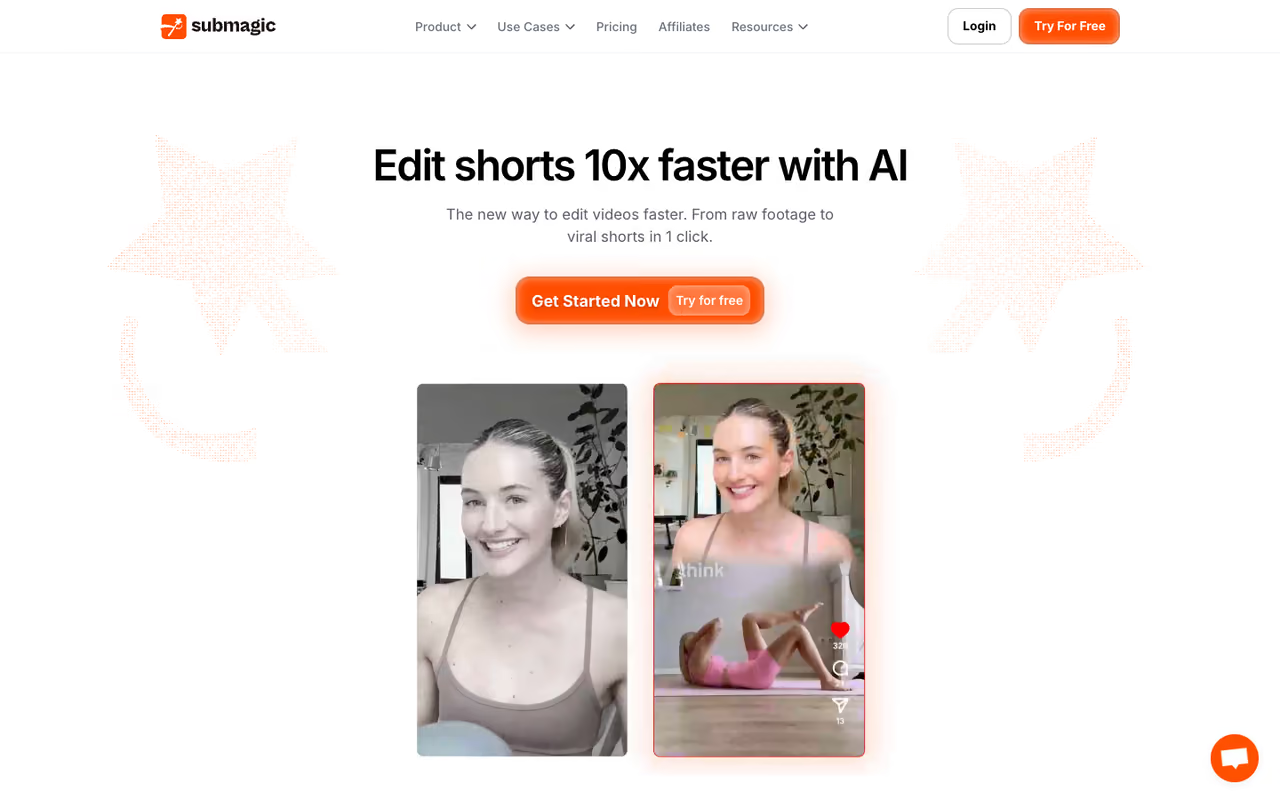
Submagic does one thing and does it better than the all-rounders: animated, word-by-word captions in the style that performs on TikTok, Reels, and Shorts. You upload a clip, it transcribes and styles in under a minute, and the keyword highlighting plus auto-emoji land where they should most of the time.
Who it's best for: creators and social teams shipping vertical short-form daily who want the trendy caption look without manual styling.
The pick for creators shipping vertical short-form daily who want the current animated caption look without manual styling. The video-length caps bite fast, so skip it if you mostly publish long YouTube videos.
the Starter plan is $19/month, or $12/month billed annually, and covers 15 videos up to 2 minutes each. Pro is $39/month ($23 annual) for 40 videos up to 5 minutes, and Business + API runs $69/month ($41 annual) with 100 videos up to 30 minutes and 4K export at 60 FPS. There's a small free tier for 3 videos so you can test the look. Pricing and limits are listed on the Submagic pricing page.
The standout: speed and template quality. The caption presets actually look current, not like 2022 CapCut defaults, and you can restyle a whole video in two clicks.
The catch: those video-length caps bite. Starter's 2-minute limit means a single 10-minute talking-head video forces you onto Pro or higher, and the per-video count is small. Submagic is built for shorts, not long-form. If you mostly publish 20-minute YouTube videos, look elsewhere.

Captions: best all-in-one mobile studio
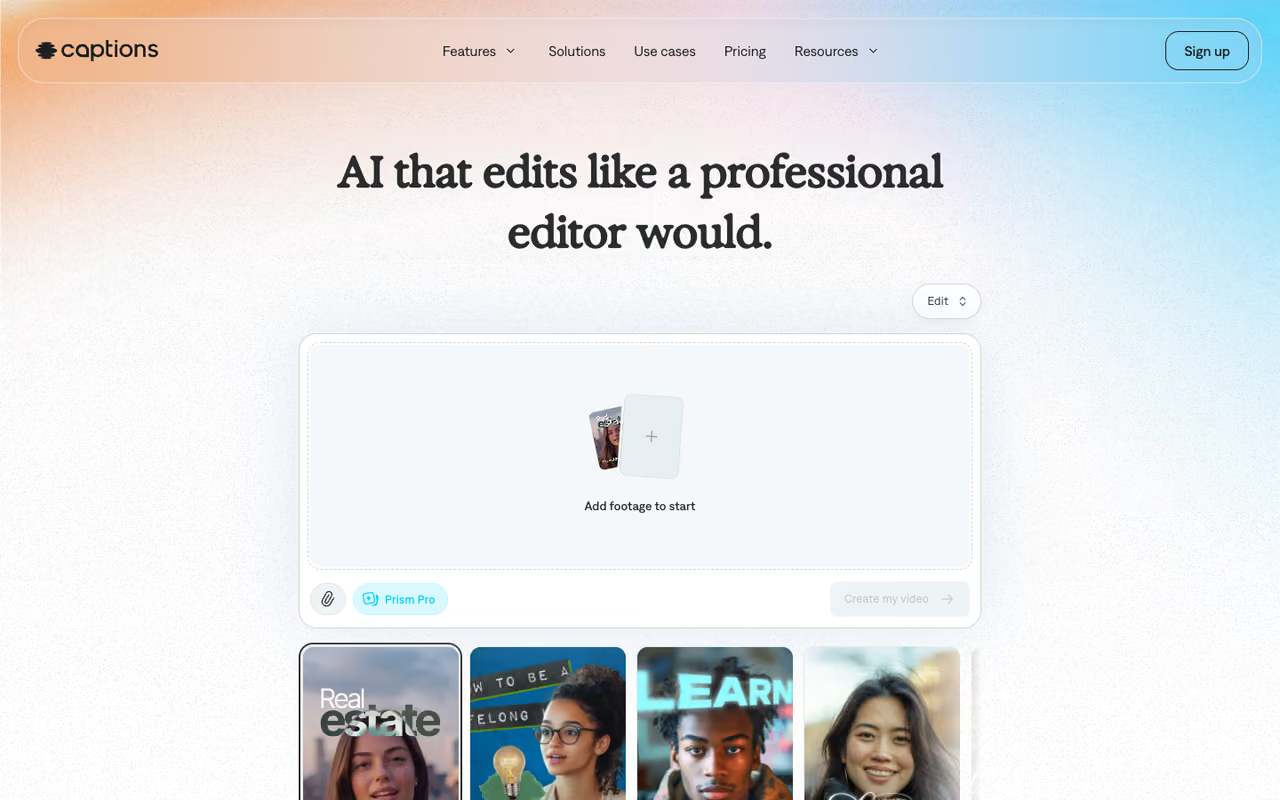
Captions (the app literally named Captions) started as a captioning tool and grew into a full AI video studio. It still does captions well, with 100+ templates, word-by-word animation, and claimed 93 to 99% accuracy, but now it also handles dubbing across 28+ languages, AI actors, and eye-contact correction.
Who it's best for: solo creators who film and edit on their phone and want captions plus light AI editing in one app.
The most native choice if you film and edit on your phone, with captions, dubbing and light AI editing in one app. The credit system makes costs hard to predict, and pure subtitling means paying for features you may never use.
there's a free plan with a watermark and limited AI features. The paid ladder is credit-based now: Max is $24.99/month with 500 credits, and Scale tiers run from $69.99/month (1,400 credits) up to $279.99/month. Annual billing saves roughly 35%. Captions supports captions in 100+ languages on paid tiers.
The standout: the mobile experience. If you live on your phone, nothing else here feels as native, and the dubbing-plus-captions combo is genuinely useful for repurposing a clip into another language.
The catch: the move to a credit system makes costs harder to predict, and the heavier generative features (AI actors, digital twins) burn credits fast. For pure subtitling, you're paying for a lot of features you may never touch.

Veed.io: best browser-based editor with subtitles built in
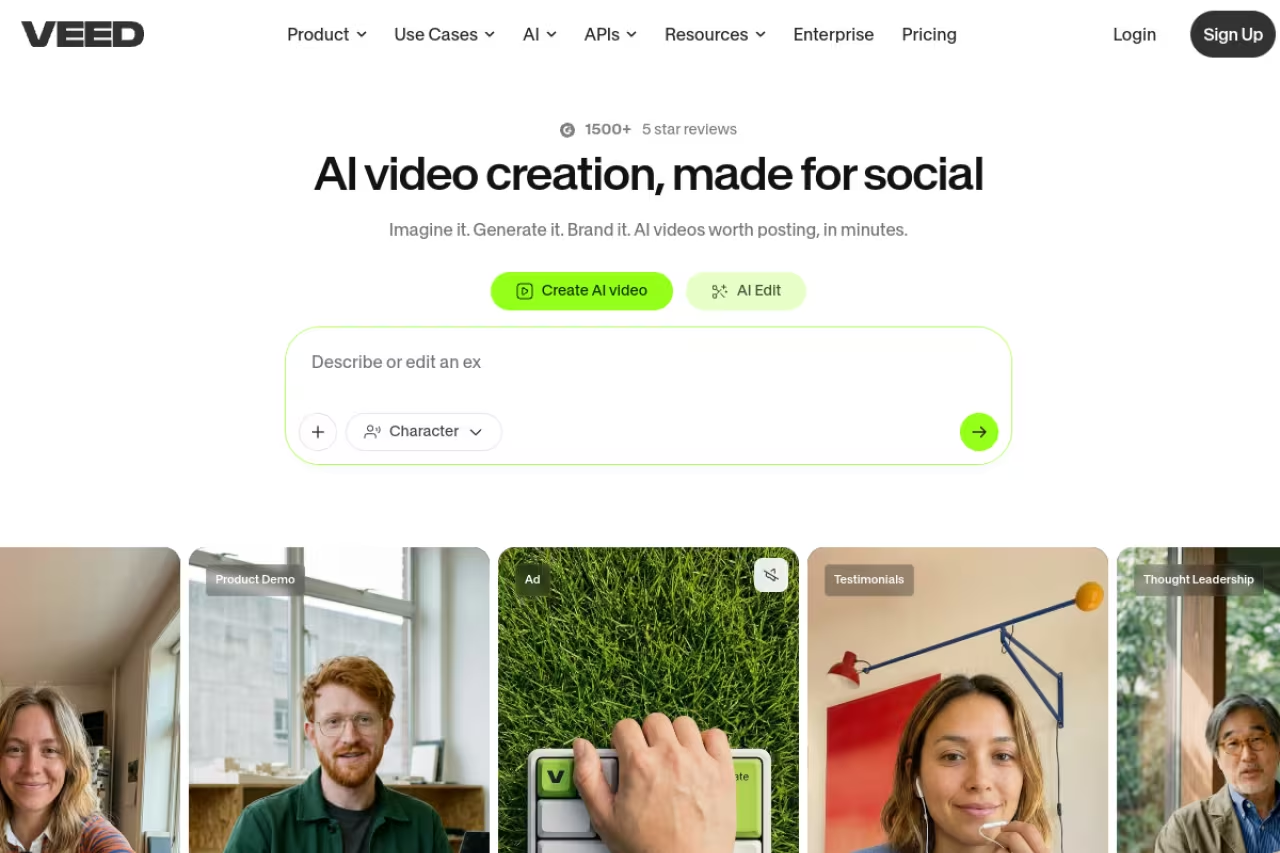
Veed.io is a full online video editor that happens to have strong auto-subtitles. Generate captions in 100+ languages, edit them inline, restyle, translate, and export, all in the browser without installing anything.
Who it's best for: teams and creators who want one tool for trimming, branding, and captioning rather than a captions-only app.
Choose it when you want trimming, branding and captioning in one browser editor with nothing to install. The free plan is a demo and the AI-credit model sits on top of the subscription, so subtitle-only users overpay.
the free tier gives you 720p exports, a 10-minute max video length, the Veed watermark, and only 30 minutes/month of auto-subtitles, per Veed's pricing breakdown. Basic is $18/month ($14 annual) with 100 minutes/month of subtitles, Pro is $30/month ($24 annual) with unlimited subtitle minutes, and Business is $70/month ($59 annual).
The standout: it's a real editor. You can cut the video, add B-roll, brand the captions, and ship, without bouncing between apps.
The catch: the free plan is a demo, not a workhorse, and Veed has leaned into an AI-credit model on top of the subscription. If you only need subtitles, you're paying for an editor you may not use. For a wider look at browser editors, see my guide to the best AI video editors.

Descript: best for podcasters and long-form editors
Descript treats your video like a document. It transcribes with Whisper-grade accuracy (97 to 99% on clean audio), then lets you edit the video by editing the text. Delete a sentence in the transcript, the footage cuts with it. Captions ride along for free.
Who it's best for: podcasters, interviewers, and anyone editing long-form talking content who wants transcript-driven editing plus subtitles.
A production tool first for podcasters and long-form editors, since editing video by editing the transcript is a real time saver. Transcription-hour caps and the separate AI-credit budget make it easy to hit a wall mid-project.
the free plan includes 1 hour of transcription. Hobbyist is $16/month annual, Creator is $24/month annual (10 hours/month of transcription, full video editing), and Business is $50/month annual. Note the AI-credit system: many of the fancier AI actions draw from a separate credit budget on top of your transcription hours.
The standout: the text-based editing workflow. Once it clicks, cutting filler words and "ums" across a 40-minute episode takes minutes, and your captions are already done.
The catch: transcription-hour caps and the separate AI-credit budget make it easy to hit a wall mid-project. It's also overkill if all you want is burned-in captions on a 30-second Reel. This is a production tool first, a subtitle generator second.
Shipping video every week and tired of stitching five subscriptions together? Dupple X bundles the AI tools creators actually use into one membership, so you can test these workflows without paying for each separately.

Kapwing: best for fast collaborative edits
Kapwing is the browser editor a lot of social teams already keep open. Auto-subtitles in 70+ languages, decent accuracy on clean audio, click-to-animate captions, and real-time collaboration so a teammate can review your captions in the same doc.
Who it's best for: small teams that need to caption and lightly edit clips together, fast.
Go with it for small social teams that caption and lightly edit clips together, thanks to fast real-time collaboration. The lifetime free-credit cap is stingy, and one 10-minute video can use up your whole free AI budget.
the free plan caps exports at 4 minutes with a watermark. Pro is $24/month ($16 annual) and Business is $64/month. As of late 2025, Kapwing consolidated its AI features into a single monthly credit pool, and free users get only about 10 lifetime AI credits, which is roughly 10 minutes of auto-subtitling total.
The standout: collaboration and speed. The shared-workspace model beats emailing video files around, and the editor is genuinely quick.
The catch: that lifetime free-credit cap is stingy. One 10-minute video with auto-subtitles exhausts your entire free AI budget, so you'll hit the paywall almost immediately if captioning is your main use.

Maestra: best for translation and dubbing at scale
Maestra is the pick when subtitles are only half the job. It transcribes, generates subtitles, translates, and AI-dubs across 125+ languages, with voice cloning available in 30+ of them. If you localize content for global audiences, this is the workflow it's built for.
Who it's best for: marketers and media teams localizing video into many languages, not just adding English captions.
Best when subtitles are only half the job and you localize video into many languages with translation and dubbing. Separate credit ladders per product make total cost confusing, and English-only captions are more machinery than you need.
Maestra runs a credit-driven, product-based model. Transcription is $12 per 60 credits ($12/hour) pay-as-you-go, and subscriptions range from $23/month (Lite, annual) to $79/month (Premium, annual). Each product line (transcription, subtitles, voiceover) has its own ladder, detailed on the Maestra pricing page.
The standout: the translate-and-dub pipeline. Going from an English clip to a Spanish subtitled-and-dubbed version in one tool saves a genuine amount of work versus chaining three apps.
The catch: the separate credit ladders per product make total cost confusing, and you can rack up charges fast if you use transcription, subtitles, and dubbing together. For English-only captions it's more machinery than you need.

Sonix: best for high-accuracy transcripts
Sonix is the accuracy specialist. Up to 99% on clean audio across 53+ languages, with SOC 2 Type II certification and HIPAA-ready workflows, plus subtitle controls that let you split lines by character and duration and fine-tune timing down to the millisecond.
Who it's best for: teams that need precise, compliant transcripts (legal, medical, research) where subtitles are a byproduct of an accurate transcript.
The accuracy specialist for legal, medical and research teams that need precise, compliant transcripts with fine timing control. It is not a caption-styling tool, so creators chasing animated word-by-word captions should look at Submagic instead.
Standard is pay-as-you-go at $10/audio hour with no monthly commitment. Premium is $22/seat/month ($16.50 annual) plus $5/hour for transcription and translation. The pay-as-you-go option is the cleanest model here if you transcribe in bursts rather than continuously.
The standout: transcript precision and timing controls. If a subtitle file has to be exactly right, Sonix gives you the most granular control over line breaks and timing.
The catch: it's a transcription tool, not a caption-styling tool. You won't get the animated word-by-word look here, so creators chasing the viral aesthetic should pair it with an editor or look at Submagic instead.
Whisper (open source): best free option for developers
OpenAI Whisper is the free, open-source model that powers half the tools above. Run it locally with no API key, no per-minute fees, and no audio leaving your machine. Export SRT or VTT and import into any editor. Whisper Large-v3 hits around 2.7% word error rate on clean audio and 8 to 12% in real-world conditions.
Who it's best for: developers, privacy-conscious users, and anyone comfortable with a command line who wants accuracy for $0.
The free option for developers and privacy-conscious users comfortable with a command line, with no per-minute fees and nothing leaving your machine. You get a raw SRT file and a learning curve, not polished captions.
free. You pay only in your own compute time and setup effort.
The standout: zero ongoing cost and full privacy. For batch-subtitling a back catalog, nothing beats running Whisper locally overnight.
The catch: there's no styling, no animated captions, no friendly editor. You get a raw SRT file and a learning curve. Browser wrappers like Whisper Web make it easier, but if you want polished captions out of the box, this isn't it.
How to choose
Match the tool to the job, not the marketing.
Publishing short-form daily? Start with Submagic for the caption look, or Captions if you edit on your phone. Both are built for the vertical-video grind.
Editing long-form (podcasts, interviews, YouTube)? Descript's text-based editing pays for itself, and the captions come along for free.
Need translation or dubbing? Maestra is the specialist. Captions handles lighter localization if you only need a few languages.
Accuracy is non-negotiable (compliance, research)? Sonix, with its pay-as-you-go $10/hour and timing controls.
On a budget or privacy-sensitive? Run Whisper locally. It's the same engine you'd pay for, minus the polish.
One rule that holds across all of them: clean audio matters more than the tool. Every model here hits 95%+ on clear speech and drops to 70 to 85% with background music, reverb, or heavy accents. Fix your audio before you blame the subtitle generator. And if you're assembling a full creator stack, browse our top AI tools and the best AI video editors to see what pairs well.
FAQ
What is the most accurate AI subtitle generator in 2026?
On clean audio, the top tools cluster tightly at 95 to 99% because most run Whisper or a similar model. Sonix and Descript both claim up to 99%, and Submagic markets 99% on short clips. The bigger variable is your audio quality, not the brand. Background noise, music, and strong accents can pull any tool down to 70 to 85%.
Are there free AI subtitle generators worth using?
Yes. The free local route is OpenAI Whisper, which gives you the same engine the paid tools use at no cost if you're comfortable with setup. For a no-install option, Veed, Kapwing, Captions, and Submagic all have free tiers, but they're capped (watermarks, short video limits, or tiny monthly subtitle minutes) and meant as trials rather than ongoing workflows.
Which AI subtitle tool is best for TikTok and Reels?
Submagic and Captions lead for vertical short-form. Both produce the animated, word-by-word, keyword-highlighted style that performs on TikTok, Reels, and YouTube Shorts, and both do it in under a minute per clip. Submagic edges ahead on template quality; Captions wins if you work entirely on mobile.
Can AI subtitle generators translate captions into other languages?
Most can. Maestra leads with 125+ languages plus AI dubbing, Captions covers 100+, Veed and Kapwing handle 70 to 100+, and Sonix does 53+. Machine translation quality is good but not flawless, so review translated captions before publishing, especially for idioms and proper nouns.
Do I need a video editor or just a captioning tool?
Depends on your workflow. If you only add captions to finished clips, a focused tool like Submagic or a free Whisper export is enough. If you also trim, brand, and arrange footage, a full editor like Veed, Kapwing, or Descript saves you from bouncing between apps. Buying an editor you won't use is the most common way people overpay here.
If you publish video regularly and want to test these workflows without stacking five subscriptions, Dupple X bundles the creator tools into one membership so you can find your fit first.
Related guides
Some offers on this page may be paid placements or contain affiliate links.
Across our whole catalogue the median is $24 a month and 33% of tools advertise a free tier. Figures are the lowest recurring monthly price quoted in our own review of each tool, read on 2026-08-19. Full method and every category.
