
Best Presentation Software in 2026: 8 Tools Compared

Key facts8 tools compared: Gamma, Beautiful.ai, Canva, Plus AI, Microsoft PowerPoint, Pitch, Prezi…
- 8 tools compared: Gamma, Beautiful.ai, Canva, Plus AI, Microsoft PowerPoint, Pitch, Prezi, Google Slides
- Gamma (best for: Speed and shareable web decks): Free; Plus $10/mo
- Beautiful.ai (best for: On-brand corporate decks): Pro $12/mo (annual)
- Canva (best for: Marketing teams and visuals): Free; Pro $15/mo
- Plus AI (best for: People stuck in Google Slides/PowerPoint): Basic $10/mo (annual)
I have made a lot of bad slides. Decks that took a full Saturday, looked fine on my laptop, and fell apart on the projector. So when AI presentation tools promised to do the boring 80% in thirty seconds, I was skeptical and also very willing to be convinced.
The honest answer in 2026 is that the category has split in two. There are AI-native tools that generate a whole deck from a prompt and look nothing like old PowerPoint, and there are the incumbents that bolted AI onto a familiar slide editor. Which one you want depends entirely on whether your audience expects a polished .pptx file or a shareable link.
My top pick for most people is Gamma. It is the fastest way to go from a rough idea to something you would not be embarrassed to send, and it has the user numbers to back the hype. But it is not right for every job, and a few of the tools below beat it on specific use cases. Here is what I found after building real decks in each one.
Quick comparison
| Tool | Best for | Price | Standout |
|---|---|---|---|
| Gamma | Speed and shareable web decks | Free; Plus $10/mo | Generates a full deck from a prompt in under a minute |
| Beautiful.ai | On-brand corporate decks | Pro $12/mo (annual) | Smart slides that auto-adjust layout as you edit |
| Canva | Marketing teams and visuals | Free; Pro $15/mo | Largest template and asset library anywhere |
| Plus AI | People stuck in Google Slides/PowerPoint | Basic $10/mo (annual) | Lives inside the tools you already use |
| Microsoft PowerPoint | Enterprise .pptx delivery | M365 from $6/mo | Copilot drafting plus the format everyone accepts |
| Pitch | Sales and collaborative teams | Free; Pro $20/mo | Built-in analytics on who viewed what |
| Prezi | Non-linear, zooming presentations | Free; Plus $15/mo | The only tool that breaks the slide-by-slide format |
| Google Slides | Free real-time collaboration | Free | Zero cost, lives in Google Workspace |

Gamma: the fastest way to a finished deck
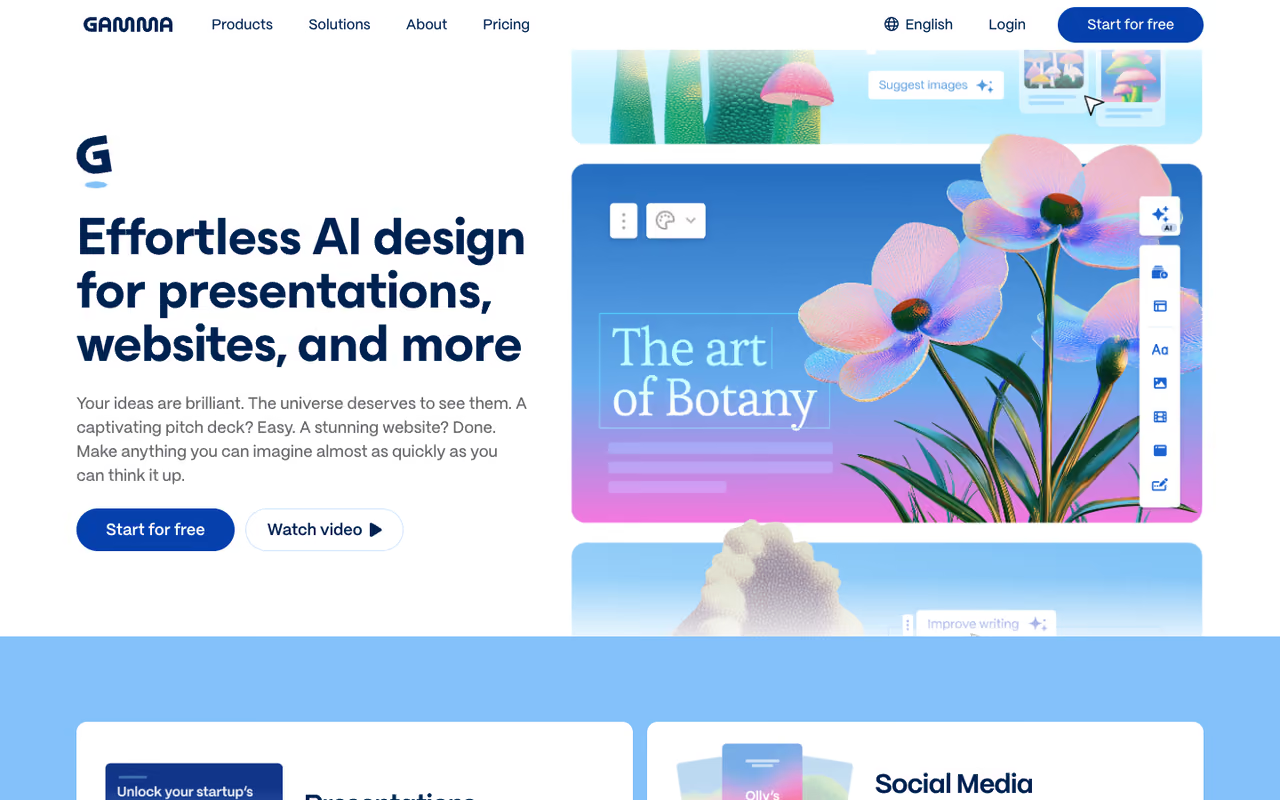
Gamma is the tool that made me stop dreading the first draft. You type a prompt or paste an outline, pick a theme, and it builds a full deck in under a minute. The output uses what Gamma calls a fluid web canvas instead of the rigid 16:9 box, so slides can scroll, embed video, and resize for mobile without you fighting the layout.
The fastest route to a finished deck for founders and marketers who care more about the idea than pixel-perfect control. Paid plans start at $10/mo for Plus, but the web-first format adds a conversion step when someone needs a .pptx.
the free plan gives you 400 AI credits, enough for roughly 10 to 15 full generations. Paid plans run Plus at $10/mo, Pro at $20/mo, and Ultra at $100/mo on annual billing, with team seats at $20 each. Annual saves about 20% over monthly.
The standout: scale. Gamma passed 70 million users and $100M ARR in late 2025, raising $68M at a $2.1B valuation. That matters because the model behind the generation keeps improving, and the export-to-PowerPoint path has gotten genuinely usable.
The catch: the web-first format is a feature until you have to hand a client a .pptx. Exports work but lose some of the fluid magic, and heavy formatting control still feels limited compared to a real slide editor. If your boss redlines slides in PowerPoint, Gamma adds a conversion step.

Beautiful.ai: decks that fix their own layout
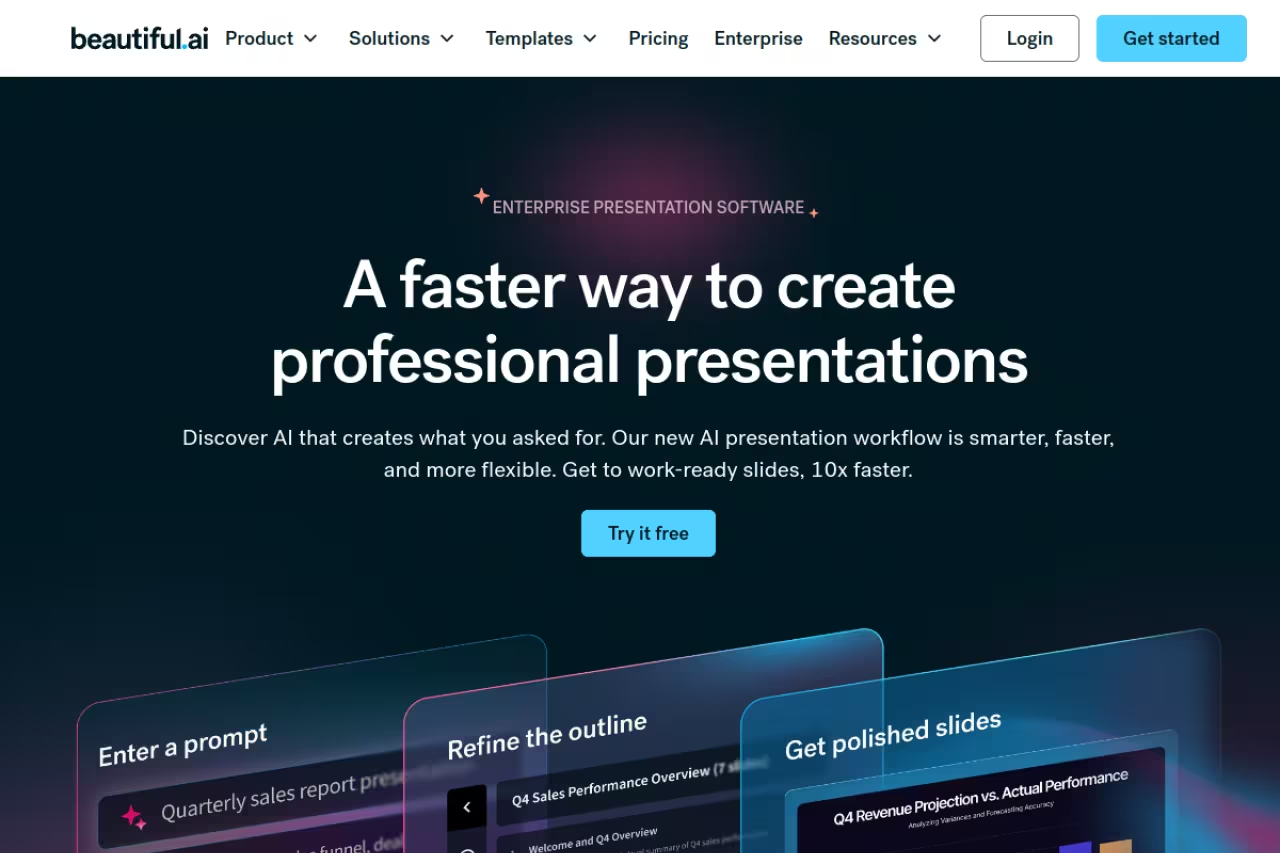
Beautiful.ai solves a specific problem: people who are not designers but need to look like they hired one. Its "smart slides" rearrange themselves as you add or remove content, so spacing and alignment stay clean automatically. You spend zero time nudging text boxes.
Consultants, sales teams and corporate users who reuse brand templates get consistency without a design review, with Pro at $12/mo billed annually. The guardrails box you in on custom layouts, and there is no free tier.
Pro is $12/mo billed annually, Team is $40/user/mo for 2 to 20 seats, and Enterprise is custom. There is a 14-day free trial that requires a card up front, so set a reminder before it auto-charges.
The standout: brand control. Team plans let you lock fonts, colors, and logos across the whole workspace, which is the thing that actually saves a company from off-brand slides circulating in the wild.
Where it falls short: the design guardrails that keep you on-brand also box you in. If you want a weird, custom layout, Beautiful.ai resists you. The AI generation is solid but less impressive than Gamma's, and the no-free-tier policy means you cannot kick the tires without handing over payment details.
Canva: the visual workhorse
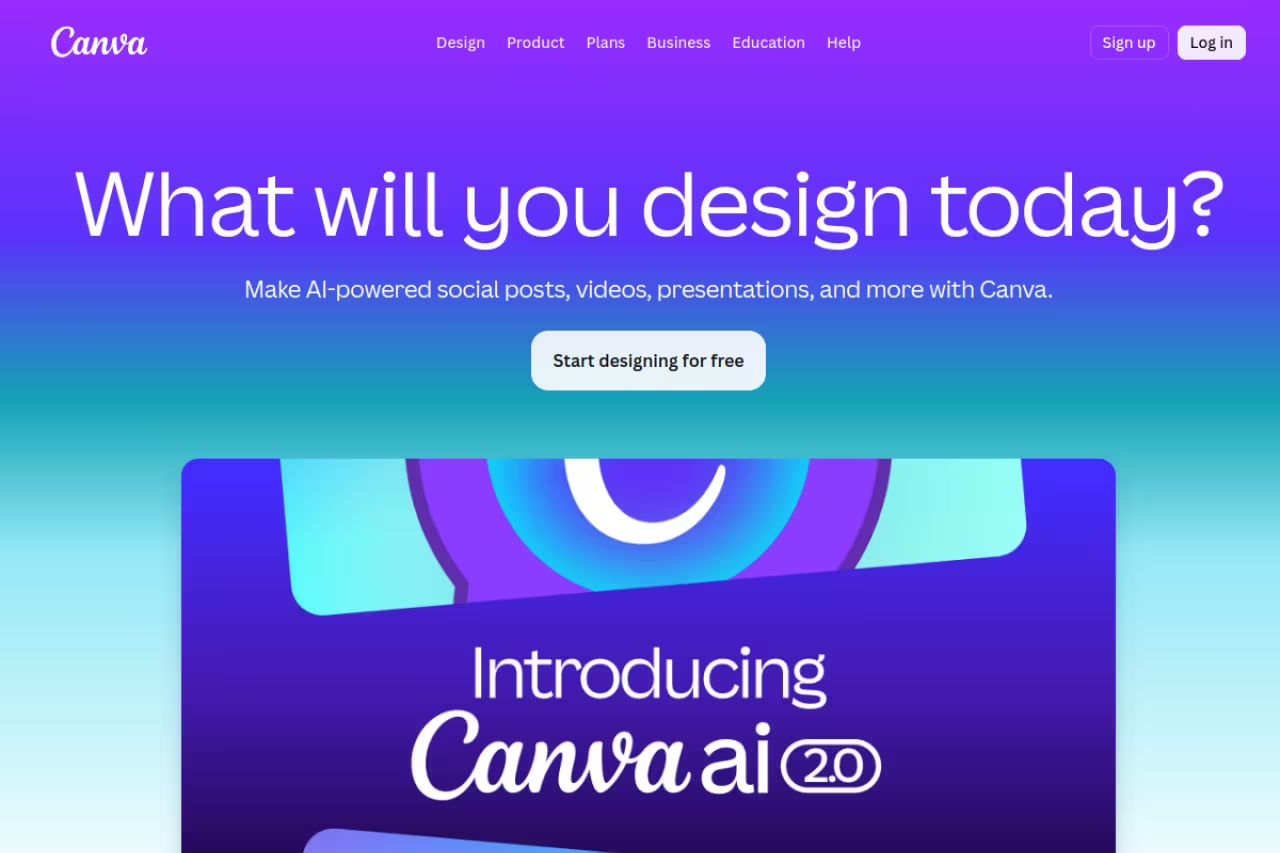
Canva is not strictly a presentation tool, and that is the point. It does presentations alongside social posts, video, and print, all from one giant template library. For a marketing team already living in Canva, building a deck there means your slides match your brand assets without re-exporting anything.
A good fit for marketers and small teams who want one tool for slides, social and graphics, with over 1.6 million templates. Its presentation mode is shallower than the specialists, and AI decks tend to look generic.
the free plan is generous. Canva Pro is $15/mo or $120/year, up from $12.99 in 2025, and unlocks the full Magic Studio AI suite including Magic Design, which can spin up a draft deck from a prompt. Teams pricing starts around $10/user/mo.
The standout: the asset library. With over 1.6 million templates plus stock photos, icons, and AI image generation built in, you are never starting from a blank slide. If your work needs to be visually loud, nothing else comes close. For pure image work, it also pairs well with the picks in my guide to the best AI image generators.
The catch: because Canva does everything, its presentation mode feels shallower than the specialists. Presenter view, speaker notes, and analytics lag behind Pitch and PowerPoint. And the AI deck generation, while fast, tends to produce generic layouts you will want to rework.

Plus AI: for people who refuse to leave Google Slides
Plus AI took the smartest position in the market: instead of asking you to switch tools, it embeds directly into Google Slides and PowerPoint. You generate, rewrite, and remix slides from inside the app you already open every day. For teams locked into Google Workspace, that is the whole ballgame.
Pick it if your company standard is Google Slides or PowerPoint and you want AI generation without migrating your deck library. Output is a native file with zero lock-in, but it looks like nice Google Slides, not an AI-native reinvention.
a 7-day free trial with 1,000 credits, then Basic at $10/mo, Pro at $20/mo, and Team at $30/mo on annual billing. Pro adds document uploads and AI images; Team adds custom branding.
The standout: zero lock-in. Your output is a native Google Slides or PowerPoint file, not a proprietary format. If Plus AI vanished tomorrow, your decks would still open fine. That is rare and underrated.
Where it falls short: it inherits the limits of its host. Slides built in Plus AI look like nice Google Slides, not like Gamma's fluid web pages. If you want the cutting-edge AI-native aesthetic, this is not it. It is a productivity upgrade, not a reinvention.
If you want a soft pause here: the right deck tool is one piece of a bigger AI workflow. Dupple's Dupple X bundles the tools I lean on for content and presentations, which is handy if you are assembling a stack rather than buying one app.
Microsoft PowerPoint: still the format everyone accepts
PowerPoint is not exciting, but it is the deck format your investors, clients, and legal team expect. In 2026, Microsoft Copilot handles the AI side: it drafts slides from a Word doc, summarizes long content, and suggests layouts inside the app you have used for twenty years.
The safe choice for enterprise users who must deliver editable .pptx files, with full control over animations and formatting. Copilot adds $18/user/mo on top of a base license, and its output is competent rather than inspired.
PowerPoint comes with Microsoft 365 plans starting at $6/user/mo. Copilot is a separate add-on: $18/user/mo on the Business tier (annual) through June 2026, rising to $21 after, and $30/user/mo for Enterprise, on top of a qualifying base license.
The standout: universal compatibility plus offline power. No other tool gives you full control over animations, transitions, and precise formatting while still opening on literally any machine.
The catch: Copilot is expensive once you stack it on a base license, and its output is competent rather than inspired. The interface is still a 1997 mental model with AI sprinkled on top. You are paying for compatibility and control, not for a leap forward in design.

Pitch: built for sales teams that track results
Pitch targets sales and revenue teams who treat a deck as a tracked asset, not a one-off file. Its 2026 AI Deck Generator drafts an outline and fills slides from a short prompt, and its real edge is the built-in analytics showing who opened your deck, which slides held attention, and where viewers dropped off.
Built for sales and marketing teams sending decks to prospects who want data on opens and drop-off. Pro is $20/mo, but the analytics are overkill for one-off internal decks and the AI generation trails Gamma.
a free plan exists, with Pro at $20/mo ($17 annual), Business at $80/mo ($68 annual), and custom Enterprise.
The standout: analytics. Knowing a prospect spent 40 seconds on your pricing slide changes your follow-up. That feedback loop is something most presentation tools ignore entirely, and it pairs nicely with the tactics in my AI proposal writing tools guide.
Where it falls short: for one-off internal decks, the analytics and collaboration features are overkill. The AI generation is decent but trails Gamma, and the free plan's limits push serious users to paid quickly.

Prezi: for when slides feel too flat
Prezi is the contrarian pick. Instead of slide-by-slide, it uses a zooming canvas where you pan and zoom across one big map. Done well, it makes a talk feel cinematic. Done badly, it makes your audience seasick. There is no middle ground.
For educators and conference speakers who want a memorable, non-linear talk and have time to craft it. The zooming canvas is cinematic when done well, but the learning curve is real and it is the wrong tool for dense decks or quick weekly updates.
a free Basic plan (public decks only), Standard at $7/user/mo, Plus at $15/user/mo, and Premium at $25/user/mo, all billed annually with a 14-day trial on paid tiers.
The standout: the zooming format genuinely stands out in a sea of identical slide decks. For storytelling and big-picture-to-detail narratives, nothing else does this.
The catch: the learning curve is real, and the format works against dense, data-heavy decks. AI features arrived later here and feel bolted on. For a quick weekly update, Prezi is the wrong tool.
Google Slides: the free default that still works
Google Slides earns its spot by being free, collaborative, and already open in your browser. Real-time editing with comments is its core strength, and for a team that lives in Google Workspace, it is the path of least resistance. Pair it with Plus AI and you get most of the AI benefits without paying for a new platform.
The free default for students, budget startups and teams that prioritize real-time collaboration over polish. Templates are dated and the design ceiling is low, so treat it as a starting point and pair it with Plus AI for AI help.
free with a personal Google account; included in Google Workspace plans from $6/user/mo.
The standout: collaboration and cost. Multiple people editing the same deck live, with version history, for $0 is hard to argue with.
Where it falls short: the templates are dated, the design ceiling is low, and native AI is thin without an add-on. It is a starting point, not a finish line.
How to choose
Skip the feature checklists. Answer one question first: what format does your audience expect?
If they expect an editable .pptx, start with PowerPoint plus Copilot, or use Plus AI to add AI to PowerPoint without leaving it. If they expect a link they can open on a phone, Gamma wins on speed and looks. If your company runs on brand templates and you cannot afford an off-brand slide, Beautiful.ai's guardrails earn their price.
Then sort by your real job. Marketing team that needs slides plus everything else? Canva. Sales team that needs to know who read the deck? Pitch. Budget of zero? Google Slides, optionally with Plus AI on top. Conference talk where you want to be remembered? Prezi, if you have the hours to do it right.
My default recommendation stays Gamma for most knowledge workers, because the time it saves on a first draft is worth more than the formatting control you give up. Test it free, generate three decks, and you will know within an hour whether the web-native format fits how you work. For more on building an AI stack around it, the best AI tools for productivity and the full top tools directory are good next stops.
FAQ
What is the best AI presentation software in 2026?
For most people, Gamma is the best AI presentation tool because it generates a complete, good-looking deck from a prompt in under a minute and exports to PowerPoint when needed. Beautiful.ai is the better pick for strict corporate branding, and Plus AI is best if you need AI inside Google Slides or PowerPoint. The right choice depends on whether your audience expects a web link or an editable .pptx file.
Is there a free presentation software that uses AI?
Yes. Gamma's free plan includes 400 AI credits, roughly 10 to 15 full deck generations. Canva's free plan includes limited Magic Design AI. Google Slides is fully free but needs an add-on like Plus AI (7-day trial) for serious AI generation. For zero-budget AI decks, Gamma's free tier is the most capable.
Can AI presentation tools replace PowerPoint?
For internal decks, quick pitches, and shareable web presentations, yes. Tools like Gamma are faster and better-looking out of the box. But PowerPoint still wins when you must deliver an editable .pptx that clients, investors, or legal teams will mark up, since AI-native exports lose some formatting fidelity. Many people now draft in an AI tool and export to PowerPoint for final delivery.
How much does Gamma cost compared to Beautiful.ai?
Gamma is cheaper at the entry level: a free plan plus Plus at $10/mo (annual), versus Beautiful.ai's Pro at $12/mo with no free tier and a card-required trial. Gamma's free plan alone covers light users. Beautiful.ai justifies its price with stronger brand-locking controls on team plans at $40/user/mo, which matters more for larger companies than solo creators.
Which presentation tool is best for sales teams?
Pitch is built for sales teams thanks to its deck analytics, showing who opened a presentation and which slides held attention. That viewing data sharpens follow-up. Gamma works well for fast prospect decks, and Plus AI suits teams standardized on PowerPoint. If engagement tracking matters most, Pitch's free plan is worth testing first.
Related guides
Some offers on this page may be paid placements or contain affiliate links.
Across our whole catalogue the median is $24 a month and 33% of tools advertise a free tier. Figures are the lowest recurring monthly price quoted in our own review of each tool, read on 2026-08-19. Full method and every category.
