
Best AI Grammar Checkers in 2026: 8 Tools Compared

Key facts8 tools compared: Grammarly, ProWritingAid, LanguageTool, QuillBot, Trinka, Wordtune…
- 8 tools compared: Grammarly, ProWritingAid, LanguageTool, QuillBot, Trinka, Wordtune, Hemingway, DeepL Write
- Grammarly (best for: All-around business writing): Free; Pro $12/mo annual
- ProWritingAid (best for: Long-form and fiction): Free; $120/yr; $399 lifetime
- LanguageTool (best for: Multilingual writers): Free; from ~$5/mo on 2-yr
- QuillBot (best for: Students, paraphrasing): Free; ~$100/yr
A grammar checker used to mean a red squiggle under a misspelled word. In 2026 it means something closer to an editor sitting over your shoulder: catching tense shifts, flagging a clause that reads like a lawyer wrote it, and rewriting a sentence three different ways before you've finished your coffee.
The problem is that every writing tool now slaps "AI" on the box, and most of them are mediocre paraphrasers wearing a grammar-checker costume. I spent a few weeks comparing the main contenders on documentation, pricing pages, and public user reviews to see which ones are reported to actually catch errors and which just reword things until they sound vaguely smoother.
If you want the short version: Grammarly is still the one I'd hand to a non-writer who needs clean output with zero setup. But it's not the best pick for everyone, and a couple of the cheaper tools quietly beat it on specific jobs. This guide is for founders, marketers, and operators who write a lot and want the right tool for their actual workflow, not the one with the biggest ad budget.
Quick comparison
| Tool | Best for | Price | Standout |
|---|---|---|---|
| Grammarly | All-around business writing | Free; Pro $12/mo annual | Tone detection + everywhere integrations |
| ProWritingAid | Long-form and fiction | Free; $120/yr; $399 lifetime | 25+ deep writing reports |
| LanguageTool | Multilingual writers | Free; from ~$5/mo on 2-yr | 30+ languages, privacy-first |
| QuillBot | Students, paraphrasing | Free; ~$100/yr | Rewrite modes + grammar in one |
| Trinka | Academic and technical | Free 5k words/mo | Built for research papers |
| Wordtune | Rewriting and tone | Free; ~$20/mo | Sentence-level rewrite suggestions |
| Hemingway | Clarity and readability | Free web; Plus subscription | Readability grading + style flags |
| DeepL Write | EN/DE polish | Add-on ~$7.49/mo | Native-sounding rephrasing |

Grammarly: the default that earns it
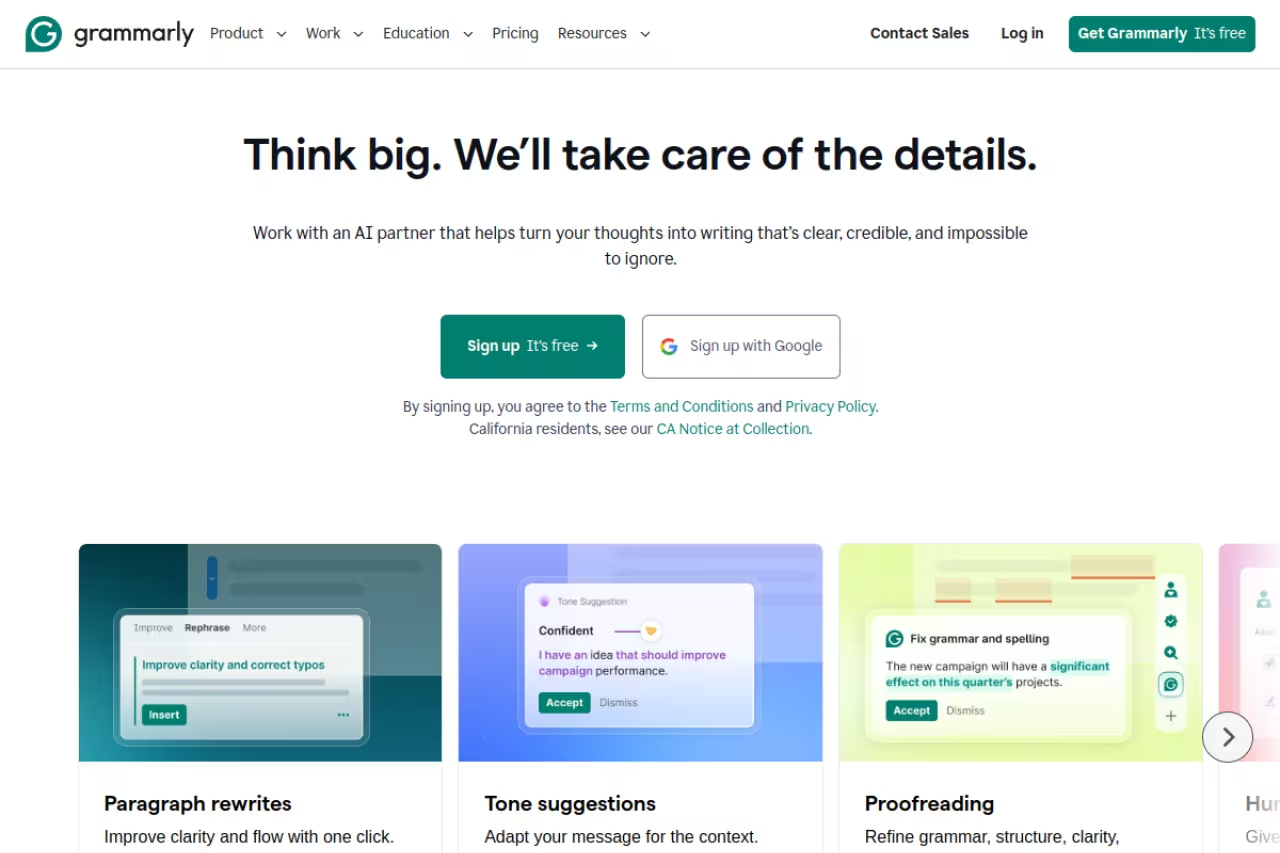
Grammarly is the tool most people mean when they say "grammar checker," and comparing it against the field, I can't pretend it's undeserved. It catches a wider range of issues than the other tools on this list, according to user reviews, the suggestions are usually right, and it runs everywhere: browser, desktop app, Google Docs, Word, Slack, and most text fields you'll touch in a day.
Who it's best for: anyone writing professional emails, reports, and customer-facing copy who wants good output without fiddling with settings. It's the lowest-friction option on this list.
The lowest-friction default for anyone writing professional emails and reports, and it runs almost everywhere you type. Pro's per-seat cost adds up for teams, accepting rewrites blindly can flatten your voice, and it is weak outside English.
Pricing: the free plan covers spelling, grammar, tone detection, and 100 generative AI prompts a month, which is genuinely enough for a lot of people. Grammarly Pro (the rebranded Premium) runs $12/month billed annually, or $30 month to month, and bumps you to 1,000 AI prompts plus full-sentence rewrites and clarity suggestions.
The standout is tone detection. It reads a draft and tells you it sounds "confident" or "slightly aggressive," which is more useful for sales and support writing than another comma fix.
The catch: Pro's per-seat cost adds up fast for a team, the rewrite suggestions can flatten your voice into corporate oatmeal if you accept them blindly, and the constant upsell to AI features inside the free product gets old. It's also weak outside English.

ProWritingAid: for people who write 2,000 words at a time
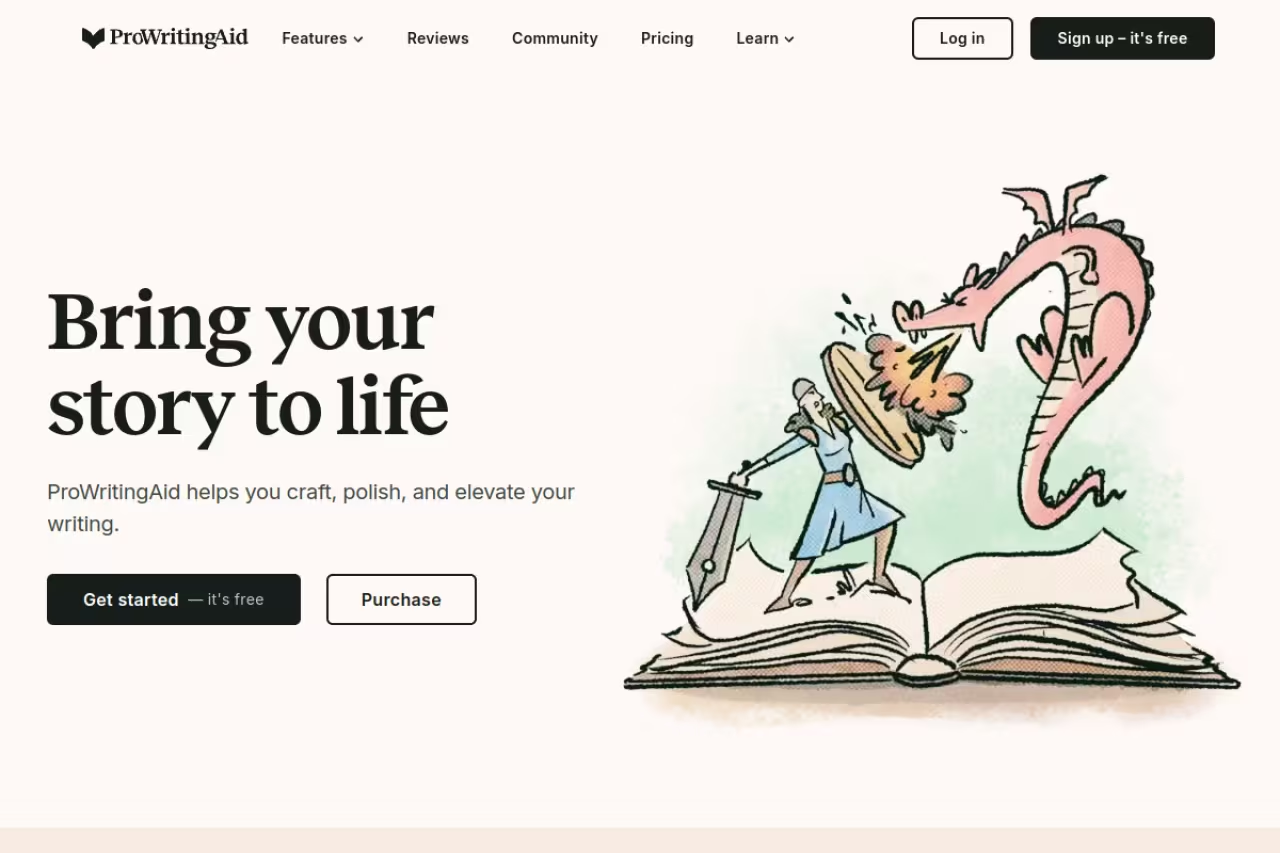
ProWritingAid is what I reach for when the document is long. Where Grammarly fixes the sentence in front of you, ProWritingAid steps back and analyzes the whole thing: pacing, sentence-length variety, overused words, sticky sentences, echoes, and around 25 separate reports that tell you why a chapter drags.
Who it's best for: novelists, long-form bloggers, and anyone editing big documents who wants to understand patterns across the whole piece, not just patch individual errors.
The one to reach for when the document is long, such as novelists and long-form bloggers who want pattern analysis across the whole piece. The lifetime license at $399 pays off over years, but the busy interface overwhelms anyone wanting a quick clean-up.
Pricing: there's a capped free tier, Premium is $120/year (about $10/month billed annually) or $30 month to month, and there's a one-time lifetime license at $399 according to its pricing page. The lifetime deal is the rare software purchase that pays off if you write daily for years.
The standout is the depth of the reports. Nothing else here teaches you to write better over time the way these do.
Where it falls short: the interface is busy and slower than Grammarly's, and the firehose of reports overwhelms people who just want a quick clean-up. It's overkill for one-paragraph emails.

LanguageTool: the multilingual, privacy-first pick
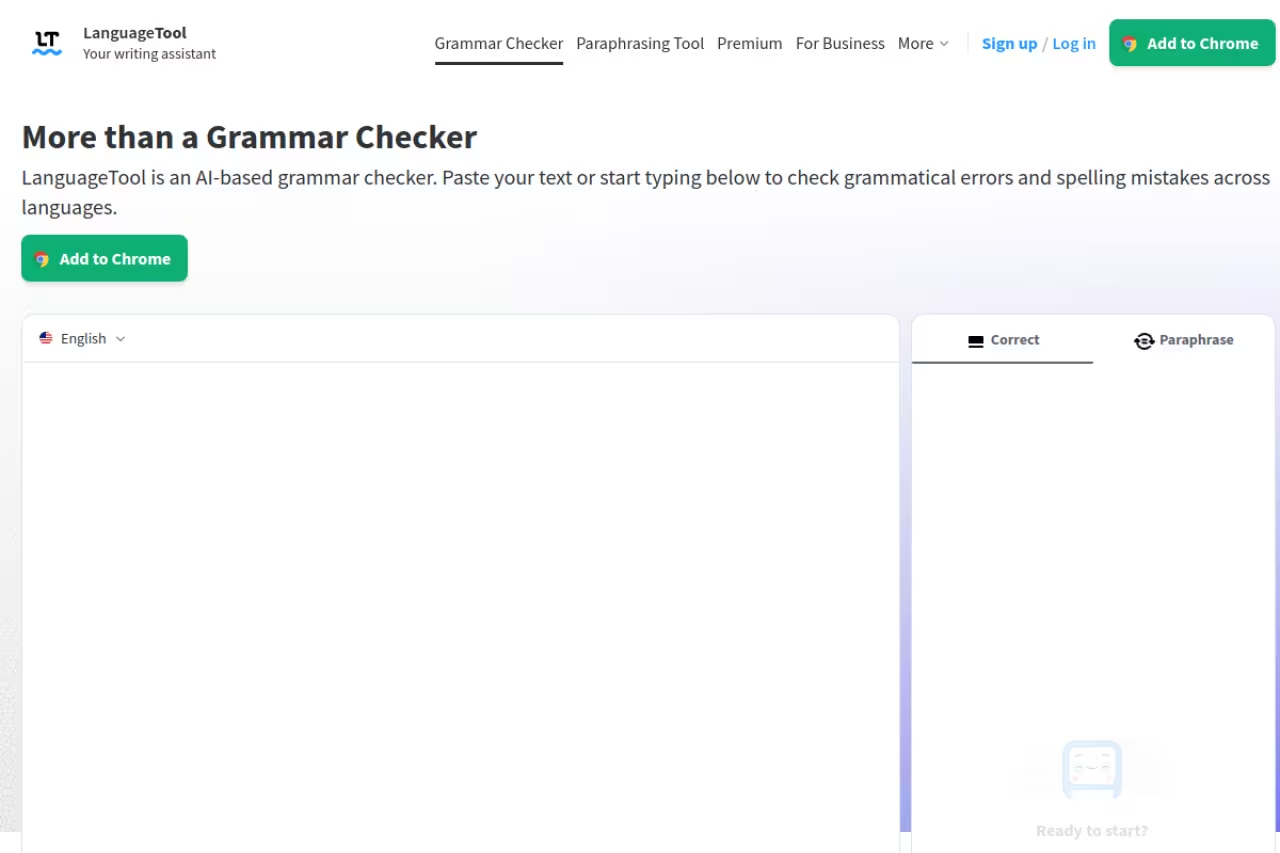
LanguageTool is the tool I recommend to anyone who writes in more than one language or just doesn't want their drafts feeding a US ad-tech company. It's open-source at its core, supports 30+ languages, and the company is based in Germany under stricter privacy rules.
Who it's best for: European founders, multilingual teams, and anyone switching between English, Spanish, German, and French in the same week.
The multilingual, privacy-first pick for European founders and teams switching between languages, and the best value here for that work. In English-only testing it was slightly less sharp than Grammarly on nuanced style.
Pricing: the free tier checks up to 2,000 characters per field, which is fine for emails and short posts. Premium starts around $5/month on the two-year plan (roughly $7/month annually, $24.90 month to month per its pricing page) and raises the limit to 150,000 characters per field, with advanced style checks and AI paraphrasing.
The standout is the language range combined with the price. For multilingual work it's the best value here by a wide margin.
The catch: in pure English-only testing its suggestions weren't quite as sharp as Grammarly's on nuanced style. It catches the errors; it's slightly less opinionated about making good writing great.

QuillBot: grammar plus a real paraphraser
QuillBot started as a paraphrasing tool and grew a competent grammar checker around it, which makes it a good two-in-one for students and anyone who rewrites a lot. The grammar check is free and unlimited; the paraphraser is where the value sits.
Who it's best for: students, researchers, and writers who constantly need to reword sentences to fit a tone or hit a length.
A good two-in-one for students and writers who constantly reword sentences, with free unlimited grammar checks. The 125-word free paraphrasing cap is stingy, and leaning on it to dodge AI detectors is a losing game.
Pricing: the free plan caps paraphrasing at 125 words per request, which is genuinely too tight for real work. Premium is about $100/year (or roughly $20 month to month), and verified students pay around $6.25/month. There's a 3-day money-back window but no real free trial of Premium.
The standout is having grammar correction and multiple rewrite modes in one place. If your workflow is "draft fast, then reshape," this fits.
Where it falls short: the 125-word free ceiling is stingy, and leaning on the paraphraser to dodge AI detectors is a losing game. If that's your goal, read our take on making AI write like a human instead, and check our roundup of AI content detectors to understand what you're up against.
Trinka: built for academics and technical writers
Trinka is the one tool here that wasn't designed for marketing copy, and that's the point. It's tuned for academic, scientific, and technical writing, so it understands formal register, discipline-specific conventions, and the kind of hedging language research papers need.
Who it's best for: researchers, PhD students, and engineers writing specs or papers where formal precision matters more than punchy prose.
The tool for researchers, PhD students and engineers where formal precision matters, since it understands technical writing and won't flatten deliberate complexity. It is narrow, so it is the wrong tool for a sales email or blog post.
Pricing: the free plan covers up to 5,000 words a month with the core grammar and style engine, which is enough to test it properly. Paid plans lift the word count and unlock extras like unlimited plagiarism checks. Check the current pricing page before committing, since the tiers shift.
The standout is subject-aware suggestions. It won't tell you to "simplify" a sentence that's technical on purpose, which is exactly the mistake Grammarly makes on a research abstract.
The catch: it's narrow. For a sales email or a blog post it's the wrong tool, and the interface feels more utilitarian than the consumer options.

Wordtune: rewriting more than checking
Wordtune sits at the rewrite end of the spectrum. Its core trick is taking a sentence and offering several reworded versions in different tones (more formal, more casual, shorter, longer), which is handy when you know what you want to say but not how to say it.
Who it's best for: non-native English speakers and anyone who freezes on phrasing and wants options served up instantly.
Choose Wordtune if you know what you want to say but not how, especially as a non-native English speaker. Its rewrite options sound natural, but as a pure grammar checker it is thinner than Grammarly or ProWritingAid.
Pricing: the free plan gives you 10 rewrites and a few AI suggestions per day plus unlimited spelling and grammar fixes. Paid plans run up to roughly $20/month for unlimited rewrites and more summaries.
The standout is the quality of the rewrite menu. The alternatives it generates usually sound natural, not robotic.
Where it falls short: as a pure grammar checker it's thinner than Grammarly or ProWritingAid. You'd buy Wordtune for the rephrasing, with grammar as a bonus, not the other way around.

Hemingway Editor: clarity over correctness
Hemingway Editor doesn't really check grammar in the traditional sense. It grades your readability and flags the things that make writing hard to read: passive voice, adverbs, and sentences so long they need a map. It's a style coach, not a proofreader.
Who it's best for: writers whose problem isn't typos but dense, overwritten paragraphs. If your drafts read like a terms-of-service agreement, this is your tool.
A style coach more than a proofreader, ideal if your problem is dense, overwritten paragraphs rather than typos. It is blunt and flags intentional passive voice and needed adverbs, so treat its highlights as prompts, not commands.
Pricing: the web editor is free. Hemingway Editor Plus is a subscription that adds AI-powered fixes, grammar checking, and tone adjustment, with a free two-week trial and no card required to start.
The standout is the readability grade. Watching a paragraph drop from "grade 14" to "grade 8" is the fastest writing-clarity lesson there is.
The catch: it's blunt. It'll flag passive voice you intended and adverbs you actually need, so treat its highlights as prompts to think, not commands to obey.

DeepL Write: native-sounding polish
DeepL Write comes from the team behind the translation engine a lot of people already trust over Google Translate. It rephrases and improves text so it reads like a native speaker wrote it, currently strongest in English and German.
Who it's best for: people writing in a second language who want output that doesn't read as translated.
The pick for people writing in a second language who want output that doesn't read as translated, strongest in English and German. Its language range is narrower than LanguageTool's, and the Pro add-on pricing is confusing.
Pricing: the free version handles short texts. DeepL Write Pro is sold as an add-on at around $7.49/user/month and is separate from the translation subscription, so budget for both if you want each.
The standout is the naturalness of the rephrasing. For polishing English-as-a-second-language drafts it's quietly one of the best on this list.
The catch: the language range is narrow compared to LanguageTool, and the Pro add-on pricing is confusing if you're not already a DeepL translation customer.
How to choose
Skip the feature checklists and answer one question: what's actually broken in your writing?
- You make small errors and want them gone with zero effort. Grammarly free, then Pro if you write daily.
- You write long pieces and want to improve as a writer. ProWritingAid, and grab the lifetime license if you're in this for the long haul.
- You write in multiple languages or care about privacy. LanguageTool. It's not close on value.
- You write academic or technical material. Trinka. The general-purpose tools will fight you.
- Your problem is clarity, not errors. Hemingway, free, before you pay for anything.
- English is your second language. DeepL Write or Wordtune for natural-sounding rewrites.
One more thing: a grammar checker fixes your sentences but won't tell you whether the page converts. If you're building a marketing site, the writing strategy matters more than the comma placement. Our Dupple X program covers that side, and our guide to the best AI writing tools is the natural next step once your grammar is handled.
Want sharper marketing writing across your whole funnel, not just clean grammar? Try Dupple X free for a year and get the strategy alongside the polish.
FAQ
What is the best AI grammar checker in 2026?
For most people, Grammarly remains the best all-around AI grammar checker because it catches the widest range of issues, integrates everywhere, and works well out of the box. But ProWritingAid is better for long-form writing, LanguageTool wins for multilingual and privacy-conscious users, and Trinka is the top pick for academic work.
Is a free AI grammar checker good enough?
For everyday emails and short posts, yes. Grammarly's free plan, LanguageTool's free tier, and the free Hemingway web editor all catch the majority of real errors. You'd upgrade to a paid plan mainly for advanced style suggestions, longer document limits, and rewrite features, not for basic correctness.
Is Grammarly or ProWritingAid better?
It depends on what you write. Grammarly is faster, cleaner, and better for short business writing and emails. ProWritingAid goes deeper with 25+ analysis reports and is the stronger choice for novels, long blog posts, and editing big documents. Many serious writers keep both.
Can AI grammar checkers help non-native English speakers?
Yes, and this is where they shine. DeepL Write and Wordtune are built around generating natural-sounding rephrasings, LanguageTool supports 30+ languages, and Grammarly's tone detection helps you gauge whether your message lands the way you intended. They won't replace fluency, but they close the gap fast.
Do AI grammar checkers keep my writing private?
It varies. LanguageTool is the most privacy-forward option, being open-source and based under stricter European data rules. Most US-based tools process your text on their servers and may use it to improve their models, so read the privacy policy before pasting anything sensitive, especially client or legal documents.
Are AI grammar checkers safe to use for SEO content?
They're fine for cleaning up grammar and clarity, which search engines reward indirectly through better readability. The risk is over-relying on paraphrasers to mass-produce content, which can flatten your voice and trip AI detectors. Use them to polish writing you actually have something to say in, not to manufacture filler. Our guide to the best AI for content writing covers where the line is.
Related guides
Some offers on this page may be paid placements or contain affiliate links.
Across our whole catalogue the median is $24 a month and 33% of tools advertise a free tier. Figures are the lowest recurring monthly price quoted in our own review of each tool, read on 2026-08-19. Full method and every category.
