
Best AI Education Tools in 2026: Tutors, Teacher Platforms, and Study Apps Compared

Key facts8 tools compared: Khanmigo, MagicSchool AI, NotebookLM, ChatGPT, Grammarly, Quizlet, Brisk…
- 8 tools compared: Khanmigo, MagicSchool AI, NotebookLM, ChatGPT, Grammarly, Quizlet, Brisk Teaching, Diffit
- Khanmigo (best for: One-on-one tutoring): Free for teachers, $4/mo families
- MagicSchool AI (best for: Teacher lesson planning): Free; Plus $12.99/mo
- NotebookLM (best for: Studying from your own sources): Free
- ChatGPT (best for: All-purpose study tutor): Free; Plus $20/mo
Two years ago, "AI in education" mostly meant a panicked staff meeting about ChatGPT and cheating. That conversation is over. Schools that fought the tools lost, and the ones that adopted them well now save teachers hours a week and give students a tutor that never gets tired of the same question.
The problem is that "AI education tool" covers wildly different jobs. A tutor that quizzes a 12-year-old on fractions has almost nothing in common with a platform that helps a high school teacher write 30 differentiated worksheets before Monday. So I sorted this list by who you are and what you're trying to do, then compared each tool against the thing it claims to be best at.
If you want the short version: for one-on-one tutoring, Khanmigo is the one to beat, and it's free for teachers and $4 a month for families. For teachers who want to claw back their evenings, MagicSchool AI does more in its free tier than most paid platforms. And for any student drowning in lecture slides and PDFs, NotebookLM is the closest thing to a study partner that has actually read your material. Here's the full breakdown.
Quick comparison
| Tool | Best for | Price | Standout |
|---|---|---|---|
| Khanmigo | One-on-one tutoring | Free for teachers, $4/mo families | Socratic tutor that won't hand over answers |
| MagicSchool AI | Teacher lesson planning | Free; Plus $12.99/mo | 80+ teacher tools in the free tier |
| NotebookLM | Studying from your own sources | Free | Answers grounded in your uploads with citations |
| ChatGPT | All-purpose study tutor | Free; Plus $20/mo | Study Mode turns it into a Socratic coach |
| Grammarly | Writing and citations | Free; Pro from $12/mo | Free at 3,000+ universities |
| Quizlet | Flashcards and recall | Free; Plus $35.99/yr | Q-Chat AI tutor and Magic Notes |
| Brisk Teaching | Grading inside Google Docs | Free; Pro $9.99/mo | Lives in the Chrome tools you already use |
| Diffit | Reading-level differentiation | Free; ~$149.99/yr | Rewrites any text to any reading level |
Khanmigo: the tutor that makes students do the thinking
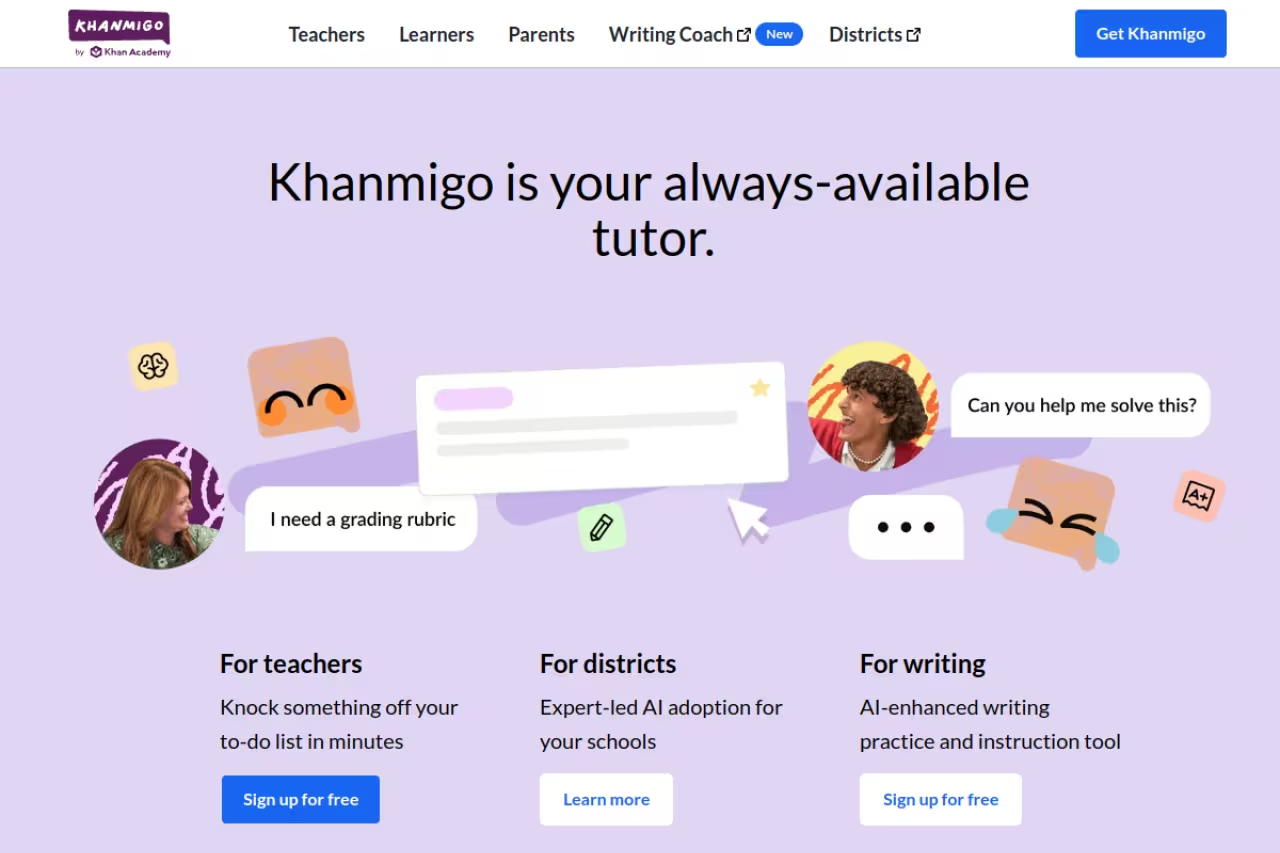
Khanmigo is Khan Academy's AI tutor, and it's the tool I'd hand a struggling student before any other. The reason is simple: it refuses to just give answers. Ask it to solve your algebra homework and it asks you a question back, walks you to the next step, and lets you make the mistake yourself. That sounds annoying. It's also exactly how good human tutors work.
Who it's best for: K-12 students, parents who want homework help that doesn't become homework laundering, and teachers who want a free classroom tutor.
The tutor to hand a struggling K-12 student, since it refuses to give answers and walks them through the thinking instead. It is free for teachers and cheap for families, but narrow on purpose and less useful outside the Khan Academy curriculum.
Khanmigo is 100% free for teachers, and $4/month or $44/year for learners and parents. Districts pay roughly $15 per student per year for the rollout. Khan Academy's core content stays free regardless.
The standout: The Socratic guardrails are genuinely well-built. Most general chatbots will cave and spill the answer if a student pushes hard enough. Khanmigo holds the line, and it ties directly into Khan Academy's existing exercises so a kid can move from tutoring straight into practice without leaving.
The catch: It's narrow on purpose. Outside the Khan Academy curriculum, the math, science, and standard humanities tracks, it's less useful than an open-ended tool. College students working on niche upper-level material will outgrow it fast. And the $4 family plan, while cheap, is still a paywall on the best features for anyone whose school district hasn't bought in.

MagicSchool AI: the teacher's time machine
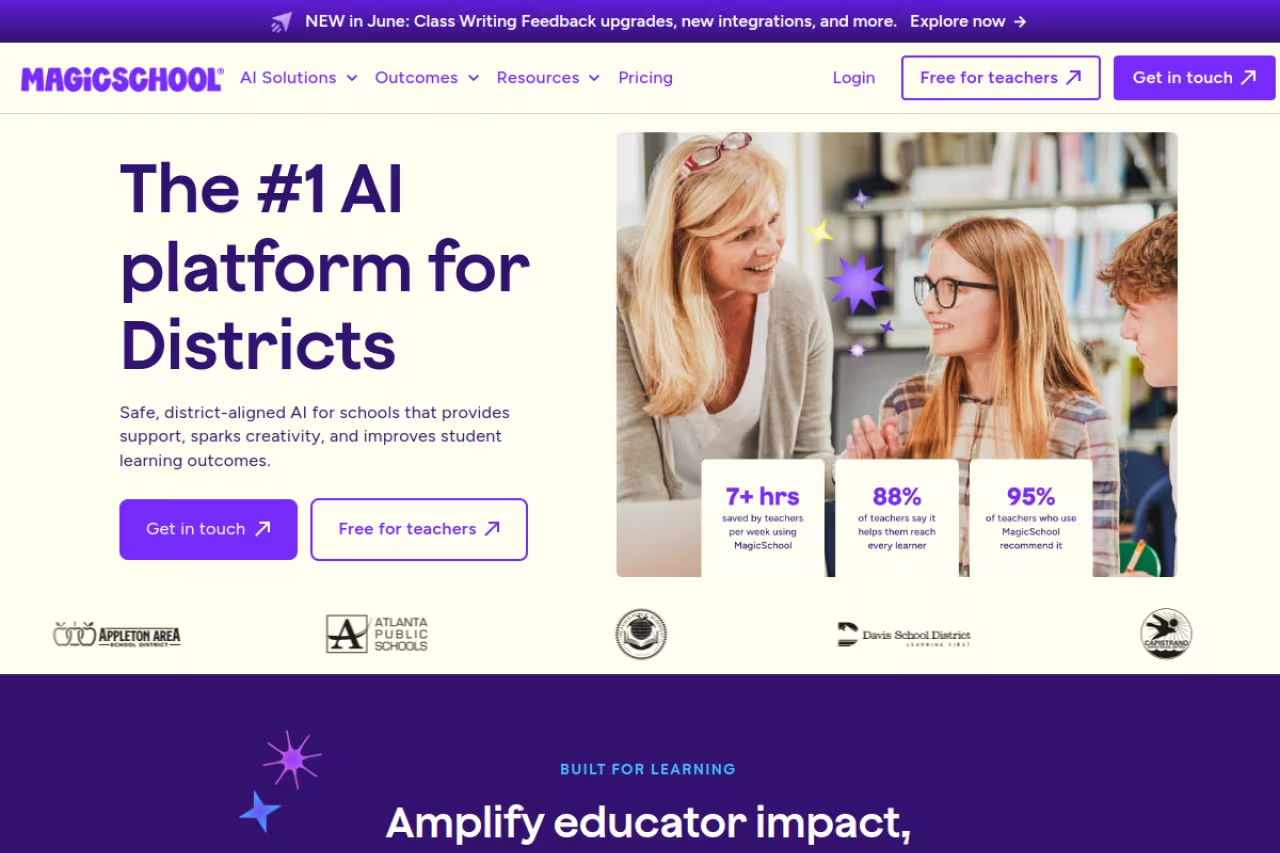
If you're a teacher, start here. MagicSchool is a hub of purpose-built tools, lesson plans, rubrics, IEP drafts, quiz generators, parent emails, that turn a 40-minute task into about four. Teachers who were skeptical of "another AI thing" tend to become daily users quickly, mostly because the tools are specific. You don't prompt from a blank box. You pick "Worksheet Generator," fill in three fields, and get something usable.
Who it's best for: Classroom teachers and instructional coaches who want to stop spending Sundays on prep.
The first stop for classroom teachers, turning a 40-minute prep task into about four with purpose-built tools. The free plan is generous, and Plus at $12.99/month adds unlimited generations if you outgrow it.
The free plan includes 80+ teacher tools and 50+ student tools with unlimited student rooms. Plus is $12.99/month, or $99.96/year (about $8.33/month), and adds unlimited generations, output history, editing, and class writing feedback. Enterprise is custom for districts.
The standout: The free tier is unusually generous, and the platform is SOC 2 certified plus FERPA and COPPA compliant, with a stated policy of not training AI on student or teacher data. For a tool you're putting in front of minors, that compliance posture matters more than any feature.
The catch: Output quality is only as good as your input, and the sheer number of tools can be paralyzing on day one. The free plan also caps generations and editing, so heavy users will hit the Plus wall. Treat its drafts as first drafts, not final ones, especially for anything assessment-related.
NotebookLM: the study partner that actually read your sources
NotebookLM is Google's research and study tool, and it solves the single most annoying problem with general chatbots: hallucination. You upload your own material, lecture slides, a textbook chapter, your messy notes, and it answers only from those sources, with citations pointing back to the exact passage. For studying, that's the whole game.
Who it's best for: University students, grad students, and anyone studying from dense source material they can't afford to misremember.
The study partner for students working from dense material, since it answers only from your own sources with citations. It is free with a standard Google account, though Plus and Pro raise the limits and it is less useful without source material.
The core product is free with a standard Google account, and free across all Google Workspace for Education editions. Paid Plus and Pro tiers raise the usage limits, but most students never need them.
The standout: Two things. First, the Audio Overview generates a surprisingly listenable podcast-style discussion of your material, and a 2026 Interactive Mode update lets you interrupt the hosts to ask follow-up questions mid-playback. Second, the auto-generated study guides, flashcards, and practice quizzes are built from your actual content, not generic web filler. As of April 2026, students can also spin up personal class notebooks directly inside Google Classroom.
The catch: It's only as smart as what you feed it. Garbage notes in, garbage study guide out. It also won't reason far beyond your sources, which is a feature for accuracy but a limit if you want it to teach you something your materials skip. And uploads have size caps that frustrate anyone trying to dump an entire semester at once.
If you're piecing together a study system from several of these, our guide on how to use AI to study walks through stacking tools like this without letting them do the thinking for you.

ChatGPT: the generalist that learned to teach
ChatGPT was the tool everyone worried would kill homework. In 2026 it's also one of the better study tools, mostly thanks to Study Mode, a setting that flips it from answer-machine into a Socratic tutor that quizzes you and breaks problems into steps instead of dumping a solution.
Who it's best for: Students who want a flexible all-rounder for explaining concepts, drafting, brainstorming, and working through problems across any subject.
A flexible all-rounder for students who want help with explanations, drafting and problem-solving across any subject, with Study Mode turning it into a Socratic tutor. Those guardrails are one toggle from being switched off, so discipline is on the student.
The Free tier now runs on GPT-5.6 Luna with unlimited everyday text chats, per OpenAI's model guide, and handles most studying. Plus is $20/month for higher limits and advanced features. Study Mode is available to all users at no extra cost. Note that US free users now see occasional ads in the interface.
The standout: Range. Nothing else here moves as fluidly from a chemistry explanation to fixing your code to outlining an essay. Study Mode adds the guardrails that make it safer to recommend to a student who'd otherwise just paste in the question and copy the answer.
The catch: Those guardrails are optional and one toggle away from being switched off, which is the core tension with using general chatbots in school. It also still invents facts and citations with total confidence. For the cheating-detection side of that problem, see our roundup of AI content detectors. If you're a student specifically, our ChatGPT for students guide covers the free-versus-paid math in detail.

Grammarly: writing support without the rewrite
Grammarly has quietly become an AI education staple, and for writing-heavy coursework it earns its spot. Beyond catching grammar and spelling, the current version flags clarity issues, adjusts tone, and now generates citations, which matters more than it sounds when you're racing a deadline at 2am.
Who it's best for: Students and academics who write a lot and want feedback without handing the whole draft to an AI.
A good fit for students and academics who write a lot and want feedback without handing the whole draft to an AI, and the free plan is genuinely useful. Its rewrite features blur the line schools care about, so use suggestions, not full rewrites.
The free plan covers grammar, spelling, tone detection, and basic citations, enough for most assignments. Pro starts at $12/month billed annually. Crucially, over 3,000 universities provide Grammarly Pro free through institutional licenses, so check your school's offerings before paying.
The standout: It works everywhere you write, browser, docs, email, so there's no copy-pasting into a separate tool. The free tier is legitimately useful rather than a trial in disguise, and the institutional access deal means a lot of students already have Pro and don't know it.
The catch: Its generative-writing features blur the line schools care about. A clarity suggestion is feedback; "rewrite this paragraph" is closer to writing it for you. Used carelessly, it's the kind of help that gets flagged. It also pushes Pro upgrades aggressively, and the suggestions can flatten a distinctive writing voice into generic correctness.

Quizlet: flashcards that grew an AI brain
Quizlet is the flashcard tool most students already know, and it has bolted on enough AI to stay relevant. Magic Notes turns your notes into study sets automatically, and Q-Chat is an AI tutor that quizzes you conversationally instead of just flipping cards.
Who it's best for: Students who learn through repetition and recall, vocabulary, terminology, exam memorization.
The flashcard tool most students already know, now with AI note-to-study-set conversion and a conversational tutor, ideal for vocabulary and exam memorization. The free tier got noticeably stingier in 2026, so the best features now sit behind Plus.
Creating and studying flashcards is free, though 2026 tightened the daily limits hard. Quizlet Plus is $35.99/year (or $7.99/month) and removes the caps, adds Q-Chat and Magic Notes, and strips ads. Plus Unlimited runs $44.99/year for uncapped practice tests and solutions.
The standout: The library. Millions of existing sets mean you can often find a deck for your exact course or textbook before making your own. Q-Chat is a smart layer on top, pushing you toward understanding the "why" rather than rote memorizing.
The catch: This is where the free tier got noticeably stingier in 2026. Features that used to be free, full practice tests, generous Learn rounds, now sit behind Plus, with free users capped at a handful per month. For pure flashcards it's fine free. For everything that made Quizlet feel powerful, you're paying.
Brisk Teaching: AI inside the tools teachers already live in
Brisk Teaching takes a different bet from MagicSchool. Instead of a separate platform, it's a Chrome extension that drops AI directly into Google Docs, Slides, and the websites teachers already use. You highlight student work and generate feedback, or turn any web article into a quiz, without leaving the page.
Who it's best for: Google Classroom teachers who want grading and feedback help inside their existing workflow, not a new tab to manage.
Made for Google Classroom teachers who want feedback and grading help inside Docs and Slides rather than a new platform to manage. Zero context-switching is the draw, but it is tied to Google and Chrome, so Microsoft schools get an awkward fit.
Brisk runs a freemium model from free to $9.99/month, with an annual option around $99.99. Districts get custom pricing with no usage limits and admin dashboards.
The standout: Zero context-switching. Because it lives in the Chrome tools teachers use all day, adoption friction is almost nothing. Generating feedback on a Google Doc, building a rubric, or spinning a reading into multiple-choice questions all happen in place. For a busy teacher, that convenience beats a more powerful tool you have to remember to open.
The catch: It's tied to the Google and Chrome ecosystem, so if your school runs on Microsoft, the fit is awkward. The free tier limits how much you can generate, and the AI-written feedback still needs a human pass before it goes to students. It's an assistant, not an autopilot.
Diffit: one job, done better than anyone
Diffit does exactly one thing and does it better than any general tool: it takes any text, article, URL, or topic, and rewrites it to a target reading level while keeping the meaning intact. For a teacher with a classroom spanning four reading levels, that's the difference between one lesson and four.
Who it's best for: Teachers handling mixed-ability classrooms, English-language learners, or special education, where the same content needs to land at different levels.
A focused pick that does one job well, rewriting any text to a target reading level. It suits teachers with mixed-ability classes, ELL and special education, but it will not replace a general-purpose lesson tool.
The free plan covers limited differentiated resources with PDF export and sharing. Full access runs about $14.99/month or $149.99/year for individual teachers, with flat-rate school pricing tiered by enrollment.
The standout: Focus. Because Diffit only does differentiation, it does it cleanly, generating leveled versions plus vocabulary lists, summaries, and questions in one pass. Its own impact data claims 96% of teachers report meaningful time savings, and for this specific task I believe it.
The catch: It's a specialist, not a Swiss Army knife. If you want lesson plans, grading, or anything beyond reading-level adaptation, you'll need another tool alongside it. The free tier is genuinely limited, and at $149.99/year an individual license is pricey for a single-purpose tool unless differentiation is a daily part of your job.
If you're trying to find the right tool for a job that isn't on this list, our top AI tools directory and our roundup of the best AI chatbots are good next stops. If you want a free course with a certificate instead of a tool, the best free AI courses with certificates compares seven of them.
How to choose the right tool
Pick by role first, then by job. The mistake is asking "what's the best AI education tool" when the real question is "best for what, for whom."
If you're a student: Start free. NotebookLM for studying from your own materials, ChatGPT in Study Mode for explanations and working through problems, and whatever flashcard tool you'll actually use (Quizlet's free tier still works for basic recall). Add Grammarly, and check whether your university already gives you Pro before paying.
If you're a teacher: Your axis is workflow. If you live in Google Docs and Chrome, Brisk Teaching has the least friction. If you want the deepest toolbox and don't mind a separate platform, MagicSchool's free tier is hard to beat. If your specific pain is mixed reading levels, Diffit is worth its price.
If you're a parent: Khanmigo at $4/month is the highest-use spend on this list, a real tutor for less than a single hour with a human one.
One rule cuts across all of it: choose tools that make the learner do the work, not tools that do the work for them. Khanmigo and Study Mode are built around that. A raw chatbot is one careless prompt away from undermining it. The tool matters less than how you use it.
The same principle applies if you're building or shipping AI products yourself. Staying current on what actually works means watching the space closely, which is exactly what Dupple's Techpresso newsletter does for 780,000+ professionals every morning.
Frequently asked questions
What is the best AI tutor for students?
For K-12, Khanmigo is the strongest dedicated tutor because it guides students to answers instead of handing them over, and it's free for teachers and $4/month for families. For older students and any subject, ChatGPT's Study Mode is a flexible free alternative. NotebookLM wins when you're studying from your own specific materials.
Are AI education tools free?
Many have real free tiers. NotebookLM is free with a Google account, Khanmigo is free for teachers, MagicSchool gives teachers 80+ tools free, and ChatGPT, Grammarly, and Quizlet all have usable free plans. The catch is that the most powerful features (uncapped usage, advanced grading, full practice tests) usually sit behind paid tiers, most of which run $4 to $20 a month.
Is it cheating to use AI for schoolwork?
It depends entirely on how you use it. Using an AI tutor to understand a concept, get feedback, or quiz yourself is study help. Pasting in an assignment and submitting the output is cheating, and tools like AI content detectors are getting better at catching it. The safest approach is using AI to learn the material, not to produce the deliverable.
What AI tools do teachers use to save time?
The most common are MagicSchool AI and Brisk Teaching for lesson planning, feedback, and grading, and Diffit for adapting reading materials to different levels. Teachers report saving several hours a week, mostly by automating the repetitive parts of prep, like generating worksheets, rubrics, and parent communications.
Which AI tool is best for studying from lecture notes and PDFs?
NotebookLM, by a clear margin. Because it only answers from the sources you upload and cites the exact passage, it avoids the hallucination problem that makes general chatbots risky for exam prep. Its auto-generated study guides, flashcards, and audio overviews are built from your actual course material rather than generic web content.
Do I need to pay for ChatGPT Plus as a student?
Usually not. The free tier runs on GPT-5.6 Luna and Study Mode is free for everyone, which covers most studying, drafting, and homework help. Plus ($20/month) only matters if you want higher message limits and advanced features. There's no official student discount in 2026 outside a couple of countries, so anyone selling "student promo codes" is running a scam.
Related guides
Some offers on this page may be paid placements or contain affiliate links.
