
What is Turbotic?
AI-powered no-code automation platform for workflow creation via natural language
Turbotic is a productivity tool that we've reviewed as part of our directory. Here's what it does well, where it falls short, and whether it's worth your money.
How We Evaluated Turbotic
We looked at Turbotic on five things: workflow automation, task organization, team collaboration, integrations, and mobile support. Same checklist we use for every productivity tool in the directory, so the comparisons are like for like.
That meant using the product, testing the features that matter most for productivity work, reading the docs, and checking whether pricing is upfront or hidden behind a sales call. We also compared it against Hermes Agent and Blinq to see where it stands.
Key Features
What Turbotic actually gives you:
- Workflow Automation: Automates repetitive tasks to save time on routine operations
- AI-Powered Intelligence: Uses AI to surface insights and automate decisions
- Core Functionality: Purpose-built feature set for productivity workflows
- User Interface: Clean interface designed for productivity
Pricing
Turbotic publishes its pricing: Automation AI has a free plan with 100 executions a month, then Basic at $14.99 and Pro at $79.99 per month billed annually, with Enterprise quoted by sales.
To give you a rough sense of the market, comparable productivity tools like Hermes Agent and Blinq charge in the range of custom pricing to custom pricing/mo, which should help you calibrate expectations.
Prices checked on the Turbotic Automation AI pricing in September 2026. Plans and limits change, so confirm before you buy.
Pros and Cons
What we like
- This is a tool built specifically for productivity, which means the features are tailored to real use cases in this space rather than being generic functionality that sort of applies
- It integrates with the tools you're probably already using rather than asking you to change your entire workflow, which makes adoption significantly easier for teams
- It focuses on doing one thing well rather than trying to be a Swiss Army knife, which usually means the core features get more development attention and polish than they would in an all-in-one platform
What could be better
- Adding another tool to your stack is only worthwhile if people actually use it, and productivity tools have a particularly high rate of being purchased, set up, and then quietly ignored
- Larger organizations with complex requirements may find that some of the advanced features they expect from enterprise software are missing or underdeveloped
Turbotic Alternatives
If Turbotic isn't the right fit, here are the closest competitors worth looking at:
| Tool | What it does | Pricing |
|---|---|---|
| Hermes Agent | Open-source AI agent from Nous Research that lives across Telegram, Discord, Slack, Wha... | From $20/mo |
| Blinq | Blinq is a business tool available at blinq.me. Sign up to see pricing, features, and c... | From $4/mo |
| 1Password | 1Password is a business tool available at start.1password.com. Sign up to see pricing, ... | From $2/mo |
| Laxis | Laxis is a business tool available at laxis.com. Sign up to see pricing, features, and ... | From $17/mo |
We track hundreds of productivity tools in our tools directory. Worth browsing if none of these match what you need.
Who It's For (and Who It's Not)
Good fit: Turbotic makes the most sense for remote teams and busy professionals who need a reliable system to organize their day, track tasks across projects, and make sure nothing falls through the cracks when things get hectic. If that sounds like your situation, it's worth at least testing it out.
Skip it if: your current setup already works well and you're productive. Adding another tool on top of that just creates one more thing to manage. In that case, you might want to look at Hermes Agent as a lighter-weight option.
Bottom Line
Does its core job well. Worth the investment if productivity is central to your daily work. If you only need it occasionally, look at a simpler option.
In short: Turbotic is a strong choice for remote teams and busy professionals who need a reliable system to organize their day. your current setup already works well and you're productive.
Try TurboticHow Turbotic works
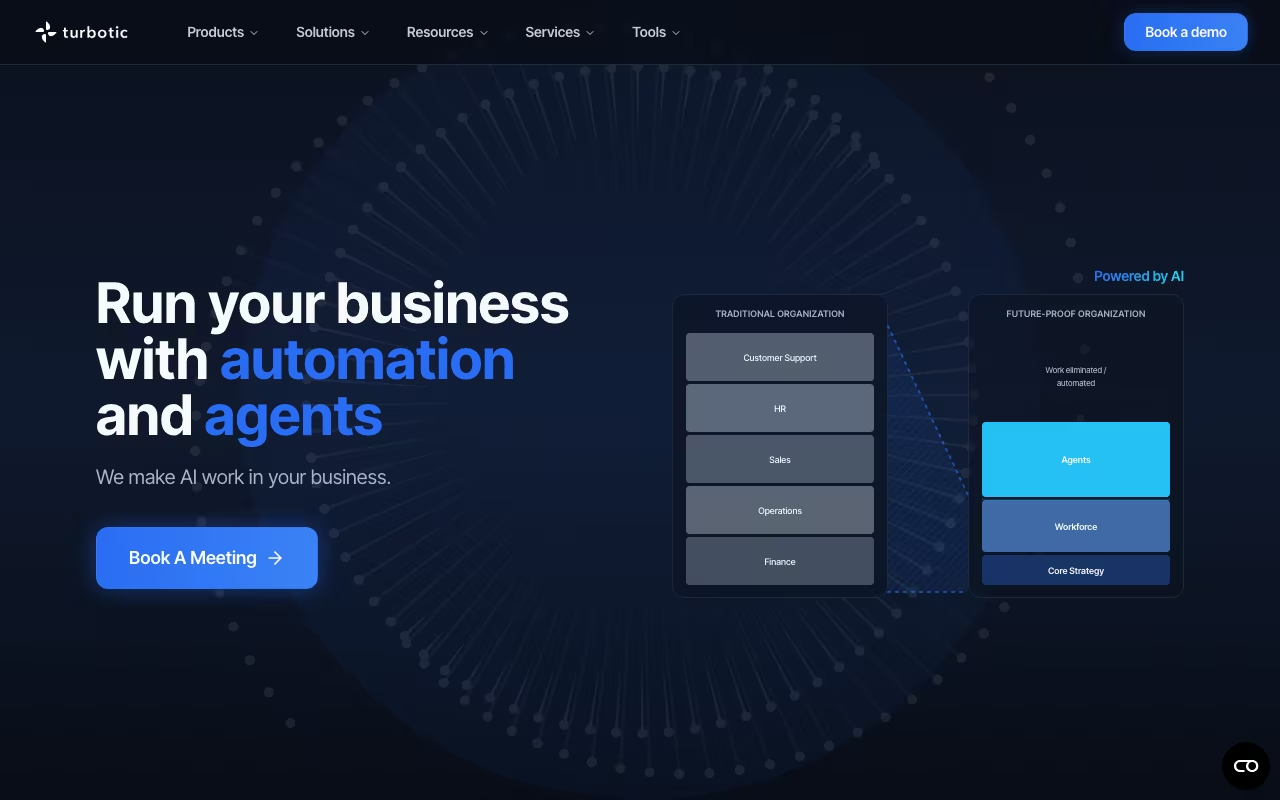
Turbotic is an enterprise automation platform with two distinct halves. Automation AI lets people build, test and run workflows and AI agents by describing what they want in plain English, and the assistant generates the executable code. Automation Orchestration is a control plane over an automation estate you already own: it manages sequence, dependencies and error handling across multi-step processes, and monitors bots and agents running on other vendors' platforms. The company sells to large enterprises and shows Ericsson, Sony, Volvo, LinkedIn, SAS and Xerox as customer logos, with packaged angles for HR, finance and IT operations.
On the Automation AI side you type a request into a prompt box (the vendor's own example is "Summarize my last 5 emails and send me a Word doc") and the assistant builds the workflow. There are no forms, no templates and no diagram canvas. You then schedule runs, set email notifications, chain multi-step logic and route items through team approval flows. Connectivity is API-and-webhook based rather than a fixed connector library, with Outlook, Teams, SharePoint, HubSpot, Stripe, Jira, UiPath and ServiceNow named explicitly.
On the Orchestration side you point it at existing RPA estates from UiPath, Blue Prism and Automation Anywhere, plus AI agents from any framework. What you get back is real-time performance dashboards, anomaly detection ranked by business impact, error categorization for root cause, license-utilization analysis that flags unused seats, and ROI reporting in hours saved. Cloud is the default and on-premise is an Enterprise-tier option. Automation code, execution data and file uploads are encrypted, API traffic is HTTPS, and automations are private by default with per-user sharing control.
Where Turbotic wins
- Vendor-neutral orchestration is the real differentiator. It monitors and coordinates UiPath, Blue Prism and Automation Anywhere bots alongside AI agents, so it sits above an estate rather than competing to replace it.
- License-optimization reporting that surfaces underused RPA licenses, with per-license savings figures shown in the vendor's examples ($256 to $594 per license type).
- Natural-language build with no template or form step, plus self-healing execution that detects and repairs broken automations.
- API-and-webhook connectivity means anything with an API is reachable, instead of waiting for a connector to be built.
- Built-in ROI accounting (hours saved and business value per automation), which is exactly what an automation CoE has to report upward.
- On-premise deployment at Enterprise tier, backed by enterprise logos (Ericsson, Sony, Volvo, LinkedIn, Xerox) as evidence of that scale.
Where it falls short
- The two halves are sold as two products on two sites. The standalone Automation AI app lives on a separate domain (turbotic.ai) whose TLS certificate was expired when checked on 28 July 2026, so the self-serve entry point was not reachable.
- No pricing at all for the enterprise Orchestration product. turbotic.com/pricing is a demo-booking form, so the orchestration side is a sales-call-only purchase.
- Self-serve execution caps are low. Free is 100 executions a month across 3 automations, Basic ($14.99/mo billed annually) is 200 executions a month, Pro ($79.99/mo) is 2,000. Any real enterprise volume forces the custom Enterprise quote.
- API-first connectivity is also a burden. With no curated connector library, someone has to know each target system's API and auth, so the "anyone can type it" promise degrades as soon as a workflow touches a system that needs credentials and field mapping.
- Public product pages are thin and several linked URLs (/services/, /automation-orchestration/) return 404s, so evaluating depth requires booking a consultation.
- Self-serve support is Discord and email with a stated response time of around 24 hours. An SLA only comes with the Enterprise tier.
Who should use Turbotic
Enterprises that already run an RPA estate (UiPath, Blue Prism, Automation Anywhere) and need a single control plane for monitoring, error handling, license cost recovery and ROI reporting across it, especially where a centre of excellence has to justify its spend. It is also a fit for teams that want prompt-built internal workflows over Microsoft 365, Jira and ServiceNow.
Skip it if you are a small team looking for a cheap Zapier substitute, since the Free and Basic execution caps are tiny. Skip it too if you need a large library of ready-made no-code connectors, or if you want to buy without talking to sales.