
The 8 Best Workflow Automation Tools in 2026 (Compared and Priced)

Key facts8 tools compared: Zapier, Make, n8n, Gumloop, Lindy, Relay.app, Power Automate, Workato
- 8 tools compared: Zapier, Make, n8n, Gumloop, Lindy, Relay.app, Power Automate, Workato
- Zapier (best for: Connecting the most apps, fastest): Free; $19.99/mo
- Make (best for: Visual logic on a budget): Free; $9/mo
- n8n (best for: Cost at scale + self-hosting): Free self-hosted; €20/mo cloud
- Gumloop (best for: AI-heavy no-code workflows): Free; $37/mo
Workflow automation used to mean wiring two apps together so a form filled out a spreadsheet. In 2026 it means something closer to handing off whole chunks of your job: a workflow that reads incoming leads, enriches them, writes a reply, and only pings you when a human decision actually matters.
The problem is that the word "automation" now covers tools that cost $0 and tools that cost $150,000 a year, and they all promise to save you time. Pick the wrong one and you either hit a wall the moment your logic gets complex, or you pay enterprise money for a glorified Slack notifier. I compared these platforms on documentation, pricing, and public user reports, so this list is about what actually holds up.
Short version for skimmers: Zapier is still the safest default if you value app coverage over everything else, Make is the better deal for visual, multi-step logic, and n8n wins the moment you care about cost at volume or want to self-host. The rest of the list is for specific situations, including the AI-native builders that didn't exist a couple of years ago. This is written for founders, operators, marketers, and developers who want fewer manual tasks, not another think-piece.
Quick comparison
| Tool | Best for | Starting price | Standout |
|---|---|---|---|
| Zapier | Connecting the most apps, fastest | Free; $19.99/mo | 8,000+ app integrations |
| Make | Visual logic on a budget | Free; $9/mo | Branching canvas at low cost |
| n8n | Cost at scale + self-hosting | Free self-hosted; €20/mo cloud | Per-execution pricing, open source |
| Gumloop | AI-heavy no-code workflows | Free; $37/mo | Swap LLMs per node |
| Lindy | Autonomous AI agents | Free; $19.99/mo | Agents that act on their own |
| Relay.app | Human-in-the-loop approvals | Free; $9.99/mo | Native pause-and-approve steps |
| Power Automate | Microsoft 365 shops + RPA | Free with M365; $15/user/mo | Desktop RPA + Office tie-in |
| Workato | Large-team enterprise iPaaS | Custom (~$10K+/yr) | Deep governance and recipes |

Zapier: the default that still earns it
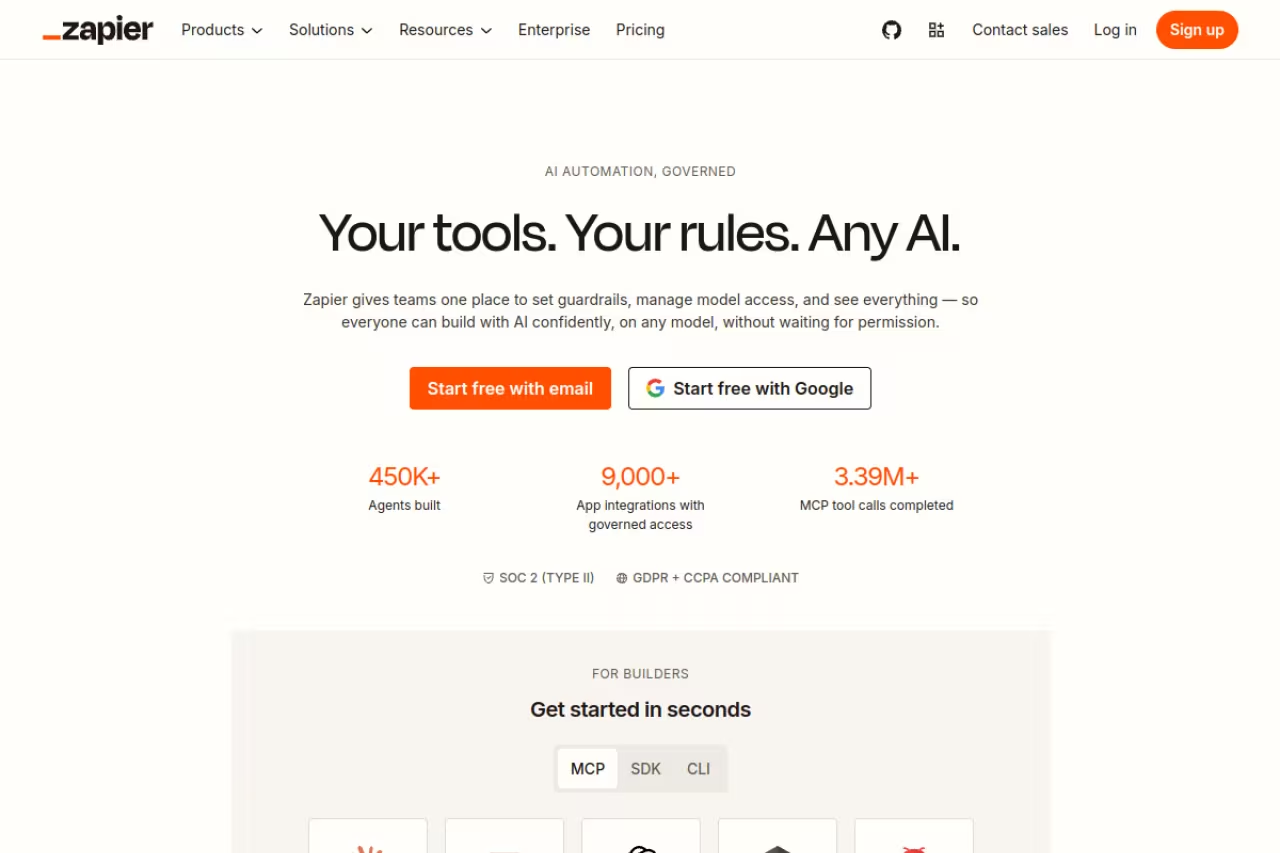
Zapier is the tool most people mean when they say "automation." It connects more apps than anything else, the trigger-action model is easy to grasp in ten minutes, and there's a template for almost every common task you can think of.
The default for people who want breadth and speed over deep logic, with a directory above 8,000 integrations. Task-based pricing punishes complexity, and it is the most expensive way here to run heavy workflows.
If the apps in your stack are obscure, Zapier probably already supports them. According to Zapier's own count, the directory now sits above 8,000 integrations, which is a number none of the competitors come close to.
Pricing: a free plan with 100 tasks per month and two-step Zaps, then the Professional plan at $19.99/month (billed annually) for 750 tasks. The Team plan is $69/month for up to 25 users. A "task" is one action step, so a five-step Zap burns five tasks per run.
The standout is the integration library plus Zapier's newer AI features (Agents, Chatbots, and natural-language Zap building) layered on top of that catalog.
The catch: the task-based pricing punishes complexity. Every step in a multi-step workflow eats tasks, and overages bill at 1.25x your base rate. Build anything elaborate at volume and the bill climbs fast. Zapier is the most expensive way to run heavy workflows on this list.
Make: the visual builder that costs less
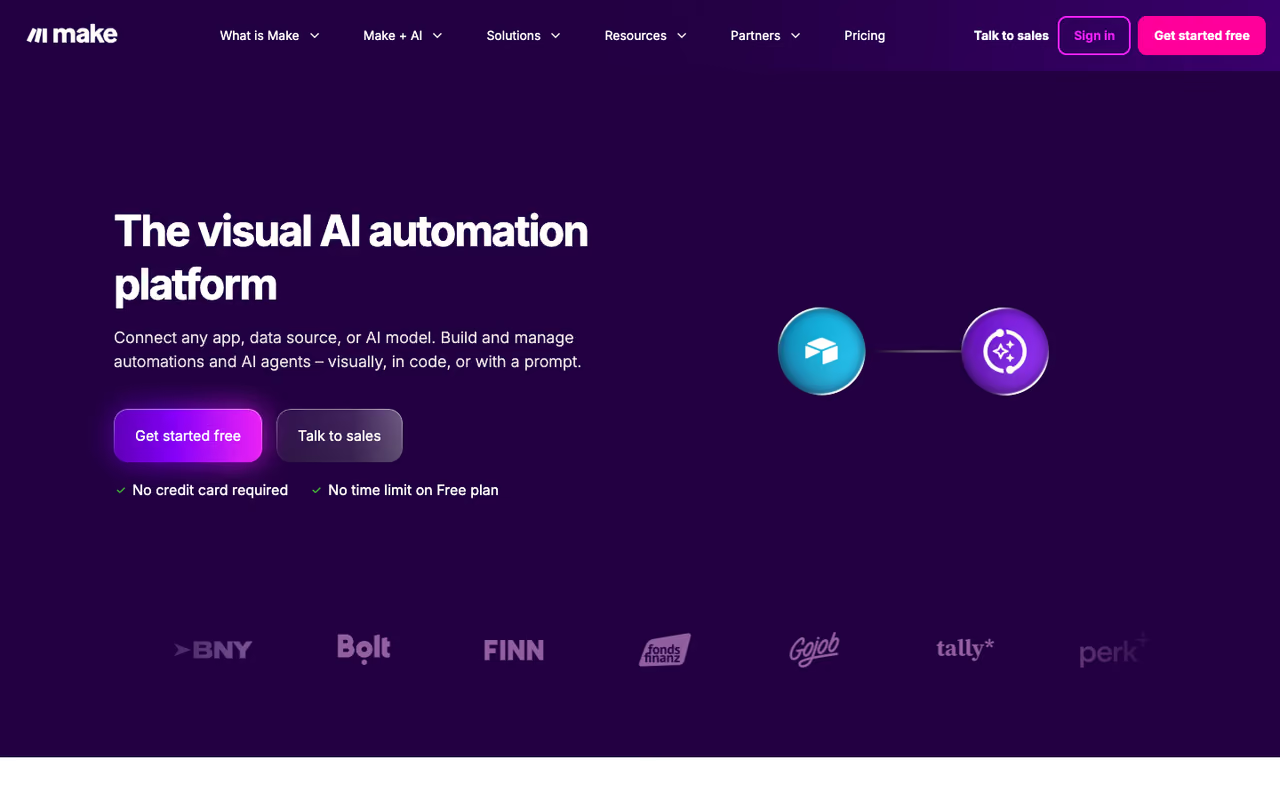
Make (formerly Integromat) gives you a visual canvas where each step is a module you drag and connect. For workflows with branches, loops, and data transformation, seeing the whole thing laid out beats Zapier's stacked-list view, and it costs noticeably less.
A visual builder for people who need real branching and logic without enterprise pricing, starting at $9 a plan. The learning curve is steeper than Zapier's, and chatty workflows can drain credits faster than the headline suggests.
Routers, iterators, and error handlers are built in, so you can do things on a $9 plan that would push you into Zapier's premium tiers.
Pricing: a free plan with 1,000 credits a month, then Core at $9/month, Pro at $16/month, and Teams at $29/month, each starting at 10,000 credits. Make moved to a credits model that folds operations and AI usage into one currency, so read the meter before you commit to heavy runs.
The standout is the price-to-power ratio. Make's docs show complex branching that would sit behind Zapier's pricier plans available near the bottom of its range.
Where it falls short: the learning curve is steeper than Zapier's. The canvas is powerful but intimidating at first, and the credit model means a chatty workflow with lots of condition checks can drain your allowance faster than the headline number suggests.

n8n: the one that scales without punishing you
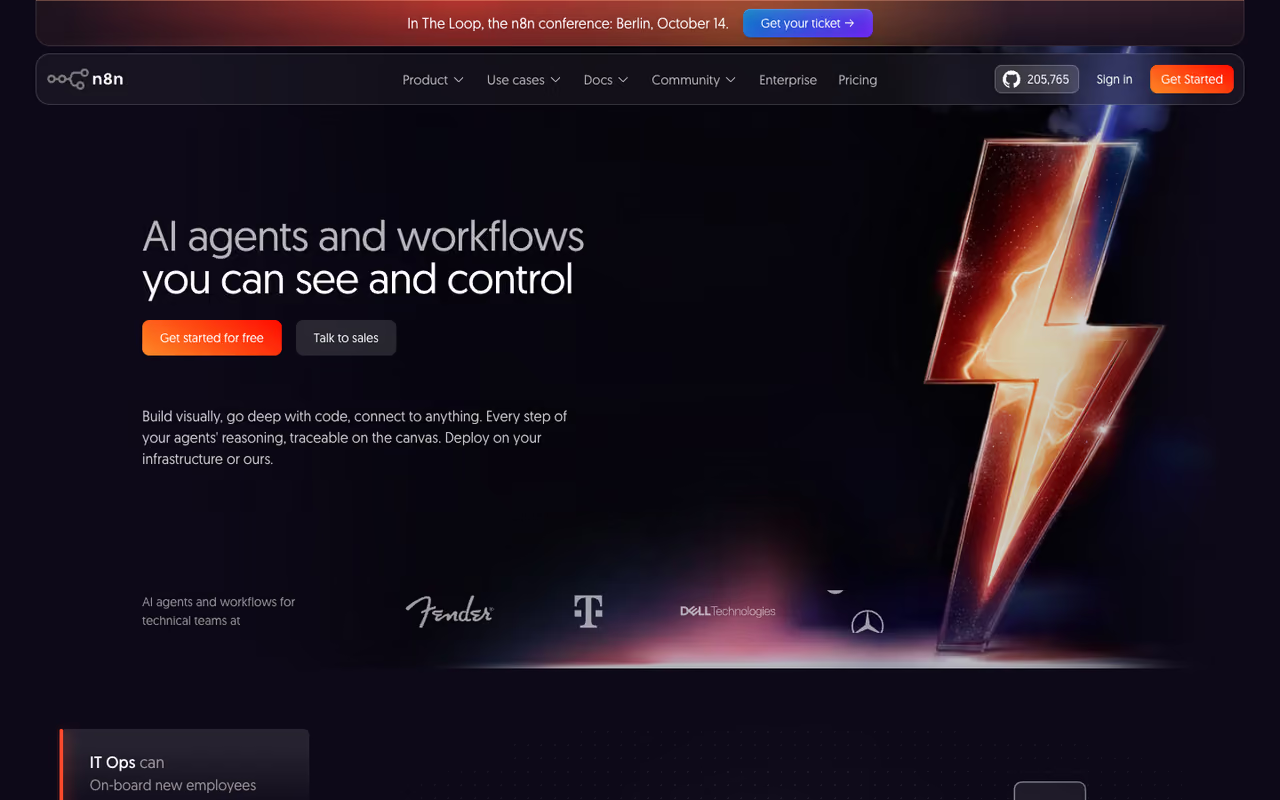
n8n charges per workflow execution, not per step or per task. One run from start to finish counts as one execution no matter how many nodes it touches. That single design choice makes it dramatically cheaper than Zapier or Make once your workflows get long or run often.
Pick n8n if your team is technical or has volume, since a 30-step workflow costs the same as a 3-step one. Self-hosting means you own uptime and updates, and non-developers will find the interface leans technical.
You can self-host the open-source Community Edition for free, which means unlimited executions on your own server, and the project has crossed 190,000 stars on GitHub.
Pricing: self-hosted Community Edition is free. Cloud starts at €20/month (Starter, 2,500 executions), then €50/month (Pro, 10,000 executions), and €667/month (Business, 40,000 executions with self-hosting and SSO). Because pricing is per execution, a 30-step workflow costs the same as a 3-step one.
The standout is that pricing model combined with deep flexibility: code nodes, native AI/LangChain nodes, and full control over your data when self-hosted.
The catch: it asks more of you. Self-hosting means you maintain the server, handle updates, and own uptime. The interface is friendlier than it used to be but still leans technical, and non-developers will feel it. If nobody on your team is comfortable with a terminal, the cloud plan is the realistic entry point. For a deeper look at agent-style use, see our guide to the best AI agents.
Gumloop: no-code automation built around AI
Gumloop is what you get when someone designs an automation tool AI-first instead of bolting AI onto an old product. You drag nodes on a canvas like Make, but the building blocks assume you'll be calling language models, scraping pages, and parsing documents as a normal part of the flow.
It's best for teams whose workflows are mostly AI work: summarizing, extracting, classifying, generating content at scale. The platform ships 100+ pre-built blocks and lets you swap between GPT, Claude, Gemini, and DeepSeek on a per-node basis, so you can match each step to the right model.
A strong match for teams whose work is mostly AI, such as summarizing, extracting and classifying, with per-node model switching. Native integrations are far fewer than Zapier or Make, and credits get expensive on frequent premium-model jobs.
Pricing: a free plan with 5,000 credits and one seat, then Pro at $37/month with 20,000+ credits and unlimited seats, plus custom Enterprise pricing. Annual billing saves 20%. Gumloop closed a $50M Series B led by Benchmark in early 2026, and its customer list includes Shopify, Instacart, and Webflow, so it's past the weekend-project stage.
The standout is per-node model switching plus a genuinely clean interface for AI-heavy flows.
Where it falls short: native integrations sit around 130, far below Zapier or Make. If your workflow depends on a long-tail SaaS app, check the connector list first. The credit pricing also gets expensive once you run frequent jobs against premium models.
If your team is leaning hard into this kind of work, our roundup of the best AI workflow automation tools goes deeper on the AI-native category.

Lindy: when you want an agent, not a flowchart
Lindy blurs the line between automation tool and AI employee. Instead of mapping every branch yourself, you describe what you want an agent to do, give it access to your tools, and let it act, including reacting to events you didn't script step by step.
It's best for people who want autonomy over precision: an inbox agent that drafts replies, a research agent that builds prospect lists, a meeting agent that follows up after calls. You still set guardrails, but the agent decides how to get there.
Go with Lindy when you want to state a goal and let an agent act, like an inbox or research agent. Autonomy cuts both ways, so add guardrails on customer or money tasks, and credit costs are hard to predict.
Pricing: a free plan with 400 credits a month, then Starter at $19.99/month (2,000 credits), Pro at $49.99/month (5,000 credits), and a Max tier at $199.99/month. Most tasks cost 1 to 3 credits on basic models and up to 10 on advanced ones. Voice calls bill separately at $0.19/minute, with phone numbers at $10/month each.
The standout is the agent-first design. For fuzzy, open-ended jobs, telling Lindy the goal beats building a rigid 12-step Zap.
The catch: autonomy cuts both ways. An agent that decides its own steps can also decide wrong, so you'll want tight guardrails and review on anything that touches customers or money. Credit costs are also hard to predict because they depend on how much thinking each task needs. For more on this category, see our best AI agents and best AI agent platforms guides.
If your job is mostly drowning in repetitive operations work, Dupple X is worth a look as a done-for-you layer that sits on top of tools like these.

Relay.app: human approvals as a first-class feature
Relay.app bets on a simple truth: not everything should run unattended. Plenty of workflows need a person to glance at the output and say yes before the next step fires. Relay makes that pause-and-approve step a native product feature instead of a hacky workaround.
Relay.app suits teams automating sensitive work like outbound emails or refunds, where the workflow genuinely pauses for human approval. Coverage is thin at roughly 100 apps, so it is a sharp tool for one need, not a general hub.
The workflow genuinely stops, waits for a human, and resumes, which Zapier and Make can only fake with notifications.
Pricing: a free plan, then Pro at $9.99/month for 2,500 runs and Growth at $29.99/month for 10,000 runs, with Team plans around $138/month for up to 10 users. As of 2026 every plan includes the human-in-the-loop approval feature.
The standout is exactly that: Relay is the only no-code platform where human approval gates are a core product, not a bolt-on.
Where it falls short: integration coverage is thin, roughly 100 apps versus Zapier's thousands. If your stack lives outside the popular SaaS apps, you'll hit gaps. It's a sharp tool for a specific need rather than a general-purpose automation hub.
Microsoft Power Automate: the obvious pick inside Microsoft 365
Power Automate is the default if your company already lives in Microsoft 365. It ties directly into Outlook, SharePoint, Teams, and Excel, and Microsoft 365 users can build cloud flows with standard connectors at no extra cost.
The obvious pick inside Microsoft 365, and the only option here with desktop RPA for legacy software without an API. Licensing is a maze across connectors and bots, and outside the Microsoft ecosystem it feels heavier than needed.
Power Automate Desktop records and replays actions on legacy software that has no API, which the cloud-only tools on this list can't touch.
Pricing: free for M365 users on standard connectors, then the Premium plan at $15/user/month (annual) for unlimited cloud flows and 5,000 AI Builder credits. The Per Flow plan runs $500/month for five flows. Unattended RPA bots start at $150/month each, per Microsoft's pricing page.
The standout is the combination of native Office integration and genuine desktop automation under one license.
The catch: licensing is a maze. Premium connectors, AI Builder credits, RPA bots, and Dataverse storage each have their own meter, and the line between "free with M365" and "now you owe us" is easy to cross by accident. Outside the Microsoft ecosystem, it feels heavier than it needs to be.

Workato: enterprise iPaaS for big, governed teams
Workato sits at the top of the market. It's an enterprise integration platform built for companies running hundreds of workflows ("recipes") across departments, with the governance, audit trails, and access controls that large organizations require.
Enterprise iPaaS for mid-market and large teams that need governance, audit trails and central IT control. Pricing is sales-led with no public number, so it is the wrong tool for a startup or anyone wanting to start this afternoon.
Pricing is custom and sales-led, with no public list price. Third-party estimates put the entry point around $10,000/year, mid-market deployments at $25,000 to $50,000/year, and large enterprise rollouts well into six figures, per Integrate.io's pricing analysis. You commit to a workspace and a usage tier, not a per-task meter.
The standout is depth of governance and the recipe ecosystem, which lets large teams reuse and audit complex integrations safely.
Where it falls short: cost and overkill. For a startup or a small team, Workato is the wrong tool by an order of magnitude. The pricing opacity alone (you must talk to sales for any number) rules it out for anyone who wants to start automating this afternoon.
How to choose
Skip the feature matrix. Pick based on the one constraint that actually binds you.
- You need the widest app coverage and want to start today: Zapier. Pay the premium for breadth and simplicity.
- You think visually and want logic without the bill: Make. Best value for branching, multi-step flows.
- You care about cost at volume or want to own your data: n8n. Self-host for free, or use cloud and stop paying per step.
- Your workflows are mostly AI work: Gumloop for no-code AI flows, Lindy if you want true agents.
- A human must approve steps: Relay.app, where that's the whole point.
- You're a Microsoft shop or need desktop RPA: Power Automate.
- You're an enterprise with governance requirements and a budget: Workato.
One more rule: start smaller than you think you need. Most teams over-buy. Build your first three workflows on a free or cheap tier, find where you actually hit limits, then upgrade against a real constraint instead of a hypothetical one. For broader picks beyond automation, our best AI tools for productivity and the top tools directory are good next stops.
If you'd rather have the workflows built and run for you instead of maintaining them yourself, Dupple X handles the operations layer so your team can focus on the work that needs a brain.
FAQ
What is the best workflow automation tool overall?
For most people, Zapier remains the best default because it connects more apps than anything else and is the fastest to learn. But "best" depends on your constraint: Make wins on value, n8n wins on cost at scale and self-hosting, and AI-native tools like Gumloop or Lindy win when your workflows are mostly model-driven. There's no single winner, only the right fit for your stack and volume.
What is the difference between Zapier, Make, and n8n?
They price the same work differently. Zapier counts tasks (one action step), Make counts operations or credits (each module call), and n8n counts executions (one full workflow run, regardless of steps). That means n8n is far cheaper for long or high-volume workflows, Make is the value pick for visual logic, and Zapier costs the most but supports the most apps.
Are there free workflow automation tools?
Yes. n8n's self-hosted Community Edition is free with unlimited executions if you run your own server. Zapier, Make, Gumloop, Relay.app, and Lindy all offer free tiers with monthly task or credit caps, and Microsoft 365 users get basic Power Automate cloud flows at no extra cost. Free tiers are fine for testing and light personal use, but most teams outgrow them quickly.
Do I need to know how to code to use these tools?
No for most of them. Zapier, Make, Gumloop, Relay.app, and Lindy are no-code or low-code and built for non-developers. n8n and Power Automate lean more technical, and n8n's self-hosted option specifically expects someone comfortable running a server. If nobody on your team writes code, start with Zapier or Make.
Which automation tool is best for AI workflows?
Gumloop and Lindy are the strongest AI-native choices. Gumloop is best for no-code workflows that call language models on most steps and lets you swap between GPT, Claude, Gemini, and DeepSeek per node. Lindy is better when you want autonomous agents that decide their own steps rather than a fixed flowchart. n8n is also a strong technical option thanks to its native AI nodes.
Is Zapier worth it in 2026?
It depends on your volume. For low-to-moderate use where app coverage matters more than cost, Zapier is worth it: nothing else integrates with as many apps or is as quick to set up. For high-volume or complex multi-step workflows, the task-based pricing gets expensive, and Make or n8n will run the same automations for a fraction of the cost.
Related guides
Some offers on this page may be paid placements or contain affiliate links.
Across our whole catalogue the median is $24 a month and 33% of tools advertise a free tier. Figures are the lowest recurring monthly price quoted in our own review of each tool, read on 2026-08-19. Full method and every category.
