
Best AI Workflow Automation Tools (2026)

Key facts8 tools compared: n8n, Zapier, Make, Gumloop, Lindy, Pipedream, Power Automate, Activepieces
- 8 tools compared: n8n, Zapier, Make, Gumloop, Lindy, Pipedream, Power Automate, Activepieces
- n8n (best for: Technical teams who want control): Free self-hosted / €20/mo cloud
- Zapier (best for: Non-technical teams, max integrations): Free (100 tasks) / $19.99/mo
- Make (best for: Visual builders watching budget): Free (1,000 credits) / $9/mo
- Gumloop (best for: AI-native no-code workflows): Free (5k credits) / $37/mo
A year ago, "workflow automation" meant connecting two apps so a form filled here dropped a row there. That era is mostly over. The tools worth your time in 2026 don't just move data between apps. They run AI agents inside the workflow, make decisions, summarize messy inputs, and call models the way they used to call webhooks.
The problem is that every platform now slaps "AI" on its homepage, and the actual depth varies wildly. Some bolted a chatbot onto a 2019 product. Others rebuilt around agents from the ground up. The pricing models are also a minefield: per-task, per-operation, per-credit, per-execution, each one quietly favoring a different usage pattern. Pick wrong and you either hit a wall or watch your bill triple at scale.
I've spent the last few weeks comparing documentation, pricing, and public reviews on how the main contenders handle real automation flows. If you want the short version: n8n is my top pick for anyone technical who wants control and predictable costs, and Zapier is still the safest choice if you'd rather not think about infrastructure. The rest depends on what you're automating and how much you trust an AI to run unsupervised. This guide is for founders, ops people, marketers, and developers who want automation that actually reasons, not just routes.
Quick comparison
| Tool | Best for | Price | Standout |
|---|---|---|---|
| n8n | Technical teams who want control | Free self-hosted / €20/mo cloud | 70+ AI nodes, predictable per-execution billing |
| Zapier | Non-technical teams, max integrations | Free (100 tasks) / $19.99/mo | 8,000+ app integrations, polished |
| Make | Visual builders watching budget | Free (1,000 credits) / $9/mo | Cheap at volume, drag-and-drop canvas |
| Gumloop | AI-native no-code workflows | Free (5k credits) / $37/mo | Built around LLM steps from day one |
| Lindy | Always-on AI assistants | From $49.99/mo | Agents that run your inbox and meetings |
| Pipedream | Developers who live in code | Free (100 credits/day) / $29/mo | Node, Python, Go in any step |
| Power Automate | Microsoft 365 shops | From $15/user/mo | Deep Office and RPA integration |
| Activepieces | Open-source and MCP-first teams | Free (10 flows) / $5 per flow | Every integration is an MCP server |

n8n: the best balance of power and price

n8n is what I reach for when a workflow needs to do something genuinely smart and I don't want a surprise invoice. It's an open-source automation platform you can self-host for free or run in their cloud. The visual editor lets you drop nodes, but you can also write JavaScript or Python in any node when the no-code path runs out.
The 2.0 release leaned hard into AI. There are now 70-plus AI nodes, native LangChain integration, and persistent agent memory, so you can build an actual multi-step agent inside a flow rather than hacking one together with API calls.
Who it's best for: developers, technical founders, and ops teams who want to own their stack and connect to internal systems.
The best balance of power and price for developers and technical teams who want to own their stack. Billing per execution keeps big flows cheap, but self-hosting means running a server and the interface is denser than Zapier's.
the self-hosted community edition is free, with around 192,000 GitHub stars behind it. Cloud starts at €20/month for the Starter plan (2,500 executions) and €50/month for Pro (10,000 executions), per their pricing page. The key detail: n8n bills per workflow execution, not per task or operation, so a flow with 40 steps costs the same as one with two. At volume that's dramatically cheaper than the competition.
The catch: the self-hosted route assumes you can run and maintain a server. If "Docker container" makes you nervous, the cloud plan removes that friction but you lose the free tier. The interface is also denser than Zapier's, and the AI nodes reward people who already understand how LLMs and embeddings work.

Zapier: still the default for non-technical teams
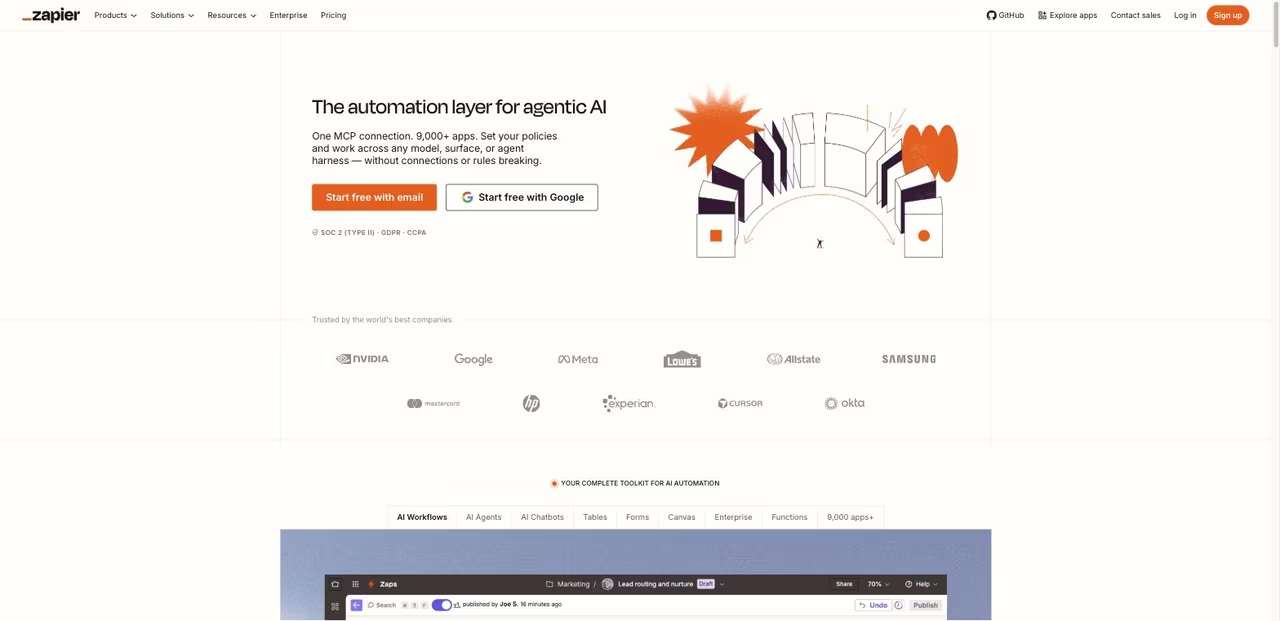
Zapier has been around long enough to feel like furniture, and it earned that by connecting more apps than anyone else: over 8,000 integrations. If a SaaS tool exists, Zapier probably talks to it. In 2026 it added Zapier Agents, autonomous workers that can act across that entire app library, plus AI steps you can drop mid-workflow.
Who it's best for: marketers, founders, and small teams who want automation working in an afternoon without touching code.
Still the default for non-technical teams, with over 8,000 integrations and automation running in an afternoon. Per-task billing makes it the most expensive option at scale, so busy flows can pass $300 where Make or n8n cost far less.
the free plan gives you 100 tasks a month with two-step Zaps. The Professional plan starts at $19.99/month billed annually (or $29.99 monthly) for 750 tasks, and scales up from there, according to multiple pricing breakdowns. Tasks count every action a Zap takes, which matters a lot for the catch below.
The catch: Zapier's per-task billing punishes complex or high-volume work. A flow that touches five apps burns five tasks every run, and a busy automation can chew through a plan fast. At tens of thousands of operations a month you can easily pass $300, where Make or n8n would cost a fraction. It's the most expensive option at scale, and you pay for the convenience.
Make: the visual builder that stays cheap
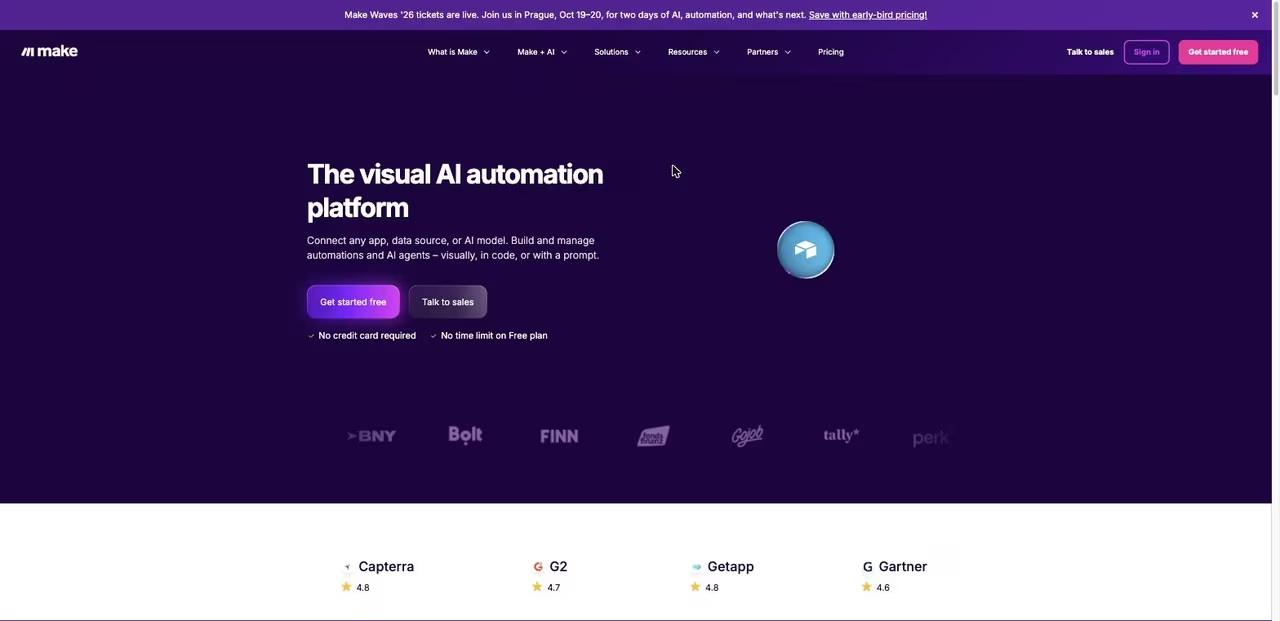
Make (formerly Integromat) sits in the sweet spot between Zapier's simplicity and n8n's power. Its canvas is genuinely fun to use: you draw scenarios as connected bubbles and watch data flow through them in real time, which makes debugging far less painful than reading logs. It now ships AI Agents in beta and an AI Toolkit on every plan, with the option to bring your own LLM key.
Who it's best for: visual thinkers and ops teams running medium-to-high volume who care about cost per run.
The sweet spot between Zapier's simplicity and n8n's power, with a visual canvas that makes debugging far less painful. The move to a credit system muddied the pricing math, and big scenarios get crowded.
the free plan includes 1,000 credits a month with no time limit. Paid plans start at $9/month (Core), $16/month (Pro), and $29/month (Teams), each with 10,000 credits at the base tier, per the Make pricing page. At equivalent volume Make routinely lands under $100 where Zapier passes $300.
The catch: Make recently moved from an "operations" model to a credit system, and pricing math got murkier in the process. AI-heavy steps and certain apps burn credits faster than you'd expect, so estimate before you commit. The canvas also gets visually crowded fast on big scenarios, and the learning curve is steeper than the friendly interface first suggests.
Gumloop: built for AI from the first line
Gumloop didn't add AI to an automation tool. It built an automation tool around AI. Nodes for running models, extracting structured data, and enriching records are first-class citizens, not afterthoughts. If most of your workflow is "feed messy input to a model and do something with the output," this is the most natural fit on the list.
Who it's best for: marketing and ops teams running content, research, and data-enrichment flows where the AI is the main event, not a side step.
The most natural fit when your workflow is mostly feeding messy input to a model and acting on the output. Credit use is hard to predict, and the integration library is thinner than Zapier's or Make's.
the free plan gives you 5,000 credits a month with one seat. The Pro plan is $37/month and requires at least 20,000 credits, scaling up through preset tiers to 1.5 million credits, with 20% off annual billing, per their pricing page. Complex flows using models like Claude Opus or GPT can burn 20 to 60 credits per call, so heavy users move up tiers quickly.
The catch: credit consumption is hard to predict until you've run real workloads, and AI-heavy flows eat through allowances fast. The integration library is also thinner than Zapier's or Make's, so if you need to touch a long tail of niche apps, you may hit gaps. It's purpose-built, which is a strength and a limit.
Lindy: agents that actually run things
Lindy takes a different angle. Instead of you building a flow that runs when triggered, you hire an AI assistant that lives in your tools and acts on its own. A Lindy can watch your inbox, draft replies, summarize meetings, research prospects, and chain those into multi-step jobs. It's closer to delegating to a junior teammate than wiring up a pipeline.
Who it's best for: founders and operators who want an always-on assistant handling email, scheduling, and CRM busywork rather than discrete automations.
Choose Lindy if you want an always-on assistant handling email, scheduling and CRM busywork instead of discrete automations. Credits do not roll over, plans start at $49.99/month, and giving an agent inbox autonomy takes trust.
there's no free tier, just a 7-day trial. Plans run $49.99/month (Plus), $99.99/month (Pro, which adds computer use), and $199.99/month (Max), per the Lindy pricing page. Each uses a credit model where simple tasks cost around 1 credit and complex multi-step jobs cost 5 to 10-plus.
The catch: credits don't roll over, so an unused month is money gone, and when you run out your agents pause until the next cycle. Switching to a stronger model like Claude Opus burns credits far faster, and there are add-on costs for voice features. Handing an agent autonomy over your inbox also demands trust you may want to earn gradually. If you're evaluating this category broadly, my roundup of the best AI agents covers the wider field.
Building these workflows is half the battle. Knowing which models, agents, and tools are worth adopting is the other half. Dupple X curates the AI stack our team and the Techpresso audience actually rely on, so you skip the trial-and-error. Start a yearly trial here.

Pipedream: automation that feels like coding
Pipedream is the developer's pick. Every step can run Node.js, Python, Go, or Bash, even on the free tier, so you're never boxed in by a no-code interface. It's the platform I'd hand a backend engineer who finds Zapier limiting and wants to script custom logic without spinning up their own infrastructure.
Who it's best for: developers and technical teams who want code-first control with managed hosting.
The developer's pick, letting every step run Node.js, Python, Go or Bash even on the free tier. It is wrong for non-technical users, with no friendly canvas to fall back on, so skip it if nobody on your team codes.
the free plan includes 100 credits per day and 3 active workflows, permanently, with no card required. Paid plans are $29/month (Basic, 2,000 credits/day) and $79/month (Advanced, 10,000 credits/day), per Pipedream pricing summaries. One credit equals 30 seconds of compute at 256MB, and most executions use a single credit regardless of step count.
The catch: the code-first design that developers love is exactly what makes Pipedream wrong for non-technical users. There's no friendly canvas to fall back on when you're stuck, and debugging means reading execution logs, not watching bubbles light up. If nobody on your team writes code, skip it.
Power Automate: the obvious call inside Microsoft 365
Power Automate makes sense for one specific reason: you already pay Microsoft. If your company runs on Office, Teams, SharePoint, and Outlook, the integration depth is hard to match, and you may already have a limited version bundled with your 365 license. It also covers RPA, so it can automate legacy desktop apps that have no API.
Who it's best for: enterprises and IT teams standardized on Microsoft 365 who need both cloud flows and desktop automation.
The obvious call inside Microsoft 365, with deep integration and RPA for legacy desktop apps. Outside Microsoft it feels clunky, and the licensing maze of per-user, per-flow and per-bot options is hard to forecast.
a basic version comes free with Microsoft 365 (with connector limits). The Premium per-user plan is $15/user/month with unlimited cloud flows and 5,000 AI Builder credits. RPA bots cost more: a Process plan runs $150/bot/month, per pricing guides.
The catch: outside the Microsoft world it feels clunky, and the licensing is a maze of per-user, per-flow, and per-bot options that's genuinely hard to forecast. Premium connectors and RPA add-ons stack up fast. If you're not already deep in the Microsoft ecosystem, the friendlier tools above will serve you better.

Activepieces: open-source and MCP-native
Activepieces is the one to watch if you care about open-source and where AI tooling is headed. It's MIT-licensed, self-hostable, and built MCP-first: every one of its 680-plus integrations is exposed as an MCP server, so tools like Claude Desktop, Cursor, and Devin Desktop (formerly Windsurf) can call them directly. That's a real edge as more work shifts to AI assistants that need to act on the outside world.
Who it's best for: technical teams who want an open-source Zapier alternative with first-class AI agent and MCP support.
One to watch for technical teams that want an open-source Zapier alternative with MCP-native design and 680-plus integrations. It is younger than the incumbents, so community, templates and edge-case docs are thinner.
the free tier is generous, with 10 active flows, unlimited runs, AI agents, and unlimited MCP servers. Beyond that it's $5 per active flow per month, per the Activepieces pricing page. The managed cloud holds SOC 2 Type II certification.
The catch: it's younger than the incumbents, so the community, templates, and edge-case documentation are thinner. You'll occasionally hit a piece that's less mature than its Zapier equivalent. For teams comfortable on the frontier, that's an acceptable trade for the openness and MCP design.
How to choose
Stop comparing feature lists and answer three questions instead.
First, can your team write code? If yes, n8n, Pipedream, or Activepieces give you control and far better economics. If no, Zapier and Make are built for you, with Make winning on cost and Zapier on integration breadth.
Second, is AI the main event or a side step? If your workflow is mostly "run this through a model," go AI-native with Gumloop or Lindy. If AI is one node among many traditional steps, a general platform like n8n or Make handles it without locking you in.
Third, what does your bill look like at 10x? This is where people get burned. Zapier's per-task model is fine at low volume and brutal at scale. n8n's per-execution billing and Make's credits stay sane as you grow. Run your expected monthly volume through each pricing model before you commit, not after.
For most technical teams the answer is n8n self-hosted. For most non-technical teams it's Zapier or Make. Everything else is a specialist tool for a specific shape of problem.
FAQ
What is the best AI workflow automation tool in 2026?
For technical teams, n8n is the strongest all-rounder: it offers 70-plus AI nodes, predictable per-execution pricing, and a free self-hosted option. For non-technical users, Zapier remains the safest pick thanks to 8,000-plus integrations and the gentlest learning curve. The "best" tool depends on whether your team can code and how heavily AI sits at the center of your workflows.
Is n8n really free?
The self-hosted community edition is genuinely free and open-source, with costs limited to running a server (often $10 to $40 a month). You maintain it yourself. n8n's managed cloud is paid, starting at €20/month, and removes the hosting burden but does not include a permanent free tier the way the self-hosted version does.
Which is cheaper at scale, Zapier or Make?
Make is significantly cheaper at high volume. At around 100,000 operations a month, Make typically stays under $100 while Zapier can pass $300, because Zapier bills per task while Make bills per credit. If you expect heavy usage, that gap compounds every month, so model your real volume before choosing.
What's the difference between workflow automation and AI agents?
Workflow automation runs a predefined sequence: when X happens, do Y, then Z. AI agents are given a goal and decide the steps themselves, adapting as conditions change. Tools like Lindy lean toward agents, while n8n, Zapier, and Make let you build both classic flows and agentic steps in the same platform. For a deeper look, see our guide to the best AI agent platforms.
Do I need coding skills to use these tools?
Not for all of them. Zapier, Make, and Gumloop are designed for no-code users and you can build useful automations without writing a line. Pipedream is code-first and assumes you can script. n8n and Activepieces sit in the middle: usable through their visual editors, but far more powerful once you add custom code. Match the tool to your team's actual comfort level.
Can these tools replace a real automation engineer?
For standard workflows, often yes, especially the no-code platforms. For complex, mission-critical systems with custom logic and tight error handling, you still want someone who understands the underlying APIs and failure modes. The tools lower the floor dramatically, but judgment about what to automate, and how to handle edge cases, is still a human job.
Want to keep up with which automation and AI tools are actually worth adopting? Dupple X tracks the stack our team and the Techpresso audience rely on, and you can browse our full top tools directory for category-by-category picks. Try a yearly trial here.
Related guides
Some offers on this page may be paid placements or contain affiliate links.
Across our whole catalogue the median is $24 a month and 33% of tools advertise a free tier. Figures are the lowest recurring monthly price quoted in our own review of each tool, read on 2026-08-19. Full method and every category.
