
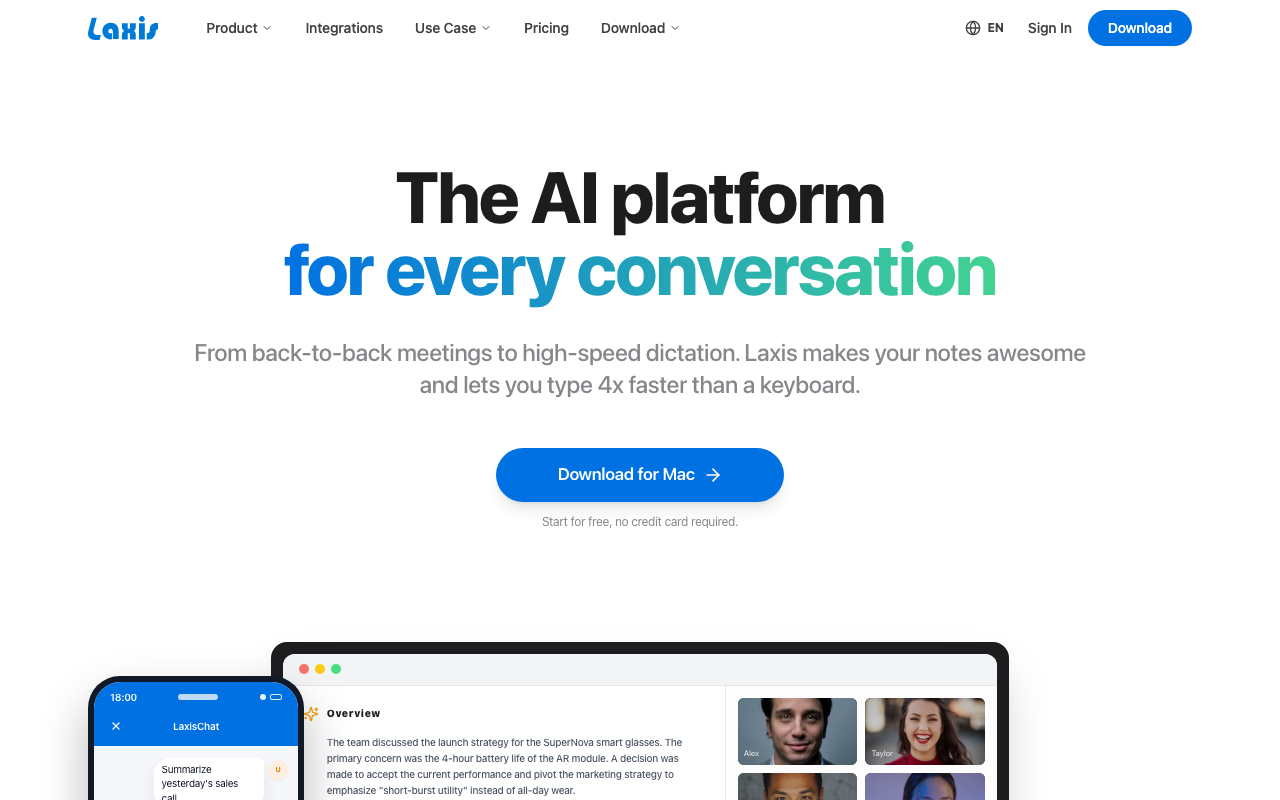
What Is Laxis?
Laxis is the AI meeting assistant for sales, customer success, and recruiting teams. The product joins Zoom, Google Meet, Microsoft Teams, and Webex calls automatically, transcribes them, extracts structured insights, and pushes CRM-ready data back to Salesforce, HubSpot, or Pipedrive.
The pitch differs from generic transcription tools (Otter.ai, Fireflies). Laxis is built specifically for sales and customer-facing workflows: discovery question coverage, buying signals, objections, action items, and CRM field updates. After every call, you get a structured summary aligned with how sales reps actually work.
The product targets B2B sales teams, recruiting firms, and customer success organizations. Individual reps and small teams benefit from time savings; sales managers use the analytics to coach reps and identify deal risks.
Try Laxis Free Get started →How Laxis Works
Connect your calendar (Google or Outlook) and CRM (Salesforce, HubSpot, Pipedrive, Zoho). Laxis joins scheduled video meetings automatically as a bot participant. Recording starts when the call begins; transcription happens in real time.
Post-call, the AI generates a structured summary with sections matching sales workflows: company context, attendees, discovery questions covered, customer needs identified, objections raised, action items, and next steps. The summary mirrors how a thoughtful rep would document a call manually.
Sales Researcher AI helps before calls. Input a prospect URL or company name; Laxis generates a briefing covering recent news, leadership, technology stack, and likely pain points. Reps use this for warm preparation rather than cold outreach.
CRM Sync pushes structured data to your CRM. Discovery answers map to Salesforce custom fields, action items become tasks, contact info updates automatically. Sales managers see deal-relevant data without reps doing manual data entry.
Analytics show conversation patterns across the team. Talk ratios, objection frequencies, question coverage, and engagement scores reveal coaching opportunities.
Laxis Pricing in 2026
Free: 5 hours/month transcription, basic features.
Premium: $19/user/month annually. Unlimited transcription, basic AI summary, calendar integration.
Business: $59/user/month annually. CRM sync, custom templates, advanced AI, analytics.
Enterprise: Custom pricing for large teams with security and integration needs.
Compared to Gong at $1,000+/user/year, Laxis is dramatically cheaper. Compared to Otter at $17/user/month, Laxis costs slightly more but adds sales-specific structure.
See Laxis Plans See plans →Where Laxis Wins
- Sales-focused output: structured for SDR and AE workflows.
- CRM integration: pushes structured data, not just transcripts.
- Affordable for individuals: $19 tier covers solo sales reps.
- Sales Researcher AI: pre-call prep beyond transcription.
- Multi-platform: Zoom, Google Meet, Teams, Webex.
Where It Falls Short
- Less polished than Gong: smaller training dataset, less coaching depth.
- Limited revenue intelligence: not a Gong replacement for deal analytics.
- Multi-language transcription varies: English strong, other languages less reliable.
- UI sometimes feels rough: ships fast, polish trails.
Laxis vs Otter vs Gong vs Fireflies
Productivity tools, published pricing
| Tool | Pricing | Model |
|---|---|---|
| Laxis | $17/mo (lowest published recurring price) | Subscription |
| Hermes Agent | $20/mo (lowest published recurring price) | Subscription |
| Blinq | $4.5/mo (lowest published recurring price) | Subscription |
| 1Password | $2.99/mo (Individual), $4.49/mo (Families), $8.99/mo (Business), $24.95/mo (Teams Starter Pack), custom pricing (Enterprise) | Subscription |
| Help Scout | $25/mo (lowest published recurring price) | Subscription |
| Motion | $19/mo (lowest published recurring price) | Subscription |
Otter is the consumer-grade alternative. Cheaper, less sales-focused.
Gong is the enterprise standard for sales conversation intelligence. Much more expensive ($2,000+/user/year), deeper coaching analytics.
Fireflies is the closest competitor on price and feature set. Comparable functionality.
Chorus.ai (now part of ZoomInfo) targets enterprise sales coaching.
Who Should Use Laxis
Sales reps wanting CRM-ready notes: structured output saves real time.
Small sales teams: too small for Gong, want structured insights.
Recruiters tracking candidate conversations: structured candidate insights.
Customer success managers running QBRs: account context and outcomes.
Skip it if: you need deep deal coaching analytics (use Gong), only need transcripts (use Otter), or work in regulated industries with restrictions on AI meeting bots.
How Laxis works
Laxis is an AI meeting assistant that records, transcribes and summarises conversations, then converts them into summaries, action items and reports. What separates it from a plain note-taker is that it bundles two other products: an AI voice keyboard for dictation in any app, and CRM automation that pushes meeting outcomes into Salesforce, HubSpot or Wealthbox. An AI chat layer sits on top so you can query your entire meeting history rather than reading one transcript at a time.
You start by connecting a calendar (Google Calendar, Outlook or Calendly) and your meeting accounts. Capture then happens in one of two ways. The first is platform integrations: Zoom, Google Meet (through a Chrome extension) and Microsoft Teams. The second is bot-free capture, where the desktop app records device audio directly so no bot ever appears in the participant list. Communication integrations extend to Skype, Webex, Discord, Dialpad and WhatsApp.
Output goes where your team already works: Slack, Teams, email, Notion, Jira, Monday, Confluence, Google Docs and Drive, or straight into a CRM with native contact sync. Beyond the native list there is Zapier (7,000+ apps) and a REST API with webhooks for custom automation. Reports come from a library of 40-50+ templates, and the vendor also markets team workspaces organised by project or region. Transcription covers 120+ languages.
Where Laxis wins
- Bot-free capture is the real differentiator. The desktop app records device audio with no bot in the participant list, which sidesteps host policies that block bots and break Otter or Fireflies style tools outright.
- Meeting platform coverage is complete. Zoom, Google Meet and Microsoft Teams are all native, with Skype, Webex, Discord, Dialpad and WhatsApp on the communication side.
- CRM sync is direct. Salesforce, HubSpot and Wealthbox connections mean meeting outcomes land in the pipeline without anyone copying and pasting notes.
- 120+ language transcription is on every tier, including the free plan, rather than being reserved for paid users.
- The voice keyboard is a separate product line included in the subscription. It works as universal dictation across apps, strips filler words and repetition, and supports a custom dictionary for names and jargon.
- The free tier asks for no credit card and still includes recording, summaries, search and export.
Where it falls short
- The free plan is a trial in practice. It caps you at 300 minutes per month and keeps only 30 days of conversation history, so it will not carry a working habit.
- The 7,000+ app claim is Zapier. And Zapier is gated to the Business plan at $29.99/month. Basic and Premium get limited integrations only.
- CRM automation is Business-tier only, alongside the personalised assistant. A solo seller on Premium at $15.99 does not get pipeline sync at all.
- Full API access and SSO are Enterprise-only with custom pricing, so you cannot buy your way into the API at a published rate.
- Bot-free recording depends on the desktop app. The vendor markets a Mac app, which leaves browser-only and Linux users falling back to platform bots and the Chrome extension, losing the main advantage.
Who should use Laxis
Laxis makes most sense for salespeople, consultants and customer-facing teams who need meeting notes to arrive in a CRM without manual work, and for anyone whose prospects refuse or block recording bots. That second case is the strongest argument for choosing Laxis over a general note-taker: if half your calls are with people who will not accept a bot in the room, desktop device-audio capture is the feature that decides it.
The free tier is workable for someone with a handful of meetings a month who mainly wants transcripts and summaries. Skip Laxis if you need CRM sync or API access on a budget, because both sit behind the $29.99 Business plan and the custom-priced Enterprise tier respectively, and neither is available to a Premium user at $15.99. Skip it too if your team is not on Mac, since the bot-free capture that justifies the tool is tied to the desktop app.
Frequently Asked Questions
What CRMs does Laxis sync with?
Salesforce, HubSpot, Pipedrive, Zoho natively. Others via Zapier.
Does Laxis support languages other than English?
Yes for transcription. Summaries work best in English; other languages improving.
Does the bot announce itself?
Yes. Bot joins as a visible participant; recording notification appears for compliance.
Can I edit transcripts?
Yes. Manual corrections improve transcript quality and feed AI improvements.
What about security?
SOC 2 compliant. Enterprise tier adds advanced security controls.