What Is Blinq?
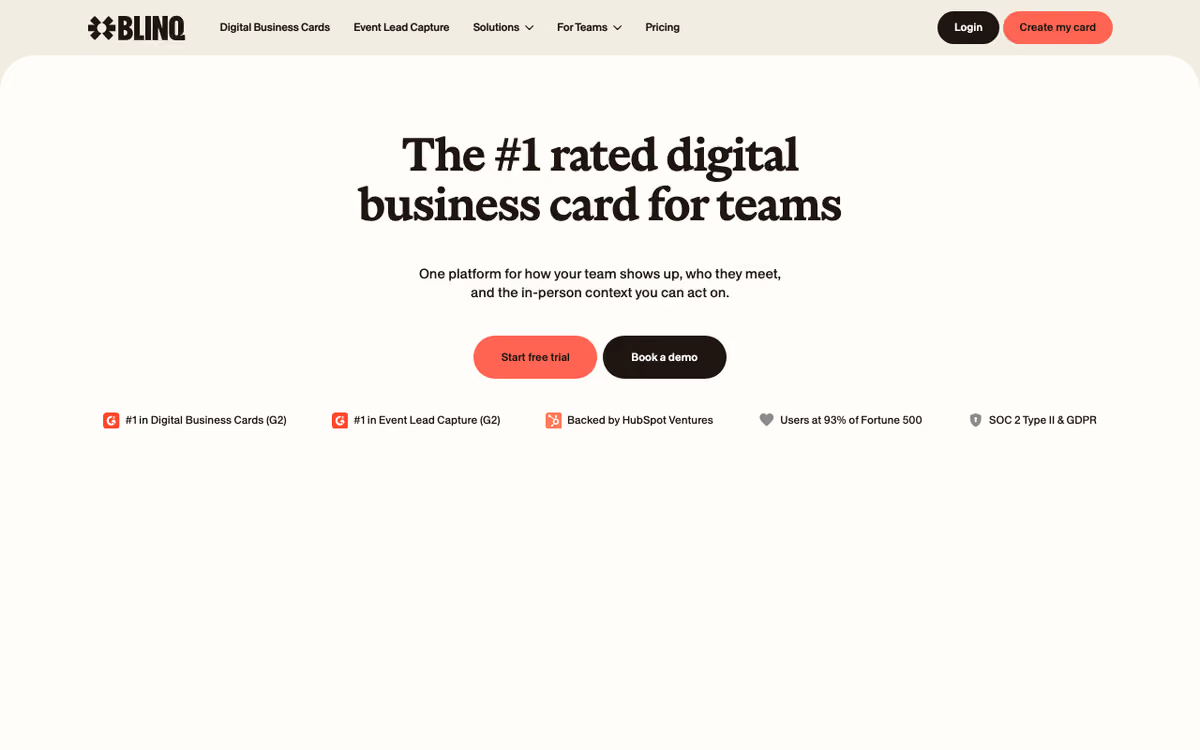
Blinq is the digital business card platform that replaces paper cards with NFC-enabled and QR-shareable digital profiles. Founded in 2017 in Melbourne, Blinq has issued over 5 million digital cards and serves both individuals and enterprise sales teams looking to modernize their networking.
The pitch is environmental, practical, and trackable. Stop printing paper business cards that get tossed within days. Tap an NFC card or scan a QR code, and the prospect's phone fills with your contact info, social links, lead capture form, and any branding you want. The interaction tracks who you connected with and when.
The product targets professional services, sales teams, real estate agents, and conference attendees. Enterprise sales teams use Blinq for Business with centralized branding and CRM integration; individuals use the personal product for general networking.
Try Blinq Free Get started →How Blinq Works
Create a digital profile in the app. Add your name, title, company, email, phone, social links (LinkedIn, Twitter, Instagram, others), website, and optional photo. The profile becomes your virtual business card.
Share via four methods. NFC: tap a physical Blinq card (sold separately) against a prospect's phone. QR code: display your QR; they scan with their camera. Link: text them your blinq.me URL. Email signature: embed in your signature so every email contact captures your profile.
When prospects open your profile, they see your info with one-tap actions: save contact to phone, visit website, message on LinkedIn, email you. Optional lead capture forms request their info in exchange (name, email, company), populating your CRM directly.
Blinq for Business adds enterprise features: centralized brand control, bulk card distribution, CRM integration (Salesforce, HubSpot), analytics on team networking, and SSO authentication. Sales teams ensure consistent branding while tracking which reps generate the most contacts.
Analytics show profile views, contact saves, and conversion rates. For sales teams running events, the data reveals which reps and what conditions produce the best networking outcomes.
Blinq Pricing in 2026
Free: Personal card, basic features.
Pro: $4.50/month annually. Custom branding, analytics, lead capture forms, unlimited cards per profile.
Business: $7.50/user/month annually. CRM integrations, team management, central brand control.
Enterprise: Custom pricing. SSO, advanced security, SCIM provisioning.
Physical NFC cards: $10-$50 depending on design. Sold separately as one-time purchase. Many users find QR sharing sufficient.
See Blinq Plans See plans →Where Blinq Wins
- Polished design: profiles look professional, not amateurish.
- NFC and QR support: covers all sharing methods.
- Enterprise admin features: brand control, bulk distribution, analytics.
- CRM integration: leads flow to Salesforce, HubSpot.
- Affordable: $4.50/month for individuals beats paper card printing costs.
Where It Falls Short
- Physical NFC cards extra cost: $10-$50 for each card if you want NFC.
- Some prospects do not scan QR: education needed in industries that still expect paper.
- Mobile-dependent: less useful in office desk handoff contexts.
- Brand acceptance varies: traditional industries may view as less professional than paper.
Blinq vs HiHello vs Popl vs Linq
Productivity tools, published pricing
| Tool | Pricing | Model |
|---|---|---|
| Blinq | $4.5/mo (lowest published recurring price) | Subscription |
| Hermes Agent | $20/mo (lowest published recurring price) | Subscription |
| 1Password | $2.99/mo (Individual), $4.49/mo (Families), $8.99/mo (Business), $24.95/mo (Teams Starter Pack), custom pricing (Enterprise) | Subscription |
| Laxis | $17/mo (lowest published recurring price) | Subscription |
| Help Scout | $25/mo (lowest published recurring price) | Subscription |
| Motion | $19/mo (lowest published recurring price) | Subscription |
HiHello is the closest competitor with similar feature set and pricing.
Popl emphasizes physical NFC products with branded card lines.
Linq sells branded NFC cards with profile management.
Mobilo targets enterprise with deeper integration features.
Who Should Use Blinq
Sales reps attending conferences: lead capture beats paper cards.
Real estate agents: networking is core to the role.
Consultants and freelancers: professional presentation without printing costs.
Companies wanting branded team cards: enterprise admin features fit.
Skip it if: your network rarely scans QR codes (older industries), you prefer paper for cultural reasons, or you do not network frequently.
How Blinq works
Blinq is a digital business card and event lead-capture platform, and it runs in two directions. Outbound, each person gets a customizable digital card shared by QR code, NFC tap, link, or mobile wallet, and recipients do not need the app to receive the details. Inbound, the product scans event badges and paper business cards, enriches the resulting contact with AI, and pushes it into a CRM. An AI Notetaker records conversation context from meetings and attaches it to the contact record.
Individuals create a card in the iOS or Android app or in the web dashboard, then share it through QR, NFC, a wallet pass, a home-screen widget, Apple Watch, an email signature, or a virtual meeting background with an embedded QR. On the capture side, you scan a badge or a paper card with the universal scanner and Blinq fills in missing fields via AI enrichment. On the Business tier you can attach custom lead-capture forms and auto-tag every lead by event, rep, and campaign.
CRM sync is native to Salesforce, HubSpot, Microsoft Dynamics 365 Sales, Pipedrive, and Zoho, with unlimited field mapping to custom objects, picklists, and required fields, plus deduplication. Contacts sync in real time carrying notes, tags, and qualifiers. Anything outside those five CRMs routes through Zapier and its 5,000+ apps. Teams deploy via SSO and directory sync with Okta, Microsoft Entra ID, and Google Workspace, with SCIM provisioning for onboarding and offboarding, and admins control branding and email signatures centrally. A Blinq MCP server exposes contacts to Claude, ChatGPT, Grok, and Microsoft Copilot.
Where Blinq wins
- A real free tier that shares a working card, and Business at $4.99 per user per month annually ($6.99 monthly), which is cheap relative to most per-seat sales tooling.
- Native sync to five CRMs with unlimited mapping to custom objects and built-in deduplication, not just a CSV dump at the end of the event.
- SCIM provisioning via Okta and Microsoft Entra ID, so IT can onboard and offboard cards in a click instead of chasing individuals.
- Recipients need no app, and sharing works through QR, NFC, wallet, widget, Apple Watch, and email signature, so there is no single channel dependency.
- AI enrichment plus the AI Notetaker mean the contact landing in the CRM carries meeting context, not just a name and an email address.
- An MCP integration exposes the contact book to Claude, ChatGPT, Grok, and Copilot.
Where it falls short
- The free tier is deliberately thin: 1 to 2 cards, no branded QR codes, no AI enrichment, no universal scanner, no AI Notetaker.
- Lead capture and enrichment, which is the feature most sales teams are actually buying, is Business-tier only and not available on the $9.99/mo Premium plan.
- Business pricing is per card, so cost scales linearly with headcount and with multi-card users, and card counts are tiered (up to 5 on Premium, 100+ framed as Enterprise).
- Enforced SSO and a dedicated CSM are Enterprise-only with custom pricing, so smaller teams that need enforced SSO have to negotiate.
- Native CRM coverage stops at five platforms. Anything else (Close, Attio, Copper, custom systems) falls back to Zapier, which means extra cost and no field-level dedupe guarantees.
- NFC physical cards are separate hardware you buy. The subscription is the software layer only, and the pricing page does not include the cards in the Business tier.
Who should use Blinq
Blinq suits field sales teams, conference-heavy organizations, and companies standardizing on branded digital cards where IT wants central provisioning and where every scanned badge has to land in Salesforce or HubSpot with context attached. That combination of SCIM provisioning, central branding control, and native CRM mapping is the part that is hard to assemble elsewhere at this price. Individuals who simply want a shareable card can sit on the free tier or on Premium and never touch the rest.
Skip it if your CRM sits outside the five natively supported platforms, since Zapier is the fallback and it costs more while giving up the field-level deduplication guarantees. Skip it if you need enforced SSO without signing an Enterprise contract. And skip it if lead capture is your only use case at a headcount where per-card pricing outgrows a dedicated event lead-retrieval tool.
Frequently Asked Questions
Do prospects need an app?
No. They scan QR or tap NFC; contact info opens in their default browser.
Can I integrate with my CRM?
Yes on Business and Enterprise plans.
Are NFC cards required?
No. QR sharing works without physical cards. NFC cards optional for tap-style sharing.
Does it work on iOS and Android?
Yes. Cross-platform.
What about lead capture forms?
Yes on Pro and above. Customize fields and required information.