
Nitro Review (2026): Nitro PDF, Nitro Sign, Smart Redact and Nitro Automate

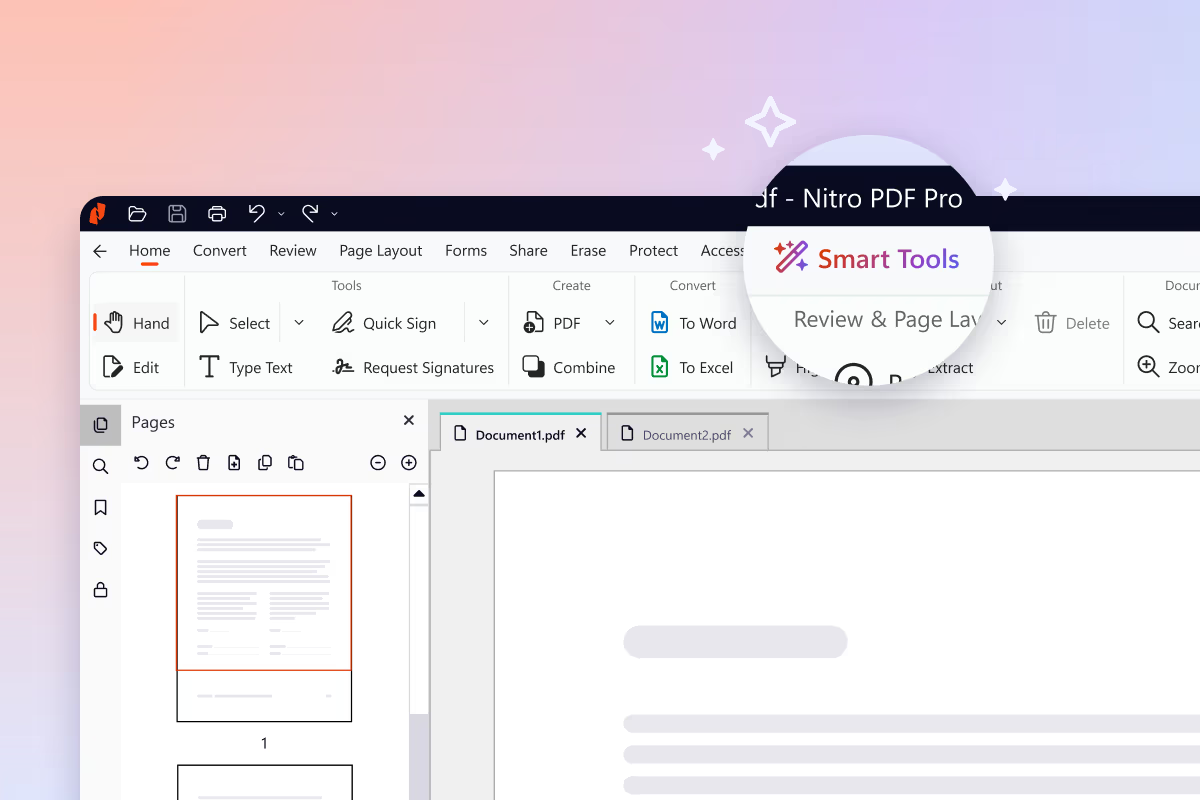
Nitro Review (2026): Nitro PDF, Nitro Sign, Smart Redact and Nitro Automate
Nitro sells four document products that cover most of what a business does with a file after it is written: editing the PDF, getting it signed, removing sensitive data before it goes out, and automating the whole flow. This review takes them one at a time, with what each product does, its key features and its published pricing in USD.
Here is the quick map before the detail:
| Product | What it does | Pricing (USD) |
|---|---|---|
| Nitro PDF | AI-powered PDF editor | Standard $15.00 per user, per month |
| Nitro Sign | eSignature | Standard $10.00 per user, per month |
| Nitro Smart Redact | AI-powered redaction | Standard $180 per user, per year |
| Nitro Automate | Intelligent document processing | Credit-based, 1,000 free credits to start |
Nitro PDF
Nitro PDF is an AI-powered PDF editor and a cost-effective alternative to Adobe Acrobat, built for individuals, small teams, and enterprises on Windows, Mac, and iOS. Users can edit, convert, organize, and secure PDFs, make scanned documents searchable with OCR, and use built-in Nitro AI to summarize documents, extract table and form data, and auto-create fillable forms. For organizations, Nitro PDF is independently audited against SOC 2, HIPAA, and ISO 27001, with centralized license management in the Admin Portal and a 14-day free trial that requires no credit card.
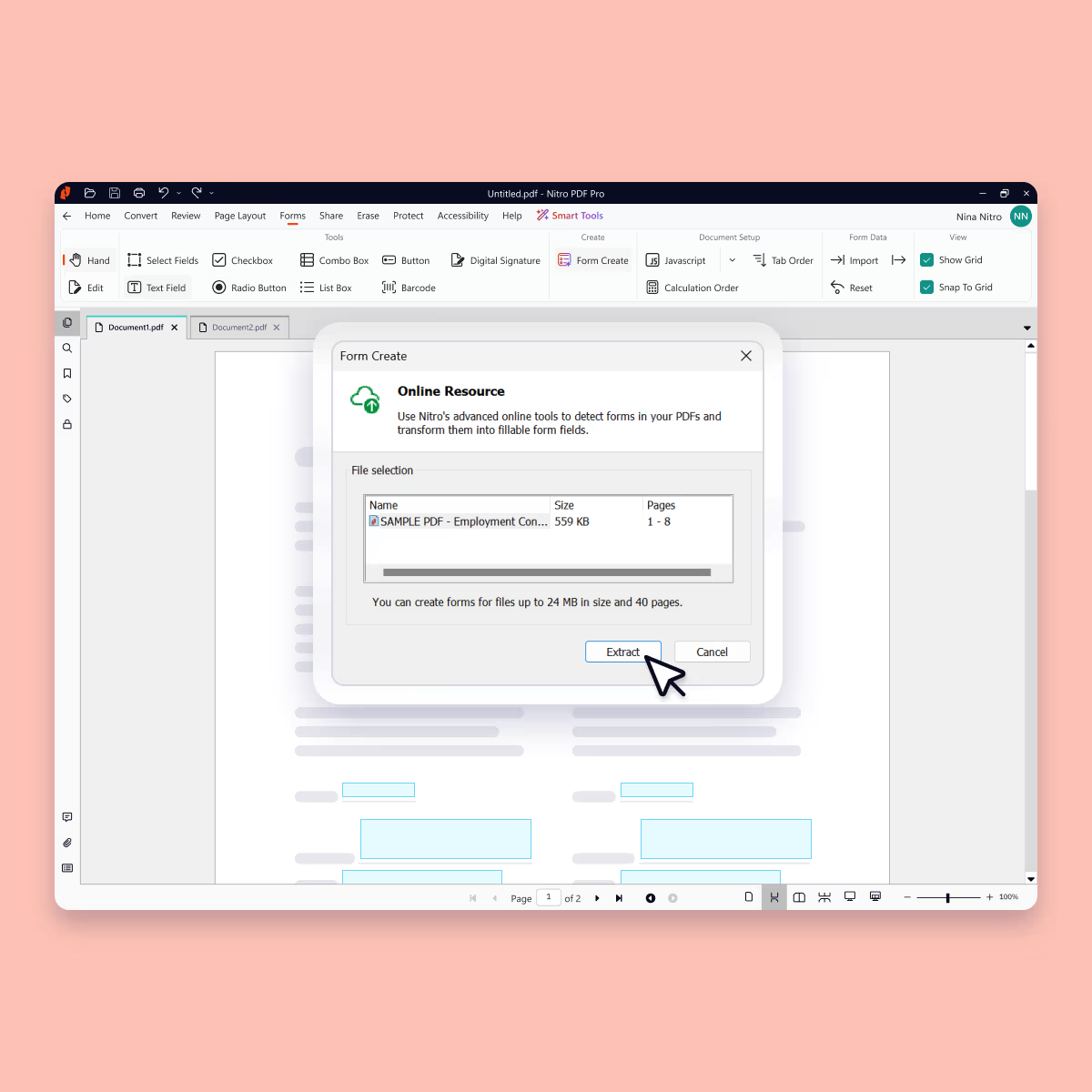
Key features:
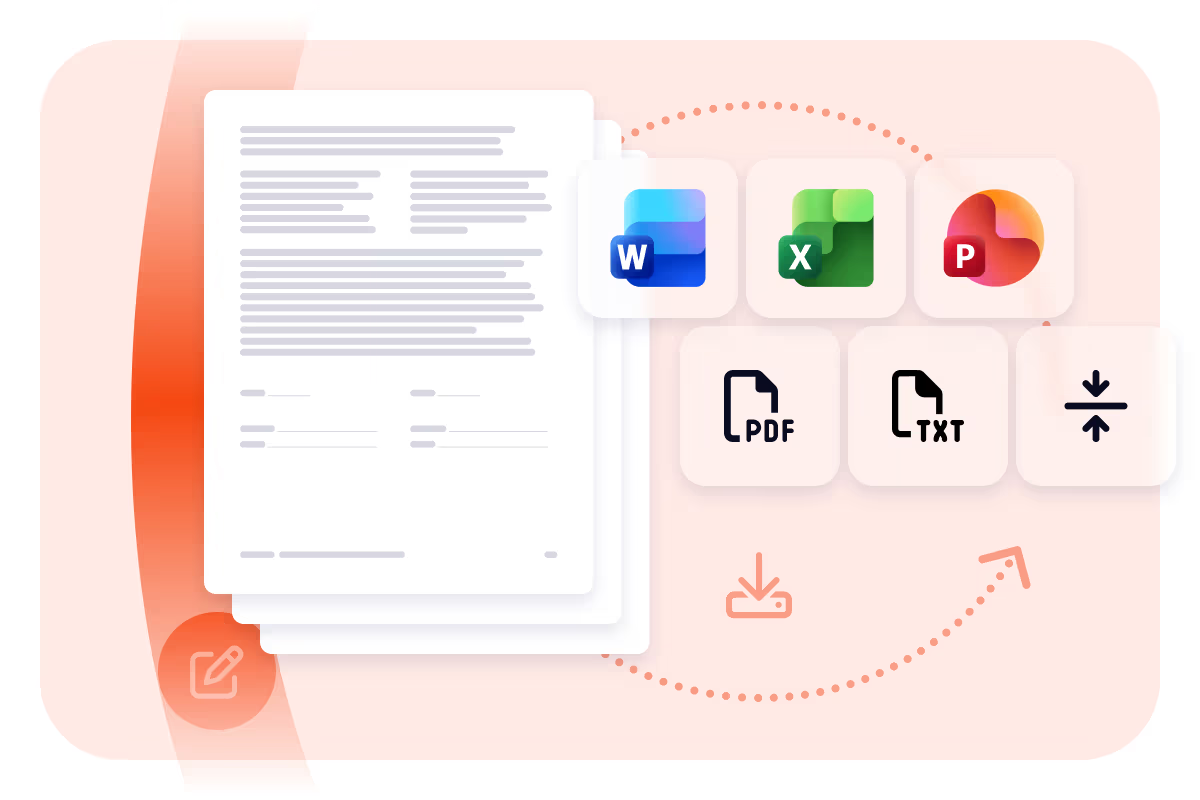
- Edit, organize, and convert PDFs to and from Word, Excel, PowerPoint, and image formats
- Nitro AI to summarize documents, extract table and form data, and auto-create fillable forms
- OCR that turns scanned documents into searchable, editable PDFs
- Password protection, encryption, permission controls, and redaction
- Independently audited against SOC 2, HIPAA, and ISO 27001, with centralized license management
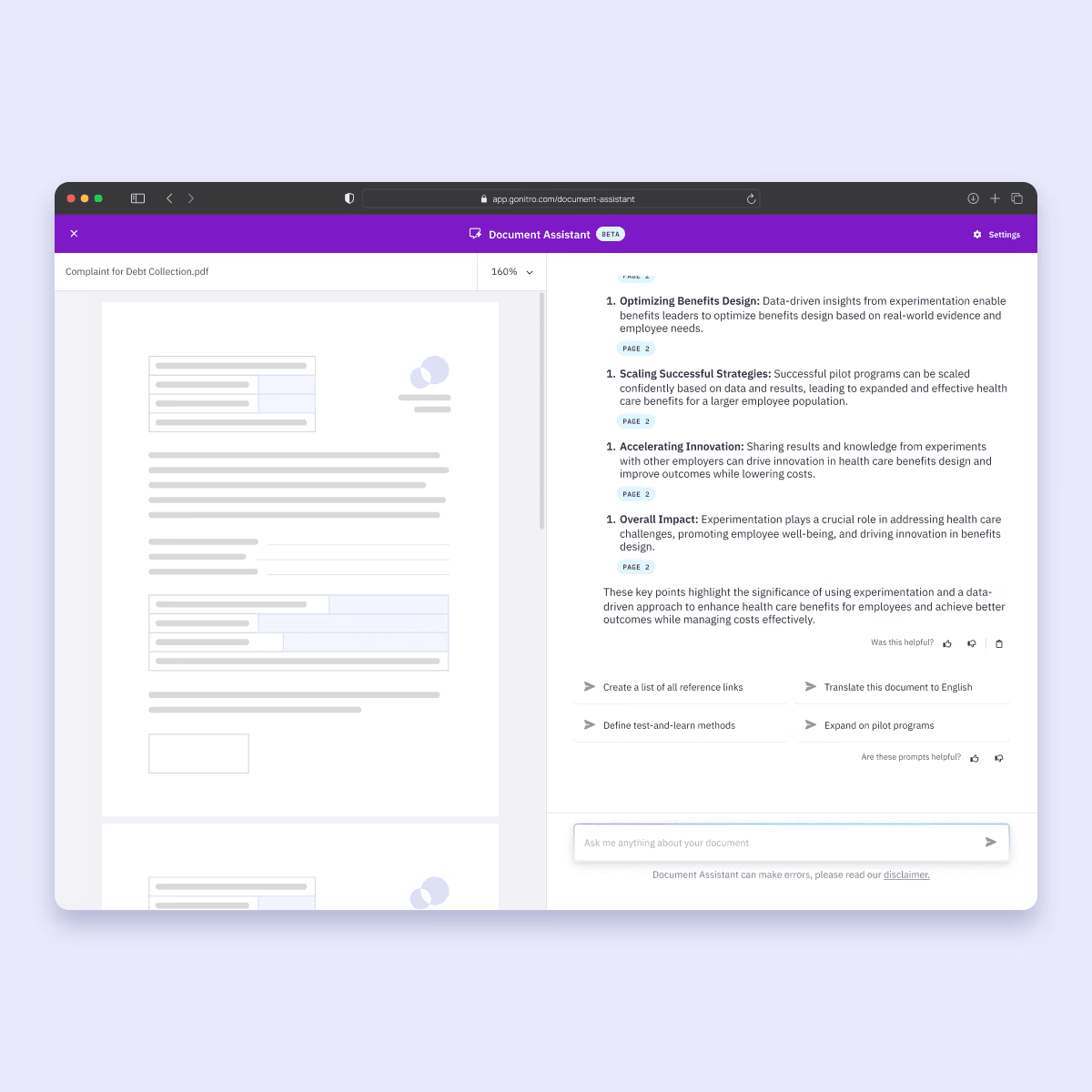
Pricing (USD):
- Nitro PDF Standard: $15.00 per user, per month.
- Nitro PDF Plus: Custom pricing based on volume.
- Nitro PDF Classic: $270 per license for a three-year license.
Nitro Sign
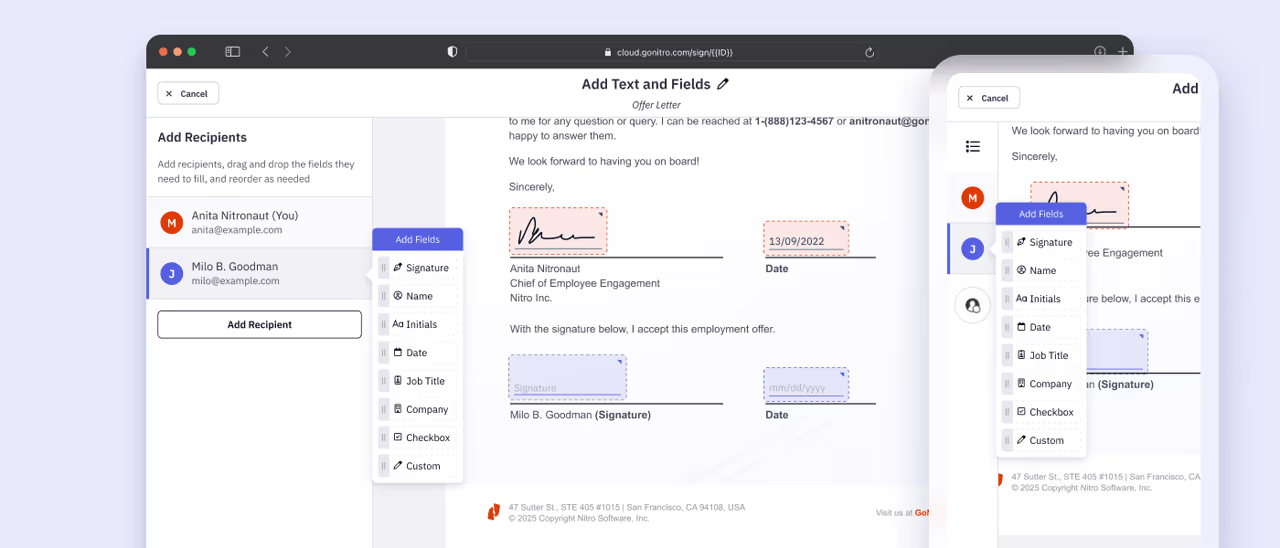
Nitro Sign is a secure, cost-effective eSignature solution built for individuals, growing teams, and enterprises. Teams can send multi-document envelopes, automate signing with templates and bulk send, and verify signer identity with OTP and ID-verified signing methods, all backed by legally binding compliance with ESIGN, UETA, eIDAS, and ZertES. Pricing is predictable: only completed envelopes count toward your allowance, and extra envelopes are billed at your plan rate with no penalty fees.
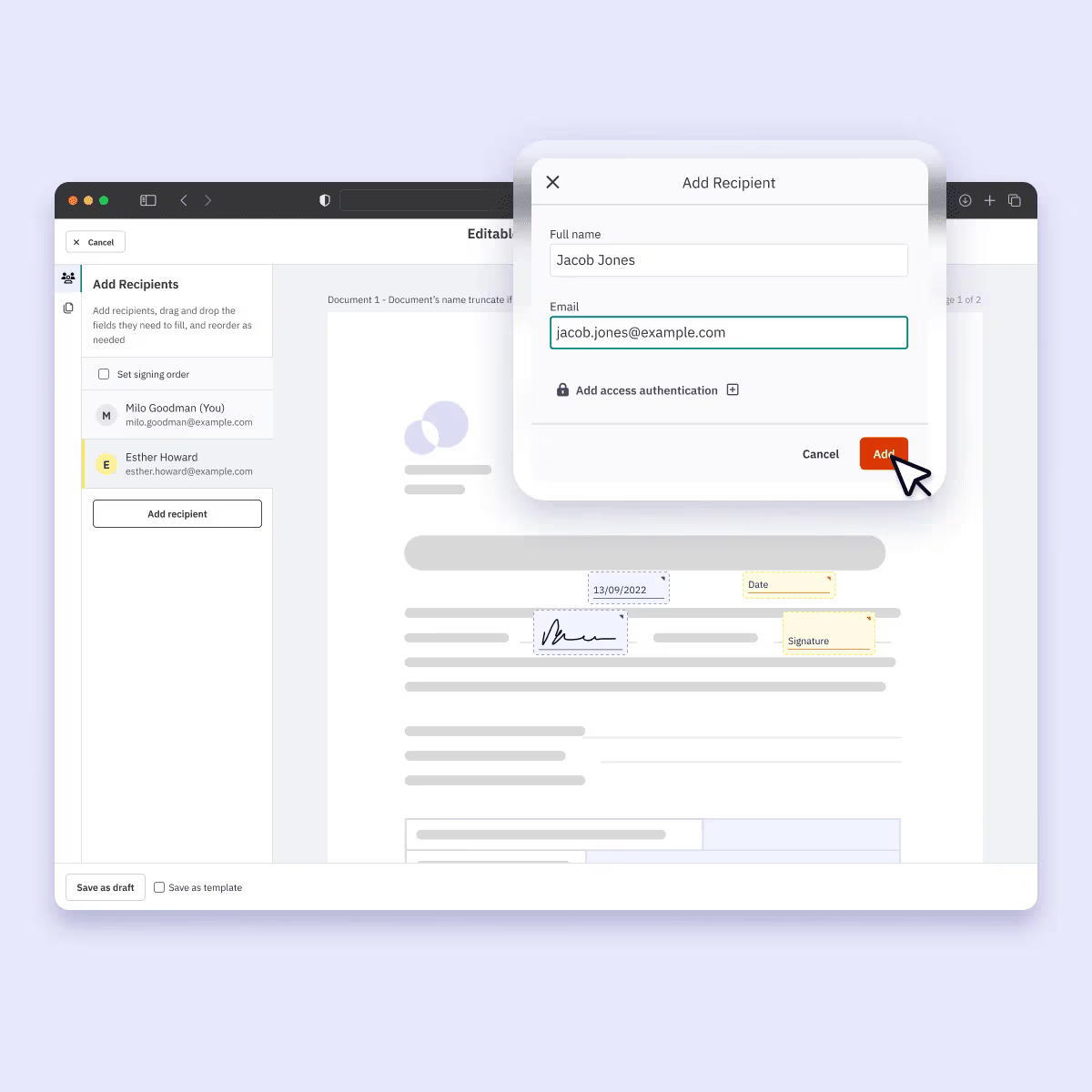
Key features:
- Multi-document envelopes with parallel or sequential signing order
- Reusable workflow templates and bulk send for high-volume requests
- SMS and email OTP authentication, plus ID-verified signing methods for eIDAS and ZertES (AES/QES)
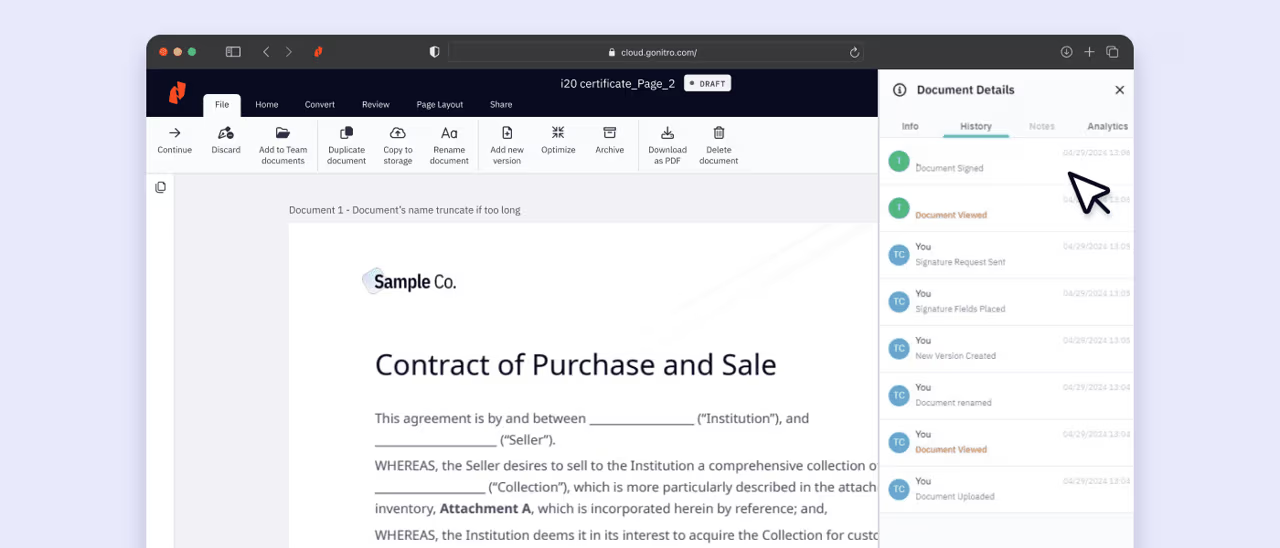
- Tamper-proof audit trails and real-time signature tracking
- Integrations with Salesforce, Microsoft 365, Google Drive, Zapier, and Power Automate, plus a public API
Pricing (USD):
- Nitro Sign Standard: $10.00 per user, per month.
- Nitro Sign Plus: Custom pricing based on volume.
- Nitro Sign Enterprise: Custom pricing based on volume.
Nitro Smart Redact
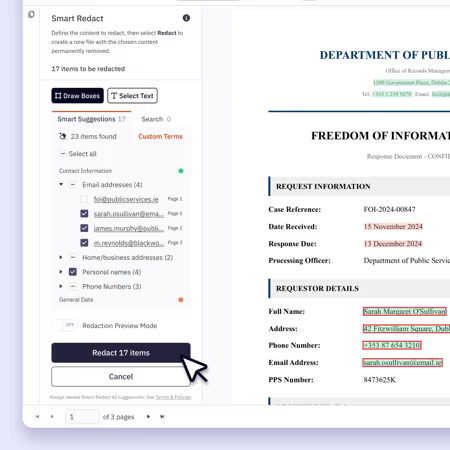
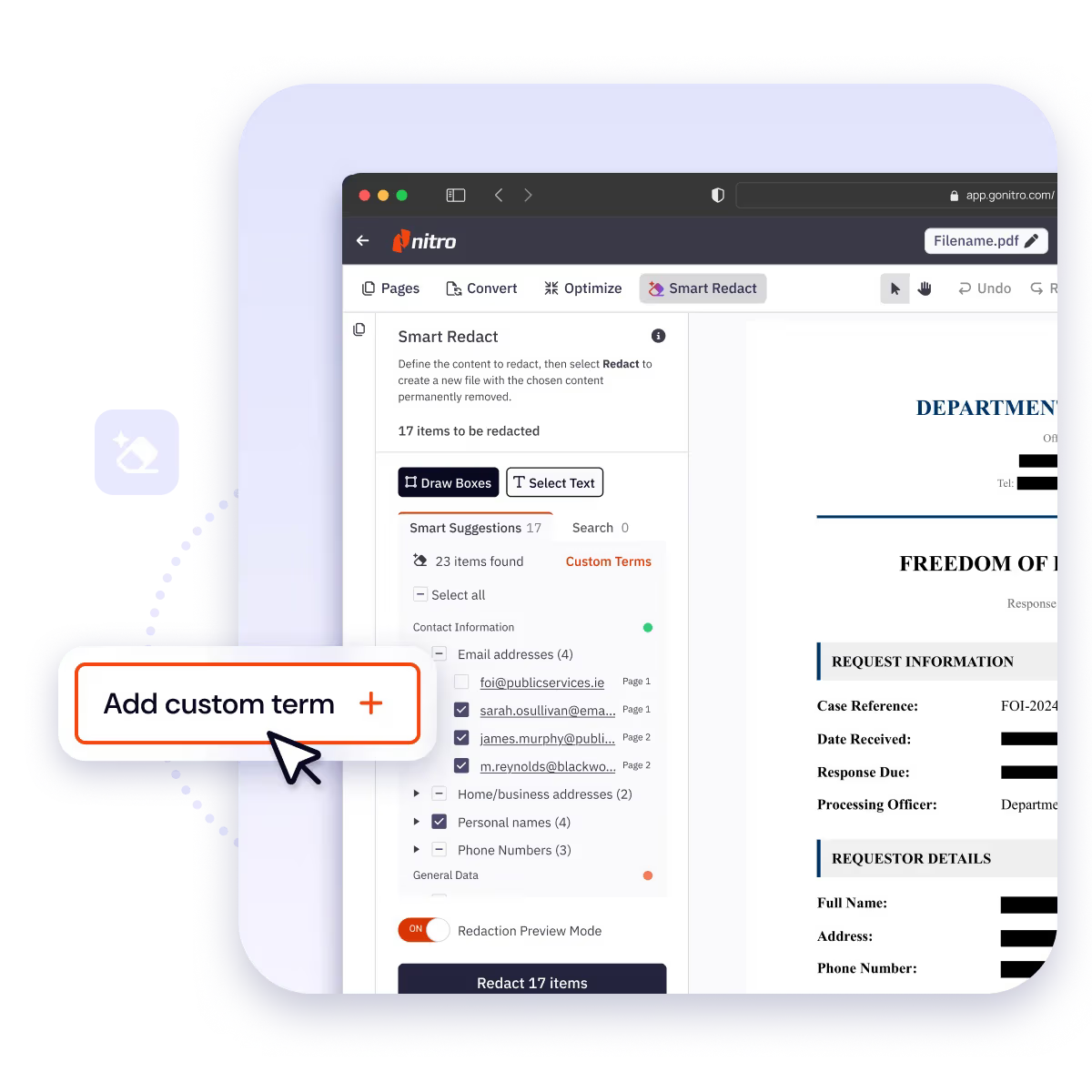
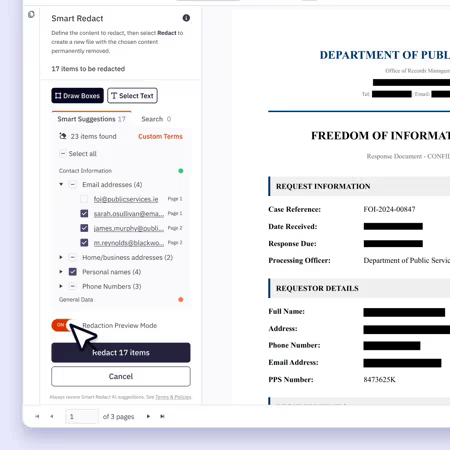
Nitro Smart Redact is an AI-powered redaction tool that automates manual redaction workflows for teams handling sensitive documents at scale. Using natural language processing, it detects more than 30 categories of personally identifiable information, including unstructured data that pattern-based tools miss, across PDFs, scanned documents, and image files. Every suggestion is grouped by category and checked against confidence thresholds, so you can review, adjust, and preview before publishing permanent, unrecoverable redactions.
Key features:
- Detects 30+ PII categories, including unstructured data that pattern-based tools miss
- Redacts scanned documents and image files
- Groups suggestions by category and validates them against confidence thresholds to reduce false positives
- Manual search, custom terms, and drawing tools for anything the AI misses, with a real-time preview mode
- Strips hidden metadata and scripts; files are encrypted, processed temporarily, and never used to train generative AI
Pricing (USD):
- Nitro Smart Redact Standard: $180 per user, per year.
- Nitro Smart Redact Plus: $240 per user, per year.
- Nitro Smart Redact Enterprise: Custom pricing based on volume.
Learn more about Nitro Smart Redact
Nitro Automate
Nitro Automate is an intelligent document processing platform that turns manual document work into automated workflows inside the systems, tools, and AI agents your team already uses. It runs on Nitro's in-house document engine, built on more than 20 years of document expertise, to handle OCR, data and PII extraction, file conversion, redaction, and multi-party eSignature at scale with 99.9%+ availability. Developers can integrate through the API, operations teams through pre-built Power Automate and Zapier connectors, and AI agents through Nitro's MCP connector, with 1,000 free credits to start.
Key features:
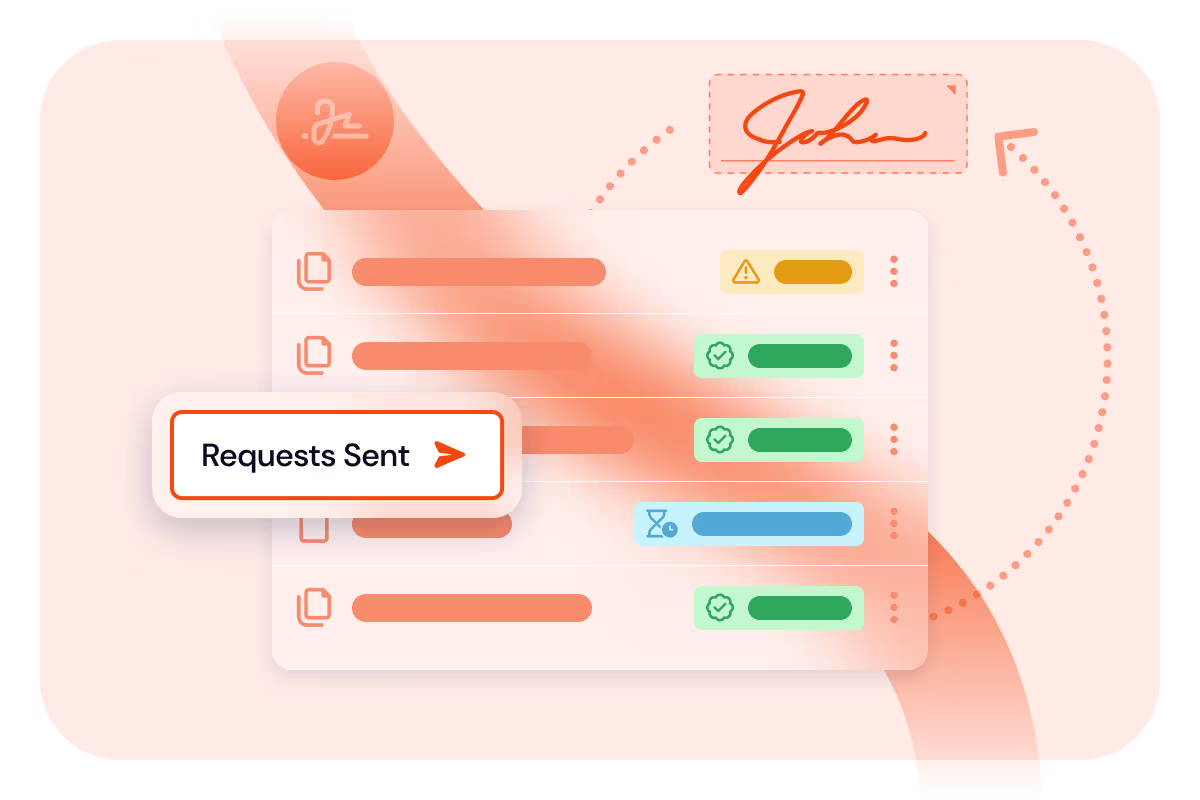
- Automated multi-party eSignature requests that trigger the next action once signing is complete
- Pre-built connectors for Microsoft Power Automate and Zapier
- Nitro MCP connector that lets AI agents run document operations
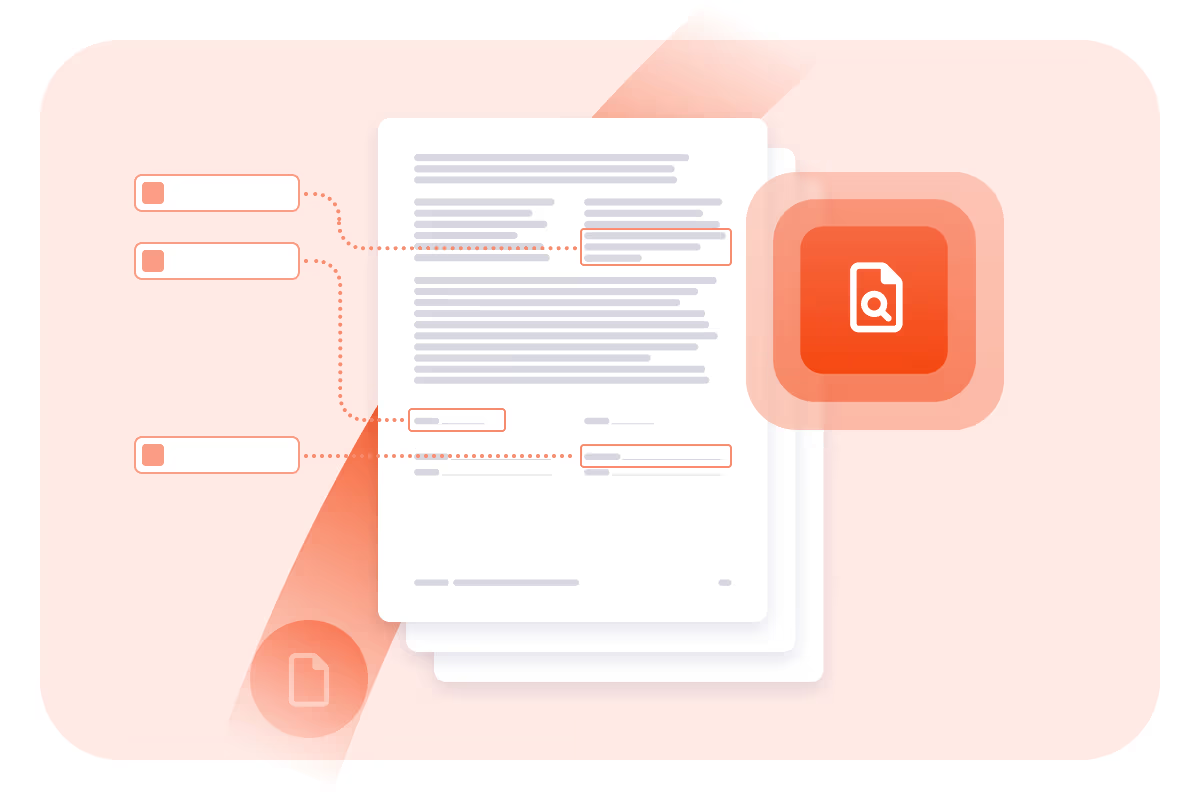
- OCR, data and PII extraction, format conversion, merge/split, and redaction
- Data hosting in the US, EU, or Australia; certified to SOC 2 Type II, ISO 27001, and HIPAA
Pricing (USD):
- Credit-based billing. 1,000 free credits to start.
Learn more about Nitro Automate
Which Nitro product fits
The four products map to four jobs. If your team edits, converts and secures PDFs every day, start with Nitro PDF. If the job is getting documents signed with predictable envelope costs, Nitro Sign is the one. If you publish or share documents that contain personal data, Nitro Smart Redact handles the redaction step. And if the same document work repeats at volume inside other systems or AI agents, Nitro Automate turns it into a workflow through the API, Power Automate, Zapier or the MCP connector.
For how Nitro compares with other tools in each category, see our guides to the best PDF editors, the best e-signature software and the best AI document processing tools.
FAQ
How much does Nitro PDF cost?
Nitro PDF Standard is $15.00 per user, per month. Nitro PDF Plus has custom pricing based on volume, and Nitro PDF Classic is $270 per license for a three-year license. There is a 14-day free trial that requires no credit card.
Are Nitro Sign signatures legally binding?
Nitro Sign is backed by legally binding compliance with ESIGN, UETA, eIDAS, and ZertES, and offers ID-verified signing methods for eIDAS and ZertES (AES/QES).
How does Nitro Sign count envelopes?
Only completed envelopes count toward your allowance, and extra envelopes are billed at your plan rate with no penalty fees.
What does Nitro Smart Redact detect?
It detects more than 30 categories of personally identifiable information, including unstructured data that pattern-based tools miss, across PDFs, scanned documents, and image files.
How is Nitro Automate priced?
Nitro Automate uses credit-based billing, with 1,000 free credits to start.
Related guides
Some offers on this page may be paid placements or contain affiliate links.
