
Best Session Recording Tools in 2026

Key facts7 tools compared: Microsoft Clarity, Hotjar, PostHog, FullStory, LogRocket, UXCam, Mouseflow
- 7 tools compared: Microsoft Clarity, Hotjar, PostHog, FullStory, LogRocket, UXCam, Mouseflow
- Microsoft Clarity (best for: Anyone, on any budget): Free forever
- Hotjar (best for: Marketers who want feedback + recordings): Free; paid from $32/mo
- PostHog (best for: Technical teams wanting one stack): Free 5k/mo; ~$5 per 1k after
- FullStory (best for: Enterprise digital experience teams): Custom, ~$199/mo+
You can read every analytics dashboard you want and still have no idea why people drop off your checkout page. Numbers tell you that 60% of users bail on step three. They don't tell you that a button is hidden behind a sticky banner on mobile, or that a form keeps rejecting valid phone numbers. That's the gap session recording fills: you watch real people use your product, rage-click and all.
The problem is that the category got messy. Hotjar quietly folded into Contentsquare. "Free" tools sample your sessions or cap retention at two weeks. Enterprise platforms hide pricing behind a sales call and then quote you $30k. Several of these have been run on live sites over the years, so this guide compares the current lineup for 2026 based on documentation, pricing, and public reviews.
If you want the short answer: start with Microsoft Clarity. It's genuinely free with no traffic limits, the AI summaries are useful now, and there's no reason not to install it today. The rest of this list is about what you graduate to when Clarity stops being enough.
Quick comparison
| Tool | Best for | Price | Standout |
|---|---|---|---|
| Microsoft Clarity | Anyone, on any budget | Free forever | Unlimited sessions, no cap |
| Hotjar | Marketers who want feedback + recordings | Free; paid from $32/mo | Surveys baked in |
| PostHog | Technical teams wanting one stack | Free 5k/mo; ~$5 per 1k after | Replay tied to analytics |
| FullStory | Enterprise digital experience teams | Custom, ~$199/mo+ | Auto-captured friction signals |
| LogRocket | Engineers debugging the frontend | Free 1k/mo; from $99/mo | Replay synced to console/network |
| UXCam | Mobile app teams | Free 3k sessions/mo | Built for iOS/Android |
| Mouseflow | CRO and form optimization | Free 500/mo; from $31/mo | Form analytics + friction score |

Microsoft Clarity: the free tool with no catch
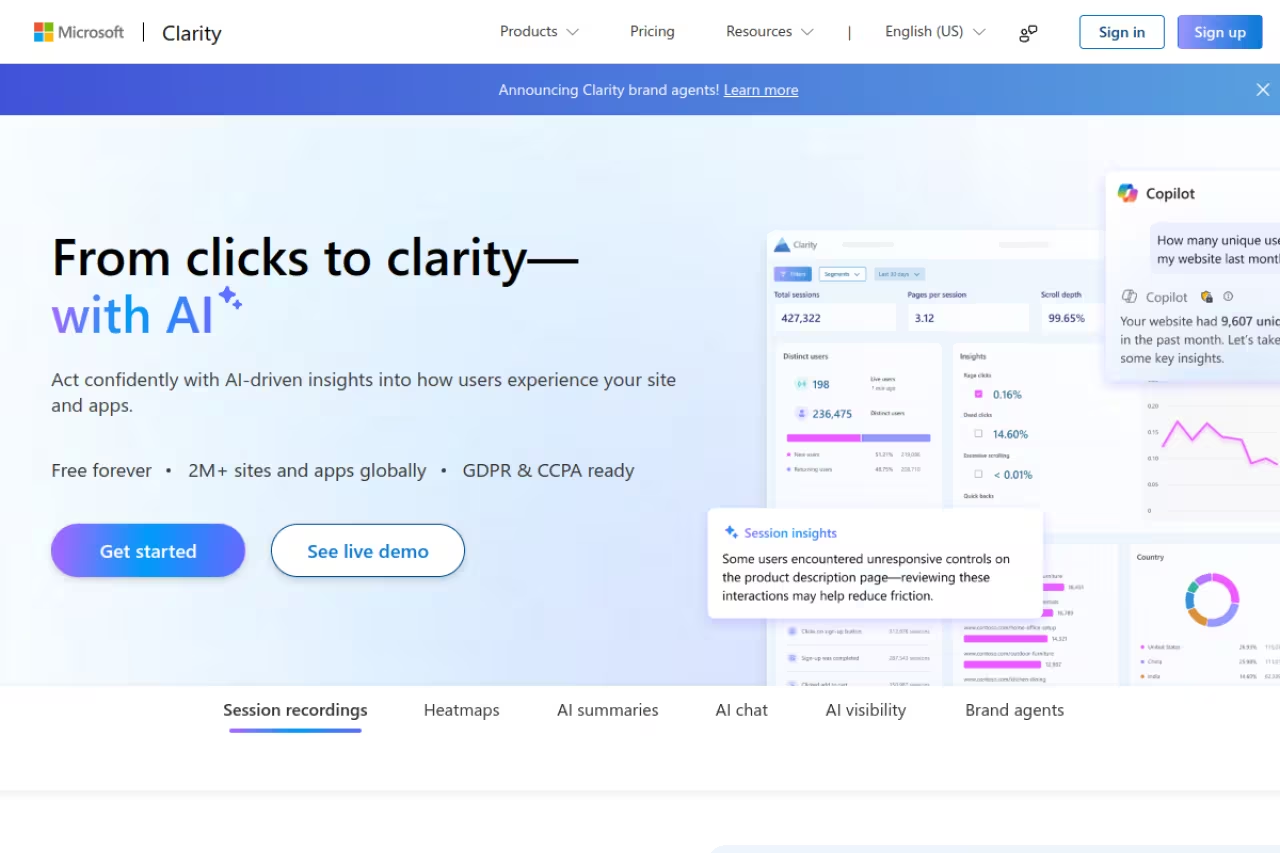
Microsoft Clarity is the tool I tell everyone to install first, and it's not close. It's a free session recording and heatmap platform from Microsoft, and the headline is that it has no traffic limits and no session sampling. You record everything, on a site doing 200 visitors a day or 2 million.
The tool to install first for solo founders, marketers and growth teams who want to watch real behavior without a budget conversation, with no traffic limits and no session sampling. It is behavior analytics, not a CRO suite, and Microsoft uses aggregate data.
Solo founders, marketers, growth teams who want to watch real behavior without a budget conversation.
Pricing: free, forever. Microsoft uses the aggregate data to improve its own products, which is the trade you're making, but there's no paid tier waiting to upsell you.
The standout is that "free" no longer means "stripped down." Clarity added AI summaries and a conversational query layer so you can ask questions like "where are mobile users getting stuck" and get an answer pulled from your real sessions. It catches rage clicks, dead clicks, and excessive scrolling automatically. It also serves over 2 million sites, so it's not a side project Microsoft is about to kill.
The catch: it's behavior analytics, not a CRO suite. No A/B tests, no surveys, no funnels that rival a paid product. Filtering gets clunky once you have a lot of traffic, and you don't own the data the way you would with a self-hosted tool. For most people none of that matters. Install it, then decide what you're missing.

Hotjar: recordings plus the voice of your users
Hotjar is the name most marketers reach for, and it earned that. The pitch was always recordings and heatmaps next to surveys and feedback widgets, so you don't just see what users do, you can ask them why. In July 2025 Hotjar merged into Contentsquare, and the pricing has been shifting under that umbrella ever since, so check current numbers before you commit.
Hotjar suits marketing and product teams who want qualitative feedback and surveys sitting right next to their recordings. Pricing has been shifting since the Contentsquare merger in July 2025 and is messier than it used to be, so check current numbers.
Pricing: there's a free Observe tier (capped at a low number of daily sessions), with paid Observe plans that have run around $32/mo annually for Plus, roughly $80/mo for Business, and about $171/mo for Scale. Contentsquare also restructured the catalog into separate Experience Analytics, Voice of Customer, and Product Analytics lines, with Experience Analytics starting around $49/mo. The pricing is messier than it used to be.
The standout is still the survey and feedback layer. Drop a one-question poll on your pricing page, then jump straight into the recordings of people who answered. That loop is hard to replicate by gluing two tools together.
Where it falls short: the free plan caps daily sessions hard, so a traffic spike means you miss recordings. And the Contentsquare migration split features across product lines that used to be one bill, so you may pay for less than you expect.

PostHog: replay for teams that live in the data
PostHog is what I'd pick if your team is technical and tired of paying for five separate tools. It's a product analytics platform with session replay, feature flags, experiments, surveys, and a data warehouse under one roof. The replay isn't a bolt-on, it's wired into the analytics, so you can jump from a funnel drop-off straight to the recordings of the people who dropped.
PostHog is the pick for startups and engineering-led teams tired of paying for five separate tools, with replay wired into analytics, feature flags and experiments. Usage-based billing is honest, but a viral spike shows up on your bill.
Pricing: the free tier includes 5,000 web session recordings a month, plus a million analytics events and 2,500 mobile recordings. After that, web replay runs $0.005 per recording (roughly $5 per 1,000), scaling down to $0.0015 at high volume. Mobile recordings cost about double. You pay for what you use, which is honest but means a viral spike shows up on your bill.
The standout is the integration. With replay next to feature flags and analytics, debugging a release is fast: ship behind a flag, watch the sessions of users who hit it, roll back if needed.
The catch: PostHog assumes some technical comfort. The interface is dense, and setup is friendlier to a developer than a solo marketer. The usage-based pricing is fair but harder to forecast than a flat plan. If your team isn't building software, Clarity or Hotjar will feel lighter. If you're assembling a wider stack, our top tools roundup is a useful starting point, and Dupple X tracks new tools in this space before they go mainstream.

FullStory: enterprise digital experience intelligence
FullStory is the heavyweight. It auto-captures every interaction, so you're not deciding in advance what to track. It then surfaces friction signals, frustration moments, and conversion blockers across the whole journey. Its StoryAI layer leans on Google's Gemini models to generate insights instead of making you dig.
FullStory is the heavyweight for enterprise teams with real traffic and a budget, auto-capturing every interaction so you can answer questions you did not know to ask. The price and sales cycle make it overkill for a small team.
Pricing: there's a free tier of around 30,000 sessions a month, which is generous for testing. Paid plans aren't publicly listed and start around $199/mo for Business, climbing to $499/mo for Advanced, with enterprise contracts that buyers report landing in the $10k to $50k+ per year range. Expect a sales process.
The standout is auto-capture plus AI. You don't instrument events ahead of time, so you can answer questions you didn't know to ask. For a large product, that retroactive search is worth a lot.
Where it falls short: the price and the sales cycle. For a small team, FullStory is overkill, and the value only shows up at scale. The free tier is a real way to try it, but the moment you need retention or seats, you're talking to sales.

LogRocket: session replay built for engineers
LogRocket approaches replay from the engineering side. Alongside the video of a user's session, it captures console logs, network requests, and JavaScript errors, so when a bug report says "it just broke," you can watch the break and read the stack trace next to it. It's debugging with a video attached.
LogRocket is session replay built for frontend and product engineering teams who want to reproduce bugs, pairing video with console logs, network requests and errors. It is the wrong shape for marketers chasing conversion work, and retention on lower tiers is short.
Pricing: a free plan covers 1,000 sessions a month with one project and a month of retention. The Team plan starts at $99/mo for up to 50,000 sessions, and Professional runs from $350/mo for higher volume. There's a 14-day trial on paid plans.
The standout is the technical depth. Pairing replay with network and console data turns "can't reproduce" into a solved ticket. For QA and support handoffs, that's a real time saver.
The catch: it's built for engineers, not marketers. If your goal is conversion optimization and heatmaps, LogRocket is the wrong shape, and the marketing features feel secondary. Retention on lower tiers is short, so old sessions disappear faster than you'd like.

UXCam: the mobile-first option
UXCam exists because most session tools were built for the web and treat mobile apps as an afterthought. UXCam flips that: it's built for iOS and Android, with screen recordings, heatmaps, and gesture tracking made for touch. If your product is an app, web tools will frustrate you, and this is the fix.
UXCam is the mobile-first option for app teams, especially early-stage ones, who need to see taps, swipes and rage taps inside a native app. It is mobile only, so a web product means a second tool, and paid pricing is sales-led.
Pricing: the free plan covers 3,000 sessions a month with 30 days of replay access and 12 months of data retention, which is a solid amount for a small app. Paid pricing is sales-led, so there are no public tiers as of mid-2026, and you'll need to contact them for a quote.
The standout is that everything is designed for mobile from the ground up: gesture heatmaps, screen flows, and SDK support for native plus Flutter and React Native. You're not bending a web tool to fit a phone. If app analytics is your focus, our best mobile app analytics guide pairs well with this.
Where it falls short: it's mobile-only, so a web product means a second tool. And the move to fully sales-led pricing means you can't just sign up and scale without a conversation, which smaller teams won't love.

Mouseflow: for CRO and form optimization
Mouseflow is the pick when your job is conversion rate optimization specifically. It does the usual recordings and heatmaps, but its form analytics and friction-scoring are what set it apart. It tells you which form field people abandon, how long they hesitate, and which interactions correlate with drop-off.
Mouseflow is for CRO specialists and marketers obsessed with squeezing more from existing traffic, with form analytics that show which field people abandon. The free plan's 500 sessions vanish fast, and overall analytics are not as deep as PostHog.
Pricing: a free plan gives you 500 sessions a month with one project, no credit card required. Paid plans (billed annually) run Starter at $31/mo for 5,000 sessions, Growth at $109/mo for 15,000, Business at $219/mo for 50,000, and Pro at $399/mo for 150,000. Monthly billing is roughly 20% higher.
The standout is form analytics. Watching aggregate field-by-field drop-off, then jumping into the individual recordings of people who abandoned, is the fastest way I know to fix a leaky form.
The catch: the free plan's 500 sessions disappear fast on any real site, so you'll hit a wall quickly. And while the friction tooling is strong, the overall analytics aren't as deep as PostHog or FullStory. It's a focused tool, best when CRO is the actual goal.
How to choose
Skip the feature checklist and answer one question first: what are you actually trying to fix?
If you just want to start watching real users and have no budget, install Microsoft Clarity today. There's no downside, and it answers most "why are people leaving" questions on its own.
If you're a marketer who wants feedback alongside recordings, Hotjar is the natural pick, with the caveat that you check current Contentsquare pricing before committing.
If your team is technical and you want analytics, replay, and experiments in one place, PostHog is the most economical path and avoids tool sprawl. If you're an engineer hunting bugs, LogRocket's console and network capture wins.
If you run a mobile app, UXCam is the only one on this list built for it. If you're doing serious CRO on forms and funnels, Mouseflow's friction tooling earns its keep. And if you're an enterprise with traffic and budget, FullStory's auto-capture and AI are worth the sales call.
The honest move for most teams: run Clarity first, learn what's missing, then pay for the specific thing it can't do. Session recording works best alongside other behavior tools, so see our guides to the best heatmap tools, the best CRO tools, and the best product analytics tools.
If you want a steady feed of tools like these before they hit everyone's radar, Dupple X is where I keep up.
FAQ
What is the best free session recording tool in 2026?
Microsoft Clarity is the best free option, and it's not particularly close. It records unlimited sessions with no traffic caps or sampling, includes heatmaps and AI summaries, and costs nothing. PostHog (5,000 free recordings monthly) and Hotjar's free Observe tier are good backups, but Clarity's no-limit policy makes it the default starting point.
Is session recording legal under GDPR?
Yes, when done correctly. You need a lawful basis (usually consent for non-essential tools), you must mask sensitive inputs like passwords and payment fields, and you should disclose recording in your privacy policy. Most tools including Clarity, Hotjar, and FullStory offer GDPR and CCPA features and auto-mask sensitive data by default. Check your local rules and configure masking before you go live.
What is the difference between session recording and heatmaps?
A session recording is a video-like replay of one person's visit: their clicks, scrolls, mouse movement, and taps in order. A heatmap aggregates that behavior across many visitors into a single visual, showing where people click or how far they scroll. Recordings answer "what happened in this session," heatmaps answer "what do most people do." Nearly every tool here offers both, and you use them together.
Does session recording slow down my website?
Modern session recording tools load asynchronously and add a small JavaScript snippet, so the impact on page speed is minimal for most sites. Lightweight tools like Clarity are built to stay out of the way. That said, every script adds some weight, so test your Core Web Vitals after installing one, especially if you already run several third-party scripts.
Should I use a session recording tool or product analytics?
Use both, because they answer different questions. Product analytics (events, funnels, retention) tells you what is happening and at what scale. Session recording tells you why, by letting you watch the actual behavior behind a number. Tools like PostHog and FullStory combine both, which is why technical teams often consolidate there instead of stitching separate tools together.
Related guides
Some offers on this page may be paid placements or contain affiliate links.
