
Best Mobile App Analytics Tools (2026)

Key facts8 tools compared: Mixpanel, Amplitude, PostHog, Firebase, AppsFlyer, Adjust, UXCam, Singular
- 8 tools compared: Mixpanel, Amplitude, PostHog, Firebase, AppsFlyer, Adjust, UXCam, Singular
- Mixpanel (best for: Product behavior analytics): Free up to 1M events/mo
- Amplitude (best for: Behavioral analytics at scale): Free, Plus from $49/mo
- PostHog (best for: Engineering-led teams): Free up to 1M events/mo
- Firebase (best for: Indie and early-stage apps): Free
Every app team I talk to has the same blind spot. They can see how many people downloaded the app. They have no idea what those people did next, where they dropped off, or why the ones who churned ever left. Install dashboards are a vanity metric. The money is in behavior.
The problem is that "mobile app analytics" means two different things depending on who you ask. To a growth marketer it means attribution: which ad, channel, and campaign drove the install. To a product manager it means behavior: funnels, retention curves, what feature people actually use. You usually need both, and almost no single tool does both well, so picking the wrong category wastes months.
If you want one answer to start with, here it is. For most product teams in 2026, Mixpanel is the place to begin. The free tier now covers 1 million events a month, the mobile SDKs are mature, and you can answer real retention questions in an afternoon. If your job is figuring out which ad spend actually paid off, skip to AppsFlyer and Adjust further down. Here are the eight tools worth your time.
Quick comparison
| Tool | Best for | Price | Standout |
|---|---|---|---|
| Mixpanel | Product behavior analytics | Free up to 1M events/mo | Generous free tier, fast funnels |
| Amplitude | Behavioral analytics at scale | Free, Plus from $49/mo | Deep cohort and causal analysis |
| PostHog | Engineering-led teams | Free up to 1M events/mo | Analytics, replay, flags in one tool |
| Firebase | Indie and early-stage apps | Free | Zero-cost unlimited events |
| AppsFlyer | Paid acquisition attribution | Free Zero plan, then $0.07/conversion | Largest ad network integration |
| Adjust | Attribution plus fraud control | Custom (MTU-based) | Strong SKAN and fraud tooling |
| UXCam | Session replay and UX debugging | Free up to 3,000 sessions/mo | Watch real sessions with heatmaps |
| Singular | Marketers who need cost data | Install-based, custom | Ad spend plus attribution in one view |

Mixpanel
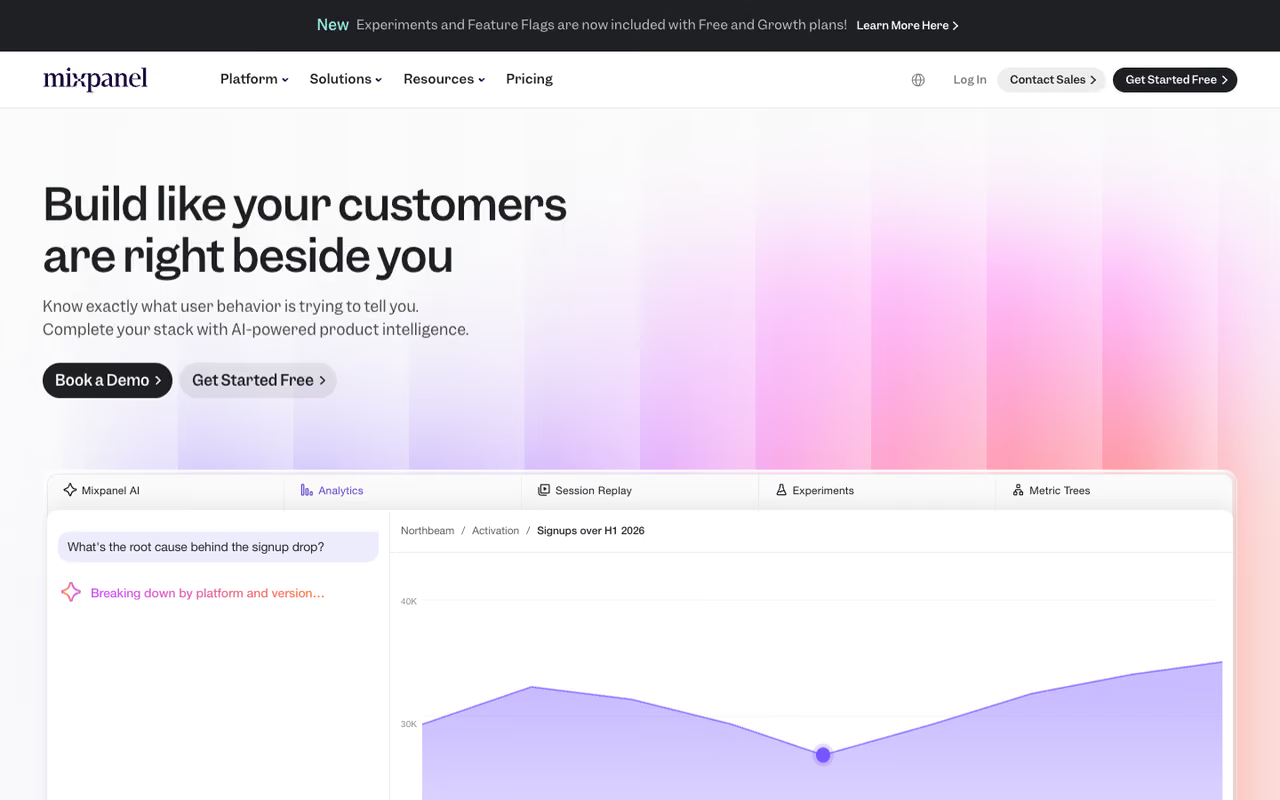
Mixpanel is the product analytics tool I reach for first on mobile. It is event-based, which means you tell it "user added item to cart" or "user finished onboarding" and it builds funnels, retention reports, and flows out of those events. The reports load fast, the UI does not need a data engineer to drive it, and the mobile SDKs for iOS, Android, React Native, and Flutter are solid.
Who it is best for: product and growth teams who want to answer "where do people drop off" and "do new users come back on day 7" without a six-week setup.
The product analytics tool I reach for first on mobile, for product and growth teams who want funnels and retention without a six-week setup. The free plan includes 1 million events a month, but logging every scroll and tap inflates your event count and your invoice.
Pricing got a lot friendlier. After Mixpanel moved fully to event-based pricing, the free plan now includes 1 million events a month plus 10,000 session replays. The Growth plan starts at $0, keeps that first million free, then charges $0.28 per 1,000 events with volume discounts. Startups under five years old and below $8M in funding get the first year free.
The catch: events add up faster than you think once you instrument everything, and the per-event bill climbs at high volume. Be deliberate. Logging every scroll and tap inflates your event count and your invoice with data you never look at.

Amplitude
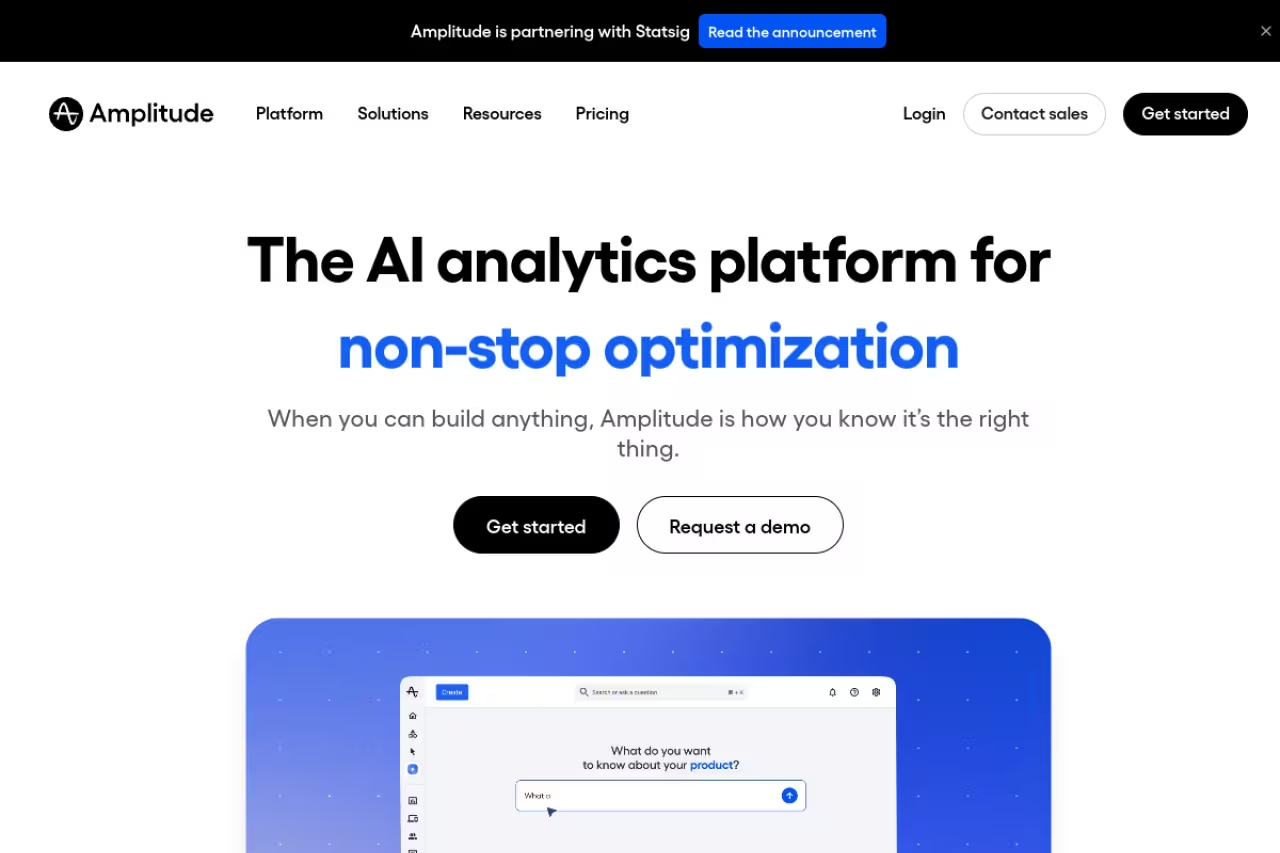
Amplitude is what Mixpanel grows into when your analytics needs get serious. It does the same core event analytics but pushes further into behavioral cohorts, causal analysis ("did this feature actually cause better retention"), and predictive audiences. Larger product orgs tend to standardize on it because the governance and collaboration features hold up across dozens of teams.
Who it is best for: scaling product teams and data-literate orgs that have outgrown basic funnels and want to model behavior, not just count it.
The Starter plan is free for up to 10,000 monthly tracked users and 2 million events, and it now bundles Session Replay and feature flags. The Plus plan starts at $49 a month billed annually and stretches to 300,000 monthly tracked users or 25 million events. Growth and Enterprise are custom-priced and unlock the experimentation and advanced analysis features.
Where it falls short: the MTU-based pricing on paid tiers can get expensive in a way that is hard to predict, and the depth that makes Amplitude powerful is also a learning curve. For a three-person app team it is often overkill. Start on Mixpanel, move here when you feel the ceiling.
Pick Amplitude when a scaling product team outgrows basic funnels and wants behavioral cohorts and causal analysis. MTU-based pricing is hard to predict and it is often overkill for a three-person team, so start on Mixpanel.

PostHog
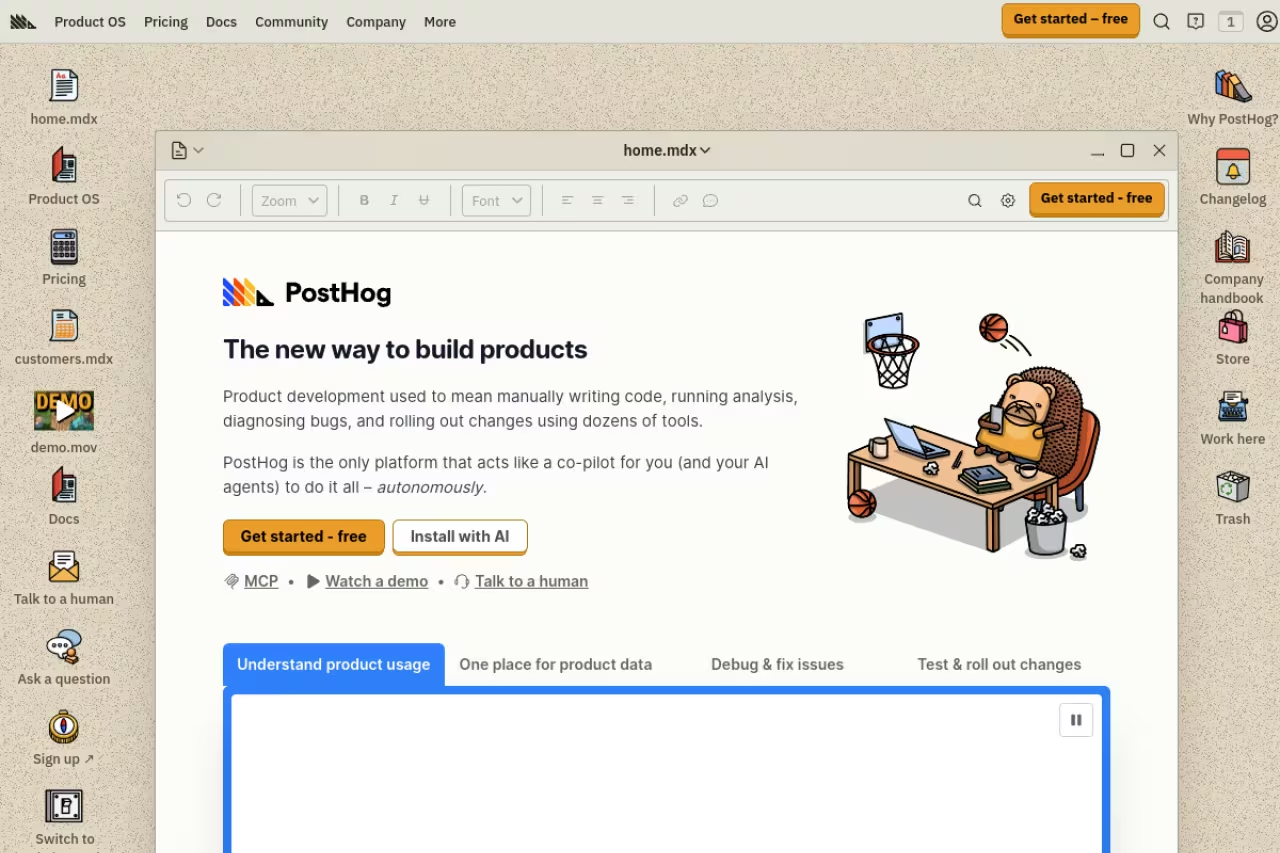
PostHog is the tool engineers keep recommending to each other, and the appeal is that it bundles a dozen things into one platform: product analytics, session replay, feature flags, A/B testing, and surveys. You instrument once and get all of it. It is open source, can be self-hosted for data control, and the mobile SDKs cover iOS, Android, React Native, and Flutter.
Who it is best for: engineering-led teams and technical founders who would rather own one tool than stitch together five subscriptions.
The free tier is genuinely generous: 1 million events a month, plus 5,000 web and 2,500 mobile session recordings free every month. After that, events run from $0.00005 each with volume discounts, and mobile replays are $0.01 each. PostHog says more than 90% of companies stay on the free tier, which tracks with what I have seen.
The catch: it is built for people comfortable with data and code. A non-technical marketer will find it less polished than Amplitude for slicing cohorts, and self-hosting is real ops work, not a checkbox. If your team is more marketing than engineering, you will fight the interface.
Go with it if you are an engineering-led team that would rather own one open source tool than stitch together five subscriptions, with 1 million free events a month. A marketing-heavy team will fight the interface, and self-hosting is real ops work.

Firebase (Google Analytics for Firebase)
Firebase is the default that ships with half the apps on your phone, and for good reason. Google Analytics for Firebase gives you unlimited event tracking at no cost, forever, on both the free Spark plan and the pay-as-you-go Blaze plan. You also get Crashlytics, Cloud Messaging, and Performance Monitoring in the same console.
Who it is best for: indie developers, early-stage apps, and anyone who wants real analytics without a procurement conversation or a credit card.
The default for indie developers and early-stage apps, with unlimited event tracking at no cost plus Crashlytics and push in one console. Funnel and retention analysis is shallow next to Mixpanel or Amplitude, and sampling kicks in at scale.
Pricing is the headline: Analytics is free with no event quota. You only pay on Blaze for other Firebase services like extra Cloud Functions or storage, and new accounts get $300 in credit.
Where it falls short: Firebase analytics is built for breadth, not depth. Funnel and retention analysis is shallow next to Mixpanel or Amplitude, data sampling kicks in at scale, and the reporting frustrates anyone used to a dedicated analytics tool. Plenty of teams run Firebase for crash reporting and push, then layer a real analytics tool on top.

AppsFlyer
AppsFlyer is the market leader in mobile measurement, and this is a different category from everything above. It answers one question very well: which marketing channel, campaign, and creative drove this install and the revenue after it. If you spend money on user acquisition, you need an attribution platform, and AppsFlyer has the widest network of ad integrations in the business.
Who it is best for: growth and UA teams running paid campaigns across Meta, Google, TikTok, Apple Search Ads, and dozens of smaller networks who need to know what actually converted.
The free Zero plan includes 12,000 conversions for your first year plus core marketing analytics. The Growth plan keeps that same welcome package and charges $0.07 per conversion beyond it. Enterprise is custom. Note that a "conversion" means a non-organic install or re-engagement, not every event, so the math is more forgiving than it first looks.
The catch: AppsFlyer is attribution, not behavior. It will not tell you why users churn or which feature they love, it gets pricey at scale, and SKAdNetwork makes all post-privacy attribution fuzzier than marketers admit. Pair it with a product analytics tool, do not expect it to replace one.
The pick for growth and UA teams who need to know which channel, campaign and creative drove an install, with the widest network of ad integrations. It is attribution, not behavior, so pair it with a product analytics tool.

Adjust
Adjust is the other heavyweight in mobile attribution, now part of AppLovin. Teams pick it over AppsFlyer for two reasons: its fraud prevention is widely considered best in class, and its handling of Apple's SKAdNetwork has a reputation for being cleaner for developers. The core job is the same, tracking installs and in-app events back to the campaigns that drove them.
Who it is best for: performance marketing teams that take ad fraud seriously and want tight control over attribution logic.
Adjust prices on monthly tracked users and does not publish list prices, so you negotiate. Tiered packages come with optional modules for fraud prevention, audience building, and incrementality, and a free trial is available. Expect annual contracts, with multi-year deals unlocking lower per-MTU rates.
Where it falls short: the lack of public pricing puts you in a sales process before you know if it fits your budget, and overage fees when you exceed your MTU cap can sting. For a small app testing its first $500 of ads, AppsFlyer's Zero plan is the easier on-ramp.
Choose it if your performance marketing team takes ad fraud seriously and wants tight control over attribution logic. Pricing is not published, so you enter a sales process first, and a small app testing its first $500 of ads is better off on AppsFlyer's Zero plan.

UXCam
UXCam does something the analytics tools above cannot: it lets you watch actual recordings of real user sessions, complete with taps, swipes, and rage-clicks, alongside heatmaps and UX flow analysis. When a funnel report tells you people drop off on a screen but not why, UXCam shows you the why. It is qualitative data to go with your quantitative dashboards.
Who it is best for: product and UX teams debugging confusing screens, broken flows, or unexpected drop-off that numbers alone cannot explain.
The free plan covers 3,000 sessions a month with session replay, heatmaps, and six months of data retention, which is enough for a small app to get real value. Paid Starter, Growth, and Enterprise tiers are quote-based, so you request pricing.
The complement to numbers-based tools when a funnel shows drop-off but not why, with session recordings and heatmaps. The free plan covers 3,000 sessions a month, but paid pricing is hidden and you still need Mixpanel or Amplitude for core analytics.
The catch: replay is sample-based on the free plan and the paid tiers hide their pricing, so budgeting is guesswork until you talk to sales. It is a complement, not a core analytics platform: you still want Mixpanel or Amplitude for the numbers and UXCam for the eyes. For the web equivalent, our heatmap tools roundup covers the cross-platform options.

Singular
Singular blends attribution with marketing cost aggregation, which is its real edge. Most attribution tools tell you which campaign drove installs. Singular also pulls in what you spent on each of those campaigns, so you see return on ad spend in one view instead of exporting numbers into a spreadsheet at month end.
Who it is best for: marketing teams running spend across many channels who care as much about cost and ROI as about raw attribution counts.
Choose it if you spread spend across many channels and care about ROI as much as attribution counts, since it pulls in cost per campaign. Pricing is custom and climbs sharply past roughly 1 million monthly installs, so it pays off only when your media plan is genuinely fragmented.
Pricing scales with install volume and is custom-quoted. There is no transparent public rate card, and teams report costs climbing sharply once you cross roughly 1 million monthly installs.
Where it falls short: the install-based model gets expensive fast for high-growth apps, with limited flexibility to bend the pricing to your model. If your spend sits in two or three networks, the cost-aggregation edge matters less and a cheaper attribution tool will do. Singular earns its place when your media plan is genuinely fragmented.
How to choose
Start by naming the question you actually need answered, because that decides your category before any feature comparison.
If the question is "what do users do inside my app and why do they stay or leave," you want behavioral analytics. Begin with Mixpanel for its free tier and speed, graduate to Amplitude when you need deep cohorts, or pick PostHog if your team is engineering-led and wants replay and flags bundled in.
If the question is "which ad spend actually paid off," you want attribution. AppsFlyer is the safest default with the widest network coverage, Adjust wins if fraud prevention is a priority, and Singular fits when you need spend data fused with attribution.
If you just shipped your first app, run Firebase for free until its limits frustrate you, then add a real analytics tool. And if dashboards keep raising questions they cannot answer, add UXCam so you can watch what people actually do. Most mature teams run one tool from each category, because the single tool that does everything does not exist.
For a wider shortlist, browse our top tools directory, or compare adjacent categories like customer insights tools and marketing analytics tools.
Staying current on which of these tools is worth your time is half the battle. Dupple X tracks the tools and shifts that product and growth teams actually adopt, so you spend less time auditing dashboards and more time acting on them.
FAQ
What is the best free mobile app analytics tool?
For unlimited free event tracking, Firebase (Google Analytics for Firebase) is unbeatable since it costs nothing forever. For deeper product analytics on a free tier, Mixpanel gives you 1 million events a month and PostHog gives you 1 million events plus session replays. The right pick depends on whether you want breadth (Firebase) or depth (Mixpanel, PostHog).
What is the difference between app attribution and app analytics?
Attribution tools like AppsFlyer and Adjust tell you where your users came from: which ad, channel, or campaign drove each install and the revenue after. Behavioral analytics tools like Mixpanel and Amplitude tell you what users do inside the app: funnels, retention, and feature usage. Most teams that spend on ads need both, because each answers a question the other cannot.
Is Mixpanel or Amplitude better for mobile apps?
Both are excellent. Mixpanel is faster to set up, has a more generous free tier in 2026, and suits most product teams getting started. Amplitude goes deeper on behavioral cohorts, causal analysis, and governance, which matters for larger or more data-mature organizations. A common path is starting on Mixpanel and moving to Amplitude when you hit its analytical ceiling.
How much do mobile app analytics tools cost?
It ranges widely. Firebase analytics is free with no event cap. Mixpanel and PostHog have free tiers up to 1 million events a month, then charge per event ($0.28 per 1,000 events for Mixpanel, $0.00005 per event for PostHog). Amplitude's Plus plan starts at $49 a month. Attribution tools like AppsFlyer charge per conversion ($0.07 after a free allowance), while Adjust and Singular use custom MTU or install-based pricing you negotiate.
Can one tool handle both attribution and product analytics?
Not really, and you should be skeptical of any that claims to. Attribution platforms and product analytics platforms are built on different data models and serve different teams. The practical approach is running one attribution tool (AppsFlyer or Adjust) alongside one product analytics tool (Mixpanel, Amplitude, or PostHog), and connecting them so install source and in-app behavior live in the same picture.
Related guides
Some offers on this page may be paid placements or contain affiliate links.
