
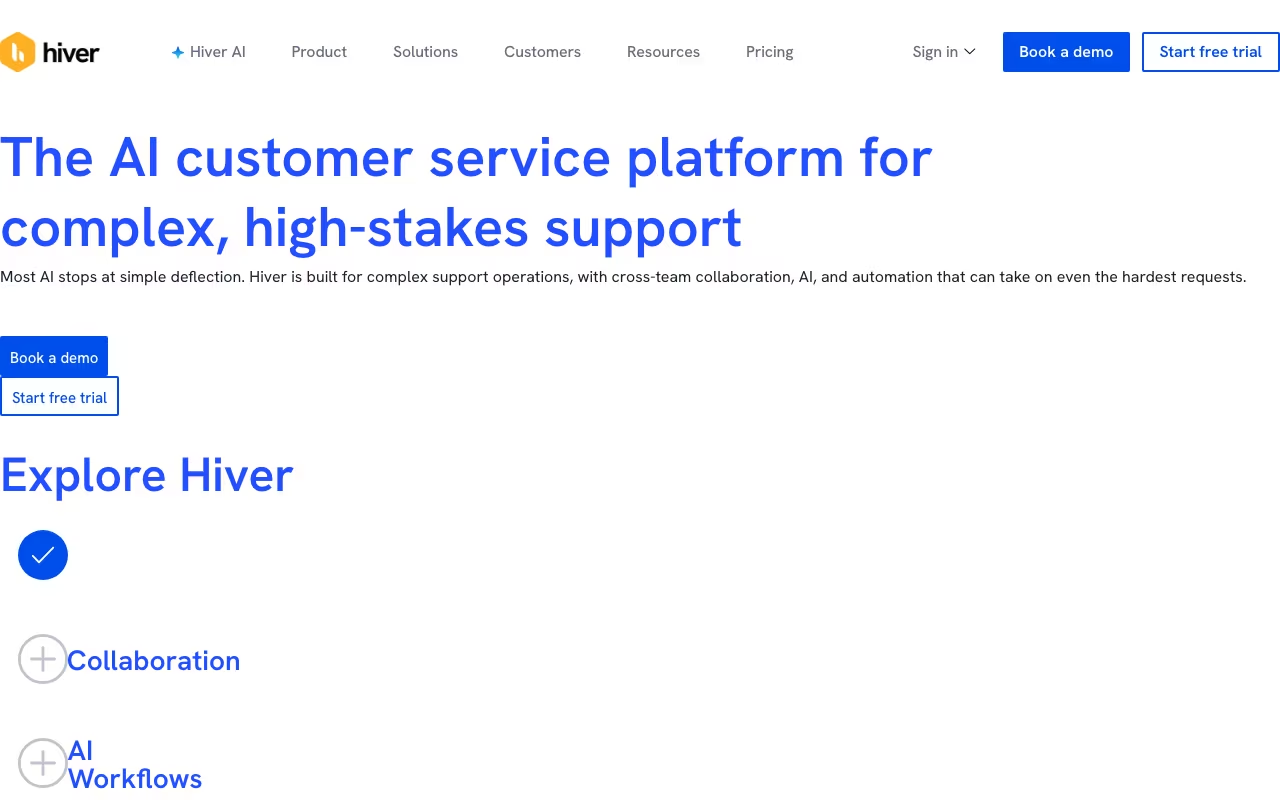
What is Hiver?
Shared inbox and helpdesk built for Google Workspace to manage team email and customer support.
Hiver is a customer support tool that we've reviewed as part of our directory. Here's what it does well, where it falls short, and whether it's worth your money.
How We Evaluated Hiver
We looked at Hiver on five things: ease of setup, core feature quality, pricing transparency, integration options, and documentation. Same checklist we use for every customer support tool in the directory, so the comparisons are like for like.
That meant using the product, testing the features that matter most for customer support work, reading the docs, and checking whether pricing is upfront or hidden behind a sales call. We also compared it against Wati and Pylon to see where it stands.
Key Features
What Hiver actually gives you:
- AI-Powered Intelligence: Uses AI to surface insights and automate decisions
- Team Collaboration: Built-in collaboration tools for real-time teamwork
- Email Campaigns: Create and send targeted email campaigns at scale
- Customization: Flexible customization to match your specific workflow
Pricing
Hiver publishes its pricing: Growth is $25, Pro $55 and Elite $85 per user per month billed annually ($35, $65 and $95 billed monthly), with a 7-day free trial.
To give you a rough sense of the market, comparable customer support tools like Wati and Pylon charge in the range of custom pricing to custom pricing/mo, which should help you calibrate expectations.
Prices checked on the Hiver pricing page in September 2026. Plans and limits change, so confirm before you buy.
Pros and Cons
What we like
- This is a tool built specifically for customer support, which means the features are tailored to real use cases in this space rather than being generic functionality that sort of applies
- It focuses on doing one thing well rather than trying to be a Swiss Army knife, which usually means the core features get more development attention and polish than they would in an all-in-one platform
What could be better
- Larger organizations with complex requirements may find that some of the advanced features they expect from enterprise software are missing or underdeveloped
Hiver Alternatives
If Hiver isn't the right fit, here are the closest competitors worth looking at:
| Tool | What it does | Pricing |
|---|---|---|
| Wati | Wati.io is a business tool available at wati.io. Sign up to see pricing, features, and ... | From $49/mo |
| Pylon | Pylon is a business tool available at usepylon.com. Sign up to see pricing, features, a... | From $100/mo |
| Textline | Textline is a business tool available at application.textline.com. Sign up to see prici... | From $59/mo |
| SimpleTexting | SimpleTexting is a business tool available at simpletexting.com. Sign up to see pricing... | From $39/mo |
We track hundreds of customer support tools in our tools directory. Worth browsing if none of these match what you need.
Who It's For (and Who It's Not)
Good fit: Hiver makes the most sense for teams that use customer support tools daily and need something reliable and well-maintained. If that sounds like your situation, it's worth at least testing it out.
Skip it if: you only need this occasionally. A simpler or free tool would save you money and setup time. In that case, you might want to look at Wati as a lighter-weight option.
Bottom Line
Does its core job well. Worth the investment if customer support is central to your daily work. If you only need it occasionally, look at a simpler option.
In short: Hiver is a strong choice for teams that use customer support tools daily and need something reliable and well-maintained. you only need this occasionally.
Try HiverHow Hiver works
Hiver is a customer service and shared inbox platform for teams handling shared addresses like support@, billing@, ap@ or an internal IT queue. It ships in two shapes: Hiver in Gmail, a Gmail-native helpdesk that layers assignment, tickets, SLAs and AI on top of the inbox your team already uses, and Hiver Omni, a standalone omnichannel workspace that works with Gmail, Outlook, Zoho and others and pulls email, live chat, Slack, voice, WhatsApp and social into one queue. Beyond support it is explicitly sold to Finance, ITSM and HR teams, and Hiver claims 10,000+ Support, Finance and IT teams as customers.
You connect one or more shared mailboxes, then configure the queue: routing rules and assignment, tags, custom fields, custom views, email templates, SLAs and CSAT surveys. Collaboration happens on the thread itself through private notes with @mentions, external collaborators looped in, shared drafts co-written before sending, and collision detection so two agents do not reply at once. Automation is rule-based (trigger, condition, action) plus round-robin and load-balanced assignment, scheduled automations driven by date-type custom fields, custom-field-based rules, SLA and CSAT-triggered workflows, app-based automations that create or update records in connected tools, and skill-based routing on the top tier.
Integrations are two-way with systems like Salesforce, Jira, NetSuite, Linear, Slack and Shopify: you read and write records inside the ticket and route on signals buried in those systems, such as plan tier from the CRM, order value from Shopify or a churn flag in the ERP. Open APIs and webhooks cover anything not pre-built. The AI layer splits into Copilot (thread summarizer, AI Compose, Ask AI over internal docs, suggested responses), AI Agents (AI tasks inside automations, sentiment analysis, auto-tagging) and a Knowledge Hub that learns from Notion, Confluence or Google Drive. Onboarding is a 7-day free trial that starts you on the Elite plan with no credit card required, and Hiver says it migrates your data from another help desk at no extra cost. Mobile apps exist for Android and iOS.
Where Hiver wins
- The Gmail-native option keeps agents in the inbox they already know, which is the main reason teams pick Hiver over Zendesk-class tools. Several vendor-published customer quotes cite Freshdesk and Salesforce being "too complex".
- Integration depth is real, not just notification piping. You view and update Salesforce, Jira, NetSuite and Linear records from inside the ticket, push updates back to custom fields, and trigger routing on data from those systems, with open APIs and webhooks filling the gaps.
- Automation is unusually granular for this price band: round robin, load balancing that caps conversations per agent, scheduled automations off date fields, SLA and CSAT-triggered workflows, and skill-based routing.
- Shaped for non-support teams too (Finance ap@ and billing@, ITSM triage, HR request queues), which is rarer than it sounds in this category.
- Compliance is broad for a mid-market tool: GDPR, SOC 2 Type II, ISO 27001, CCPA and HIPAA, with SSO, HIPAA handling and custom roles on the Elite plan.
Where it falls short
- Several headline paid-tier features are marked COMING SOON on Hiver's own pricing page: AI Knowledge Builder (Growth), AI QA, AI Insights and Customer Intelligence (Elite), plus Knowledge Gaps and Linked Conversations. Buying Elite today means paying for capabilities that have not shipped.
- Voice is an add-on on every plan including Elite, so the omnichannel-in-one-workspace pitch carries an extra line item if you need phone or SMS.
- Key governance features are gated to the top tier. SSO, HIPAA-compliant handling, custom permission roles, skill-based routing, custom objects and personal-to-shared-inbox rules are Elite only ($85/user/mo annual, $95 monthly). SLAs, CSAT, advanced analytics, the customer portal, Slack channels, premium integrations and API access all require Pro ($55/$65) or above.
- Seat licensing is rigid. All plans start at 2 seats and scale 2 to 5, then in increments of 5 (10, 15, 20 and so on), so a 6-person team pays for 10.
- The trial is only 7 days and drops you into Elite, so you evaluate on features you may not be buying, then face suspension if you do not upgrade in time.
Who should use Hiver
Support, finance, IT or HR teams of roughly 5 to 50 people who live in Gmail or Google Workspace and want ticketing discipline without moving to a separate helpdesk UI. Hiver in Gmail is the strongest version of that specific idea.
Teams already off Gmail, or running real omnichannel (chat plus Slack plus voice plus WhatsApp), should look at Hiver Omni instead and price Voice as an add-on from the start. Skip it if you need SSO, HIPAA handling or custom roles on a budget, since those are Elite-only, if your team size sits awkwardly against the 5-seat increments, or if you are buying primarily for the AI QA, AI Insights or Customer Intelligence features that are still listed as coming soon.