
The 8 Best Big Data Analytics Tools in 2026

Key facts8 tools compared: Databricks, Snowflake, Google BigQuery, Power BI, Tableau, Apache Spark…
- 8 tools compared: Databricks, Snowflake, Google BigQuery, Power BI, Tableau, Apache Spark, Confluent, Airbyte
- Databricks (best for: ML + analytics on one lakehouse): $0.15 to $0.40 per DBU
- Snowflake (best for: SQL teams who hate ops): $2 to $4 per credit
- Google BigQuery (best for: Serverless ad-hoc queries): $6.25 per TB scanned
- Power BI (best for: Dashboards for the whole org): $14 per user/mo
"Big data analytics" used to mean a Hadoop cluster, three engineers babysitting it, and a quarterly report nobody read. That world is gone. In 2026 the stack is rented by the second, the engines are ANSI-compliant, and an AI assistant writes half your SQL. The hard part isn't capacity anymore. It's picking the right tool before your cloud bill eats the budget.
I spend a lot of time inside these platforms, and the gap between marketing pages and real bills is wide. A "pay only for what you use" warehouse can hand you a $62 charge for one careless SELECT *. A "free" streaming tier evaporates the moment you go to production. So this is the honest version: what each tool is actually good at, what it costs in real dollars, and where it falls down.
If you want the short answer: for most teams running serious analytics and ML on one platform, Databricks is the pick. If you mostly write SQL and want zero infrastructure to manage, Snowflake or Google BigQuery will make you happier. The rest of this guide is for everyone whose situation is more specific than that.
Quick comparison
| Tool | Best for | Price | Standout |
|---|---|---|---|
| Databricks | ML + analytics on one lakehouse | $0.15 to $0.40 per DBU | Spark-native, free edition |
| Snowflake | SQL teams who hate ops | $2 to $4 per credit | Auto-scaling, predictable |
| Google BigQuery | Serverless ad-hoc queries | $6.25 per TB scanned | 1 TiB/month free, no clusters |
| Power BI | Dashboards for the whole org | $14 per user/mo | Cheapest seat-based BI |
| Tableau | Deep visual exploration | $75 per Creator/mo | Best-in-class viz UX |
| Apache Spark | Self-hosted big data processing | Free (OSS) | Runs everything, no license |
| Confluent | Real-time streaming at scale | $400 credit, then usage | Managed Kafka + Flink |
| Airbyte | Getting data in (ELT) | Free OSS / usage cloud | 600+ connectors |

Databricks: the lakehouse that does it all
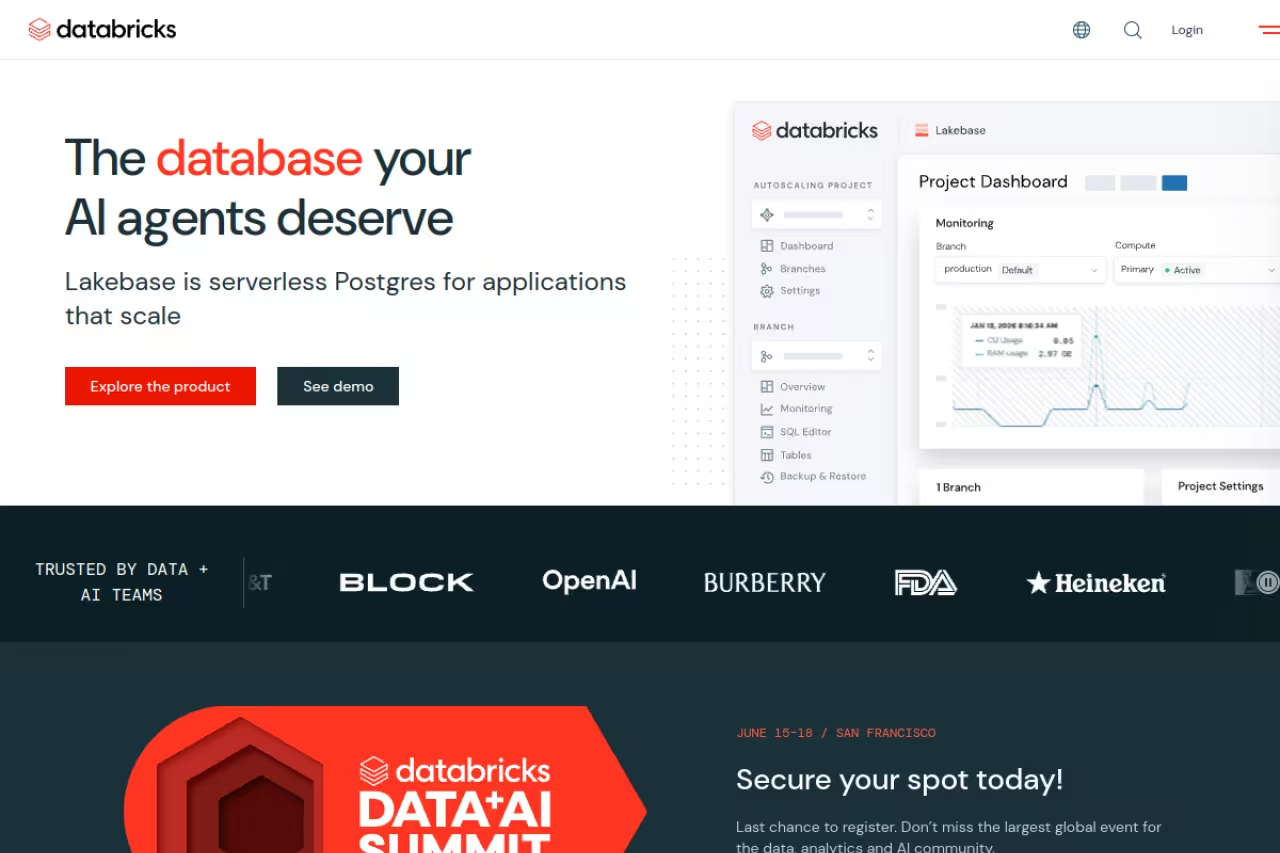
Databricks built its name on Apache Spark, and it's still the platform I reach for when a project mixes heavy data processing with machine learning. The "lakehouse" idea (cheap object storage with warehouse-style governance and SQL on top) has basically won the architecture argument. You can run a streaming pipeline, train a model, and serve a SQL dashboard from the same data without copying it five times.
Who it's best for: data teams that do more than dashboards. If you have ML engineers and analysts sharing the same datasets, this is where they coexist.
Databricks is where I go when a project mixes heavy data processing with machine learning, and it suits data teams that do more than dashboards. You own the knobs for real savings, but a misconfigured cluster wastes money and it is overkill for a sales dashboard.
Pricing is consumption-based on DBUs (Databricks Units), running roughly $0.15 to $0.40 per DBU depending on workload, plus your cloud provider's storage and compute underneath. Jobs Compute for scheduled pipelines sits at the cheap end, around $0.15 to $0.30 per DBU, which makes batch engineering genuinely affordable. There's now a free edition for learning the tools, plus the usual trial. In one 100-billion-row benchmark, a Databricks 4X-Large cluster finished for $107.69 versus Snowflake's $129.26 on similar hardware, because you control the cluster sizing directly.
The standout: you own the knobs. Cluster size, instance type, autoscaling, spot instances. For large, custom workloads that control translates into real savings.
The catch: that same control is the downside. Databricks expects you to know what you're doing. Misconfigure a cluster and you'll pay for idle compute, or worse, watch a job crawl. It's overkill for a five-person team that just wants a sales dashboard. The notebook-first workflow also feels foreign to pure SQL analysts.

Snowflake: the warehouse that just works
If Databricks is the workshop full of power tools, Snowflake is the appliance you plug in. It separates storage from compute so you can spin up a "warehouse" (Snowflake's word for a compute cluster), run heavy queries, and have it auto-suspend when idle. There's almost nothing to tune, which is exactly the appeal.
Who it's best for: SQL-first teams and BI workloads where predictability matters more than squeezing out the last dollar. Finance, analytics, and product teams love how little babysitting it needs.
Snowflake is the plug-in appliance for SQL-first teams and BI workloads where predictability beats squeezing out the last dollar. Heavy ML and unstructured data feel bolted on, and you cannot tune clusters for massive raw-data crunching.
Pricing runs on credits: $2.00 per credit on Standard, $3.00 on Enterprise, and $4.00 on Business Critical, per Snowflake's published rates and third-party guides. Storage is about $23 per compressed TB per month. The one gotcha worth knowing: there's a 60-second minimum every time a warehouse starts or resizes, so spiky tiny queries can rack up surprise credits.
The standout: auto-scaling that's actually predictable. For standard BI, Snowflake's behavior is easy to forecast, which finance teams appreciate when they sign off on the bill.
Where it falls short: that simplicity costs you flexibility. Heavy ML and unstructured-data work still feel bolted on compared to Databricks, even with Snowpark. And for massive raw-data crunching, you can't tune the cluster the way you can elsewhere, so the bill climbs faster than you'd like.
Google BigQuery: serverless, no clusters, no excuses
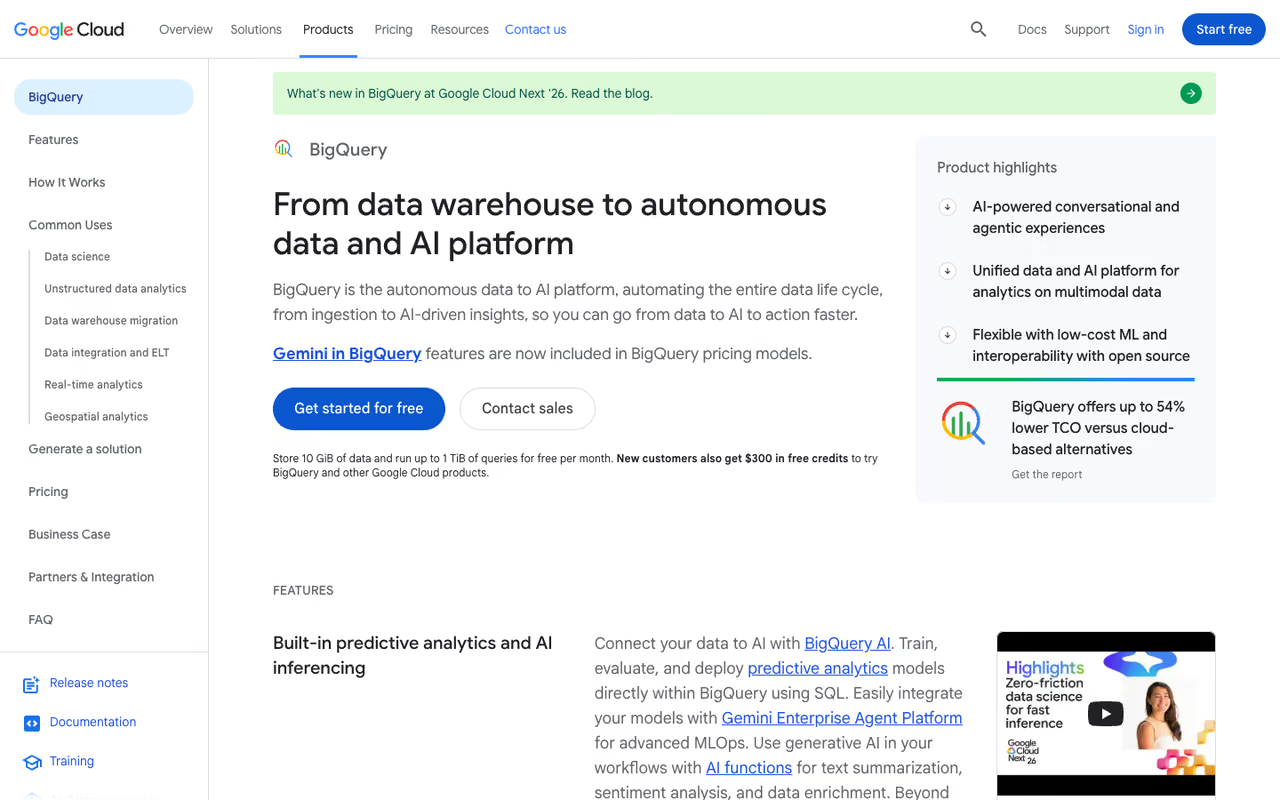
BigQuery is the one I recommend when someone says "I just want to query a huge table and not think about infrastructure." It's fully serverless. You don't provision anything. You write SQL, Google figures out the compute, and you pay for bytes scanned.
Who it's best for: teams already in Google Cloud, and anyone who wants true ad-hoc analytics without owning a cluster. It pairs beautifully with the rest of GCP and with marketing data via the GA4 export.
On-demand pricing is $6.25 per TB scanned according to the official BigQuery pricing page, with the first 1 TiB of query processing free every month. Active storage runs about $0.02 per GB per month, dropping to $0.01 after a table sits untouched for 90 days. There's a flat-rate capacity model too if your usage is steady.
The standout: zero infrastructure, genuinely. Scale from a gigabyte to a petabyte and the experience doesn't change. No clusters to size, no warehouses to suspend.
The catch: the per-byte model punishes sloppy SQL hard. A single SELECT * on a wide table has reportedly cost teams $62.50 in one query because it scanned everything. You have to partition tables and select only the columns you need, or the bill teaches you the lesson. It also locks you into Google's ecosystem more than the warehouse-neutral options.
BigQuery is the pick for teams in Google Cloud, or anyone who wants ad-hoc analytics with no clusters to manage. The per-byte model punishes sloppy SQL, so partition tables and select only the columns you need.
If picking the right platform here feels like a part-time job, that's the kind of decision our Dupple X members trade notes on every week, real bills, real benchmarks, not vendor slides.
Microsoft Power BI: dashboards for everyone
When the goal is "get charts in front of 200 non-technical people," Power BI is hard to beat on price. It's the most widely deployed BI tool I see in the wild, mostly because it's cheap per seat and already bundled into the Microsoft world your company probably lives in.
Who it's best for: organizations standardizing reporting across departments, especially Microsoft 365 shops.
Power BI Pro is $14 per user per month, and Premium Per User (PPU) is $24, both confirmed on Microsoft's pricing page. Note that Microsoft raised Pro from $10 to $14 in April 2025, a 40% jump, so budget for the current number, not the one in old blog posts. Power BI Desktop stays free for individual report building.
The standout: the lowest barrier to org-wide BI. At $14 a head you can roll it out broadly without a procurement fight.
Where it falls short: it's most comfortable on Windows and inside the Microsoft stack. Mac users build reports in a browser or a VM. And once you outgrow Pro into Fabric capacity, the pricing gets complicated fast, the kind of thing your CFO asks pointed questions about.
Hard to beat on price when you need charts in front of 200 non-technical people, especially in Microsoft 365 shops, at $14 per user per month. It is most comfortable on Windows, and Fabric capacity pricing gets complicated fast.
Tableau: when the visualization has to be great
Tableau remains the gold standard for visual exploration. If your analysts live inside their charts and need to slice data fluidly, nothing feels as good. It's the tool people genuinely enjoy using, which matters more than spec sheets admit.
Who it's best for: data-heavy teams where exploration and storytelling with visuals is the daily job, not an afterthought.
Tableau is the gold standard for visual exploration, for data-heavy teams whose daily job is slicing data and telling stories with charts. It is expensive, and for straightforward dashboards Power BI does most of the job for a fraction of the price.
Pricing is seat-based: Creator at $75 per user per month, Explorer at $42, and Viewer at $15, all billed annually. Since the Salesforce acquisition, Tableau has folded in more AI features, but the core appeal is still the interface.
The standout: the exploration experience. Drag, drop, drill down, and the visualization keeps up with your thinking. For genuine visual analysis it's a step above Power BI.
The catch: it's expensive, and the per-seat math gets painful at scale. A team of 20 Creators is $1,500 a month before anyone looks at a chart. The hidden costs (Server admin, storage, credits for some features) add up too. For straightforward dashboards, Power BI does 80% of the job for a fifth of the price.

Apache Spark: the free engine under half the industry
Here's the thing about Apache Spark: a lot of the paid platforms above are Spark with a nicer wrapper. If you have the engineering muscle to run it yourself, the engine is free and open source, and in 2026 it's better than ever.
Who it's best for: engineering teams that want maximum control, want to avoid vendor lock-in, or run at a scale where per-DBU pricing would be brutal.
Spark 4.0 brought ANSI compliance, Java 21 support, a Kubernetes operator, and better Python profiling. The 4.1 release in December 2025 added a Real-Time Mode that drops streaming latency to single-digit milliseconds for stateless operations. The license cost is zero.
The standout: no license fee and no lock-in. You can run it on any cloud, on-prem, or a laptop, and move whenever you want.
Where it falls short: "free" software, expensive people. You're now responsible for cluster management, tuning, security patches, and upgrades. The total cost of ownership for a self-hosted Spark setup often lands higher than a managed platform once you count salaries. Most teams should reach for Spark through Databricks or a managed service unless they have a strong reason not to.
Apache Spark suits engineering teams that want maximum control, no vendor lock-in or a scale where per-DBU pricing would be brutal. The engine is free but people are not, and most teams should reach it through a managed platform.

Confluent: real-time data in motion
Batch analytics tells you what happened. Streaming tells you what's happening right now, and Confluent is the managed home for that world. Built by the creators of Apache Kafka, it handles the firehose of events (clicks, transactions, sensor data) so you can analyze them live instead of waiting for the nightly job.
Who it's best for: teams building real-time dashboards, fraud detection, or event-driven products where a five-minute delay is too slow.
New accounts get $400 in credit valid for 30 days, which covers Basic clusters, connectors, Schema Registry, and Flink for stream processing. After that it's consumption-based across stream, connect, process, and govern dimensions. Per CloudZero's breakdown, production workloads typically run $385 to $3,000 a month for mid-market and well into five figures for large enterprises.
The standout: Kafka without the operational nightmare. Self-hosting Kafka is famously painful. Confluent makes it someone else's problem and bundles Flink for processing the streams.
The catch: it gets expensive at production scale, and the four-dimension pricing model is genuinely hard to forecast. If your use case is batch, this is the wrong tool entirely. Over 80% of Fortune 100 companies use Kafka, but plenty of smaller teams adopt streaming before they actually need it.
Confluent is the managed home for streaming, for teams building real-time dashboards, fraud detection or event-driven products. It makes Kafka someone else's problem, but production costs climb and pricing is hard to forecast, so skip it for batch use cases.

Airbyte: get the data in first
None of the tools above matter if your data is stranded in 40 different SaaS apps. Airbyte is the open-source ELT platform that moves it into your warehouse, and it's the part of the stack people forget to plan for.
Who it's best for: engineering teams that want self-hosted control over their pipelines, or anyone tired of writing custom extract scripts.
The open-source version is free to self-host. Airbyte Cloud is usage-based on the volume of data synced, which scales reasonably for most teams. The draw is the connector library: 600+ sources and destinations, growing fast, including the long-tail apps the bigger ELT vendors ignore.
The standout: the sheer connector count and the open-source option. If a connector doesn't exist, you can build one with their CDK.
Where it falls short: self-hosting means you maintain it, and some community connectors are less reliable than the certified ones. For a no-fuss managed pipeline with white-glove support, a closed competitor might cause fewer 2 a.m. pages. But for breadth and cost control, Airbyte is hard to argue with.
Airbyte is the part of the stack people forget to plan for, an open-source ELT platform with 600+ connectors for engineering teams wanting self-hosted control. Self-hosting means you maintain it, and some community connectors are less reliable than certified ones.
How to choose
Skip the feature matrices. Answer three questions instead.
First, what's the core job? Pure SQL analytics points to Snowflake or BigQuery. SQL plus heavy ML points to Databricks. Just dashboards points to Power BI or Tableau. Real-time points to Confluent.
Second, who's doing the work? A team of SQL analysts will be miserable in a notebook-first tool and happy in Snowflake. A team of ML engineers will feel boxed in by a pure warehouse. Match the tool to the people, not the spec sheet.
Third, how predictable is your spend? Per-byte (BigQuery) and per-credit (Snowflake) models reward discipline and punish sloppiness. Per-DBU (Databricks) rewards tuning skill. If nobody on your team will own cost governance, lean toward the more predictable, auto-suspending options and partition your tables religiously.
And remember the pieces fit together. Airbyte to load, Snowflake or Databricks to store and crunch, Power BI or Tableau to visualize, Confluent for the real-time slice. Few teams pick just one.
If you want to keep up with how these tools and prices shift (they move fast), Dupple X sends the signal without the noise, and our top tools directory tracks the rest of the stack. You can start a yearly trial here.
FAQ
What is the best big data analytics tool in 2026?
For teams combining analytics with machine learning on one platform, Databricks is the strongest all-around pick because of its Spark-native lakehouse architecture. If you mostly write SQL and want zero infrastructure to manage, Snowflake and Google BigQuery are better fits. There's no single winner, the right choice depends on whether your core job is SQL analytics, ML, dashboards, or real-time streaming.
Is Databricks or Snowflake cheaper?
It depends on the workload. Databricks is often cheaper for massive, custom big data processing because you control cluster sizing, and a 100-billion-row benchmark finished for about $108 on Databricks versus $129 on Snowflake. Snowflake tends to be more predictable and easier to forecast for standard BI workloads. Both offer 30 to 50% committed-use discounts on annual contracts.
What are the best free big data analytics tools?
Apache Spark and Airbyte are both free and open source if you self-host them, though you pay in engineering time to maintain them. Databricks now offers a free edition for learning, BigQuery includes 1 TiB of free query processing per month, and Power BI Desktop is free for individual report building. The catch with self-hosted tools is total cost of ownership, the software is free but the people who run it are not.
How much does Google BigQuery cost?
BigQuery on-demand pricing is $6.25 per TB of data scanned, with the first 1 TiB of query processing free each month. Storage runs about $0.02 per GB per month, dropping to $0.01 after 90 days of inactivity. Because you pay per byte scanned, a careless query like SELECT * on a large table can cost far more than expected, so partitioning tables and selecting only needed columns is essential.
Do I need a data warehouse or a data lakehouse?
A data warehouse like Snowflake or BigQuery is ideal if your work is mostly structured data and SQL analytics, with minimal setup. A lakehouse like Databricks makes more sense when you also handle unstructured data, machine learning, or streaming, since it combines cheap object storage with warehouse-style governance. If your team includes both analysts and ML engineers sharing data, the lakehouse model usually wins.
Which big data tool is best for real-time analytics?
Confluent, built by the creators of Apache Kafka, is the leading managed platform for real-time streaming and event-driven analytics. It bundles Kafka with Flink for stream processing and gives new accounts $400 in credit to start. Apache Spark 4.1 also added a Real-Time Mode in late 2025 that drops latency to single-digit milliseconds. Choose streaming only if a few minutes of delay genuinely hurts your use case, otherwise batch analytics is simpler and cheaper.
Related guides
Some offers on this page may be paid placements or contain affiliate links.
