
The Best MLOps Tools in 2026 (Compared and Ranked)

Key facts8 tools compared: MLflow, Databricks, Weights & Biases, Kubeflow, Amazon SageMaker, Google…
- 8 tools compared: MLflow, Databricks, Weights & Biases, Kubeflow, Amazon SageMaker, Google Vertex AI, ZenML, DVC
- MLflow (best for: Experiment tracking + registry): Free, open-source
- Databricks (best for: Enterprise teams on a lakehouse): DBU-based, from ~$0.07/DBU
- Weights & Biases (best for: Research and experiment collaboration): Free tier, Pro from $60/mo
- Kubeflow (best for: Kubernetes-native pipelines): Free, open-source
Every team I've worked with hits the same wall. The model works in a notebook, someone trains a better version next week, and three months later nobody can tell you which checkpoint is running in production or what data it saw. That gap between "it works on my machine" and "it works for users, reproducibly, at scale" is what MLOps tools exist to close.
The problem is the category is a mess. Some tools track experiments, some orchestrate pipelines, some serve models, and a few pretend to do all of it. So I looked into the major ones, dug into current pricing and documentation, and sorted out what each is actually good at versus what it claims.
If you want the short answer: start with MLflow. It's open-source, it's the de facto standard for experiment tracking and the model registry, and MLflow 3 added proper GenAI tracing so it covers LLM work too. Most teams build the rest of their stack around it. This guide covers that stack, when a managed platform earns its price tag, and the trade-offs each one hides. It's written for the ML engineers, data scientists, and platform people who get paged when a model breaks.
Quick comparison
| Tool | Best for | Price | Standout |
|---|---|---|---|
| MLflow | Experiment tracking + registry | Free, open-source | The default everyone integrates with |
| Databricks | Enterprise teams on a lakehouse | DBU-based, from ~$0.07/DBU | Managed MLflow + Mosaic AI in one place |
| Weights & Biases | Research and experiment collaboration | Free tier, Pro from $60/mo | Best-in-class run visualization |
| Kubeflow | Kubernetes-native pipelines | Free, open-source | Distributed training and serving at scale |
| Amazon SageMaker | Teams already on AWS | Pay-as-you-go, notebooks from $0.04/hr | End-to-end on one cloud bill |
| Google Vertex AI | Teams on GCP / BigQuery | Pay-as-you-go | Tight data-to-model integration |
| ZenML | Portable, framework-agnostic pipelines | Free OSS, SaaS from ~$50/user/mo | Write once, run on any backend |
| DVC | Data and model versioning | Free, open-source | Git for datasets and models |
MLflow
MLflow is the experiment ledger almost every other tool integrates with. You log parameters, metrics, and artifacts from your training runs, register models in a versioned registry, and get a clean lineage from raw run to deployed model. It's open-source, self-hosted, and free.
The default choice for any team that wants reproducibility without vendor lock-in, since SageMaker, Databricks and Vertex AI speak it natively. The catch is that you run it yourself, and the open-source tracking server has no built-in auth.
Whether you train with PyTorch, scikit-learn, or XGBoost, MLflow tracks it the same way. The MLflow 3 release reworked the architecture around a first-class LoggedModel entity and added auto-tracing for GenAI frameworks, so it captures token usage and cost on LLM calls too. That single change moved MLflow from "classic ML tool" to something you can run an LLM app on.
The standout is gravity. SageMaker, Databricks, Vertex AI, and most orchestrators speak MLflow natively, so adopting it rarely locks you out of anything else. If you're also evaluating prompts and outputs, it pairs well with dedicated AI evaluation tools.
The catch: you run it yourself. The open-source tracking server has no built-in auth, the UI is functional rather than pretty, and scaling the backing store for a big team is your problem. Plenty of companies pay for Databricks specifically to avoid babysitting MLflow infrastructure.

Databricks
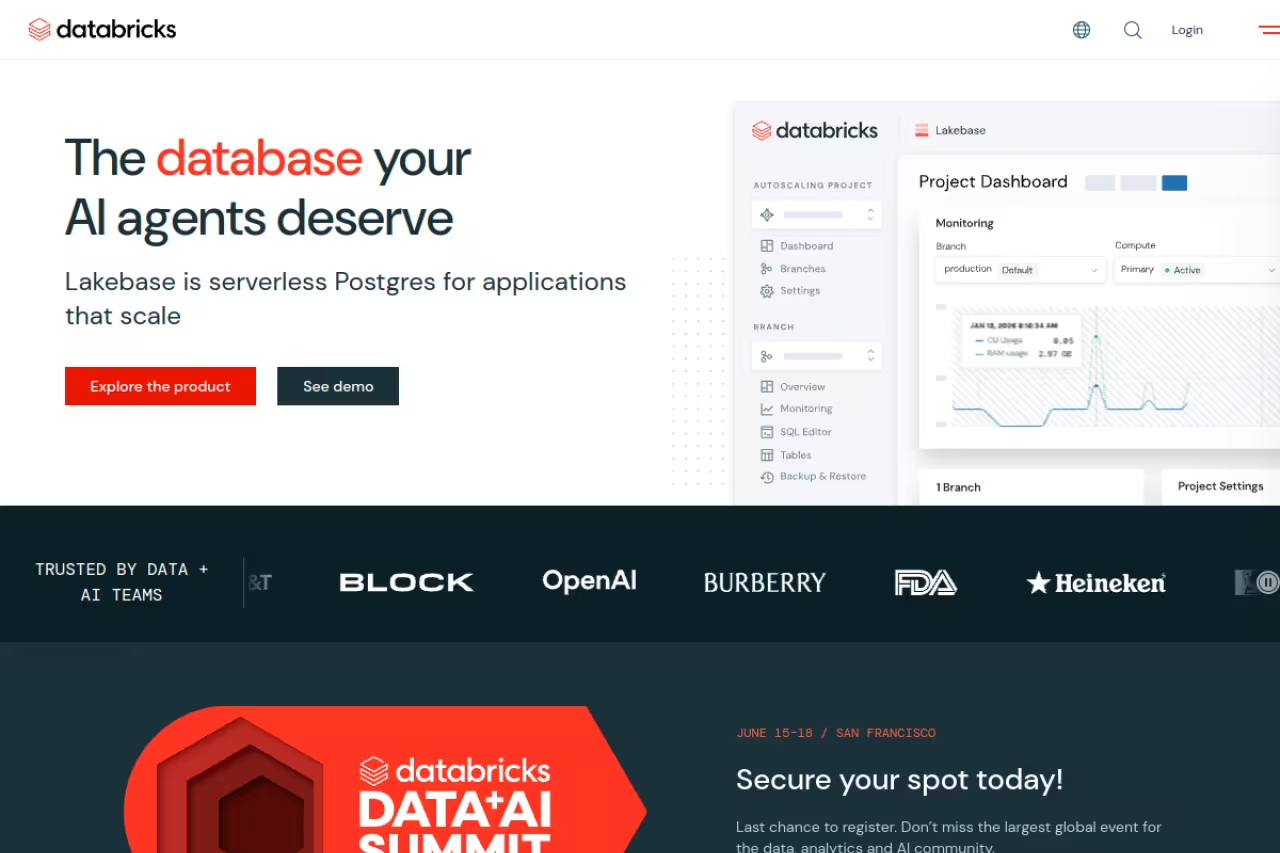
Databricks is the managed home of MLflow (the company created it) bundled into a lakehouse platform. You get hosted experiment tracking, the model registry through Unity Catalog, model serving, and the Mosaic AI suite for training, serving, and evaluating both classic models and LLMs, all on top of your data.
Pick it if you are an enterprise team whose data already lives in Databricks and you want one governed platform from raw tables to served model. DBU spend creeps and is hard to forecast, so it is overkill for a small team with a handful of models.
The pitch is one platform from raw tables to served model with governance baked in.
Pricing runs on DBUs (Databricks Units), a compute-time metric layered on top of your cloud bill. Per reported 2026 rates, AI workload DBUs start around $0.07 for foundation model serving and climb past $0.70 for serverless SQL. Premium is now the baseline tier and includes Unity Catalog and the full Mosaic AI suite; Enterprise negotiates roughly 15 to 25 percent higher.
The standout is consolidation. MLflow, feature store, serving, and AI-judge evaluation in one governed environment is genuinely useful when you're past the prototype stage.
Where it falls short: cost predictability. DBU spend creeps, and finance teams are forever building calculators to forecast it. For a small team running a handful of models, Databricks is overkill. You're paying for a data platform you may not need yet.
Weights & Biases
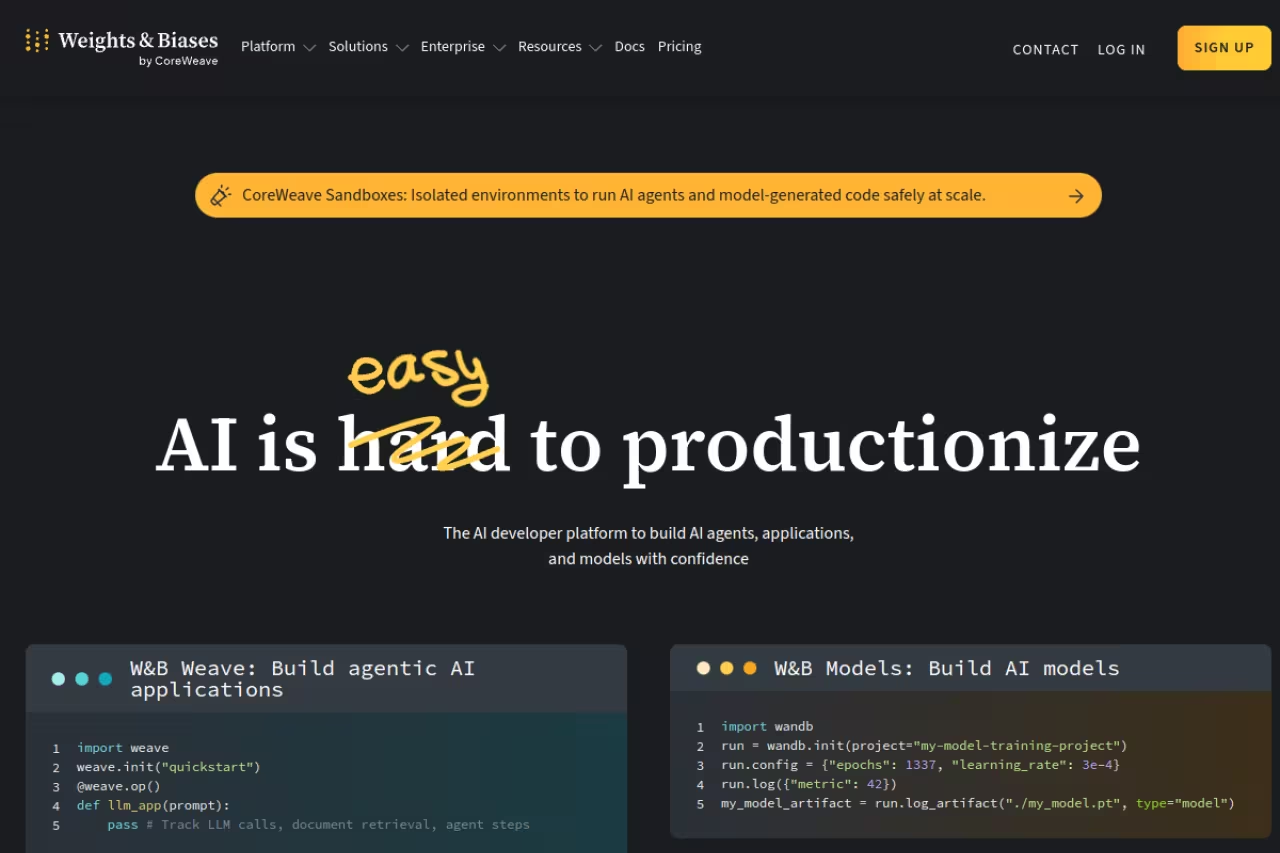
Weights & Biases is the collaboration and visualization layer. Drop a few lines into your training loop and you get live dashboards, run comparisons, hyperparameter sweeps, and shareable reports that look good enough to put in front of a stakeholder. Researchers love it for a reason.
The best experiment-comparison UI here for research-heavy teams, with dashboards and shareable reports that make a thousand runs legible. It is per-seat and proprietary, so costs scale with headcount, and MLflow alone may be enough if you mostly need tracking.
The reports feature, where you stitch charts and notes into a shareable writeup, is the thing people miss most when they leave.
On pricing, the free plan gives you up to 5 model seats, 5 GB of storage a month, plus tracing and evaluation through Weave. Pro starts at $60/month and raises that to 10 seats and 100 GB with team access controls. Enterprise is custom with SSO, audit logs, and HIPAA options. Extra storage runs $0.03/GB per month.
The standout is the UI. Nothing else makes a thousand training runs as legible as quickly.
The catch: it's per-seat and proprietary. Costs scale with headcount, not usage, so a growing team feels it. Some shops run W&B for visualization next to MLflow for the registry, which works but means two systems to maintain. If your needs are mostly tracking, MLflow alone may be enough.
Kubeflow
Kubeflow is the Kubernetes-native option. It's built for pipeline orchestration, distributed training, and model serving (through KServe), running entirely on your cluster. If your infrastructure is already Kubernetes, Kubeflow speaks its language.
Go with it only if you are a platform team with real scale and strong Kubernetes expertise, for distributed training and serving with autoscaling. It is genuinely hard to install and operate, so skip it without a dedicated platform engineer.
When you need to train across many nodes or serve models with autoscaling and canary rollouts, Kubeflow handles it where lighter tools tap out.
It's open-source and free. The cost is operational, not licensing.
The standout is raw scalability and orchestration depth. Nothing on this list matches it for distributed workloads on your own hardware.
Where it falls short: the Kubernetes tax. Kubeflow is genuinely hard to install, upgrade, and operate. Components drift, the docs assume you know your cluster cold, and most teams without a Kubernetes platform regret adopting it. If you don't have a dedicated platform engineer, this is the wrong starting point. Tools like ZenML give you pipeline portability without running Kubeflow directly, and our AI DevOps tools guide covers the surrounding infrastructure.
Amazon SageMaker
Amazon SageMaker is AWS's end-to-end ML platform: notebooks, training jobs, hosted inference endpoints, a model registry, and pipelines, all on one cloud bill. In 2026 it consolidated much of this under SageMaker Unified Studio, a single environment for data, model development, and GenAI.
The natural fit for teams already on AWS, with endpoints, autoscaling and security tied into services you already use. It sprawls across dozens of sub-services, and a forgotten always-on endpoint can quietly burn money for weeks.
If your data, IAM, and the rest of your stack live there, SageMaker removes a lot of integration work. Pricing is pure pay-as-you-go with no upfront commitment. Per the SageMaker pricing page, basic notebook instances start around $0.04/hour and GPU instances run past $10/hour. Unified Studio itself has no direct cost; you pay for the compute and storage underneath, and Savings Plans can cut eligible usage by up to 64 percent.
The standout is integration. Endpoints, autoscaling, monitoring, and security tie straight into the AWS services you already use.
The catch: complexity and cost surprises. SageMaker sprawls across dozens of sub-services, and a forgotten always-on endpoint can quietly burn money for weeks. It's powerful, but the learning curve and bill both demand attention.

Google Vertex AI
Google Vertex AI is GCP's answer: a unified platform with pipelines, a model registry, a feature store, experiment tracking, and model monitoring, plus deep ties into BigQuery and Gemini models. If your data warehouse is BigQuery, the path from query to trained model is short.
The pick for Google Cloud teams whose analytics already run in BigQuery, where the path from query to trained model is short. Expect lock-in and cost opacity, since the real bill hides in endpoints and compute, and the appeal drops outside Google.
The data-to-model loop is tight in a way that's hard to replicate when your warehouse lives elsewhere. Pricing is pay-as-you-go, and the MLOps pieces (pipelines, registry, metadata) are rarely the main cost. Per Google's own breakdown, most spend comes from the underlying training compute, BigQuery queries, storage, and especially online endpoints once you deploy.
The standout is the unified data-and-model experience. Vertex AI Pipelines turns multi-step training into repeatable, governable workflows without much glue code.
Where it falls short: lock-in and the usual cloud-platform cost opacity. You're committing to GCP, and like SageMaker, the real bill hides in endpoints and compute you have to monitor. Outside the Google ecosystem, the appeal drops fast.

ZenML
ZenML is an open-source framework for building portable ML pipelines. You define your steps in Python, and ZenML runs them on whatever backend you point it at: local, Kubeflow, a cloud orchestrator, or others. It plugs into MLflow, W&B, and most of the tools above rather than replacing them.
Choose it for portable pipelines you write once and run on any backend as you grow, without marrying one orchestrator. It is a framework, not a destination, so it adds a layer to learn, and a tiny project may do fine with MLflow and a script.
Write your pipeline once, swap the execution backend as you grow, and keep experiment tracking through whatever tool you already use. It's open-source and free to self-host; the managed Cloud SaaS starts around $50 per user per month, on the higher side for hosted orchestration.
The standout is portability. ZenML is the abstraction layer that lets you adopt Kubeflow's power later without rewriting everything now.
The catch: it's a framework, not a destination. ZenML organizes your stack but still relies on those underlying tools for tracking, serving, and compute, so it adds a layer to learn rather than removing one. For a tiny project, plain MLflow plus a script may be simpler.

DVC
DVC (Data Version Control) brings Git-style versioning to the things Git can't handle: large datasets and model files. You version data and models alongside your code, define reproducible pipelines, and roll back to any exact data-and-model state. It's open-source, from the team at Iterative.
The pick for teams that must answer which dataset version trained a model, bringing Git-style versioning to data and model files. It is narrow on purpose: it does not track experiments richly or serve models, and it expects Git comfort.
It's free and open-source: DVC stores pointers in Git and pushes the heavy files to your own remote storage (S3, GCS, and so on), so you only pay for that storage.
The standout is treating data as a first-class versioned artifact. Combined with experiment tracking, it closes the reproducibility loop most stacks leave open. If labeling sits upstream of this, our data labeling tools guide covers that step.
Where it falls short: it's narrow on purpose. DVC versions data and pipelines well but doesn't track experiments richly or serve models. It's one component, not a platform, and it expects comfort with Git workflows. Iterative's newer DataChain extends into large-scale dataset processing if you need that. If you're earlier in the stack, our roundup of the best AI model training tools is a good companion read.
How to choose
Don't pick one tool. Pick a stack, in this order.
Start with tracking. Almost everyone should run MLflow first. It's free, it's the standard, and it gives you reproducibility immediately. If your team is research-heavy and lives in run comparisons, add W&B for the visualization layer.
Add versioning early. DVC costs nothing and saves you the day you can't reproduce a model. Set it up before you need it.
Choose orchestration by your infrastructure, not hype. Already on Kubernetes with platform engineers? Kubeflow. Want portability without the Kubernetes tax? ZenML. Neither yet? A scheduled script plus MLflow is a fine starting point. Don't add orchestration before you feel the pain of not having it.
Reach for a managed platform when integration cost outweighs control. SageMaker if you're on AWS, Vertex AI if you're on GCP, Databricks if your data lives in a lakehouse and you want MLflow without operating it. Worth it for enterprises, a poor trade for a three-person team.
The honest rule: most teams are best served by open-source MLflow plus DVC, adding a managed platform only when scale or compliance forces the question. For a curated view of the broader stack, the Dupple X library tracks what's worth your time, and our top tools directory covers adjacent categories.
FAQ
What are MLOps tools and why do teams need them?
MLOps tools manage the full lifecycle of machine learning models: tracking experiments, versioning data and code, orchestrating training pipelines, deploying models, and monitoring them in production. Teams need them because models drift and datasets change. Without reproducibility you can't reliably answer which model is running or how to retrain it. They turn ad-hoc notebook work into something you can ship and maintain.
Is MLflow really free, and what's the catch?
Yes, MLflow is fully open-source and free to self-host. The catch is operational: you run the tracking server, the database behind it, and the artifact storage yourself, and the open-source version has no built-in authentication. For small teams that's trivial. For large ones, the cost of operating MLflow at scale is exactly why managed options like Databricks exist.
Do I need Kubeflow or is it overkill?
For most teams, Kubeflow is overkill. It's built for Kubernetes-native, large-scale, distributed workloads, and it's genuinely hard to operate. If you don't already run Kubernetes with dedicated platform engineers, start with MLflow plus a framework like ZenML, and reach for Kubeflow only when you actually hit distributed-training scale.
What happened to Neptune.ai?
Neptune.ai, a popular experiment tracker, was acquired by OpenAI in late 2025, and its standalone external services sunset in March 2026, with export and migration tools for existing customers. If you were considering Neptune, MLflow and Weights & Biases are the natural replacements for experiment tracking.
Can these MLOps tools handle LLM and GenAI workflows?
Increasingly yes. MLflow 3 added GenAI tracing, prompt management, and token-and-cost tracking. Weights & Biases offers Weave for LLM tracing and evaluation, and Databricks Mosaic AI plus the major clouds all added agent frameworks and AI-judge evaluation. The line between classic MLOps and LLMOps is blurring, so the tracking and registry tools you already use likely cover GenAI too.
Ready to cut your tooling research time? Dupple X keeps a tested, current shortlist of the tools worth adopting, so you can skip the comparison rabbit hole and get back to shipping models.
Related guides
Some offers on this page may be paid placements or contain affiliate links.
