
Best Incident Management Software (2026)

Key facts8 tools compared: incident.io, PagerDuty, Rootly, FireHydrant, Better Stack, Squadcast…
- 8 tools compared: incident.io, PagerDuty, Rootly, FireHydrant, Better Stack, Squadcast, Datadog On-Call, Jira Service Management
- incident.io (best for: Slack-native teams): Free / $15-25 + on-call
- PagerDuty (best for: Large enterprises): Free (5 users) / $21-41
- Rootly (best for: AI-heavy SRE teams): From ~$20
- FireHydrant (best for: Process-driven response): Free / $25
The first time a real outage hit a team I worked on, the response lived in three places at once: a Slack thread nobody could find, a PagerDuty page that woke up the wrong engineer, and a Google Doc someone started writing while the site was still down. We fixed the bug in 40 minutes. The coordination took two hours.
That gap is what incident management software exists to close. The good tools don't just page someone. They route the alert to the person actually on call, spin up a dedicated channel, track the timeline automatically, post updates to a status page, and hand you a clean retrospective at the end. The difference between a tool that does this well and one that bolts it on shows up at 3 a.m., which is exactly when you can't afford to think.
If you want the short version: incident.io is my top pick for most engineering teams in 2026 because it lives inside Slack and bundles on-call, response, and status pages without nickel-and-diming you across five add-ons. PagerDuty is still the enterprise default if you need every integration under the sun. Rootly is the one to watch if AI-assisted investigation matters to you. Below is the full breakdown, with real pricing I verified on each vendor's page, plus where each one falls short.
Quick comparison
| Tool | Best for | Price (per user/mo) | Standout |
|---|---|---|---|
| incident.io | Slack-native teams | Free / $15-25 + on-call | All-in-one without the add-on tax |
| PagerDuty | Large enterprises | Free (5 users) / $21-41 | Biggest integration catalog |
| Rootly | AI-heavy SRE teams | From ~$20 | Autonomous AI investigation |
| FireHydrant | Process-driven response | Free / $25 | Runbooks and consumption-based alerts |
| Better Stack | Cost-conscious startups | Free / $29-34 | Unlimited team members, monitoring included |
| Squadcast | Budget on-call | Free (5 users) / $9-21 | Cheapest serious on-call |
| Datadog On-Call | Existing Datadog shops | ~$30/seat | Paging enriched with your telemetry |
| Jira Service Management | ITSM + Atlassian stacks | Free (3 agents) / $20-48 | Agent-only billing at scale |

incident.io
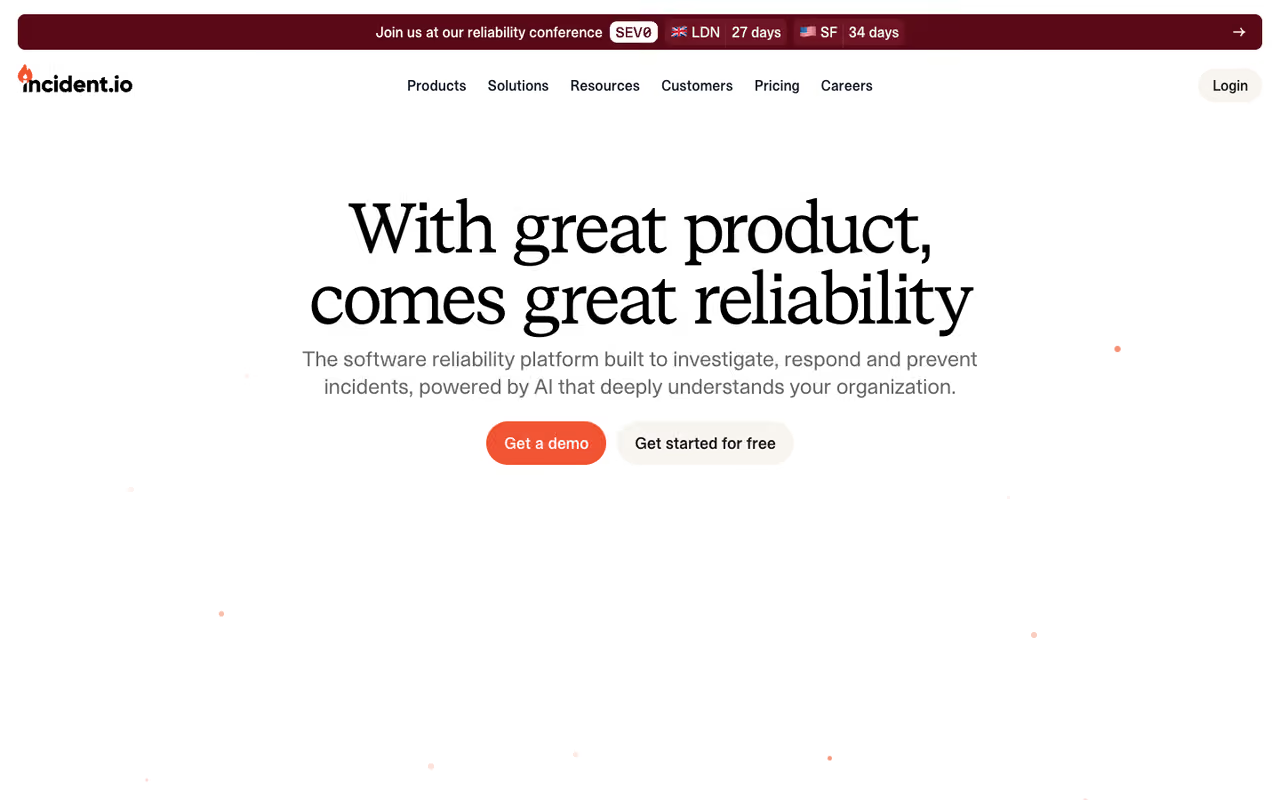
incident.io started as a Slack-first incident response tool and has grown into a full platform that handles on-call, alerting, status pages, and post-incident reviews. The whole experience runs from inside Slack or Microsoft Teams, which is the single biggest reason engineers actually adopt it. You declare an incident with a slash command, it creates the channel, pulls in the right responders, and starts logging the timeline without anyone babysitting it.
Who it's best for: teams that already run their day in Slack and want one tool instead of a stack of point solutions glued together.
The pick for Slack-native teams that want one tool instead of a glued-together stack. The AI drafts summaries and retrospectives, but a fully loaded Pro seat reaches $45/user/month, and you lose most of the magic if your team does not live in Slack.
The free Basic plan covers native Slack/Teams response, single-team on-call, and one status page, which is genuinely usable for a small team. Team is $19/user/month ($15 billed annually) and Pro is $25/user/month, per incident.io's pricing page. On-call is an add-on: +$10/user on Team, +$20 on Pro. There's also a standalone On-call plan at $20/user/month if that's all you need.
The standout: the AI features feel built-in rather than bolted-on. It drafts incident summaries, suggests next steps, and writes the first pass of your retrospective from the channel history. For a team that hates writing postmortems (every team), that alone earns its keep.
The catch: the add-on model means a fully loaded Pro seat lands at $45/user/month, which is not cheap once you're past 20 engineers. And if your engineering culture doesn't live in Slack, you lose most of the magic.

PagerDuty
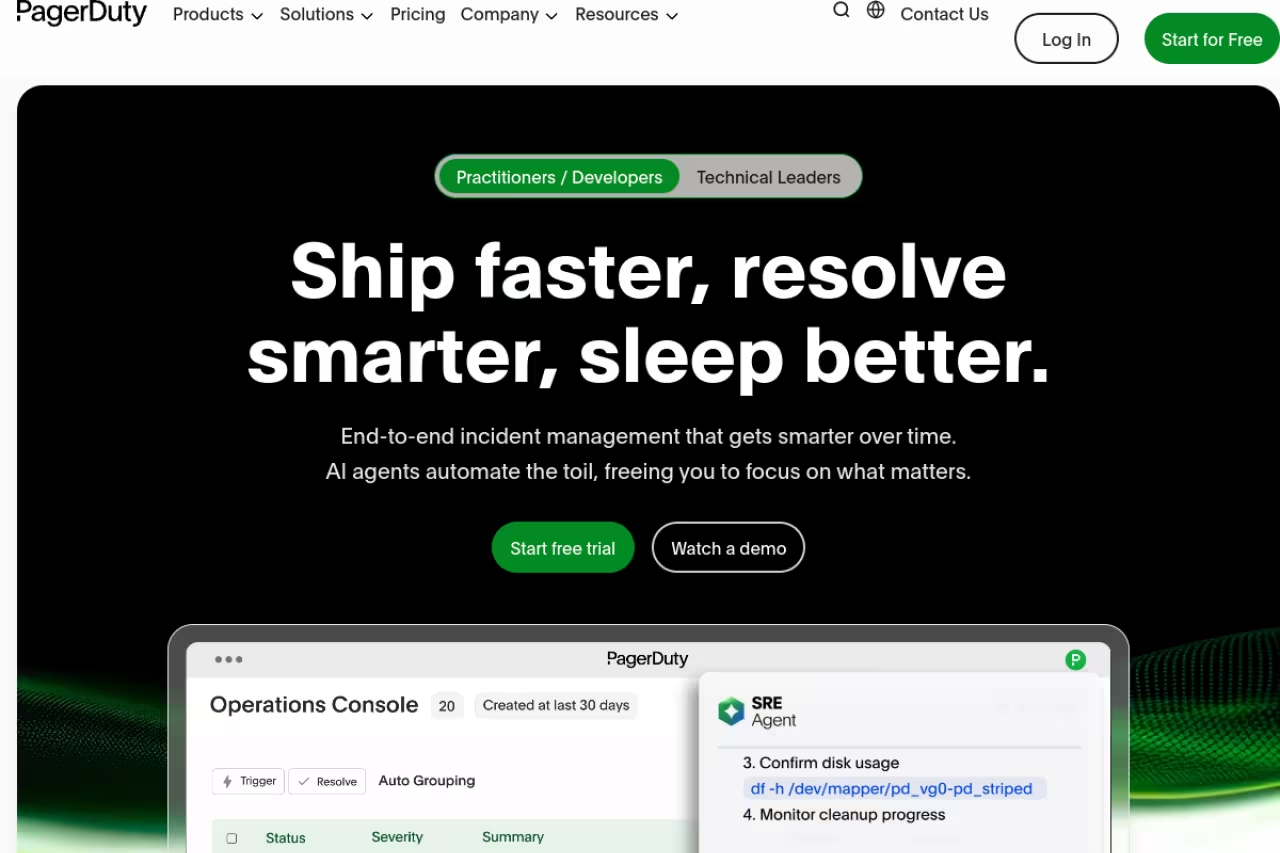
PagerDuty is the tool everyone benchmarks against, and for good reason. It has been doing alert routing and on-call scheduling longer than most of its competitors have existed, and its integration catalog (over 700 connectors) is the widest in the category. If a monitoring tool exists, PagerDuty already talks to it.
Who it's best for: large enterprises and teams with complex, multi-service escalation policies that need the deepest integration support and a vendor that won't get acquired next quarter.
The safe enterprise choice for complex, multi-service escalation, with over 700 connectors and battle-tested routing. Budget carefully, though, because AIOps, status pages and stakeholder licenses are add-ons and the UI feels dated next to Slack-native newcomers.
The free plan supports up to 5 users with 100 international SMS/phone notifications a month. Professional is $25/user/month ($21 annually) and Business is $49/user/month ($41 annually), per PagerDuty's pricing page. Enterprise is custom.
The standout: maturity. The escalation logic, override handling, and event intelligence are battle-tested at scale. When you have 200 services and a dozen teams, PagerDuty's structure holds up where lighter tools start to wobble.
The catch: the real bill is rarely the sticker price. AIOps, status pages, stakeholder licenses, and live call routing are separate add-ons, and AIOps in particular can add hundreds of dollars a month. Buyers routinely budget for the per-seat cost and get surprised by the total. The UI also feels dated next to the Slack-native newcomers.

Rootly
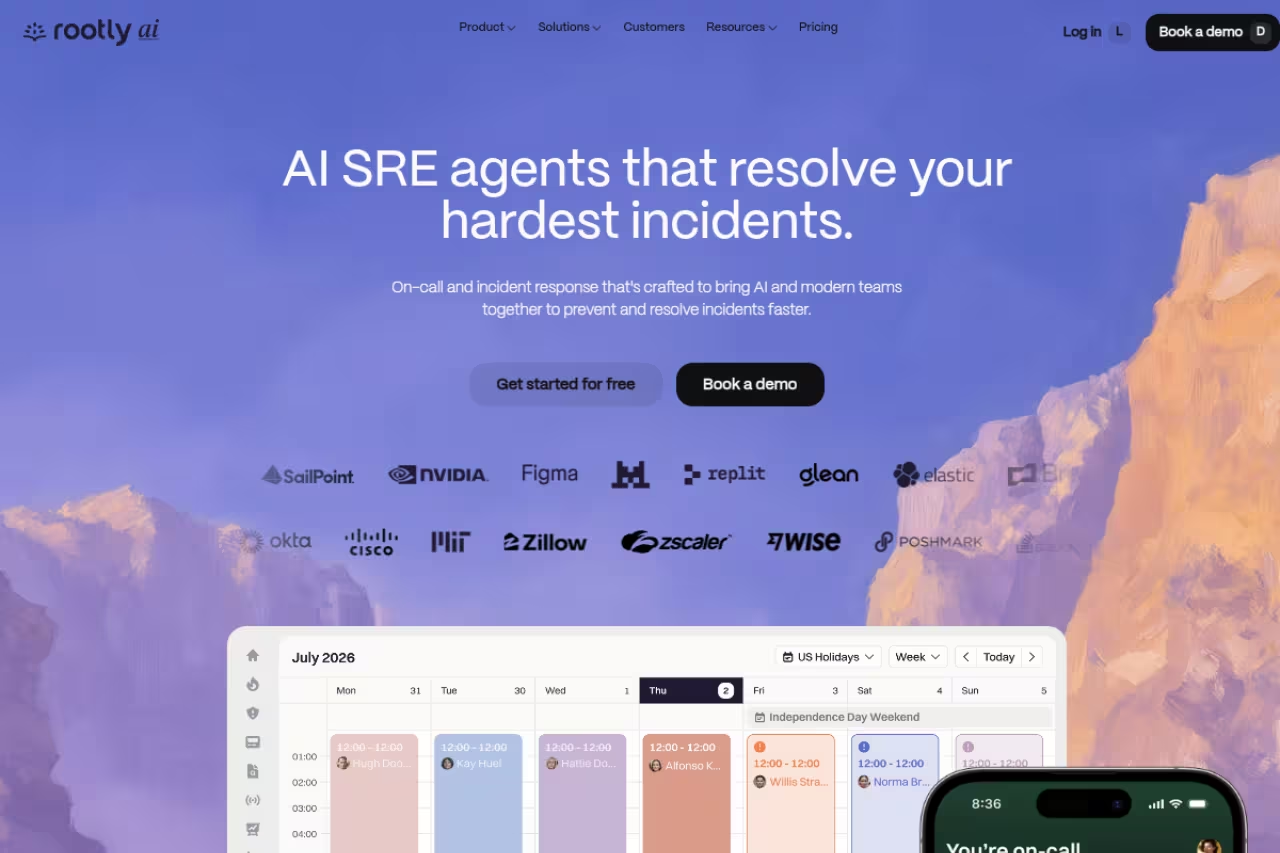
Rootly is the automation-and-AI heavyweight of the group. It does the standard incident response, on-call, retrospectives, and status pages, but its pitch is the AI SRE: an agent that reads code diffs, Slack history, and telemetry to investigate incidents and suggest fixes specific to your environment. It's the closest thing to a junior on-call engineer that never sleeps.
Who it's best for: SRE-mature teams that already automate aggressively and want AI doing real investigation work, not just summarizing a channel.
A strong fit for SRE-mature teams that want an AI agent doing real investigation, like tying a deploy to an error spike. It is enterprise-priced and sales-led with no free tier, and the AI is only as good as the telemetry you feed it.
Rootly starts around $20/user/month and bundles Incident Response, On-Call, and AI SRE. It's quote-driven in practice, with most teams landing between roughly $15,000 and $60,000 a year depending on tier (Essentials vs Scale) and whether they add the On-Call module. Check Rootly's pricing page for the current tiers.
The standout: the AI SRE actually does investigation. It correlates a deploy to an error spike and points at the likely cause, which shortens the "what changed?" phase of every incident. With 100+ integrations and an Edge Connector for on-prem systems, it reaches environments many newer tools can't.
The catch: it's enterprise-priced and sales-led, with no self-serve free tier to kick the tires. Smaller teams will find the price and procurement friction hard to justify, and the AI is only as good as the telemetry you feed it.
If you're evaluating AI-first tooling across your stack, not just for incidents, our roundup of the best AI agents covers the broader category.

FireHydrant
FireHydrant leans into process. Where some tools just page and chat, FireHydrant is built around runbooks, service catalogs, and structured response so that your worst incident runs the same way as a Tuesday-afternoon hiccup. Its Signals product handles on-call and alerting under the same roof.
Who it's best for: teams that want repeatable, documented response and a service catalog that maps ownership cleanly.
Pick it if you want repeatable, documented response built on runbooks and a clean service catalog, plus cheaper consumption-based alerting for teams that rarely page. The catch is that the headline AI features are Enterprise-only as of 2026.
The free tier covers up to 10 responders, 2 runbooks, and 1 status page. Pro is $25/responder/month billed annually, per FireHydrant's pricing page, and includes Signals on-call with up to 50 SMS/phone alerts a month before consumption pricing kicks in. Enterprise unlocks the AI features and unlimited everything.
The standout: the consumption-based alerting model. You pay for alerts actually sent, not per-seat-times-everything, which can be much cheaper for teams that page rarely.
The catch: the headline AI features (summaries, timelines, automated status updates) are Enterprise-only as of 2026, so smaller plans miss the part of the product that's getting the most investment.

Better Stack
Better Stack bundles uptime monitoring, log management, and incident management into one product, which is a different bet from the pure-play tools. If you don't already have monitoring sorted, you get it in the same subscription.
Who it's best for: startups that want monitoring plus on-call in one bill and hate per-seat math.
A startup-friendly bundle of monitoring, logs and on-call with unlimited team members, so costs stay flat as you grow. Teams with intricate escalation needs, such as a 200-engineer org, will outgrow its incident depth.
The free tier is generous: 10 monitors, 1 status page, Slack/email alerts, plus logs and metrics quotas. The Team plan runs $29-34/month per license and, critically, includes unlimited team members for telemetry access and unlimited phone calls for on-call rotations. Add-ons like Slack/Teams workflows ($9/responder) and extra status pages exist but the core is flat.
The standout: the unlimited-team-members model. Compared to Datadog's or PagerDuty's per-user pricing, Better Stack stays cheap as you grow, and the phone-call alerting is unmetered.
The catch: the incident management depth isn't at incident.io's or PagerDuty's level. It's excellent value, but a 200-engineer org with intricate escalation needs will outgrow it. This is a startup and mid-market tool, not a Fortune 500 one.

Squadcast
Squadcast is the budget pick that doesn't feel like one. It does on-call scheduling, alert routing, SLO tracking, and postmortems at a fraction of what the big names charge, with 175+ integrations.
Who it's best for: cost-conscious teams that want serious on-call without enterprise pricing.
The budget on-call pick that still does real incident response, starting at $9/user on annual Pro. Expect capped postmortems (5/month on Pro) and less brand recognition than the big names, which matters if your board wants a known vendor.
Free for up to 5 users with basic on-call. Paid plans on annual billing run roughly $9 (Pro), $16 (Premium), and $21 (Enterprise) per user/month. Pro covers core on-call and incident response with 6-month retention; Premium adds SRE features like SLO tracking, status pages, and a Service Graph.
The standout: the price-to-capability ratio. At $9/user annually for Pro, it's the cheapest tool here that still does real incident response rather than just paging.
The catch: postmortems are capped (5/month on Pro) and the ecosystem and brand recognition are smaller, which matters if you want a vendor your board has heard of. It's a workhorse, not a status symbol.

Datadog On-Call
Datadog added On-Call and Incident Management to its observability suite, and the appeal is obvious if you already live in Datadog: your pages arrive enriched with the dashboards, traces, and metrics that explain them.
Who it's best for: teams already paying for Datadog observability who want paging in the same pane of glass.
Worth it only if you already pay for Datadog, where pages arrive with the traces and dashboards that explain them. As a standalone purchase it is hard to justify, and Datadog billing has a reputation for surprising teams as usage climbs.
Seat-based. Datadog's Incident Management runs about $30/seat/month billed annually, and On-Call is a separate seat-based SKU (or bundled as Incident Response). Anyone can create, view, or join incidents without a seat; you only pay for active responders, per Datadog's billing docs.
The standout: context. When the page links straight to the trace that's erroring and the dashboard that's spiking, you skip the "open six tabs" phase. For a Datadog shop, that's a real time saver.
The catch: it only makes sense if you're already a Datadog customer. As a standalone purchase it's hard to justify, and Datadog's billing has a reputation for surprising teams as usage climbs.
Jira Service Management
Jira Service Management matters more in 2026 than it used to, because Atlassian is folding the old Opsgenie on-call product into JSM. Opsgenie stopped new sales in June 2025 and shuts down completely in April 2027, so JSM is now Atlassian's answer for incident and on-call management.
Who it's best for: organizations already on Jira and Confluence that want ITSM, incident, and on-call in one Atlassian stack.
The natural landing spot for Atlassian shops now that Opsgenie shuts down in April 2027, with agent-only billing that scales well. The on-call piece is newer and less refined, so budget 2-4 weeks to migrate.
Free for up to 3 agents. Standard is about $20/agent/month and Premium about $48/agent/month, per Atlassian's pricing. The key model: you only pay for agents who handle tickets, while requesters are free, which scales better than per-seat tools for large support orgs.
The standout: agent-only billing and native ties to the rest of Jira. If your change management, problem tracking, and dev work already live there, keeping incidents in the same place reduces context-switching.
The catch: the on-call piece is newer and less refined than purpose-built tools, and the Opsgenie migration is real work. Teams with complex schedules should budget 2-4 weeks to move before the 2027 deadline.
How to choose
Start with where your team actually works. If your engineers live in Slack, incident.io or Rootly will get adopted; a tool that forces a separate UI won't. If you're already deep in Datadog or Atlassian, the native option (Datadog On-Call, JSM) saves you a context switch even if it's not best-in-class on its own.
Then weigh three things in order:
- Total cost, not sticker price. Add up on-call, status pages, AI, and stakeholder licenses before you compare. PagerDuty and incident.io both look cheaper than they bill once you turn everything on.
- AI depth. If you want an agent that investigates root cause, Rootly leads. If you just want summaries and auto-written postmortems, incident.io covers it without an enterprise contract.
- Scale of your escalation logic. Simple rotations are fine on Squadcast or Better Stack. Hundreds of services with layered escalation policies point you to PagerDuty.
My honest default for a 10-50 person engineering team in 2026 is incident.io on the Team plan with on-call: it's the best balance of adoption, features, and price. Below 10 people, Squadcast or Better Stack's free tiers will carry you a long way.
If you're assembling a broader operations stack, our top tools directory and the Dupple X AI bundle are worth a look for the adjacent pieces. And teams standardizing on AI across engineering should skim our guide to the best AI coding tools, since incident response increasingly overlaps with the assistants writing your fixes.
Want more of this kind of breakdown in your inbox? Dupple X members get our tool deep-dives and the full AI stack we actually use.
Frequently asked questions
What is the best incident management software in 2026?
For most engineering teams, incident.io is the best all-around choice in 2026 because it runs natively in Slack and bundles on-call, response, status pages, and AI-written retrospectives in one tool. PagerDuty remains the top pick for large enterprises that need the widest integration catalog, and Rootly leads if AI-driven root-cause investigation is your priority.
How much does incident management software cost?
Expect $15 to $45 per user per month for the major tools once on-call is included. incident.io runs $15-25/user plus a $10-20 on-call add-on, PagerDuty is $21-41/user, and Squadcast is the budget option at roughly $9-21/user annually. Free tiers from incident.io, PagerDuty (5 users), and Squadcast (5 users) cover small teams.
Is PagerDuty or incident.io better?
It depends on your stack. incident.io is better for Slack-native teams that want one bundled tool and modern AI features. PagerDuty is better for large enterprises that need its 700+ integrations and the most mature escalation logic. PagerDuty's true cost is often higher than its sticker price once you add AIOps and status pages.
What is happening to Opsgenie?
Atlassian is sunsetting Opsgenie and folding its on-call features into Jira Service Management. New Opsgenie sales ended in June 2025 and the product shuts down completely on April 5, 2027. Existing teams should plan a migration to JSM or another tool well before that deadline.
Do I need a separate on-call tool and incident management tool?
Not anymore. Most modern platforms (incident.io, Rootly, FireHydrant, Better Stack) combine on-call scheduling, alerting, and incident response in one product. Splitting them across two vendors made sense a few years ago but now usually means paying twice and stitching together two timelines during an outage.
Which incident management tool has the best free tier?
Better Stack and incident.io have the most usable free plans. Better Stack's free tier includes monitoring, 1 status page, and on-call alerting, while incident.io's free Basic plan gives you native Slack response and a status page. Squadcast and PagerDuty also offer free plans for up to 5 users.
Related guides
Some offers on this page may be paid placements or contain affiliate links.
