
Best Free API Clients in 2026: 7 I Actually Use

Key facts7 tools compared: Bruno, Hoppscotch, Insomnia, Yaak, Thunder Client, Postman, HTTPie
- 7 tools compared: Bruno, Hoppscotch, Insomnia, Yaak, Thunder Client, Postman, HTTPie
- Bruno (best for: Git-native teams): Free (Pro $6/user/mo)
- Hoppscotch (best for: Zero-install, browser): Free, MIT
- Insomnia (best for: GraphQL work): Free up to 3 users (Pro $12)
- Yaak (best for: Offline desktop): Free personal ($79/yr commercial)
On March 1, 2026, Postman quietly capped its free plan at a single user. Invite one teammate to a workspace and you hit a paywall: the Team plan now runs $19 per user per month. For a tool most of us reach for fifty times a day, that stung.
So a lot of developers went looking. The good news is that the free end of the API client market got really good in the last two years. Open-source projects matured, a few of them are now faster and cleaner than the incumbents, and you can run most of them without ever creating an account.
If you want the short answer: I'd start with Bruno. It's free, open source, stores your collections as plain files in your Git repo, and doesn't phone home. If you want to test a request without installing anything, open Hoppscotch in a browser tab. This guide is for engineers, founders, and anyone who'd rather not pay per seat to send an HTTP request. I compared all seven on features, pricing, and free-tier limits for real REST and GraphQL work.
Quick comparison
| Tool | Best for | Price | Standout |
|---|---|---|---|
| Bruno | Git-native teams | Free (Pro $6/user/mo) | Collections as plain .bru files in your repo |
| Hoppscotch | Zero-install, browser | Free, MIT | Runs in a tab, self-hostable |
| Insomnia | GraphQL work | Free up to 3 users (Pro $12) | Best schema introspection |
| Yaak | Offline desktop | Free personal ($79/yr commercial) | Local-only, zero telemetry |
| Thunder Client | VS Code users | Free (Starter $3/user/mo) | Lives inside your editor |
| Postman | Solo + biggest ecosystem | Free 1 user (Team $19) | Huge community, mock servers |
| HTTPie | CLI lovers | Free CLI, free desktop | Human-readable terminal syntax |
How these rate, aggregated across platforms
Scores from Toolradar, aggregated across G2 and Capterra.
| Client | Aggregated rating | Reviews |
|---|---|---|
| Hoppscotch | 4.9 | 77 |
| Postman | 4.6 | 2,311 |
| Insomnia | 4.3 | 15 |
Bruno, Yaak, Thunder Client and HTTPie have no aggregated ratings, which is the expected result for open-source tools and editor extensions.
The one genuine signal here is the direction. Hoppscotch, the open-source alternative, holds the highest score at 4.9, and Postman, the incumbent that tightened its free tier, sits at 4.6 across a sample thirty times larger.
Read that carefully rather than as a ranking. Postman's 4.6 across 2,311 reviews is a good score for a capable product, and 77 enthusiastic reviewers who deliberately chose an alternative are not a representative population. What the pattern shows, and it repeats across every category where an incumbent moved a free tier behind a paywall, is that the people who left are unusually happy to say so.

Bruno, the one I'd pick first
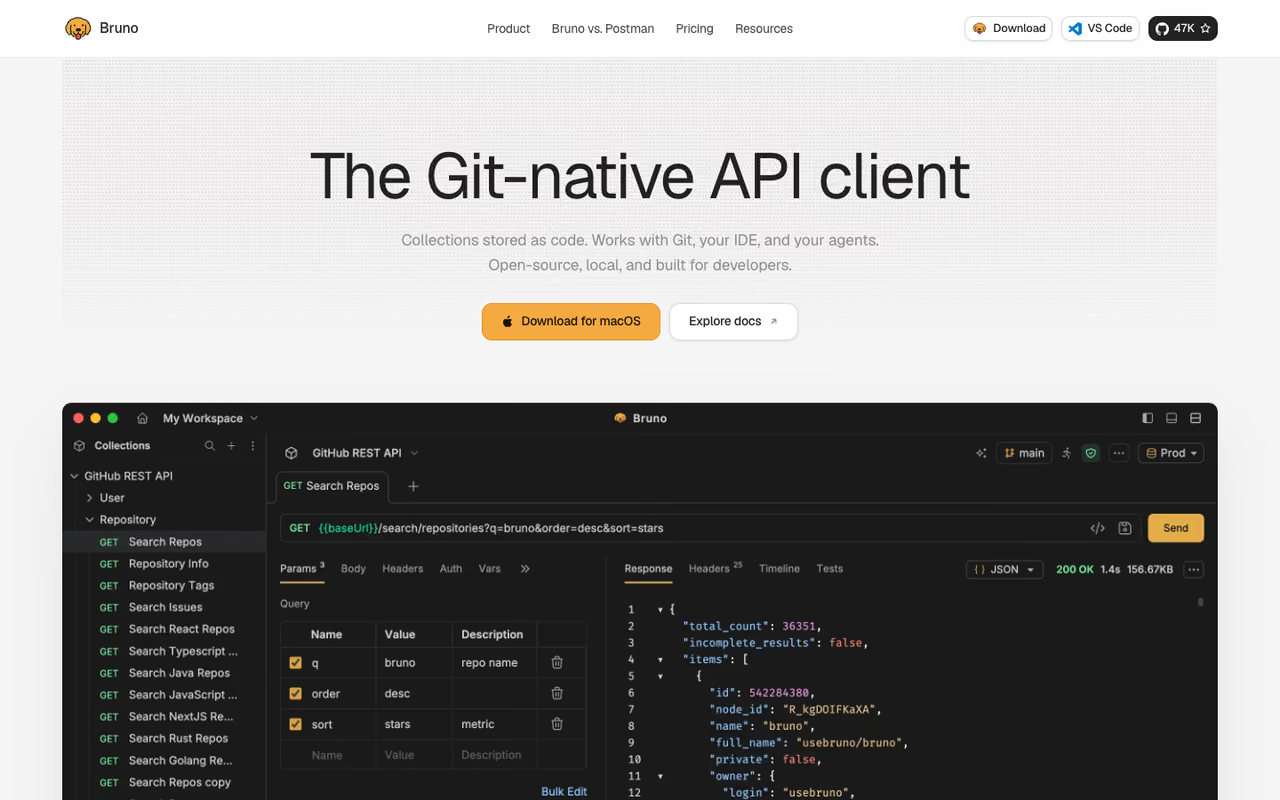
Bruno took the idea that nobody really questioned, "your API collections live in a cloud account," and threw it out. Instead, every request is a small text file written in a markup called Bru, and those files sit in a folder inside your repo. When the API schema changes, the collection changes in the same commit. Code review covers your test requests too. It's such an obvious fit for how developers actually work that using anything else feels dated once you've tried it.
The one I'd pick first if your team lives in Git. Requests are plain files versioned next to the code, with no account, cloud or telemetry. The trade-off is that collaboration runs entirely through Git, and scripting is lighter than Postman's.
the core app is free and open source under an MIT-style license, with two workspaces and support for REST, GraphQL, and gRPC. The Pro plan is $6 per user per month billed annually, adding unlimited workspaces and deeper OpenAPI syncing. Most people never need it.
The standout: no account, no cloud, no telemetry. You download the desktop app and you're sending requests in under a minute. Sharing a collection means committing files, not inviting a seat.
The catch: because Bruno deliberately has no cloud sync of its own, collaboration runs entirely through Git. If half your team isn't comfortable resolving a merge conflict, the workflow has a small learning curve. The scripting environment is also lighter than Postman's, so heavy pre-request automation takes a bit more effort.

Hoppscotch, fastest way to send one request
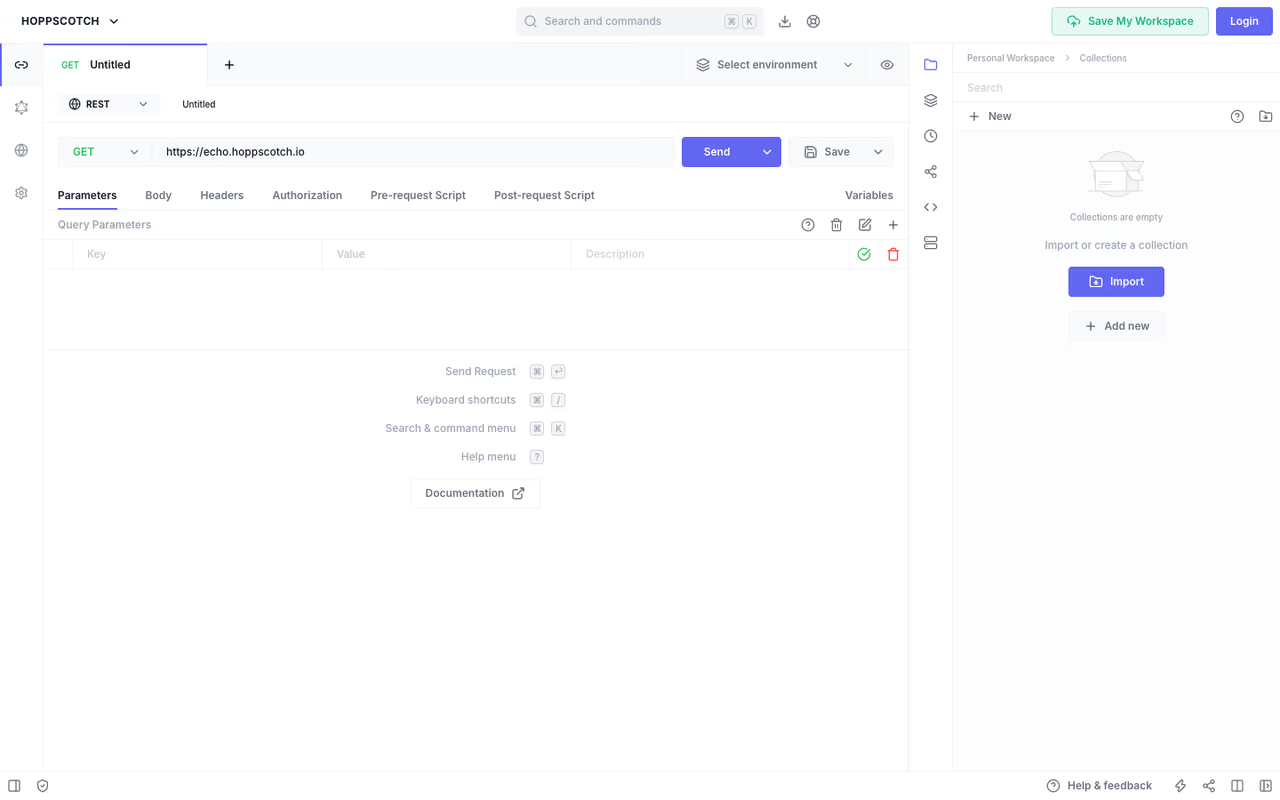
Some days you don't want to install anything. You just need to fire a GET at an endpoint and read the JSON. That's where Hoppscotch wins. It's a full API client that runs in a browser tab, and it loads in a second. Open hoppscotch.io, paste a URL, hit send, done.
It's not a toy, though. The 2025 releases added desktop builds, advanced scripting with hopp.fetch() and pm.sendRequest() support, and OpenAPI-based docs. It handles REST, GraphQL, WebSocket, Server-Sent Events, Socket.IO, and MQTT.
The fastest way to fire off a quick request, since it runs in a browser tab with nothing to install. It also suits teams that want to self-host for privacy. Browser CORS rules can get in the way, and the self-hosted Enterprise tier isn't cheap.
free. The Community Edition is open source under the MIT license and fully self-hostable, so you can run the whole stack on your own infrastructure and keep every request inside your network.
The standout: zero install plus a CLI for CI/CD pipelines. You can run the same collections in your browser during development and in your build pipeline during testing.
The catch: the browser-first design means some advanced desktop workflows feel slightly second-class compared to a native app. Browser CORS rules can also get in your way for certain local-development requests until you set up the extension or proxy. The self-hosted Enterprise tier is where the paid features live, and it isn't cheap.
If your API work is bleeding into building agents and connectors, it's worth a look at our roundup of the best MCP servers for databases too. Different layer, same instinct toward open and self-hosted.

Insomnia, the GraphQL pick
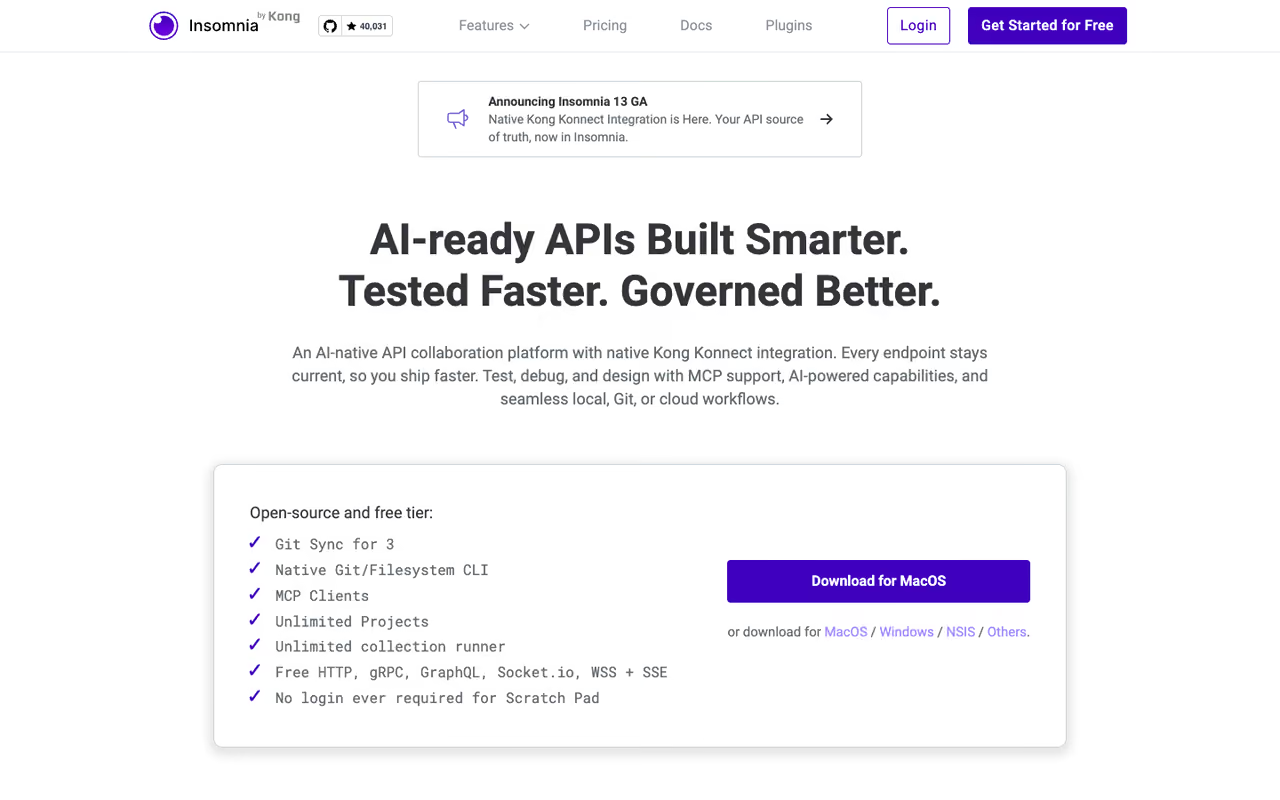
Insomnia has been around long enough to have a real personality, and after Kong acquired it the free tier actually got more generous in 2026, not less. If your day involves a lot of GraphQL, this is the one I reach for. Its schema introspection, query autocompletion, and debugging are a clear step ahead of the pack.
The GraphQL pick, with the best introspection, autocompletion and debugging here, plus cloud sync on a generous free tier. Small teams benefit most, but the free Git Sync caps at 3 users, and privacy-conscious teams may balk at the Kong ownership.
the free Essentials tier gives you unlimited Git Sync projects for up to 3 users, unlimited local and cloud projects, and 1,000 mock-server requests a month. Pro is $12 per user per month and lifts the user cap. That 3-user free ceiling is genuinely useful for a startup.
The standout: end-to-end encryption on the free plan, plus the best GraphQL developer experience of anything here.
The catch: Insomnia is cloud-first and Kong-owned, which makes some privacy-conscious teams nervous. The free Git Sync caps at 3 users, so the moment your team hits four people you're looking at the Pro upgrade. There was also community friction a while back when an update started nudging people toward mandatory accounts, so read the release notes before a major version bump.
A quick aside
If you're shipping the API rather than just calling it, the client is one piece of a bigger toolchain. Our guides on the best API documentation tools and best API gateways cover the parts that sit around it. And if you want the whole developer stack in one place, the best AI tools for developers roundup is the companion piece to this one.
Speaking of staying current: the reason I can tell you Postman changed its pricing the week it happened is that I read Techpresso every morning. It's a free daily on AI and tech that a lot of the engineers I know rely on to catch this stuff early.

Yaak, the offline desktop client
Yaak comes from Greg Allen, who originally built Insomnia, so it carries a lot of hard-won taste about what a desktop API client should feel like. The pitch is simple: fast, local-only, zero telemetry. You download it, open it, and send a request without ever creating an account. Everything stays on your machine.
A polished native client for developers who want everything offline and nothing tracked, built by the person behind Insomnia. The catch is that work use needs a paid license, so it is less free than Bruno or Hoppscotch in practice.
free for personal use. A commercial license kicks in only when you use it for work: $79 per year for an individual, or $349 once for a lifetime license. Business seats are $149 per user per year. There's a 30-day trial on first launch.
The standout: genuinely offline with no tracking, plus an agent-friendly CLI, which matters more now that people are wiring API clients into automated workflows. It supports REST, GraphQL, gRPC, WebSocket, and SSE.
The catch: the commercial-use license trips people up. Yaak is free to learn with, but if you use it at your job, you're expected to pay, which makes it less "free" than Bruno or Hoppscotch in practice. It's also younger than the rest, so the plugin ecosystem and community are still growing.

Thunder Client, if you live in VS Code
Thunder Client is the answer for people who never want to alt-tab. It's a lightweight REST client that runs as a VS Code extension (and now JetBrains too), so your requests live right next to your code. No separate window, no context switch. For solo work it's hard to beat the convenience.
The convenience play for solo developers who spend all day in VS Code, since the client opens whenever the editor does. Team features and advanced protocols are paywalled, and it is tied to your editor rather than being a standalone app.
the free tier covers solo use with local collections. Paid plans start at $3 per user per month for the Starter tier, which adds team sync, CLI and CI/CD, and WebSocket, SSE, and gRPC support. Business is $7 per user per month.
The standout: zero friction. If VS Code is already open, your API client is already open.
The catch: a few years ago Thunder Client moved some previously-free features behind a paid license and asked larger users to pay, which annoyed part of the community. The free tier is fine for one person, but team features and the more advanced protocols are paywalled, and it's tied to your editor rather than being a standalone app.

Postman, still the giant
Worth saying plainly: Postman is still excellent software. The mock servers, the monitoring, the documentation generation, and the sheer size of its community mean that if you Google any API problem, the first answer probably uses Postman. For one person, the free plan is fine.
Still excellent software and the deepest ecosystem, so it suits solo developers and anyone learning from Postman tutorials. The new one-user free limit is the problem, since two people sharing a workspace now cost $456 a year minimum.
free for a single user with 50 AI credits a month and 10,000 monthly calls to the Postman API. The catch is the March 2026 change: the free plan no longer lets you create a team. Solo is $9 per month, Team is $19 per user per month, Enterprise is $49.
The standout: breadth. Nothing else here matches Postman's mock servers, monitors, and integrations out of the box.
The catch: it's heavy, it pushes you toward an account and the cloud, and the free tier's new one-user limit is exactly why this article exists. Two people sharing a workspace now costs $456 a year minimum. For a small team, that math no longer makes sense.

HTTPie, for terminal people
If your instinct is to reach for the command line, HTTPie makes raw HTTP requests actually pleasant. Instead of wrestling with curl flags, you write http GET example.com/api name==value, and the colorized, formatted output is readable at a glance. The CLI is open source and free, and there's a desktop app on top of it for when you want a GUI.
Go with it if you live in the terminal and want curl without the pain. The request syntax is the cleanest here, but it is narrow on purpose, so pair it with a GUI client for collections and teamwork.
the CLI is free and open source. The desktop and web apps are free to use as well, with no required subscription for normal use.
The standout: the cleanest request syntax of anything in this list. It's the tool I keep in a tmux pane for fast checks while the GUI client handles the bigger collections.
The catch: it's narrow on purpose. There's no rich collection management, no deep GraphQL tooling, and no team collaboration story. Pair it with one of the GUI clients above rather than treating it as your only client.
How to choose
Skip the feature-matrix paralysis. Answer three questions:
Where do your collections need to live? If the answer is "in my Git repo, reviewed like code," pick Bruno. If it's "in the cloud so my small team can sync," pick Insomnia. If it's "I don't care, I just need to send a request," open Hoppscotch.
Do you ever work offline or care about telemetry? Then Yaak or Bruno, both local-first with no tracking. Avoid the cloud-first defaults.
How big is your team, and what's the budget? Solo and cheap means Postman free, Thunder Client, or HTTPie all work. Two-to-three people who want free sync means Insomnia. Four-plus people who refuse to pay per seat means Bruno plus Git, full stop.
My own setup: Bruno for project collections, HTTPie in a terminal pane for quick checks, Hoppscotch when I'm on a machine without my tools installed. Three free tools, zero per-seat fees, no account required for any of them.
Whatever you pick, keeping up with these pricing shifts the day they happen is the difference between a smooth migration and a surprise invoice. That's the whole reason I read Techpresso every morning. It's a free daily brief on AI and tech built for exactly this audience.
FAQ
What is the best free API client in 2026?
For most developers, Bruno is the best free API client because it's fully open source, requires no account, and stores collections as plain files in your Git repo. If you'd rather not install anything, Hoppscotch runs entirely in a browser tab and is also free. The "best" choice depends on whether you prioritize Git workflows (Bruno), zero install (Hoppscotch), or GraphQL tooling (Insomnia).
Is Postman still free in 2026?
Postman still has a free plan, but as of March 1, 2026 it's limited to a single user and can no longer create a team. Two or more people sharing a workspace now require the Team plan at $19 per user per month. For solo use the free tier is fine; for any collaboration, a free alternative like Bruno or Insomnia is usually the better fit.
What is the best free Postman alternative for teams?
For teams that want free collaboration, Bruno and Insomnia are the strongest picks. Bruno syncs collections through Git, so it scales to any team size at no per-seat cost. Insomnia's free tier includes Git Sync for up to 3 users with cloud projects. Beyond three users without paying, Bruno's Git-based approach is the one that doesn't hit a wall.
Are open-source API clients safe to use for work?
Yes. Bruno, Hoppscotch, and Yaak are open source and local-first, meaning your requests and credentials stay on your machine rather than syncing to a vendor's cloud by default. That's often more secure than cloud-first clients for handling sensitive API keys. Just note that some tools, like Yaak, require a paid commercial license when used at work even though the code is open.
Can I use an API client without creating an account?
Yes. Bruno, Hoppscotch, Yaak, and HTTPie all let you download, open, and send requests immediately with no login. This is one of the main reasons developers moved away from Postman in 2026, since its desktop app increasingly pushes you toward an account and cloud sync.
Which API client is best for GraphQL?
Insomnia has the strongest GraphQL support of the free clients, with schema introspection, query autocompletion, and solid debugging. Hoppscotch and Bruno both handle GraphQL competently and are worth considering if you also want zero install or Git-native collections, but Insomnia's GraphQL developer experience is the most refined.
Related guides
Some offers on this page may be paid placements or contain affiliate links.
