
Best Free Cloud Storage in 2026: 8 Services Compared

Key facts8 free cloud storage services compared by space and privacy
- MEGA gives 20GB free storage with end-to-end encryption included on the free tier.
- Google Drive gives 15GB free, shared across Gmail and Google Photos, with no end-to-end encryption.
- Proton Drive gives 5GB free with zero-knowledge encryption on every account, including free ones.
- pCloud gives 10GB free and sells lifetime plans, such as 199 euros for 500GB forever.
- Internxt's free tier shrank to 1GB, down from the 10GB it used to advertise.
Every "free" cloud storage list online quietly assumes you'll upgrade within a month. The free tiers are bait. I wanted to know which ones are genuinely usable for free, where you can park files, run backups, and share links without hitting a wall in week two.
So I made accounts with eight services, uploaded the same 4GB folder to each, tested sharing, checked the apps, and read the fine print on what happens when you stop paying. The short version: free cloud storage in 2026 is better than it's been in years, but the gap between "20GB headline" and "actually useful" is wider than the marketing suggests.
If you just want the answer: Proton Drive is my top pick when privacy matters, with Swiss zero-knowledge encryption that even Proton itself can't bypass. MEGA gives you the most space at 20GB with real end-to-end encryption, Google Drive is still the default if you live in Gmail and Docs, and if you want a free tier you can pin a paid lifetime plan onto later, pCloud is the smart long game. Here's the full breakdown.
Quick comparison
| Tool | Best for | Free storage | Standout |
|---|---|---|---|
| Proton Drive | Privacy maximalists | 5GB | Swiss, zero-knowledge, open source |
| MEGA | Most free space + privacy | 20GB | End-to-end encryption on the free tier |
| Google Drive | Gmail and Docs users | 15GB | Integrates with everything Google |
| pCloud | A free tier you'll grow into | 10GB | One-time lifetime plans, no subscription |
| Icedrive | Clean apps + lifetime option | 10GB | Fast, modern interface |
| Sync.com | Encrypted file sharing | 5GB | Zero-knowledge with simple sharing |
| OneDrive | Windows households | 5GB | Built into Windows and Office |
| Internxt | Open-source diehards | 1GB | Fully open-source, audited |
What the ratings say, and where they are thin
We aggregate review scores across G2, Capterra, Trustpilot and SourceForge in our own directory, Toolradar, rather than quoting one platform. Here is how these eight land.
| Service | Aggregated rating | Reviews |
|---|---|---|
| Google Drive | 4.8 | 28,494 |
| OneDrive | 4.5 | 12,492 |
| MEGA | 4.5 | 166 |
| pCloud | 4.3 | 164 |
| Icedrive | 4.2 | 875 |
| Sync.com | 4.2 | 91 |
| Internxt | 3.6 | 38 |
| Proton Drive | 5.0 | 1 |
Two things to take from that.
The incumbents dominate the sample. Google Drive's 28,494 reviews and OneDrive's 12,492 account for more than 95% of everything in the table. That is not a quality signal, it is a distribution signal: these are bundled with software people already buy, so far more users pass through a purchase a review directory can verify.
The privacy-first services are essentially unrated. Proton Drive has one review. Internxt has 38. Sync.com has 91. These are the services this article recommends most for anyone who cares where their files sit, and the ratings cannot support or contradict that, because the people choosing them are individuals buying directly rather than organisations going through procurement.
So use the ratings as reassurance on the mainstream options and ignore them on the rest. The encryption model, which is verifiable, matters far more here than a score.
Proton Drive: privacy without the lecture
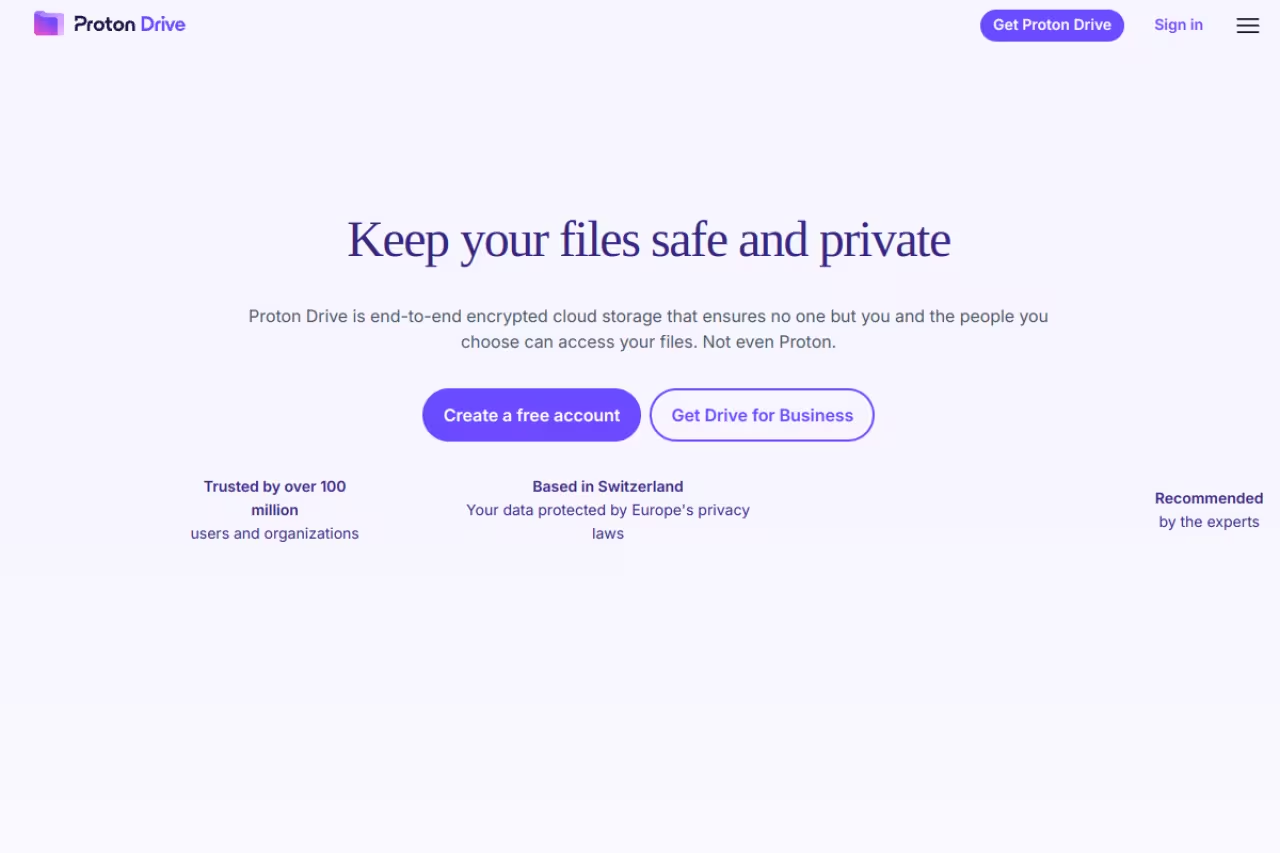
Proton Drive comes from the team behind Proton Mail, the Swiss encrypted email service. The free tier is 5GB after you complete a few setup steps (it starts at 2GB and grows). Every account, free or paid, gets end-to-end encryption and zero-knowledge architecture. Proton cannot read your files. Full stop.
The pick for anyone who treats privacy as the priority, with end-to-end encryption on every account and 5GB free once set up. The trade-off is a small allowance and younger apps with a thinner feature set.
Proton is open source and audited, and it slots into the broader Proton ecosystem (Mail, VPN, Pass, Calendar). If you already pay for Proton Unlimited, you get 500GB across the suite, and teams can step up to Proton's business cloud storage for admin controls, user management, and shared encrypted drives. The free Drive tier on its own is a clean, trustworthy place for sensitive documents.
The catch: 5GB is small, and the apps are younger than the competition. Sync is reliable but the feature set is thinner. No built-in media streaming, fewer sharing controls. You trade convenience for privacy, on purpose.

MEGA: the most free storage you can get
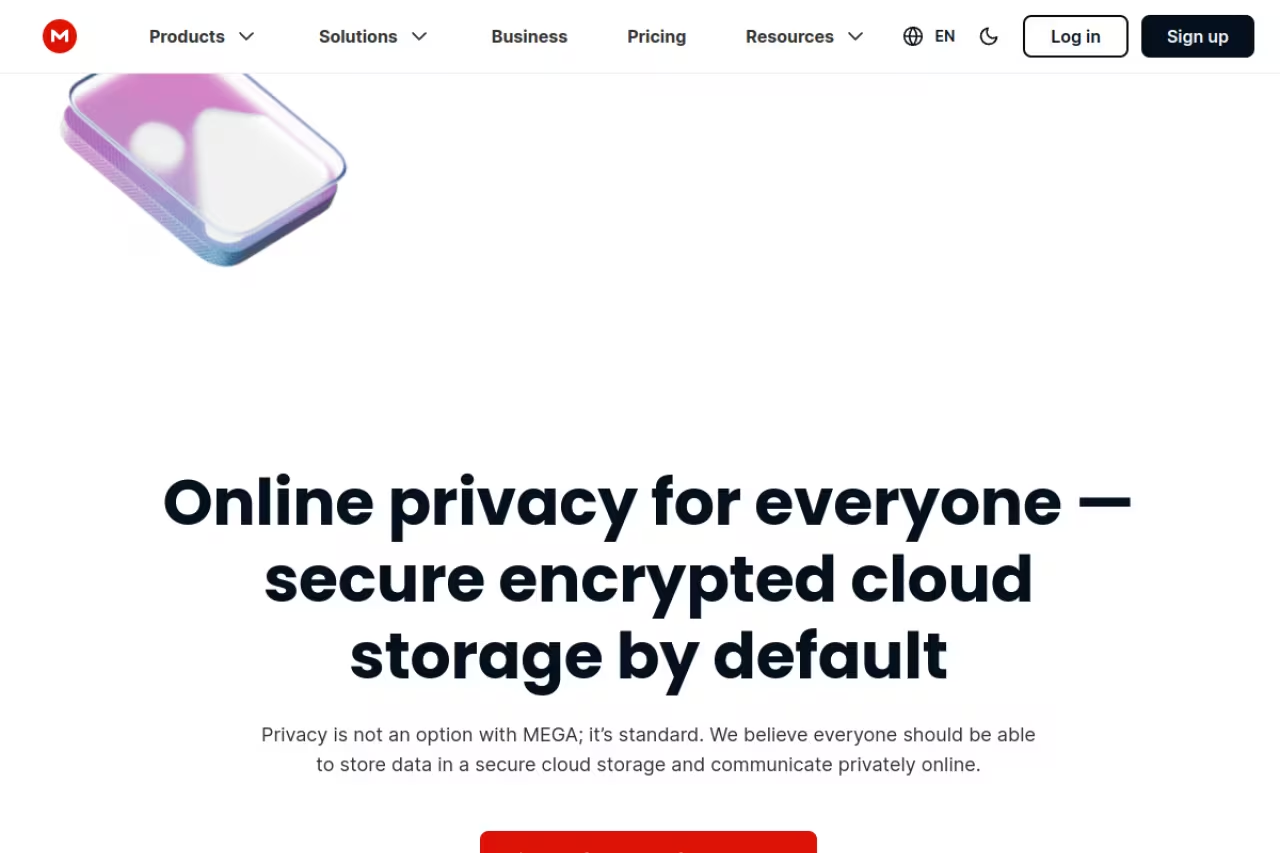
MEGA hands every new account 20GB for free, no credit card, no trial countdown. That's the largest free tier from any serious provider, and it has been MEGA's calling card since the Kim Dotcom days. What surprised me is that the free 20GB comes with the same end-to-end encryption the paid tiers get. Your files are encrypted on your device before they upload, so MEGA can't read them even if it wanted to.
The choice for maximum free space, with 20GB and end-to-end encryption included, which suits anyone wary of big tech. Heavy downloading on the free plan can still hit a temporary transfer cap.
The apps are decent. The web client handles large uploads without choking, the desktop sync app works on Mac, Windows, and Linux, and mobile auto-photo-backup is built in. Paid plans start at 4.99 euros a month for the Pro Lite tier (400GB), scaling up to Pro III at 16TB.
The catch: MEGA used to be infamous for transfer quotas that throttled free users after a few GB of downloads in a day. The 20GB storage is permanent, but heavy downloading on the free plan can still hit a temporary transfer cap. For storage and occasional sharing it's fine. For streaming your whole media library to friends, you'll feel the limit.
Google Drive: the one you probably already have
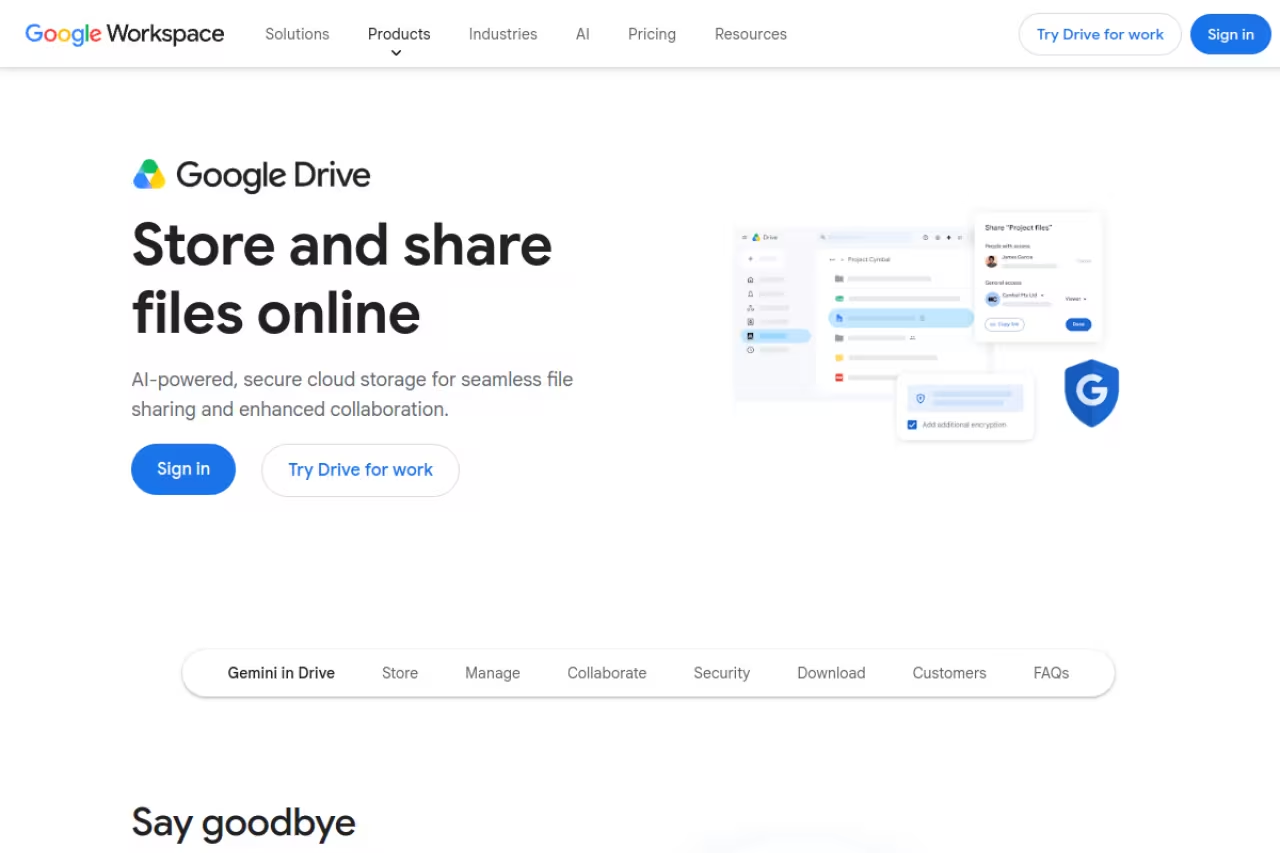
If you have a Gmail address, you already have 15GB of Google Drive. That's the quiet advantage here: zero setup, and it's wired into Docs, Sheets, Slides, Gmail attachments, and Google Photos. For most people doing normal work, Drive is the path of least resistance, and 15GB is still the largest free tier from a mainstream name.
The path of least resistance for anyone living in Google Docs and Gmail, with 15GB and zero setup. The pool is shared with Gmail and Photos, and it isn't private, so keep sensitive documents elsewhere.
The trade-off is that the 15GB is shared. Your Gmail inbox, your Google Photos, and your Drive files all draw from the same pool. If you've had the account since 2014 and never cleaned your inbox, your "15GB" might really be 3GB free. I had to dig through old newsletter emails to free up space on my main account before testing.
Paid upgrades run through Google One, starting at $1.99 a month for 100GB (often discounted to under $10 for the first year). That's cheap, which is exactly why Google is happy to give the base tier away.
The catch: it's not private. Google can scan your files, and there's no end-to-end encryption. For a tax return or a passport scan, that matters. For a shared shopping list, it doesn't.

pCloud: the free tier you'll actually keep
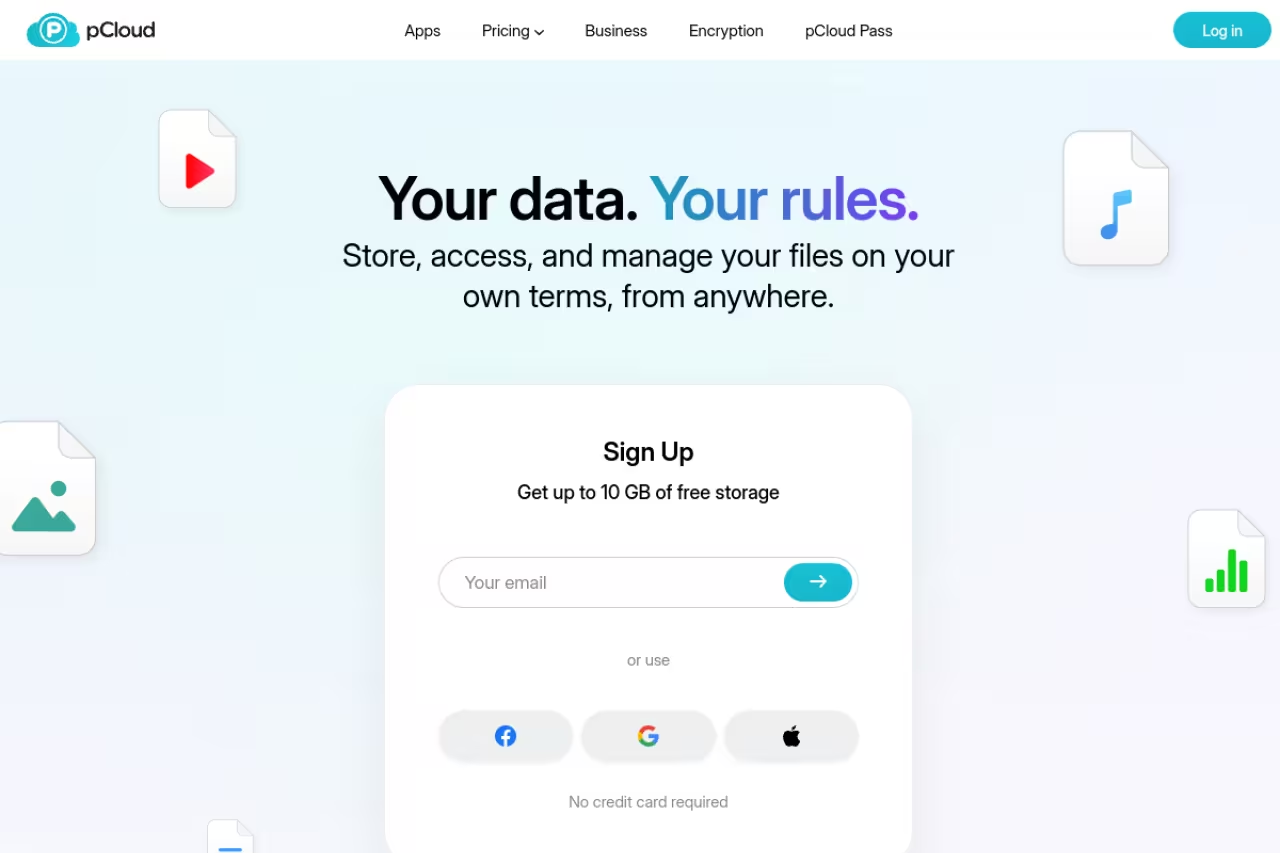
pCloud starts you at a modest amount but bumps you up to 10GB free once you tick off a short checklist: verify your email, upload a file, install the mobile app, that kind of thing. Took me about four minutes. The reason pCloud is my third pick isn't the 10GB though. It's the upgrade path.
Pick pCloud if you hate subscriptions and want to buy storage once, since it offers genuine lifetime plans after a 10GB free start. The catch is that zero-knowledge encryption, pCloud Crypto, is a paid add-on.
pCloud is one of the few providers selling genuine lifetime plans. A one-time payment of 199 euros gets you 500GB forever, and 399 euros gets you 2TB forever. If you do the math against a monthly Dropbox or Google subscription, the lifetime plan pays for itself in roughly three to four years and then keeps going. So you start free, decide you like it, and convert to a plan you never pay for again.
The apps are solid, there's a built-in media player, and pCloud's virtual drive lets you mount your storage as a network drive without syncing everything locally, which is handy on a laptop with a small SSD.
The catch: encryption isn't zero-knowledge by default. pCloud Crypto, the folder-level encryption, is a paid add-on. The free and standard paid storage is encrypted in transit and at rest, but pCloud technically holds the keys unless you pay for Crypto.

Icedrive: the prettiest interface in the group
Icedrive gives you 10GB free with no file-size limits on uploads, which is more generous than it sounds, since several free tiers cap individual file sizes. The interface is widely considered the cleanest in this group, genuinely modern in a way that makes Dropbox look like 2012.
A fast, good-looking option for design-conscious users, with 10GB free and no upload file-size limits, plus lifetime plans later. Zero-knowledge folders are paid, free bandwidth is limited, and the ecosystem is smaller.
Icedrive uses Twofish encryption rather than the more common AES, and client-side encryption runs on your device. Like pCloud, the zero-knowledge encrypted folder is a paid feature; the free tier gets in-transit and standard client-side protection. Lifetime plans exist too, starting around $299 for the entry tier.
The catch: the free tier's bandwidth is limited (a few GB of transfer per day), and the ecosystem is smaller, so fewer third-party integrations. It's a personal storage tool, not a collaboration hub.

Sync.com: encrypted sharing that just works
Sync.com offers 5GB free with zero-knowledge encryption and 30-day version history. The thing Sync does better than most encrypted providers is sharing: you can send encrypted links to people who don't have a Sync account, with password protection and expiry dates, without breaking the encryption model.
Made for freelancers and small teams sending sensitive files to clients, with zero-knowledge encryption on by default and shareable encrypted links. It is a vault, not a workspace, with no real-time collaboration and a plain web interface.
It's a Canadian company, which keeps it outside US data-request jurisdiction, and the encryption is on by default with no paid add-on required (unlike pCloud and Icedrive). Paid plans start at $8 a month.
The catch: no real-time collaboration or document editing. Sync is a vault, not a workspace. The web interface is functional but plain, and large file transfers can be slower than MEGA or Google.
OneDrive: the Windows default
OneDrive gives you 5GB free and is baked directly into Windows 11 and the Office apps. If you save a Word doc, it nudges you toward OneDrive by default. For a Windows household, that integration is the whole pitch.
The sensible default for people deep in the Microsoft and Office ecosystem, especially on Windows. At 5GB it has the stingiest free tier here, and there's no end-to-end encryption and a weaker macOS and Linux experience.
The 100GB upgrade runs about $2 a month, and if anyone in your house pays for Microsoft 365, you likely already have 1TB of OneDrive bundled in. The web Office editing is genuinely good for collaborative documents.
The catch: 5GB is the stingiest mainstream free tier here, and OneDrive on macOS or Linux feels like a second-class citizen. There's no end-to-end encryption either, though the Personal Vault folder adds extra identity verification for sensitive files.
Internxt: for the open-source true believers
Internxt is fully open-source, zero-knowledge, GDPR-compliant, and independently audited. On paper it's the most transparent option here. The problem is the free tier shrank: it's now 1GB free, down from the 10GB it used to advertise.
For privacy purists who want to read the actual source code, it is open source, zero-knowledge and audited. The free tier shrank to 1GB, so it is really a try-then-buy-lifetime service.
Internxt encrypts files before they leave your device, splits them into fragments, and distributes them. The code is on GitHub, audited by Securitum, and the company has been pushing post-quantum encryption. The lifetime plans are aggressive too, with frequent deals (I've seen 10TB lifetime drop to around $270).
The catch: 1GB free is barely enough to test it. This is really a "try it, then buy the lifetime plan" service. If you're not going to pay, the free tier is too small to live in.
Drowning in free tiers, AI tools, and the next thing you're supposed to try? Dupple X is the membership that cuts through it, with curated picks and deals so you stop testing eight services to find one.
How to choose
Don't overthink the headline GB number. Pick based on what you're actually storing.
If you want maximum free space and privacy, start with MEGA's 20GB. It's the best raw deal and the encryption is real.
If your life runs through Gmail and Google Docs, just use the 15GB you already have in Drive and clean out old emails to reclaim space. Switching costs more time than it saves.
If you're storing sensitive documents (IDs, contracts, financial records), go with a zero-knowledge provider where encryption is on by default and not a paid add-on: Proton Drive or Sync.com. The "encrypted folder costs extra" model from pCloud and Icedrive defeats the purpose for these files.
And if you think you'll eventually pay, pick a provider with a lifetime plan now (pCloud or Icedrive) so your free files have a permanent home you buy once. Stacking three free accounts (MEGA 20GB + Drive 15GB + pCloud 10GB) gets you 45GB across services for nothing, which is enough for most people to never pay at all.
For more tool comparisons like this, browse our top tools directory or see the related guide on the best AI agents if you're building a productivity stack.
FAQ
What is the best free cloud storage in 2026?
MEGA is the best free cloud storage for most people, offering 20GB at no cost with end-to-end encryption included on the free tier. Google Drive is the best choice if you already use Gmail and Google Docs, with 15GB free. For privacy-first storage, Proton Drive gives 5GB with zero-knowledge encryption on every account.
Which free cloud storage gives the most space?
MEGA gives the most free storage at 20GB with no payment required. Google Drive is second with 15GB, though it's shared across Gmail and Google Photos. pCloud and Icedrive both reach 10GB free, but pCloud requires completing a short checklist (email verification, app install) to unlock the full amount.
Is free cloud storage safe for sensitive files?
It depends on the provider. For sensitive files, choose a zero-knowledge service where encryption is enabled by default, like Proton Drive or Sync.com, since the provider cannot read your data. Avoid Google Drive and OneDrive for things like passport scans or financial records, as neither offers end-to-end encryption and both can technically scan your files.
Can I combine multiple free cloud storage accounts?
Yes. Many people stack free accounts to avoid paying. Combining MEGA (20GB), Google Drive (15GB), and pCloud (10GB) gives you 45GB of free storage across three services. The downside is managing separate logins and apps, so it works best when you split by purpose, such as photos in one, documents in another, and backups in a third.
Do free cloud storage plans expire?
The reputable providers in this list offer permanent free tiers that don't expire as long as you stay logged in occasionally. MEGA, Google Drive, pCloud, Proton Drive, and Sync.com all keep your free storage indefinitely. Some services delete inactive free accounts after a long dormancy period (often a year or more), so logging in every few months keeps your data safe.
Is pCloud or MEGA better for free storage?
MEGA wins on raw free space with 20GB versus pCloud's 10GB, and MEGA includes zero-knowledge encryption for free while pCloud charges extra for it. pCloud wins on the long game: it sells one-time lifetime plans, so if you expect to pay eventually, your free files already live somewhere you can own permanently without a subscription.
Ready to stop testing tools and start using the best ones? Try Dupple X for curated picks and member deals on the software worth paying for.
Related guides
Some offers on this page may be paid placements or contain affiliate links.
