
The 9 Best API Documentation Tools (2026)

Key facts9 tools compared: Mintlify, Scalar, ReadMe, Stoplight, Redocly, GitBook, Bump.sh, Swagger UI…
- 9 tools compared: Mintlify, Scalar, ReadMe, Stoplight, Redocly, GitBook, Bump.sh, Swagger UI, Postman
- Mintlify (best for: Polished dev portals, fast setup): Free; Enterprise custom
- Scalar (best for: OpenAPI-first teams on a budget): Free; Pro $72/mo
- ReadMe (best for: API-first companies tracking adoption): Free; Pro $250/mo
- Stoplight (best for: Multi-team API governance): Free; Basic $44/mo
Bad API docs cost you developers before they ever touch your product. Someone lands on your reference page, can't find the auth flow, can't tell what a 200 response looks like, and they're gone. No demo call, no signup, just a closed tab.
I've spent the last few weeks comparing the current crop of API documentation tools: how they handle OpenAPI specs, how the "try it" console behaves, and how each one reads to an AI agent. That last part matters more in 2026 than most teams realize. Developers now paste your docs into Cursor or Claude and ask the model to write the integration. If your docs are a mess to parse, the model writes broken code and your API gets blamed.
If you want the short version: Mintlify is my top pick for most teams that want beautiful docs without a maintenance burden, and Scalar is the one I'd reach for if budget is tight and you live in OpenAPI. This guide is for founders, devrel folks, and engineers who own the docs and want the right call for their stage. Below is the full breakdown.
Quick comparison
| Tool | Best for | Price | Standout |
|---|---|---|---|
| Mintlify | Polished dev portals, fast setup | Free; Enterprise custom | AI writing agent + MCP server |
| Scalar | OpenAPI-first teams on a budget | Free; Pro $72/mo | Open-source, generous free tier |
| ReadMe | API-first companies tracking adoption | Free; Pro $250/mo | Docs usage analytics |
| Stoplight | Multi-team API governance | Free; Basic $44/mo | Visual design + style guides |
| Redocly | Highest-quality reference output | $10/seat/mo | Docs-as-code polish |
| GitBook | Product docs + light API playground | Free; Premium $65/mo | Clean editing for mixed content |
| Bump.sh | OpenAPI + AsyncAPI portals | Basic $50/mo | Automated changelog & diffing |
| Swagger UI | Free interactive reference | Free (open source) | The industry default |
| Postman | Teams already testing in Postman | Free; paid from $19/user | Run-in-Postman button |

Mintlify
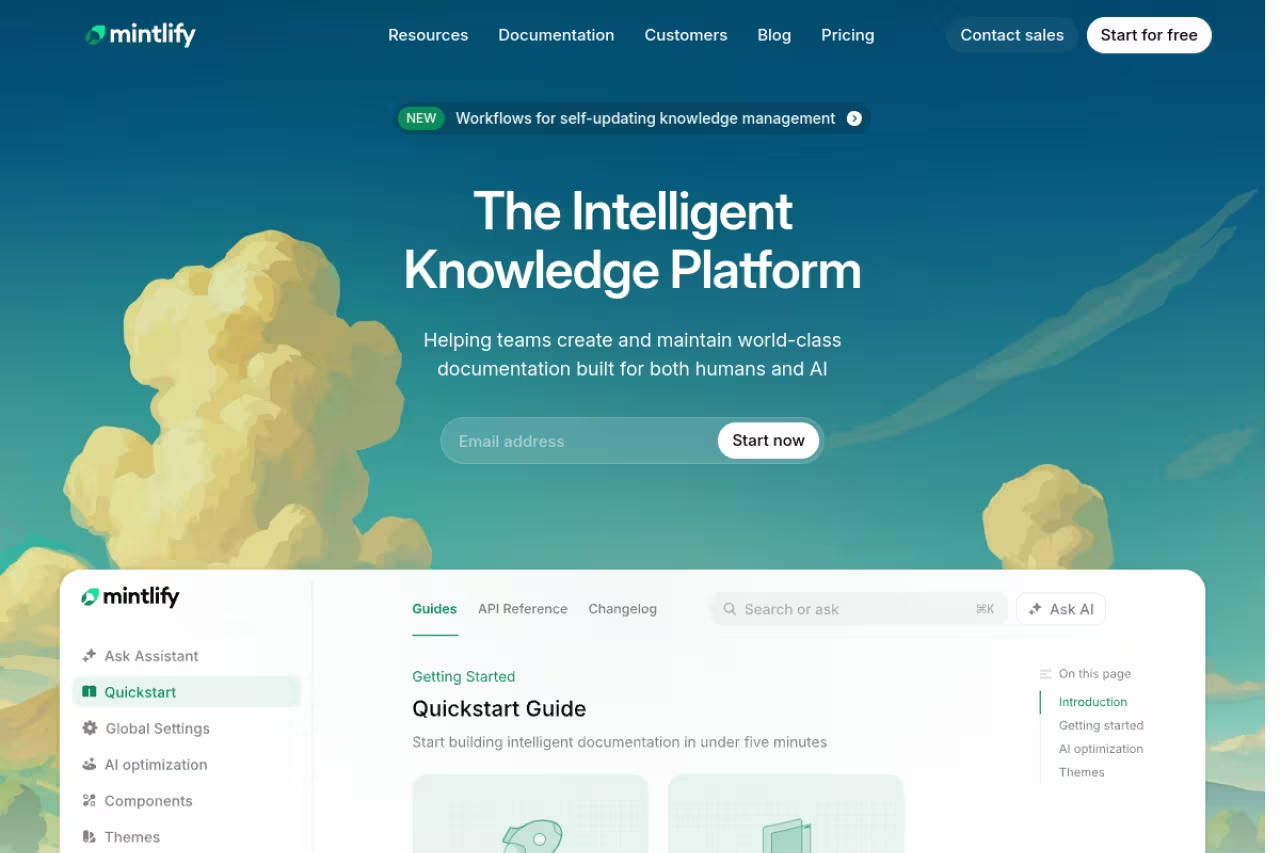
Mintlify is the tool I keep recommending when someone wants docs that look like a funded startup built them, without hiring anyone to maintain them. It's MDX-based, so you write in markdown with React components when you need interactivity, and it pulls your API reference straight from an OpenAPI spec.
Pick Mintlify if you want a polished developer portal with guides, tutorials and a live API reference that looks funded. The free tier is genuinely usable, but Enterprise pricing is opaque and heavy AI doc generation can run up credit costs.
the Starter plan is free with a 14-day trial of the full platform, custom domain included, plus 5,000 AI credits (overage at $0.01 per unit). Enterprise is custom-priced and adds SSO, role-based permissions, agent analytics, and an SLA. The free tier is genuinely usable for a small team, which is rare.
The standout: the AI writing agent and the built-in MCP server. The MCP server means an AI agent can query your docs directly instead of scraping HTML, so when a developer asks Claude to build against your API, the model gets clean, structured answers. That's a real edge as more integration work shifts to AI assistants.
The catch: pricing for Enterprise is opaque, and once you outgrow the free tier the jump to a custom contract can be a shock for a five-person team. The AI credit model also means heavy doc generation can run up costs you didn't plan for.

Scalar
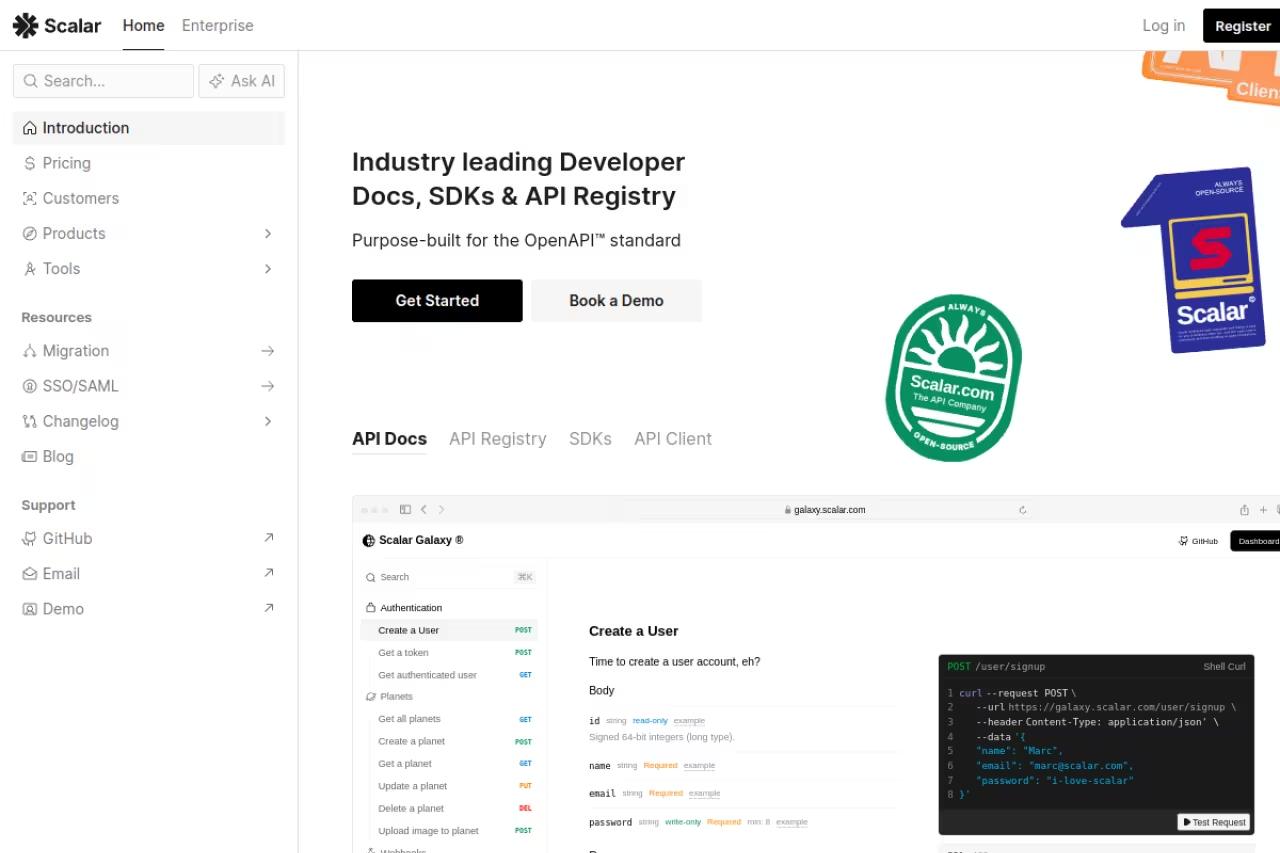
Scalar is the one that surprised me most. It's open-source at its core, fast, and the free tier is more generous than anything else here. If your API already has a clean OpenAPI document, you can have hosted, interactive docs live in minutes.
The obvious starting point for OpenAPI-first teams that want modern, lightweight docs without paying $250/month. Scalar is open-source at its core with a generous free tier, though it is newer than ReadMe or Stoplight and the single free editor seat pushes real teams to Pro.
the free plan includes hosted OpenAPI docs, the built-in API client, unlimited viewer seats, one editor seat, and up to three APIs in the registry. Pro is $72/month and unlocks custom domains, Git Sync, MDX, hosted MCP servers, and unlimited editors. SDK generation in each language is a $100 add-on. Enterprise is custom.
The standout: the price-to-quality ratio. You get a built-in API client (a genuine Postman alternative), an MCP server on Pro, and SDK generation, all from a company that keeps its core open on GitHub. For a bootstrapped team this is the obvious starting point.
Where it falls short: it's newer and less battle-tested than ReadMe or Stoplight, so the ecosystem of guides and integrations is thinner. The one-editor limit on free means any real team collaboration pushes you to Pro quickly.

ReadMe
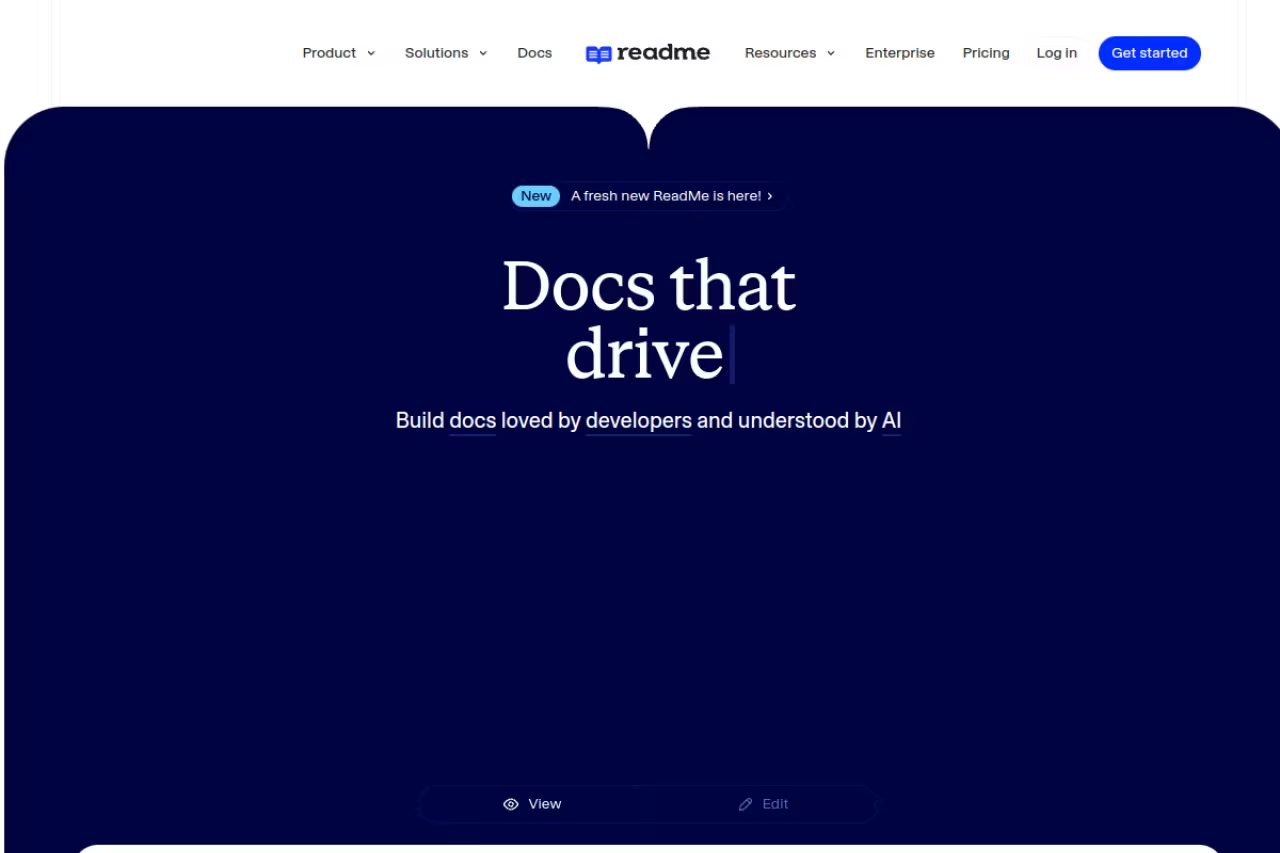
ReadMe has been around long enough to earn its reputation, and its pitch hasn't changed: docs are a product, so measure them like one. It packages your API reference with guides, a changelog, forums, and recipes, then tells you what developers actually do once they arrive.
Go with ReadMe if you run developer relations and must prove docs ROI, since its developer analytics are the deepest here. The trade-off is cost: the jump from $250 to $3,000 a month is steep for early-stage products.
Starter is free with a custom domain, bi-directional sync, and an interactive reference. Pro is $250/month (billed annually) and adds branching and reviews, private docs, custom MDX components, and a changelog. Enterprise starts at $3,000+/month with combined projects, no ReadMe branding, audit logs, and SSO. Ask AI is a $150/month add-on across tiers.
The standout: the analytics. Nothing else here shows you developer behavior at this depth. If you're running developer relations and need to prove docs ROI to a CFO, ReadMe gives you the numbers.
The catch: it's expensive. The $250 to $3,000 gap is steep, and the personalized "Owlbert" mascot styling isn't to everyone's taste. For a side project or early-stage product, you're paying for analytics you won't act on yet.

Stoplight
Stoplight approaches docs from the design side. You build your API visually instead of hand-writing YAML, validate it against a style guide with Spectral, mock it instantly, and publish a branded portal. It's the tool for teams where API consistency has become a real problem.
Stoplight suits organizations where several API teams ship inconsistent designs and governance matters more than a pretty reference page. Its visual designer and Spectral style guides fix that, but it is overkill for a single API or a small team.
the free plan gives you one user and one project with the editor, interactive docs, and mock servers. Basic is $44/month annually for three users and the visual designer. Startup is $113/month for eight users with private projects and custom domains. Pro Team is $362/month for 15 users and adds shared style guides plus SAML SSO. Enterprise is custom.
The standout: the visual designer paired with Spectral-based style governance. If you've ever inherited 40 endpoints where every team named their fields differently, Stoplight's shared style guides are the fix.
Where it falls short: it's overkill for a single API or a small team. The visual-first approach can also fight you if your engineers prefer pure docs-as-code in their own editor. You're buying governance, and governance only pays off at scale.
Redocly
Redocly produces the cleanest API reference output on this list. It's built around OpenAPI, with support for GraphQL, AsyncAPI, and SOAP, and the commercial platform layers on linting, governance, analytics, and AI search. This is the docs-as-code choice when reference quality is the priority.
The docs-as-code choice for engineering teams that live in Git and want the cleanest reference output. Redocly keeps per-seat pricing reasonable at $10 per seat, but its product naming is a maze and the 100-page limit on Pro can bite large APIs.
Pro is $10 per seat/month billed monthly, including custom domain hosting, one project, and 100 pages. Enterprise is $24 per seat/month with 500 pages, SSO, RBAC, AI search, and MCP servers. The all-in-one Realm bundle adds $18 to $42 per seat. Enterprise+ is custom and yearly.
The standout: per-seat pricing that stays reasonable as you grow, plus output quality that rivals ReadMe at a fraction of the cost. The open-source Redoc renderer is still free if you only need the reference itself.
The catch: the product naming is a maze. Redoc, Revel, Reef, Realm, Reunite. Figuring out which add-on you actually need takes longer than it should, and the page limits (100 on Pro) can bite a large API faster than you'd expect.

GitBook
GitBook isn't a pure API tool, and that's exactly why some teams pick it. It's a polished documentation platform for product docs, guides, and knowledge bases, with an interactive API playground available even on the free tier. If your docs are 80% prose and 20% API reference, it fits.
A good fit when your documentation is mostly prose with some API reference mixed in. GitBook is a pleasure to write in and includes an API playground on every plan, but as a dedicated API reference tool it trails Scalar and Redocly.
Free covers one user per site with a 14-day trial. Premium is $65/month per site plus $12 per extra user, adding AI search, custom domains, and analytics. Ultimate is $249/month per site with an AI assistant and adaptive content. Enterprise is custom with SAML SSO. Annual billing gives you two months free.
The standout: the editing experience. GitBook is genuinely pleasant to write in, and the Git sync keeps engineers happy. The interactive API playground in every plan means you don't lose "try it" functionality even on free.
Where it falls short: as a dedicated API reference tool it's weaker than Scalar or Redocly. The OpenAPI handling is fine, not exceptional, and per-site pricing gets awkward if you run several products.

Bump.sh
Bump.sh focuses on one job and does it well: publishing API documentation portals from OpenAPI and AsyncAPI documents, with automated changelogs, versioning, and diffing baked in. If your API changes often and you need contributors to see exactly what changed between versions, this is built for that.
Choose Bump.sh if your API changes often and contributors need readable changelogs and breaking-change detection. It handles OpenAPI and AsyncAPI well, but there is no free tier, and stable REST APIs will not need the changelog machinery.
Basic is $50/month for 10 API docs, 3 internal users, and 20 guest users. Pro is $250/month for 30 docs and more seats, with a 14-day trial. Custom is enterprise. There's no free tier, though open-source projects can request free Pro access.
The standout: the automated changelog and structural diffing. When you push a new spec, Bump.sh shows you and your users precisely what changed, which endpoints broke, and what's deprecated. AsyncAPI support also makes it one of the few good options for event-driven APIs.
The catch: no free tier hurts adoption for hobbyists, and if you only have a couple of stable REST APIs, the changelog machinery is more than you need.

Swagger UI
Swagger UI is the free, open-source default that half the internet's API docs still run on. It renders an interactive reference straight from your OpenAPI spec, with a "try it out" console built in. It's not fancy, but it's everywhere, and developers already know how to read it.
The free, zero-lock-in default for teams that just want an interactive reference without a full portal. Swagger UI ships a working "try it out" console in an afternoon, but the look is dated and there are no guides, changelog or analytics.
free and open source. SwaggerHub, the hosted commercial layer, adds design collaboration and starts around $75 per user/month for paid tiers, with a limited free option.
The standout: it costs nothing, runs anywhere, and every backend developer has seen it before. For an internal API or an MVP, you can ship a working reference in an afternoon.
Where it falls short: the default look is dated, customization is limited without real effort, and it's reference-only. No guides, no changelog, no analytics. You'll outgrow it the moment docs become a product surface rather than a checkbox.

Postman
Postman earns a spot because so many teams already test their APIs there. It auto-generates documentation from your collections and embeds a "Run in Postman" button that lets an external developer import and call your API in seconds. If your workflow already lives in Postman, the docs are nearly free effort.
A pragmatic pick for teams that already build and test in Postman and want serviceable docs without another tool. The Run in Postman flow cuts integration friction, but as a standalone public docs site it is the weakest option here.
there's a free plan, now restricted to solo developers as of early 2026, with paid tiers from around $19 per user/month for teams. Note the free plan tightened: limited calls and reduced sharing compared to older versions.
The standout: the Run-in-Postman flow. Letting a developer go from your docs to a working request in their own Postman workspace removes a huge chunk of integration friction.
The catch: the docs themselves are functional, not beautiful, and they live inside Postman's ecosystem. The recent free-tier cuts also annoyed a lot of small teams. As a standalone public-facing docs site, it's the weakest pick here.
How to choose
Match the tool to your stage and your content mix, not to a feature checklist.
If you're early and budget-conscious, start with Scalar or Swagger UI. Both get you a real interactive reference for free, and you can migrate later once docs start driving signups.
If docs are a growth surface and you want them to look the part with minimal upkeep, Mintlify is the call. If you also need to prove docs ROI with hard numbers, pay for ReadMe and use the analytics.
If your problem is consistency across multiple API teams, that's a governance problem, and Stoplight or Redocly solve it. Pick Stoplight if you want visual design and style guides, Redocly if your team prefers docs-as-code in Git.
If your documentation is mostly prose with some API reference, GitBook keeps everything in one clean place. And if your API changes constantly, Bump.sh earns its keep with automatic changelogs.
One filter that matters more every quarter: AI readiness. Check whether the tool exposes an MCP server or clean structured output, because a growing share of your developers will read your docs through an AI assistant, not a browser. Mintlify, Scalar, and Redocly are ahead here.
If you're building or shipping developer tools yourself, it helps to see what else is in the modern stack. Our roundups of the best AI tools for developers and the best AI coding agents pair well with whatever docs tool you land on. And once your docs are live, the harder problem is getting developers to find them, which is where our guide on how to promote your API comes in.
Want a faster way to track which API and dev tools are gaining traction each week? Dupple X curates the signal from the noise so you're not refreshing Hacker News all day. You can also browse our running list of top tools by category.
Frequently asked questions
What is the best API documentation tool in 2026?
For most teams, Mintlify offers the best balance of polish, speed, and AI readiness, with a usable free tier. If budget is the priority and your API is already OpenAPI-based, Scalar gives you nearly the same quality for free or $72/month. ReadMe wins specifically when you need deep analytics on how developers use your docs.
Is there a free API documentation tool?
Yes. Swagger UI is fully free and open source, and Scalar's free plan includes hosted OpenAPI docs, an API client, and unlimited viewer seats. Mintlify, ReadMe, Stoplight, and GitBook all offer free tiers too, though each limits seats or projects to push larger teams toward paid plans.
What is the difference between Swagger and Redocly?
Swagger UI is a free, open-source renderer that displays an interactive reference from your OpenAPI spec. Redocly is a commercial docs-as-code platform that produces more polished output and adds linting, governance, analytics, AI search, and MCP servers. Redocly also ships the free open-source Redoc renderer if you only need the reference page itself.
Do API docs need to be readable by AI agents?
Increasingly, yes. Developers now paste documentation into tools like Cursor and Claude and ask the model to write the integration code. If your docs aren't structured for machine reading, the AI produces broken code and your API takes the blame. Tools that expose an MCP server or clean structured output, like Mintlify, Scalar, and Redocly, have a real advantage here.
How much should I budget for API documentation software?
A solo developer or early-stage team can run on free tiers (Scalar, Swagger UI, Mintlify Starter) at $0. A growing team usually lands between $44 and $250 per month with Stoplight, Bump.sh, GitBook, or ReadMe Pro. Enterprise plans with SSO, governance, and analytics start around $3,000/month for ReadMe and scale with seat count on Redocly and Stoplight.
Can I generate API docs automatically from my code?
Yes. Most modern tools generate documentation from an OpenAPI (or AsyncAPI) specification, which you can produce from your code with annotations or framework plugins. Scalar, Redocly, Bump.sh, and Mintlify all sync from your spec, so updating the spec updates the docs. Bump.sh additionally auto-generates a changelog showing what changed between versions.
Related guides
Some offers on this page may be paid placements or contain affiliate links.
